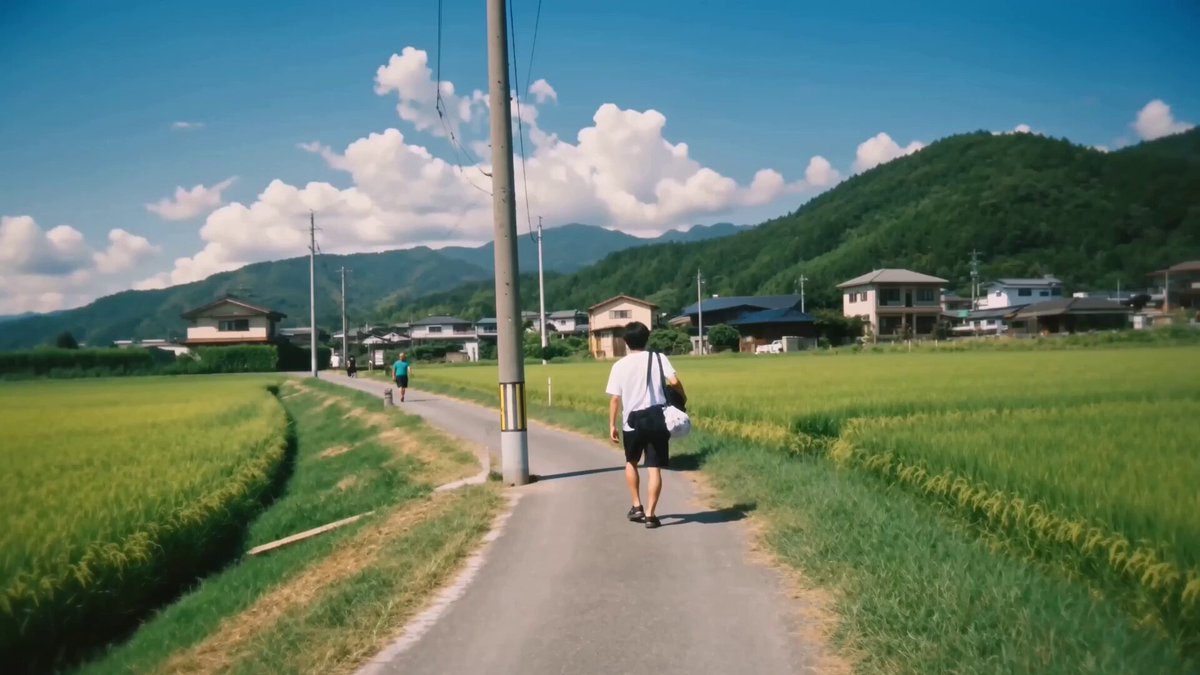
How do I use the Water Slider to Summer Festival template?
Edit the prompt in the box under the preview — the template's model and format are already selected — and press Generate. Your version appears right on this page.
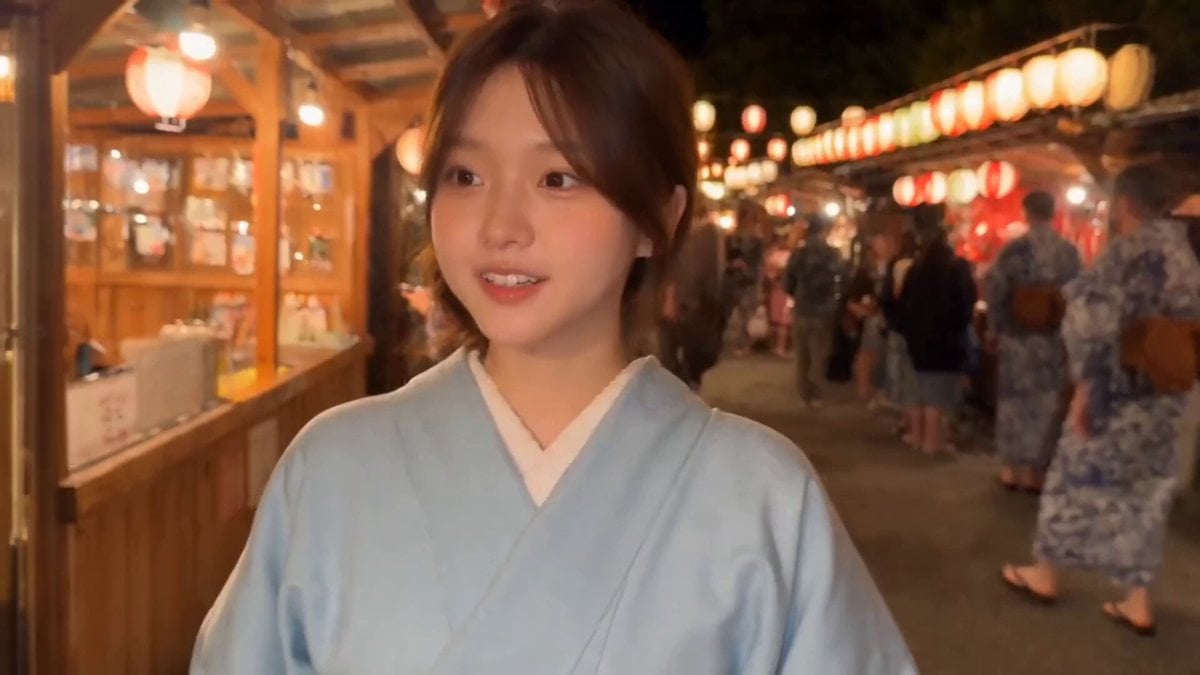
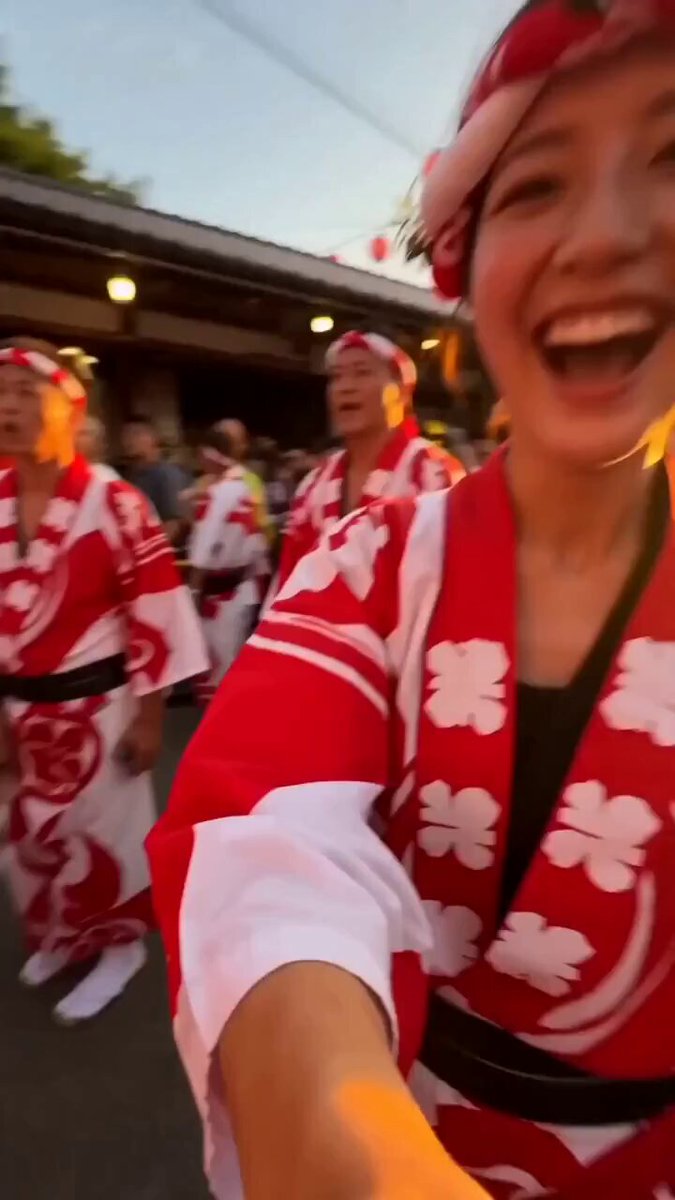
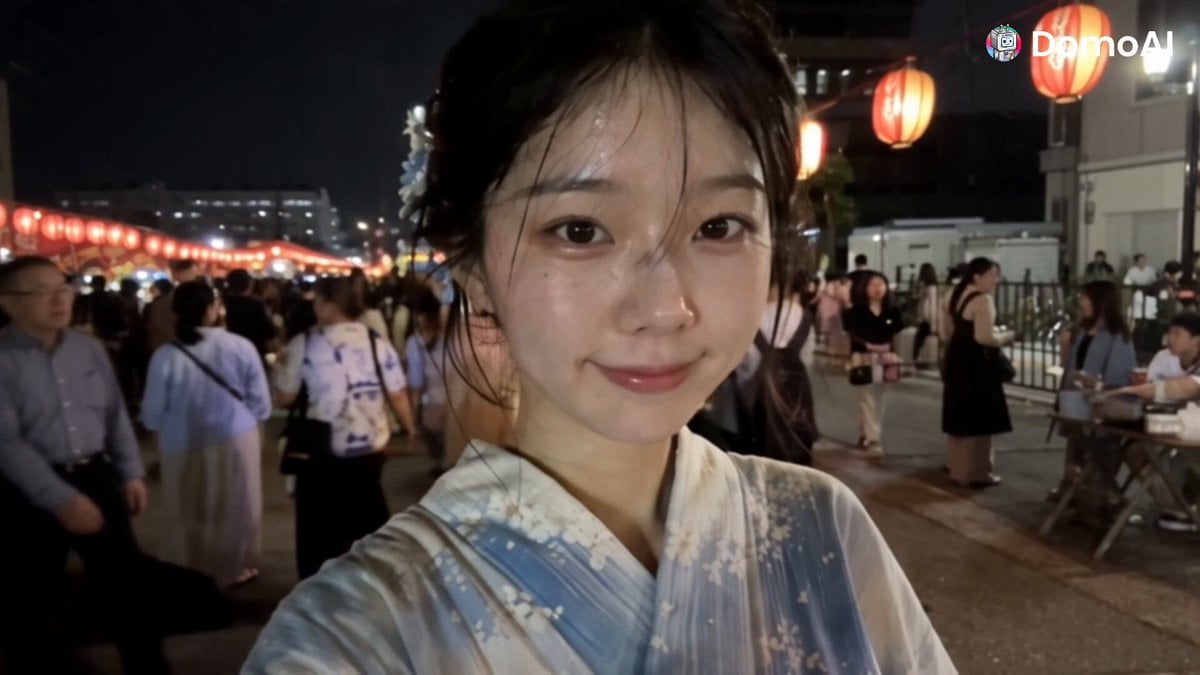
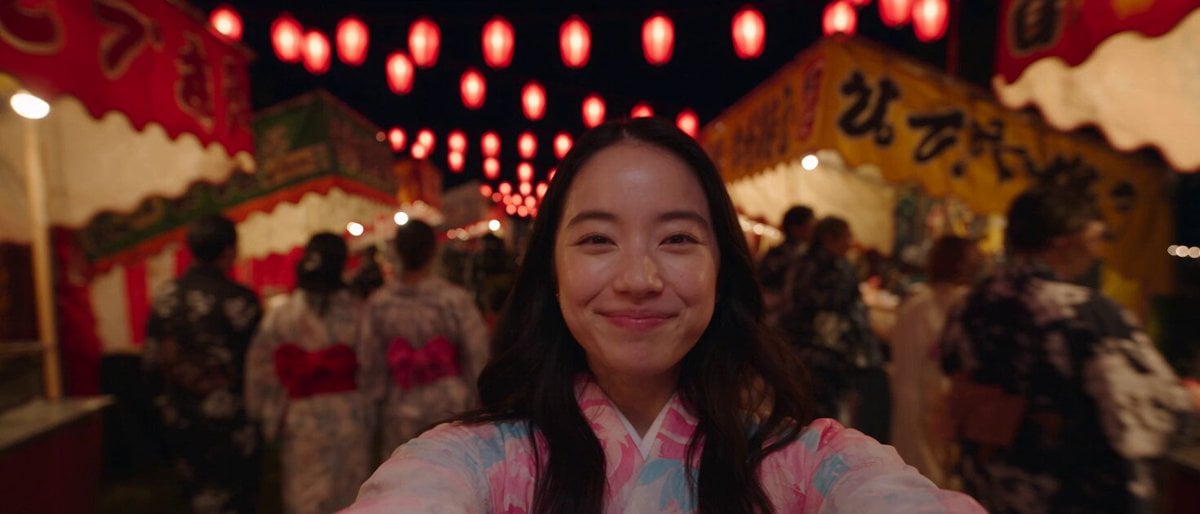
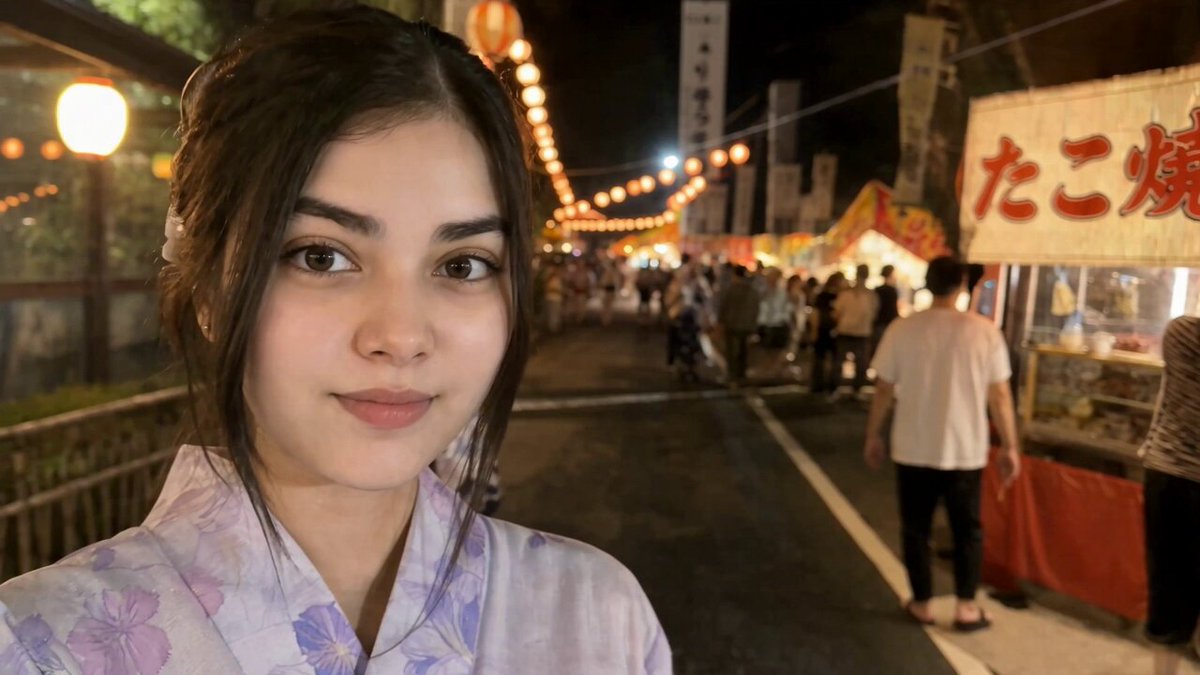
A surreal cinematic video prompt where a woman slides down a water park tube and emerges at a traditional Japanese Bon Odori festival.
「タイトル: 「ウォータースライダーの先は夏祭り」 参照画像の人物を主人公として使用。主人公は参照画像と同一人物の成人女性。顔立ち、髪型、髪色、体型、表情の特徴を忠実に維持する。衣装はシンプルで上品なデザインのビキニ水着。フォトリアル、映画品質、超高精細、リアルな水表現、シネマティックライティング、24fps、15秒、16:9。 0~3秒 大型ウォーターパーク。 主人公はウォータースライダーのスタート地点で笑顔。 期待に胸を膨らませながらスタッフに手を振り、勢いよく滑り始める。 カメラは主人公を正面や斜め前から追い、表情を中心に撮影。 水しぶき、髪が風になびく様子、躍動感のあるカメラワーク。 明るく楽しい夏の雰囲気。 3~8秒 POV(一人称)視点へ切り替わる。 主人公の伸ばした脚だけが画面下部に見えている。 高速で筒状のウォータースライダーを滑走。 外は一切見えず、完全に密閉されたチューブ。 水流が勢いよく流れ、左右へ大きくバンクしながら進む。 青や白の照明が高速で流れ、スピード感を演出。 カメラには水滴が付き、リアルな疾走感。 最後に出口から強い光が差し込む。 8〜11秒 主人公がウォータースライダーの出口から勢いよく飛び出す。 到着した場所は、夜の公園で開催されている盆踊り会場。中央には提灯で飾られた大きな櫓があり、その周囲で浴衣姿の大勢の人々が輪になって盆踊りをしている。 主人公は濡れたまま立ち上がり、目を大きく見開いて周囲を見回す。最初は状況が理解できず、驚いた表情で一瞬固まる。 カメラは引きのワイドショットで、ウォータースライダーの出口、主人公、櫓、盆踊りをする人々を同時に映す。 11〜15秒 主人公は戸惑いながらもすぐに笑顔になり、周囲の人の動きを真似して盆踊りを始める。最初は少しぎこちないが、すぐにリズムをつかみ、両手を上げながら楽しそうに踊る。 濡れた髪や肌から水滴が落ちているが、主人公も周囲の人々も全く気にしない。主人公は満面の笑顔で盆踊りの輪に溶け込む。 最後はカメラが少し上昇し、提灯の明かりに包まれながら、主人公と浴衣姿の人々が一緒に楽しそうに踊る様子を映して終了。 映像スタイル・演出指定 フォトリアルな実写映画品質 日本の夏祭りらしい温かくノスタルジックな雰囲気 赤やオレンジの提灯による柔らかな照明 浴衣、櫓、太鼓、屋台などを自然に配置 水や濡れた髪、肌、水滴をリアルに表現 前半はスピード感のあるアクション 後半は明るく楽しいシュールコメディ 主人公の驚きから笑顔への表情変化を明確に描写 盆踊りの手振りや足運びを自然に表現 主人公の顔、髪型、体型、水着のデザインを全編で一貫させる 過度に性的なカメラアングルや身体の強調は避ける セリフ、字幕、文字、ロゴ、ウォーターマークなし 顔崩れ、手指の崩れ、身体の変形、不自然な関節、人物の増殖を避ける 明るく健全で、見ていて楽しい夏祭りコメディとして描く 盆踊り会場は水に浸かっていない」
「タイトル: 「ウォータースライダーの先は夏祭り」 参照画像の人物を主人公として使用。主人公は参照画像と同一人物の成人女性。顔立ち、髪型、髪色、体型、表情の特徴を忠実に維持する。衣装はシンプルで上品なデザインのビキニ水着。フォトリアル、映画品質、超高精細、リアルな水表現、シネマティックライティング、24fps、15秒、16:9。 0~3秒 大型ウォーターパーク。 主人公はウォータースライダーのスタート地点で笑顔。 期待に胸を膨らませながらスタッフに手を振り、勢いよく滑り始める。 カメラは主人公を正面や斜め前から追い、表情を中心に撮影。 水しぶき、髪が風になびく様子、躍動感のあるカメラワーク。 明るく楽しい夏の雰囲気。 3~8秒 POV(一人称)視点へ切り替わる。 主人公の伸ばした脚だけが画面下部に見えている。 高速で筒状のウォータースライダーを滑走。 外は一切見えず、完全に密閉されたチューブ。 水流が勢いよく流れ、左右へ大きくバンクしながら進む。 青や白の照明が高速で流れ、スピード感を演出。 カメラには水滴が付き、リアルな疾走感。 最後に出口から強い光が差し込む。 8〜11秒 主人公がウォータースライダーの出口から勢いよく飛び出す。 到着した場所は、夜の公園で開催されている盆踊り会場。中央には提灯で飾られた大きな櫓があり、その周囲で浴衣姿の大勢の人々が輪になって盆踊りをしている。 主人公は濡れたまま立ち上がり、目を大きく見開いて周囲を見回す。最初は状況が理解できず、驚いた表情で一瞬固まる。 カメラは引きのワイドショットで、ウォータースライダーの出口、主人公、櫓、盆踊りをする人々を同時に映す。 11〜15秒 主人公は戸惑いながらもすぐに笑顔になり、周囲の人の動きを真似して盆踊りを始める。最初は少しぎこちないが、すぐにリズムをつかみ、両手を上げながら楽しそうに踊る。 濡れた髪や肌から水滴が落ちているが、主人公も周囲の人々も全く気にしない。主人公は満面の笑顔で盆踊りの輪に溶け込む。 最後はカメラが少し上昇し、提灯の明かりに包まれながら、主人公と浴衣姿の人々が一緒に楽しそうに踊る様子を映して終了。 映像スタイル・演出指定 フォトリアルな実写映画品質 日本の夏祭りらしい温かくノスタルジックな雰囲気 赤やオレンジの提灯による柔らかな照明 浴衣、櫓、太鼓、屋台などを自然に配置 水や濡れた髪、肌、水滴をリアルに表現 前半はスピード感のあるアクション 後半は明るく楽しいシュールコメディ 主人公の驚きから笑顔への表情変化を明確に描写 盆踊りの手振りや足運びを自然に表現 主人公の顔、髪型、体型、水着のデザインを全編で一貫させる 過度に性的なカメラアングルや身体の強調は避ける セリフ、字幕、文字、ロゴ、ウォーターマークなし 顔崩れ、手指の崩れ、身体の変形、不自然な関節、人物の増殖を避ける 明るく健全で、見ていて楽しい夏祭りコメディとして描く 盆踊り会場は水に浸かっていない」
Edit the prompt in the box under the preview — the template's model and format are already selected — and press Generate. Your version appears right on this page.
Yes. You can change the subject, setting, lighting, mood, format, and available model controls before creating your video.
Opening and editing this template is free. Generating uses credits, shown on the Generate button when you are signed in.
Start with Seedance 2.0, which is the model associated with this template. You can compare another compatible model for a different finish.
Follow a topic to a crawlable collection of related PicX Studio templates.