
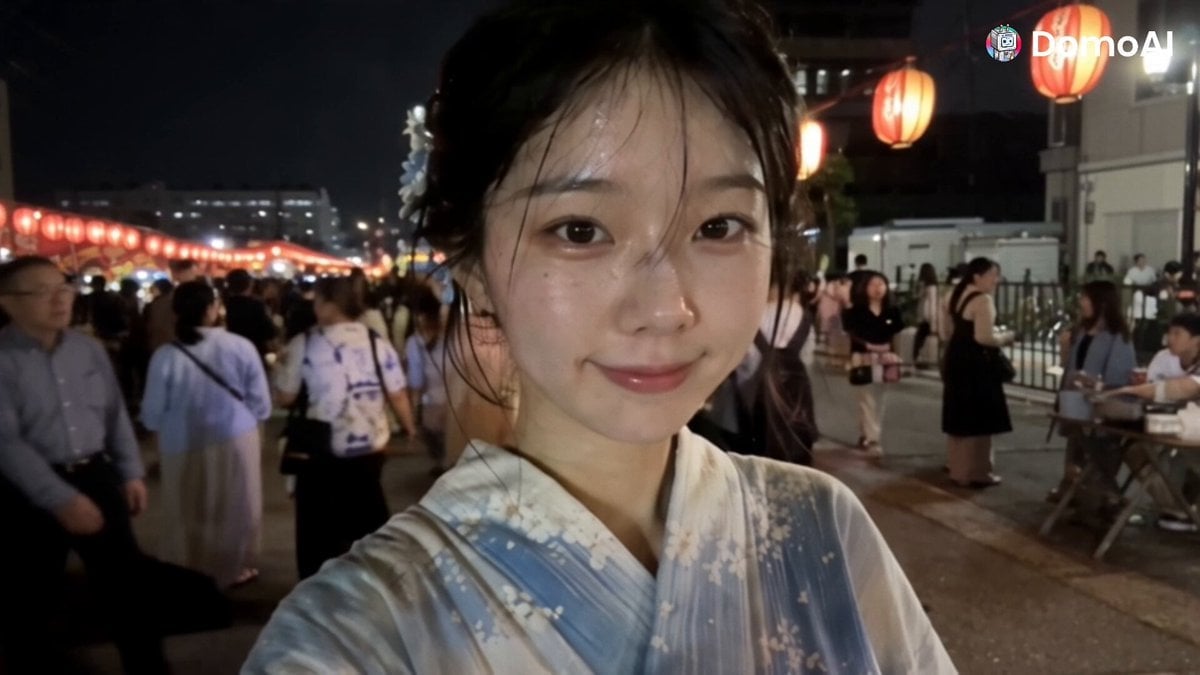
Korean Festival Smartphone Vlog
A high-quality prompt for Seedance 2.5 that uses a storyboard reference to create a realistic handheld smartphone vlog of a Korean woman at a festival.
- Prompt included
- Model and format preset
- Free template
The prompt behind this video
Copy the exact prompt behind Korean Festival Smartphone Vlog, or open it in the studio and make it yours.
[Reference Role] @image1 defines only the woman's facial identity, eye shape, hairstyle, hair ornament, yukata and the white baby spotted-seal plush, plus the rough composition and shot order of each panel. @image1 is an 8-panel storyboard grid — do not reproduce its grid layout, panel divisions, split-screen composition, timestamps or caption text. Read the panels left to right, top row then bottom row, and use them as the shot order of a single continuous vlog. [Single Instance] — critical All eight panels in @image1 show the SAME one woman at different moments. The output must contain exactly ONE instance of her at all times. Never show two of her, never show her duplicated, mirrored, split-screen or in separate panels. The background crowd must not contain anyone resembling her, wearing the same yukata, or with the same hair ornament. [Subject Profile: HANA] A Korean woman in her early 20s with hooded inner double eyelids — long, narrow, almond-shaped eyes with a calm, composed gaze, not wide or round. Jet-black hair in a soft updo with damp flyaway strands, a white tsumami-zaiku flower ornament on the left side. Fair skin with visible pores and a faint sheen of sweat. Off-white yukata with pale blue floral pattern and a cream obi. Identity, eye shape, hair ornament and yukata stay identical in every shot. [Style] Ultra-photorealistic handheld smartphone vlog footage, front-camera selfie POV unless stated otherwise. Realistic skin texture, natural fabric physics, mixed warm lantern light and cool stall light, high-ISO noise in shadows, slight motion blur, amateur phone-camera quality. Fast vlog-style cuts. No AI-looking smoothness. No background music. [Shots] Shot 1: Selfie close-up on a lantern-lit festival street, HANA smiles into the lens and says in Korean: {여름 축제 왔어요!} Shot 2: Selfie at a takoyaki stall, steam rising, she holds the paper tray toward the camera. A male vendor beside her says in Japanese: {はい、熱いよ!} Shot 3: Extreme close-up, low selfie angle, she bites a glazed dango off a wooden skewer, cheeks puffed, no dialogue. Red lantern bokeh behind. Shot 4: Shot from behind — her yukata back and obi fill the frame as she points at a bright prize stall, arm slightly motion-blurred. Shot 5: Selfie hugging a white baby spotted-seal plush against her cheek at the prize stall, small proud smile, no dialogue. Shot 6: Back of her head in the lower foreground, hair ornament in focus, a large firework blooming in the dark sky above the crowd, smoke haze drifting. Shot 7: Low selfie angle, she looks up off-camera as fireworks flash across one side of her face, lips parted in quiet wonder. Shot 8: Selfie on the lantern-lit street, she waves an open palm close to the lens and says warmly in Korean: {함께 와줘서 고마워요. 다음에 또 봐요. 안녕!} [Maintain Consistency] Exactly one HANA in every shot. Same face, same
How to use Korean Festival Smartphone Vlog in 3 steps
- 1
Open
The prompt is already in the box next to the preview, with the template's model and format selected.
- 2…a portrait of your subject in softgolden-hour light, 85mm…
Personalize
Edit the subject and creative details for your destination.
- 3Generate
Generate
Press Generate — your video is created in PicX Studio, so you can compare it with the original and refine one variable at a time.
More like this
Templates with the same subject, style or setup. Open one to see its prompt.
Sunny Morning Laundry Vlog
Smartphone Travel Vlog Tokyo Trip Identity Preserved
Mediterranean Coffee Run Vlog - Seedance 2.5

Mysterious Home Exploration Vlog - Seedance 2.5
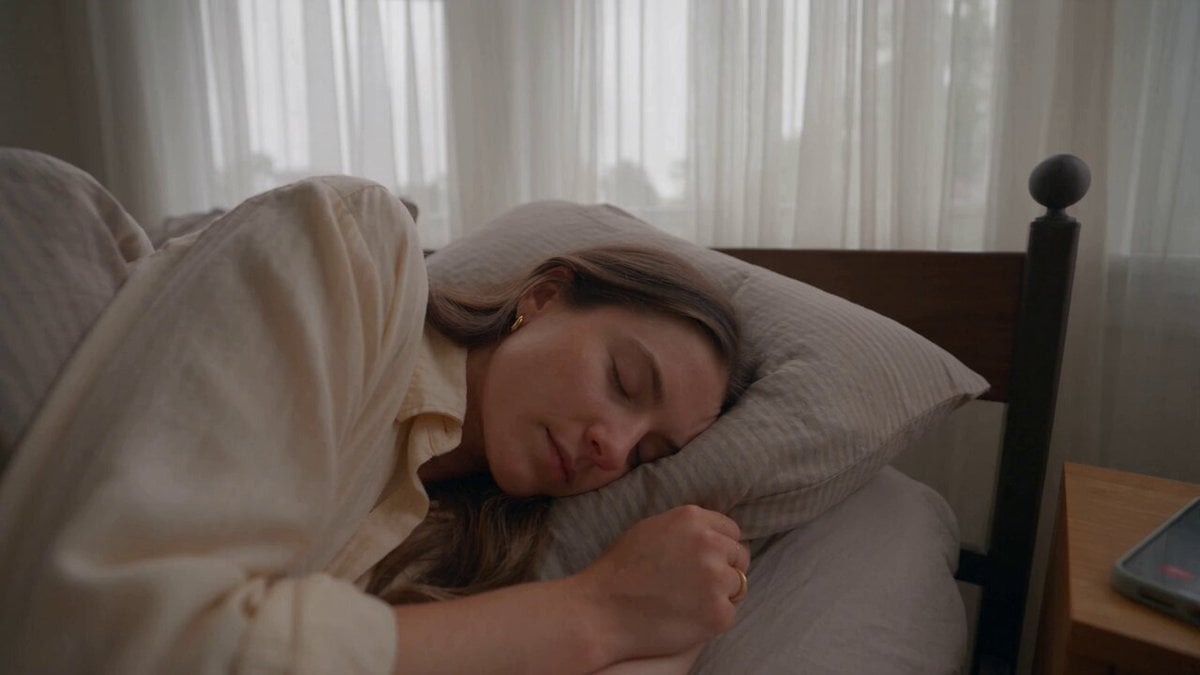
Realistic Morning Routine Lifestyle Vlog - Seedance 2.5

Handheld Tokyo Travel Vlog - Seedance 2.5
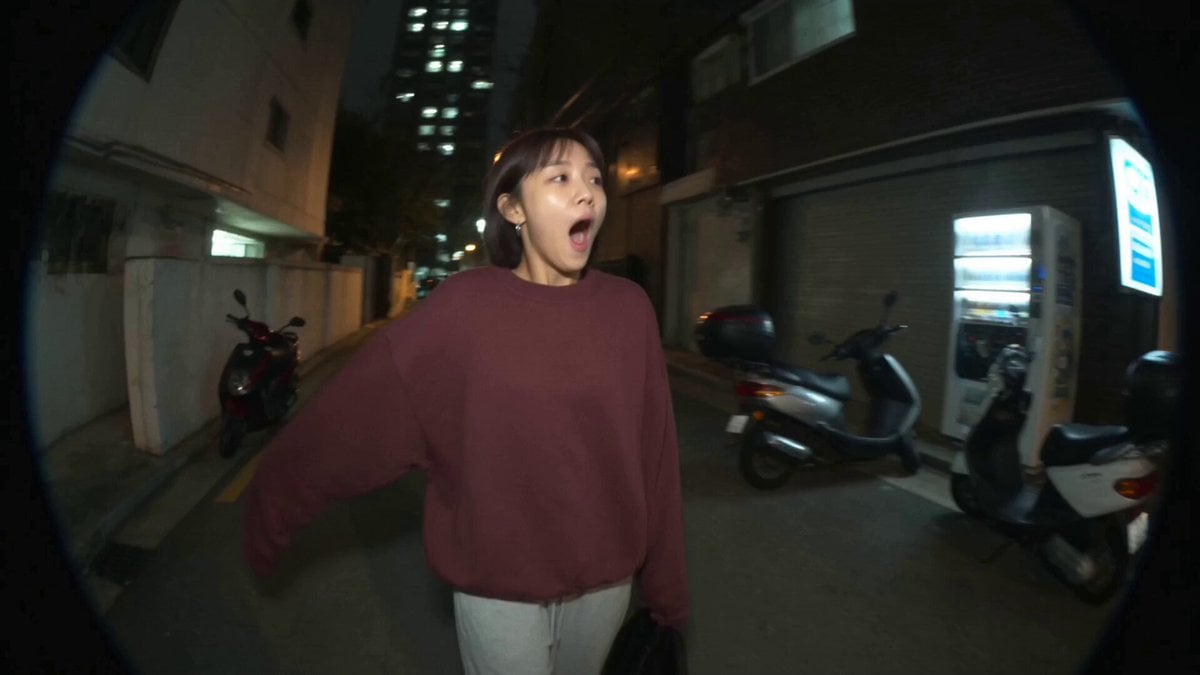
Nostalgic MiniDV Convenience Store Vlog - Seedance 2.5
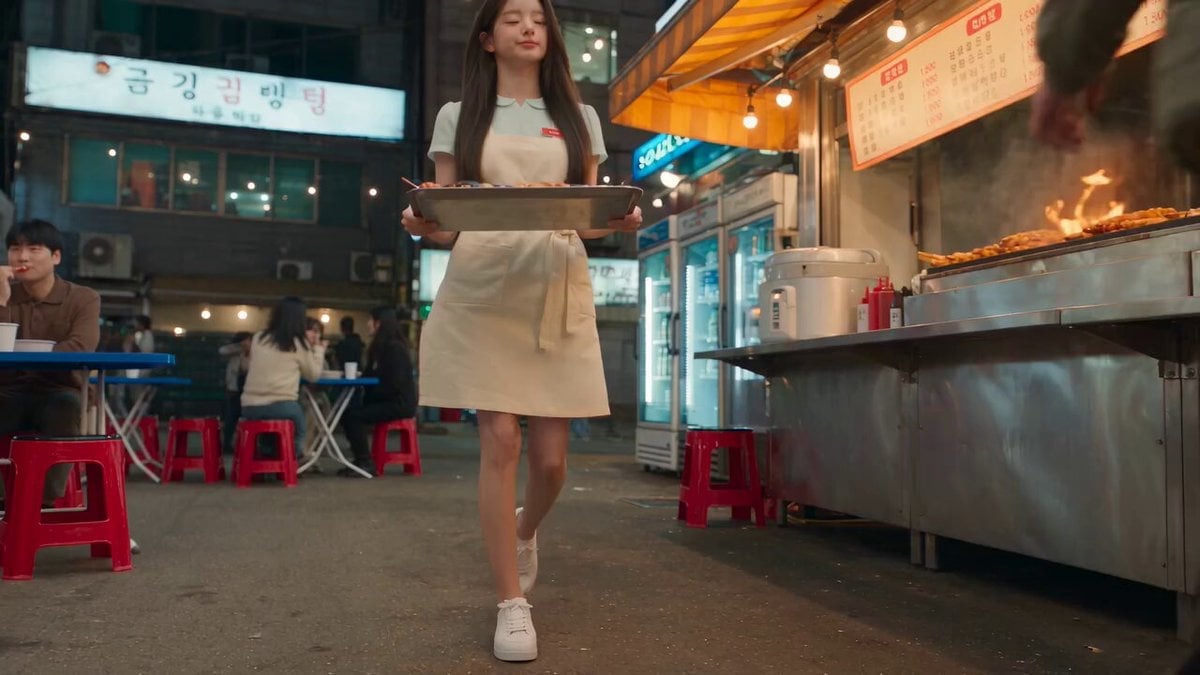
Korean Night Market Bullet-Time Scene - Seedance 2.5
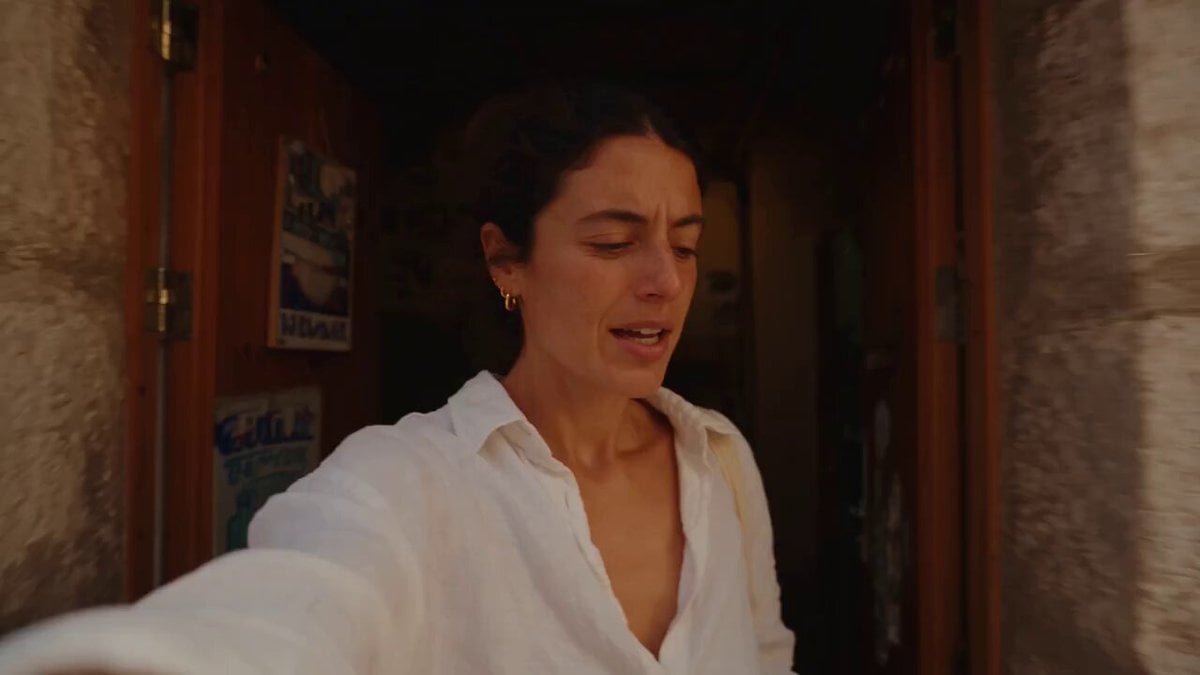
Mediterranean Morning Coffee Run Vlog (Seedance 2.5)

Luxury Lifestyle Day Vlog

Luxury Airport Travel Vlog
Iced Coffee Dog Good-News Montage
Make it yours
Korean Festival Smartphone Vlog works as-is. These are the safest ways to change it without losing the look.
Change one field
Copy a single group, rewrite it, and generate again so you can see what that field is doing.
Keep the frame, change the subject
Hold the composition and light of Korean Festival Smartphone Vlog, then swap wardrobe, props or the person for a new take.
| If the result… | Why | Fix |
|---|---|---|
| The result drifts from the preview | Too many fields changed at once. | Reuse Korean Festival Smartphone Vlog as-is first, then change one group — subject, light, or setting. |
| The model over-stylizes the scene | The prose prompt leaves finish and camera underspecified. | Add one camera or lighting sentence and stay on Seedance 2.0. |
More Seedance 2.0 templates
Other prompts made for Seedance 2.0.

Comical Martial Arts Punch Scene

Maglev Train Action Sequence

Martial Arts Fight Sequence

Wuxia Protection and Trust Script

Mercedes 190 SL Luxury Ad

Rainy Night Supernatural Reverse Comedy Video Script

Amazon Civilization Discovery

Futuristic South Asian City Transformation

Cozy Luxury Cafe Commercial

Cyber Ronin Nanotech Transformation Video
More video prompts
Fresh picks from across the catalog.
Snowy Canyon Horse Riding
When I Get Ready for Bed: Couple Cuddling Scene
Tactile Paper-Cut Product Reveal
Rooftop Parkour Motion Control

Cinematic Portrait of Young Woman
Pixel Art Horror RPG Gameplay Scene
90s Sci-Fi Military Anime Transition
Martial Arts Spirit Battle in a Monsoon
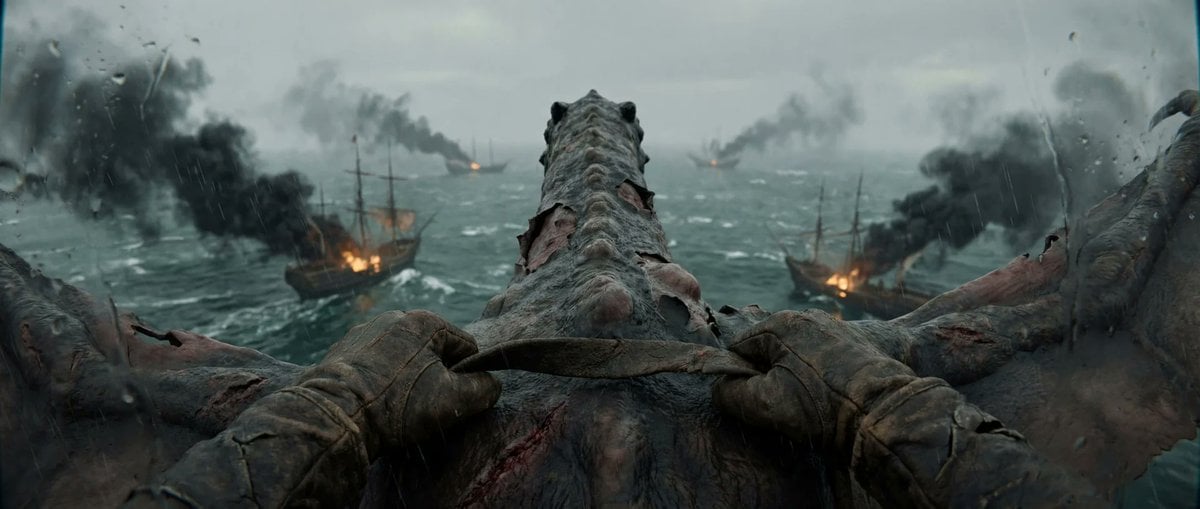
First-Person Dragon Rider Attack
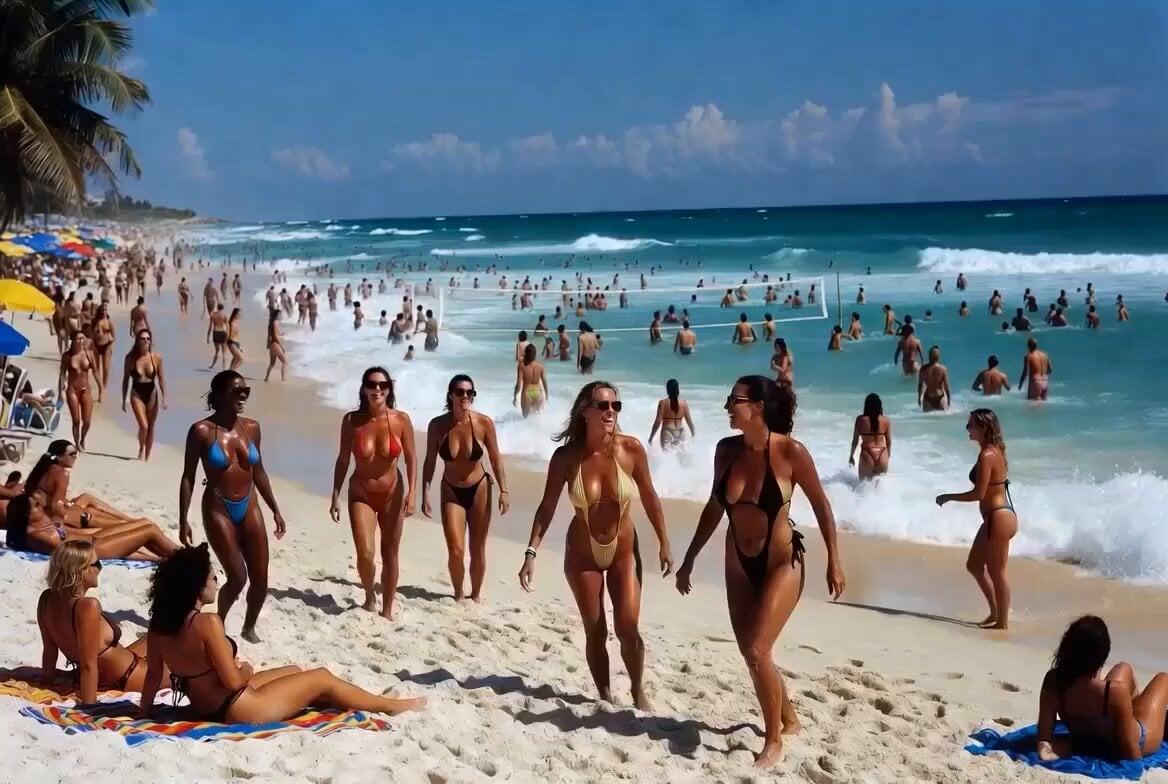
Beach Vacation Scene Generation
Browse template categories
Korean Festival Smartphone Vlog questions
How do I use the Korean Festival Smartphone Vlog template?
Add your photo if the template asks for one, edit the prompt if you like — the template's model and format are already selected — and press Generate. Your version opens in PicX Studio.
Can I customize the Korean Festival Smartphone Vlog template?
Yes. You can change the subject, setting, lighting, mood, format, and available model controls before creating your video.
Is the Korean Festival Smartphone Vlog template free?
Opening and editing this template is free. Generating uses credits, shown on the Generate button when you are signed in.
Which AI model should I use?
Start with Seedance 2.0, which is the model associated with this template. You can compare another compatible model for a different finish.
Looking for something else? Browse all templates.

Your photo, any look
Thousands of ready templates for every top image and video model, from one credit balance.