
Tactile Paper-Cut Product Reveal
A luxury perfume product reveal prompt using a tactile paper-cut stop-motion style for Seedance 2.0.
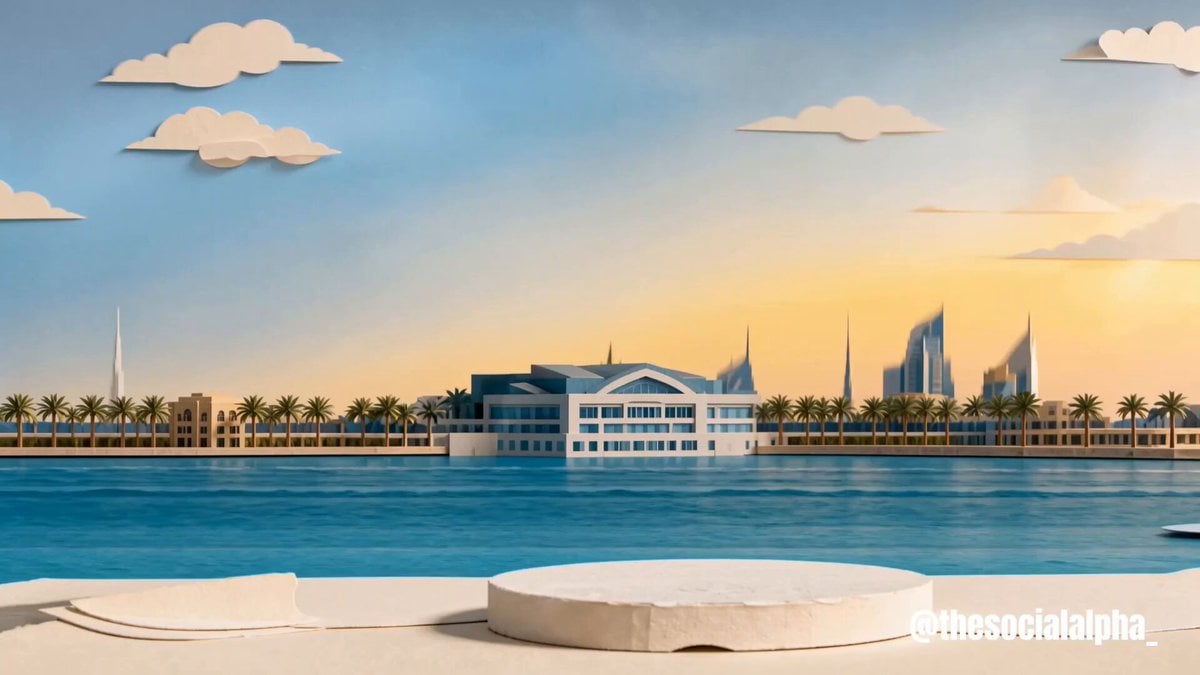
- Prompt included
- Model and format preset
- Premium template
The prompt behind this video
Copy the exact prompt behind Tactile Paper-Cut Product Reveal, or open it in the studio and make it yours.
Use @image1 as the exact final hero-frame composition. Use @image2 as the strict product identity lock. Animate like a premium tactile editorial paper-cut product reveal: layered cardstock pieces slide, fold, pop up, and settle with tiny stop-motion overshoot. Mostly locked camera, subtle tabletop parallax only. Physical paper shadows under every layer. PRODUCT LOCK: preserve the perfume bottle silhouette, white geometric lattice, aqua-blue inner body, square cap, central RAYHAAN plaque, front-facing readability, and luxury material finish from @image2. SHOT 1, 16:9, 6 seconds: 0-1.2s: The Dubai paper city comes to life. Skyscrapers lift in staggered layers, small clouds slide, and aqua paper water waves shimmer forward. 1.2-2.6s: The product folds into place. White panels flip inward, the aqua inner body slides behind the lattice, the cap drops on, and the bottle settles cleanly on the plinth. 2.6-4.2s: Ingredients animate once around the product. Bergamot and lemon slices rotate gently, grapefruit blossoms open, Calone waves ripple, and sandalwood strips slide into a neat base. 4.2-6s: The note cards fold in top-to-bottom: TOP “Bergamot, Lemon”, MIDDLE “Grapefruit blossom”, BASE “Calone, Sandalwood”. Preserve exact readable text. End fully settled on @image1. Sound design: crisp paper slides, dry cardstock flicks, soft paper taps, tiny adhesive-peel folds, subtle paper-water shimmer. No music, no voiceover, no extra captions. Constraints: no new text, no misspellings, no duplicated labels, no warped product, no melting or liquid morphing, no CGI camera flythrough, no hands, no people, no watermark.
How to use Tactile Paper-Cut Product Reveal in 3 steps
- 1
Open
The prompt is already in the box next to the preview, with the template's model and format selected.
- 2…a portrait of your subject in softgolden-hour light, 85mm…
Personalize
Edit the subject and creative details for your destination.
- 3Generate
Generate
Press Generate — your video is created in PicX Studio, so you can compare it with the original and refine one variable at a time.
More like this
Templates with the same subject, style or setup. Open one to see its prompt.
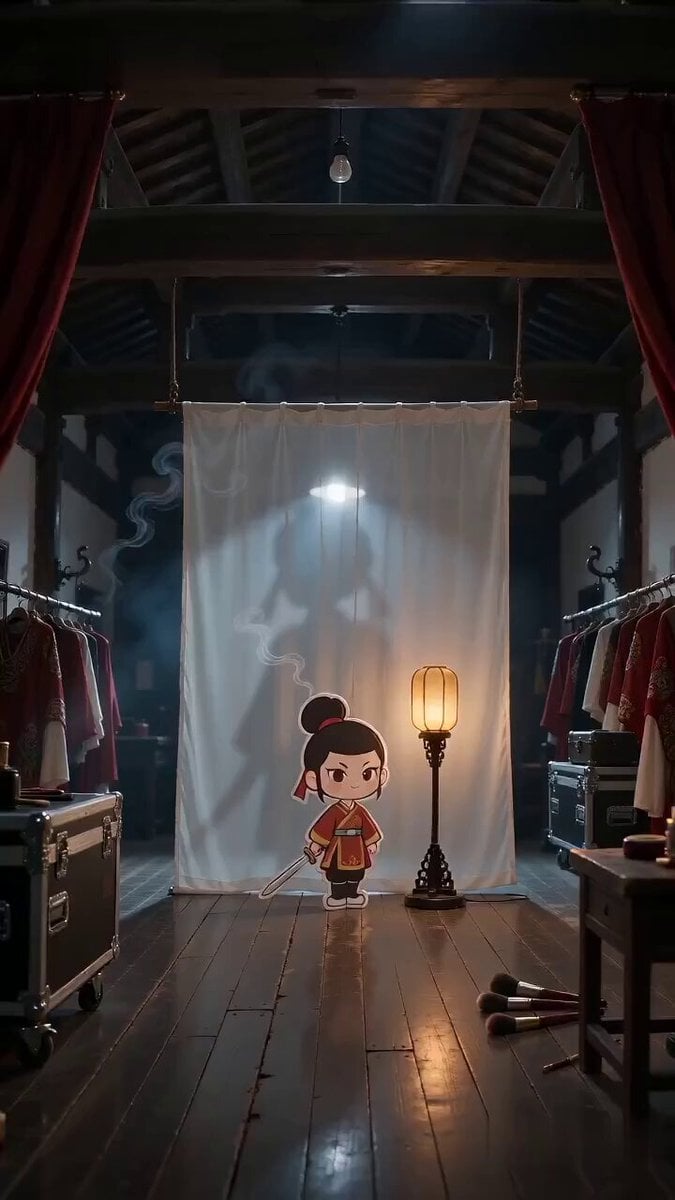
Paper Cutout Hero Shadow Comedy

Paper-cut Budapest Animation

Sneaker Product Commercial
Multi Panel Storyboard Sheet
Skincare Product Commercial 3
Cinematic Portrait Study 3
Product UGC Commercial
Cinematic Portrait Study
Iced Coffee Dog Good-News Montage
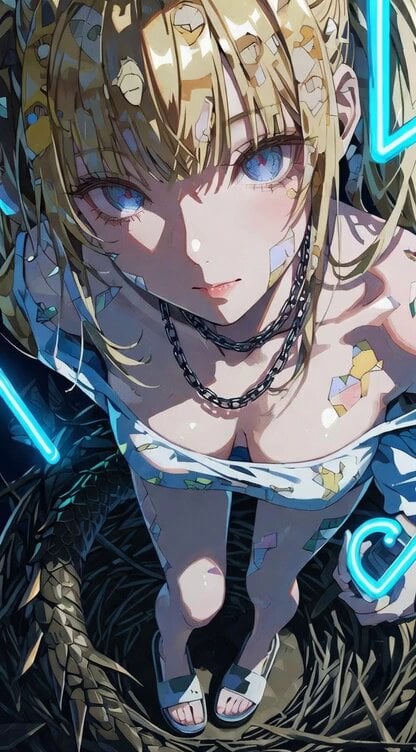
Woman in a dragon's nest, paper-cut collage art style
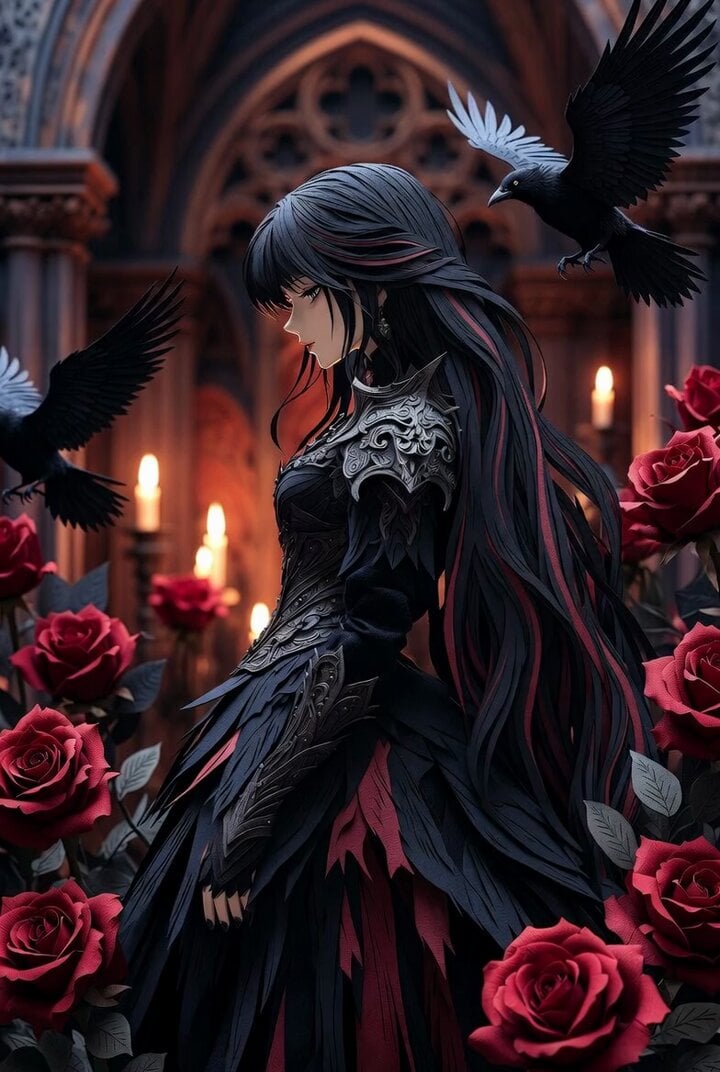
Gothic Paper Cut Queen
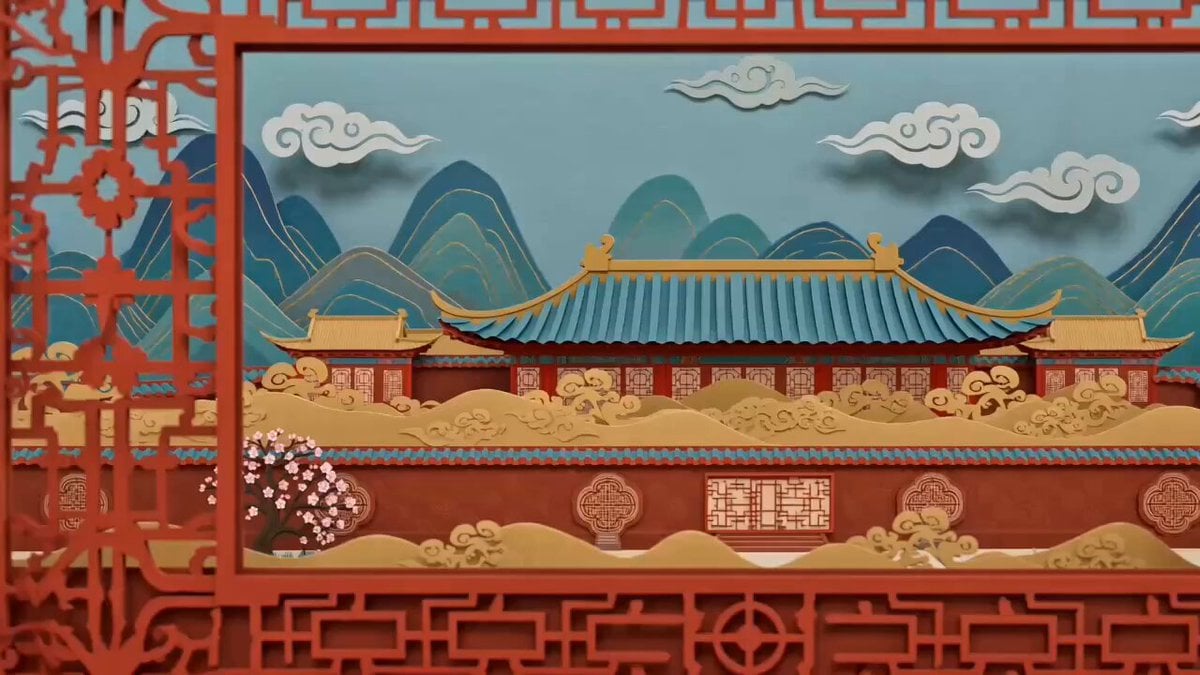
Chinese Paper-Cut Animation Style Video Prompt
Make it yours
Tactile Paper-Cut Product Reveal works as-is. These are the safest ways to change it without losing the look.
Change one field
Copy a single group, rewrite it, and generate again so you can see what that field is doing.
Keep the frame, change the subject
Hold the composition and light of Tactile Paper-Cut Product Reveal, then swap wardrobe, props or the person for a new take.
| If the result… | Why | Fix |
|---|---|---|
| The result drifts from the preview | Too many fields changed at once. | Reuse Tactile Paper-Cut Product Reveal as-is first, then change one group — subject, light, or setting. |
| The model over-stylizes the scene | The prose prompt leaves finish and camera underspecified. | Add one camera or lighting sentence and stay on Seedance 2.0. |
More Seedance 2.0 templates
Other prompts made for Seedance 2.0.

Comical Martial Arts Punch Scene

Maglev Train Action Sequence

Martial Arts Fight Sequence

Wuxia Protection and Trust Script

Vintage Korean Arcade MiniDV Vlog

Mercedes 190 SL Luxury Ad

Rainy Night Supernatural Reverse Comedy Video Script

Amazon Civilization Discovery

Futuristic South Asian City Transformation

Cozy Luxury Cafe Commercial
More video prompts
Fresh picks from across the catalog.
Elite Hip-Hop Dance Choreography
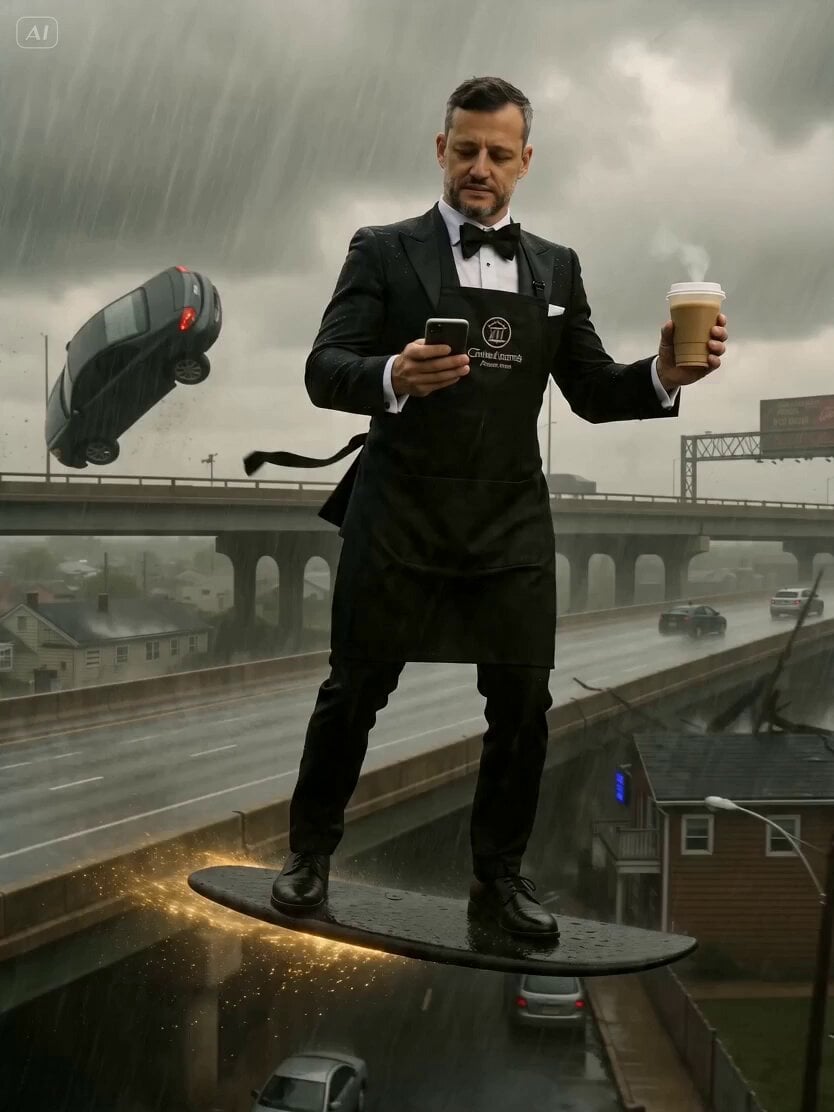
Barista and Customer Character Prompt
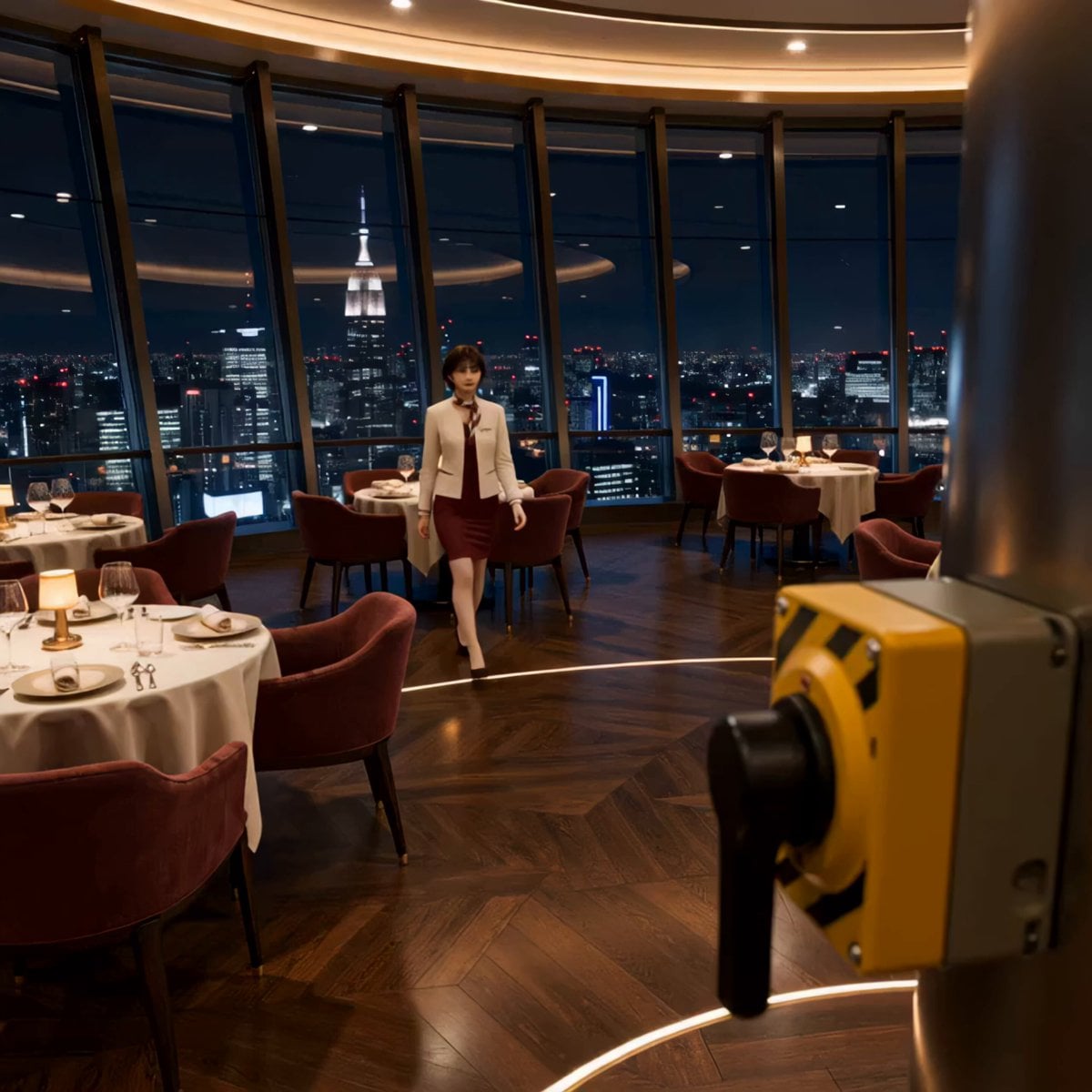
Luxury Restaurant Floor Manager Video
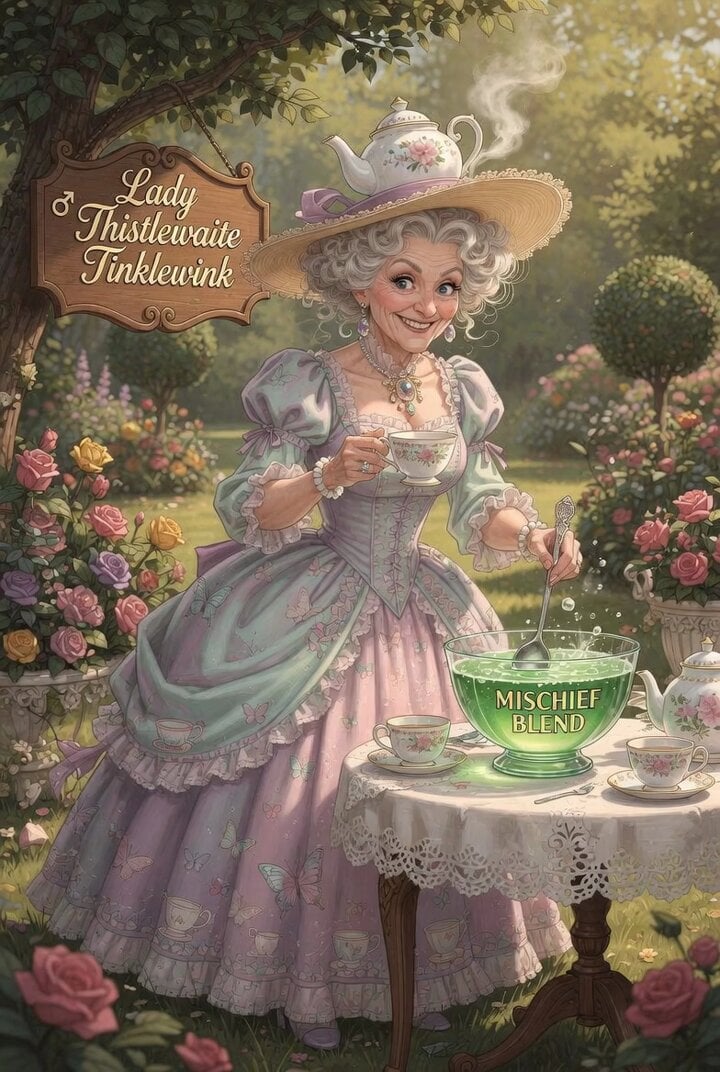
Lady Thistlewaite Tinklewink Tea Party
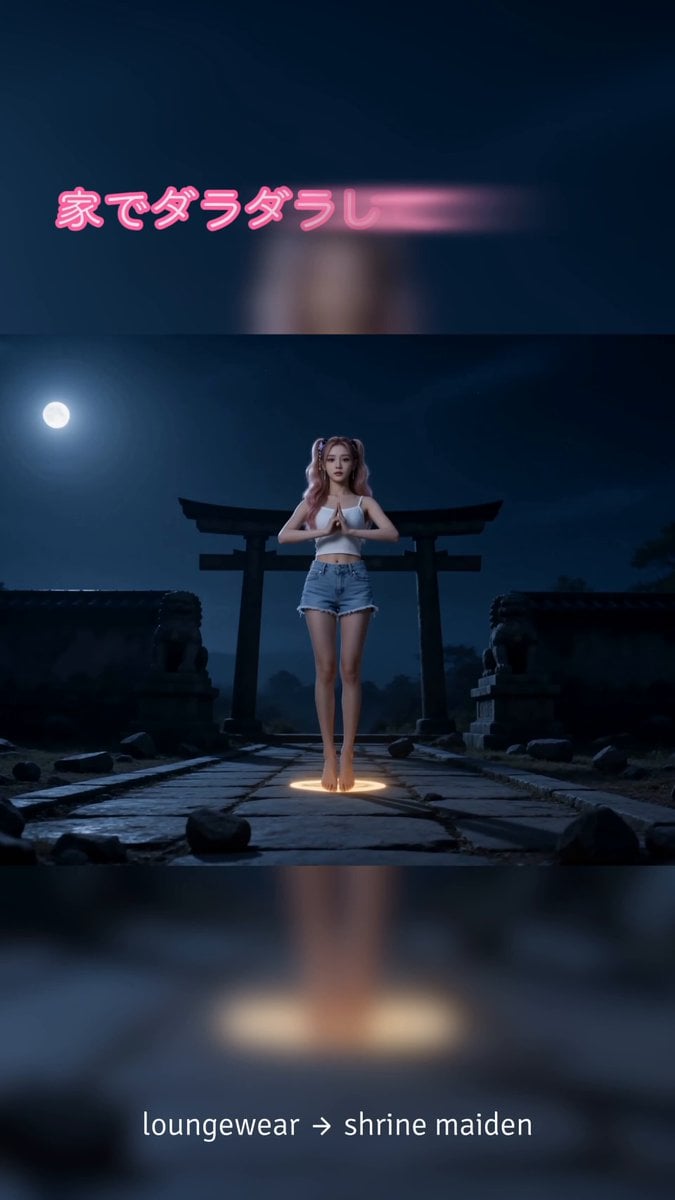
Shrine Maiden Battle Transformation
ASCII Art Prompt
Betta Fish in a Flying Saucer
Jungle Lab Giant Mantis Thriller
Casual Snapshot of a Cute Girl in a Messy Bedroom
The Moment It Sees Him (Close-up Shot)
Browse template categories
Tactile Paper-Cut Product Reveal questions
How do I use the Tactile Paper-Cut Product Reveal template?
Add your photo if the template asks for one, edit the prompt if you like — the template's model and format are already selected — and press Generate. Your version opens in PicX Studio.
Can I customize the Tactile Paper-Cut Product Reveal template?
Yes. You can change the subject, setting, lighting, mood, format, and available model controls before creating your video.
Is the Tactile Paper-Cut Product Reveal template free?
Opening and editing this template is free. Generating uses credits, shown on the Generate button when you are signed in.
Which AI model should I use?
Start with Seedance 2.0, which is the model associated with this template. You can compare another compatible model for a different finish.
Looking for something else? Browse all templates.

Your photo, any look
Thousands of ready templates for every top image and video model, from one credit balance.