
Dark Fantasy Epic Warrior Battle
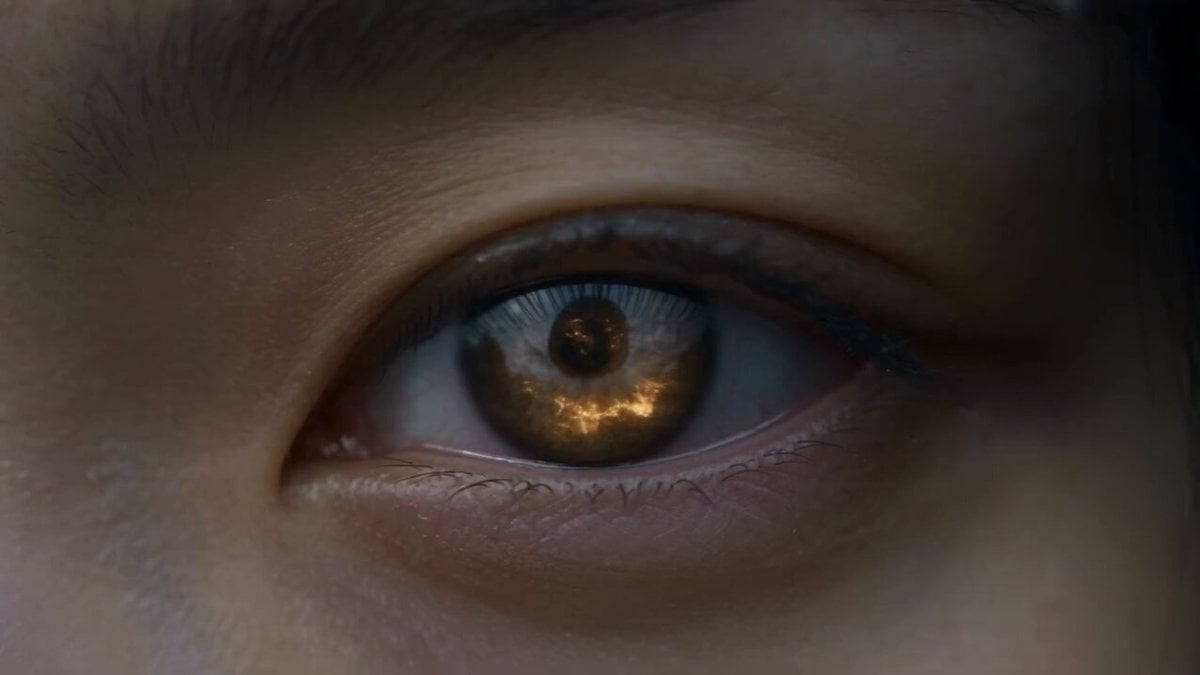
A cinematic dark fantasy prompt featuring a female warrior, an ancient white dragon, and celestial magic.
- Prompt included
- Model and format preset
- Free template
The prompt behind this video
Copy the exact prompt behind Dark Fantasy Epic Warrior Battle, or open it in the studio and make it yours.
A cinematic dark fantasy epic video in 8K resolution. Extreme macro close-up of a female warrior's eye, iris reflecting a burning molten celestial orb swirling inside dark storm clouds. Low-angle tracking shot as an East Asian female warrior clad in sleek black leather-and-steel armor walks through shallow water carrying an ornate key. She steps onto a circular stone platform engraved with glowing golden runes, surrounded by mist, cascading waterfalls, and ancient temple ruins. Above, a colossal magma-veined celestial sphere looms within a vortex of swirling clouds. She inserts the key into a moss-covered stone altar, triggering a massive circular runic array that launches vertical high-pressure water geysers into the sky. A giant, majestic white serpentine dragon with fiery orange eyes emerges from the mist. The warrior extends her hand as her eyes glow bright golden, establishing a powerful magical bond. The dragon turns upwards, soaring into the sky and unleashing a beam of pure radiant white energy directly into the celestial orb, causing it to shatter into shockwaves of blinding light. Epic cinematic scale, volumetric fog, photorealistic visual effects, Unreal Engine 5 render style, dark gray and golden color grading, hyper-detailed.
How to use Dark Fantasy Epic Warrior Battle in 3 steps
- 1
Open
The prompt is already in the box next to the preview, with the template's model and format selected.
- 2…a portrait of your subject in softgolden-hour light, 85mm…
Personalize
Edit the subject and creative details for your destination.
- 3Generate
Generate
Press Generate — your video is created in PicX Studio, so you can compare it with the original and refine one variable at a time.
More like this
Templates with the same subject, style or setup. Open one to see its prompt.
Swordsman vs Shadow Monster — Bamboo Forest Battle
Sea Serpent vs Crab Titan — Ocean Battle
Dragon Rescue — Volcanic Kingdom Collapse (Seedance)
Stone Colossus Desert Riders — Golden Fire Reveal
Tiger vs Gorilla — Jungle Canyon Clash
Mecha Transformation vs Kaiju — 4-Scene Epic
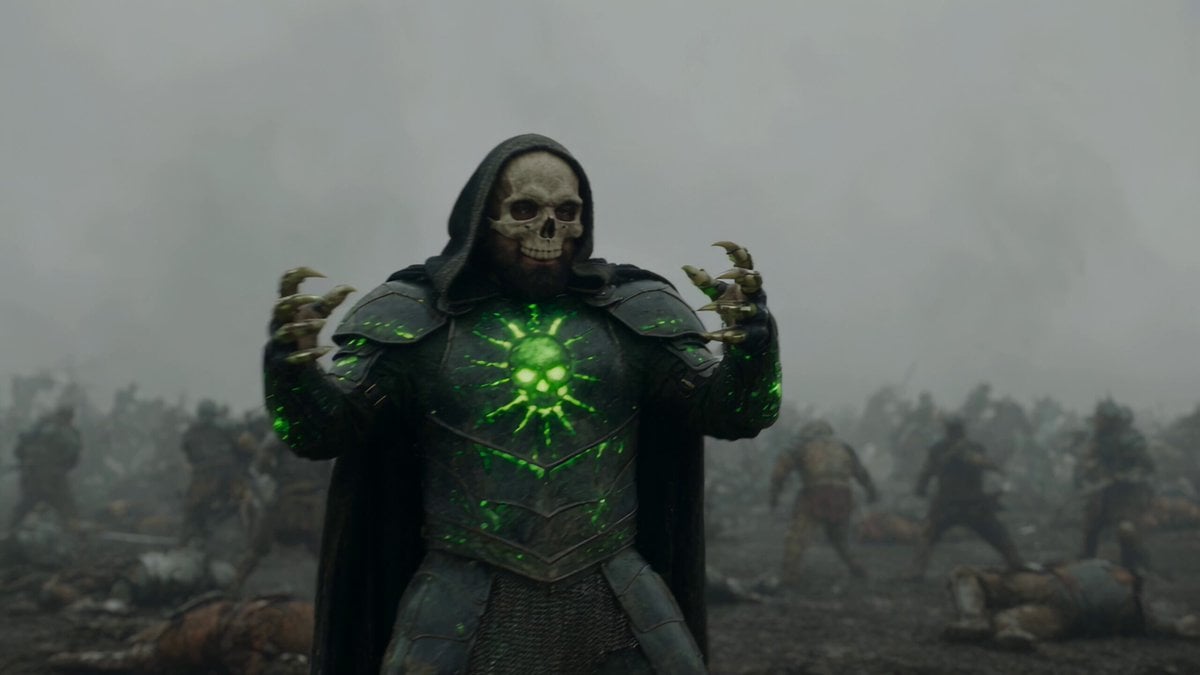
Necromancer Battlefield Orbit
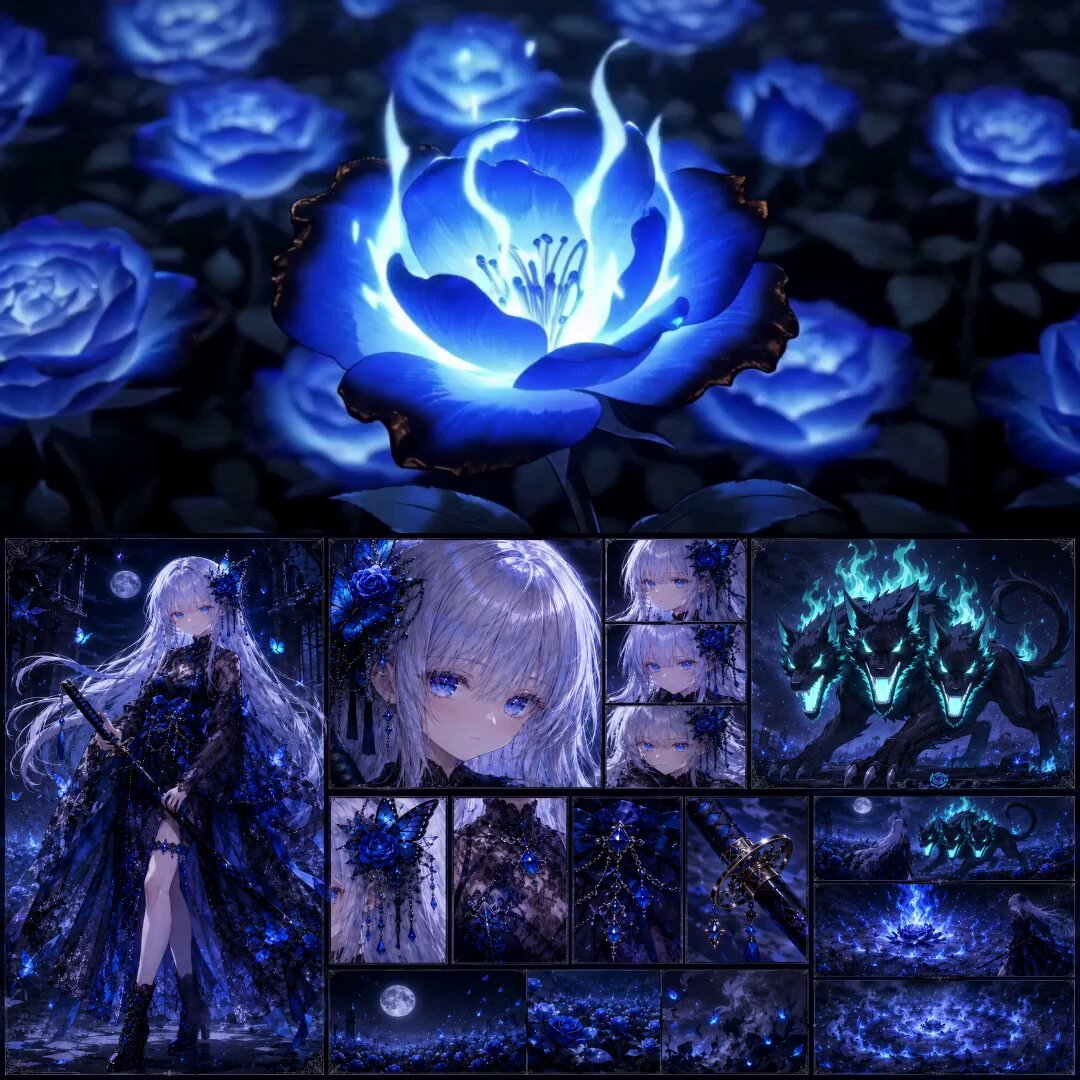
High-End Anime Dark Fantasy Cerberus Battle
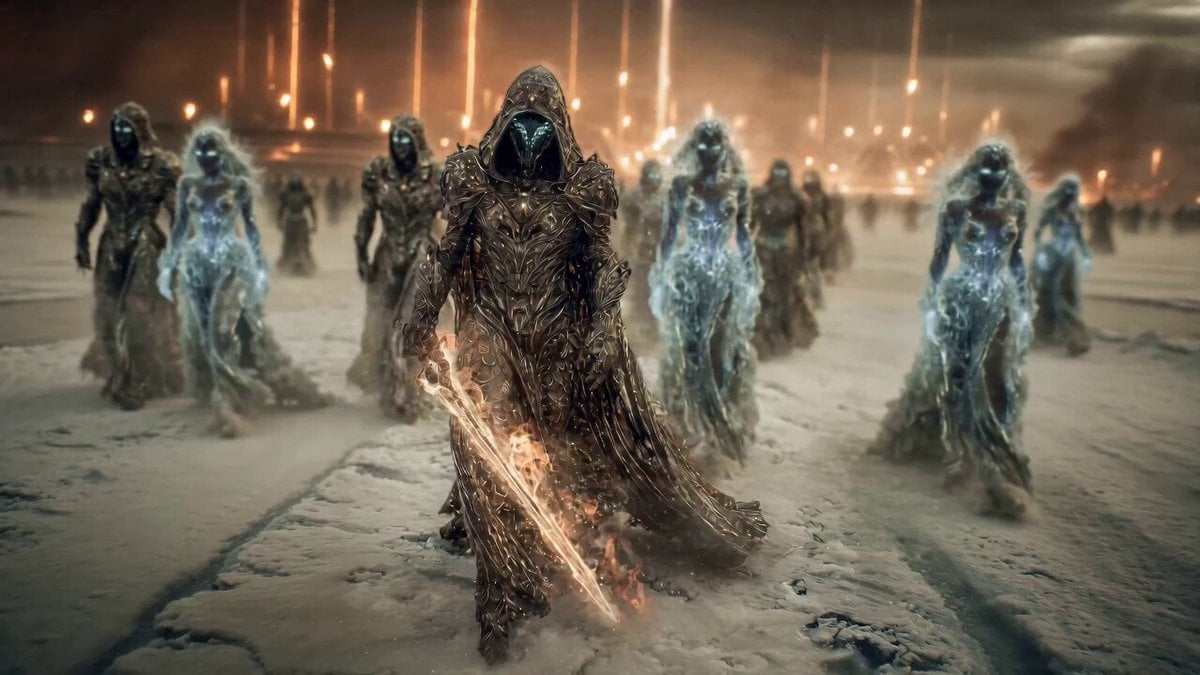
Epic Fantasy Battle Scene Prompt for Seedance 2.0
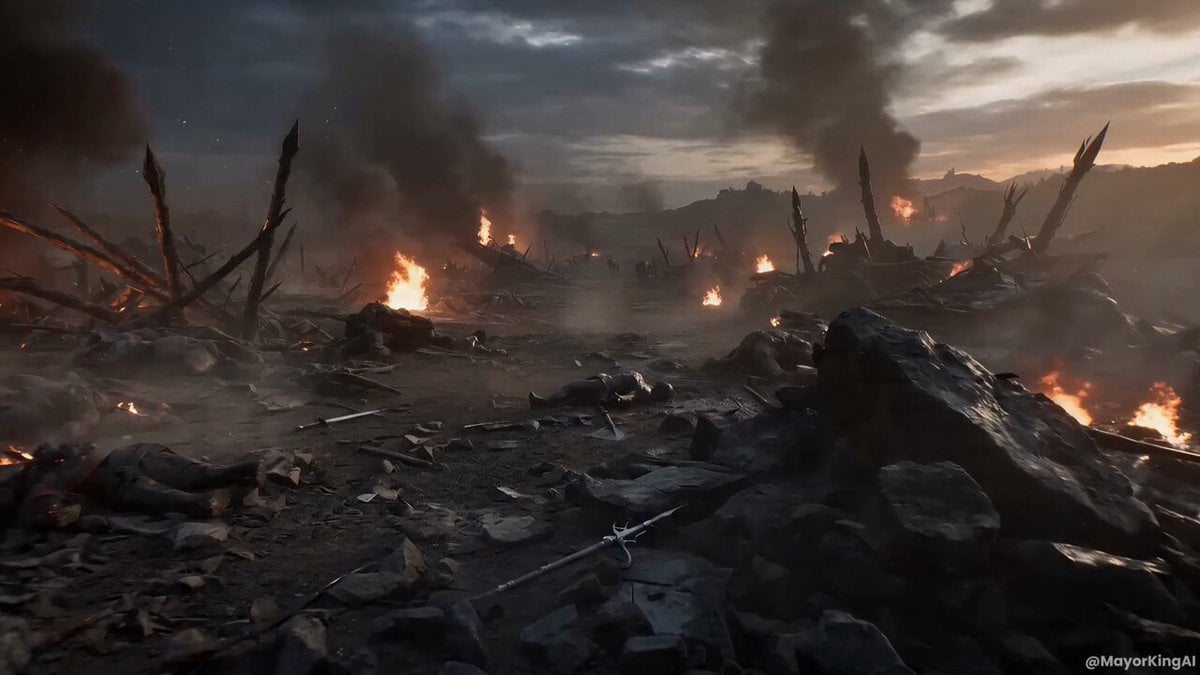
Dark Fantasy FPV Battle Video Prompt
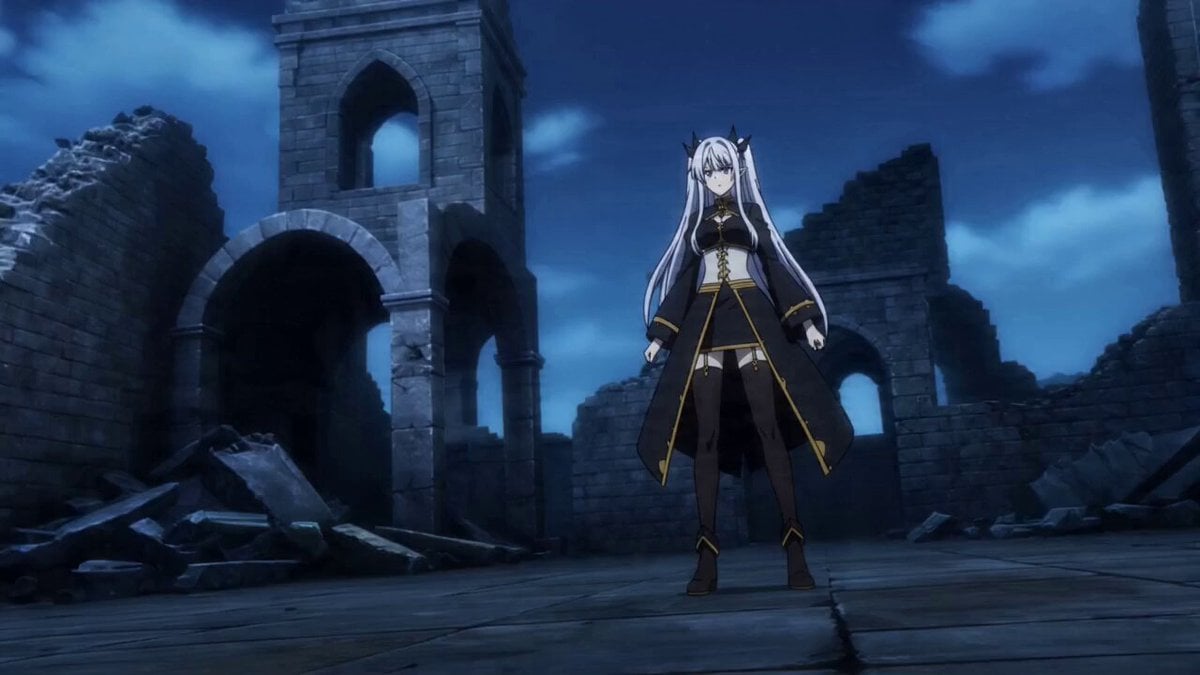
Prompt for Dark Fantasy Anime Battle
Epic Ink-Wash Fantasy Warrior Scene
Make it yours
Dark Fantasy Epic Warrior Battle works as-is. These are the safest ways to change it without losing the look.
Change one field
Copy a single group, rewrite it, and generate again so you can see what that field is doing.
Keep the frame, change the subject
Hold the composition and light of Dark Fantasy Epic Warrior Battle, then swap wardrobe, props or the person for a new take.
| If the result… | Why | Fix |
|---|---|---|
| The result drifts from the preview | Too many fields changed at once. | Reuse Dark Fantasy Epic Warrior Battle as-is first, then change one group — subject, light, or setting. |
| The model over-stylizes the scene | The prose prompt leaves finish and camera underspecified. | Add one camera or lighting sentence and stay on Seedance 2.0. |
More Seedance 2.0 templates
Other prompts made for Seedance 2.0.

Comical Martial Arts Punch Scene

Maglev Train Action Sequence

Martial Arts Fight Sequence

Wuxia Protection and Trust Script

Vintage Korean Arcade MiniDV Vlog

Mercedes 190 SL Luxury Ad

Rainy Night Supernatural Reverse Comedy Video Script

Amazon Civilization Discovery

Futuristic South Asian City Transformation

Cozy Luxury Cafe Commercial
More video prompts
Fresh picks from across the catalog.
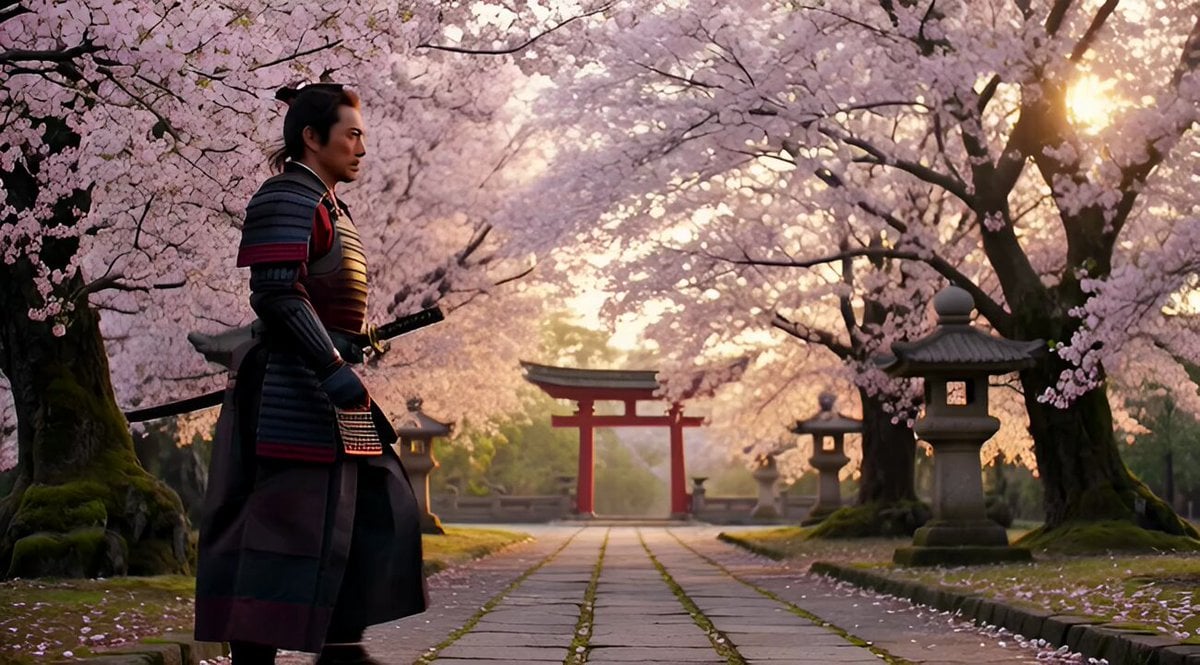
Seedance 2.0 Cinematic JSON System Prompt
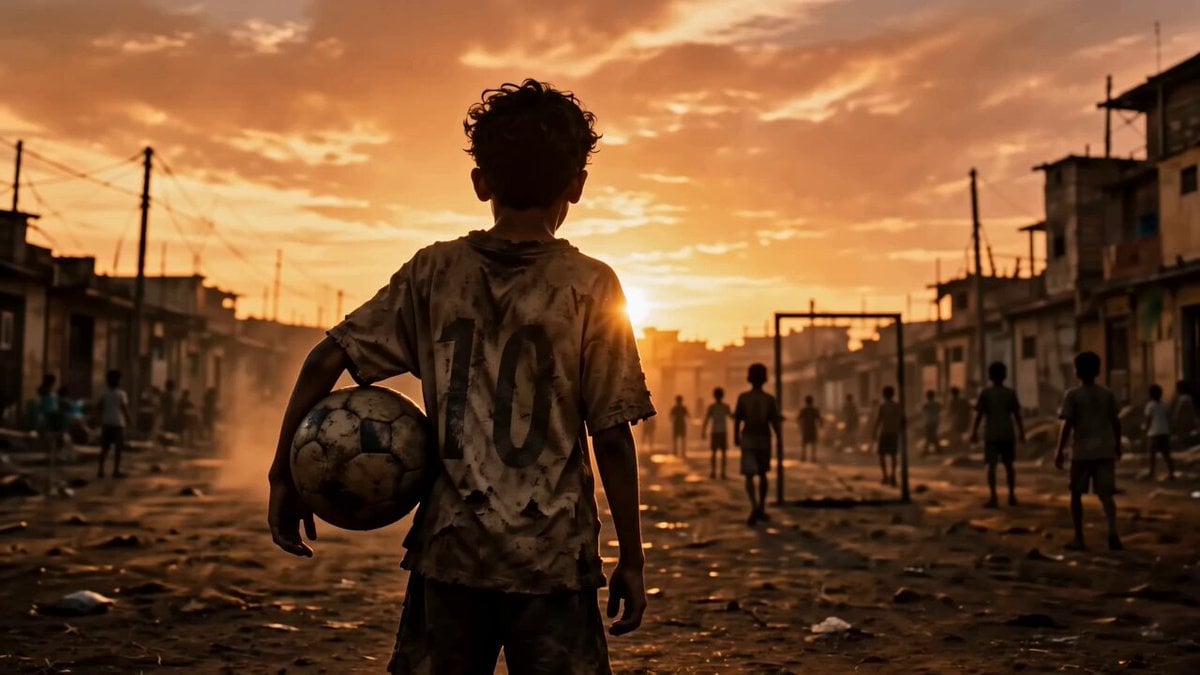
Street Soccer Cinematic Short
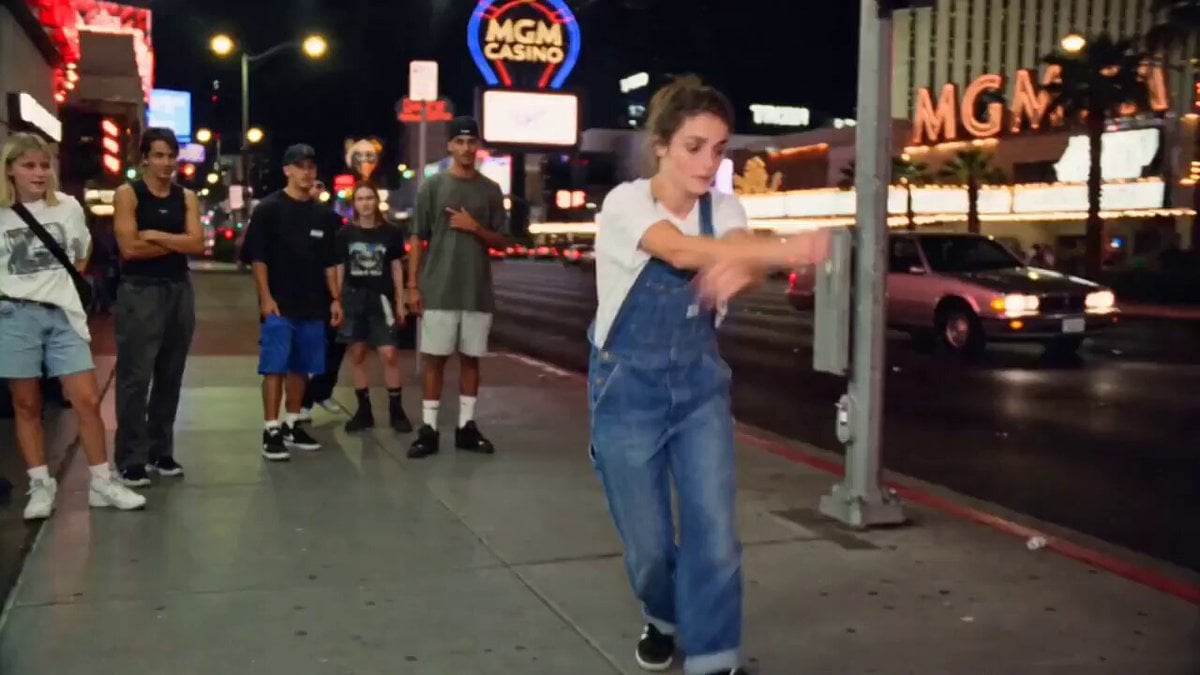
90s Street Dance VHS Style
Vintage 1960s Cairo Bazaar
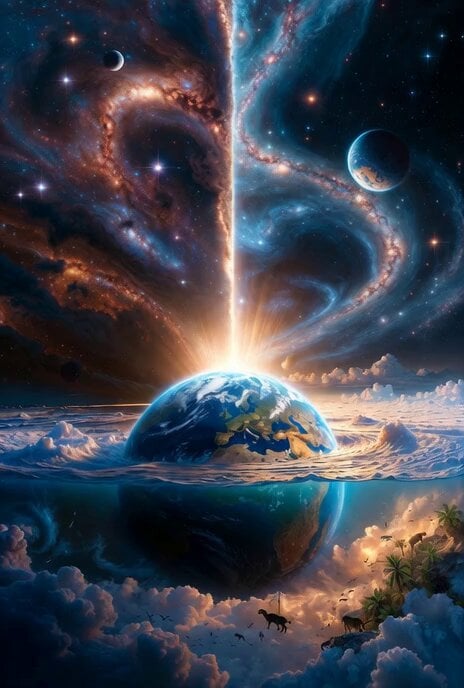
The Beginning of Creation
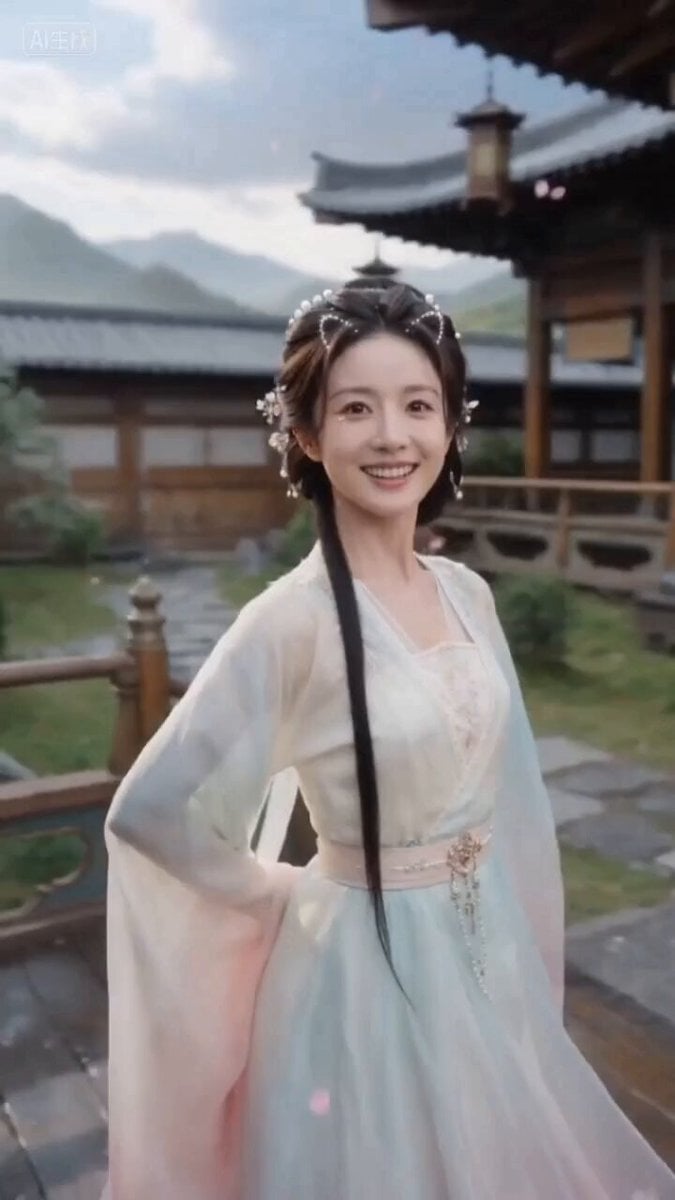
Ancient Style Fairy Sister Video Prompt for Seedance 2.0 (Detailed Scene Breakdown)
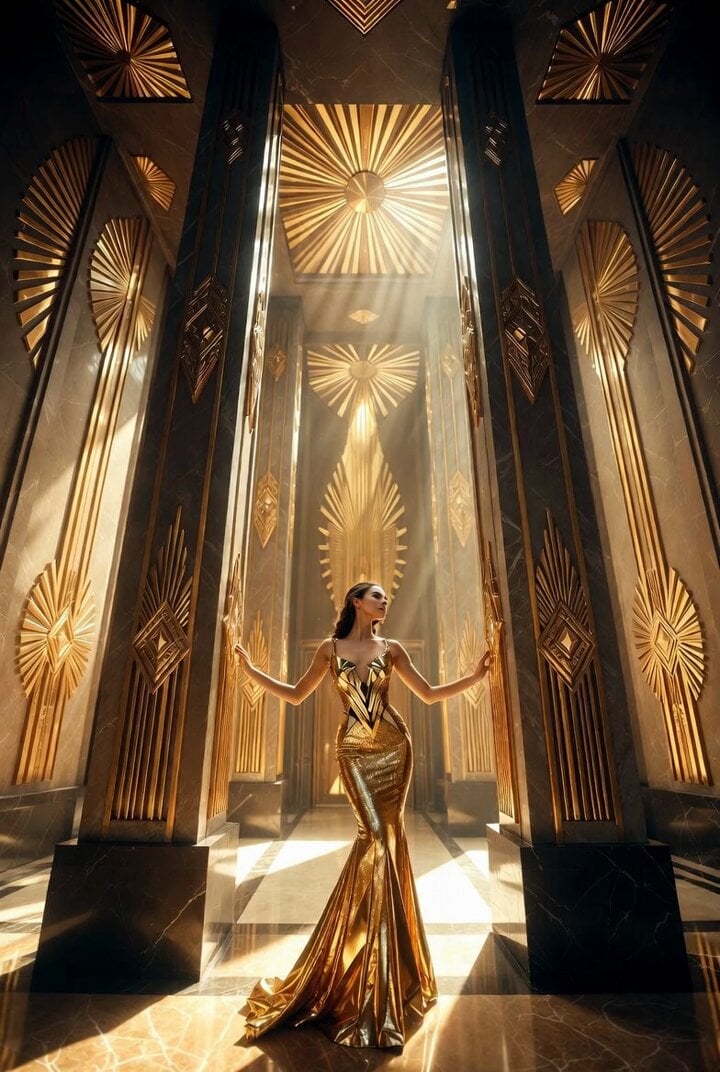
Detailed Grok Imagine prompt for Art Deco golden temple interior video
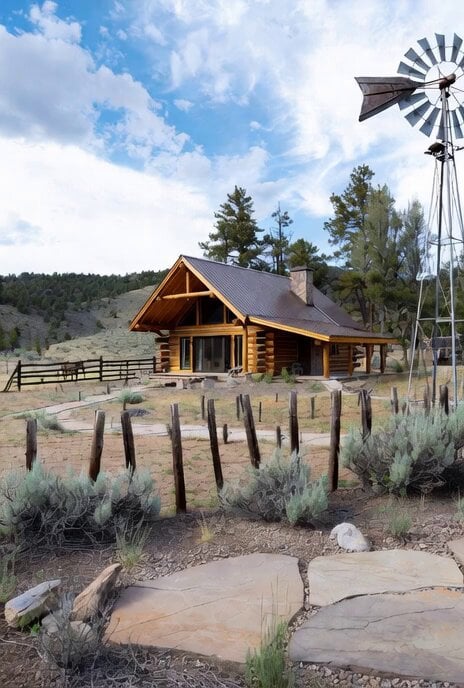
Modern log cabin in Forty Rod Flat, Wyoming

Pixar Style Farmhouse Kitchen Animation
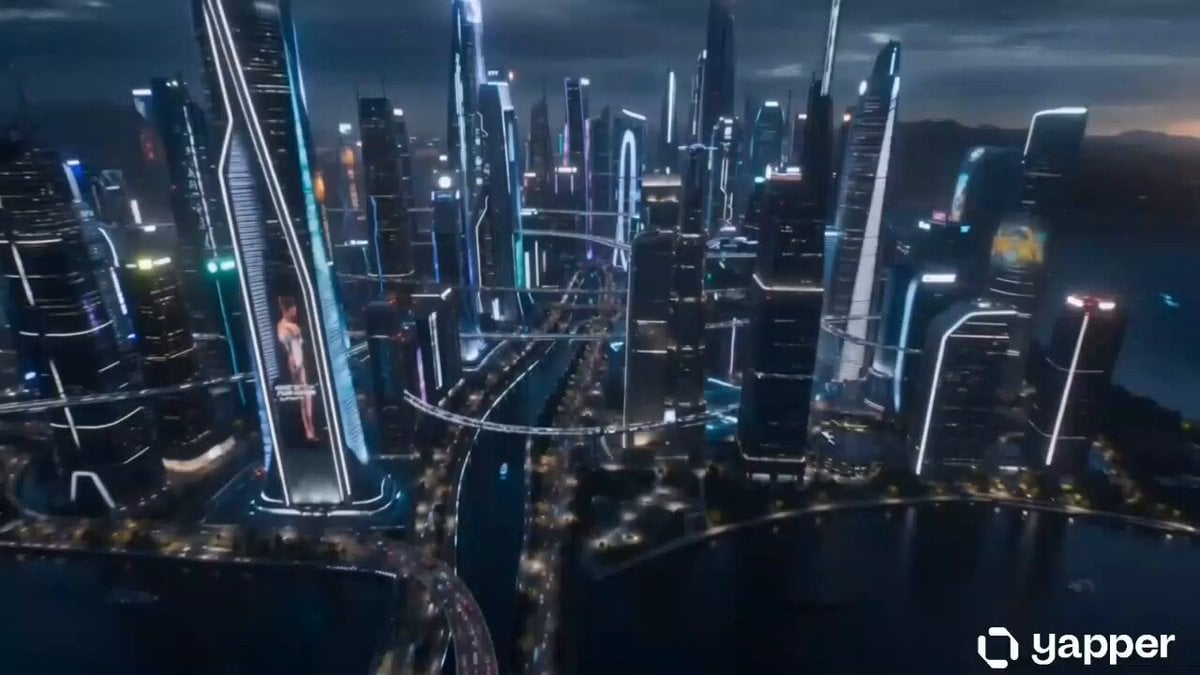
Futuristic China City Exploration
Browse template categories
Dark Fantasy Epic Warrior Battle questions
How do I use the Dark Fantasy Epic Warrior Battle template?
Add your photo if the template asks for one, edit the prompt if you like — the template's model and format are already selected — and press Generate. Your version opens in PicX Studio.
Can I customize the Dark Fantasy Epic Warrior Battle template?
Yes. You can change the subject, setting, lighting, mood, format, and available model controls before creating your video.
Is the Dark Fantasy Epic Warrior Battle template free?
Opening and editing this template is free. Generating uses credits, shown on the Generate button when you are signed in.
Which AI model should I use?
Start with Seedance 2.0, which is the model associated with this template. You can compare another compatible model for a different finish.
Looking for something else? Browse all templates.

Your photo, any look
Thousands of ready templates for every top image and video model, from one credit balance.