How do I use the Rainy Encounter in Cyberpunk Academy template?
Edit the prompt in the box under the preview — the template's model and format are already selected — and press Generate. Your version appears right on this page.
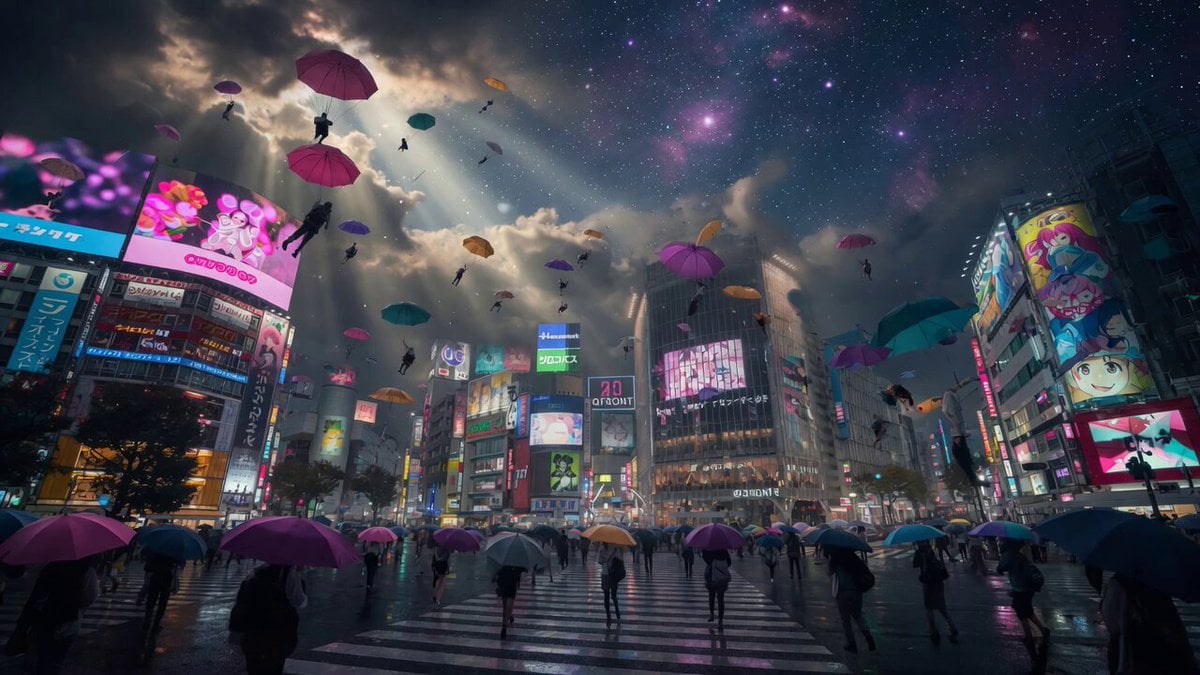
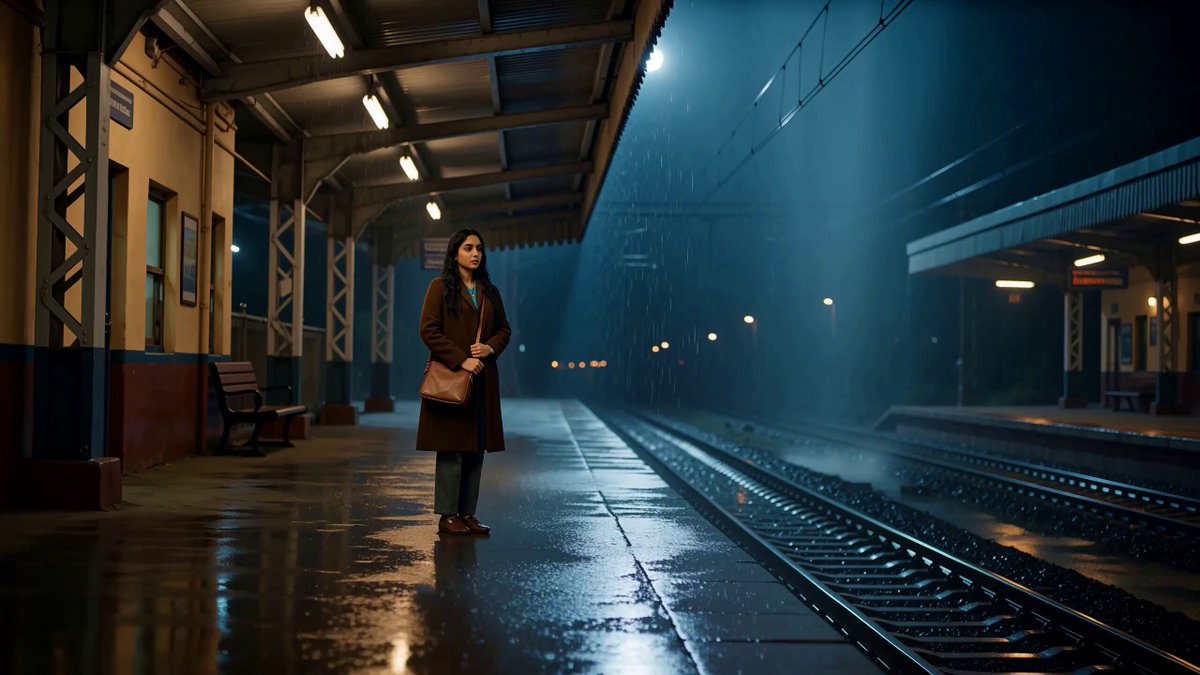
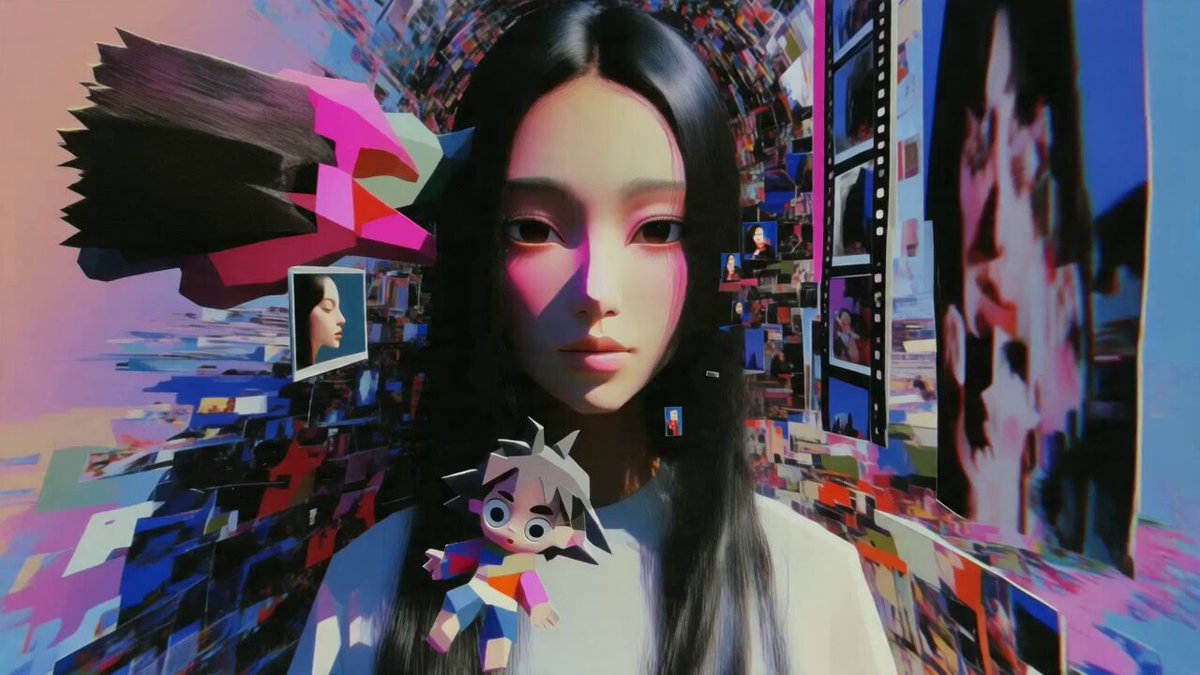
A video prompt for a cinematic meeting between two characters in a rainy, futuristic academy setting with an anime aesthetic.
日本のアニメスタイル、サイバーパンクフルテクニカ、学園都市の夜景、近未来的な巨大ビル群とネオン輝く街並み、ハイテクな学園都市の雰囲気、雨の降る秋、古い制服の男女が出会う
日本のアニメスタイル、サイバーパンクフルテクニカ、学園都市の夜景、近未来的な巨大ビル群とネオン輝く街並み、ハイテクな学園都市の雰囲気、雨の降る秋、古い制服の男女が出会う
Edit the prompt in the box under the preview — the template's model and format are already selected — and press Generate. Your version appears right on this page.
Yes. You can change the subject, setting, lighting, mood, format, and available model controls before creating your video.
Opening and editing this template is free. Generating uses credits, shown on the Generate button when you are signed in.
Start with Grok Imagine, which is the model associated with this template. You can compare another compatible model for a different finish.
Follow a topic to a crawlable collection of related PicX Studio templates.