
FIFA World Cup Broadcast Goal
A detailed multi-stage video script for a realistic FIFA World Cup broadcast.
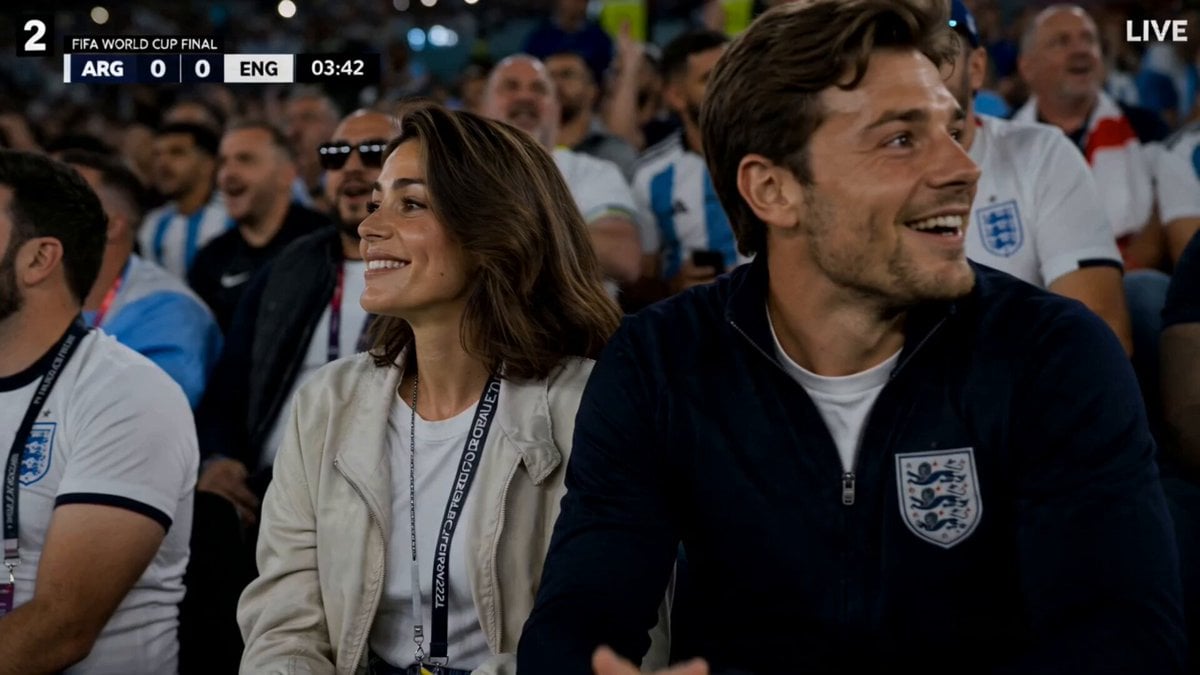
- Prompt included
- Model and format preset
- Premium template
The prompt behind this video
Copy the exact prompt behind FIFA World Cup Broadcast Goal, or open it in the studio and make it yours.
Ultra-realistic FIFA World Cup Final live broadcast at a massive floodlit stadium at night. Use the uploaded image ONLY as inspiration for stadium atmosphere, crowd density, sports broadcast framing, cinematic lighting, and telephoto camera style. Visual style: authentic FIFA World Cup television broadcast with live scorebug, running match clock, LIVE indicator, sports ticker, subtle TV grain, slight chromatic aberration, HD compression artifacts, LED stadium reflections, realistic crowd atmosphere. Multiple 400mm–600mm telephoto broadcast cameras with extreme telephoto compression, creamy cinematic bokeh, flattened background depth, razor-thin depth of field, slow telephoto push-ins, and realistic handheld sports-broadcast motion. 0:00–0:04 — The woman sits beside her boyfriend near the front-row pitch barrier, laughing and talking naturally while stadium chants echo around them. Wind softly moves her balayage lob haircut beneath the floodlights. Crowd heavily compressed into creamy telephoto bokeh. 0:04–0:07 — A football suddenly deflects toward the crowd at high speed. Nearby fans react in shock. She instantly notices the incoming ball. 0:07–0:10 — She catches the football smoothly while seated near the barrier. Her boyfriend reacts with disbelief and excitement. Crowd gasps while commentators shout realistically: “WHAT A CATCH!” 0:10–0:15 — She confidently climbs over the advertising barrier and lands elegantly onto the pitch. Broadcast cameras quickly follow her movement like a real live FIFA production. She begins lightly dribbling as crowd intensity rises. 0:15–0:19 — She dribbles forward with realistic professional football control. A defender rushes toward her. She performs a sleek body feint and smoothly dodges him while grass particles rise naturally beneath her cleats. 0:19–0:23 — Dynamic live broadcast cuts as she performs realistic football skills: step-over, nutmeg, heel-tap direction change, quick acceleration burst. Players react with surprise while realism remains grounded. 0:23–0:27 — She enters the penalty area. Goalkeeper charges forward. She fakes a shot, shifts left elegantly, and curls the football beautifully into the top corner. Net ripples realistically as the stadium explodes. 0:27–0:30 — Heroic broadcast close-up. Entire stadium erupts. Her boyfriend celebrates wildly from the stands. She laughs breathlessly near the goal while cameras surround her under dramatic floodlights. Final slow telephoto push-in toward her smiling face. Audio throughout: realistic football crowd chants, whistles, commentators, player shouts, cleats on grass, football impact sounds, natural British dialogue, crowd explosions after the goal, authentic live sports broadcast energy.
How to use FIFA World Cup Broadcast Goal in 3 steps
- 1Upload ImagePNG, JPG or paste
Add your photo
Upload the photo the template builds on. The prompt, model and format are already set.
- 2…a portrait of your subject in softgolden-hour light, 85mm…
Personalize
Edit the subject and creative details for your destination.
- 3Generate
Generate
Press Generate — your video is created in PicX Studio, so you can compare it with the original and refine one variable at a time.
More like this
Templates with the same subject, style or setup. Open one to see its prompt.
Robot World Cup broadcast video prompt
Cinematic FIFA World Cup Match Video
Italian World Cup Reaction
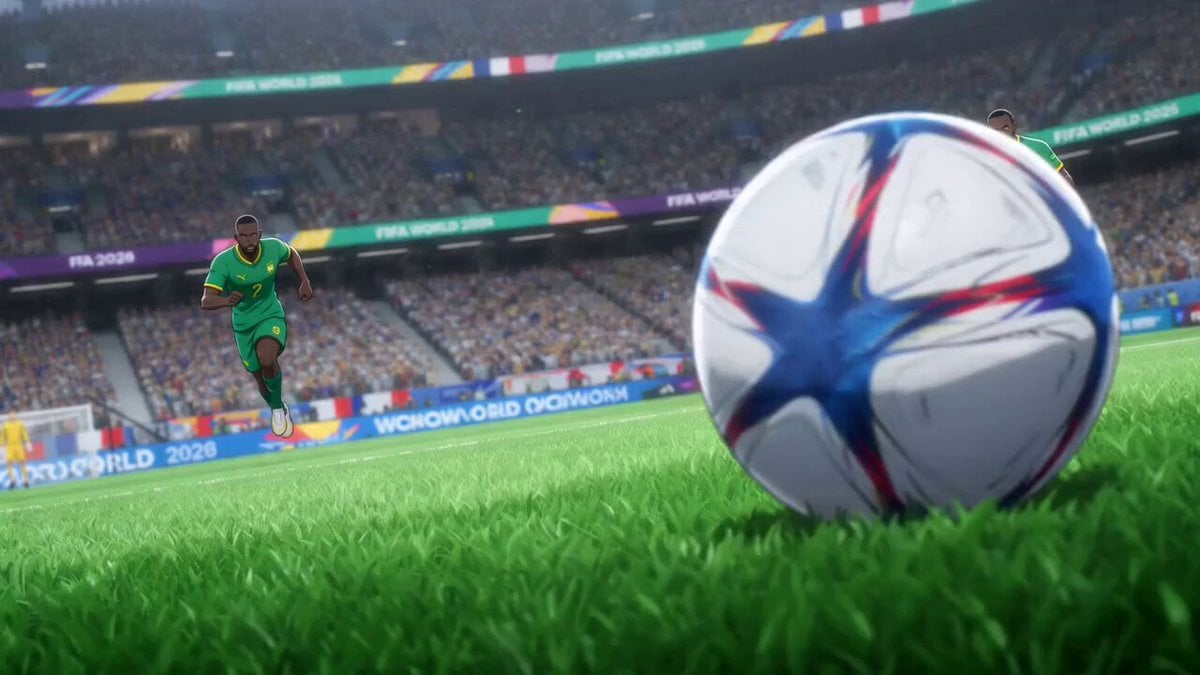
Anime Style World Cup Football Climax
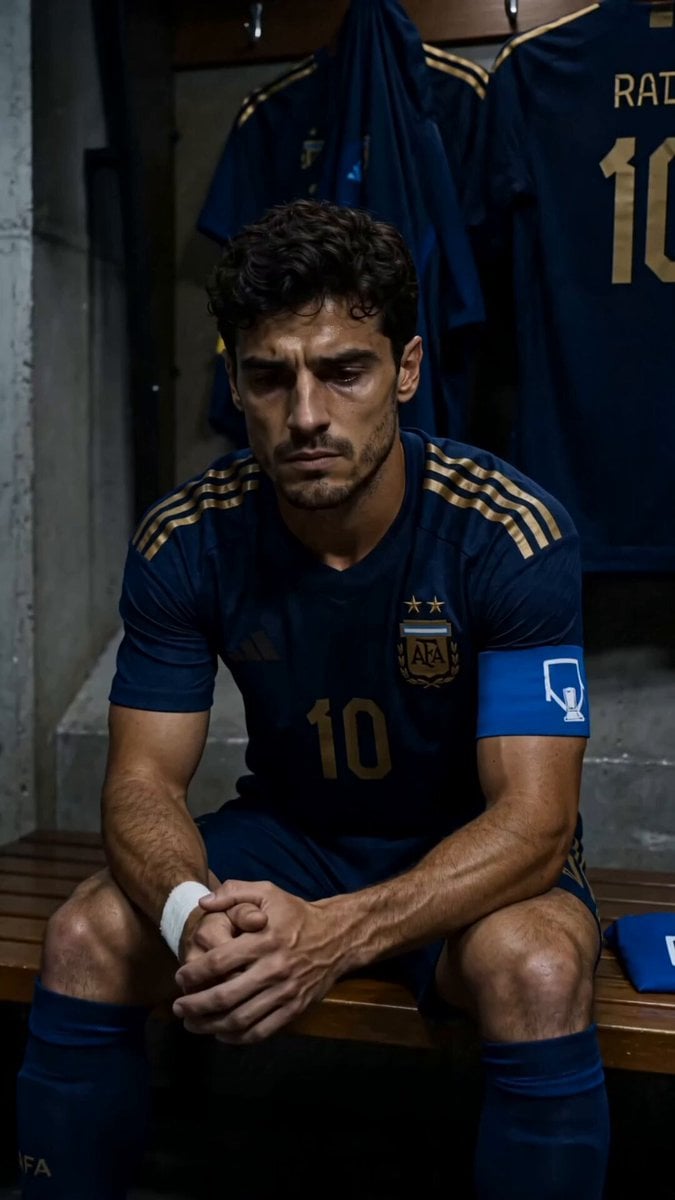
World Cup Final Emotional Drama
World Cup Final Travel Vlog
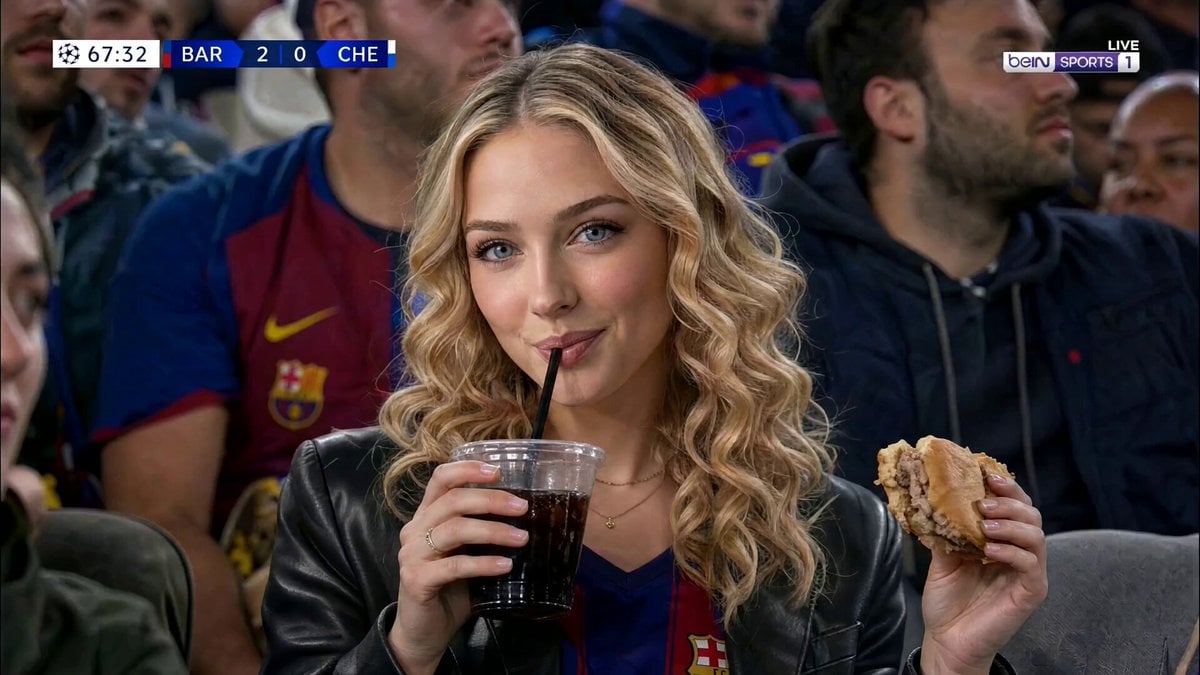
Ultra-Realistic Sports Broadcast Goal Sequence
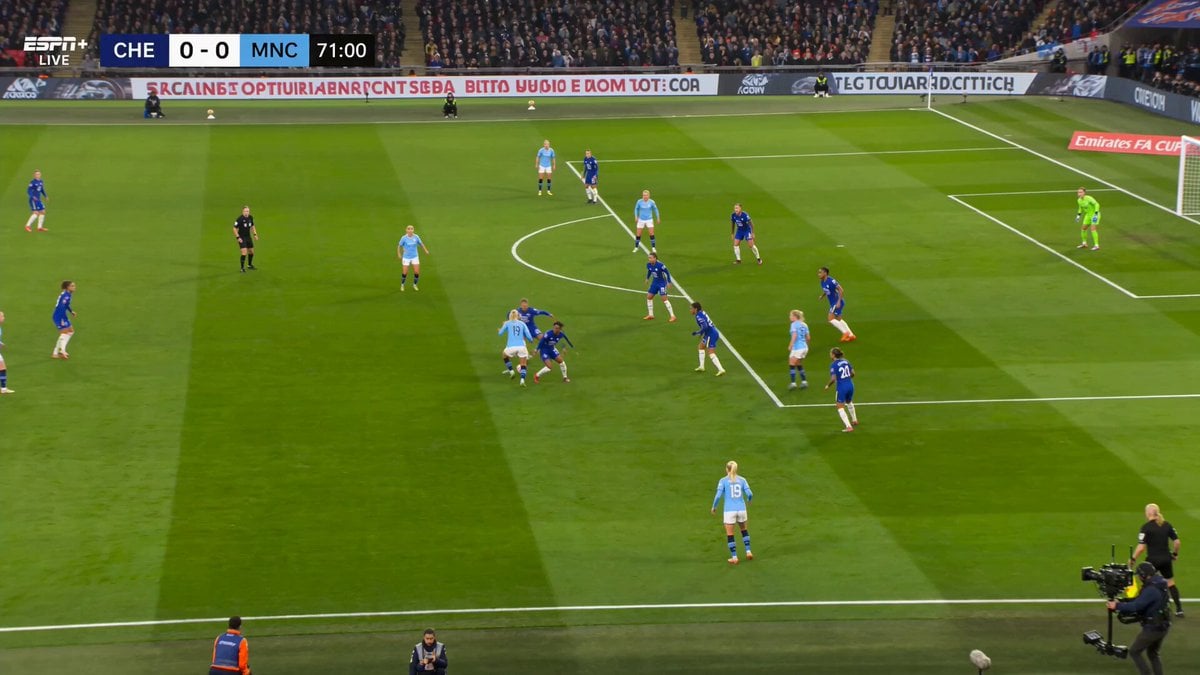
Manchester City FA Cup Sports Broadcast
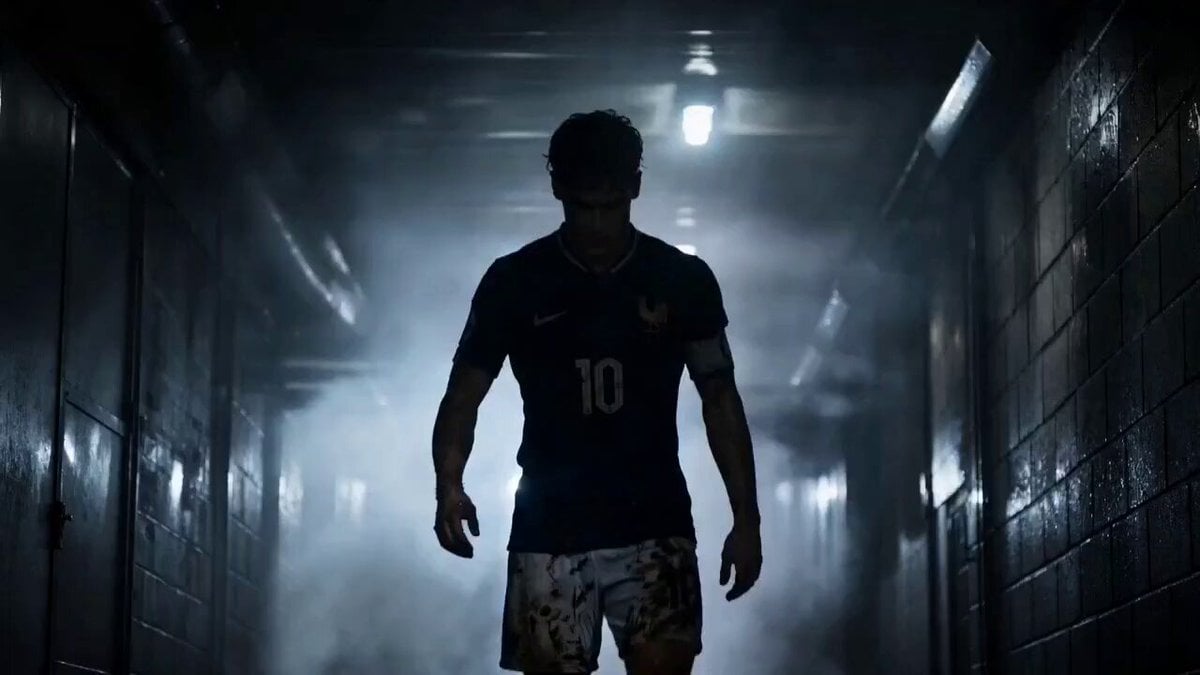
Futuristic World Cup Final Action
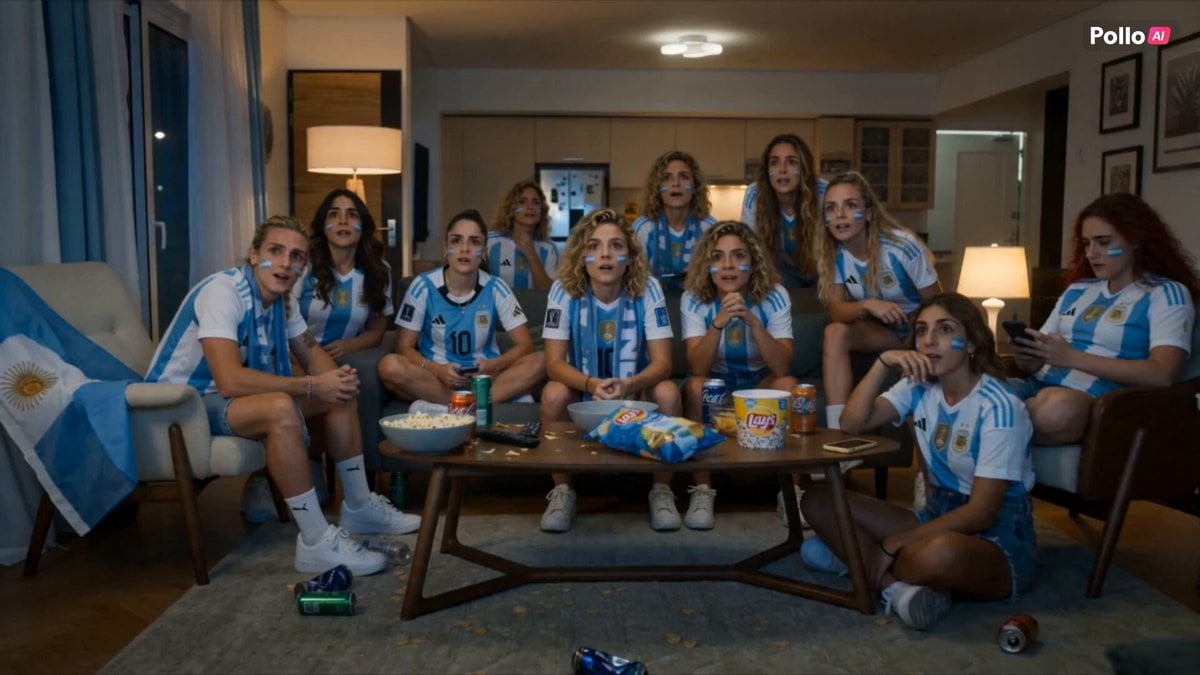
Lays World Cup 2026 Commercial
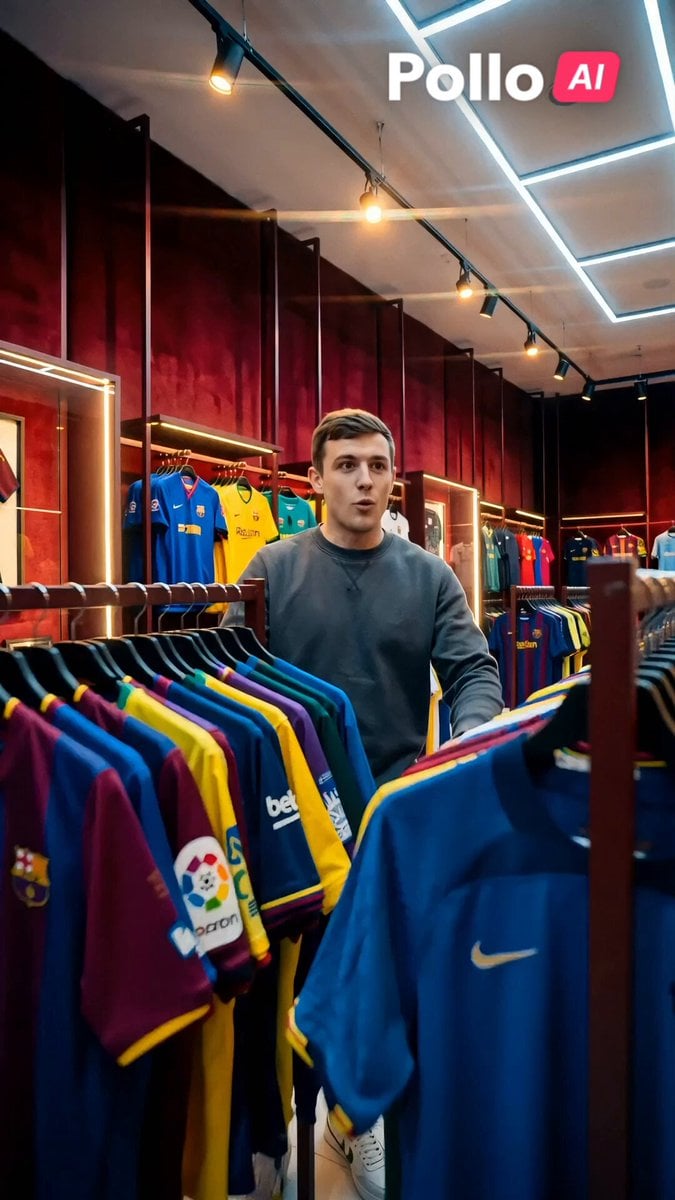
World Cup 2026 Fan Experience
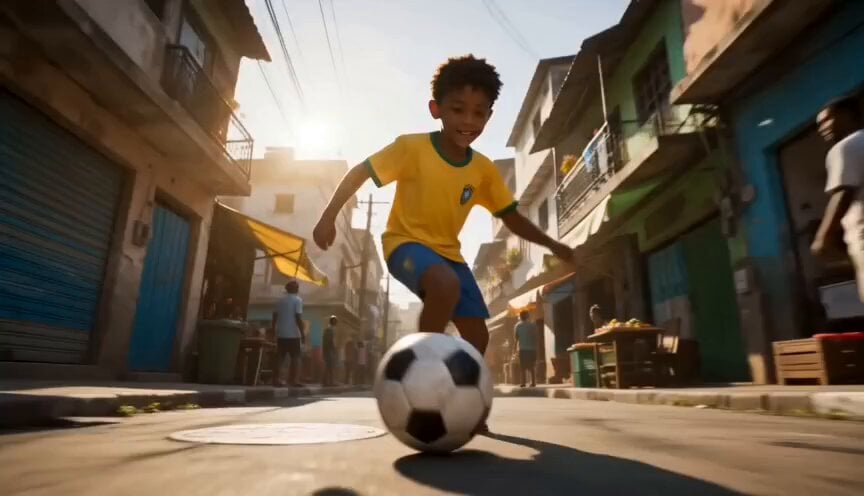
Global Football World Cup Journey
Make it yours
FIFA World Cup Broadcast Goal works as-is. These are the safest ways to change it without losing the look.
Change one field
Copy a single group, rewrite it, and generate again so you can see what that field is doing.
Keep the frame, change the subject
Hold the composition and light of FIFA World Cup Broadcast Goal, then swap wardrobe, props or the person for a new take.
| If the result… | Why | Fix |
|---|---|---|
| The result drifts from the preview | Too many fields changed at once. | Reuse FIFA World Cup Broadcast Goal as-is first, then change one group — subject, light, or setting. |
| The model over-stylizes the scene | The prose prompt leaves finish and camera underspecified. | Add one camera or lighting sentence and stay on Seedance 2.0. |
More Seedance 2.0 templates
Other prompts made for Seedance 2.0.

Comical Martial Arts Punch Scene

Maglev Train Action Sequence

Martial Arts Fight Sequence

Wuxia Protection and Trust Script

Vintage Korean Arcade MiniDV Vlog

Ancient Roman Celestial Flight

Mercedes 190 SL Luxury Ad

Rainy Night Supernatural Reverse Comedy Video Script

Amazon Civilization Discovery

Futuristic South Asian City Transformation
More video prompts
Fresh picks from across the catalog.
Video Consistency Requirements
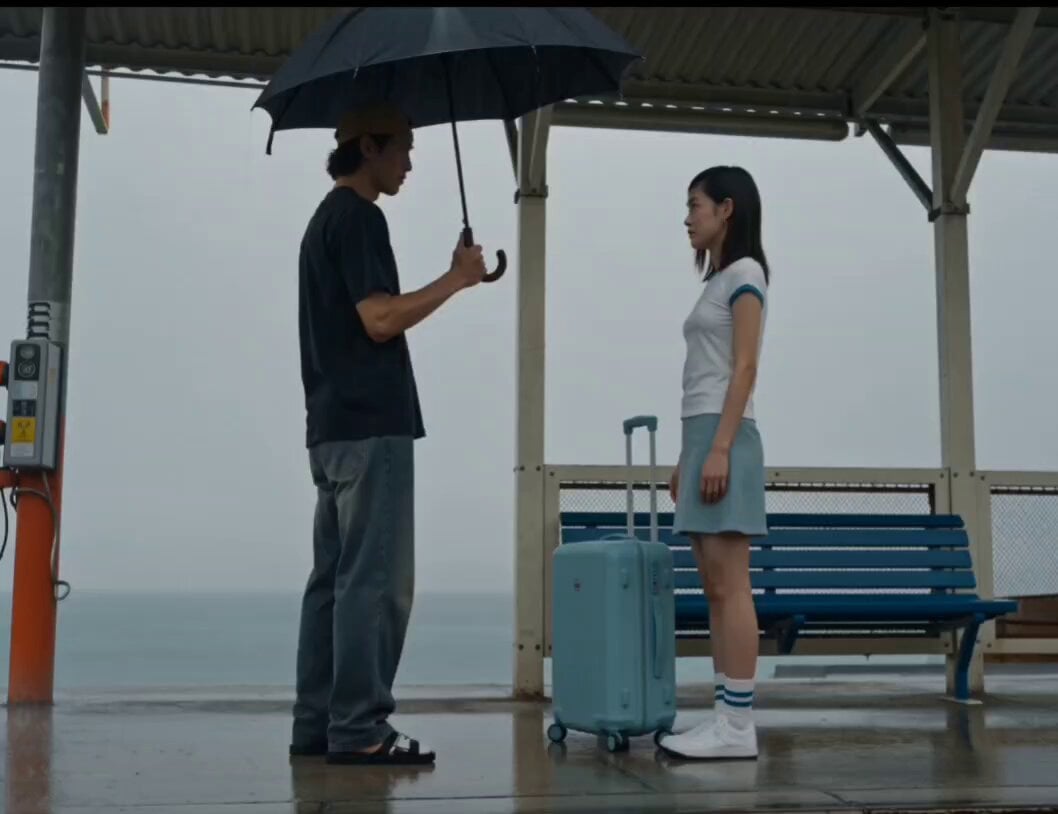
Rainy Seaside Station Goodbye Video Prompt
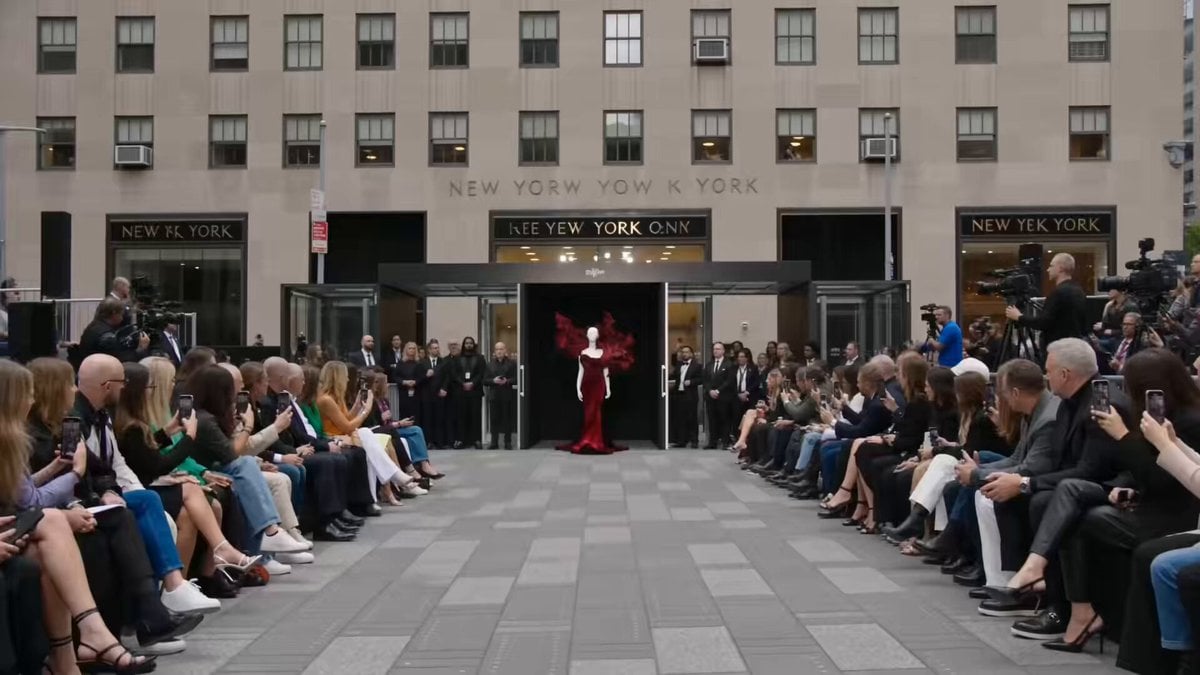
Fashion Runway Couture Walk
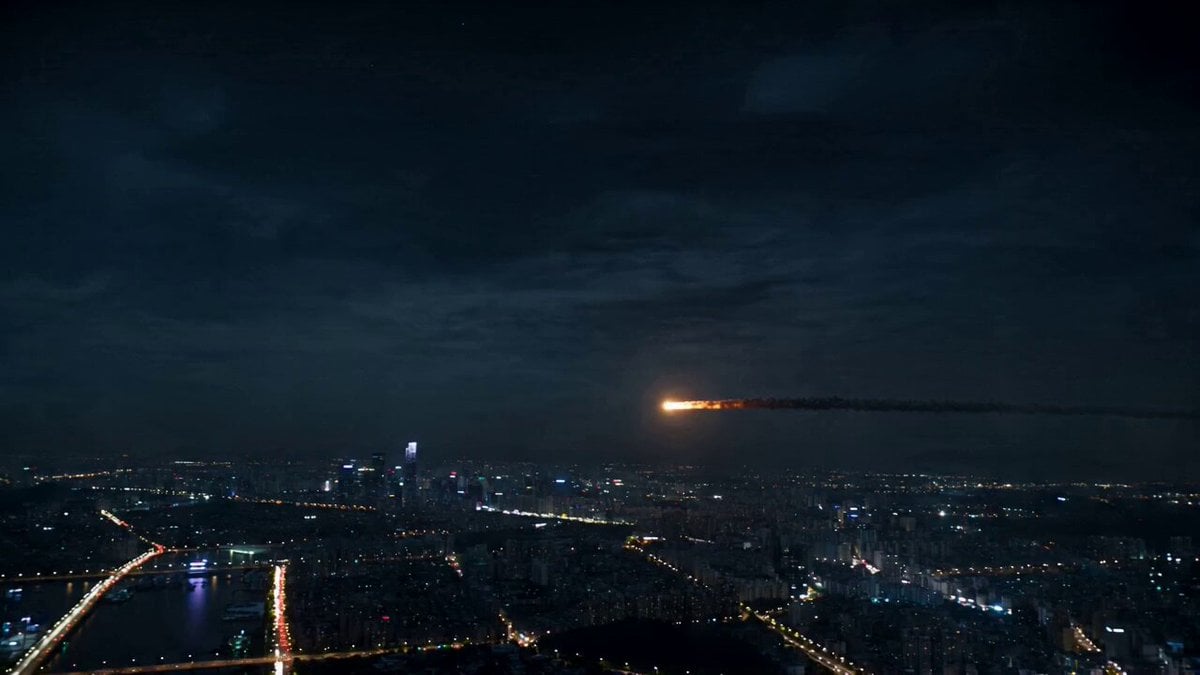
Asteroid City Impact Scene

Parallel Lives Transformation Video
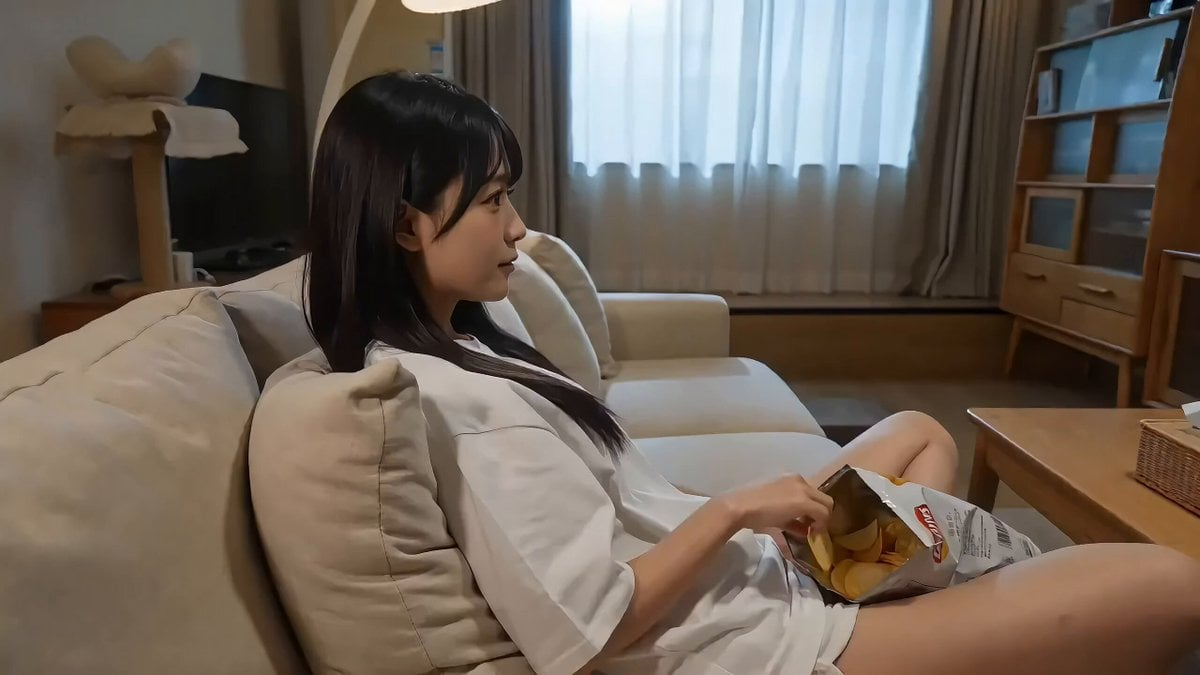
Boyfriend POV Video Prompt for Seedance 2.0

Ghibli style Wild West woman and butterfly video prompt
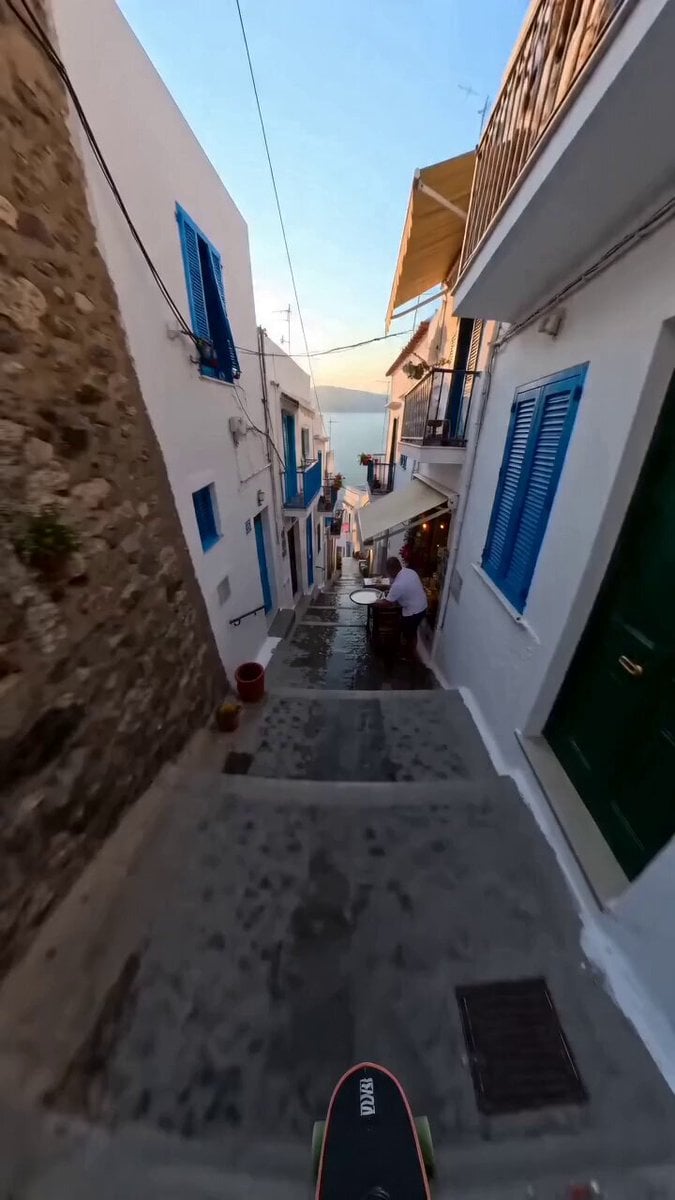
Continuous Shot Downhill Longboard Run

Biomechanical Insect Aerial Chase
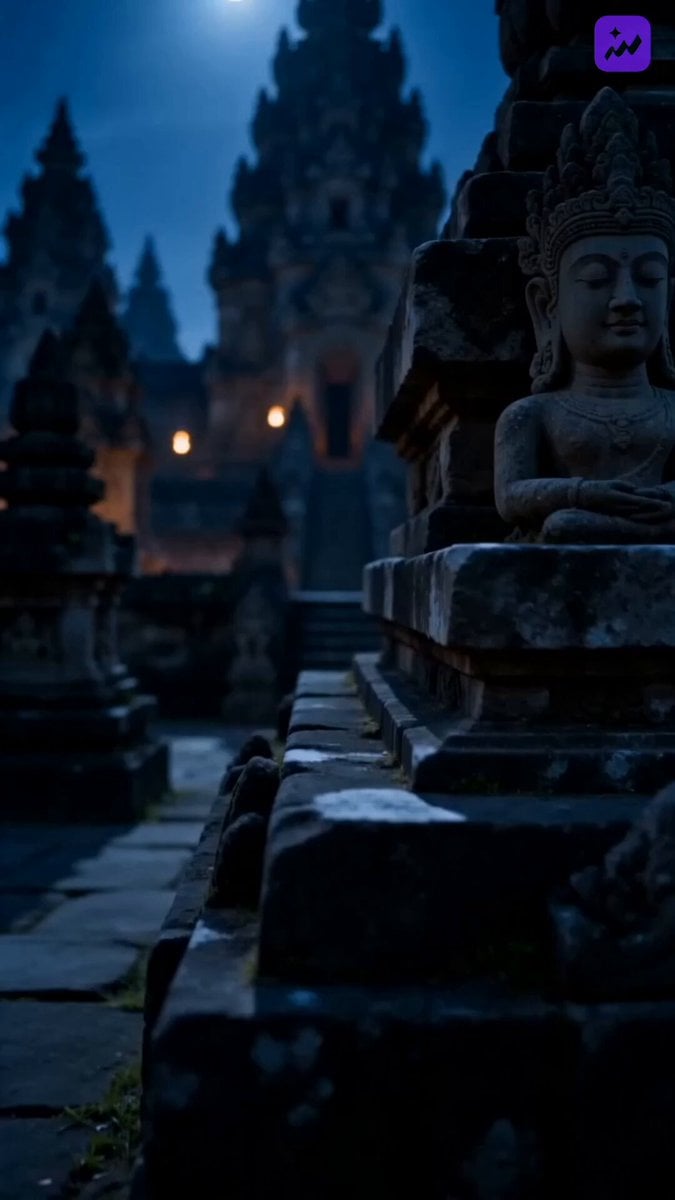
Indonesian Folklore Cinematic Short Drama
Browse template categories
FIFA World Cup Broadcast Goal questions
How do I use the FIFA World Cup Broadcast Goal template?
Add your photo if the template asks for one, edit the prompt if you like — the template's model and format are already selected — and press Generate. Your version opens in PicX Studio.
Can I customize the FIFA World Cup Broadcast Goal template?
Yes. You can change the subject, setting, lighting, mood, format, and available model controls before creating your video.
Is the FIFA World Cup Broadcast Goal template free?
Opening and editing this template is free. Generating uses credits, shown on the Generate button when you are signed in.
Which AI model should I use?
Start with Seedance 2.0, which is the model associated with this template. You can compare another compatible model for a different finish.
Looking for something else? Browse all templates.

Your photo, any look
Thousands of ready templates for every top image and video model, from one credit balance.