
Cinematic FIFA World Cup Match Video
A highly detailed multi-scene video generation prompt for a FIFA World Cup match between Brazil and Argentina, featuring team entries, gameplay action, and goal celebrations.
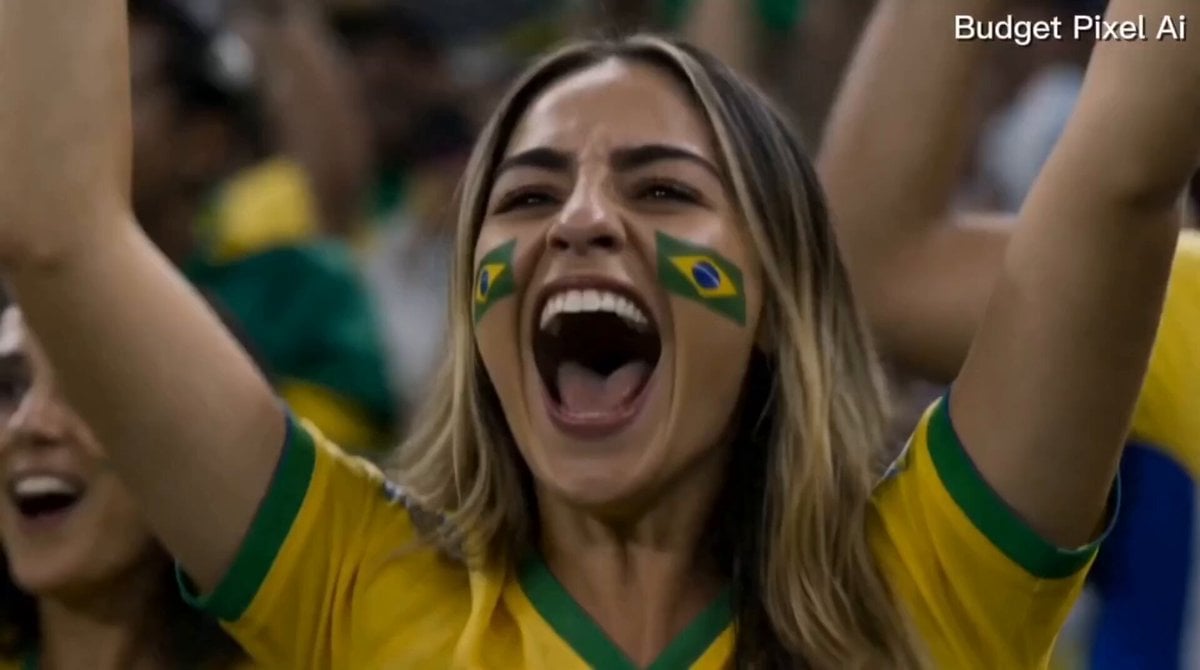
- Prompt included
- Model and format preset
- Free template
The prompt behind this video
Copy the exact prompt behind Cinematic FIFA World Cup Match Video, or open it in the studio and make it yours.
Ultra-realistic cinematic live-action FIFA World Cup 2026 match. Massive sold-out stadium packed with passionate fans. Brazil vs Argentina. Broadcast-quality sports cinematography, realistic players, epic atmosphere, 4K HDR.\n\nScene 1 (0-3s):\nBrazil and Argentina national teams enter the stadium from the tunnel. Brazilian players in yellow jerseys, Argentine players in sky-blue and white striped jerseys. Fans waving flags, roaring crowd, dramatic camera tracking shots, intense World Cup atmosphere.\n\nScene 2 (3-8s):\nMatch begins. Fast-paced football action between Brazil and Argentina. Brazilian players exchange quick, accurate passes while Argentine defenders press aggressively. Dynamic camera follows the ball across the pitch with realistic sports broadcast movement.\n\nScene 3 (8-12s):\nBrazilian star player receives a pass near the edge of the penalty area. He strikes a powerful shot. Cinematic slow motion as the ball rockets past the diving Argentine goalkeeper and hits the back of the net. Stadium erupts with thunderous cheers.\n\nScene 4 (12-15s):\nBrazilian goal scorer celebrates passionately with teammates. Cut to a beautiful young woman and her friends in the crowd wearing Brazil jerseys, jumping, cheering, waving Brazilian flags, and celebrating the winning goal. Confetti, stadium lights, emotional victory atmosphere, epic cinematic ending.\n\nStyle: Ultra-realistic live-action, FIFA World Cup broadcast quality, dramatic slow motion, realistic crowd reactions, cinematic sports documentary style, high-energy atmosphere, professional camera work, 4K HDR.
How to use Cinematic FIFA World Cup Match Video in 3 steps
- 1
Open
The prompt is already in the box next to the preview, with the template's model and format selected.
- 2…a portrait of your subject in softgolden-hour light, 85mm…
Personalize
Edit the subject and creative details for your destination.
- 3Generate
Generate
Press Generate — your video is created in PicX Studio, so you can compare it with the original and refine one variable at a time.
More like this
Templates with the same subject, style or setup. Open one to see its prompt.
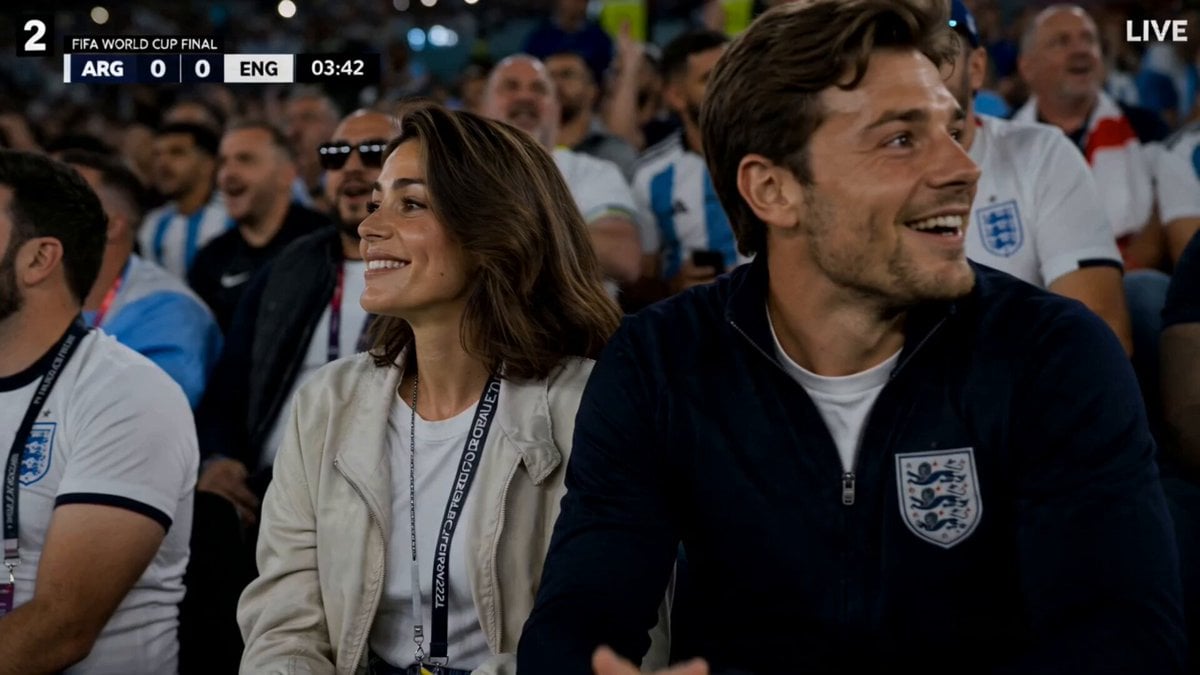
FIFA World Cup Broadcast Goal
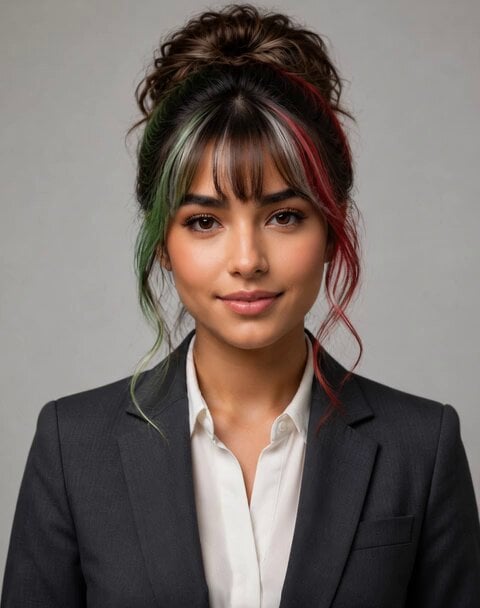
Italian World Cup Reaction
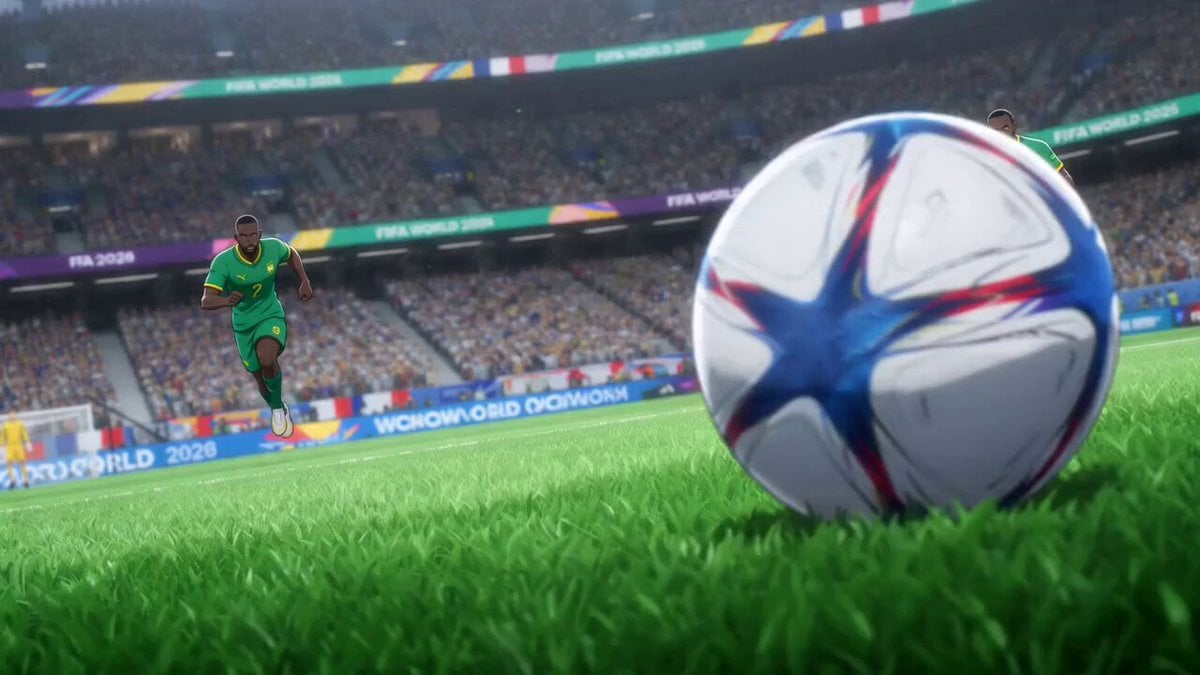
Anime Style World Cup Football Climax
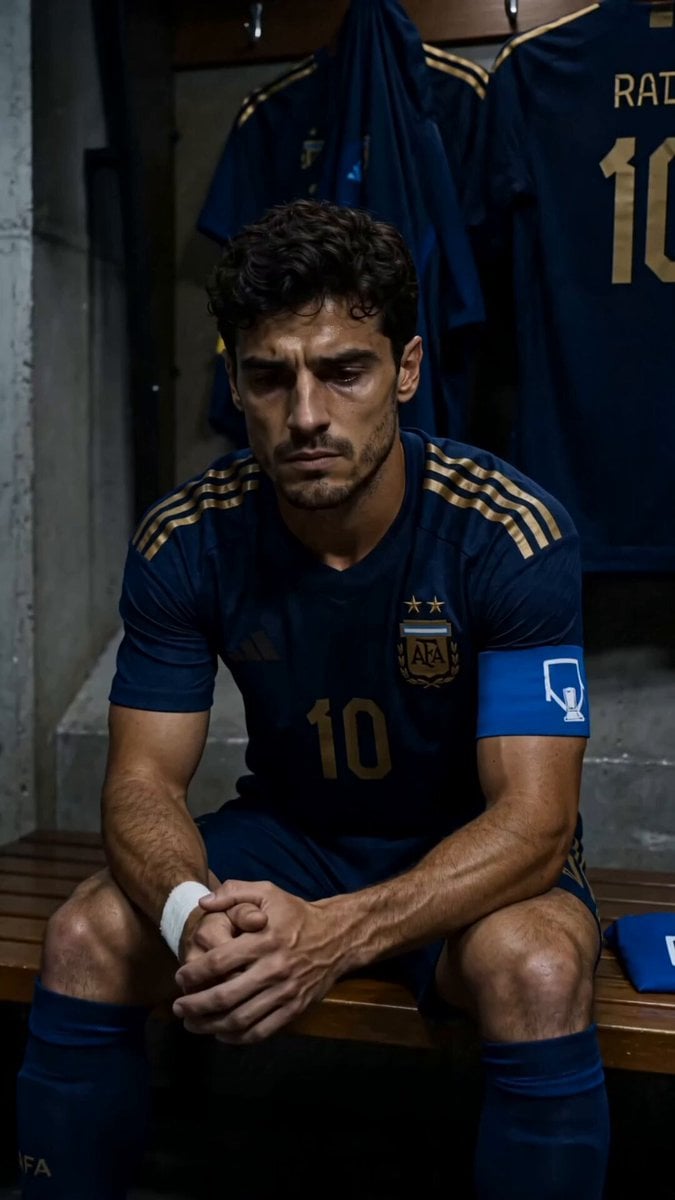
World Cup Final Emotional Drama
World Cup Final Travel Vlog
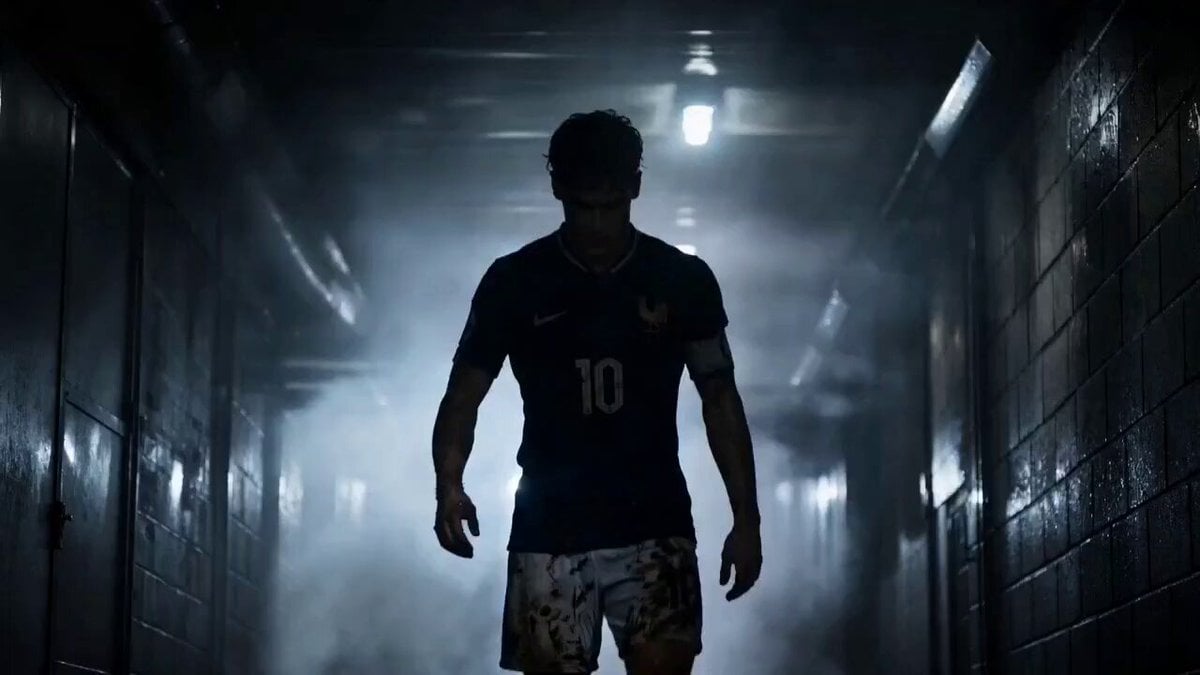
Futuristic World Cup Final Action
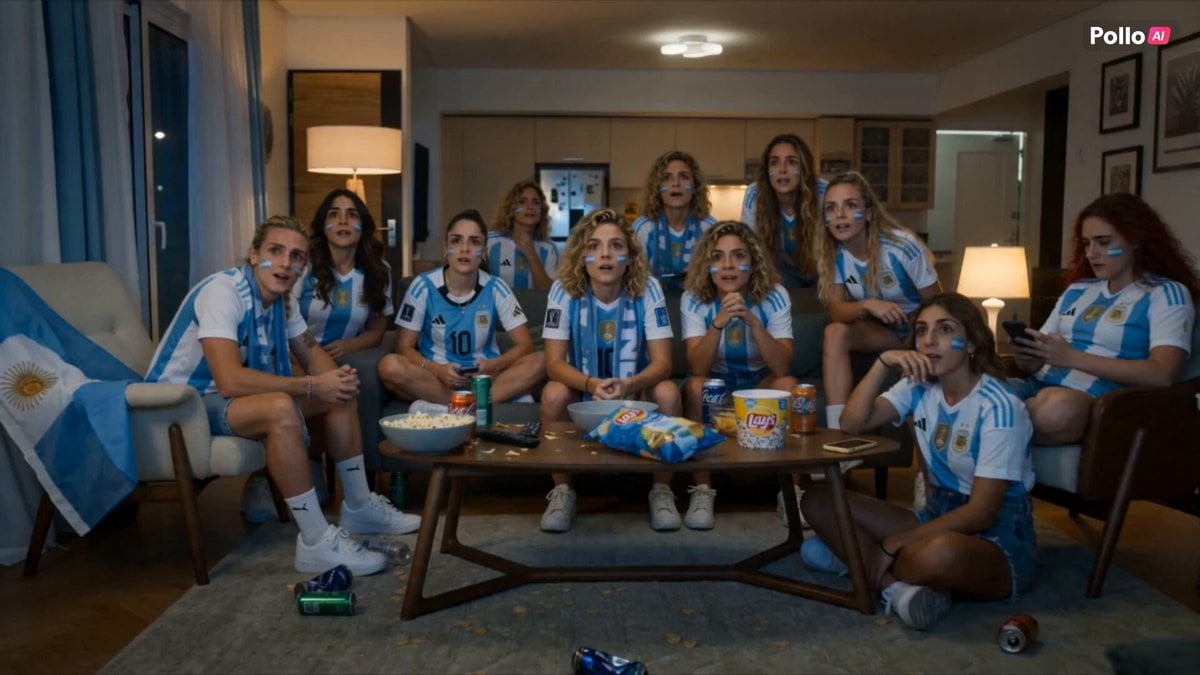
Lays World Cup 2026 Commercial
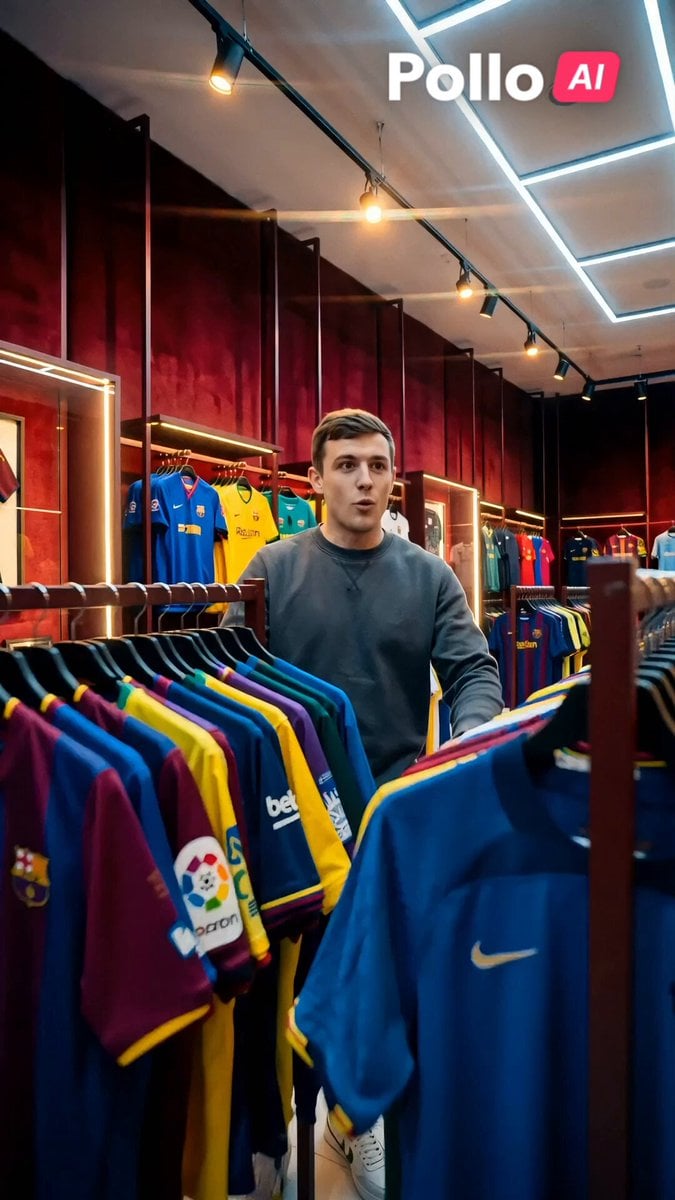
World Cup 2026 Fan Experience
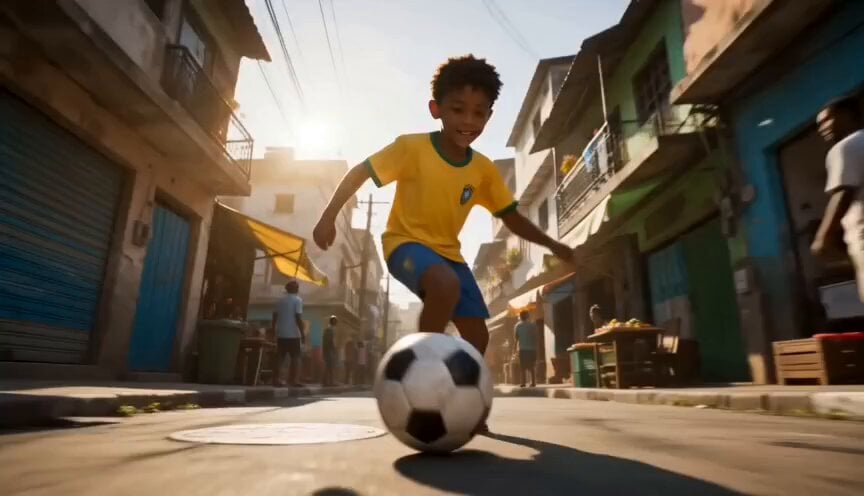
Global Football World Cup Journey
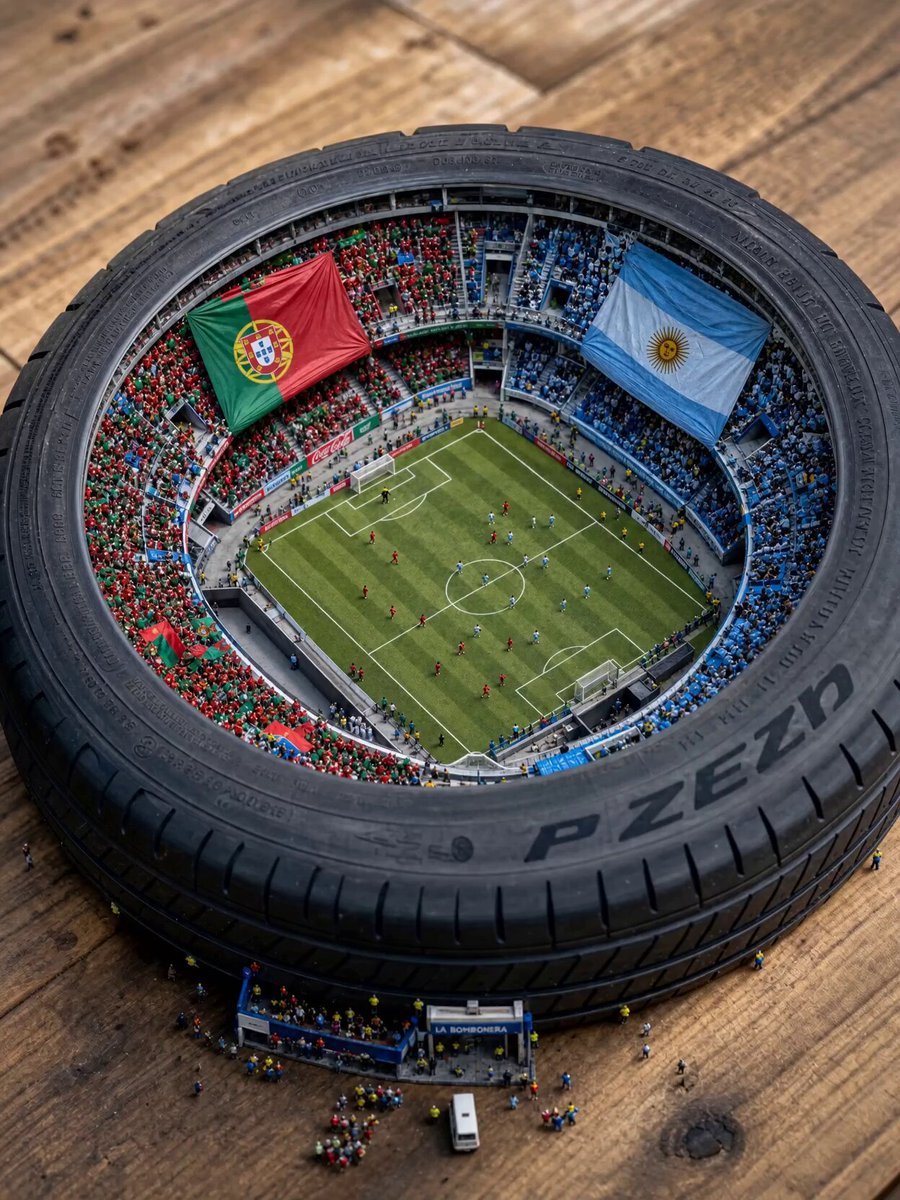
Miniature World Cup Tire Stadium
World Cup Travel Vlog Style Video

Satirical World Cup Construction Prompt
Make it yours
Cinematic FIFA World Cup Match Video works as-is. These are the safest ways to change it without losing the look.
Change one field
Copy a single group, rewrite it, and generate again so you can see what that field is doing.
Keep the frame, change the subject
Hold the composition and light of Cinematic FIFA World Cup Match Video, then swap wardrobe, props or the person for a new take.
| If the result… | Why | Fix |
|---|---|---|
| The result drifts from the preview | Too many fields changed at once. | Reuse Cinematic FIFA World Cup Match Video as-is first, then change one group — subject, light, or setting. |
| The model over-stylizes the scene | The prose prompt leaves finish and camera underspecified. | Add one camera or lighting sentence and stay on Seedance 2.0. |
More Seedance 2.0 templates
Other prompts made for Seedance 2.0.

Comical Martial Arts Punch Scene

Maglev Train Action Sequence

Martial Arts Fight Sequence

Wuxia Protection and Trust Script

Vintage Korean Arcade MiniDV Vlog

Mercedes 190 SL Luxury Ad

Rainy Night Supernatural Reverse Comedy Video Script

Amazon Civilization Discovery

Futuristic South Asian City Transformation

Cozy Luxury Cafe Commercial
More video prompts
Fresh picks from across the catalog.
K-pop Idol Backstage Vlog
Urban Time-Shift Martial Arts Epic: Cat Ninja vs. Tiger Warrior
Futuristic Cyborg Sprinter Video Prompt

DV Camcorder POV Gym Montage — Seedance 2.5
Impossible Camera Moves in Amazon Rainforest
Korean Exclamation Prompt

Cinematic Sci-Fi Blockbuster Video Prompt

Sunrise Forest FPV VFX
Retro Reality TV Kids Obstacle Course
Nostalgic Idol Home Video Storyboard
Browse template categories
Cinematic FIFA World Cup Match Video questions
How do I use the Cinematic FIFA World Cup Match Video template?
Add your photo if the template asks for one, edit the prompt if you like — the template's model and format are already selected — and press Generate. Your version opens in PicX Studio.
Can I customize the Cinematic FIFA World Cup Match Video template?
Yes. You can change the subject, setting, lighting, mood, format, and available model controls before creating your video.
Is the Cinematic FIFA World Cup Match Video template free?
Opening and editing this template is free. Generating uses credits, shown on the Generate button when you are signed in.
Which AI model should I use?
Start with Seedance 2.0, which is the model associated with this template. You can compare another compatible model for a different finish.
Looking for something else? Browse all templates.

Your photo, any look
Thousands of ready templates for every top image and video model, from one credit balance.