How do I use the Impossible Camera Moves in Amazon Rainforest template?
Edit the prompt in the box under the preview — the template's model and format are already selected — and press Generate. Your version appears right on this page.
A detailed prompt for Seedance 2.0 generating a continuous, single-take cinematic sequence.
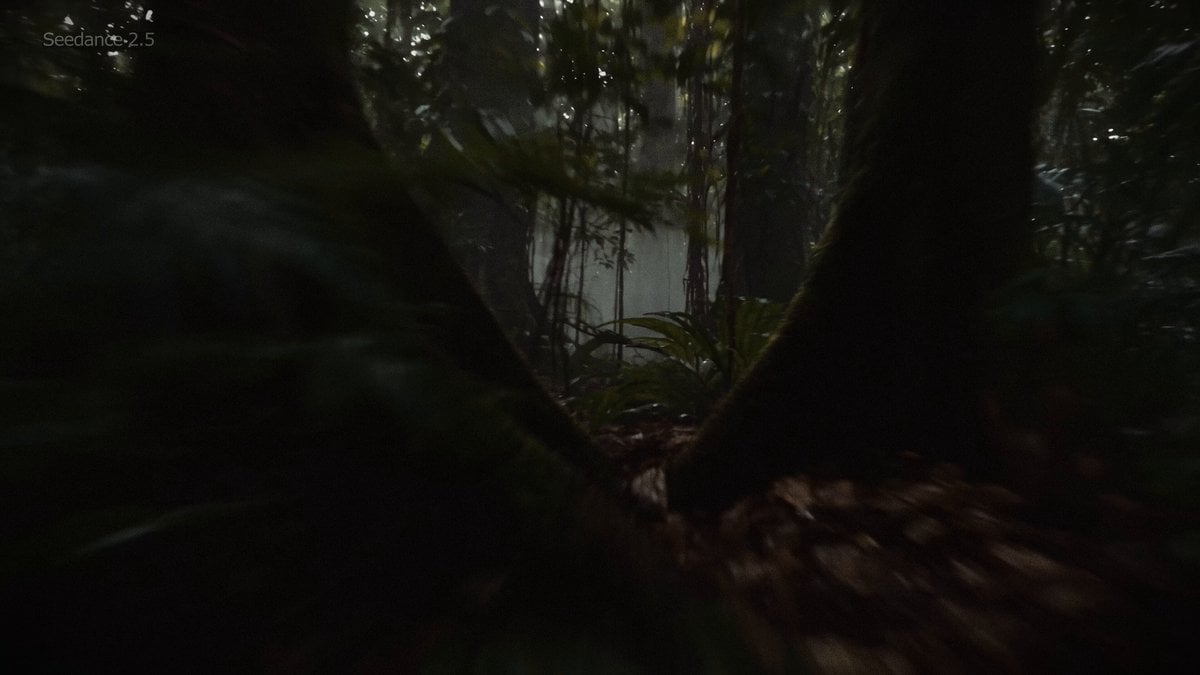
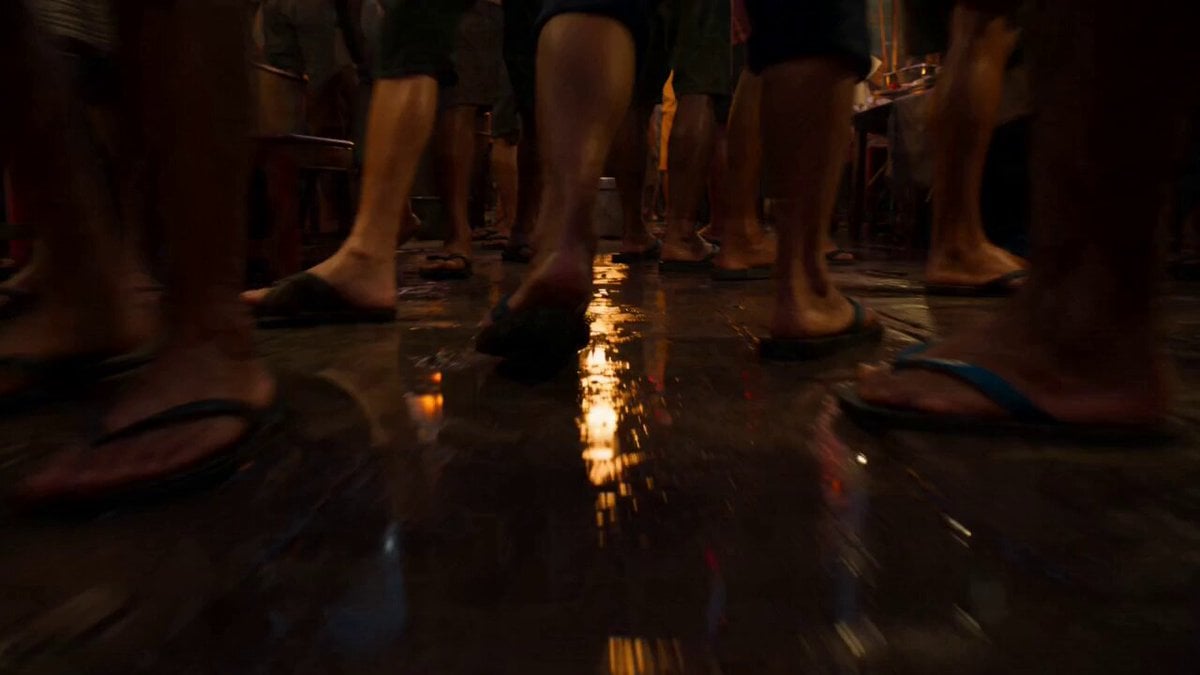
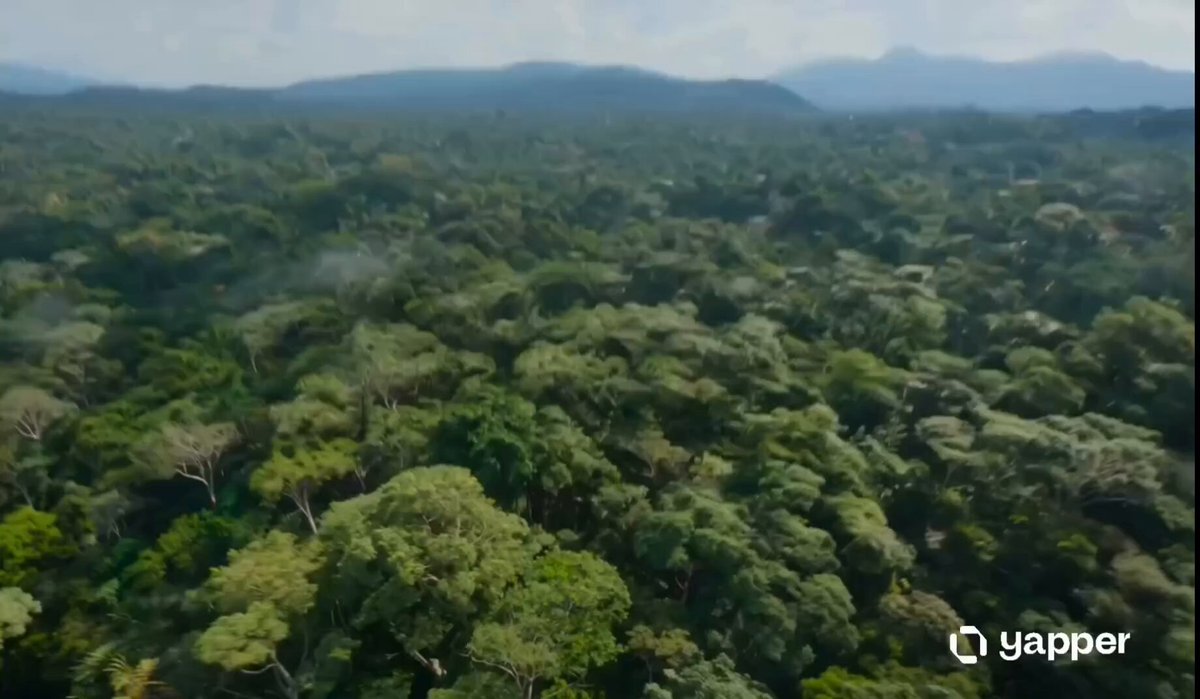
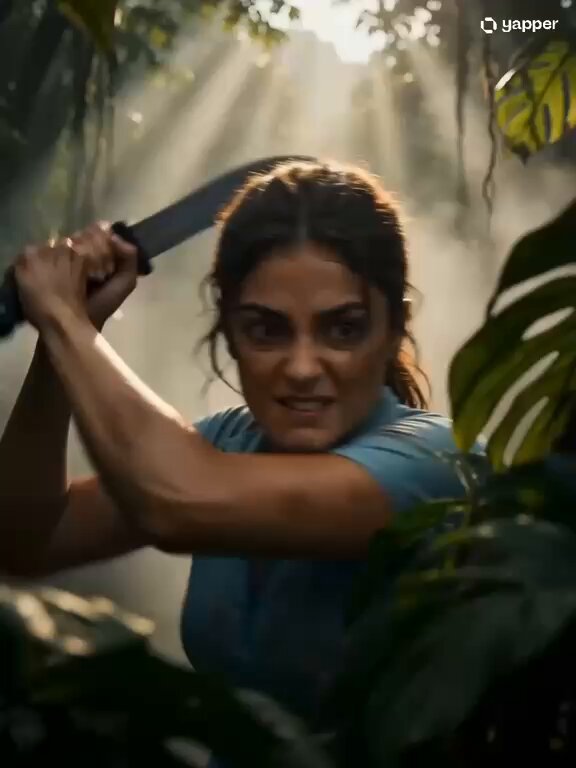
Continuous single take, camera tilting, rolling, spinning, flying through a dense Amazonian rainforest ecosystem. Starts flying through the misty canopy dodging hanging vines and a sleeping sloth, camera dives downward into the hollow trunk of a massive ancient tree, gliding past bioluminescent fungi and a colony of bats. Sweeps out onto the humid forest floor, closely following a rapid line of leaf-cutter ants carrying green fragments, weaving through giant ferns and dew drops. Camera dives directly into a fast-flowing jungle river, transitioning smoothly underwater past darting piranhas and swaying aquatic plants, before bursting out of a roaring waterfall into a breathtaking aerial view of the infinite green jungle at dawn. No cuts, impossible camera moves, seamless transitions, energetic, dynamic, cinematic. 8K high definition, high quality footage.
Continuous single take, camera tilting, rolling, spinning, flying through a dense Amazonian rainforest ecosystem. Starts flying through the misty canopy dodging hanging vines and a sleeping sloth, camera dives downward into the hollow trunk of a massive ancient tree, gliding past bioluminescent fungi and a colony of bats. Sweeps out onto the humid forest floor, closely following a rapid line of leaf-cutter ants carrying green fragments, weaving through giant ferns and dew drops. Camera dives directly into a fast-flowing jungle river, transitioning smoothly underwater past darting piranhas and swaying aquatic plants, before bursting out of a roaring waterfall into a breathtaking aerial view of the infinite green jungle at dawn. No cuts, impossible camera moves, seamless transitions, energetic, dynamic, cinematic. 8K high definition, high quality footage.
Edit the prompt in the box under the preview — the template's model and format are already selected — and press Generate. Your version appears right on this page.
Yes. You can change the subject, setting, lighting, mood, format, and available model controls before creating your video.
Opening and editing this template is free. Generating uses credits, shown on the Generate button when you are signed in.
Start with Seedance 2.0, which is the model associated with this template. You can compare another compatible model for a different finish.
Follow a topic to a crawlable collection of related PicX Studio templates.