
Impossible Cavalry Charge Camera Shot Prompt for Seedance 2.0
A complex, continuous camera motion prompt for Seedance 2.0, describing an impossible 15-second shot that starts under a thundering cavalry charge, weaves through an infantry collision, and rises above the battlefield…
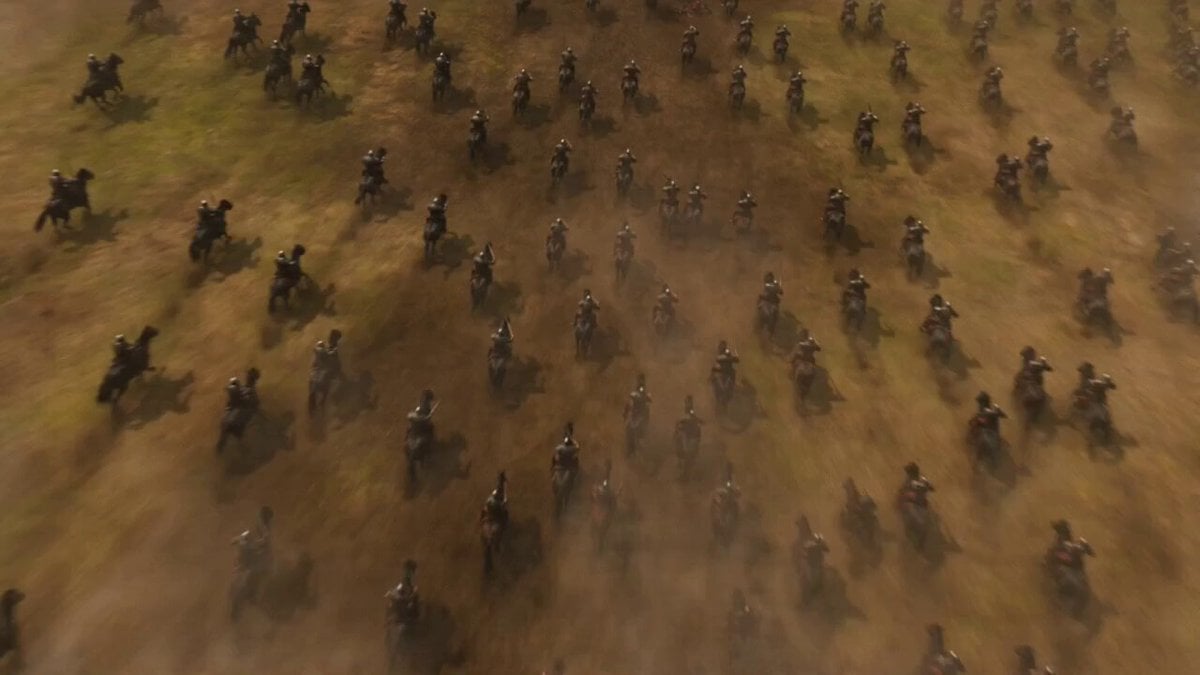
- Prompt included
- Model and format preset
- Free template
The prompt behind this video
Copy the exact prompt behind Impossible Cavalry Charge Camera Shot Prompt for Seedance 2.0, or open it in the studio and make it yours.
15-second extreme action war shot, one continuous impossible camera move. The camera starts inches above the dirt directly under a thundering cavalry charge, weaving between pounding hooves, flying mud, broken spears, and dragging banners. It glides impossibly low beneath horses without getting hit, then shoots through the center of an infantry collision, past shields slamming and swords flashing, before rising vertically up the shaft of a battle standard as if the flag itself were a tunnel. It bursts above the battlefield into a vast overhead reveal of the armies colliding below. Hyper-detailed dust, mud, cloth, and impact physics, impossible under-stampede camera path, epic historical-fantasy scale.
How to use Impossible Cavalry Charge Camera Shot Prompt for Seedance 2.0 in 3 steps
- 1
Open
The prompt is already in the box next to the preview, with the template's model and format selected.
- 2…a portrait of your subject in softgolden-hour light, 85mm…
Personalize
Edit the subject and creative details for your destination.
- 3Generate
Generate
Press Generate — your video is created in PicX Studio, so you can compare it with the original and refine one variable at a time.
More like this
Templates with the same subject, style or setup. Open one to see its prompt.
Colossal Sea Creature — Stormy Shore Charge (Seedance)
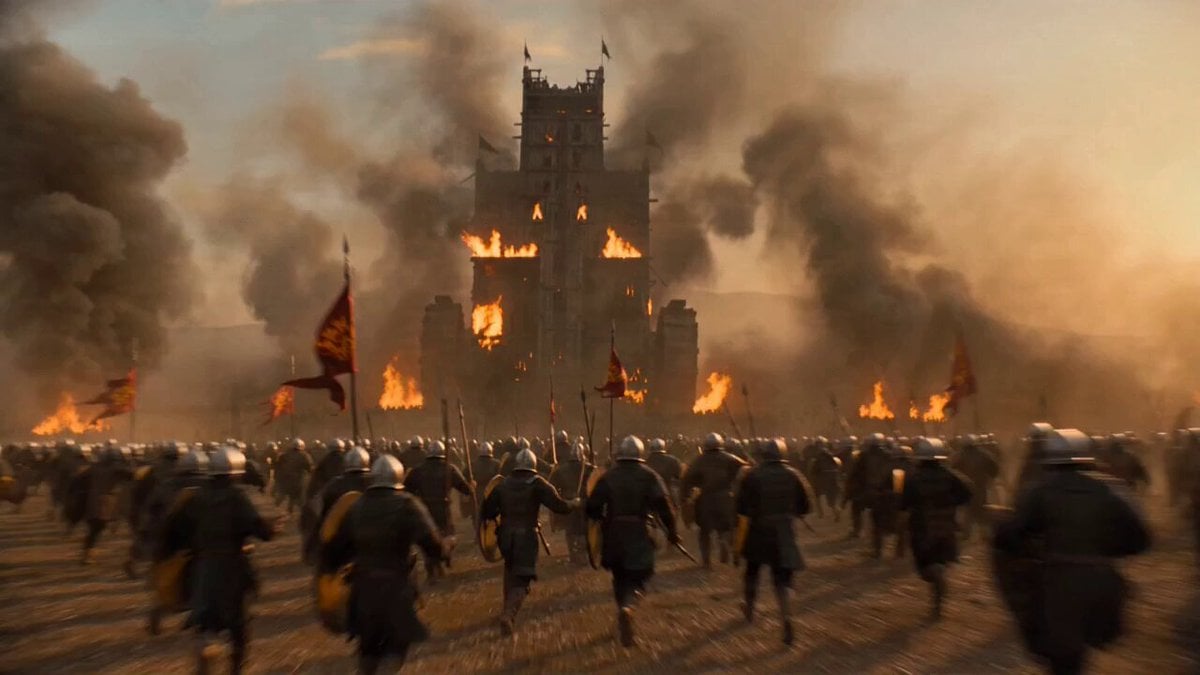
Impossible Siege Tower Camera Shot Prompt for Seedance 2.0
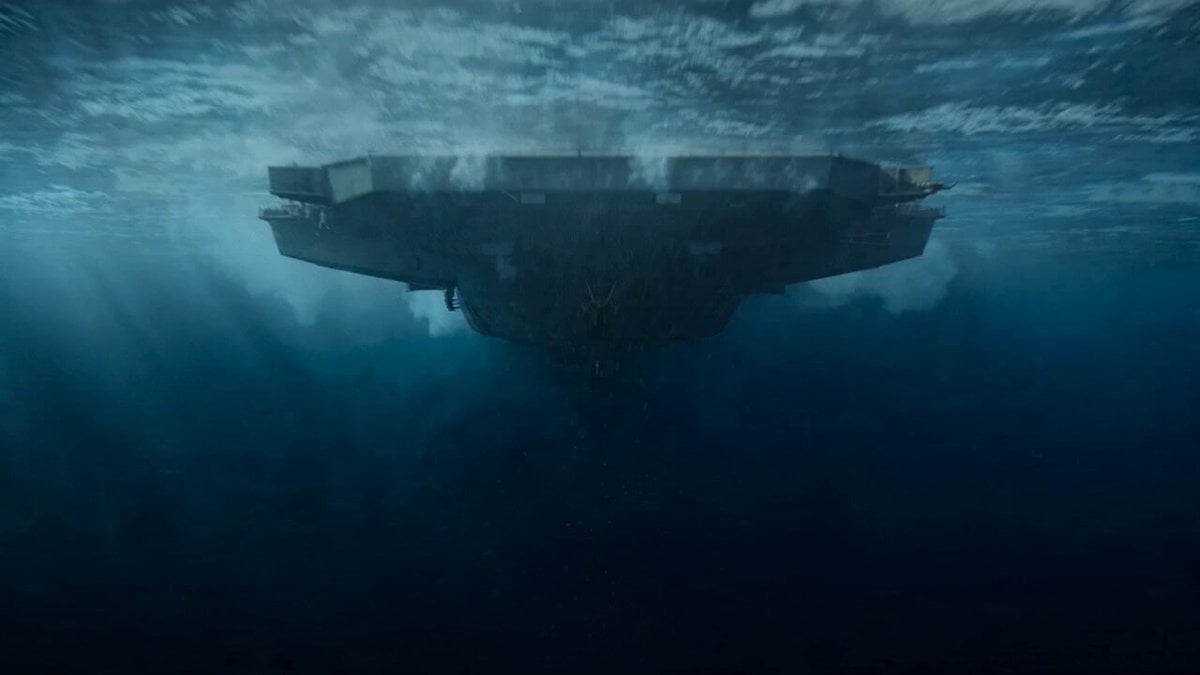
Impossible Naval War Camera Shot Prompt for Seedance 2.0
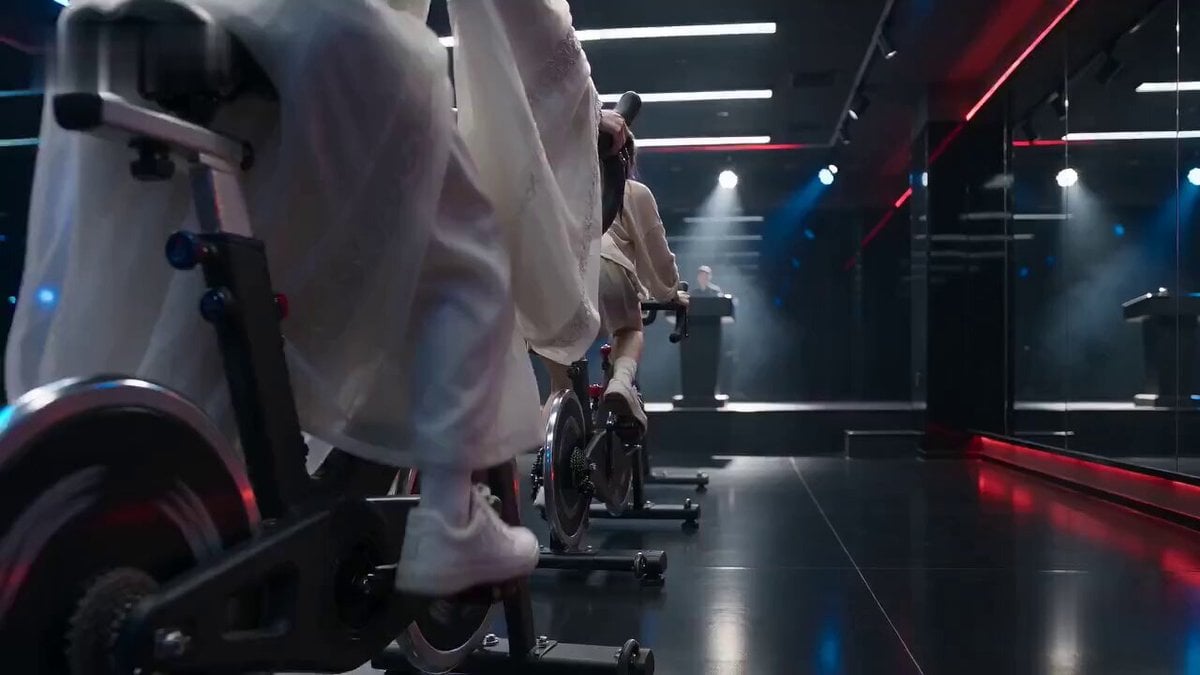
Cinematic Exercise Bike Cavalry Charge Misdirection
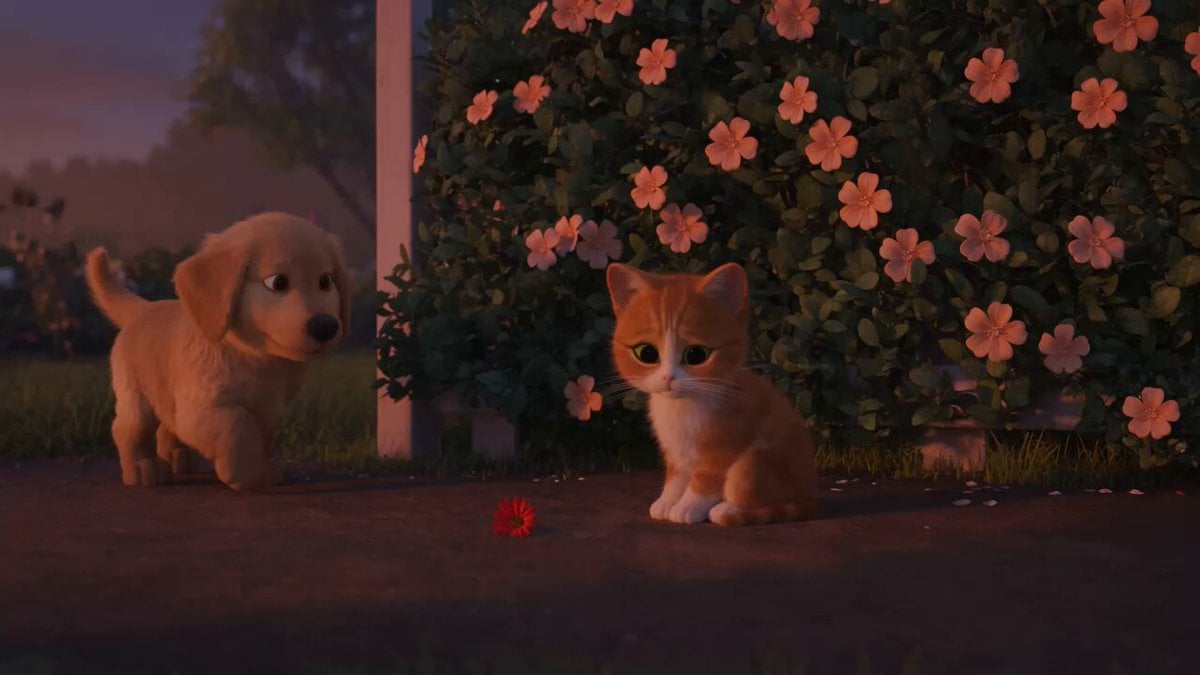
Wholesome Puppy and Kitten Story - Seedance 2.5

Mysterious Home Exploration Vlog - Seedance 2.5
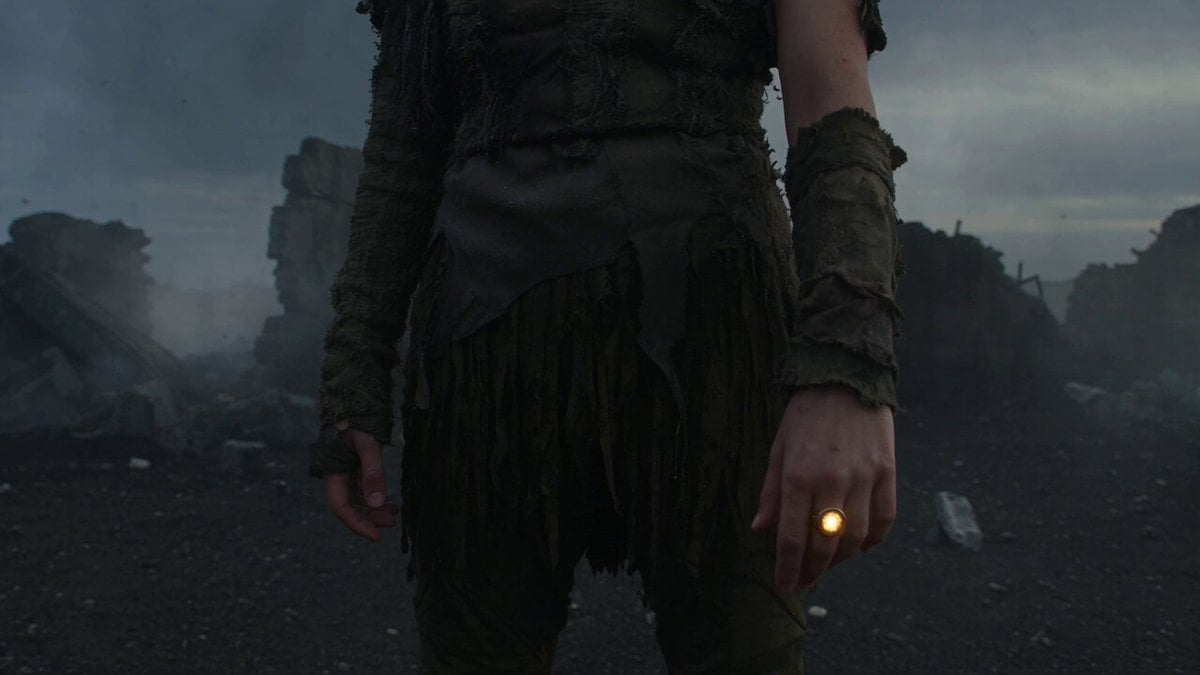
Dark Tokusatsu Transformation - Seedance 2.5
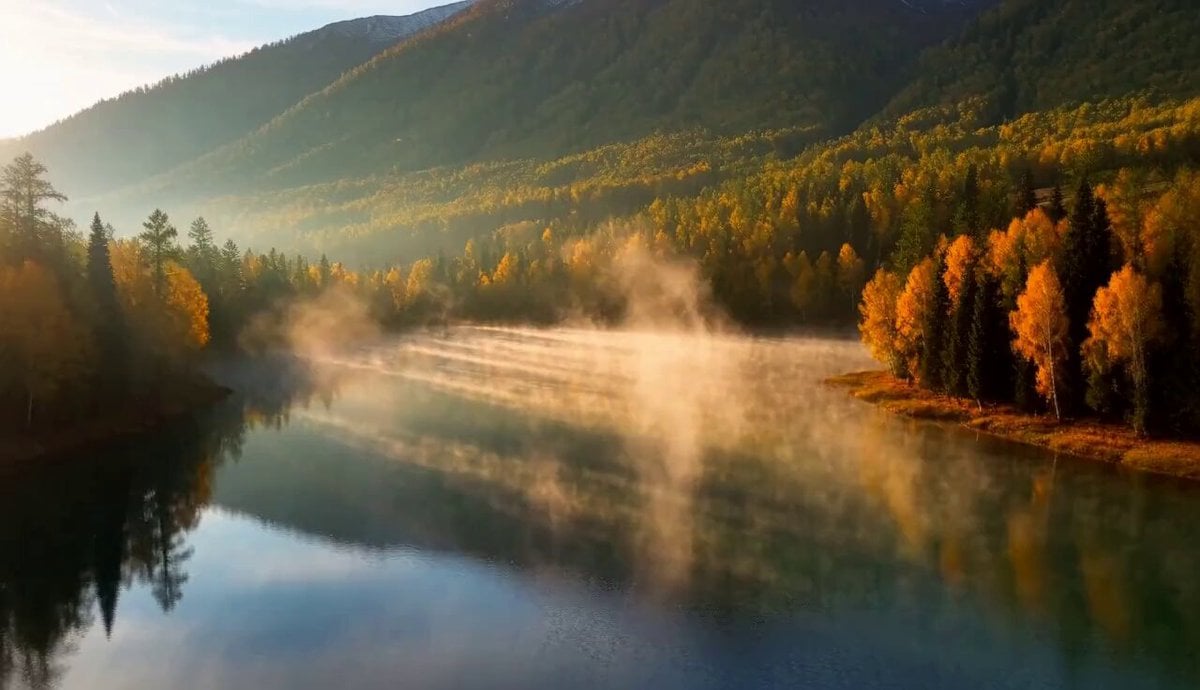
Cinematic Xinjiang Drone Landscapes - Seedance 2.5
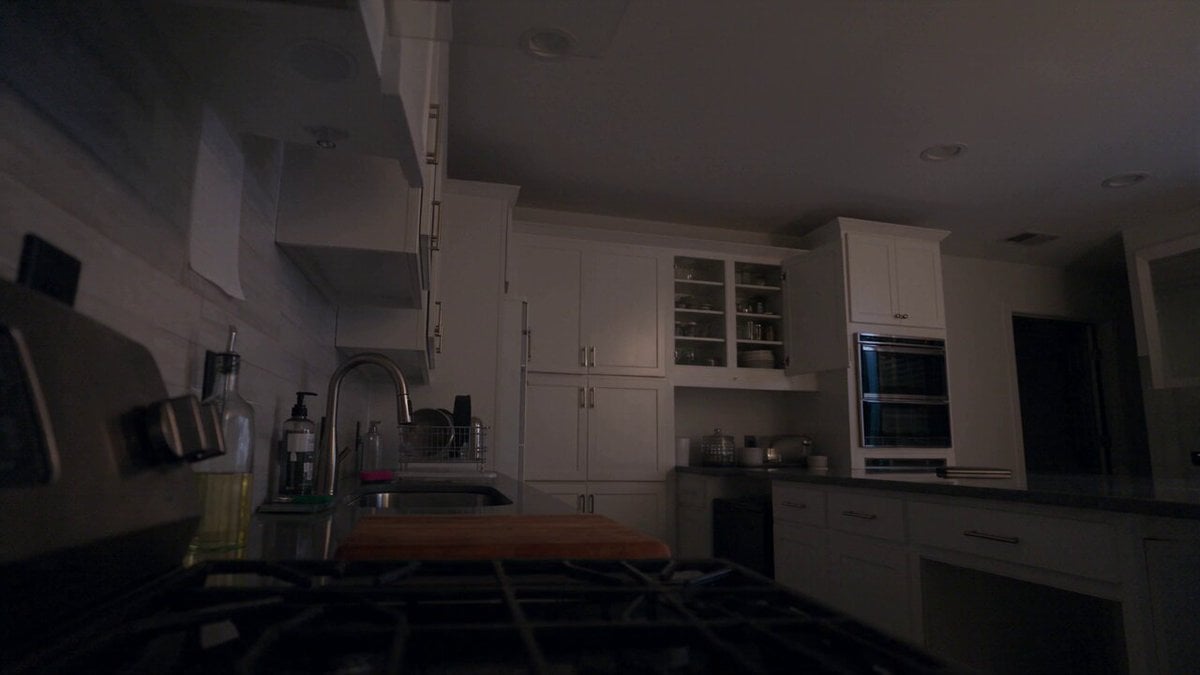
Late Night Kitchen Phone Recording - Seedance 2.5
3D Animated Cat and Old Man - Seedance
Realistic City Street Story Cinematic Video - Seedance
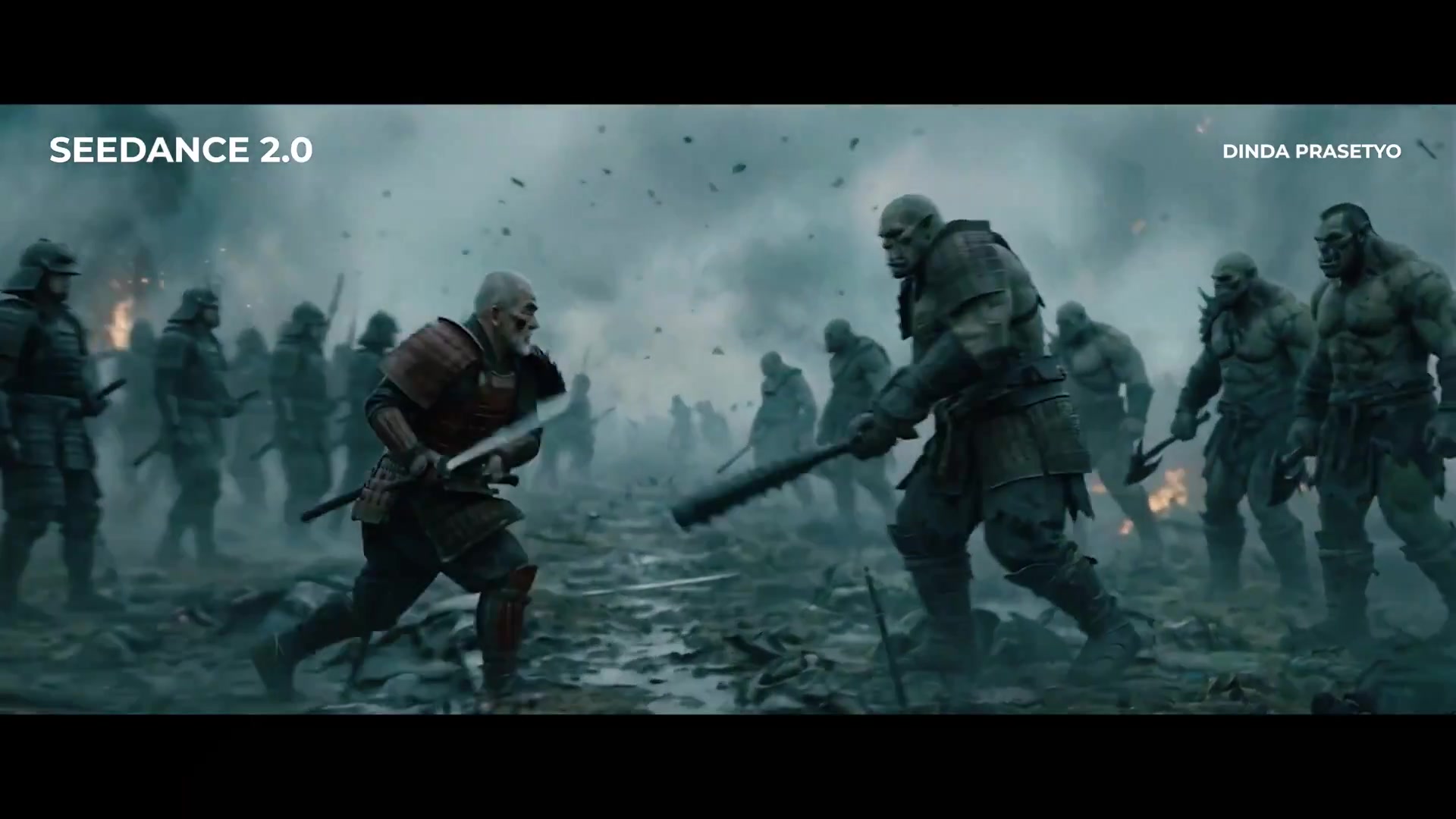
Seedance 2.0 First Test — Dynamic Motion Showcase
Make it yours
Impossible Cavalry Charge Camera Shot Prompt for Seedance 2.0 works as-is. These are the safest ways to change it without losing the look.
Change one field
Copy a single group, rewrite it, and generate again so you can see what that field is doing.
Keep the frame, change the subject
Hold the composition and light of Impossible Cavalry Charge Camera Shot Prompt for Seedance 2.0, then swap wardrobe, props or the person for a new take.
| If the result… | Why | Fix |
|---|---|---|
| The result drifts from the preview | Too many fields changed at once. | Reuse Impossible Cavalry Charge Camera Shot Prompt for Seedance 2.0 as-is first, then change one group — subject, light, or setting. |
| The model over-stylizes the scene | The prose prompt leaves finish and camera underspecified. | Add one camera or lighting sentence and stay on Seedance 2.0. |
More Seedance 2.0 templates
Other prompts made for Seedance 2.0.

Comical Martial Arts Punch Scene

Maglev Train Action Sequence

Martial Arts Fight Sequence

Wuxia Protection and Trust Script

Vintage Korean Arcade MiniDV Vlog

Mercedes 190 SL Luxury Ad

Rainy Night Supernatural Reverse Comedy Video Script

Amazon Civilization Discovery

Futuristic South Asian City Transformation

Cozy Luxury Cafe Commercial
More video prompts
Fresh picks from across the catalog.
Grok Imagine prompt: Animate a cinematic space scene
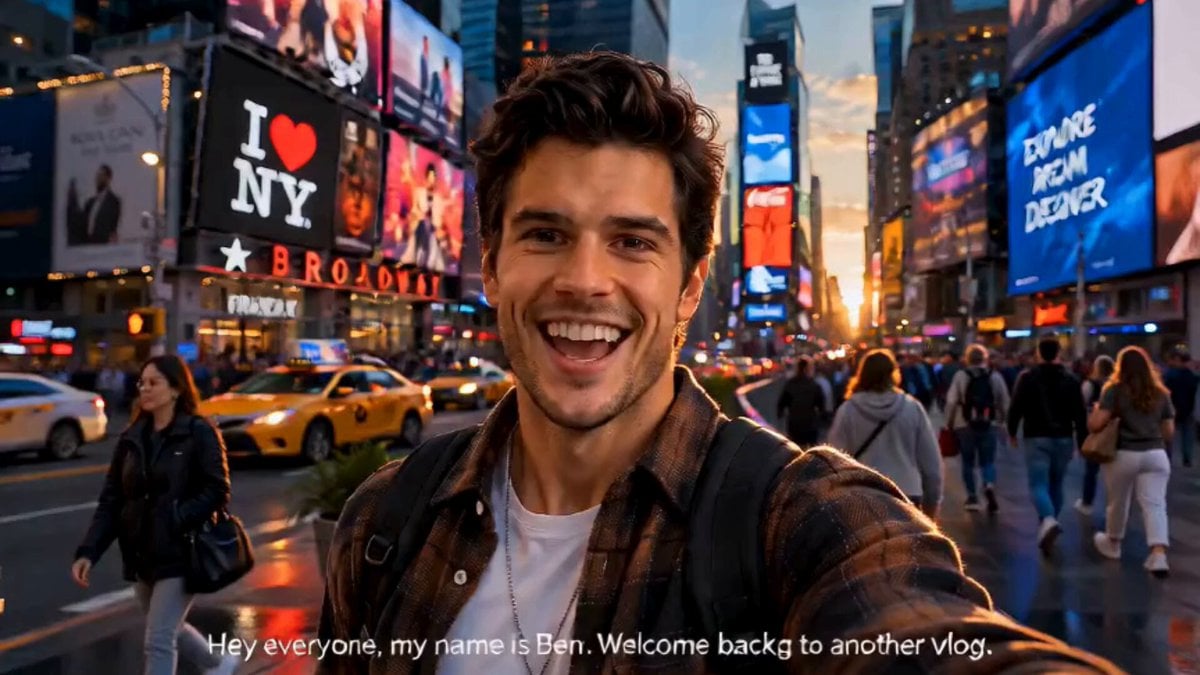
NYC Travel Vlogger Ben Script
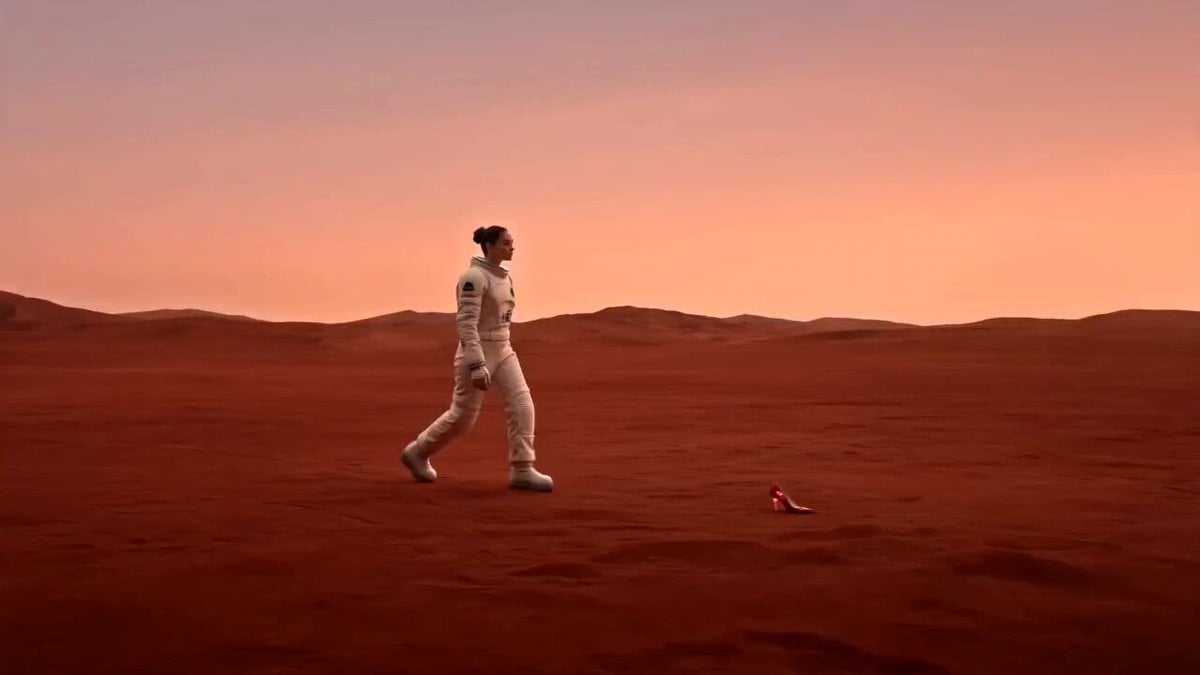
Astronaut Martian High Heels Ad
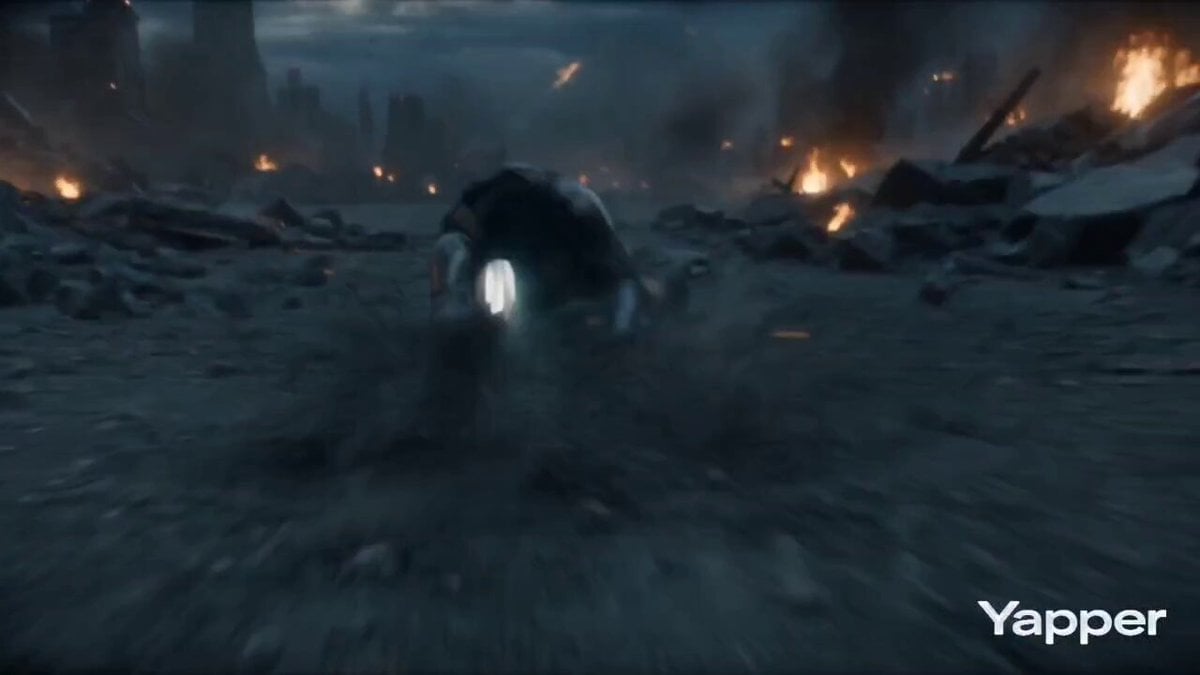
Character transformation with bruised face and armor reference
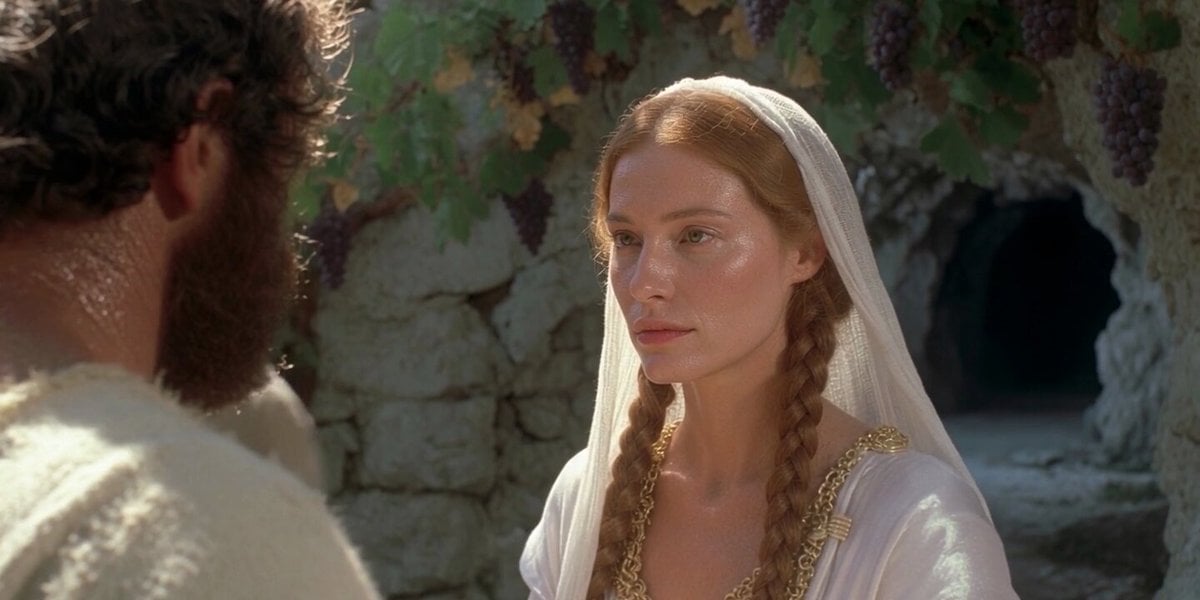
Realistic Human Laugh Performance
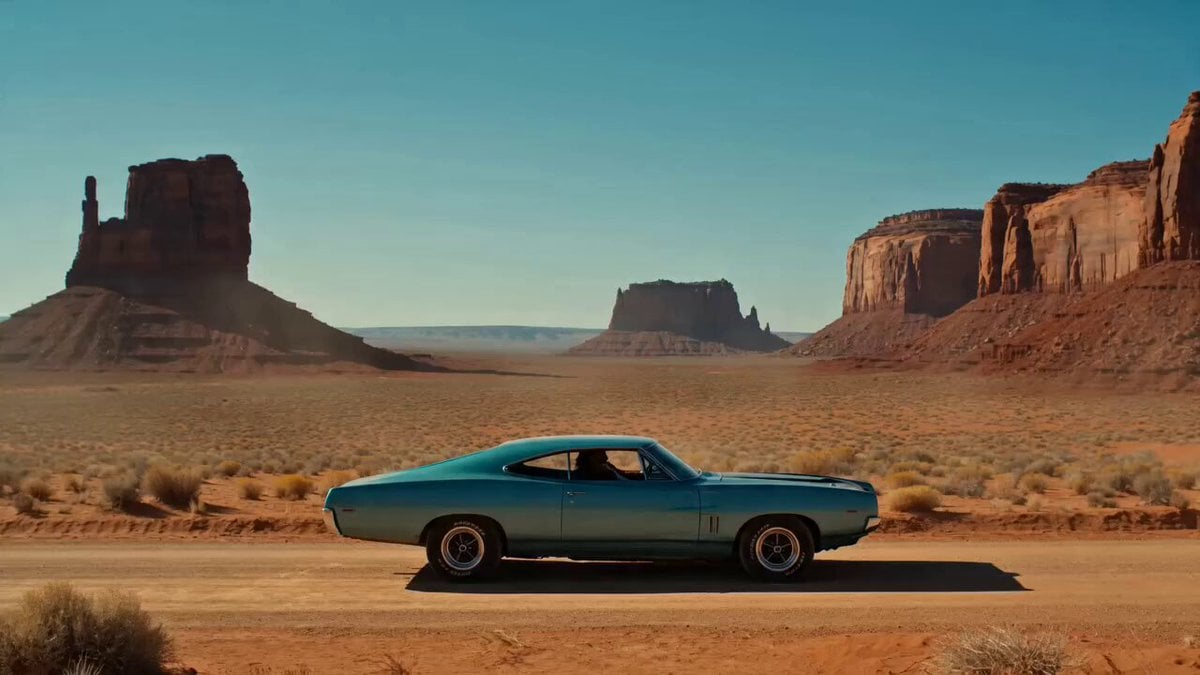
Desert Reverie Cinematic Sequence
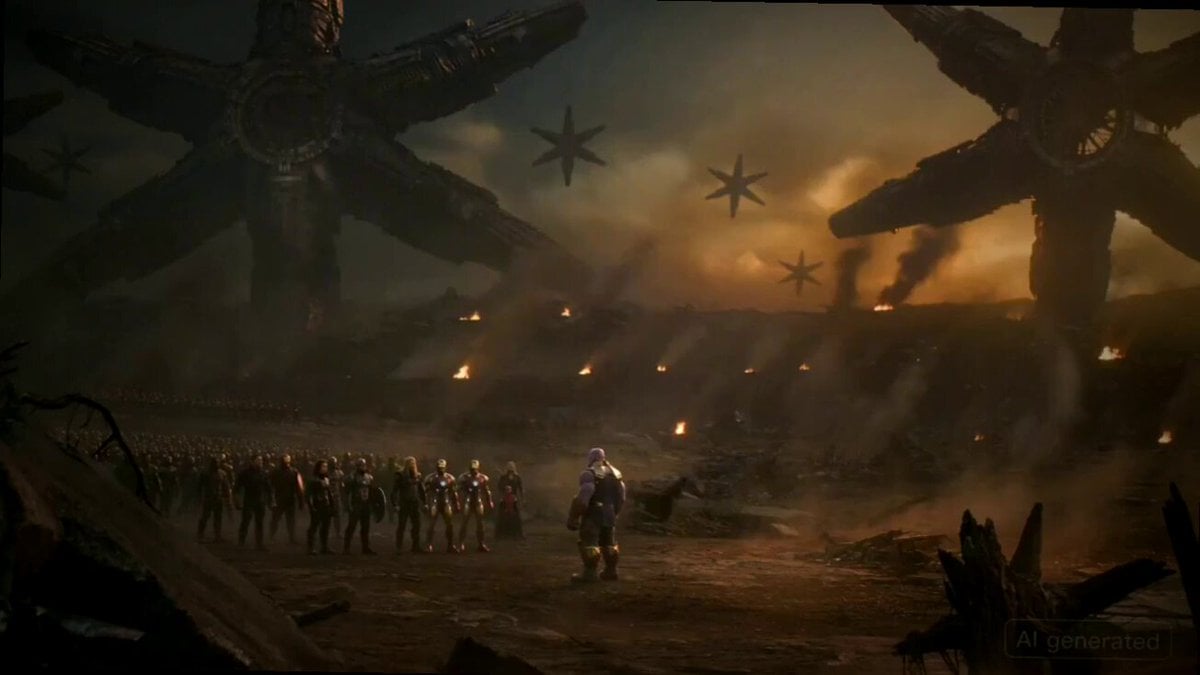
Thanos Apologizes to Spider-Man Prompt
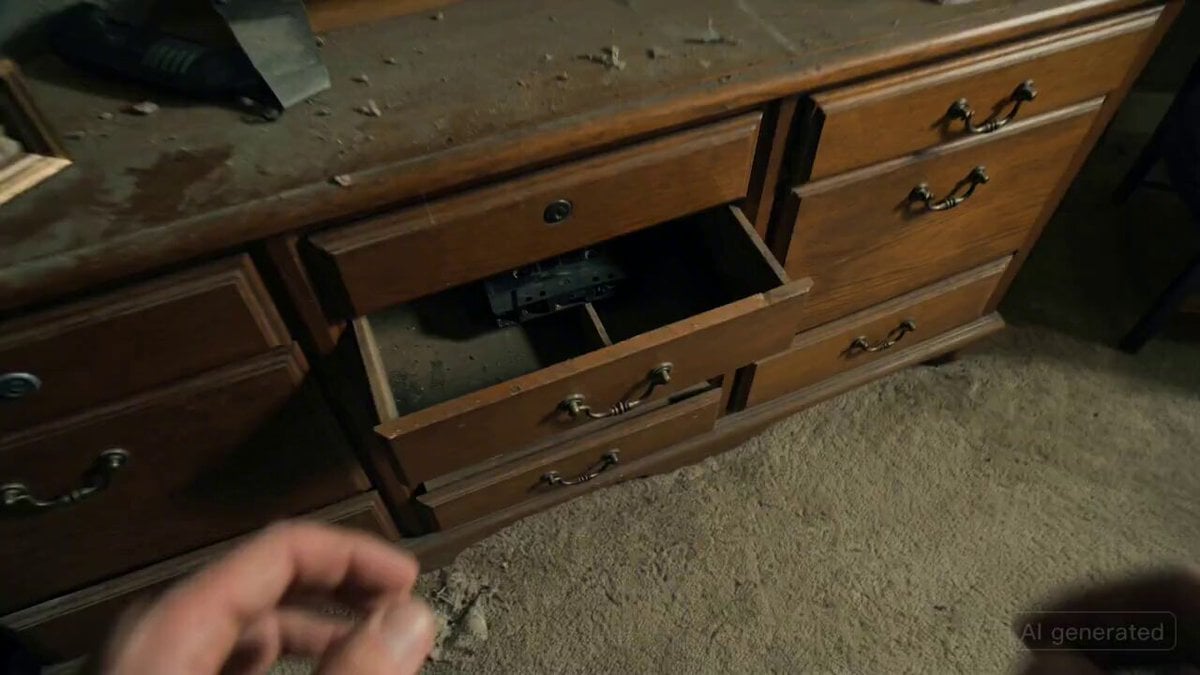
Recursive Horror Jump-Scare Prompt
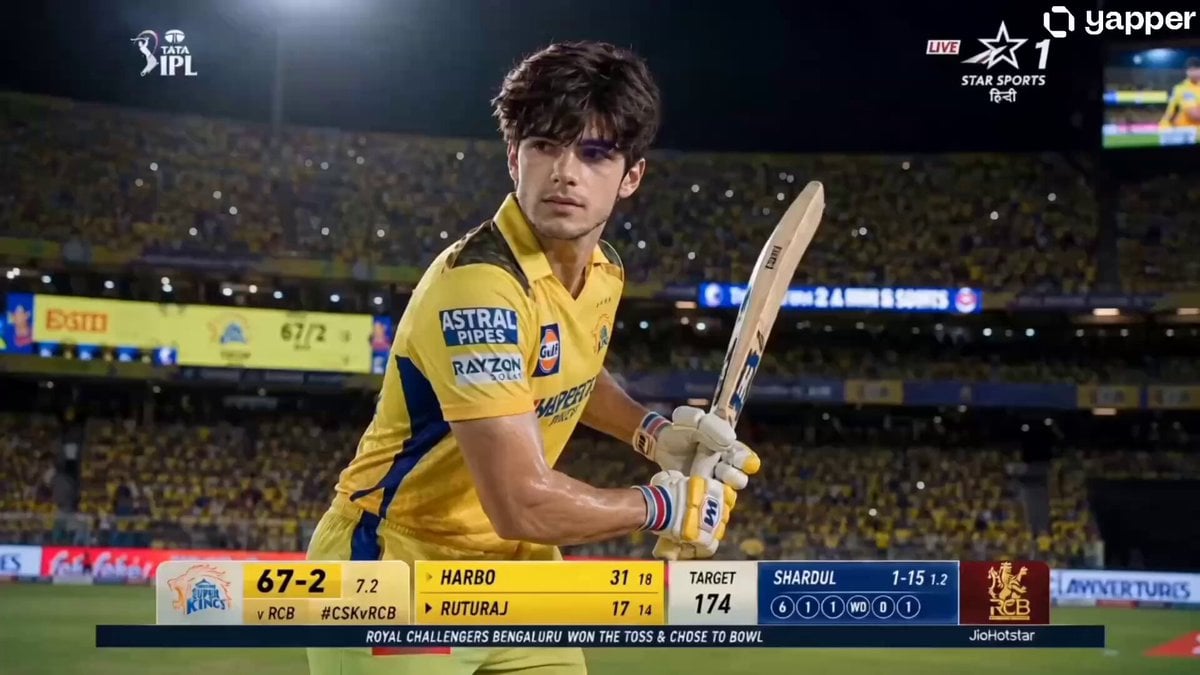
IPL Live Broadcast Scene
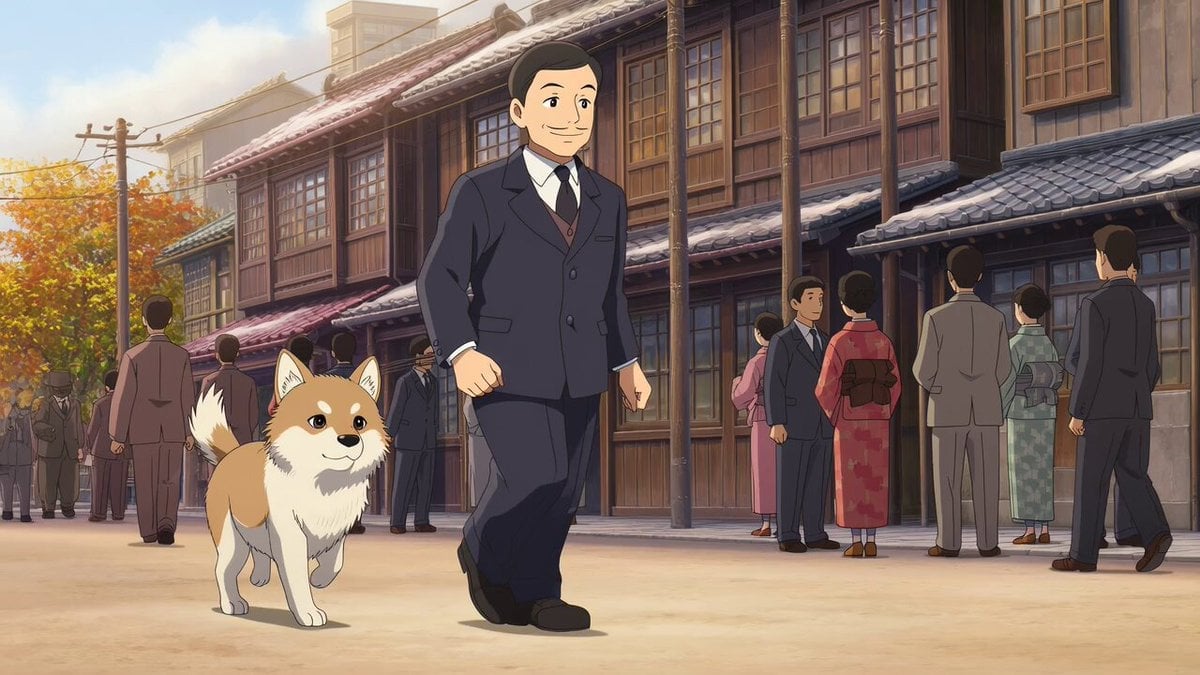
Grok Imagine prompt for Hachiko's life video
Browse template categories
Impossible Cavalry Charge Camera Shot Prompt for Seedance 2.0 questions
How do I use the Impossible Cavalry Charge Camera Shot Prompt for Seedance 2.0 template?
Add your photo if the template asks for one, edit the prompt if you like — the template's model and format are already selected — and press Generate. Your version opens in PicX Studio.
Can I customize the Impossible Cavalry Charge Camera Shot Prompt for Seedance 2.0 template?
Yes. You can change the subject, setting, lighting, mood, format, and available model controls before creating your video.
Is the Impossible Cavalry Charge Camera Shot Prompt for Seedance 2.0 template free?
Opening and editing this template is free. Generating uses credits, shown on the Generate button when you are signed in.
Which AI model should I use?
Start with Seedance 2.0, which is the model associated with this template. You can compare another compatible model for a different finish.
Looking for something else? Browse all templates.

Your photo, any look
Thousands of ready templates for every top image and video model, from one credit balance.