
Violet Lightning Storm Warrior
A detailed atmospheric prompt for an electrical battle scene involving a character with ion-channel filaments and city-scale lightning destruction.
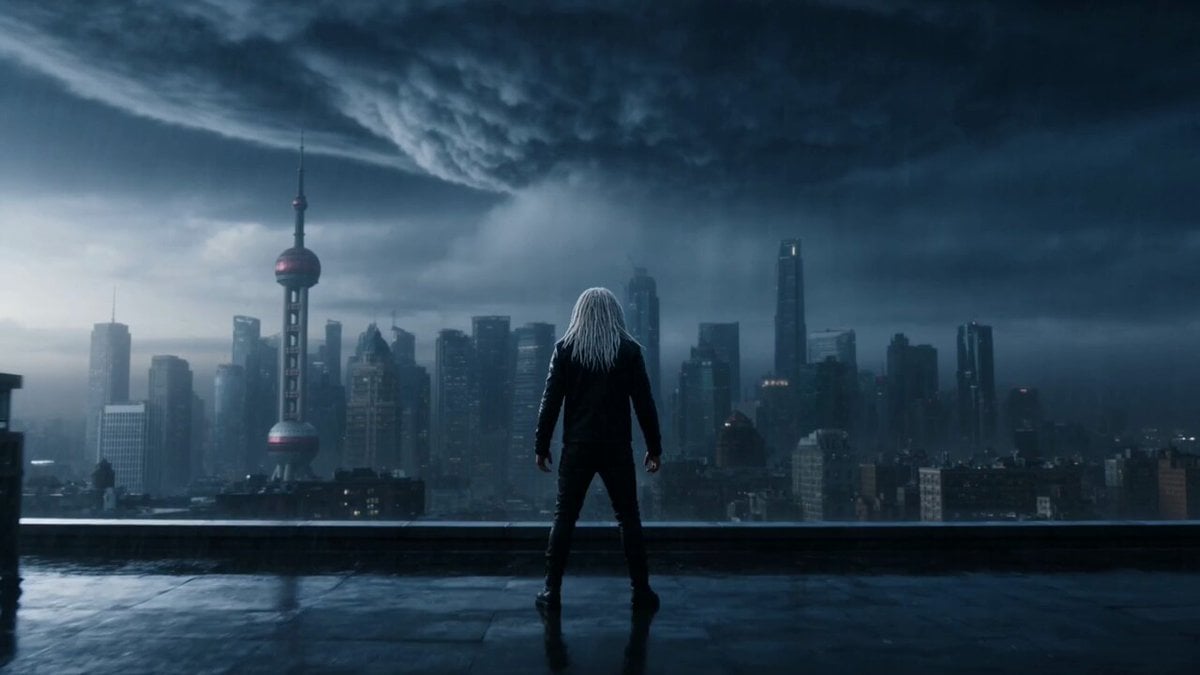
- Prompt included
- Model and format preset
- Free template
The prompt behind this video
Copy the exact prompt behind Violet Lightning Storm Warrior, or open it in the studio and make it yours.
A 28-year-old man with electric-white dreadlocks, angular jawline, and luminous silver tattoos along his arms, wearing a black atmospheric flight jacket embedded with ion-channel filaments glowing pale violet — hook at second two: he snaps both hands outward and the filaments flare, pulling lightning directly from a forming supercell above the city. Electric arcs slam into nearby power grids and the storm instantly intensifies. The fight becomes atmospheric and electrical: lightning forks into skyscrapers, transformer stations explode in cascading bursts, and the air itself becomes a charged plasma field. Every movement redirects the storm. He moves through the city grid as a living lightning rod. Each strike releases electromagnetic shockwaves that shatter windows across entire blocks. The gauntlet unfolds across a storm-battered financial district: street level power lines whipping and sparking → subway entrances exploding with electrical surges → rooftop battle across skyscrapers as lightning continuously impacts the skyline. A broadcast tower is struck repeatedly until its entire structure glows white-hot. Chase-cam through a storm vortex forming between skyscrapers. Velocity ramp at the moment a lightning chain reaction jumps across five towers simultaneously. Cut to aerial: the city grid beneath now glowing like a neural network of electricity. He stands on the rooftop of the tallest tower as lightning continues branching from the storm core. Diegetic violet-white emissive lighting from ion filaments interacting with storm clouds and shattered glass particles, cinematic lightning physics, high-energy atmospheric volumetrics, 4K.
How to use Violet Lightning Storm Warrior in 3 steps
- 1
Open
The prompt is already in the box next to the preview, with the template's model and format selected.
- 2…a portrait of your subject in softgolden-hour light, 85mm…
Personalize
Edit the subject and creative details for your destination.
- 3Generate
Generate
Press Generate — your video is created in PicX Studio, so you can compare it with the original and refine one variable at a time.
More like this
Templates with the same subject, style or setup. Open one to see its prompt.
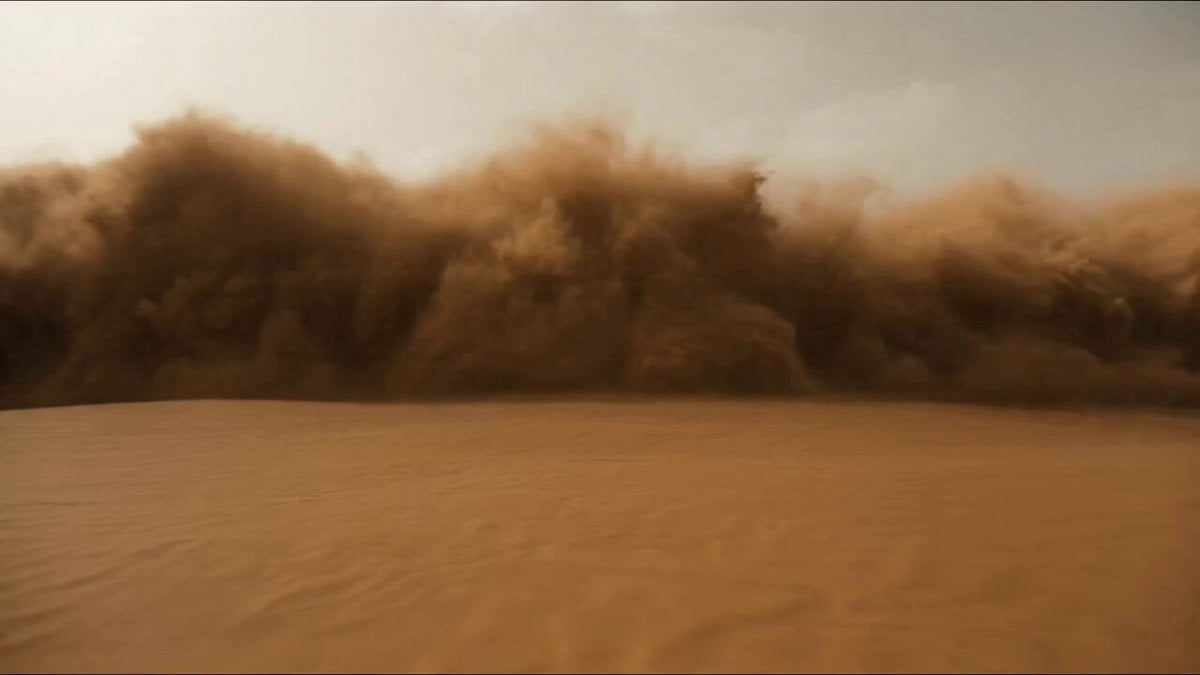
Desert Warrior Sandstorm Sequence
High-Speed Ship Descent with Seedance 2.0
Colossal Sea Creature — Stormy Shore Charge (Seedance)
Rainforest Thriller — Searching the Unseen
Stone Colossus Desert Riders — Golden Fire Reveal
Sea Serpent vs Crab Titan — Ocean Battle
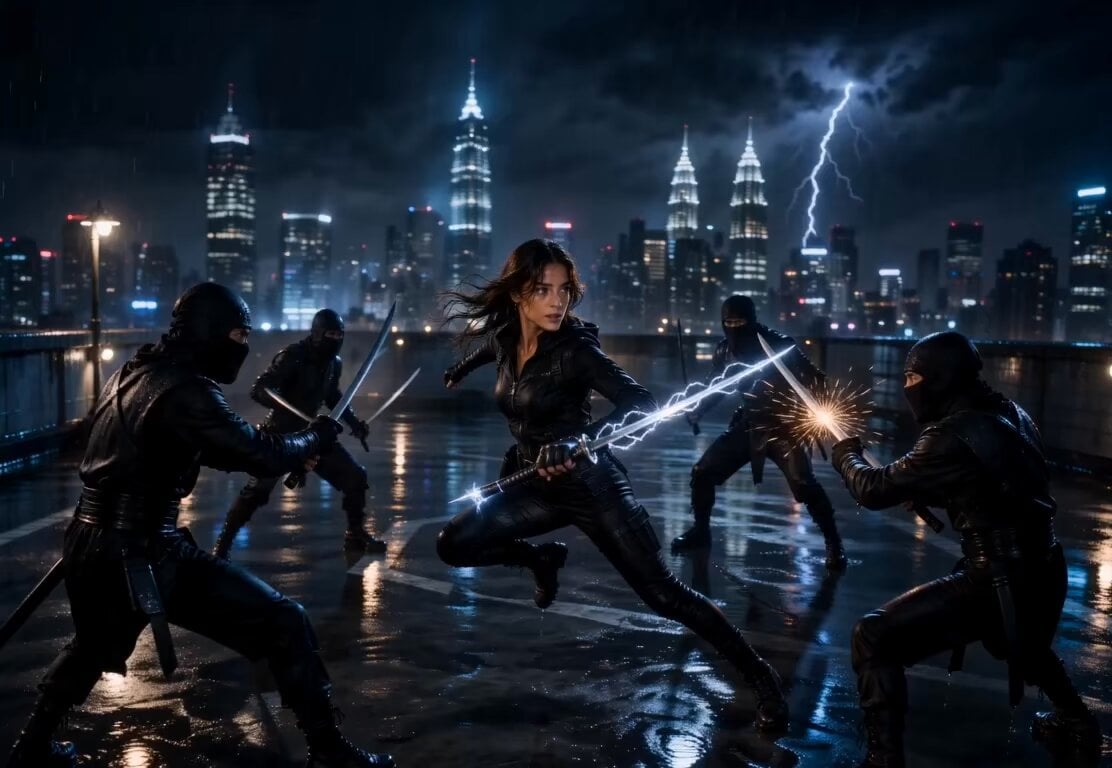
Lightning Sword Tactical Girl Animation

Stormy Rope Bridge Forced Cooperation Video
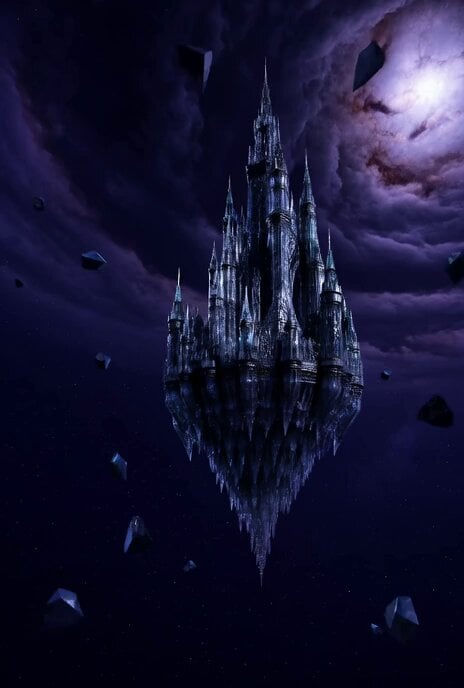
Floating Glass Castle in Cosmic Storm
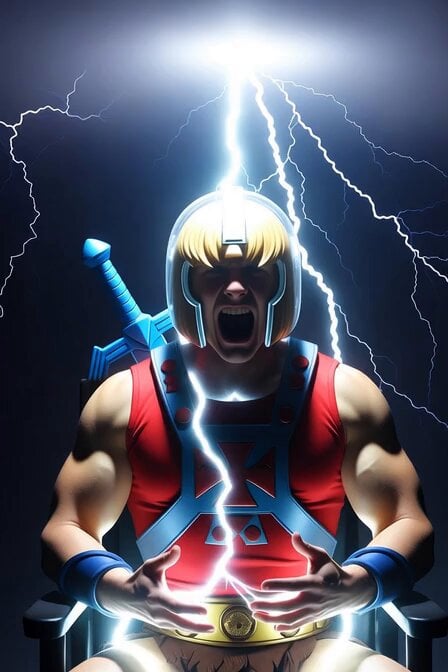
He-Man Lightning Transformation Video
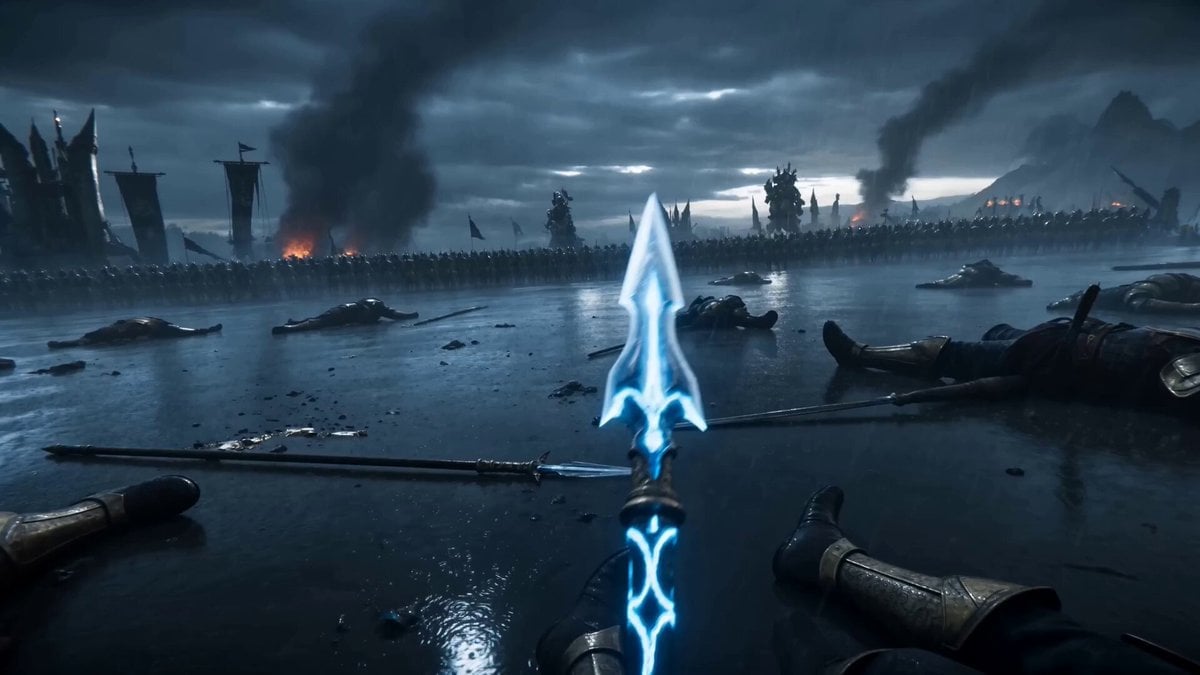
Battle Mage Lightning Spear Fantasy
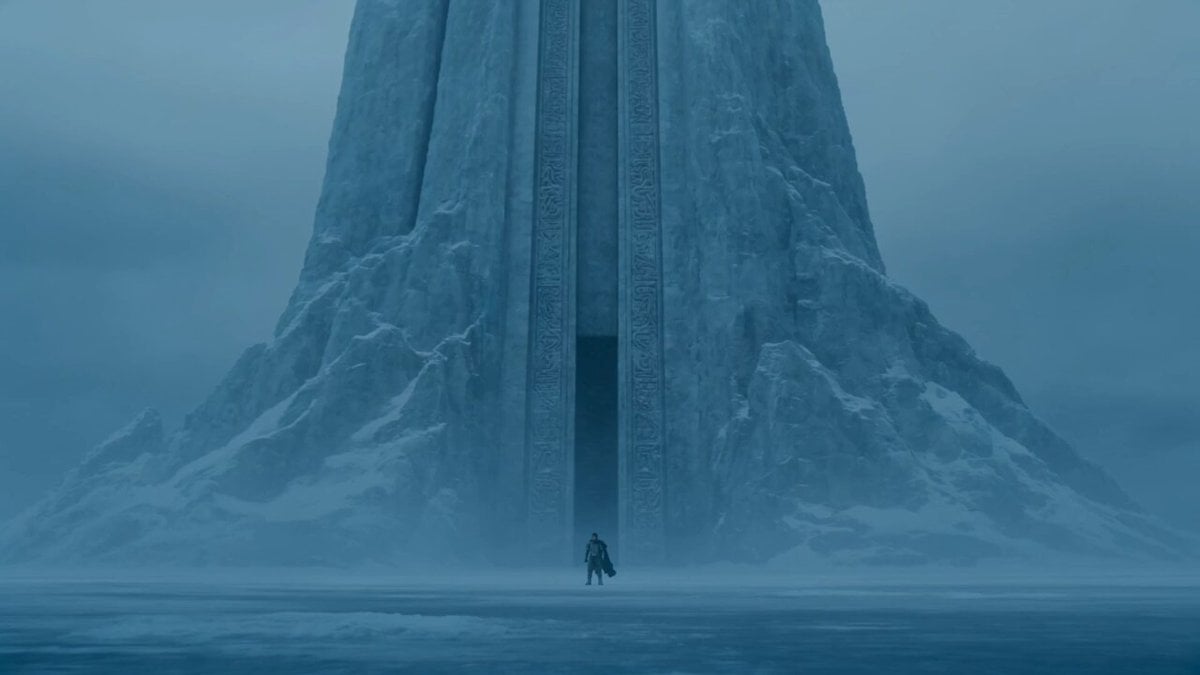
Lone Warrior at Frozen Mountain Gate
Make it yours
Violet Lightning Storm Warrior works as-is. These are the safest ways to change it without losing the look.
Change one field
Copy a single group, rewrite it, and generate again so you can see what that field is doing.
Keep the frame, change the subject
Hold the composition and light of Violet Lightning Storm Warrior, then swap wardrobe, props or the person for a new take.
| If the result… | Why | Fix |
|---|---|---|
| The result drifts from the preview | Too many fields changed at once. | Reuse Violet Lightning Storm Warrior as-is first, then change one group — subject, light, or setting. |
| The model over-stylizes the scene | The prose prompt leaves finish and camera underspecified. | Add one camera or lighting sentence and stay on Seedance 2.0. |
More Seedance 2.0 templates
Other prompts made for Seedance 2.0.

Comical Martial Arts Punch Scene

Maglev Train Action Sequence

Martial Arts Fight Sequence

Wuxia Protection and Trust Script

Vintage Korean Arcade MiniDV Vlog

Mercedes 190 SL Luxury Ad

Rainy Night Supernatural Reverse Comedy Video Script

Amazon Civilization Discovery

Futuristic South Asian City Transformation

Cozy Luxury Cafe Commercial
More video prompts
Fresh picks from across the catalog.

Skiing Video Generation Prompt with Detailed Scene Breakdown
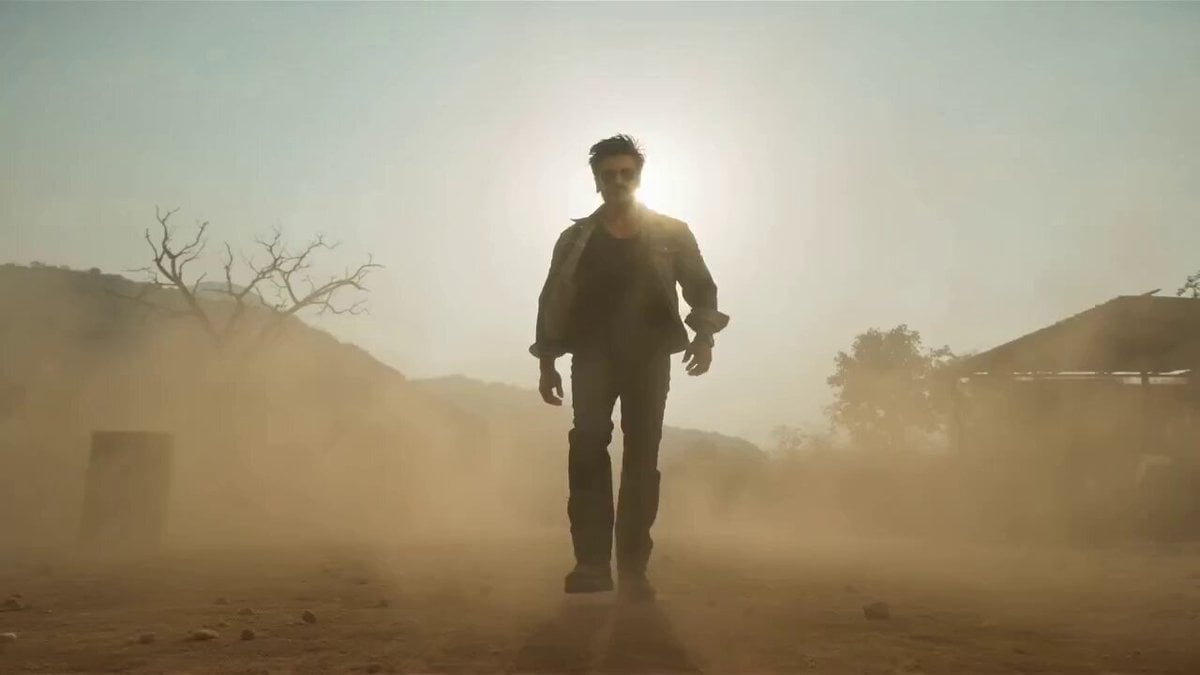
Indian Tollywood Action Blockbuster Scene
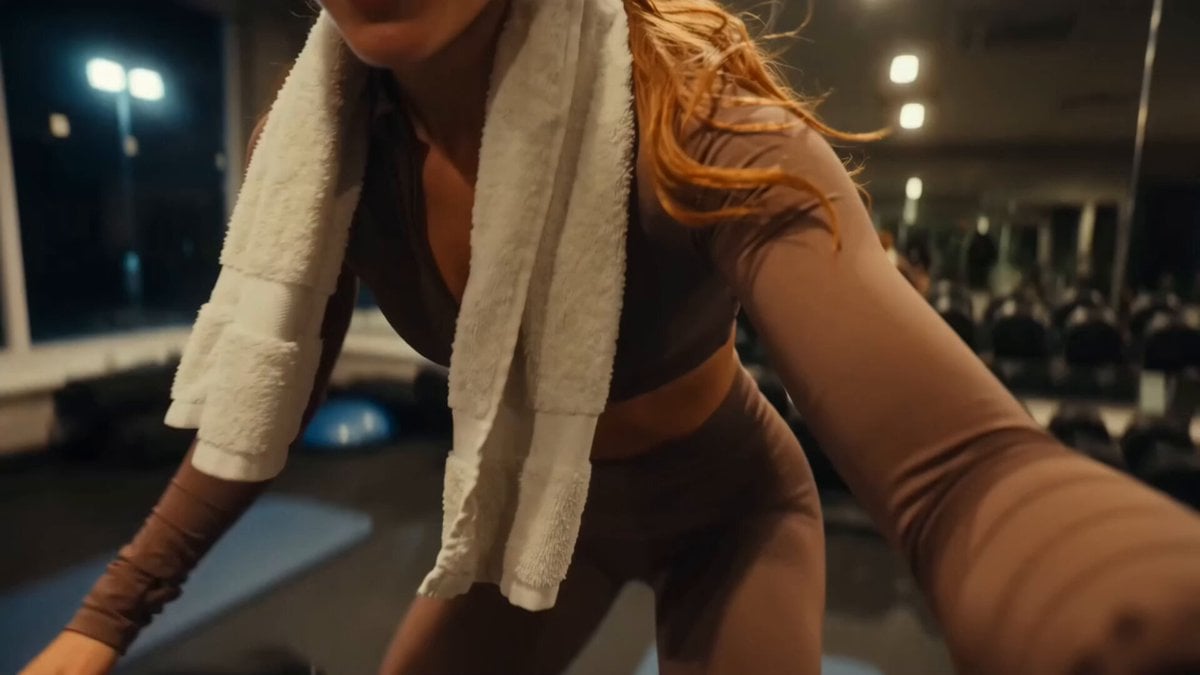
Analog Fitness Vlog Gym Diary
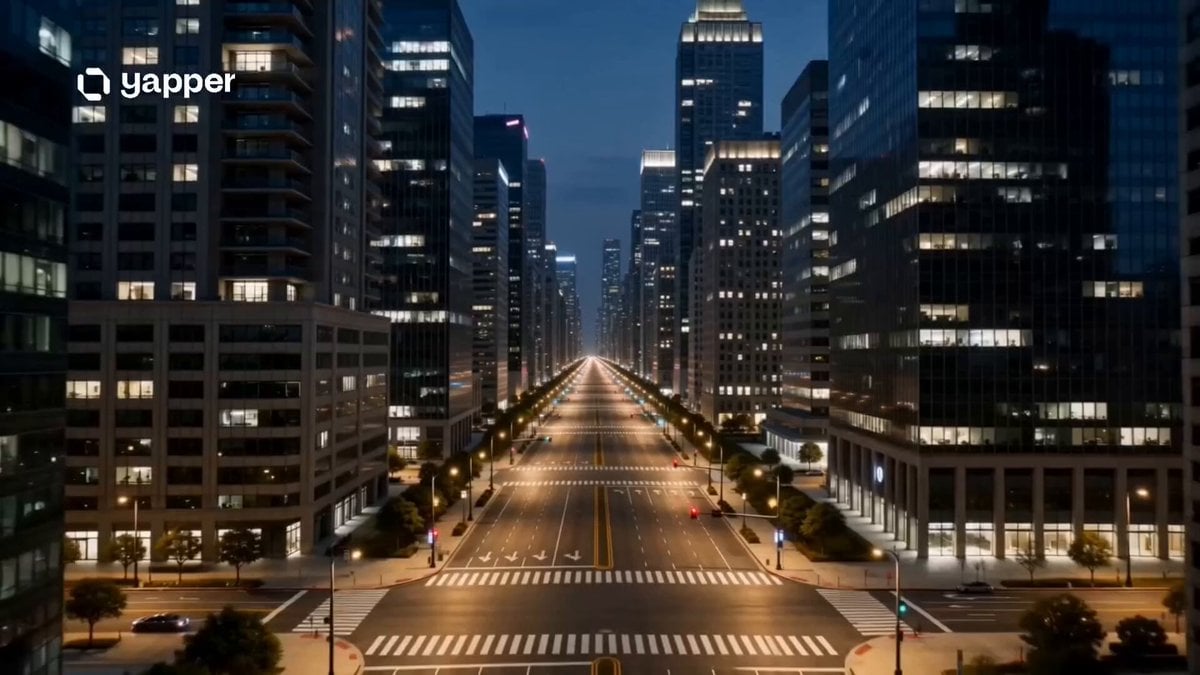
Nature Metropolis Takeover Sequence

Studio Ghibli Rainy Village Animation
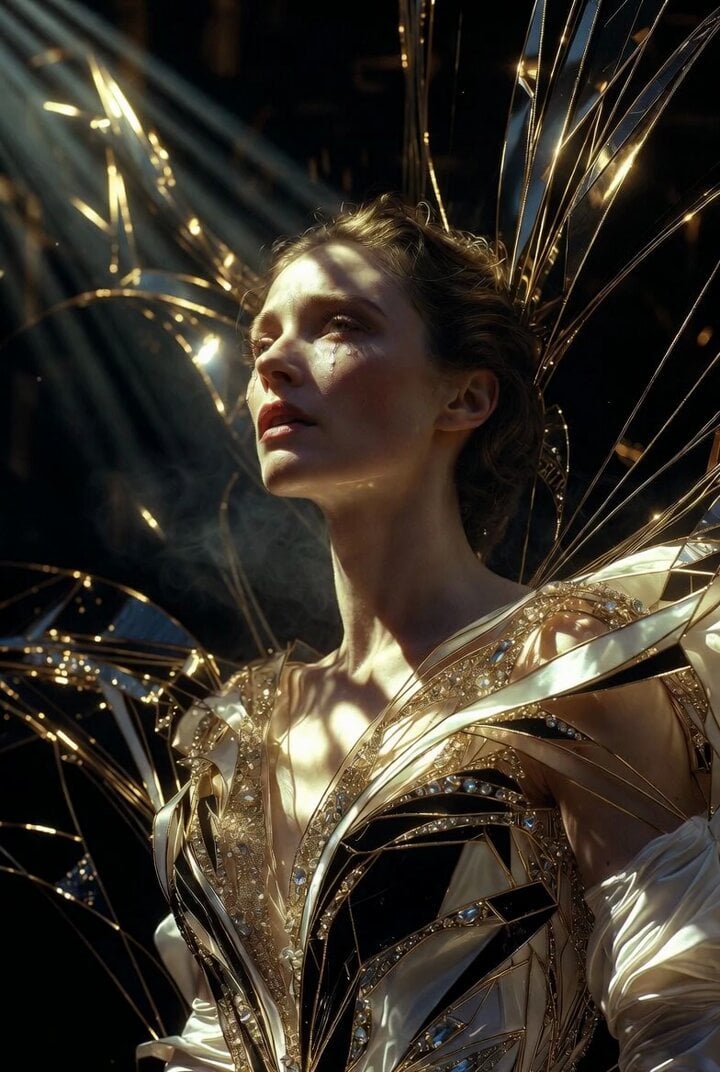
Grok Imagine Prompt: Ultra Luxurious Art Deco Imperial Opera Scene

Live-Action Style Dancing Girl Video Prompt
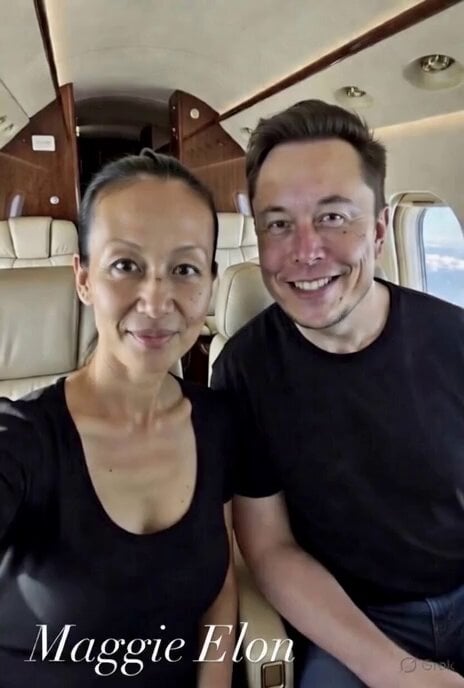
Maggie and Elon Drinking with Shaka Gesture
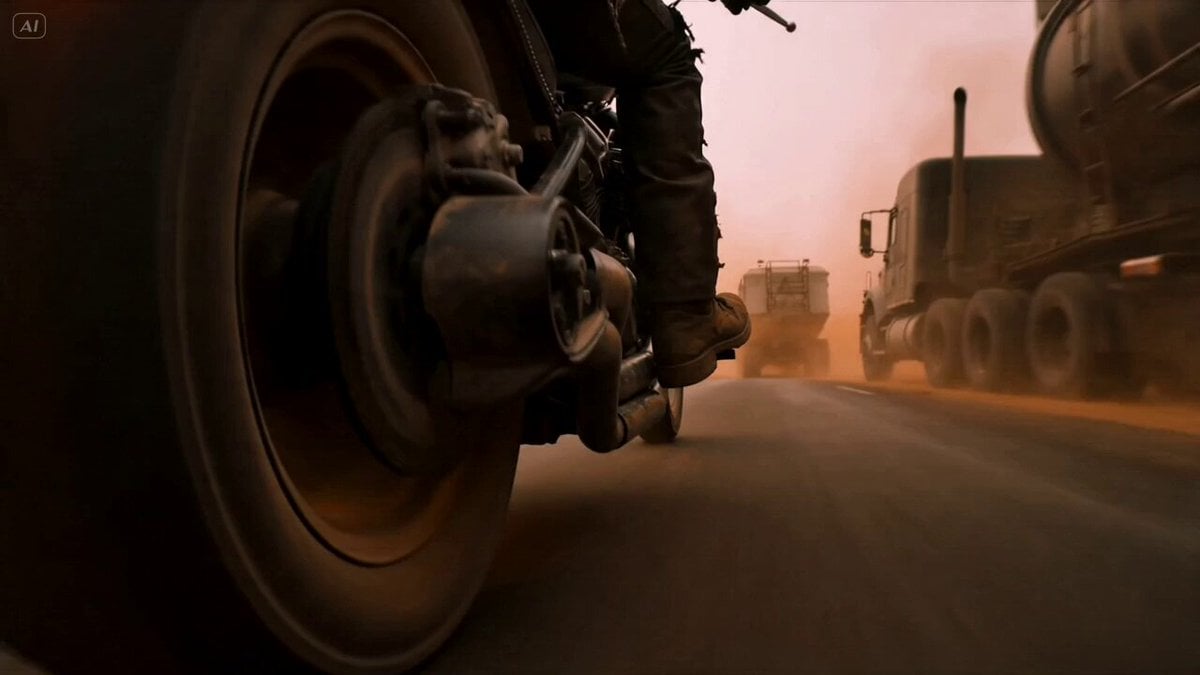
Mad Max Cybernetic Biker Action Sequence

Grok Imagine prompt for a surreal singing turtle scene
Browse template categories
Violet Lightning Storm Warrior questions
How do I use the Violet Lightning Storm Warrior template?
Add your photo if the template asks for one, edit the prompt if you like — the template's model and format are already selected — and press Generate. Your version opens in PicX Studio.
Can I customize the Violet Lightning Storm Warrior template?
Yes. You can change the subject, setting, lighting, mood, format, and available model controls before creating your video.
Is the Violet Lightning Storm Warrior template free?
Opening and editing this template is free. Generating uses credits, shown on the Generate button when you are signed in.
Which AI model should I use?
Start with Seedance 2.0, which is the model associated with this template. You can compare another compatible model for a different finish.
Looking for something else? Browse all templates.

Your photo, any look
Thousands of ready templates for every top image and video model, from one credit balance.