
Nature Metropolis Takeover Sequence
A multi-stage prompt describing a cinematic fantasy sequence where giant bioluminescent trees erupt and take over a modern city.
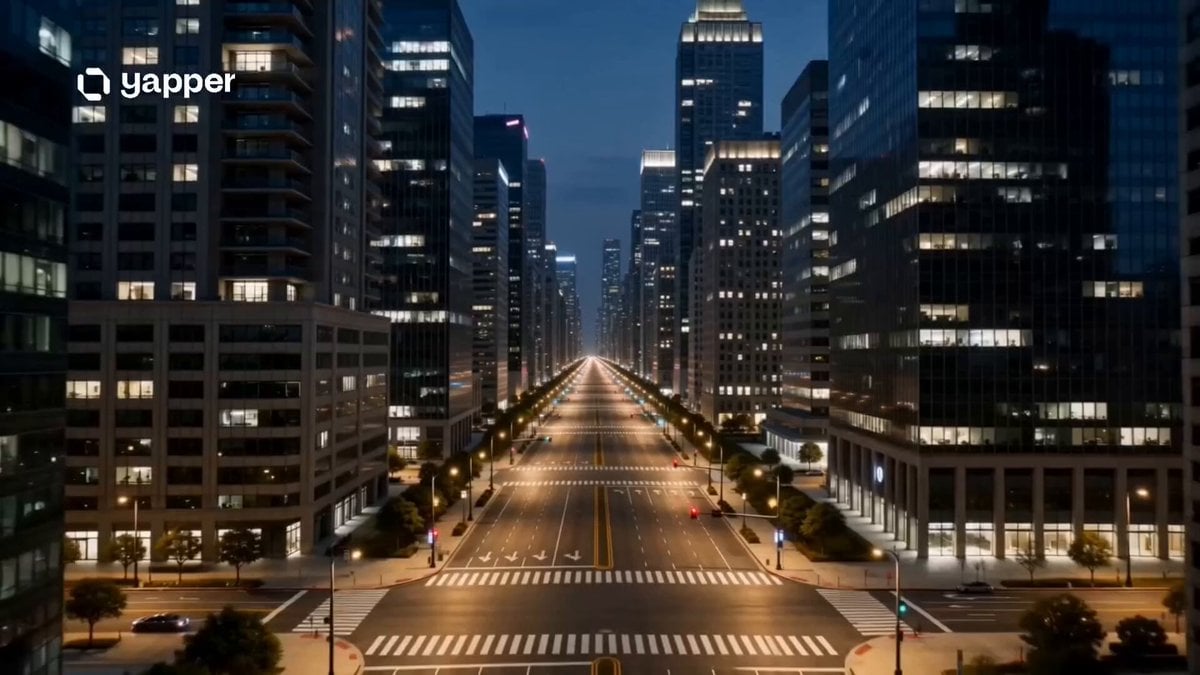
- Prompt included
- Model and format preset
- Premium template
The prompt behind this video
Copy the exact prompt behind Nature Metropolis Takeover Sequence, or open it in the studio and make it yours.
A cinematic fantasy disaster sequence where nature suddenly overrides a modern metropolis.\n\n0–3s: Quiet nighttime city. Streetlights glow over empty roads, cars parked, buildings reflecting calm darkness. A faint vibration starts beneath the ground in the center of the city.\n\n3–6s: The pavement suddenly cracks open violently. Massive glowing roots erupt from underground, tearing through roads, subway lines, and concrete structures as the entire street begins to lift and split apart.\n\n6–9s: The growth accelerates unnaturally. A colossal tree trunk rises through skyscraper height, pushing through buildings without stopping. Windows shatter, debris falls in slow motion, and green-gold light pulses through the bark.\n\n9–12s: Towering branches spread across the skyline, reaching into storm clouds. Leaves emit a soft bioluminescent glow, illuminating the entire city. Birds and wind swirl around the expanding structure.\n\n12–15s: Final ultra-wide cinematic shot. The giant tree fully dominates the city, roots integrated through streets like veins, while glowing branches pierce the clouds above. The metropolis is now transformed into a living, mythical forest-city hybrid.\n\nStyle: ultra cinematic realism, fantasy nature takeover, massive environmental scale, glowing bioluminescent effects, dramatic destruction + rebirth contrast, volumetric lighting, IMAX-style framing, detailed city-to-nature transformation, film-grade color grading.
How to use Nature Metropolis Takeover Sequence in 3 steps
- 1
Open
The prompt is already in the box next to the preview, with the template's model and format selected.
- 2…a portrait of your subject in softgolden-hour light, 85mm…
Personalize
Edit the subject and creative details for your destination.
- 3Generate
Generate
Press Generate — your video is created in PicX Studio, so you can compare it with the original and refine one variable at a time.
More like this
Templates with the same subject, style or setup. Open one to see its prompt.
Amazon FPV Drone Chase — Seedance 2.0
Asteroid Impact City Destruction

Realistic Wildlife Nature Documentary Prompt

Futuristic Neon Metropolis Sky
Cinematic Nature Documentary Clip Set
Nature Reclaiming Cities Cartographer Scene
Superhuman Heroine in Metropolis
Earth Nature Colors Timelapse Journey
Realistic Luxury Nature Morning

Cinematic Storyboard Nature Animation
Outfit Crafted from Nature

Grok Imagine Prompt: Slow Motion Nature Scene
Make it yours
Nature Metropolis Takeover Sequence works as-is. These are the safest ways to change it without losing the look.
Change one field
Copy a single group, rewrite it, and generate again so you can see what that field is doing.
Keep the frame, change the subject
Hold the composition and light of Nature Metropolis Takeover Sequence, then swap wardrobe, props or the person for a new take.
| If the result… | Why | Fix |
|---|---|---|
| The result drifts from the preview | Too many fields changed at once. | Reuse Nature Metropolis Takeover Sequence as-is first, then change one group — subject, light, or setting. |
| The model over-stylizes the scene | The prose prompt leaves finish and camera underspecified. | Add one camera or lighting sentence and stay on Seedance 2.0. |
More Seedance 2.0 templates
Other prompts made for Seedance 2.0.

Comical Martial Arts Punch Scene

Martial Arts Fight Sequence

Wuxia Protection and Trust Script

Vintage Korean Arcade MiniDV Vlog

Ancient Roman Celestial Flight

Mercedes 190 SL Luxury Ad

Rainy Night Supernatural Reverse Comedy Video Script

Amazon Civilization Discovery

Futuristic South Asian City Transformation

Cozy Luxury Cafe Commercial
More video prompts
Fresh picks from across the catalog.
Topview Seedance 2.0: Android Girl Destroys Evil Lab
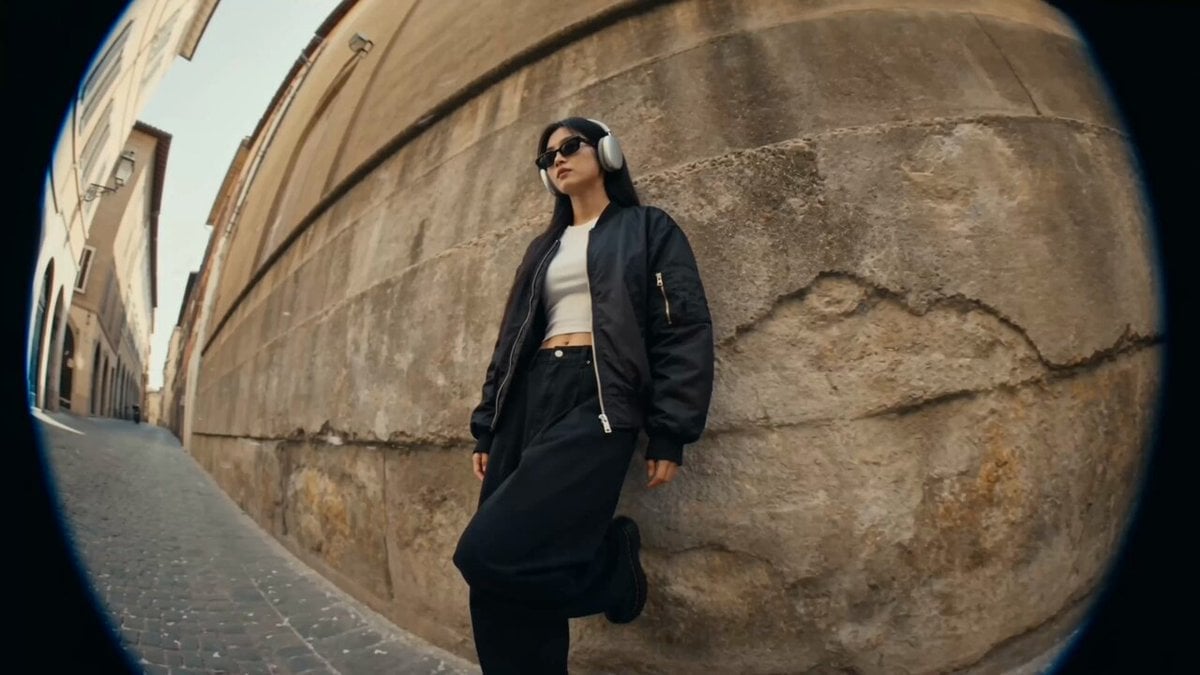
Cinematic European Street Video

Anime Flooding Tears Sequence
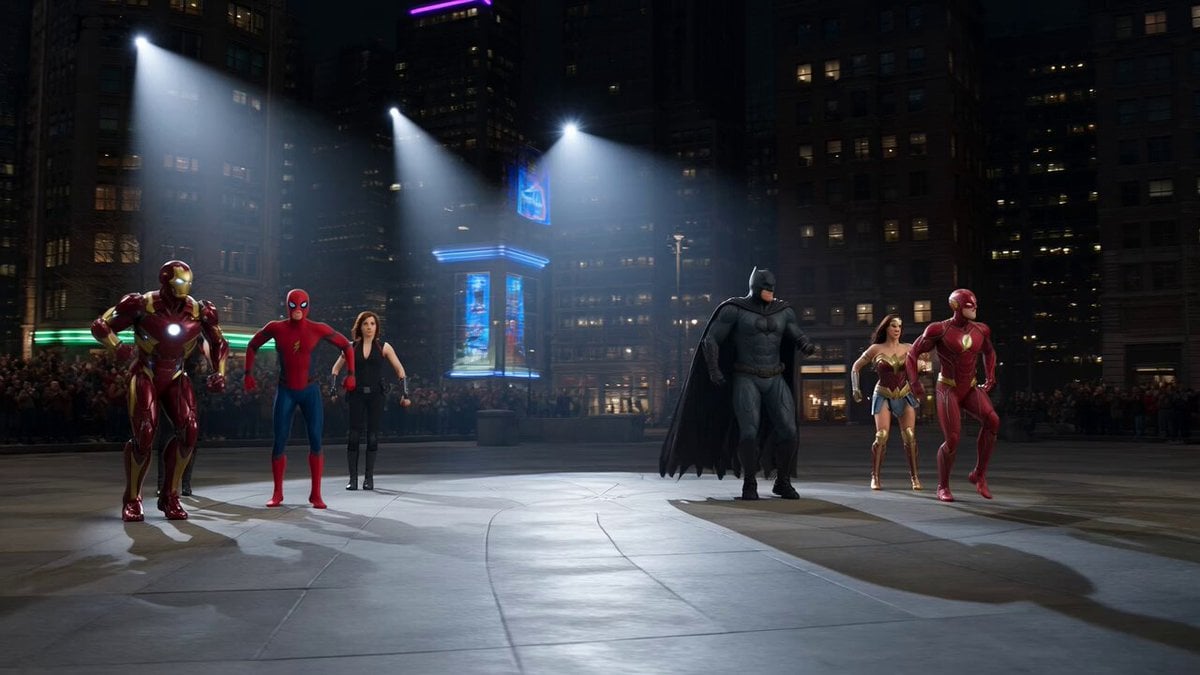
Superhero Dance Off Mashup
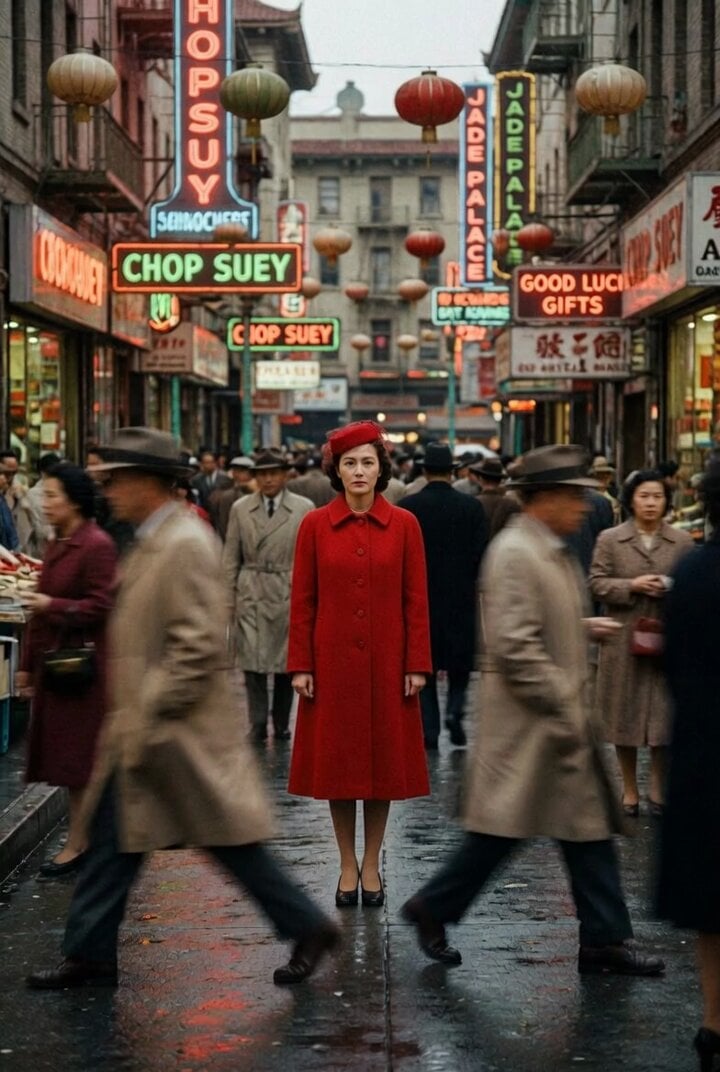
Grok Imagine Prompt: Evil Eye Character Animation using JSON structure
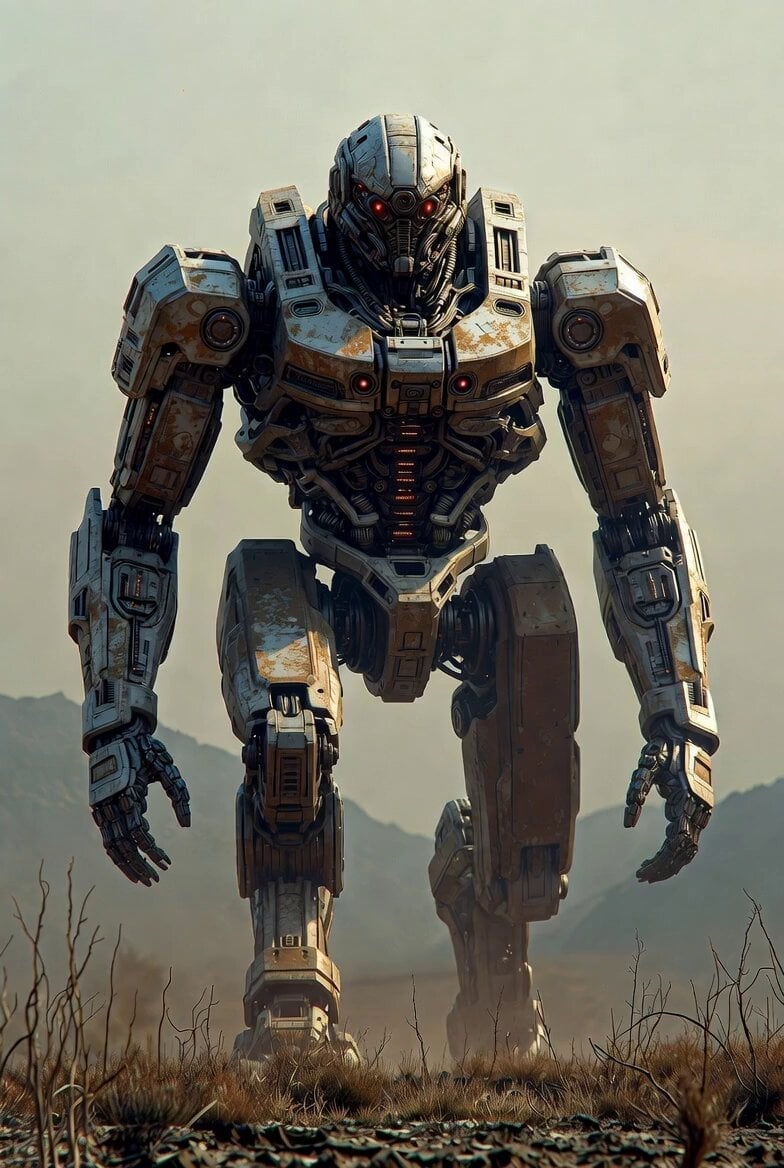
Cinematic 4K Volumetric Clouds
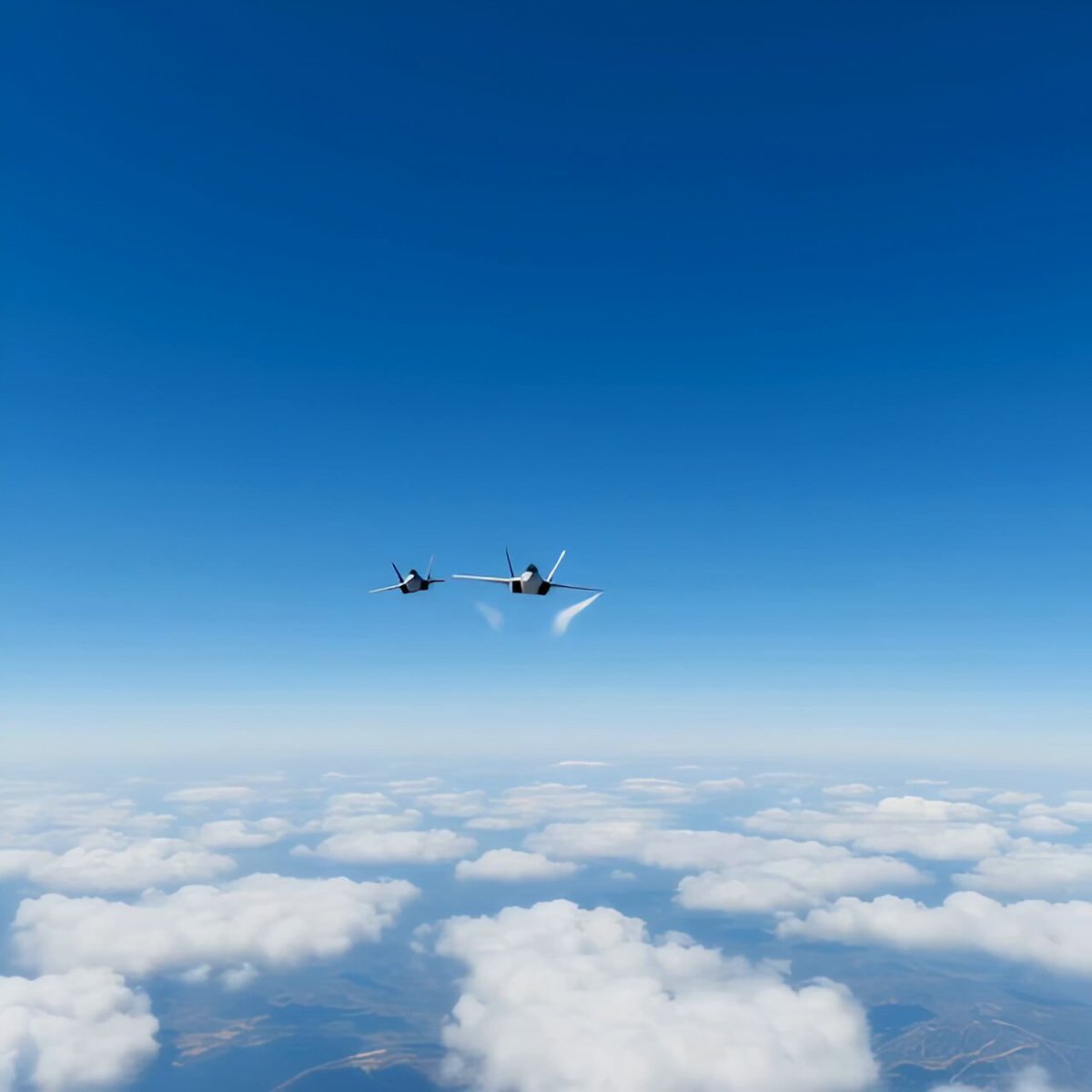
Modern Fighter Jet Dogfight
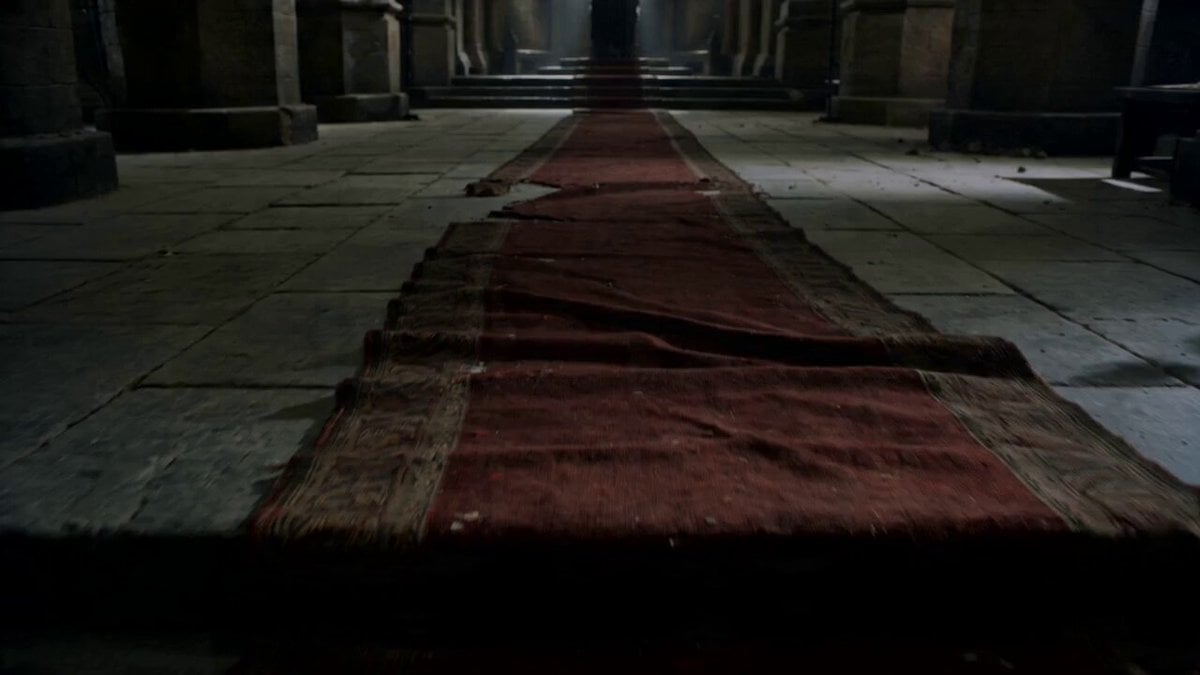
Cinematic King Scene Prompt (Image-to-Video)

Space Scout Exit Strategy
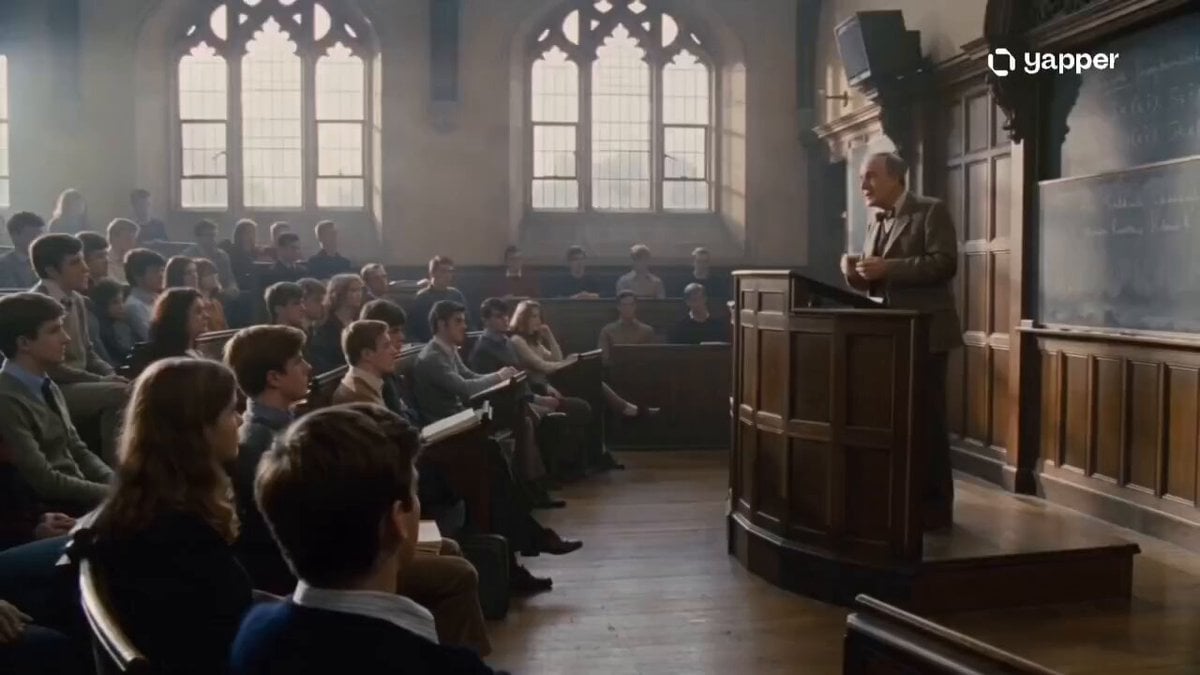
1970s Academic Lecture Drama
Browse template categories
Nature Metropolis Takeover Sequence questions
How do I use the Nature Metropolis Takeover Sequence template?
Add your photo if the template asks for one, edit the prompt if you like — the template's model and format are already selected — and press Generate. Your version opens in PicX Studio.
Can I customize the Nature Metropolis Takeover Sequence template?
Yes. You can change the subject, setting, lighting, mood, format, and available model controls before creating your video.
Is the Nature Metropolis Takeover Sequence template free?
Opening and editing this template is free. Generating uses credits, shown on the Generate button when you are signed in.
Which AI model should I use?
Start with Seedance 2.0, which is the model associated with this template. You can compare another compatible model for a different finish.
Looking for something else? Browse all templates.

Your photo, any look
Thousands of ready templates for every top image and video model, from one credit balance.