
Anime Flooding Tears Sequence
A creative prompt for a high-quality 2D anime scene where a character's emotional tears flood a karaoke room, complete with shot-by-shot progression.
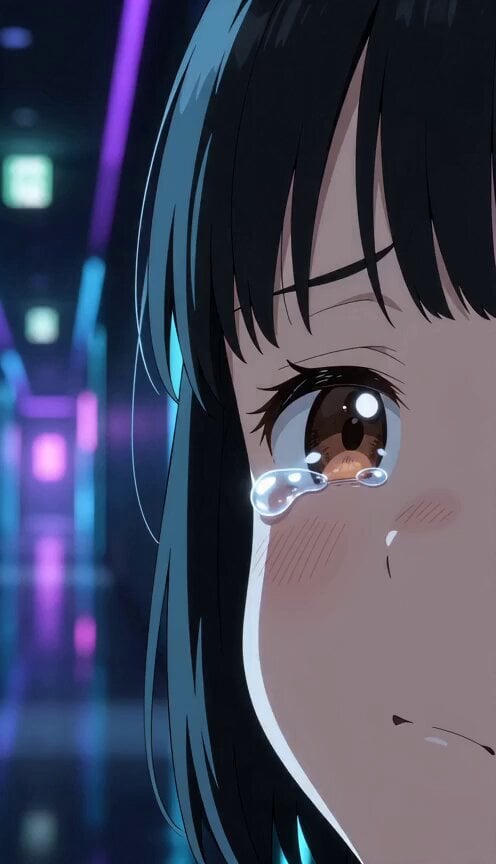
- Prompt included
- Model and format preset
- Free template
The prompt behind this video
Copy the exact prompt behind Anime Flooding Tears Sequence, or open it in the studio and make it yours.
15秒。日本のフルカラーアニメ。予算5億円規模の高密度2Dアニメーション。緻密な背景美術、なめらかな中割り、映画品質の撮影処理。 同じような絵が続かないように、構図、カメラアングル、画面サイズ、キャラクターの距離感を変えて魅力的に展開する。字幕なし、透かしなし、BGMなし。環境音あり。 【映像構成】感動映画のラストを観た主役キャラの涙で部屋の水位が上がっていく。主役は泣きながらも浮き輪で浮かんで鑑賞を続け、クライマックスで涙が滝になり、窓から流れ出す。観終わると水は引き、部屋は回どおり乾いている。 【Shot5〜7のどこかに必ず入れる】エンドロールと同時に水が引き、部屋のドリンクが全部塩味になっている Shot1(一滴フック): カラオケ店の長い廊下。感動映画のラストを観る主役キャラの一粒の涙が、プールの飛び込みのような音で床に落ちる。目に涙をいっぱい溜めた表情。 Shot2(浸水): 涙が止まらず、足首、膝と水位が上がる。スリッパが小舟のように流れていく。主役はしゃくり上げながら画面を見つめる。 Shot3(続行): 主役は浮き輪でぷかぷか浮かびながら、泣きつつ鑑賞を続ける。ぐしゃぐしゃに泣きながらも目は画面に釘付け。 Shot4(水中): カメラが水中へ。日用品が漂う中、水面の上から嗚咽が聞こえる。声を震わせながらすすり泣く。 Shot5(決壊): クライマックスで涙が滝になり、窓から外へ流れ出す。虹がかかる。大粒の涙をぼろぼろこぼす。 Shot6(干上がり): 観終わった途端、水がすっと引いていく。部屋は不思議と乾いている。主役はまだ鼻をすすっている。 Shot7(余韻): 目を真っ赤にした主役が洟をかんで、湿った声で「二回目観る」と言う。
How to use Anime Flooding Tears Sequence in 3 steps
- 1
Open
The prompt is already in the box next to the preview, with the template's model and format selected.
- 2…a portrait of your subject in softgolden-hour light, 85mm…
Personalize
Edit the subject and creative details for your destination.
- 3Generate
Generate
Press Generate — your video is created in PicX Studio, so you can compare it with the original and refine one variable at a time.
More like this
Templates with the same subject, style or setup. Open one to see its prompt.
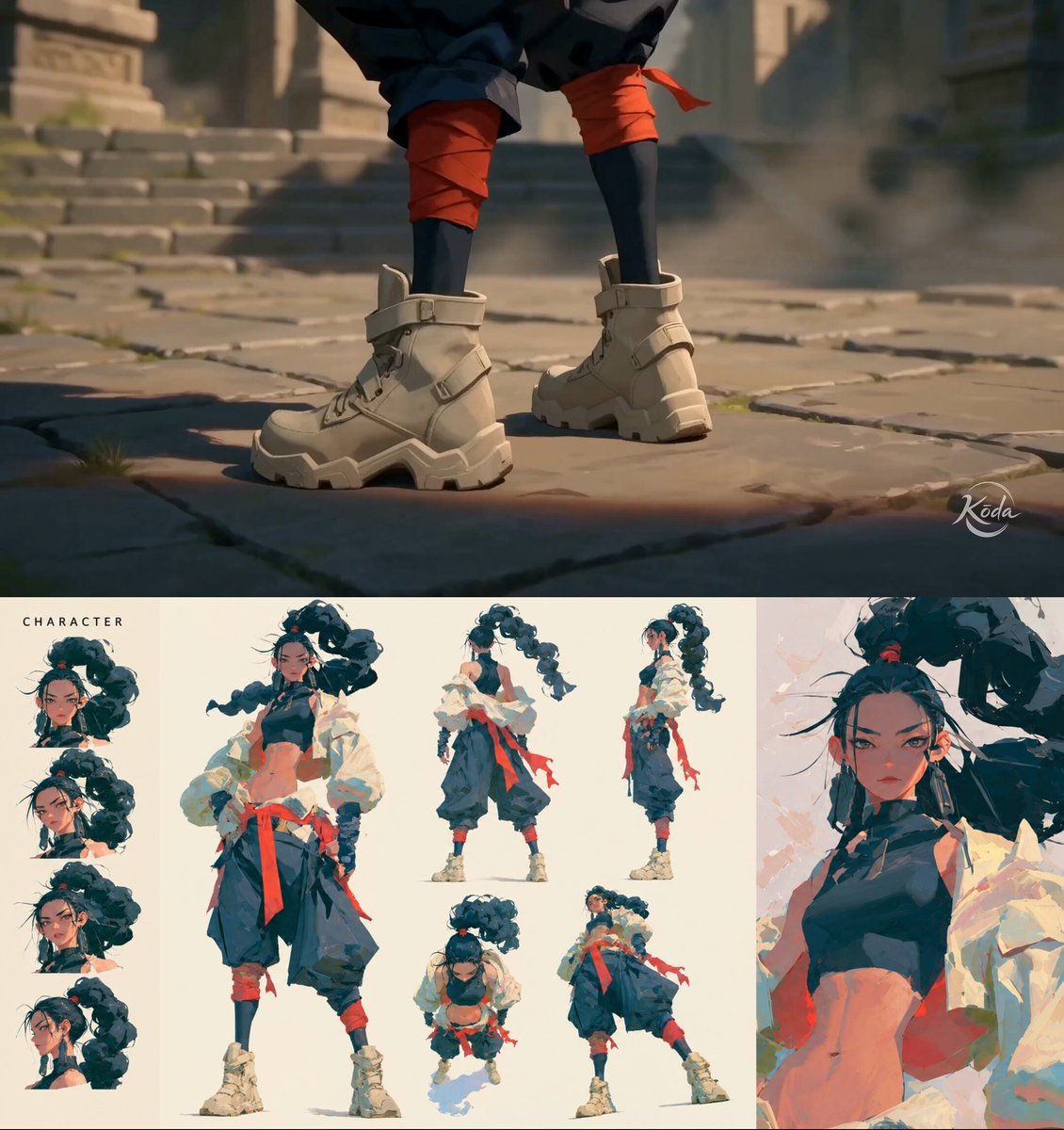
MiniMax H3 Character Introduction
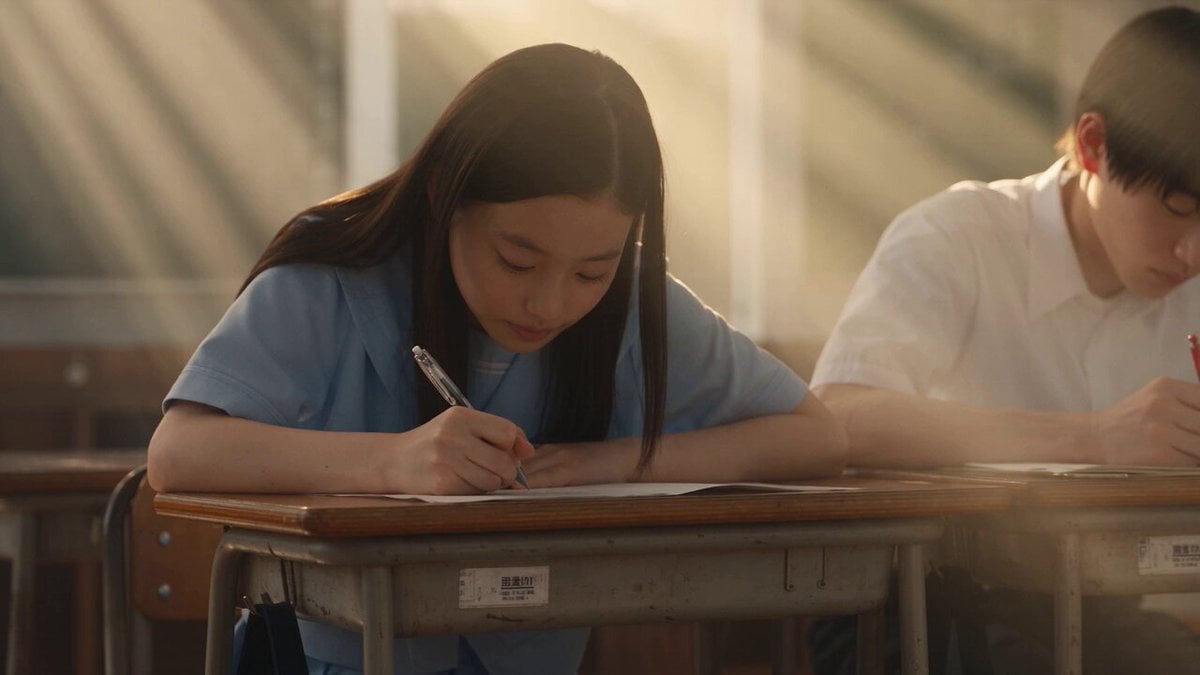
Japanese Pure Love Short Film
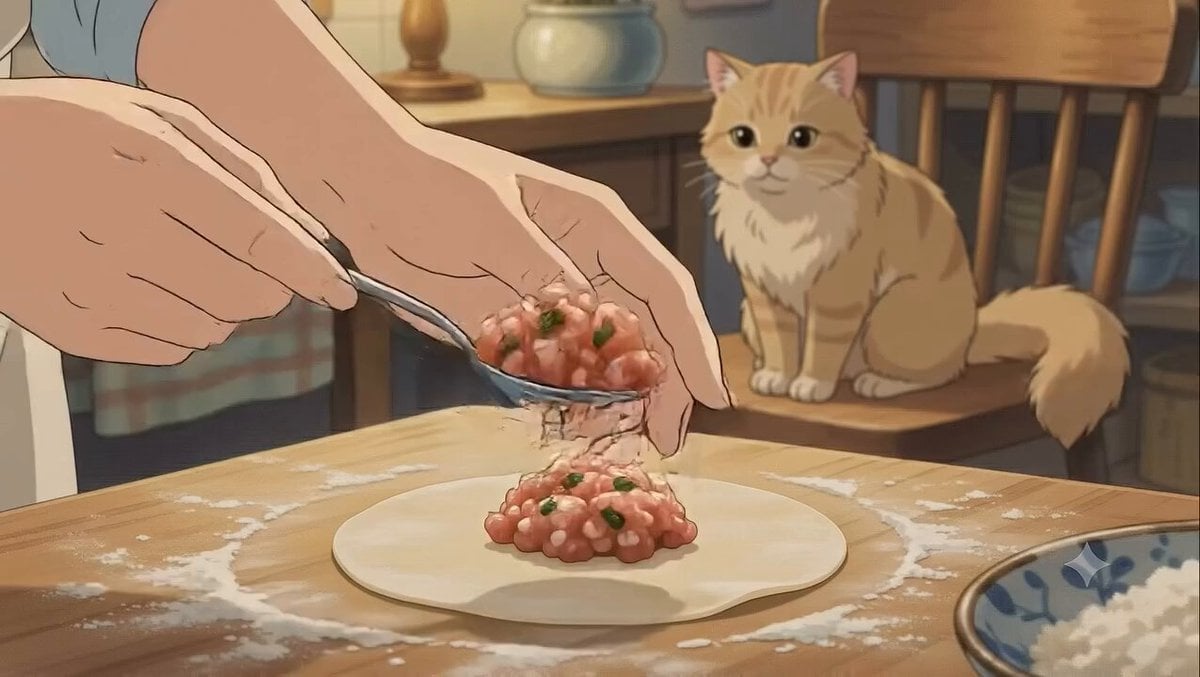
Studio Ghibli Dumpling Kitchen Cooking Scene
Mecha Transformation vs Kaiju — 4-Scene Epic

Maglev Train Action Sequence

Martial Arts Fight Sequence
Cinematic Anime Cyborg Running Scene
Pastel Beach Anime MV
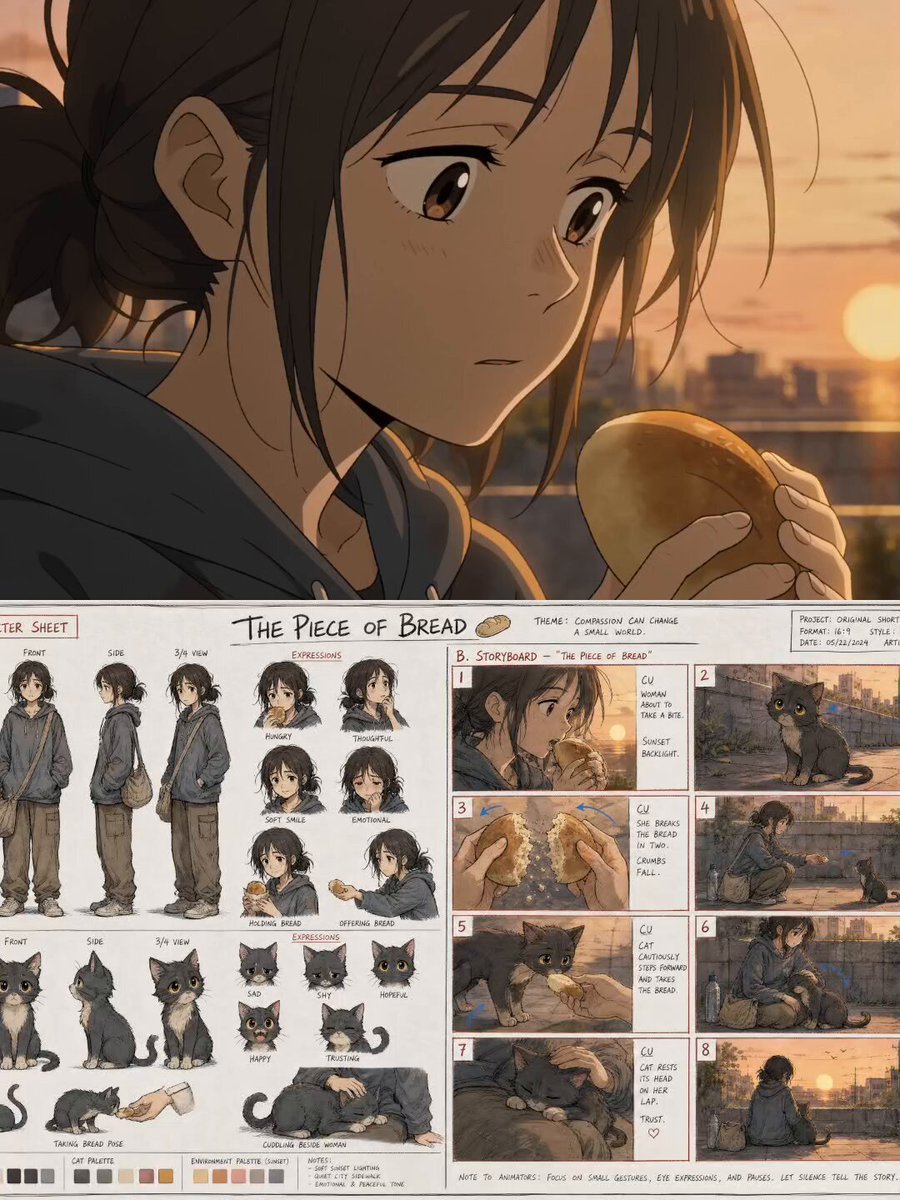
The Piece of Bread: Anime Short Film
Cinematic Samurai Duel Sequence
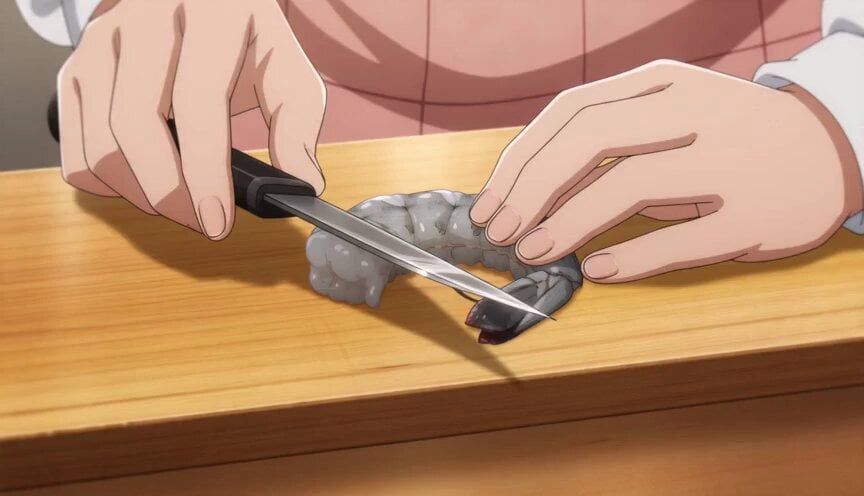
Anime Chef Shrimp Tempura Cooking
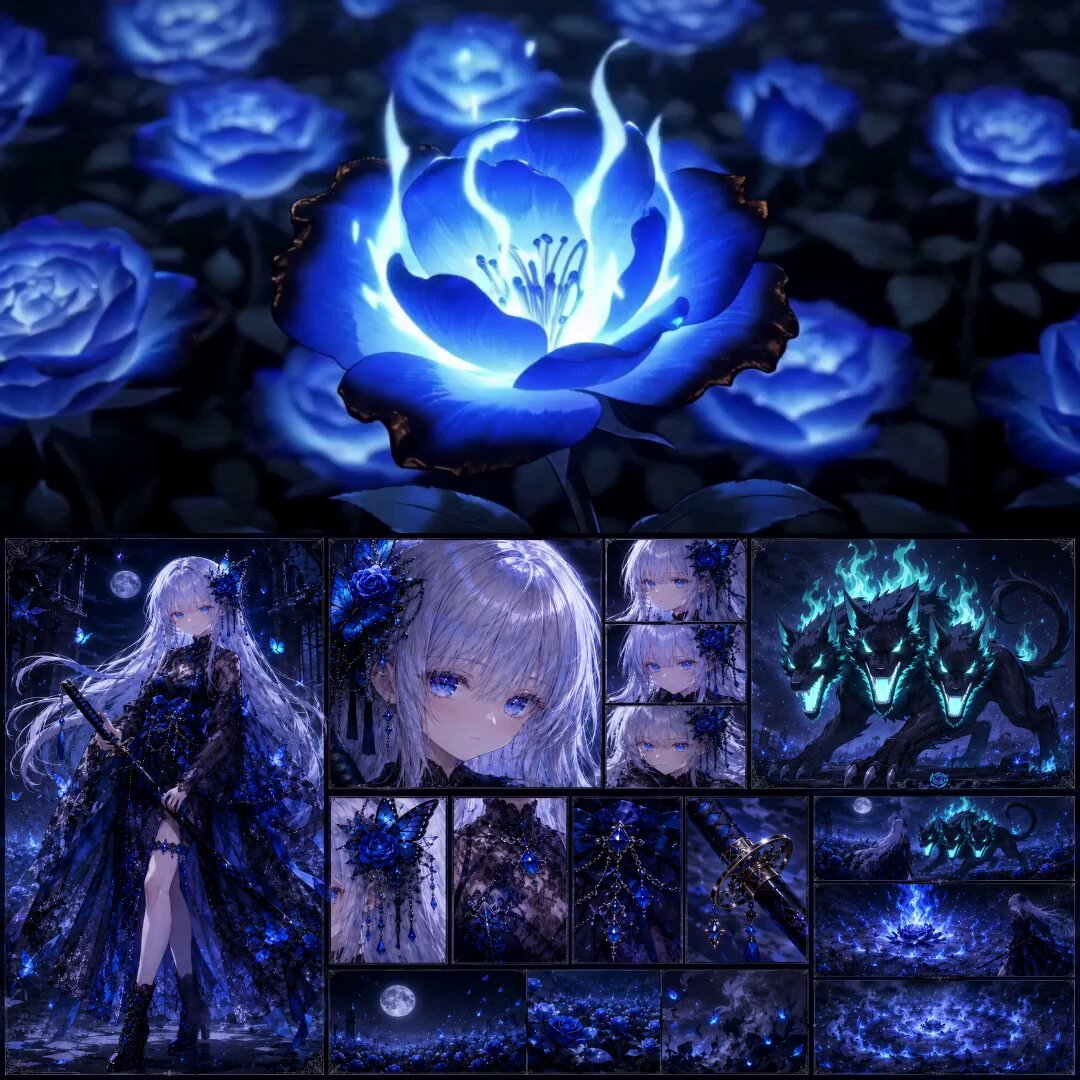
High-End Anime Dark Fantasy Cerberus Battle
Make it yours
Anime Flooding Tears Sequence works as-is. These are the safest ways to change it without losing the look.
Change one field
Copy a single group, rewrite it, and generate again so you can see what that field is doing.
Keep the frame, change the subject
Hold the composition and light of Anime Flooding Tears Sequence, then swap wardrobe, props or the person for a new take.
| If the result… | Why | Fix |
|---|---|---|
| The result drifts from the preview | Too many fields changed at once. | Reuse Anime Flooding Tears Sequence as-is first, then change one group — subject, light, or setting. |
| The model over-stylizes the scene | The prose prompt leaves finish and camera underspecified. | Add one camera or lighting sentence and stay on Seedance 2.0. |
More Seedance 2.0 templates
Other prompts made for Seedance 2.0.

Comical Martial Arts Punch Scene

Wuxia Protection and Trust Script

Vintage Korean Arcade MiniDV Vlog

Mercedes 190 SL Luxury Ad

Rainy Night Supernatural Reverse Comedy Video Script

Amazon Civilization Discovery

Futuristic South Asian City Transformation

Cozy Luxury Cafe Commercial

Cyber Ronin Nanotech Transformation Video
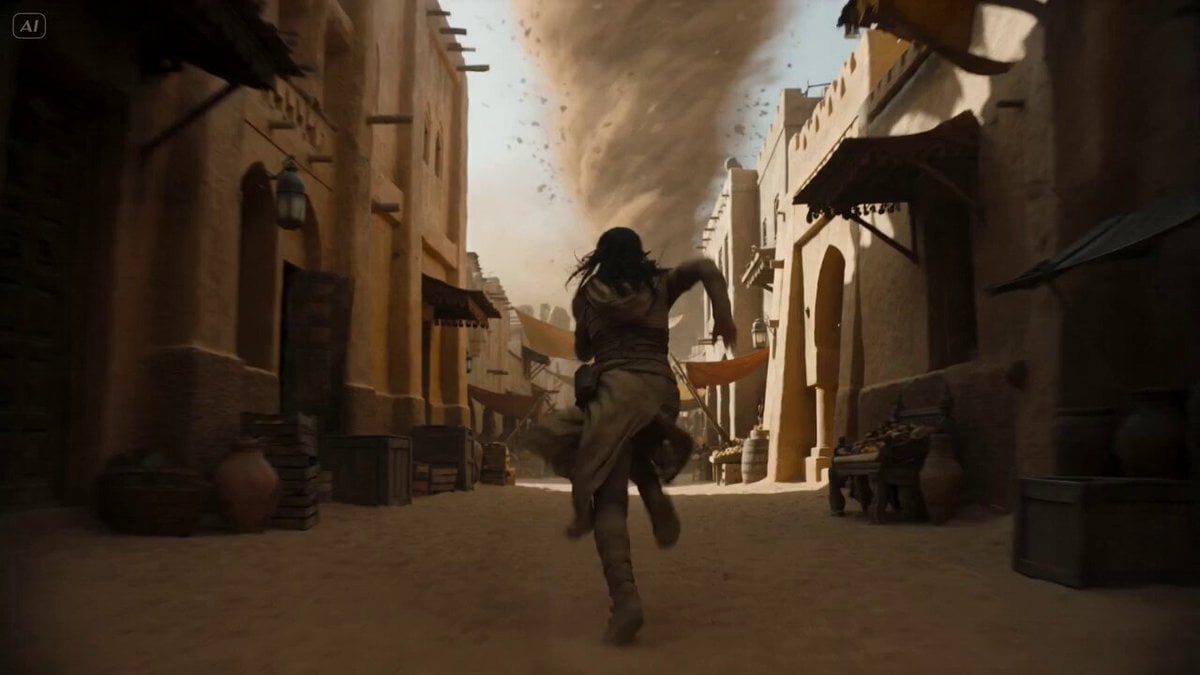
Desert Courier and Sandstorm Leviathan Chase
More video prompts
Fresh picks from across the catalog.

Luxury Nail Polish Beauty Commercial
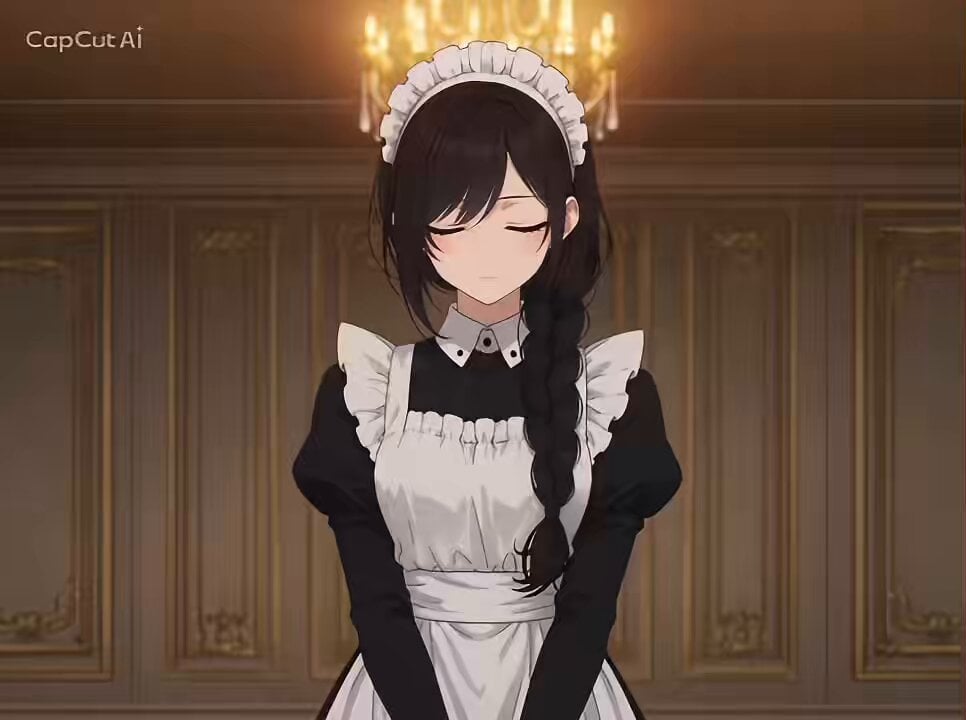
Anime Dialogue and Storyboard Script
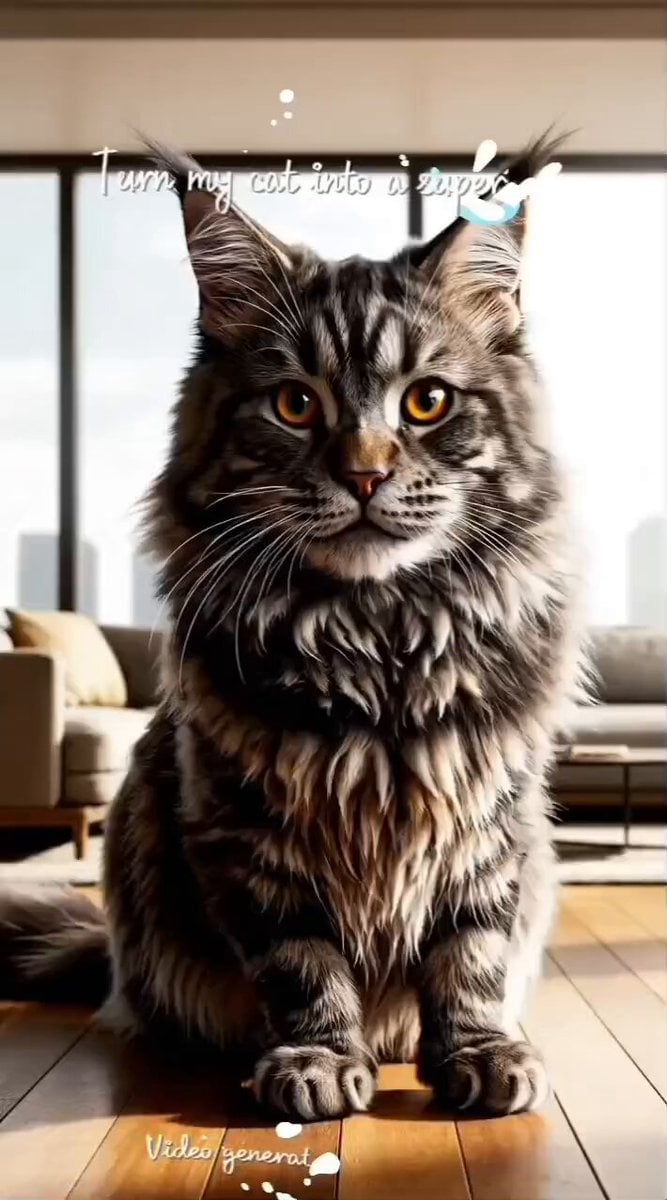
Superhero Cat Futuristic City
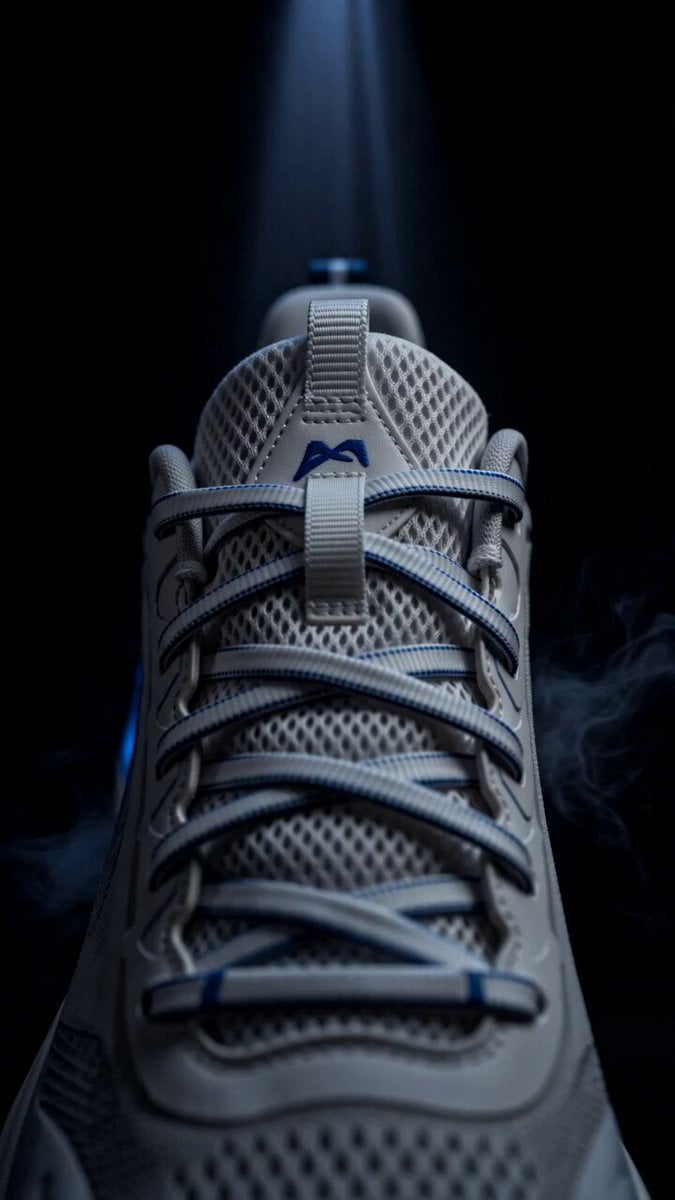
Blue Sports Shoe Product Commercial Shots
Martial Arts Fantasy Sequence
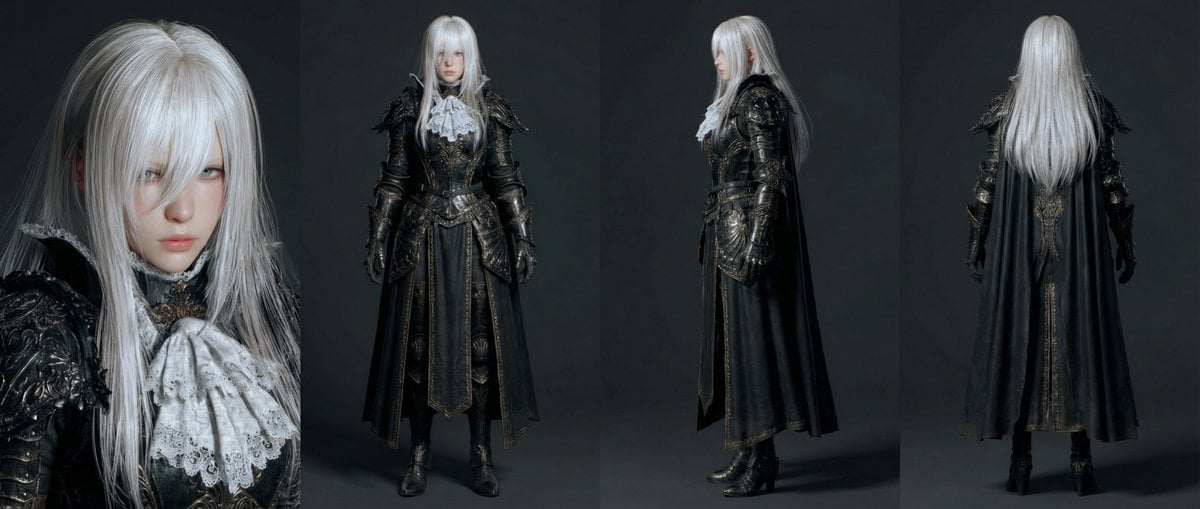
Open-Source Tokusatsu Cinematic Aesthetic Prompt

Phoebe and Zorg's Galactic Gift
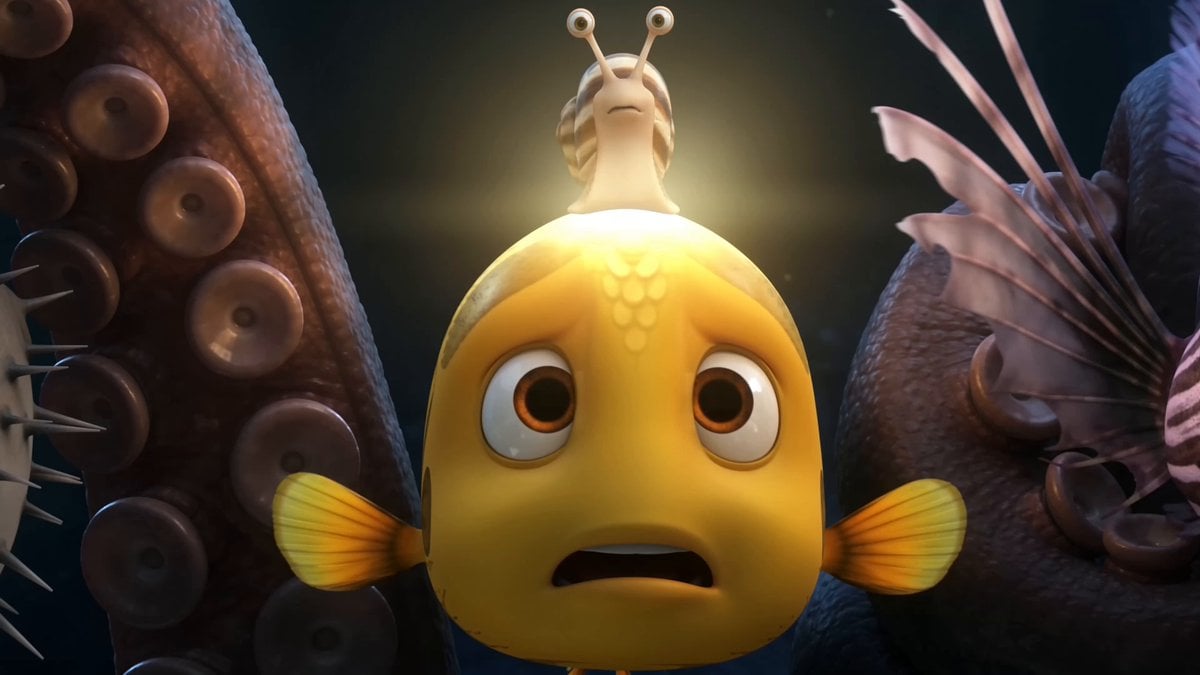
Pixar Style Underwater Squid Animation
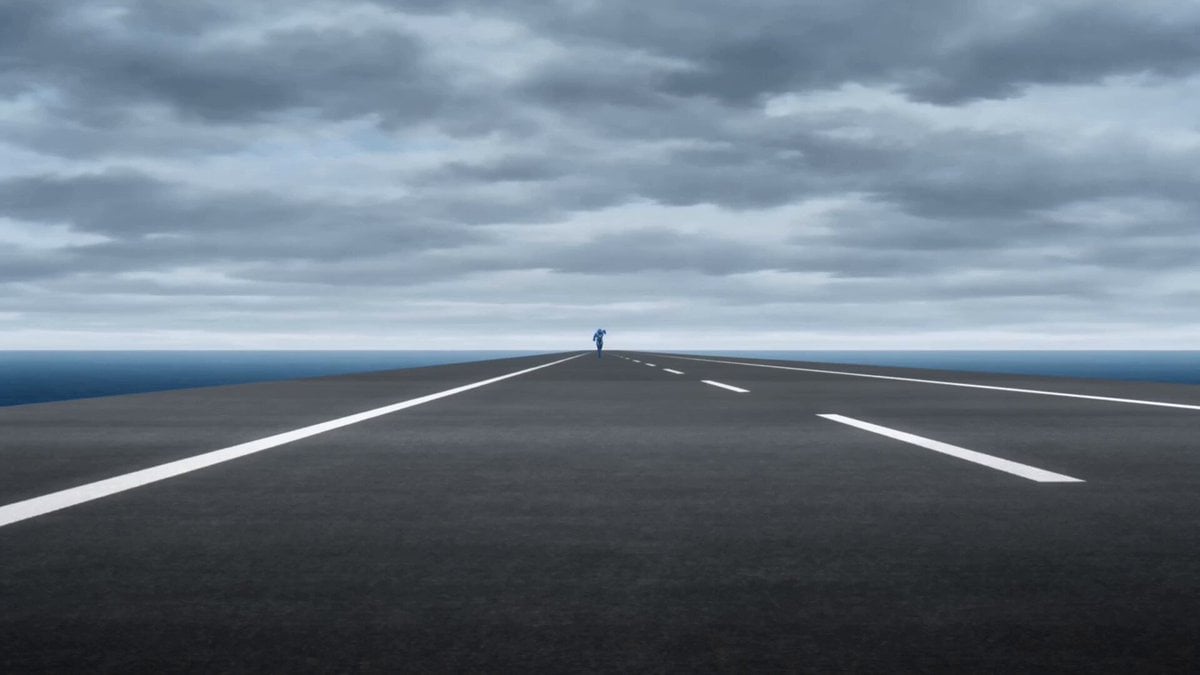
Speedster Superhuman Run
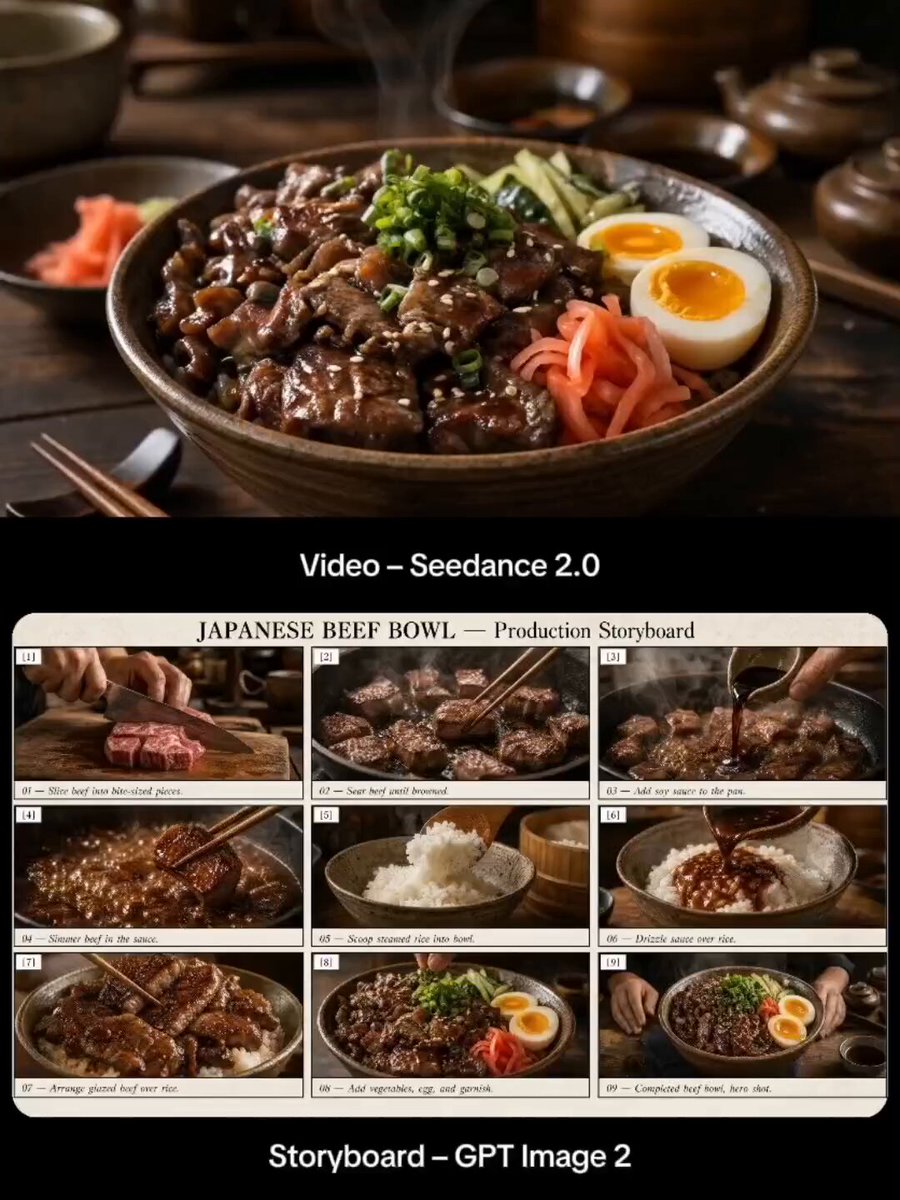
Japanese Beef Bowl Cooking Storyboard
Browse template categories
Anime Flooding Tears Sequence questions
How do I use the Anime Flooding Tears Sequence template?
Add your photo if the template asks for one, edit the prompt if you like — the template's model and format are already selected — and press Generate. Your version opens in PicX Studio.
Can I customize the Anime Flooding Tears Sequence template?
Yes. You can change the subject, setting, lighting, mood, format, and available model controls before creating your video.
Is the Anime Flooding Tears Sequence template free?
Opening and editing this template is free. Generating uses credits, shown on the Generate button when you are signed in.
Which AI model should I use?
Start with Seedance 2.0, which is the model associated with this template. You can compare another compatible model for a different finish.
Looking for something else? Browse all templates.

Your photo, any look
Thousands of ready templates for every top image and video model, from one credit balance.