
Speedster Superhuman Run
An intense action prompt for Seedance 2.0 featuring a superhuman character running faster than light, with specific cinematic cuts and Japanese dialogue.

- Prompt included
- Model and format preset
- Free template
The prompt behind this video
Copy the exact prompt behind Speedster Superhuman Run, or open it in the studio and make it yours.
Shu(24) runs faster and faster. He is a super human and can run faster than light. All focus should be dedicated to making the man's speed look absurdly fast. He is in a slick blue super hero outfit that is themed around speed. All dialogue must be in Japanese. His partner, Asuka (21), is speaking to him through the communication device in his helmet. Your priority is to make Shu's speed look absurdly fast. [0:00-0:02] Stationary ultra wide shot of a straight empty highway. Shu runs at ultra sonic speed straight down the path directly into the camera, running through it and momentarily blocking the entire frame. He has a serious and focused expression. [Cut: 0:02-0:05] Close up on Shu. He is pushing himself to go even faster. Ultra high motion blur with the environment stretching with speed lines. From his headset, Asuka (21) says with urgency, "まだ駄目、スピードが足りない!” [Cut: 0:05-0:08] ECU on Shu's mouth as he grits his teeth, then rapid tilt up to an ECU of him narrowing his eyes crackling with energy as he says with urgent focus, "分かってる!" [Cut: 0:08-0:10] Ultra wide shot of a shoreline. Shu runs straight into the ocean. A shockwave erupts as Shu steps onto the water, accellerating him even further on top of the water, water trailing behind him from the impact of his steps. Asuka counting down urgently through the speaker, "ワープまで2.3...1.9...1.2." [0:10-0:15] Fast orbit to an over the shoulder shot from behind Shu as he runs on the water. The scenary around him stretch into streaks of blue light. Asuka is counting down with nervous urgency in her voice, "0.7...0.2..." Shu screams as he pushes himself to his limits, shouting with voice cracking, ”あああ!!!” Then Asuka says over the speaker in soft and gentle whisper, "頑張ってね、ヒーロー。” just as Shu disappears in a flash of light.
How to use Speedster Superhuman Run in 3 steps
- 1
Open
The prompt is already in the box next to the preview, with the template's model and format selected.
- 2…a portrait of your subject in softgolden-hour light, 85mm…
Personalize
Edit the subject and creative details for your destination.
- 3Generate
Generate
Press Generate — your video is created in PicX Studio, so you can compare it with the original and refine one variable at a time.
More like this
Templates with the same subject, style or setup. Open one to see its prompt.

Mediterranean Coffee Run Vlog - Seedance 2.5
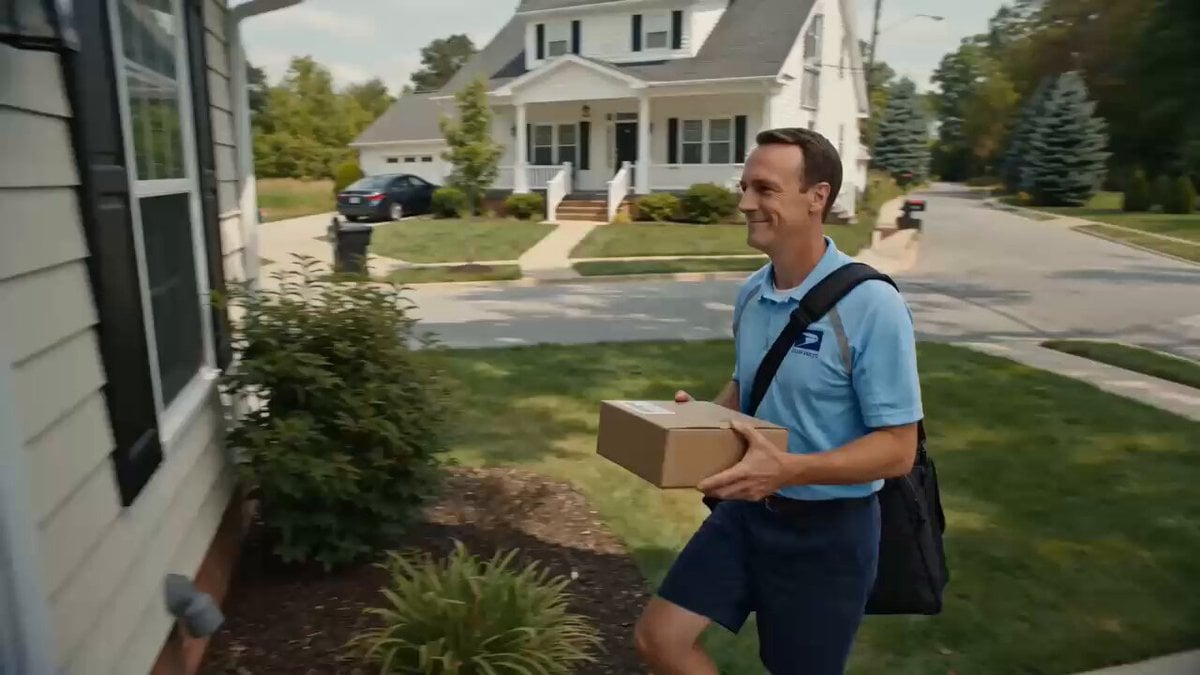
Superhuman Speed Delivery Man Cinematic Sequence
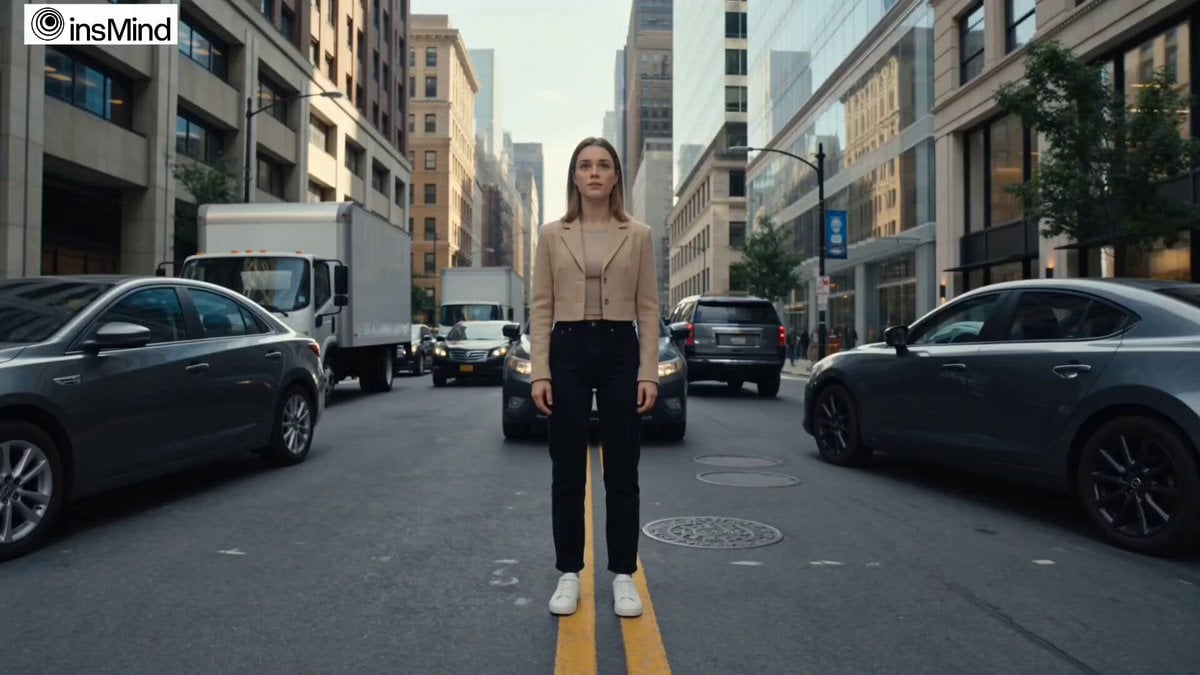
Superhuman Heroine in Metropolis
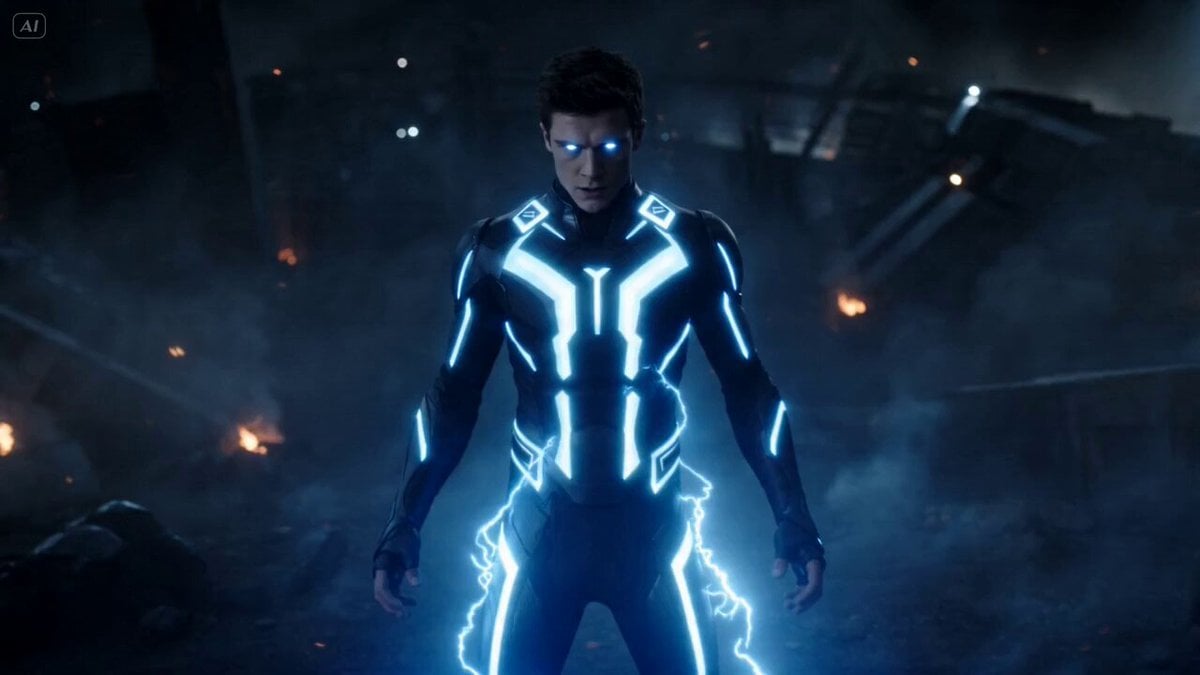
Superhuman Fighter Lightning Combat
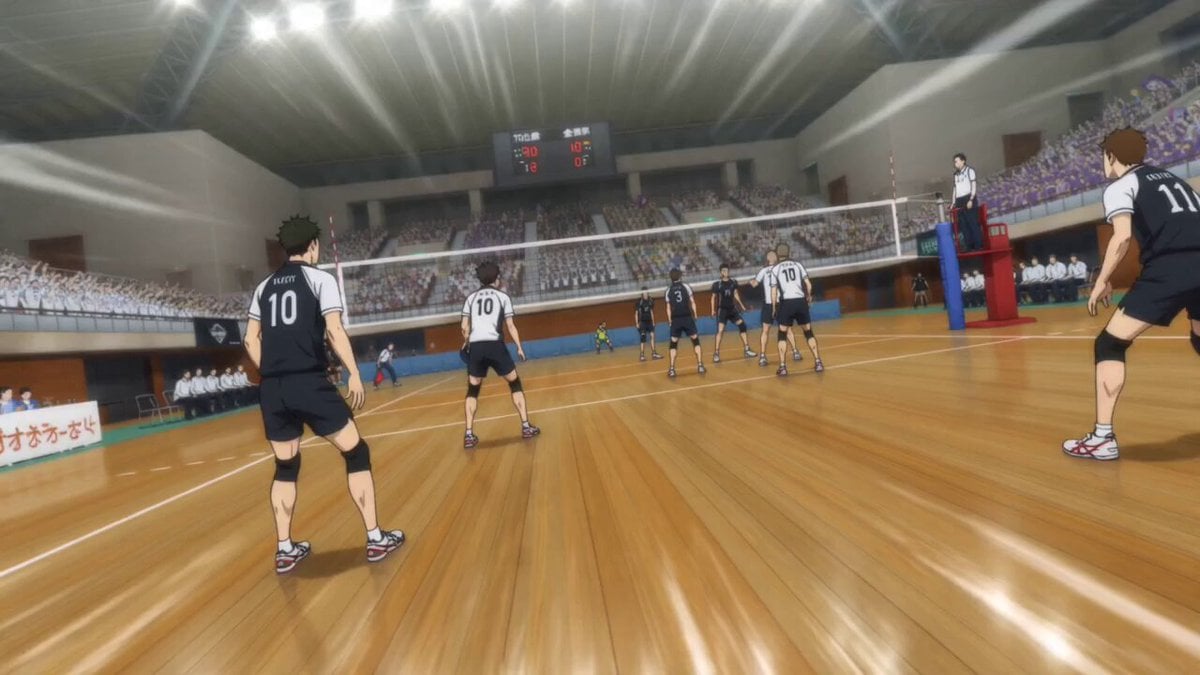
Superhuman Anime Volleyball Spike
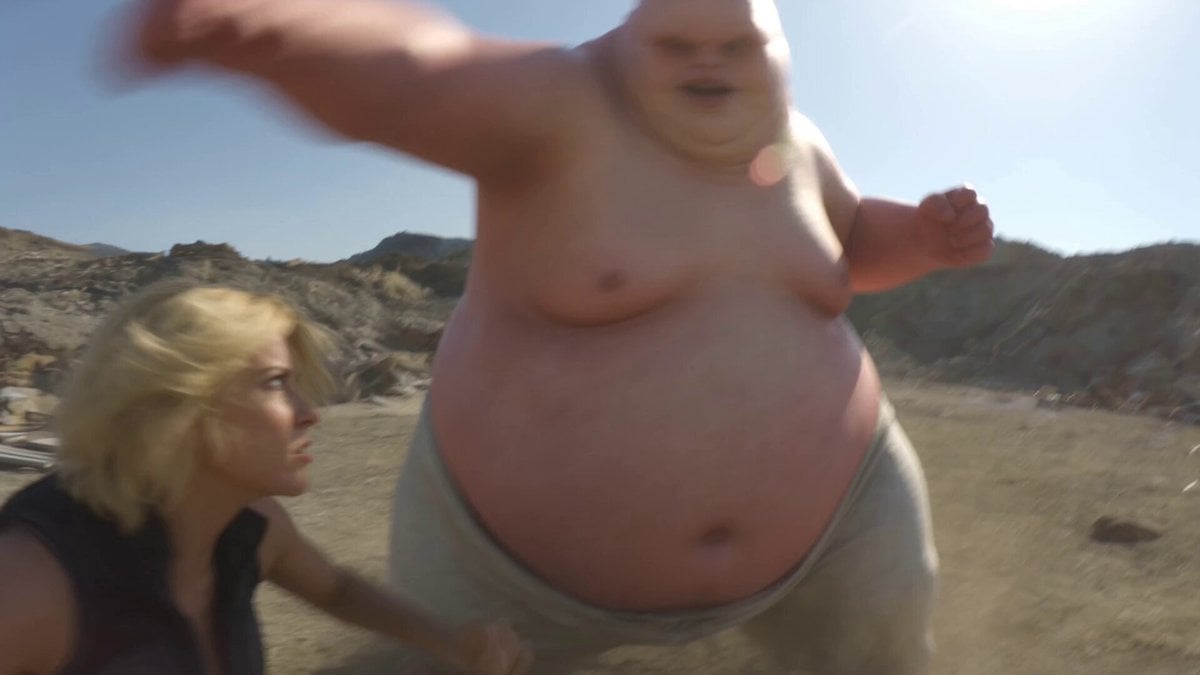
Superhuman Battle Found Footage
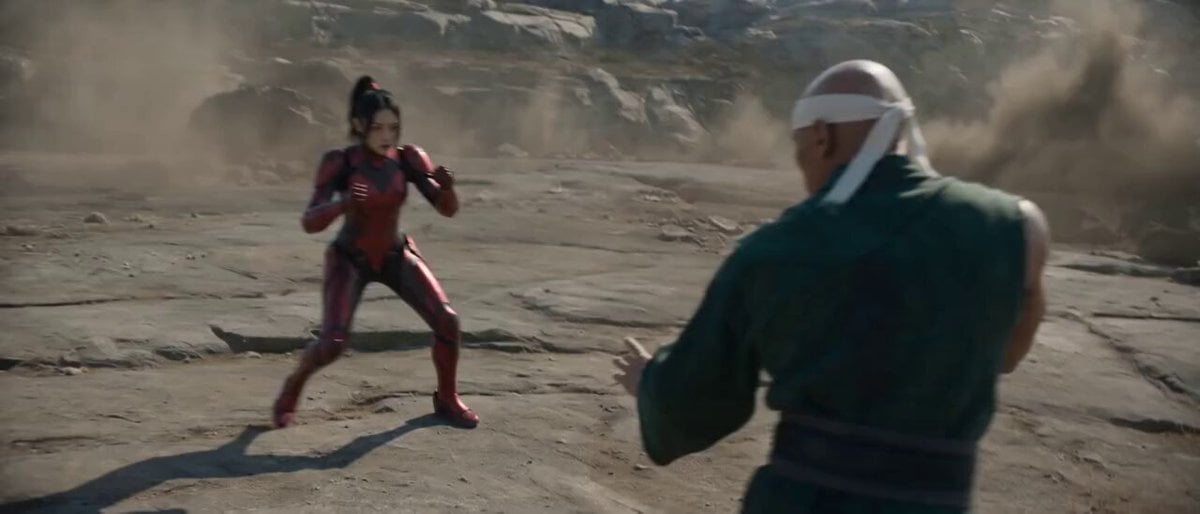
Raw Found Footage Superhuman Duel

Superhuman Throw and Punch Scene
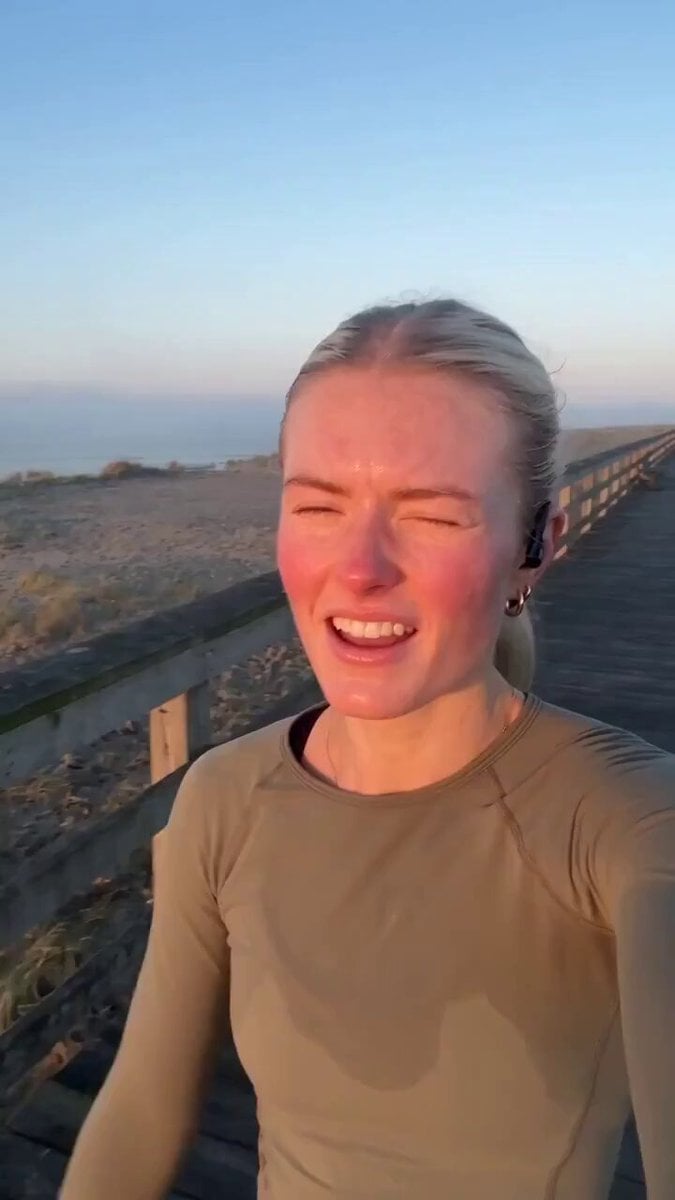
Handheld Scandinavian Influencer Running Vlog
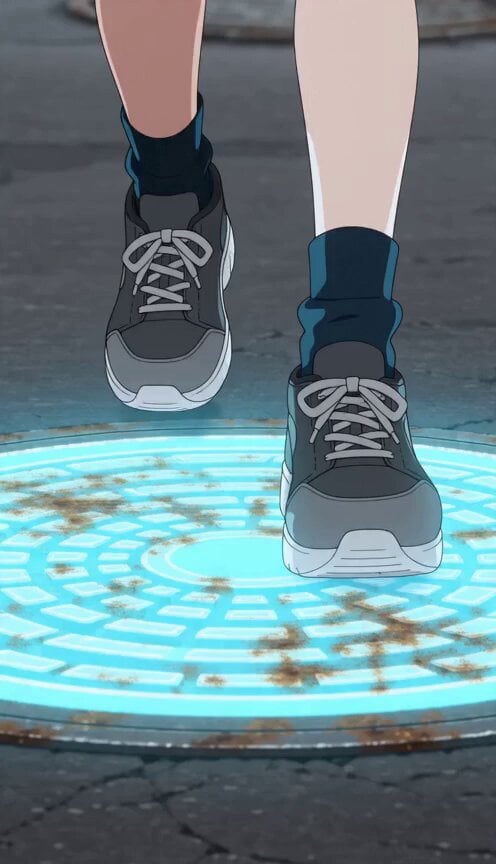
Anime Girl Manhole Rhythm Run
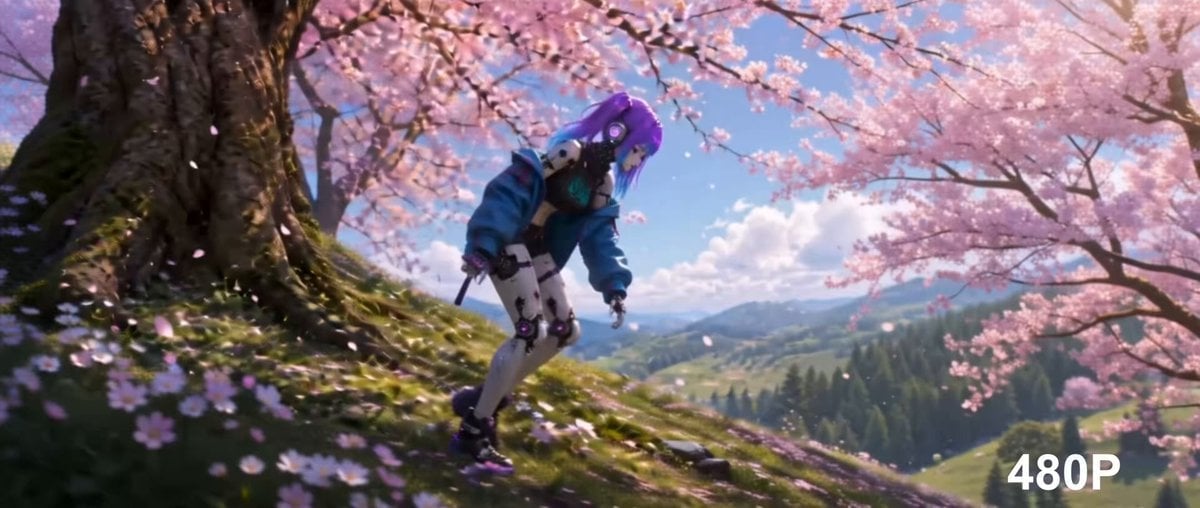
Cinematic Anime Cyborg Running Scene

Surreal Material-Shifting Anime Run
Make it yours
Speedster Superhuman Run works as-is. These are the safest ways to change it without losing the look.
Change one field
Copy a single group, rewrite it, and generate again so you can see what that field is doing.
Keep the frame, change the subject
Hold the composition and light of Speedster Superhuman Run, then swap wardrobe, props or the person for a new take.
| If the result… | Why | Fix |
|---|---|---|
| The result drifts from the preview | Too many fields changed at once. | Reuse Speedster Superhuman Run as-is first, then change one group — subject, light, or setting. |
| The model over-stylizes the scene | The prose prompt leaves finish and camera underspecified. | Add one camera or lighting sentence and stay on Seedance 2.0. |
More Seedance 2.0 templates
Other prompts made for Seedance 2.0.

Comical Martial Arts Punch Scene

Maglev Train Action Sequence

Martial Arts Fight Sequence

Wuxia Protection and Trust Script

Vintage Korean Arcade MiniDV Vlog

Mercedes 190 SL Luxury Ad

Rainy Night Supernatural Reverse Comedy Video Script

Amazon Civilization Discovery

Futuristic South Asian City Transformation

Cozy Luxury Cafe Commercial
More video prompts
Fresh picks from across the catalog.
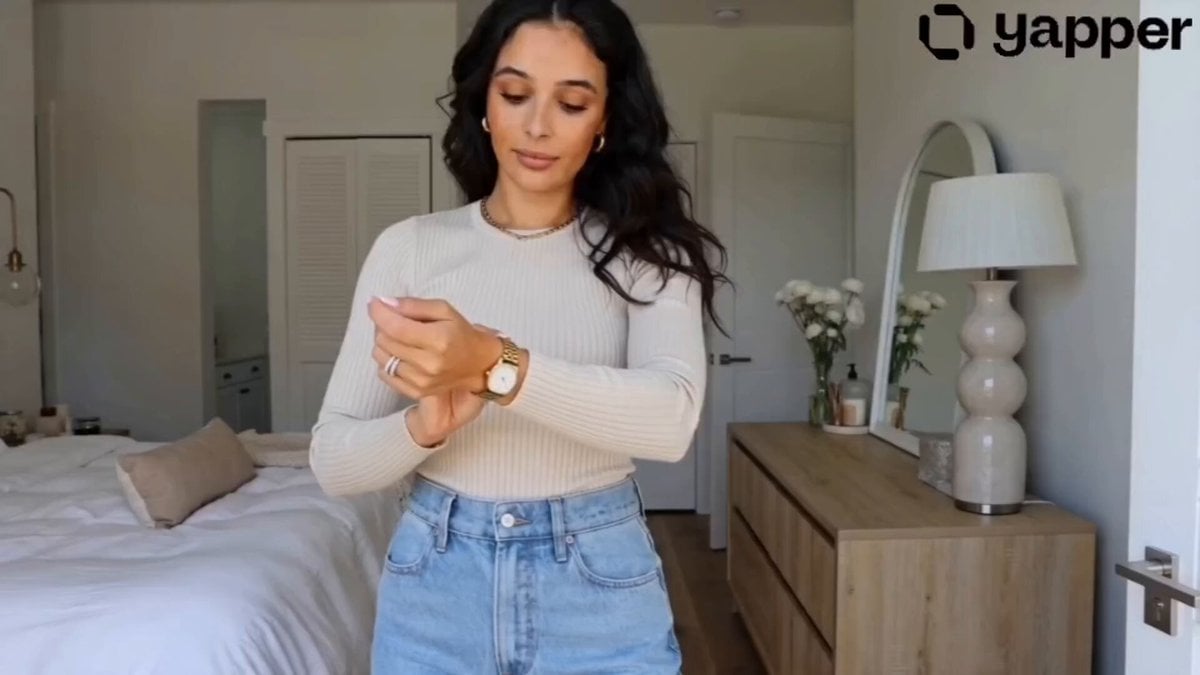
GRWM Influencer Lunch Date Vlog
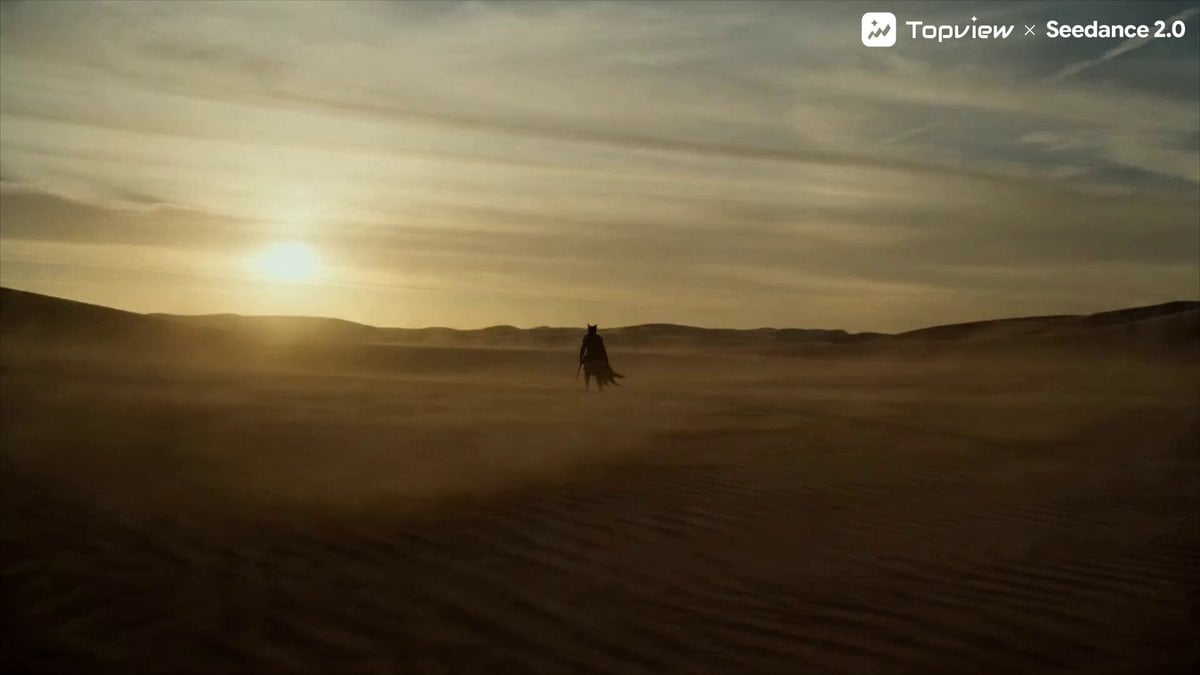
Seedance 2.0 Prompt for Cinematic Desert Fight Scene
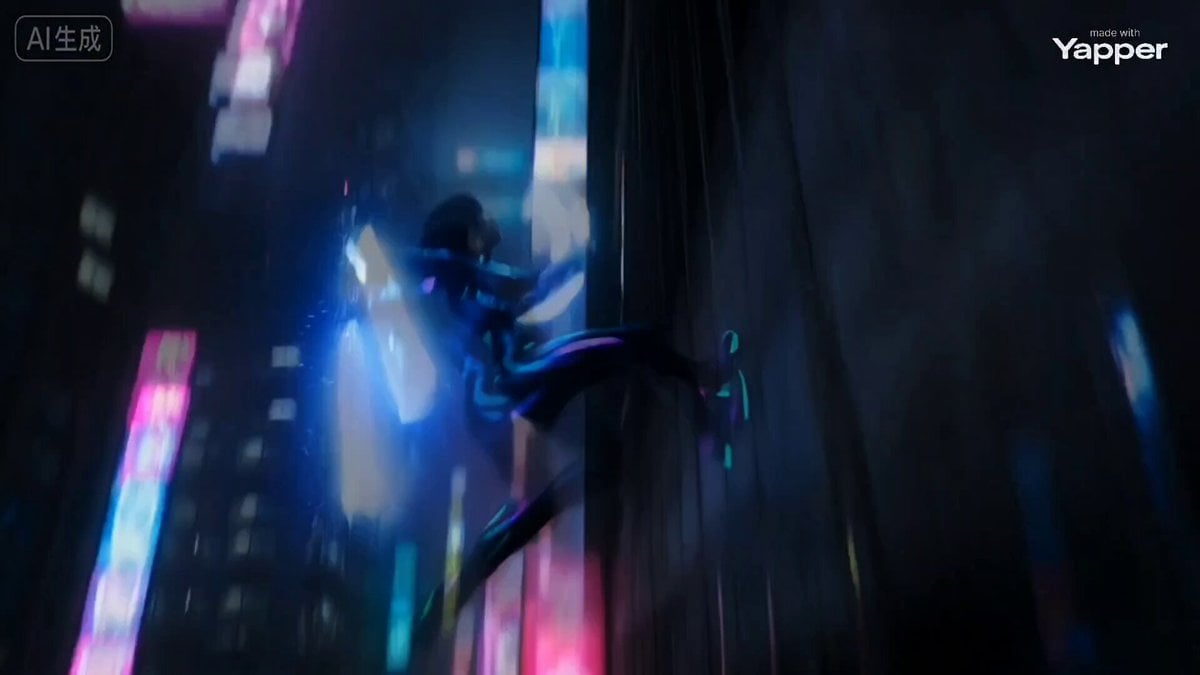
Cyber Ninja vs. Holographic Alien Fight Prompt
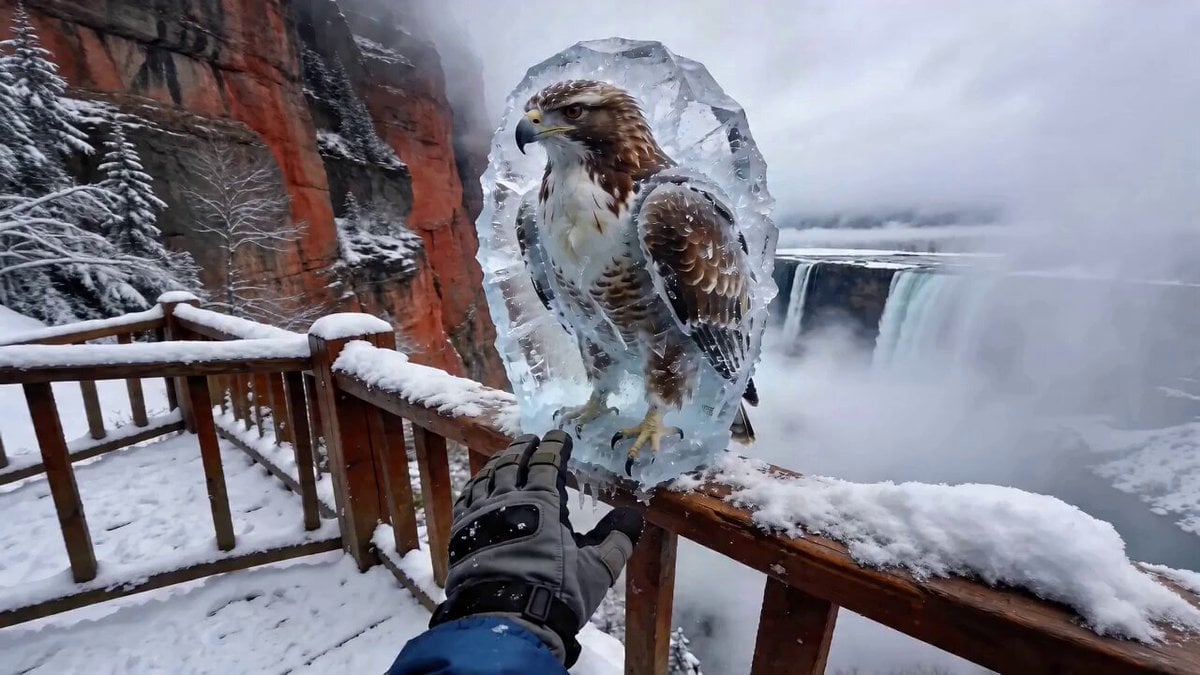
POV Eagle Rescue from Ice
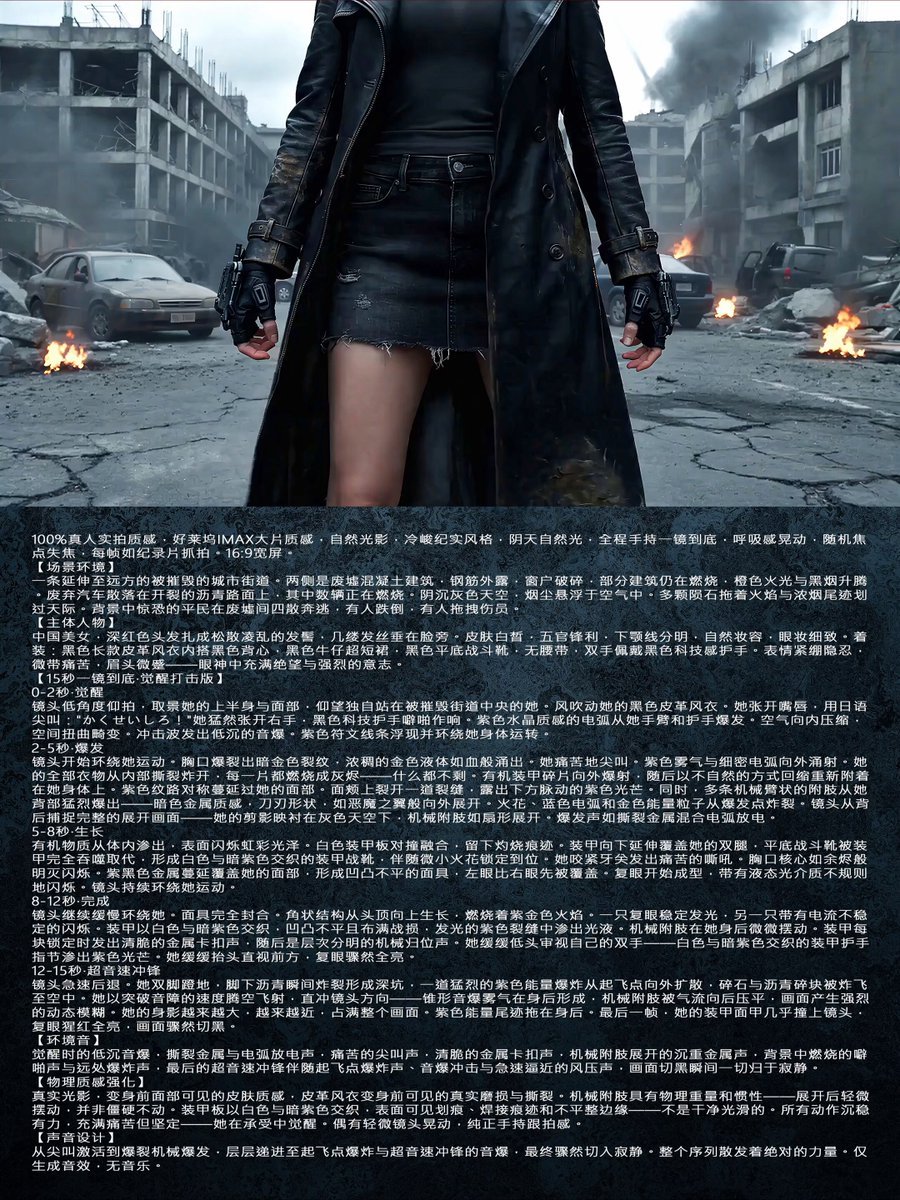
Second One-Shot Awakening Strike Prompt for Seedance 2.0

Intelligence Emergence Visualization
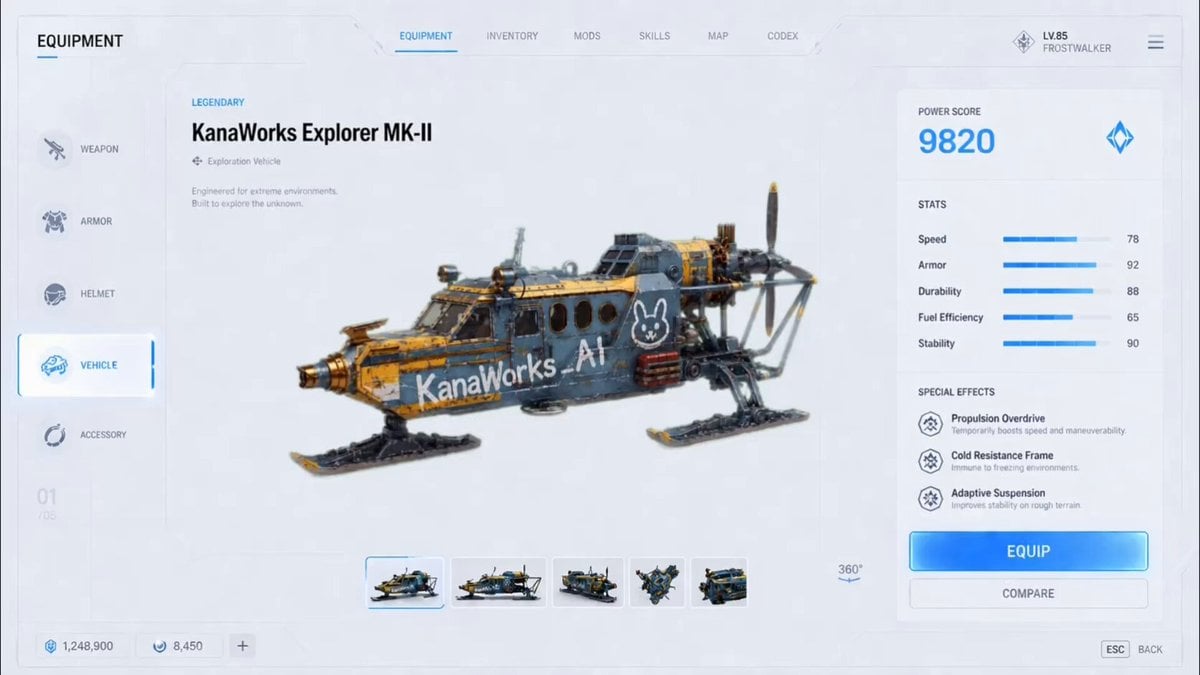
Futuristic Vehicle UI Cinematic Animation

Han River Bicycle Influencer Vlog
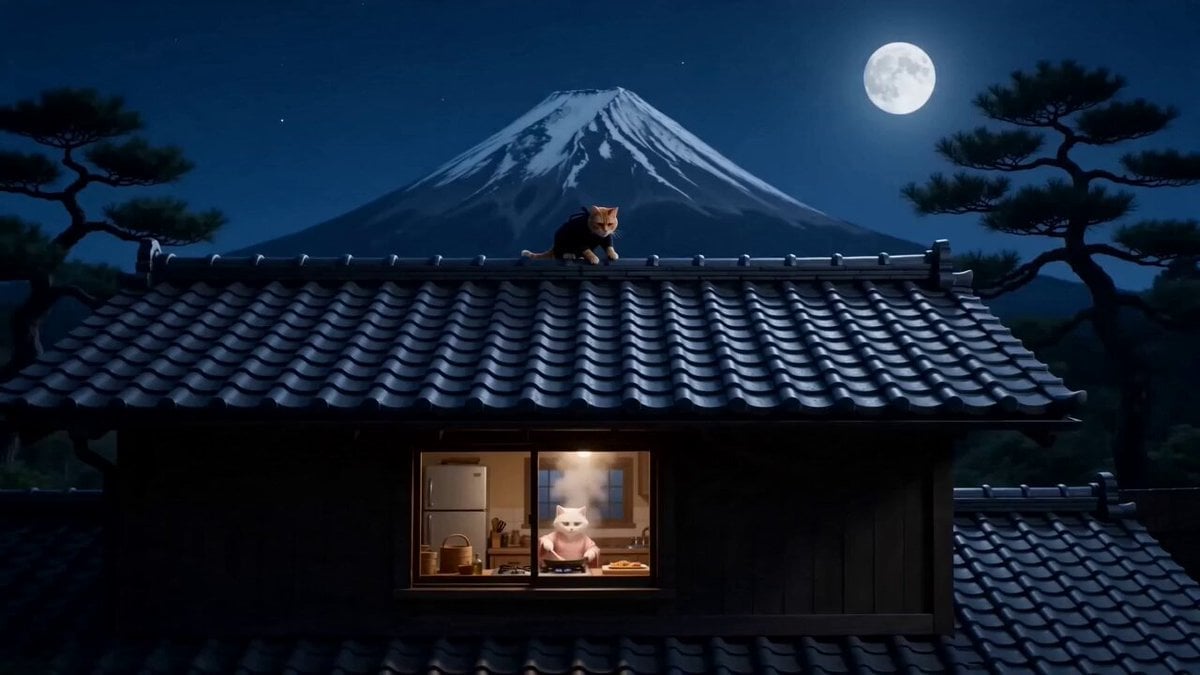
Orange Cat Ninja Heist
Sir Kekius Maximus, Cyber-Fantasy Knight
Browse template categories
Speedster Superhuman Run questions
How do I use the Speedster Superhuman Run template?
Add your photo if the template asks for one, edit the prompt if you like — the template's model and format are already selected — and press Generate. Your version opens in PicX Studio.
Can I customize the Speedster Superhuman Run template?
Yes. You can change the subject, setting, lighting, mood, format, and available model controls before creating your video.
Is the Speedster Superhuman Run template free?
Opening and editing this template is free. Generating uses credits, shown on the Generate button when you are signed in.
Which AI model should I use?
Start with Seedance 2.0, which is the model associated with this template. You can compare another compatible model for a different finish.
Looking for something else? Browse all templates.

Your photo, any look
Thousands of ready templates for every top image and video model, from one credit balance.