How do I use the Cyber Ninja vs. Holographic Alien Fight Prompt template?
Edit the prompt in the box under the preview — the template's model and format are already selected — and press Generate. Your version appears right on this page.
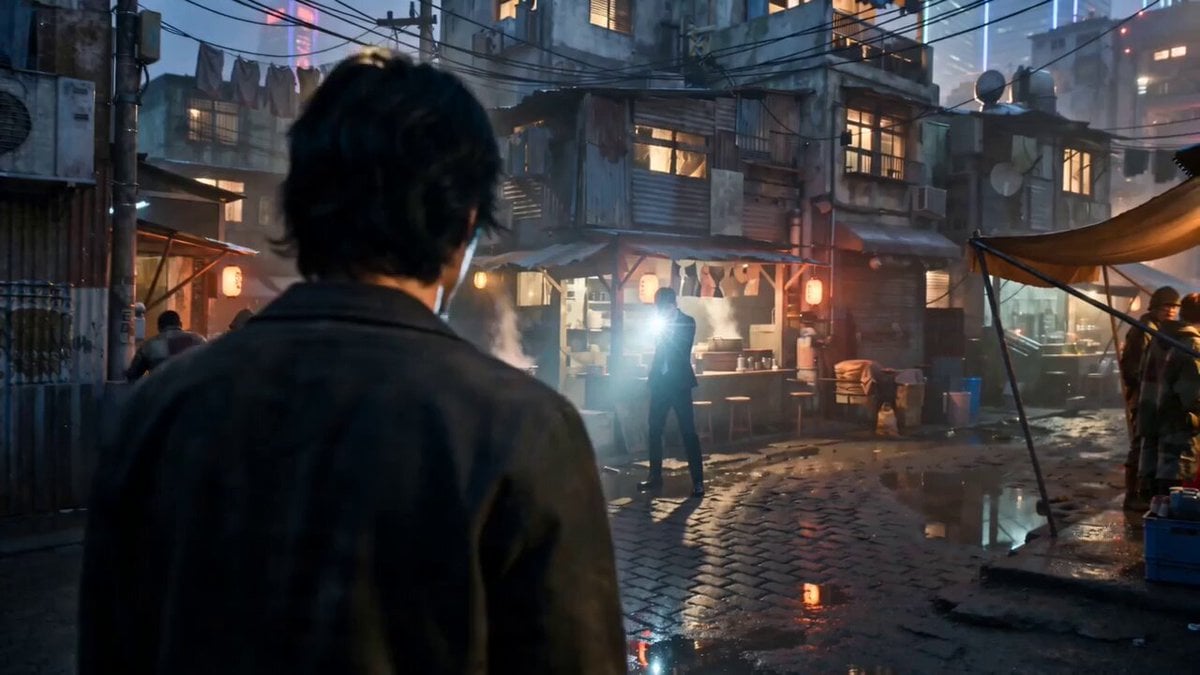
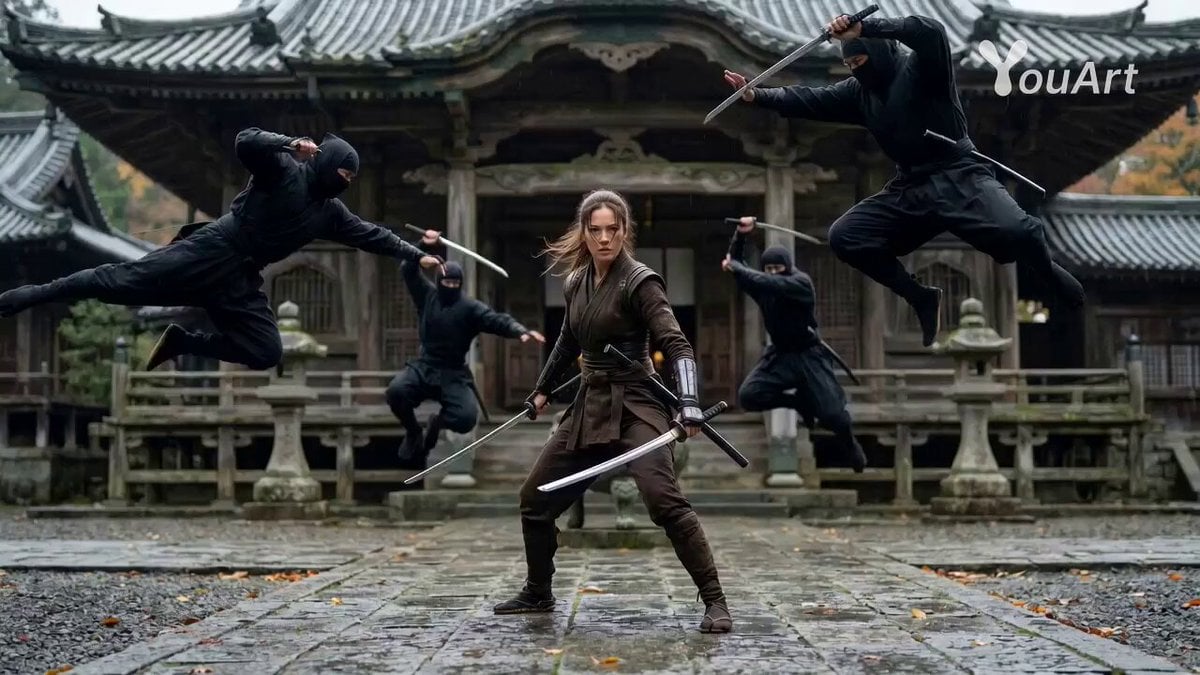
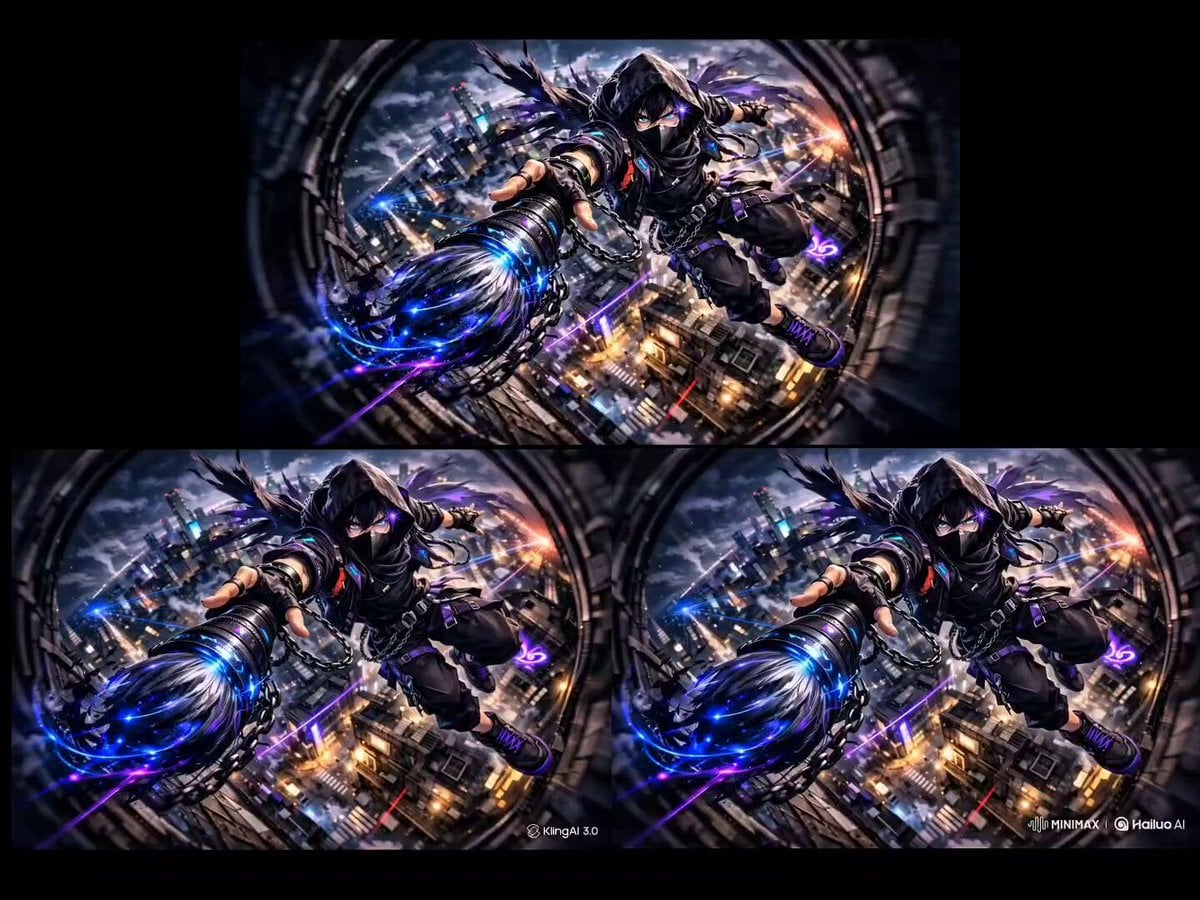
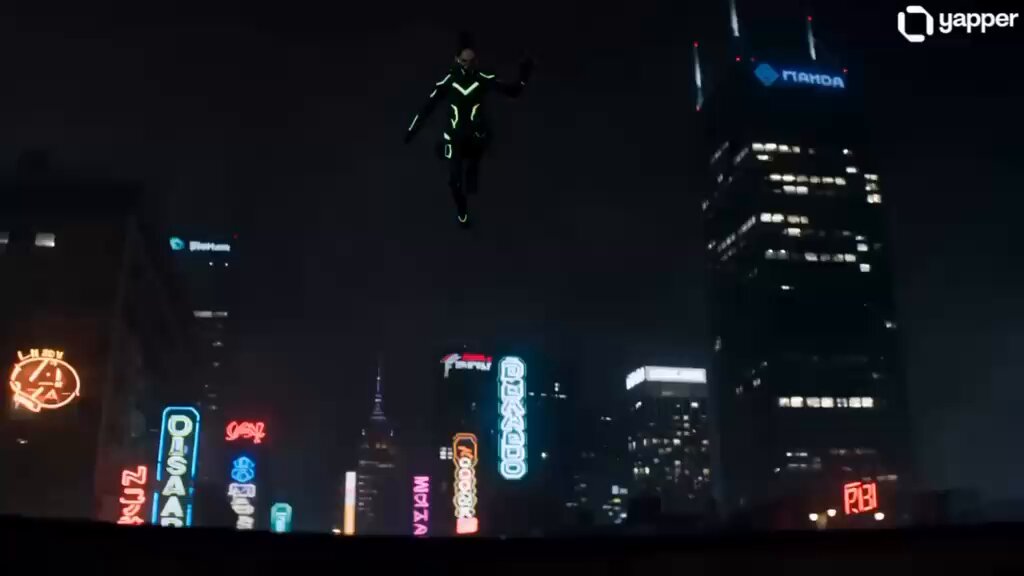
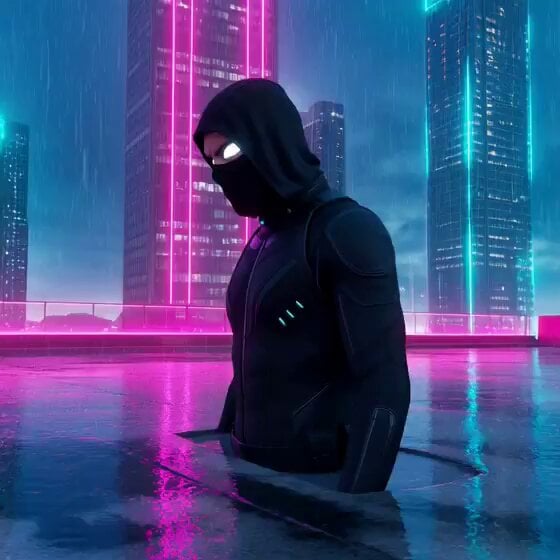
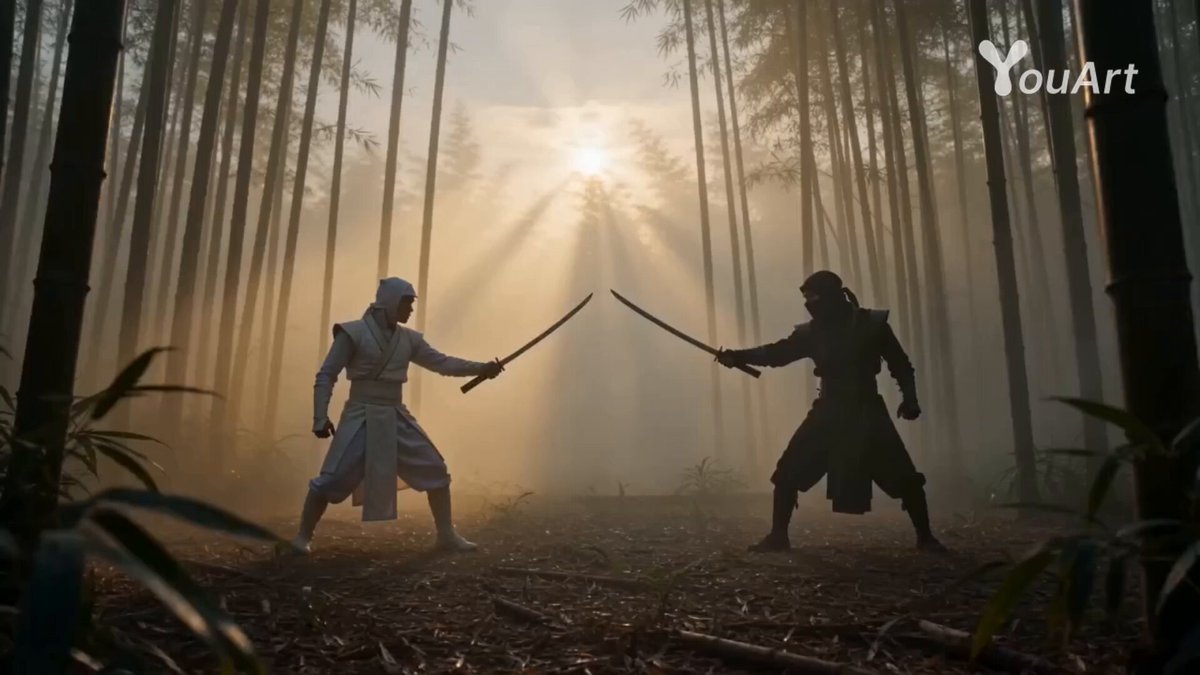
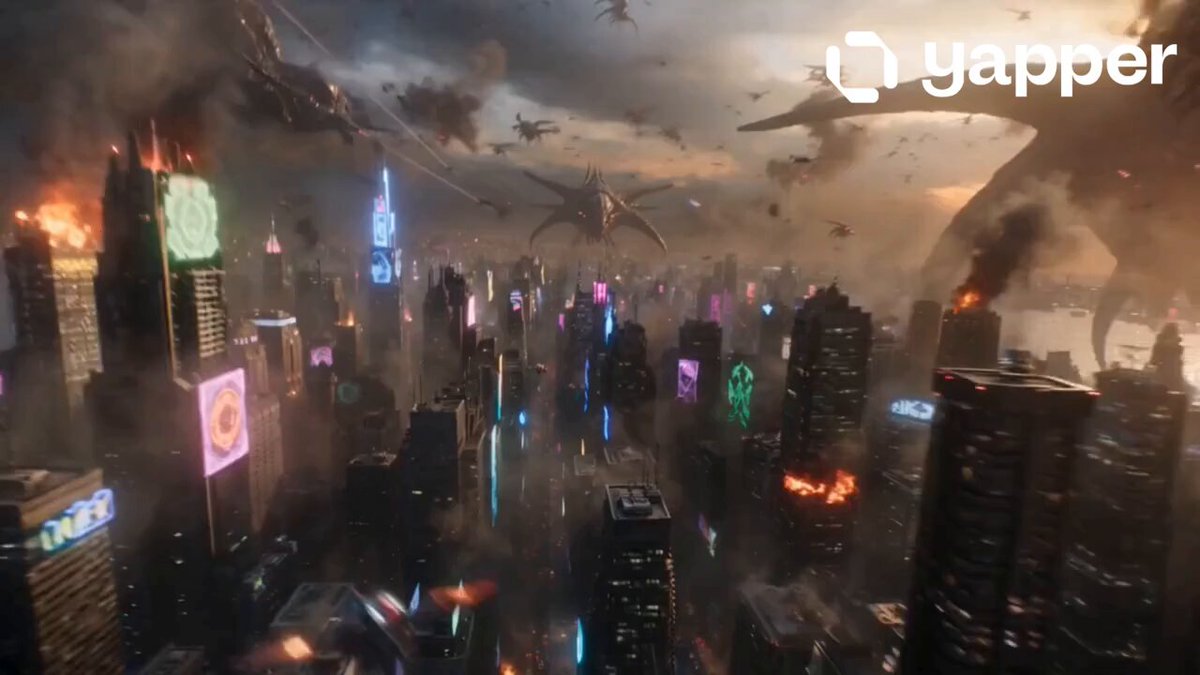
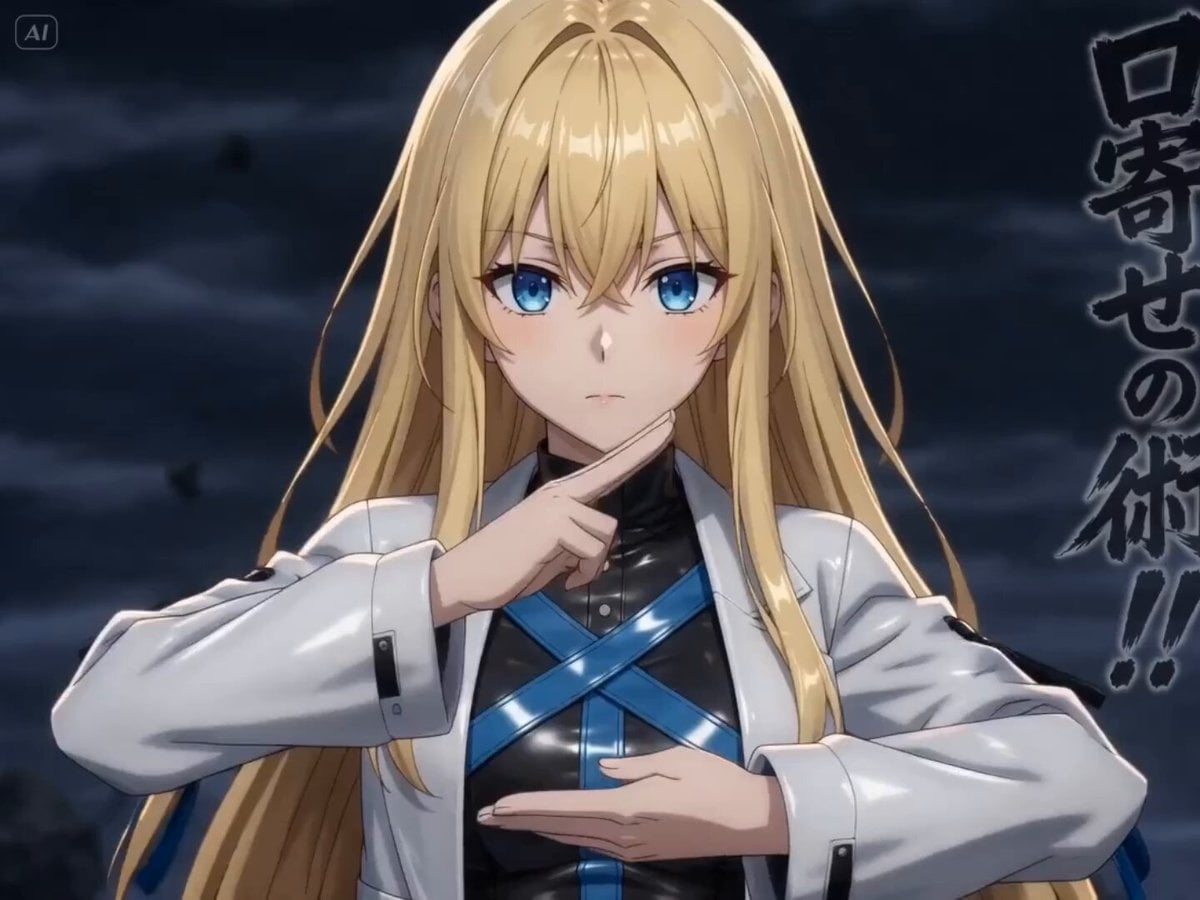
A prompt for generating an epic, 12-second multi-shot cinematic fight video featuring a cyber ninja battling a giant holographic alien overlord in a raining cyberpunk Tokyo street.
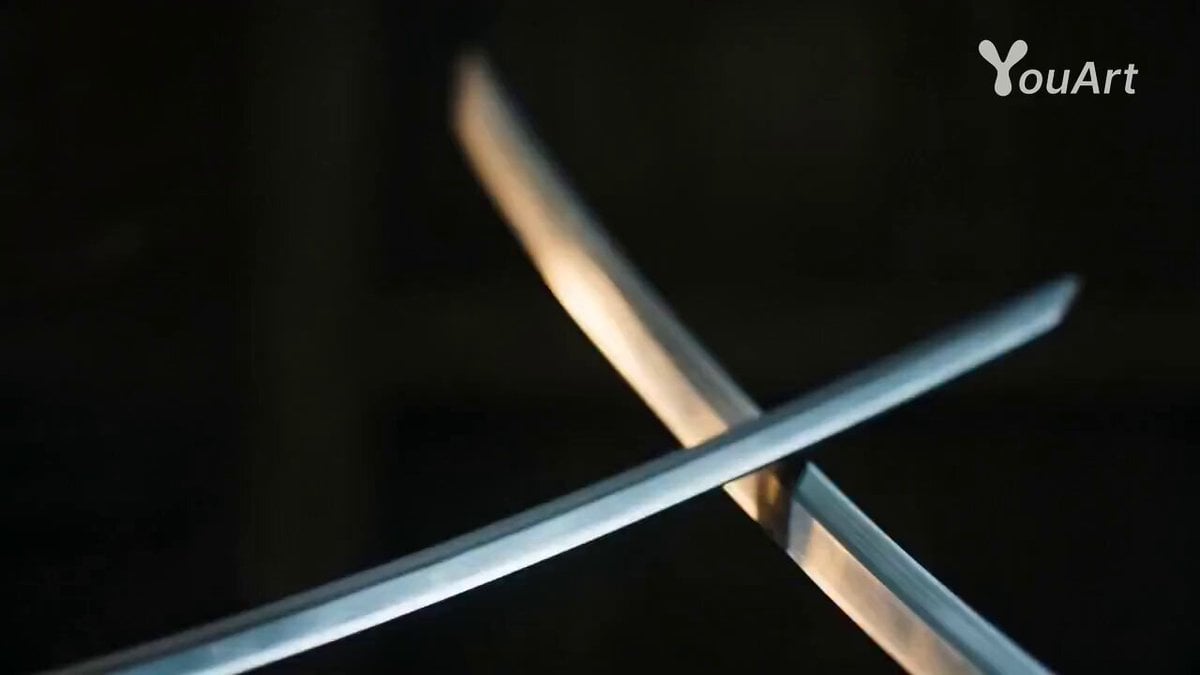
16:9 ratio, epic multi-shot cinematic blockbuster 12-second fight video. A sleek black-neon cyber ninja with dual glowing katanas fights a giant translucent holographic alien overlord with energy whips and teleport dashes in a raining cyberpunk Tokyo street. Dynamic shots: fast vertical tracking as she wall-runs up buildings, circling 360° camera around whip clashes, bullet-time close-ups of katana slices through holograms, epic low-to-high sweeping shot climax where she unleashes a neon vortex slash that glitches and explodes the overlord into digital shards and sparks. Epic Hollywood VFX, volumetric neon lighting, dramatic camera moves, high-intensity trailer style
16:9 ratio, epic multi-shot cinematic blockbuster 12-second fight video. A sleek black-neon cyber ninja with dual glowing katanas fights a giant translucent holographic alien overlord with energy whips and teleport dashes in a raining cyberpunk Tokyo street. Dynamic shots: fast vertical tracking as she wall-runs up buildings, circling 360° camera around whip clashes, bullet-time close-ups of katana slices through holograms, epic low-to-high sweeping shot climax where she unleashes a neon vortex slash that glitches and explodes the overlord into digital shards and sparks. Epic Hollywood VFX, volumetric neon lighting, dramatic camera moves, high-intensity trailer style
Edit the prompt in the box under the preview — the template's model and format are already selected — and press Generate. Your version appears right on this page.
Yes. You can change the subject, setting, lighting, mood, format, and available model controls before creating your video.
Opening and editing this template is free. Generating uses credits, shown on the Generate button when you are signed in.
Start with Seedance 2.0, which is the model associated with this template. You can compare another compatible model for a different finish.
Follow a topic to a crawlable collection of related PicX Studio templates.