How do I use the Cyber-Ninja Teleport in Rain-Soaked Neon City template?
Edit the prompt in the box under the preview — the template's model and format are already selected — and press Generate. Your version appears right on this page.
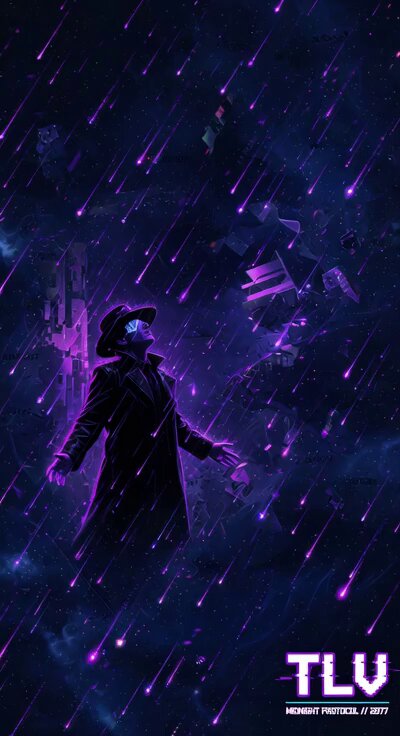
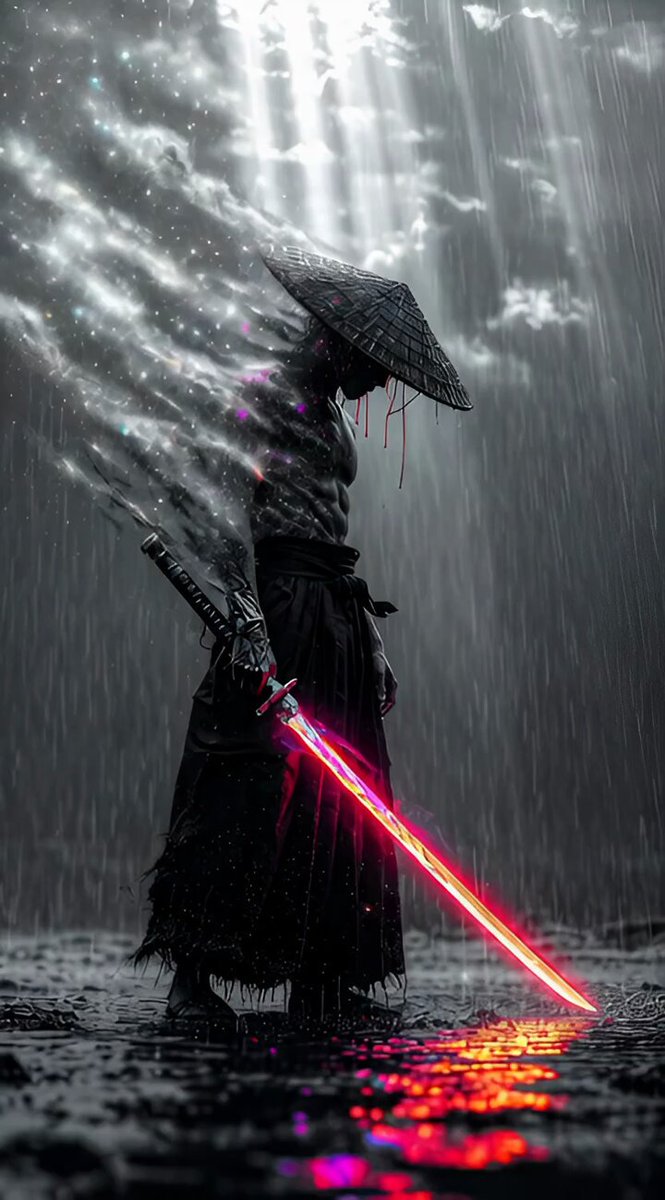
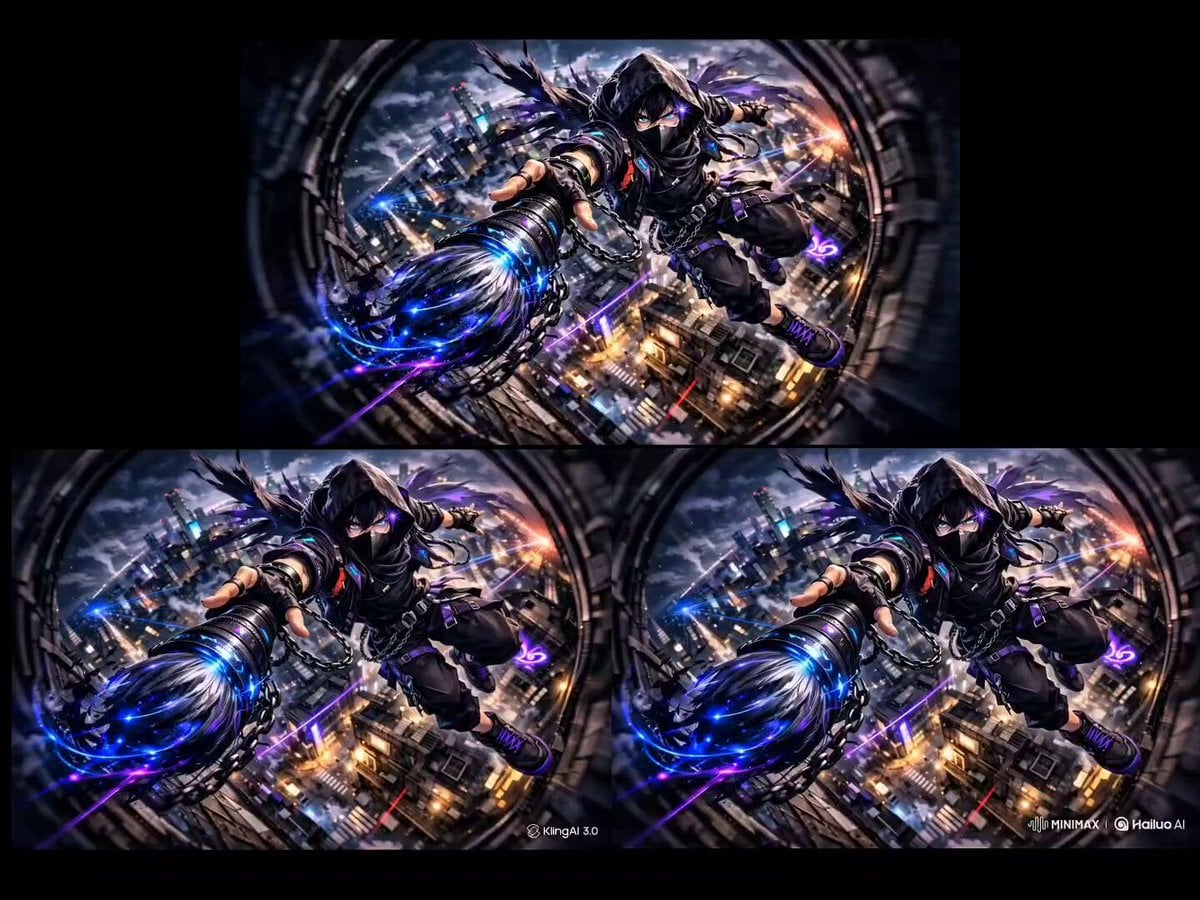
A highly detailed, cinematic prompt for Grok Imagine describing a cyber-ninja mid-teleport on a rain-soaked futuristic rooftop at night, featuring intense neon colors, particle effects, reality warping, and a Blade…
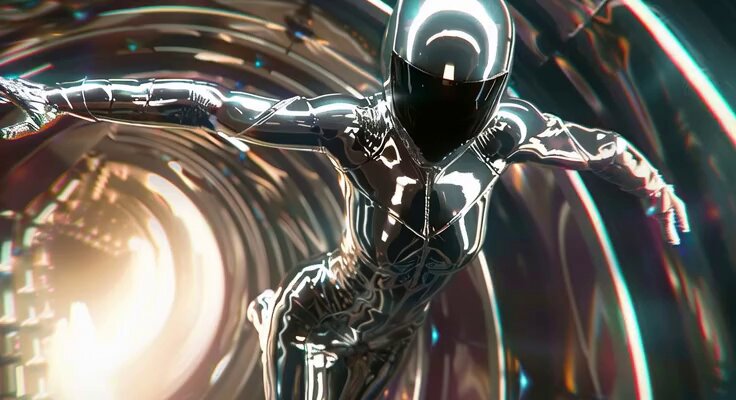
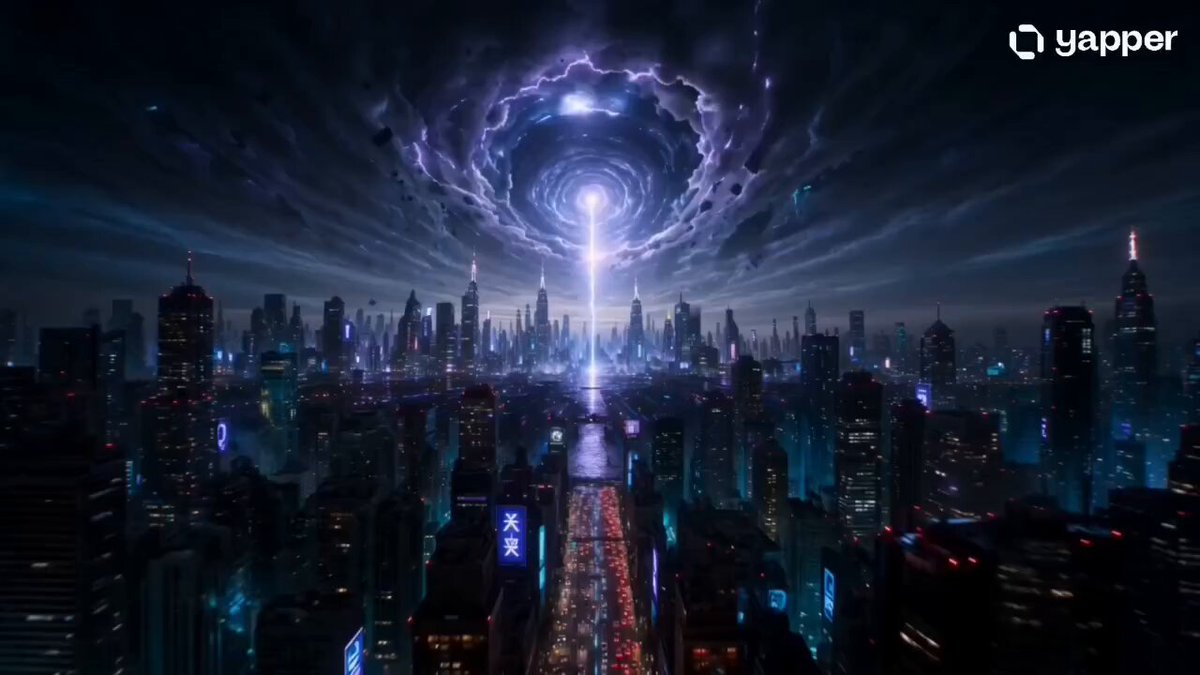
rain-soaked futuristic rooftop at night, torrential downpour reflecting bleeding neon pinks and cyans across wet concrete and puddles, a lone cyber-ninja in matte-black tactical gear mid-teleport — body fracturing into thousands of glowing electric-blue particle shards that scatter violently like shattered glass, reality warping with jagged magenta energy cracks ripping the air around them, face partially dissolving into streaking light trails, eyes flaring pure white, skyscrapers in background smear and stretch from distortion, god rays slicing through rain sheets, heavy chromatic aberration and motion blur, Blade Runner 2049 meets cyberpunk action aesthetic, hyper-real 8K 120fps intense energy.
rain-soaked futuristic rooftop at night, torrential downpour reflecting bleeding neon pinks and cyans across wet concrete and puddles, a lone cyber-ninja in matte-black tactical gear mid-teleport — body fracturing into thousands of glowing electric-blue particle shards that scatter violently like shattered glass, reality warping with jagged magenta energy cracks ripping the air around them, face partially dissolving into streaking light trails, eyes flaring pure white, skyscrapers in background smear and stretch from distortion, god rays slicing through rain sheets, heavy chromatic aberration and motion blur, Blade Runner 2049 meets cyberpunk action aesthetic, hyper-real 8K 120fps intense energy.
Edit the prompt in the box under the preview — the template's model and format are already selected — and press Generate. Your version appears right on this page.
Yes. You can change the subject, setting, lighting, mood, format, and available model controls before creating your video.
Opening and editing this template is free. Generating uses credits, shown on the Generate button when you are signed in.
Start with Grok Imagine, which is the model associated with this template. You can compare another compatible model for a different finish.
Follow a topic to a crawlable collection of related PicX Studio templates.