
Anime Martial Artist Street Fight
An aggressive anime action prompt featuring a martial artist fighting a gang in a city intersection with MAPPA-style impact frames and dynamic camera work.
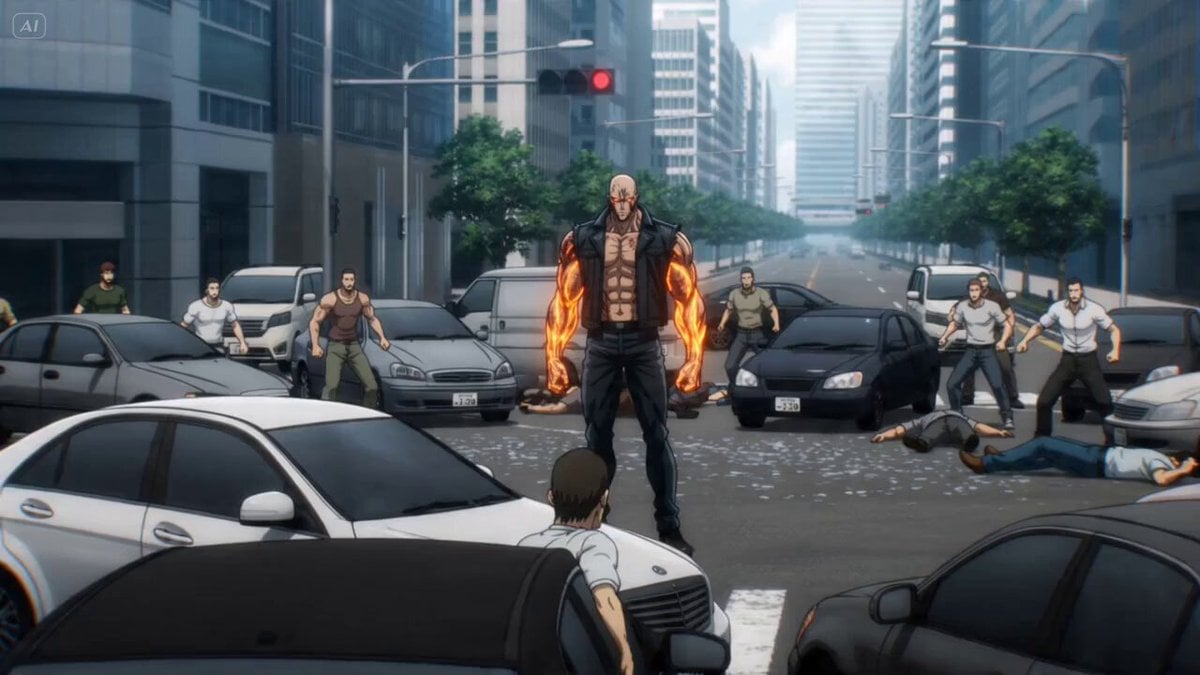
- Prompt included
- Model and format preset
- Free template
The prompt behind this video
Copy the exact prompt behind Anime Martial Artist Street Fight, or open it in the studio and make it yours.
A hyper-aggressive anime martial artist with glowing orange tattoos across his arms, shredded sleeveless jacket, muscular body covered in sweat and scratches, eyes calm but predatory - Stands in the middle of a modern city intersection during daylight, surrounded by an entire gang, cars stopped around him, slow orbit camera circling his still body as fists tighten; - He erupts forward, dodging punches by inches, throwing enemies through car windows, bouncing off walls, using spinning kicks, elbow strikes and brutal counters, camera switches between low tracking, whip pans, 360° orbit shots and crash zooms on every impact, asphalt cracking under his footwork, shockwave rings bursting from each strike; - He slams one fist into the ground, creating a circular crater that launches every remaining enemy outward, camera rises above the intersection as dust clears and he stands alone at the center, breathing slowly Bright urban street, shattered glass, flying car parts, dust clouds, exaggerated MAPPA impact frames, raw modern combat energy.
How to use Anime Martial Artist Street Fight in 3 steps
- 1
Open
The prompt is already in the box next to the preview, with the template's model and format selected.
- 2…a portrait of your subject in softgolden-hour light, 85mm…
Personalize
Edit the subject and creative details for your destination.
- 3Generate
Generate
Press Generate — your video is created in PicX Studio, so you can compare it with the original and refine one variable at a time.
More like this
Templates with the same subject, style or setup. Open one to see its prompt.

Martial Arts Fight Sequence

Cinematic Istanbul Night Fight - Seedance 2.5

Realistic City Street Story Cinematic Video - Seedance

MiniMax H3 Character Introduction

Japanese Pure Love Short Film
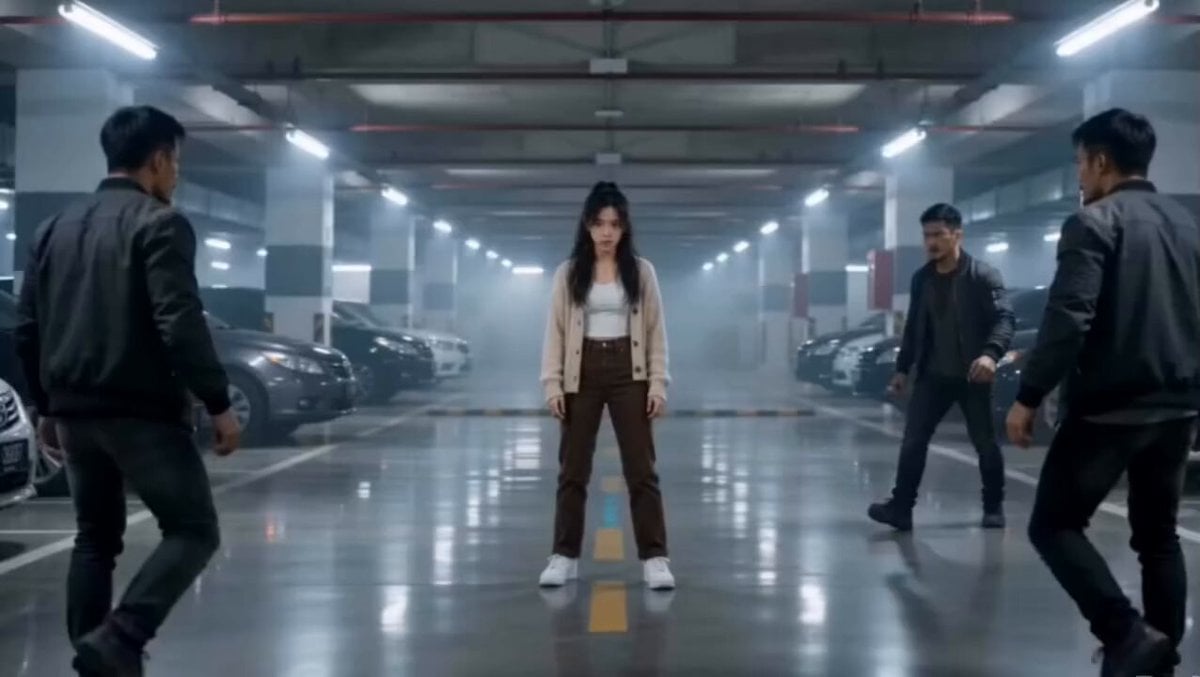
Martial Arts Parking Garage Fight
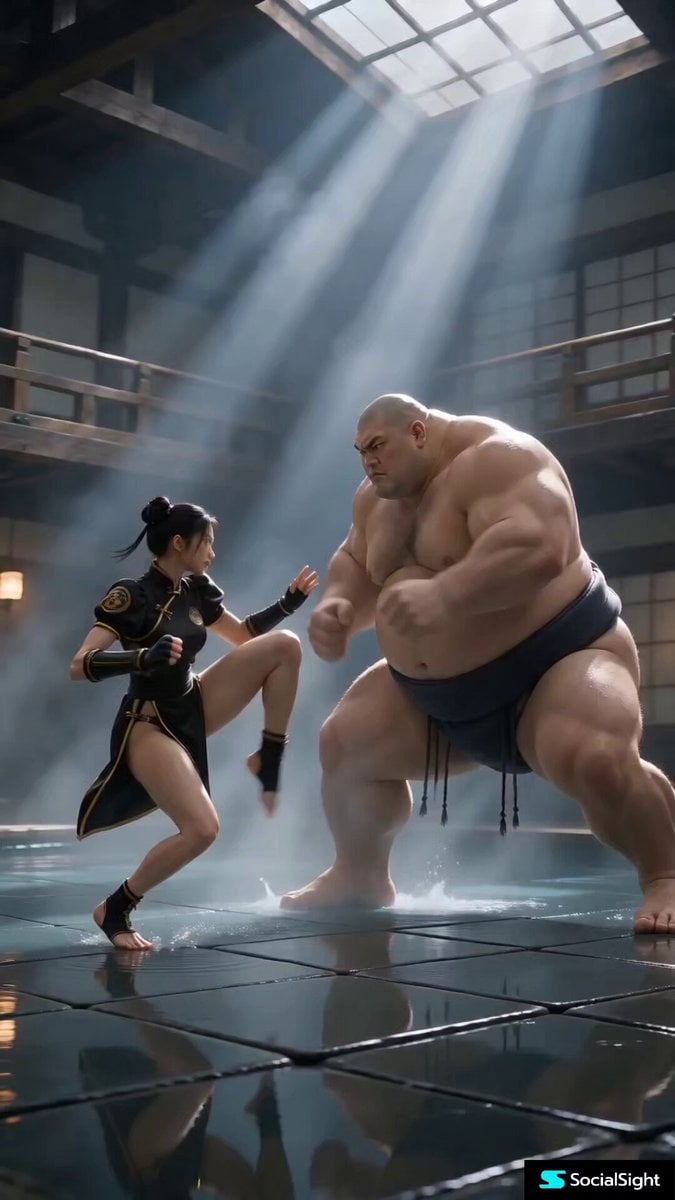
Cinematic Street Fighter Bathhouse Fight
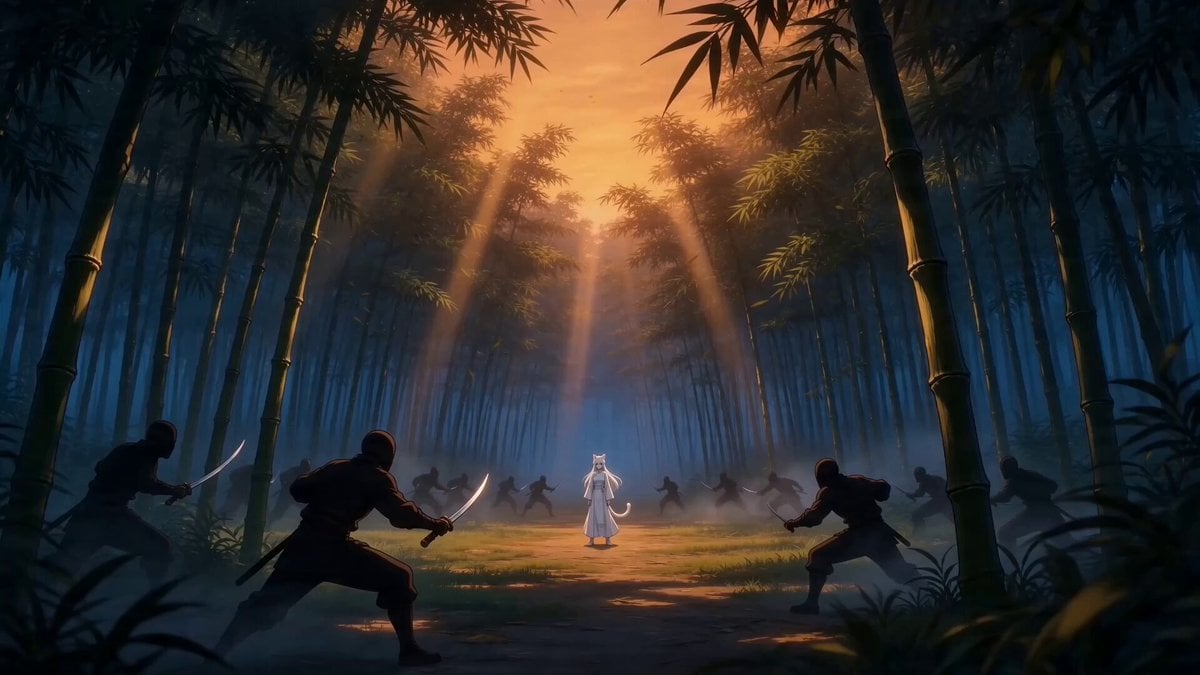
Taiqi Martial Arts Fight Sequence
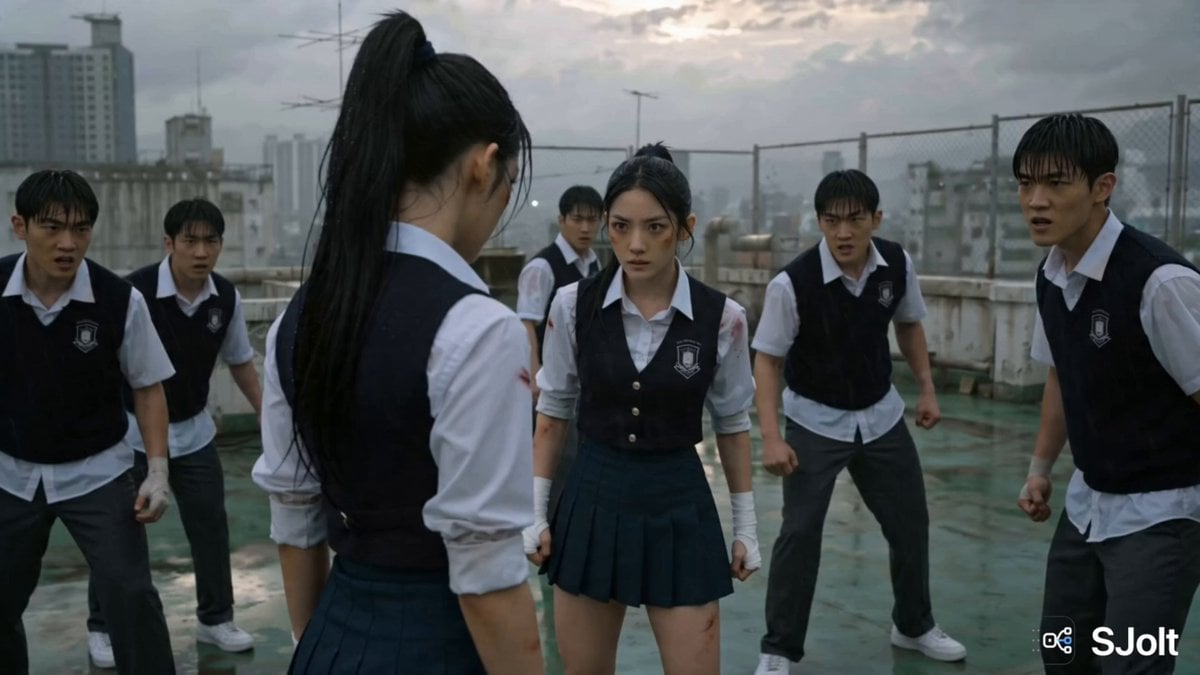
Korean Rooftop Martial Arts Fight

Studio Ghibli Dumpling Kitchen Cooking Scene
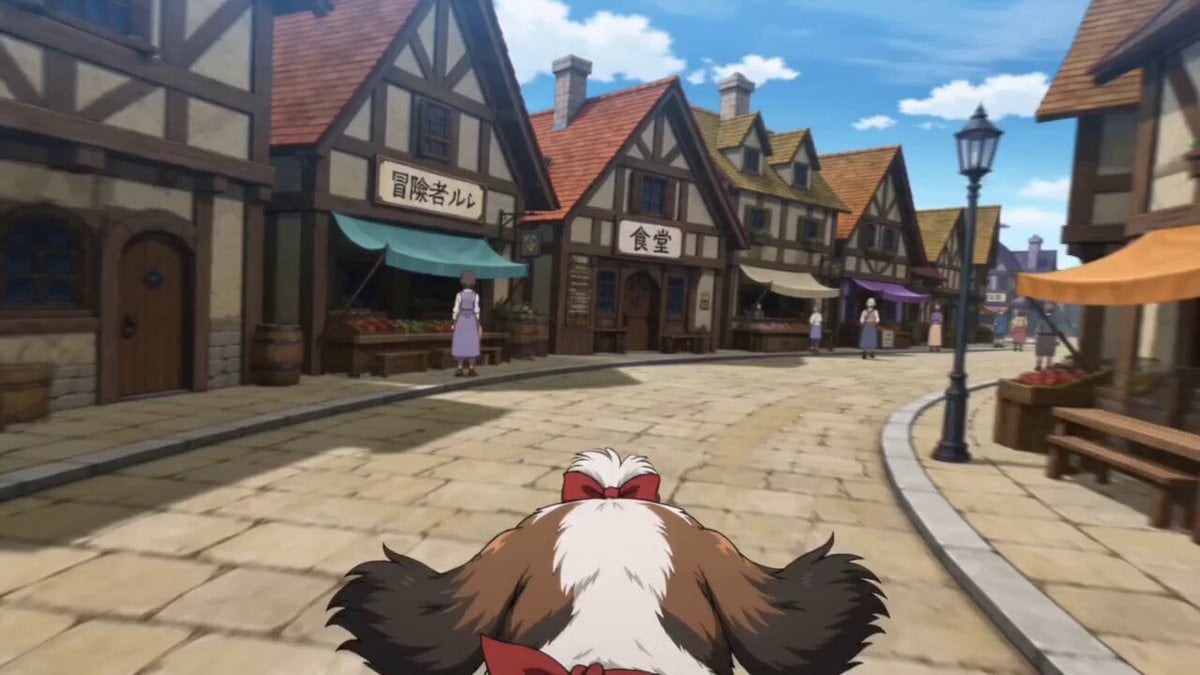
Anime Town Street Navigation
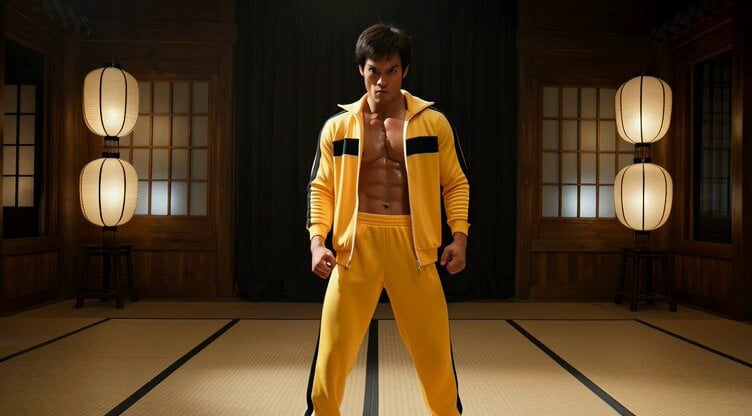
Cinematic Bruce Lee Martial Artist Video Prompt
Make it yours
Anime Martial Artist Street Fight works as-is. These are the safest ways to change it without losing the look.
Change one field
Copy a single group, rewrite it, and generate again so you can see what that field is doing.
Keep the frame, change the subject
Hold the composition and light of Anime Martial Artist Street Fight, then swap wardrobe, props or the person for a new take.
| If the result… | Why | Fix |
|---|---|---|
| The result drifts from the preview | Too many fields changed at once. | Reuse Anime Martial Artist Street Fight as-is first, then change one group — subject, light, or setting. |
| The model over-stylizes the scene | The prose prompt leaves finish and camera underspecified. | Add one camera or lighting sentence and stay on Seedance 2.0. |
More Seedance 2.0 templates
Other prompts made for Seedance 2.0.

Comical Martial Arts Punch Scene

Maglev Train Action Sequence

Wuxia Protection and Trust Script

Vintage Korean Arcade MiniDV Vlog

Mercedes 190 SL Luxury Ad

Rainy Night Supernatural Reverse Comedy Video Script

Amazon Civilization Discovery

Futuristic South Asian City Transformation

Cozy Luxury Cafe Commercial

Cyber Ronin Nanotech Transformation Video
More video prompts
Fresh picks from across the catalog.
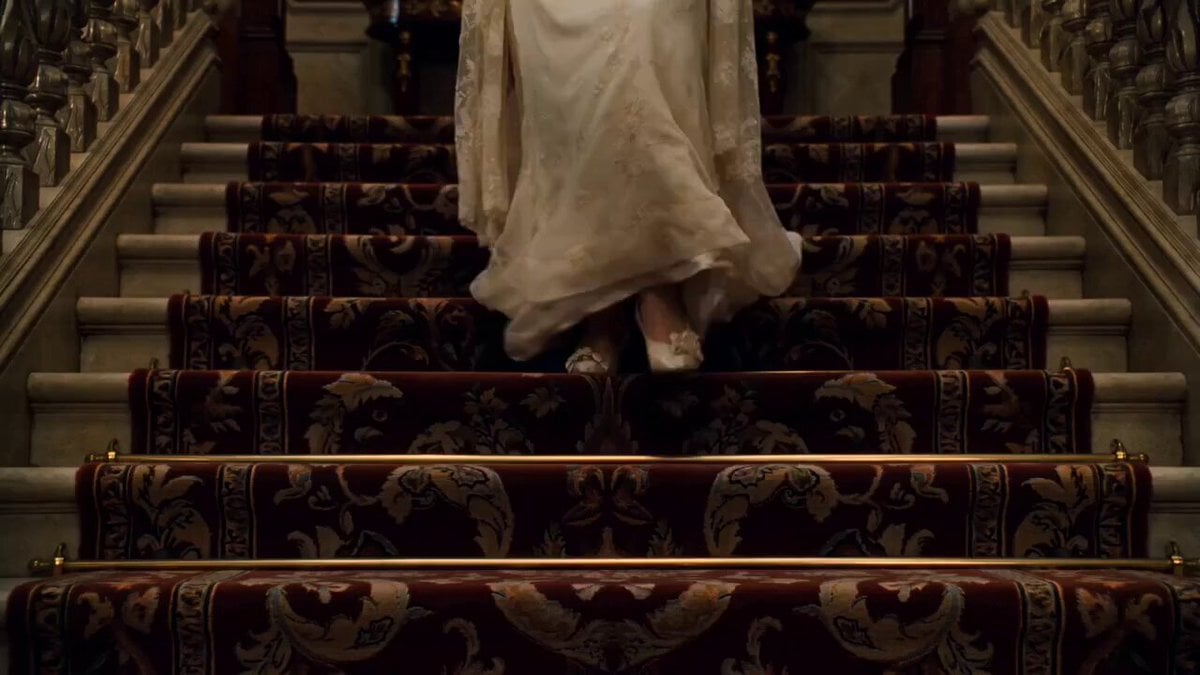
Gothic Mystery Scene: Woman Descends Staircase
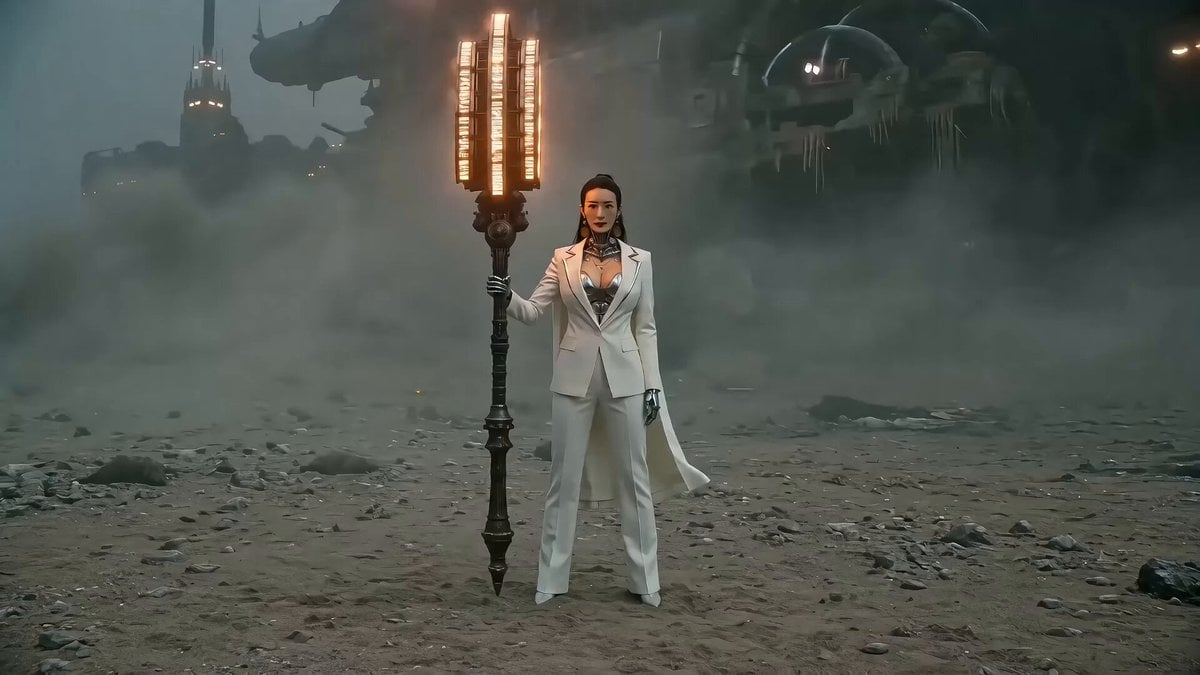
Seedance 2.0 Prompt: Gothic Mech Battle on a Desolate Beach
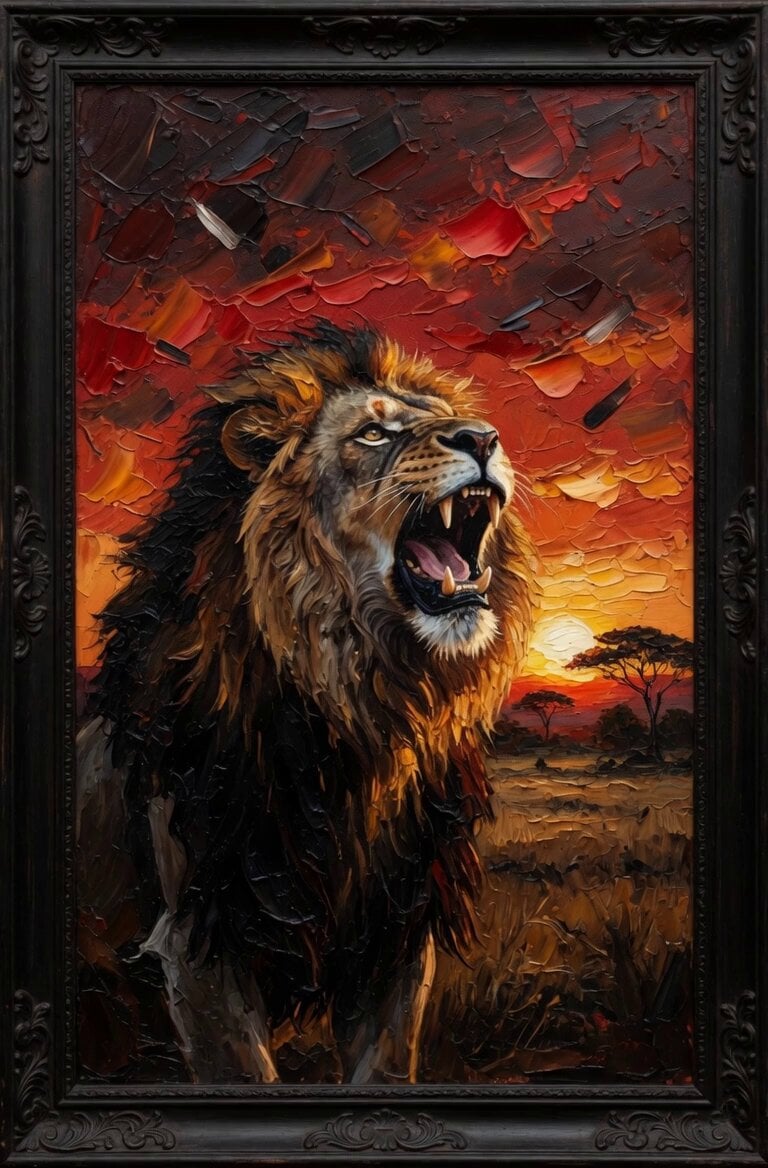
Lion Sipping Coffee
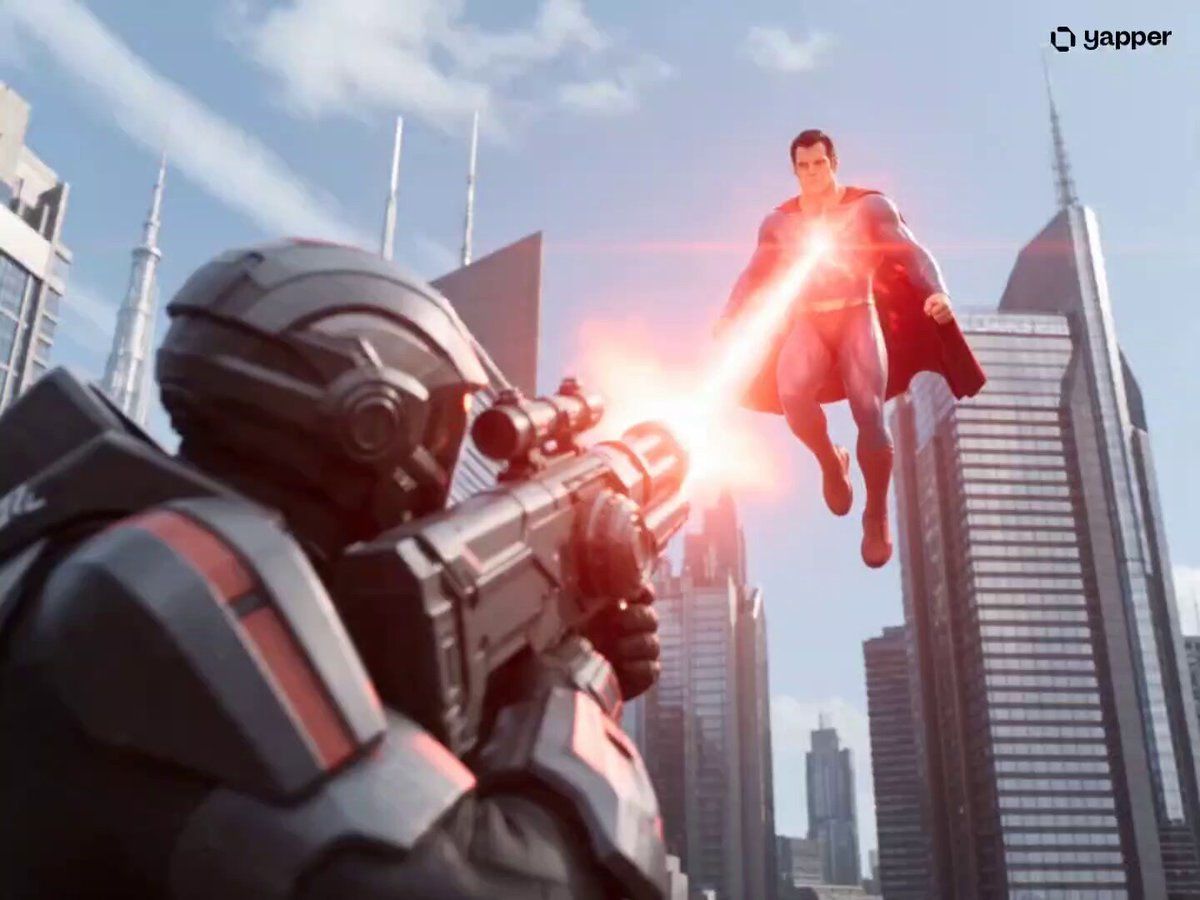
Superman Cinematic Action Sequence
Red Dawn: Urban Mutation in Chaos
Luxury House Tour — 15 Shots in 15 Seconds (Seedance)
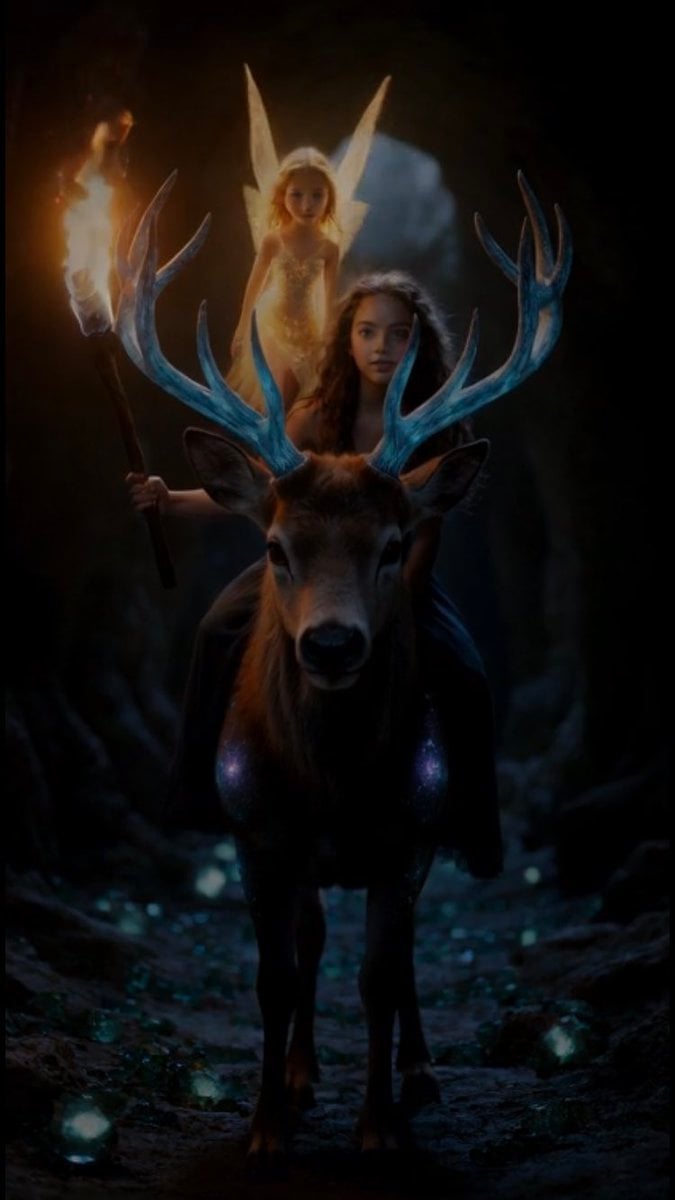
Grok Imagine Video Prompt: Girl, Deer, and Fairy Exiting a Cave

The 'Fat Note' Transformation Prompt
Prompt : Create a 15 second high energy continuous

Ethereal Woman and White Peacock
Browse template categories
Anime Martial Artist Street Fight questions
How do I use the Anime Martial Artist Street Fight template?
Add your photo if the template asks for one, edit the prompt if you like — the template's model and format are already selected — and press Generate. Your version opens in PicX Studio.
Can I customize the Anime Martial Artist Street Fight template?
Yes. You can change the subject, setting, lighting, mood, format, and available model controls before creating your video.
Is the Anime Martial Artist Street Fight template free?
Opening and editing this template is free. Generating uses credits, shown on the Generate button when you are signed in.
Which AI model should I use?
Start with Seedance 2.0, which is the model associated with this template. You can compare another compatible model for a different finish.
Looking for something else? Browse all templates.

Your photo, any look
Thousands of ready templates for every top image and video model, from one credit balance.