
Handheld 16mm Camcorder Idol Vlog
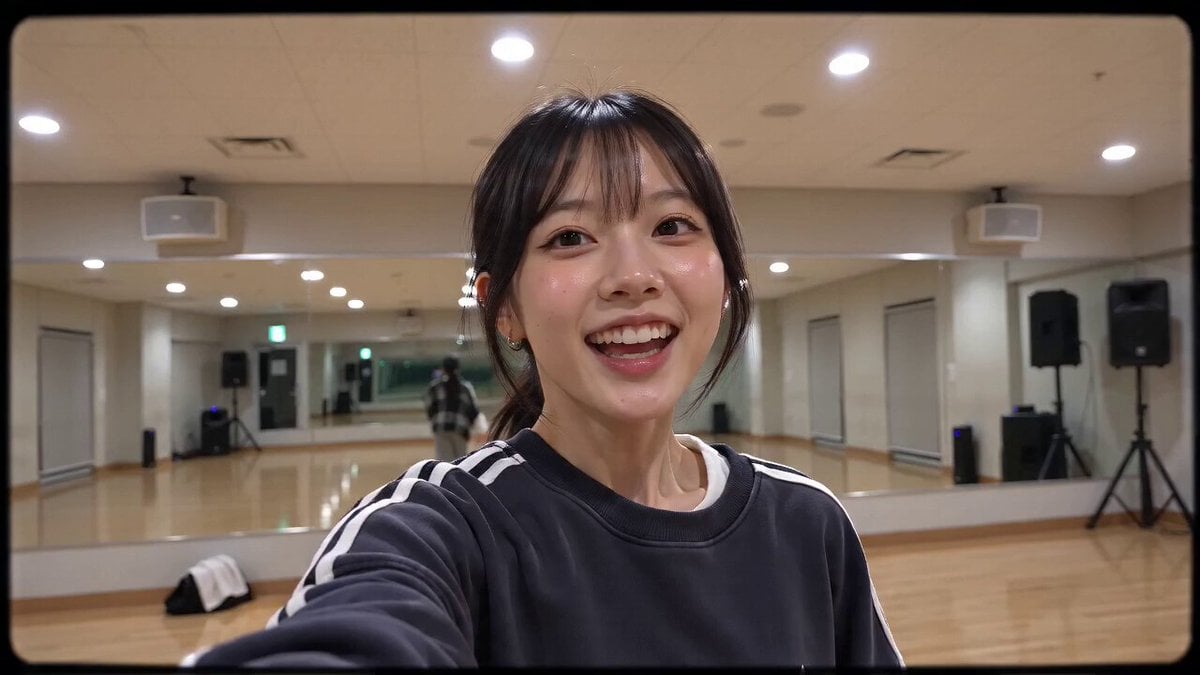
A detailed, structured prompt for generating a realistic Korean idol dance practice video with a nostalgic 2000s handheld camcorder aesthetic and a specific multi-scene storyboard.
- Prompt included
- Model and format preset
- Free template
The prompt behind this video
Copy the exact prompt behind Handheld 16mm Camcorder Idol Vlog, or open it in the studio and make it yours.
CAMERA: DV 16mm tape camcorder handheld footage feel. Point of view of CHASE holding the camera directly in her hand. Natural hand shake, imperfect framing, delayed autofocus, occasional awkward zooms, slightly tilted angles, and authentic late-2000s home-video energy. Every shot is filmed by CHASE herself in selfie-cam or first-person style. The camcorder never appears on screen. LOOK: Soft DV tape quality with subtle digital noise, slightly blurry edges, muted contrast, warm indoor lighting, gentle highlight bloom, realistic skin tones, and natural exposure flicker. STYLE: Playful, candid, and wholesome behind-the-scenes dance practice vlog. Genuine laughter, unfiltered reactions, and cute blooper moments. Nothing feels staged—just an idol having fun while practicing. Character: CHASE — a Korean idol in her 20s with long straight black hair tied into a loose ponytail, glowing skin, expressive eyes, and a slim build. Wearing a modest oversized long-sleeve athletic sweatshirt, loose gray sweatpants, white sneakers, no jewelry, slightly flushed after dancing. Setting: A spacious dance practice studio with mirror walls, wooden floor, speakers in the corner, a water bottle and towel near the wall, bright rehearsal lighting, and an energetic but relaxed atmosphere. Storyboard: (~2s, arm's-length selfie) CHASE smiles at the camera and says, "Today's practice... wasn't exactly perfect." (~2s, camera propped against the mirror) She confidently starts a dance combination but accidentally loses her footing during a spin, stumbles slightly, and quickly catches her balance without falling. (~2s, handheld close-up) She bursts into genuine laughter, covering her face with one hand while saying, "Did that really just happen?" (~2s, mirror shot) She takes a deep breath, resets her position, and performs the same choreography again with confidence, this time completing every move perfectly. (~2s, handheld selfie) She grins proudly, gives herself a big thumbs-up, and says, "Progress!" (~2s, playful close-up) She points toward the camera with a bright smile, laughs once more, and jokingly recreates the tiny mistake in slow motion for fun. (~2s, arm's-length selfie ending) Still smiling and slightly out of breath, she flashes a peace sign, thanks everyone for watching, waves warmly at the camera, and ends the recording with cheerful, authentic idol vlog energy.
How to use Handheld 16mm Camcorder Idol Vlog in 3 steps
- 1
Open
The prompt is already in the box next to the preview, with the template's model and format selected.
- 2…a portrait of your subject in softgolden-hour light, 85mm…
Personalize
Edit the subject and creative details for your destination.
- 3Generate
Generate
Press Generate — your video is created in PicX Studio, so you can compare it with the original and refine one variable at a time.
More like this
Templates with the same subject, style or setup. Open one to see its prompt.
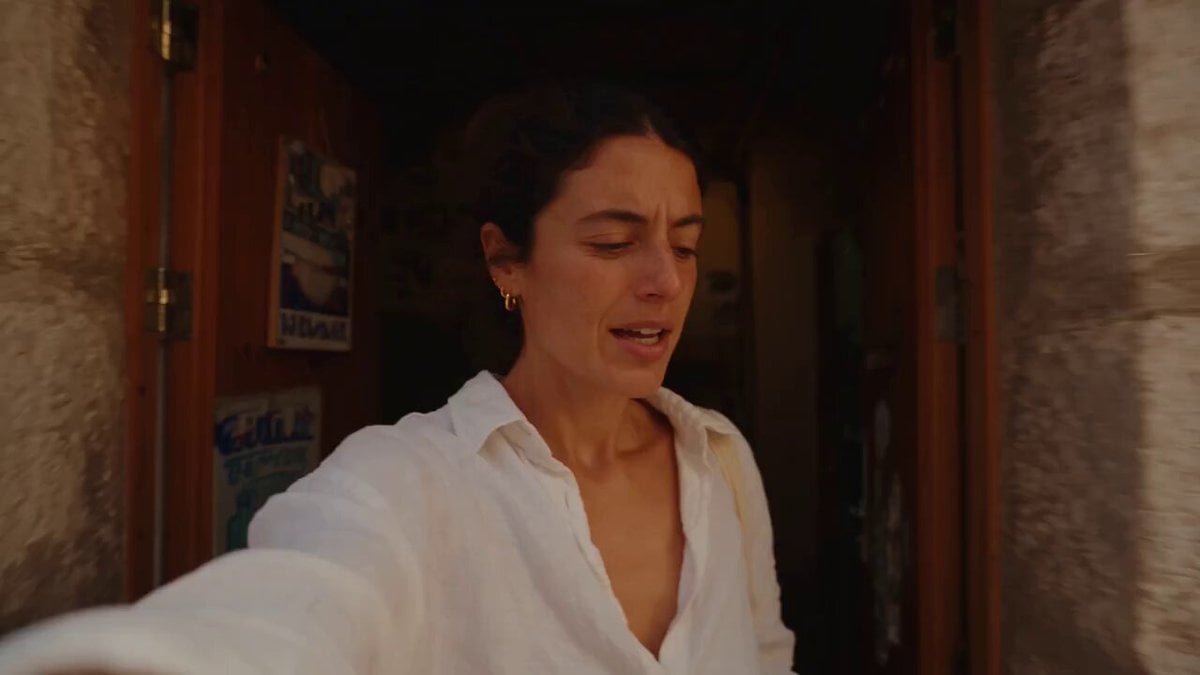
Mediterranean Morning Coffee Run Vlog (Seedance 2.5)
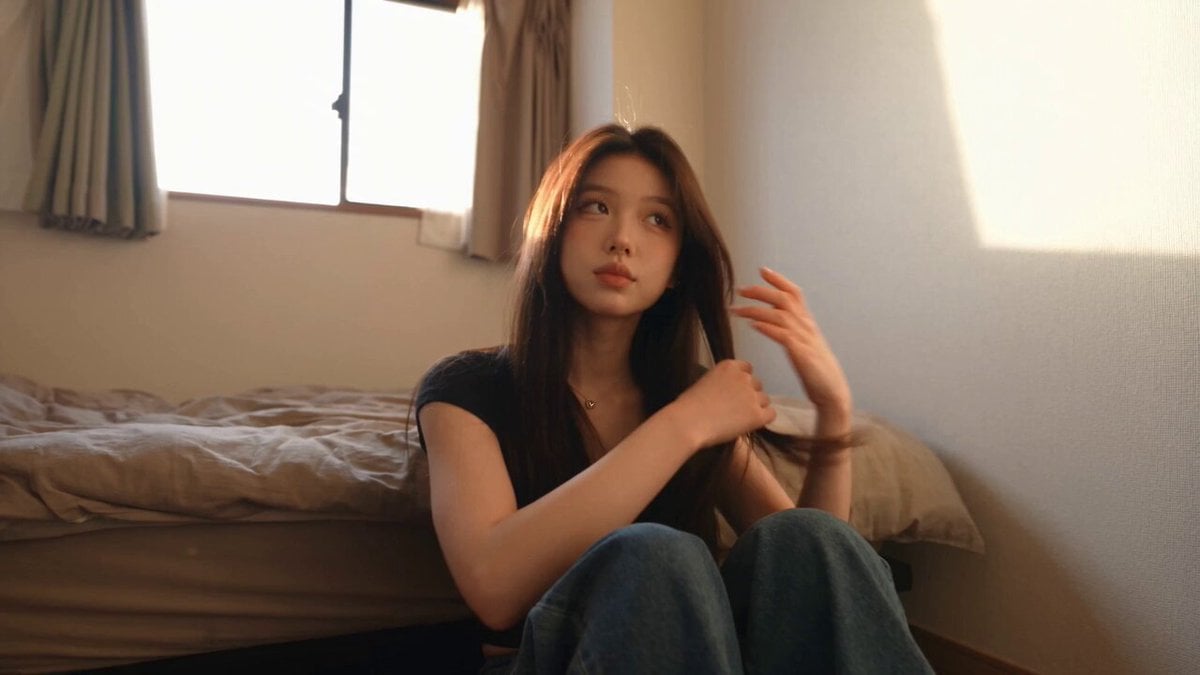
Handheld Tokyo Travel Vlog - Seedance 2.5
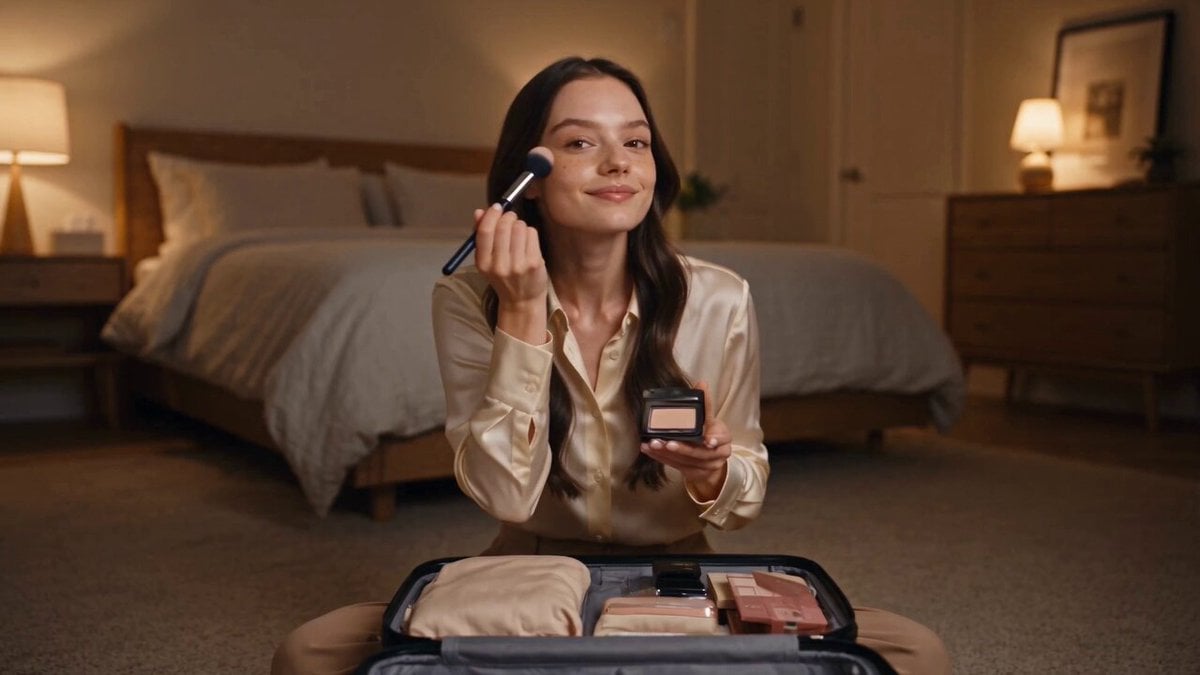
Luxury Airport Travel Vlog
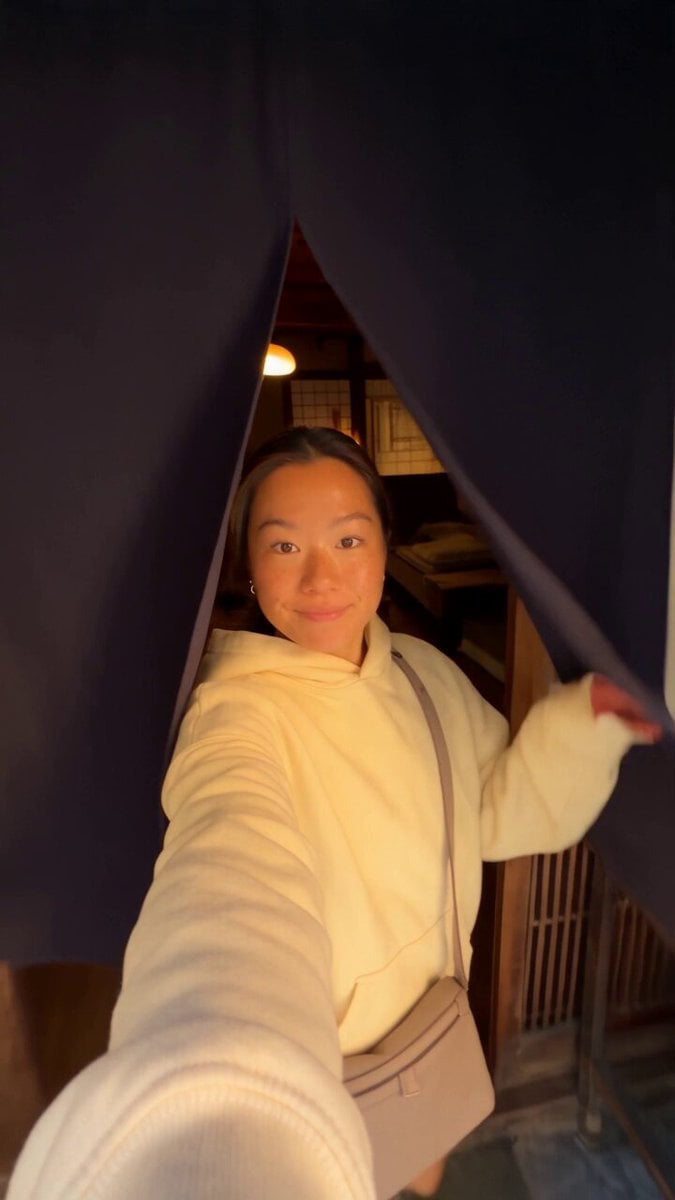
Kyoto Morning Selfie Vlog
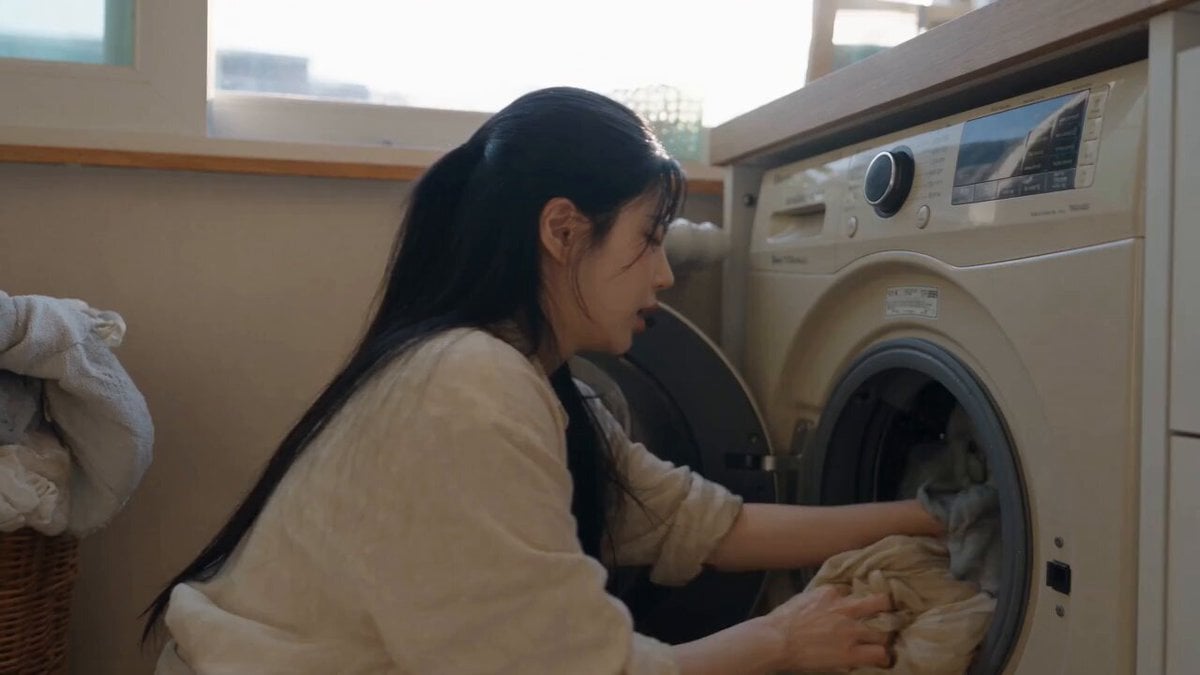
Sunny Morning Laundry Vlog
DV Camcorder POV Gym Montage — Seedance 2.5
DV Camcorder POV Gym Montage — Seedance 2.5
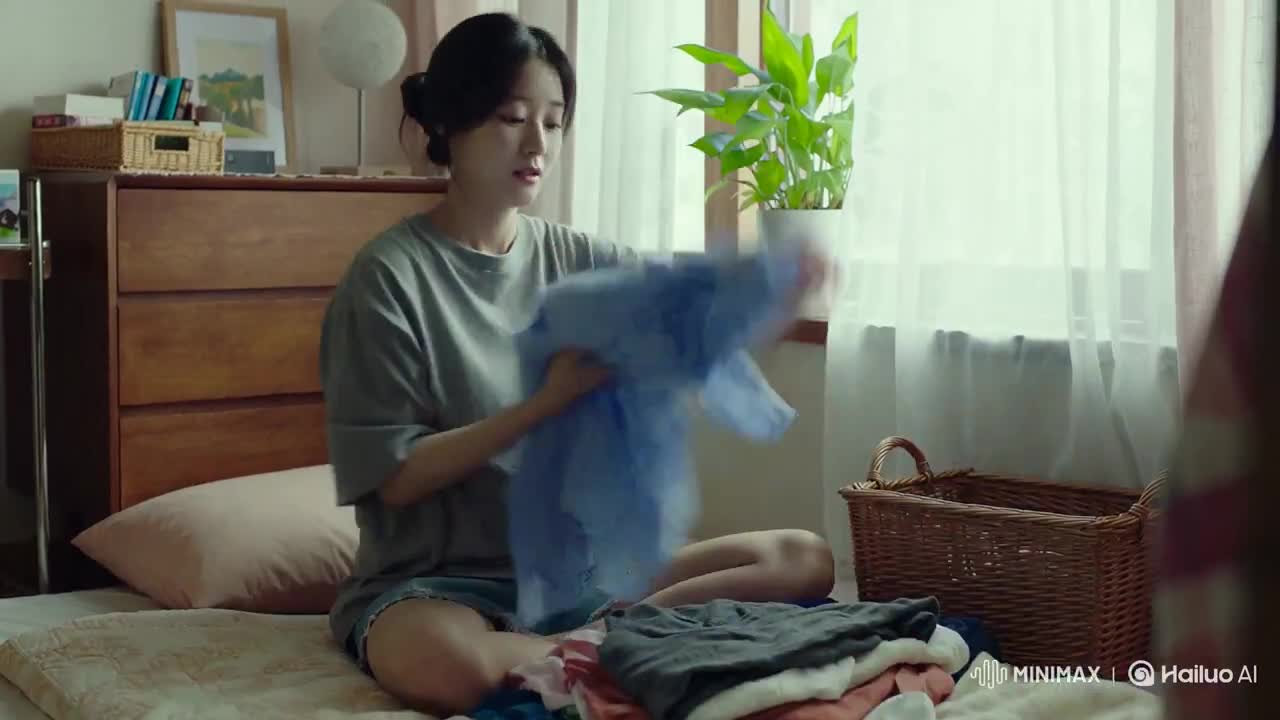
Korean Woman Laundry Folding DV Camcorder Morning
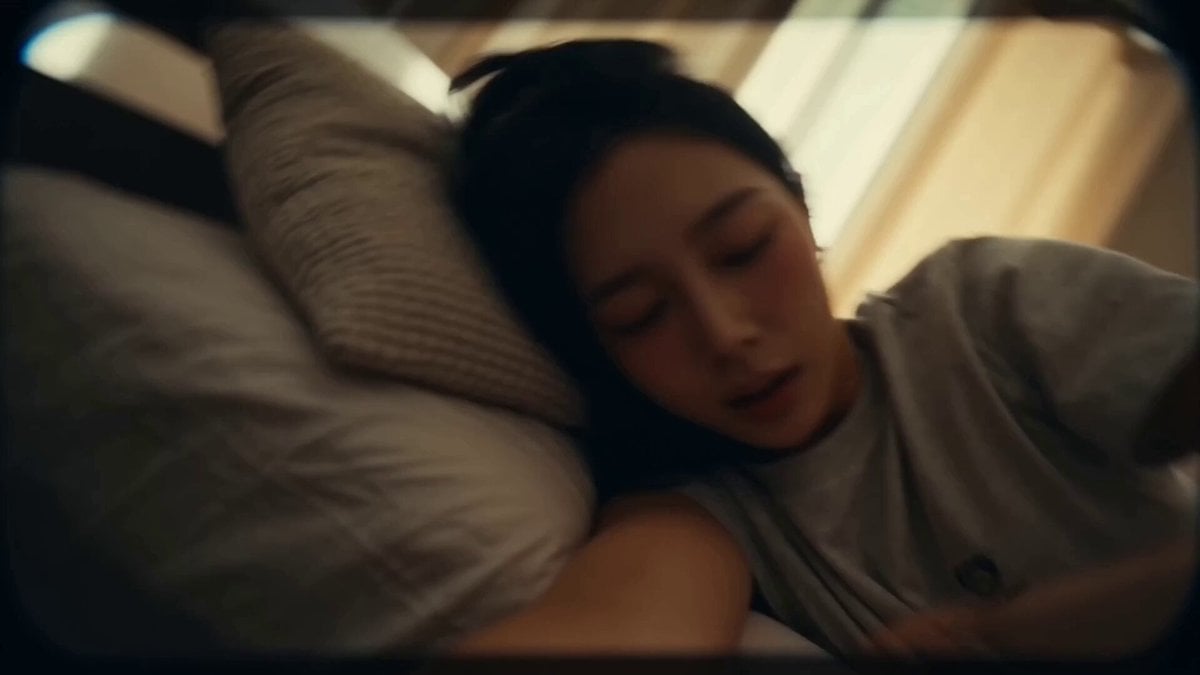
Korean Idol Vlog Camcorder
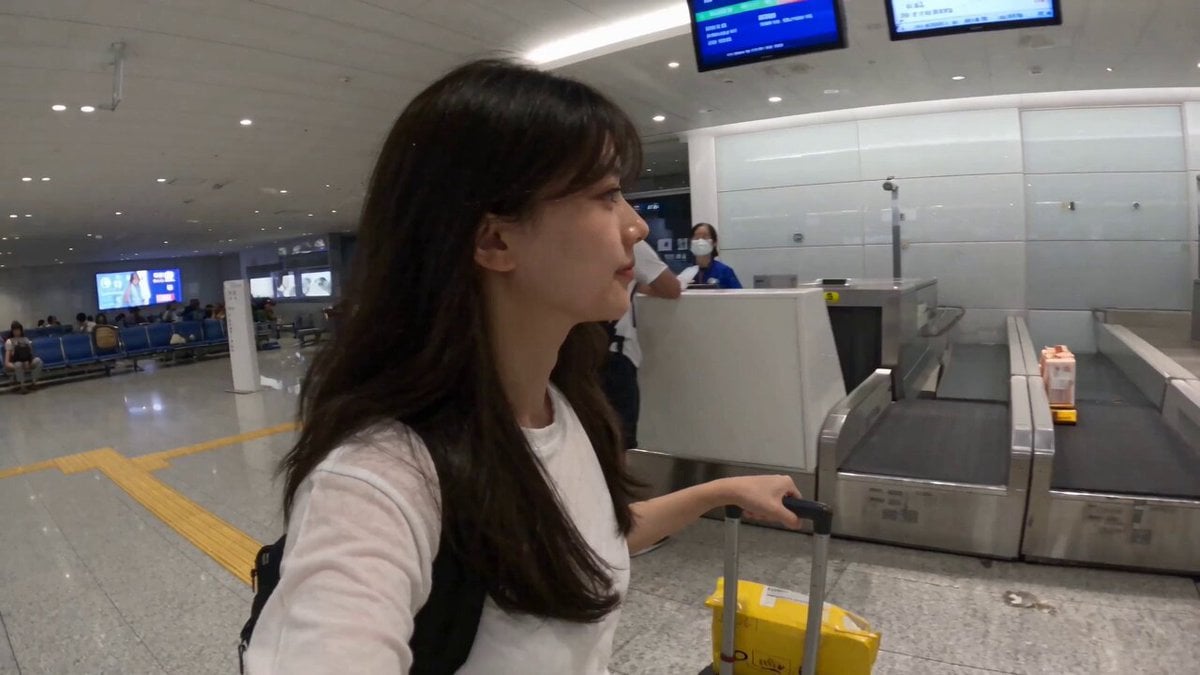
Smartphone Travel Vlog Tokyo Trip Identity Preserved
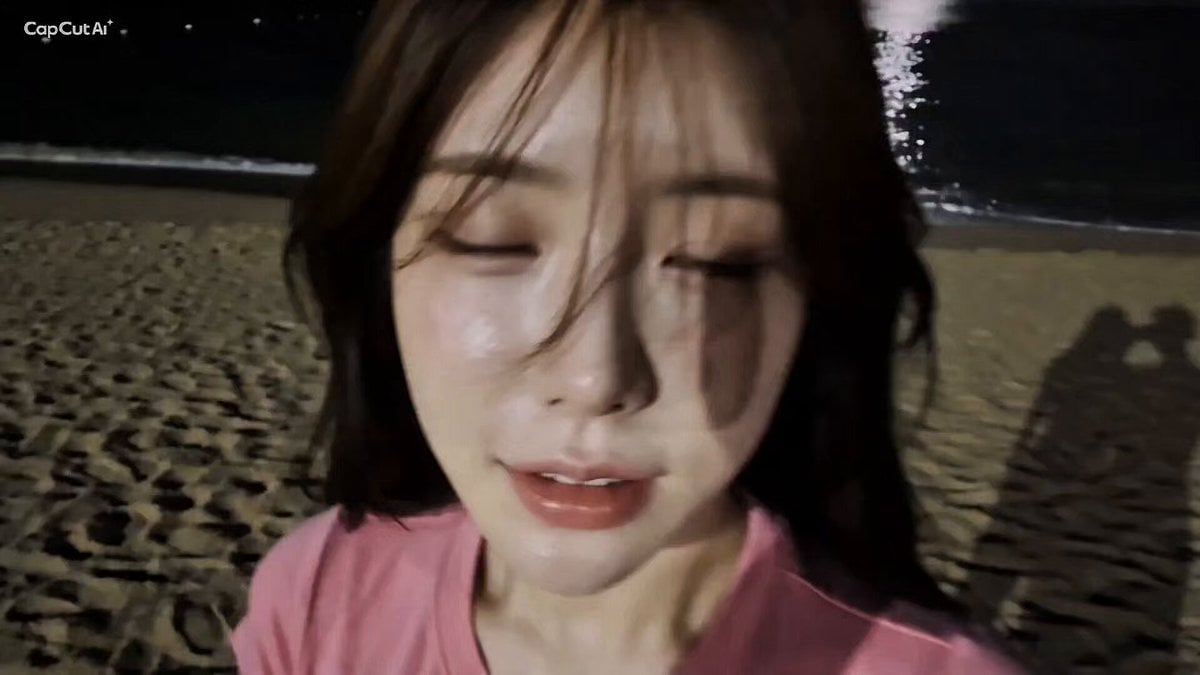
16mm Camcorder POV Beach Vlog
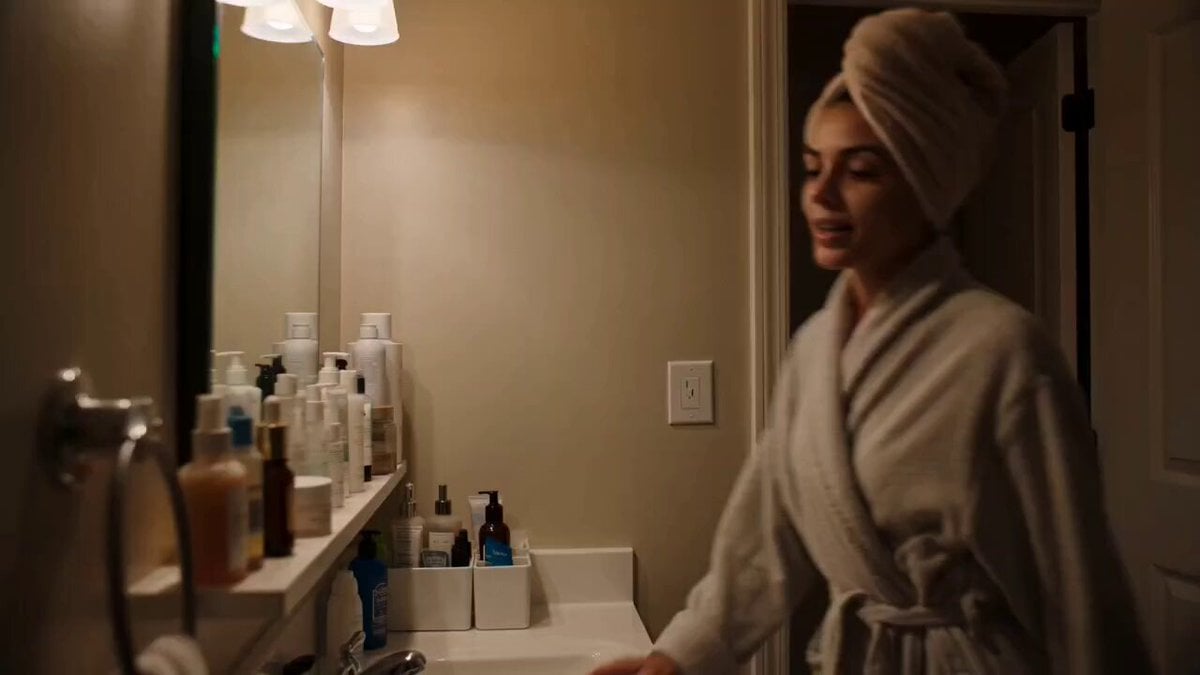
Handheld Skincare Vlog Camcorder Aesthetic
Make it yours
Handheld 16mm Camcorder Idol Vlog works as-is. These are the safest ways to change it without losing the look.
Change one field
Copy a single group, rewrite it, and generate again so you can see what that field is doing.
Keep the frame, change the subject
Hold the composition and light of Handheld 16mm Camcorder Idol Vlog, then swap wardrobe, props or the person for a new take.
| If the result… | Why | Fix |
|---|---|---|
| The result drifts from the preview | Too many fields changed at once. | Reuse Handheld 16mm Camcorder Idol Vlog as-is first, then change one group — subject, light, or setting. |
| The model over-stylizes the scene | The prose prompt leaves finish and camera underspecified. | Add one camera or lighting sentence and stay on Seedance 2.0. |
More Seedance 2.0 templates
Other prompts made for Seedance 2.0.

Comical Martial Arts Punch Scene

Maglev Train Action Sequence

Martial Arts Fight Sequence

Wuxia Protection and Trust Script

Vintage Korean Arcade MiniDV Vlog

Mercedes 190 SL Luxury Ad

Rainy Night Supernatural Reverse Comedy Video Script

Amazon Civilization Discovery

Futuristic South Asian City Transformation

Cozy Luxury Cafe Commercial
More video prompts
Fresh picks from across the catalog.
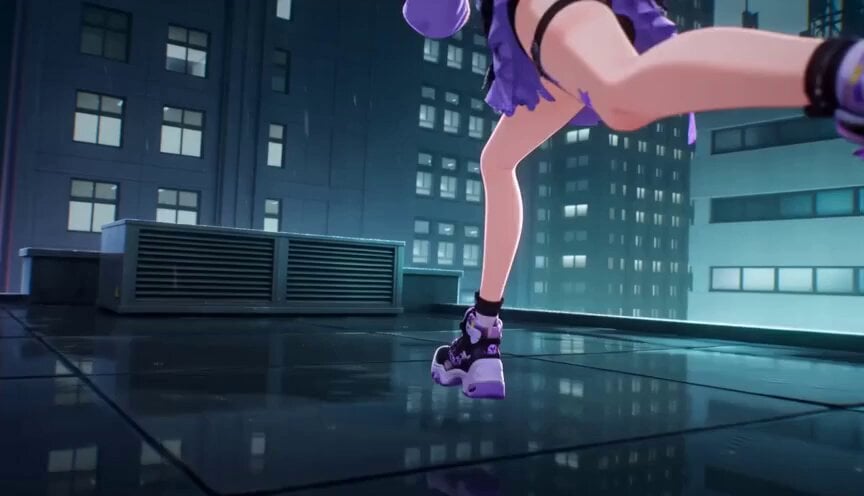
Futuristic City Parkour Animation
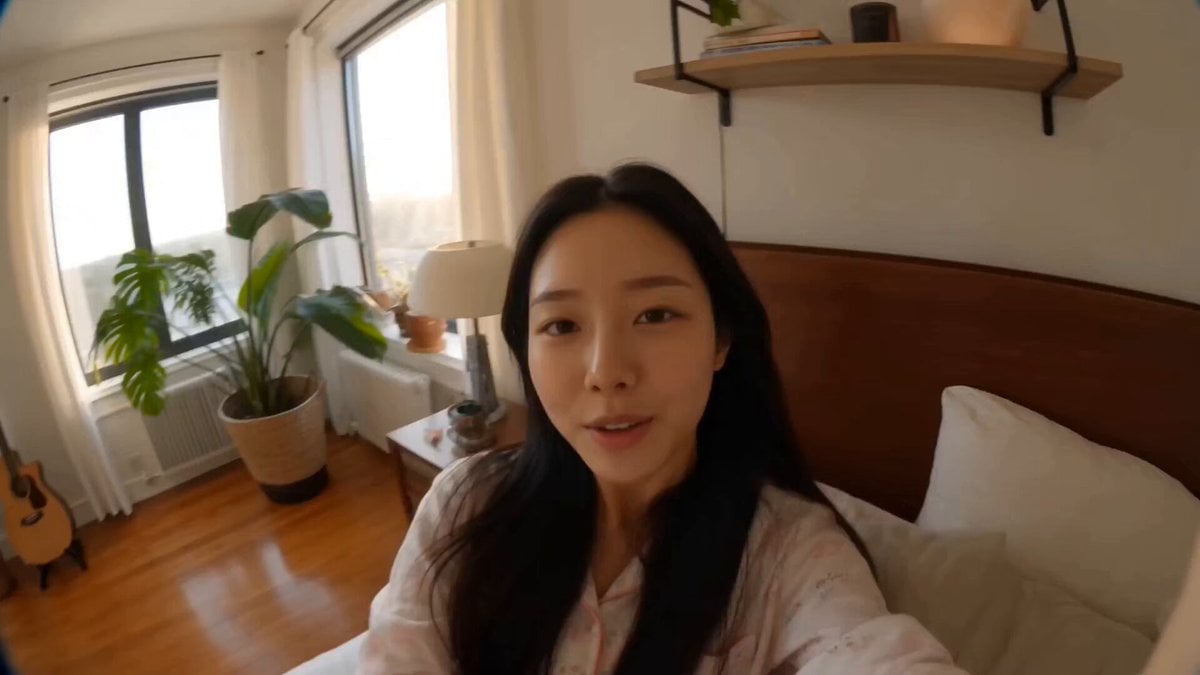
First-Person MiniDV Morning Vlog
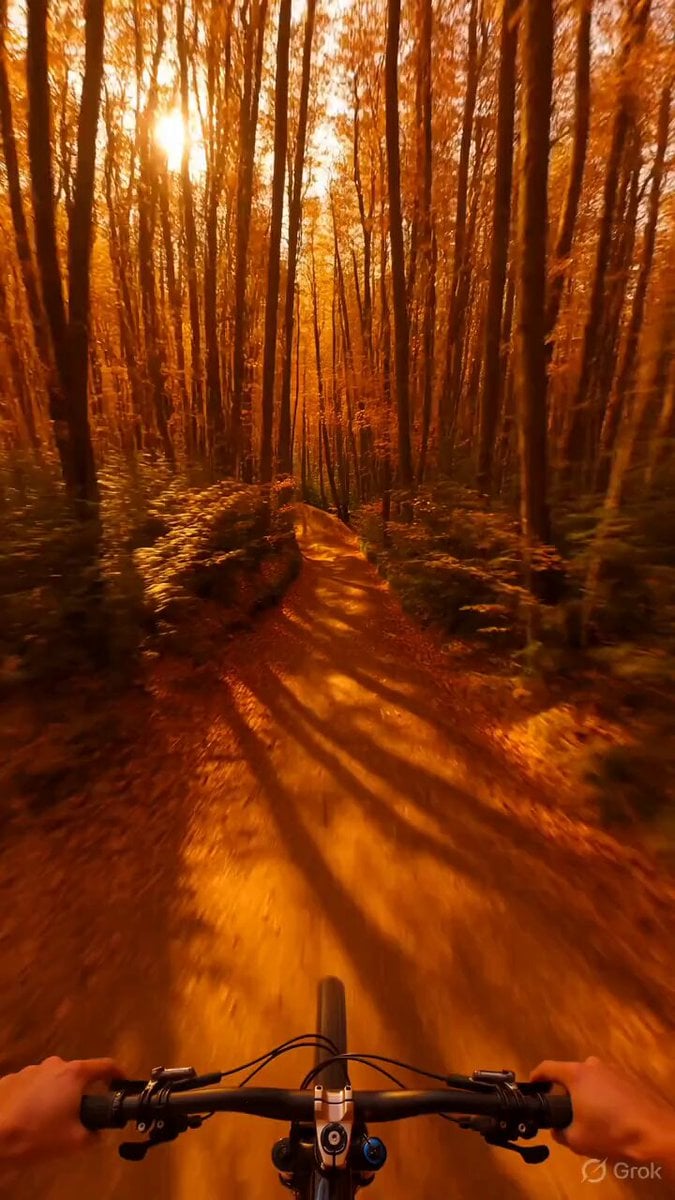
Psychedelic Mountain Bike POV
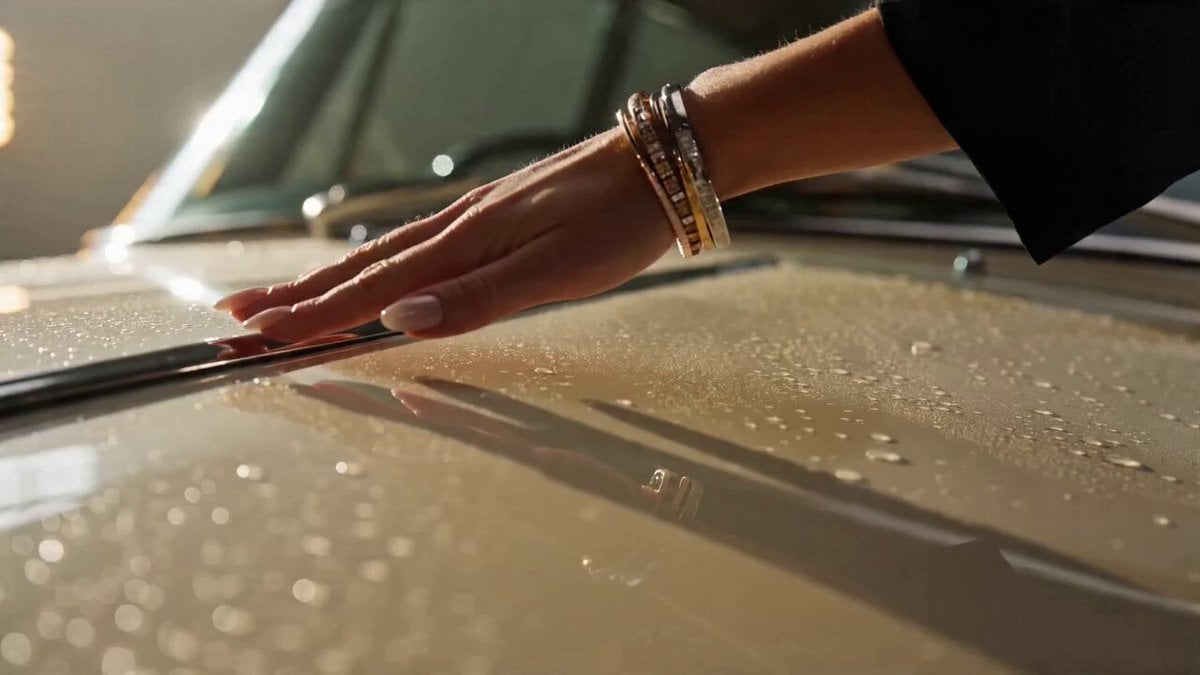
Bentley S2 Continental ASMR Video Prompt

Golden Winged Muse Animation
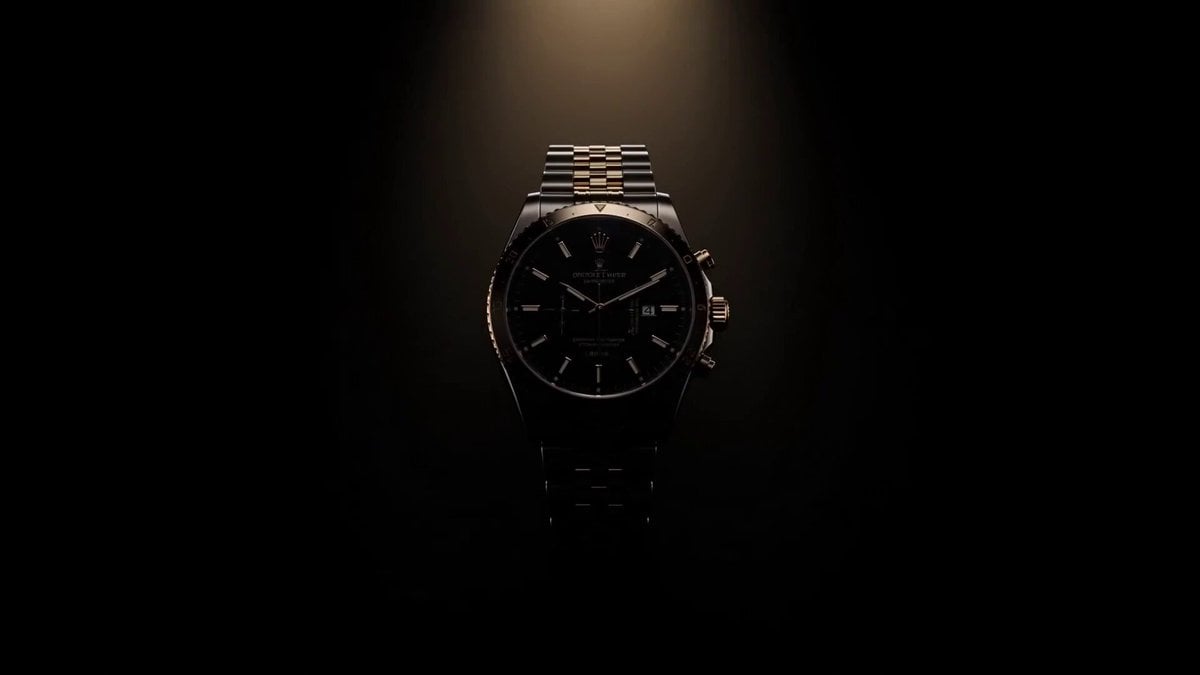
Luxury Watch Commercial Animation
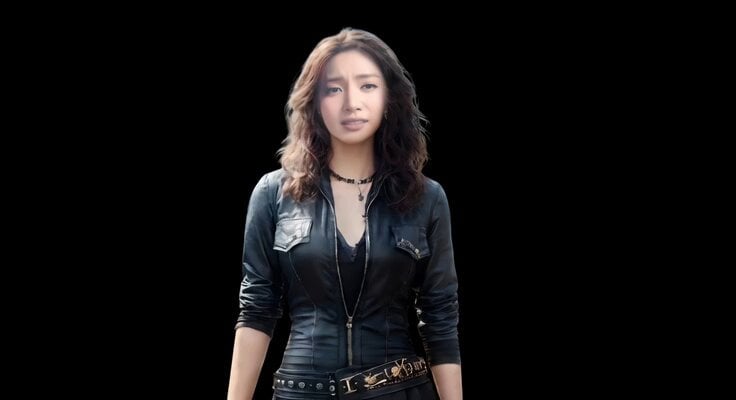
Realistic Emotional Natural Tears Video
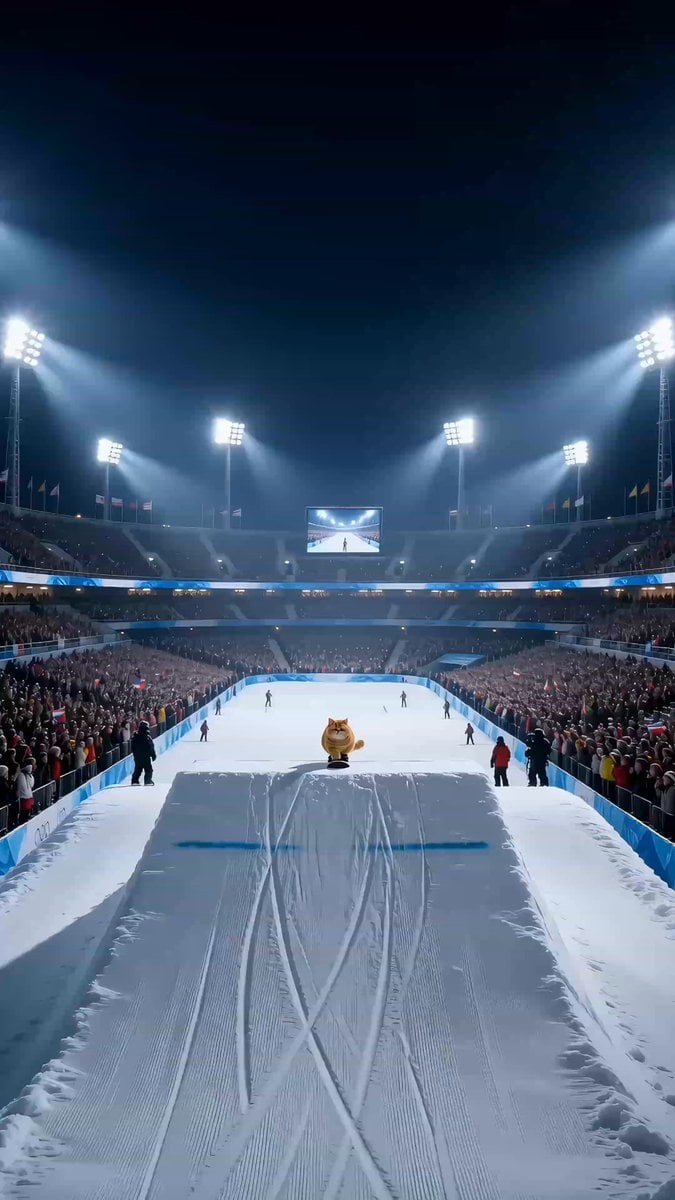
Snowboarding House Cat Sports Broadcast
Cozy Stormy Room Scene

Romantic Comedy Tiktok Style Video
Browse template categories
Handheld 16mm Camcorder Idol Vlog questions
How do I use the Handheld 16mm Camcorder Idol Vlog template?
Add your photo if the template asks for one, edit the prompt if you like — the template's model and format are already selected — and press Generate. Your version opens in PicX Studio.
Can I customize the Handheld 16mm Camcorder Idol Vlog template?
Yes. You can change the subject, setting, lighting, mood, format, and available model controls before creating your video.
Is the Handheld 16mm Camcorder Idol Vlog template free?
Opening and editing this template is free. Generating uses credits, shown on the Generate button when you are signed in.
Which AI model should I use?
Start with Seedance 2.0, which is the model associated with this template. You can compare another compatible model for a different finish.
Looking for something else? Browse all templates.

Your photo, any look
Thousands of ready templates for every top image and video model, from one credit balance.