
Cozy Stormy Room Scene
A high-contrast cinematic prompt depicting a peaceful, cozy indoor room compared to a dark and windy storm outside.
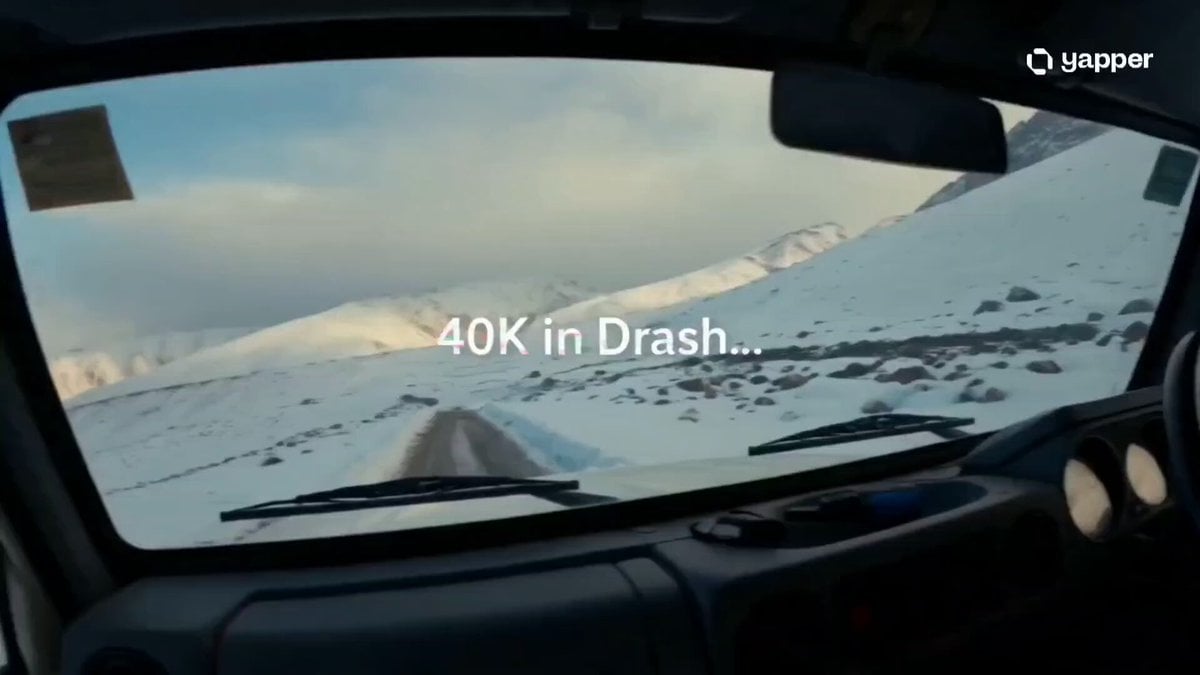
- Prompt included
- Model and format preset
- Premium template
The prompt behind this video
Copy the exact prompt behind Cozy Stormy Room Scene, or open it in the studio and make it yours.
Cinematic ultra-realistic cozy room scene on a cloudy, windy day. Outside a large window, dark storm clouds move quickly across the sky while strong wind gently shakes semi-transparent curtains. The atmosphere outside looks cold, dynamic, and moody. Inside the room, a modern wall-mounted air conditioner is running quietly, releasing soft cool airflow that subtly moves light fabrics in the room. The environment feels calm, warm, and comfortable in contrast to the storm outside. A young person sits near a small wooden table, slowly sipping hot tea from a ceramic cup. Visible steam rises from the tea and gently disperses into the cool air, creating a soft atmospheric effect. Lighting is natural and cinematic, coming from the cloudy daylight outside, diffused through the window, creating soft shadows and realistic depth. Camera movement starts focused on the window showing the storm, then slowly dolly moves inward toward the person drinking tea, emphasizing the contrast between harsh weather outside and peaceful comfort inside. Style: cinematic, ultra-realistic, soft natural lighting, high detail, shallow depth of field, 4K realism, smooth slow camera motion, cozy aesthetic mood Duration: 14 seconds Aspect: 16:9 Create a cinematic, ultra-realistic 14-second Gen-Z travel vibe video set in Drass (cold Himalayan valley, extreme altitude, icy winds, dramatic mountains). STYLE: handheld cinematic vlog + luxury travel ad fusion MOOD: “40k spent in Drass, no regrets, just vibes” — carefree, emotional freedom, aesthetic realism CAMERA: shallow depth, film grain, natural light, dynamic motion blur, occasional slow-mo --- 0–4s A freezing cold morning in Drass. Wind rushing through endless snowy mountains. Main character (Gen-Z traveler, stylish streetwear layered with winter jacket, scarf, sunglasses) steps out of a local jeep. Breath visible in cold air. Calm smile. On-screen text (glitch fade in): “40K in Drass…” --- 4–9s Fast montage: Walking through icy roads with backpack Local chai stall steam rising in freezing air Close-up of boots crunching snow Laughing with locals Wind hitting face, cinematic slow motion Ambient sound: wind + soft lo-fi beat starts building On-screen text: “…no regrets.” --- 9–13s Wide cinematic shot of massive Himalayan peaks. Character stands on edge of valley, arms slightly open, embracing wind. Sun breaks through clouds. Golden light hits snow. Beat drops slightly emotional. On-screen text: “just vibes.” --- 13–14s (final shot) Quick zoom into face smiling in cold wind → cut to black. Final text (clean bold typography): “real moments > everything”
How to use Cozy Stormy Room Scene in 3 steps
- 1
Open
The prompt is already in the box next to the preview, with the template's model and format selected.
- 2…a portrait of your subject in softgolden-hour light, 85mm…
Personalize
Edit the subject and creative details for your destination.
- 3Generate
Generate
Press Generate — your video is created in PicX Studio, so you can compare it with the original and refine one variable at a time.
More like this
Templates with the same subject, style or setup. Open one to see its prompt.

Magical Room Transformation - Seedance 2.5
Tiger vs Gorilla — Jungle Canyon Clash
Second Daily Vlog Style Video of a Girl in a Cozy Bedroom

Stormy Rope Bridge Forced Cooperation Video

Cinematic Stormy Rooftop Dragon Kite Video

Samurai Duel in Stormy Rooftop

Cozy Home Cooking Video
Cozy Morning Routine Lifestyle Video
Cozy Coffee Preparation ASMR Vlog
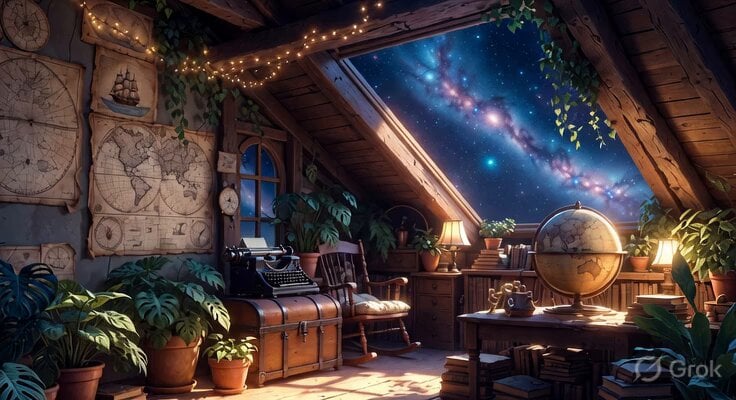
Studio Ghibli Inspired Cozy Attic

Man Walking on Stormy Cliff
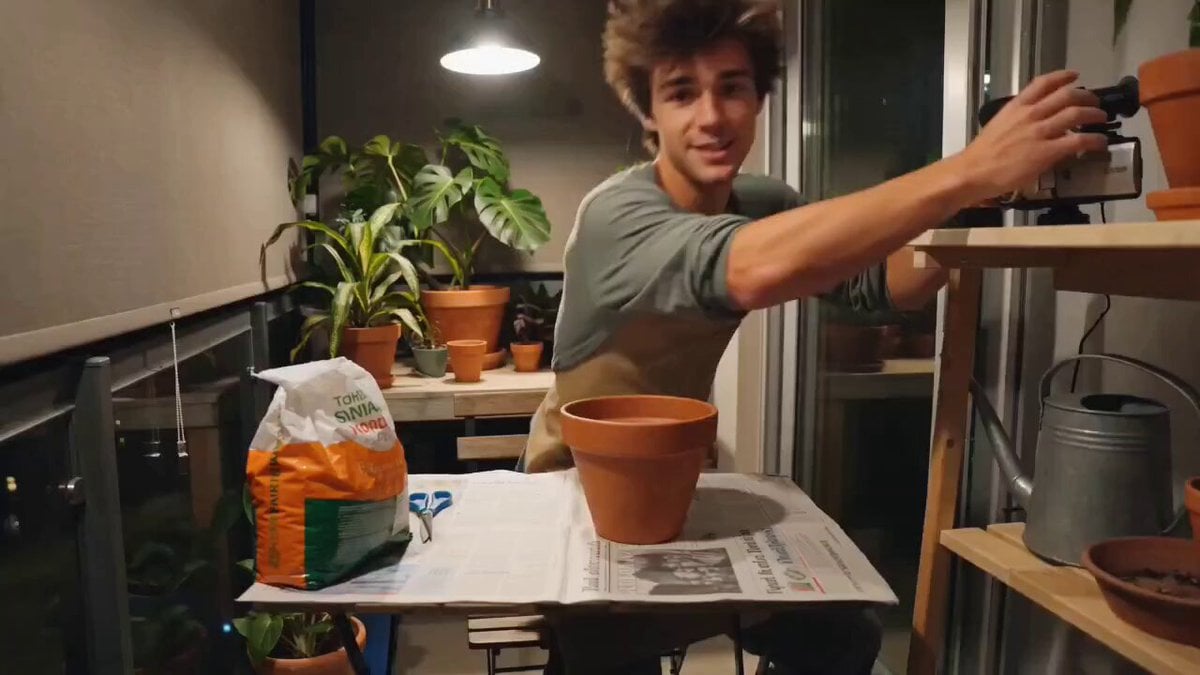
Cozy Evening Plant Repotting Vlog Storyboard
Make it yours
Cozy Stormy Room Scene works as-is. These are the safest ways to change it without losing the look.
Change one field
Copy a single group, rewrite it, and generate again so you can see what that field is doing.
Keep the frame, change the subject
Hold the composition and light of Cozy Stormy Room Scene, then swap wardrobe, props or the person for a new take.
| If the result… | Why | Fix |
|---|---|---|
| The result drifts from the preview | Too many fields changed at once. | Reuse Cozy Stormy Room Scene as-is first, then change one group — subject, light, or setting. |
| The model over-stylizes the scene | The prose prompt leaves finish and camera underspecified. | Add one camera or lighting sentence and stay on Seedance 2.0. |
More Seedance 2.0 templates
Other prompts made for Seedance 2.0.

Comical Martial Arts Punch Scene

Maglev Train Action Sequence

Martial Arts Fight Sequence

Wuxia Protection and Trust Script

Vintage Korean Arcade MiniDV Vlog

Mercedes 190 SL Luxury Ad

Rainy Night Supernatural Reverse Comedy Video Script

Amazon Civilization Discovery

Futuristic South Asian City Transformation

Cyber Ronin Nanotech Transformation Video
More video prompts
Fresh picks from across the catalog.

Fantasy Dragon Rider Anime Battle
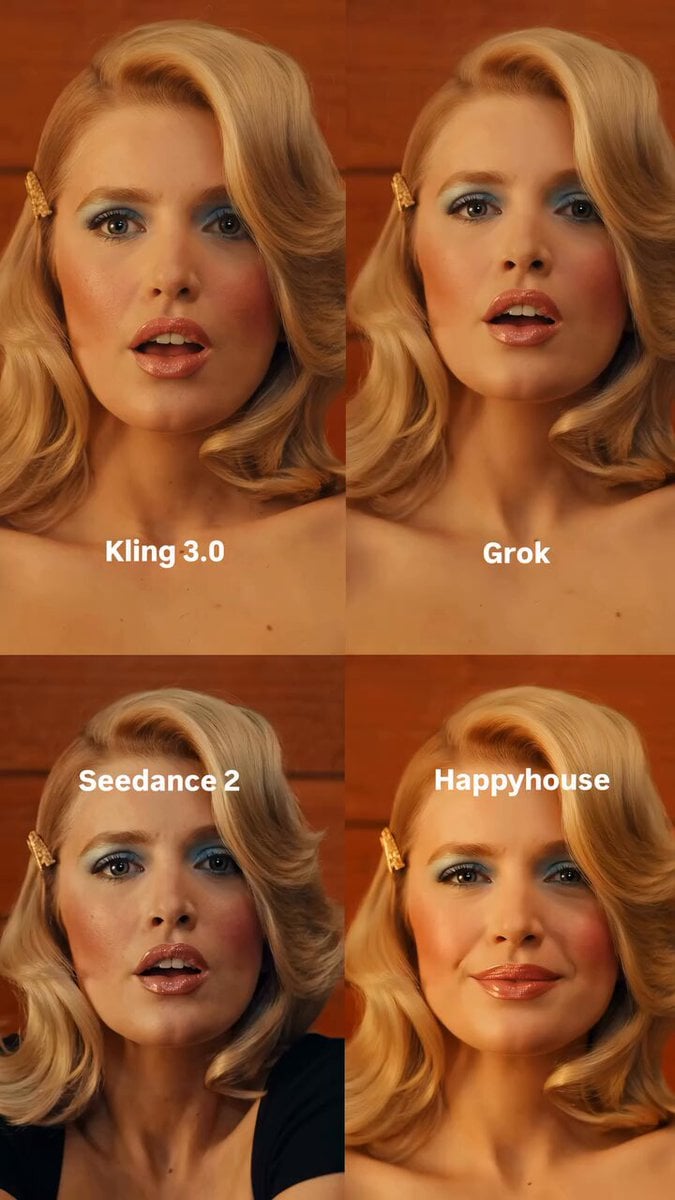
Retro Character Portrait
Multi Panel Storyboard Sheet

Epic Cinematic Ninja Fight Scene

Glamorous Woman Stadium Broadcast
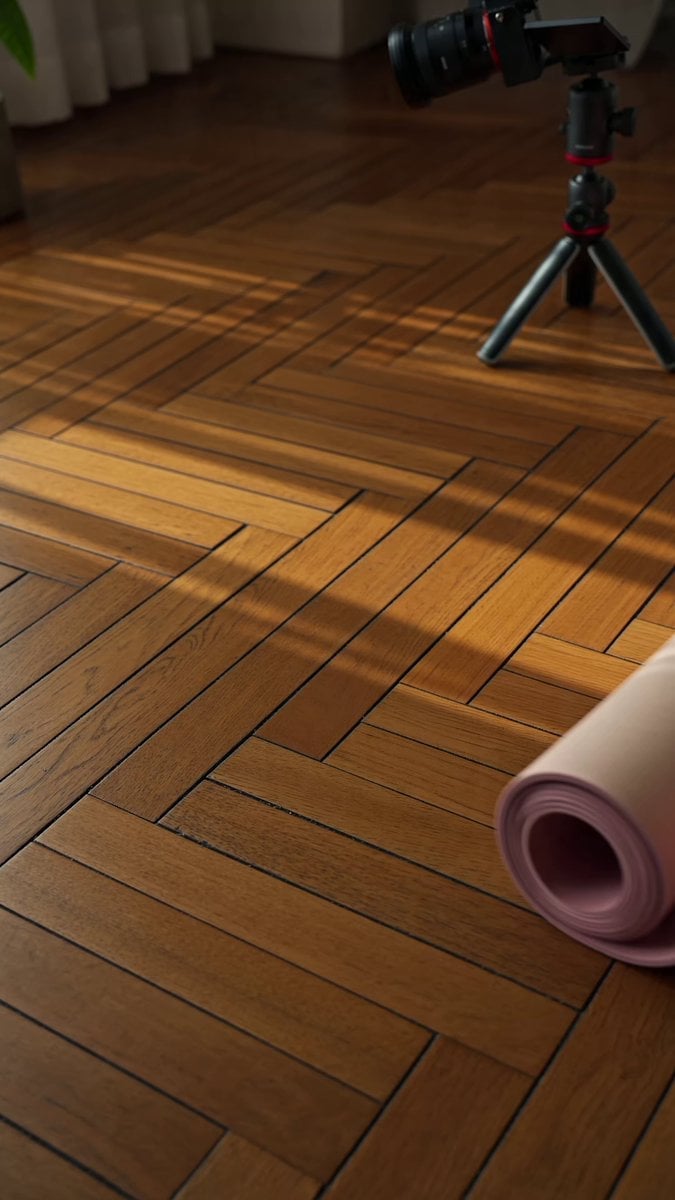
Morning Yoga Routine Vlog Prompt

Anime Storm Emperor Awakening Ritual

Motivational Noir Silhouette Run

Uzbek Puppet Stop-Motion Narrative Prompt
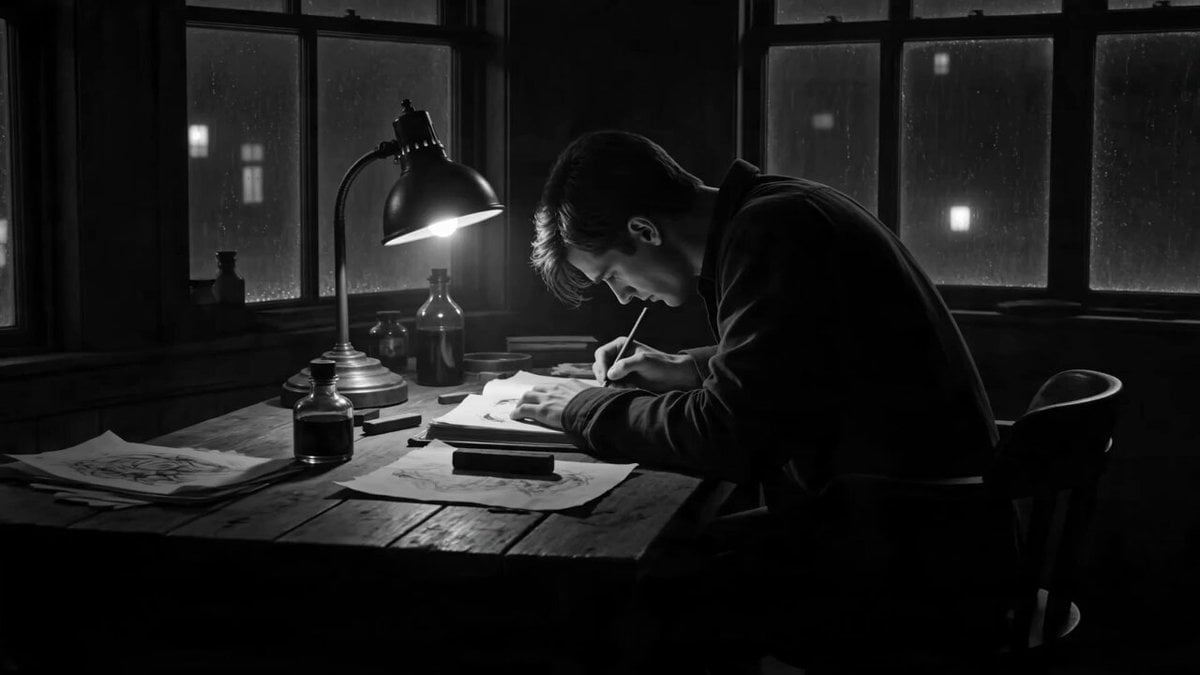
Cinematic Ink Demon Transformation Sequence
Browse template categories
Cozy Stormy Room Scene questions
How do I use the Cozy Stormy Room Scene template?
Add your photo if the template asks for one, edit the prompt if you like — the template's model and format are already selected — and press Generate. Your version opens in PicX Studio.
Can I customize the Cozy Stormy Room Scene template?
Yes. You can change the subject, setting, lighting, mood, format, and available model controls before creating your video.
Is the Cozy Stormy Room Scene template free?
Opening and editing this template is free. Generating uses credits, shown on the Generate button when you are signed in.
Which AI model should I use?
Start with Seedance 2.0, which is the model associated with this template. You can compare another compatible model for a different finish.
Looking for something else? Browse all templates.

Your photo, any look
Thousands of ready templates for every top image and video model, from one credit balance.