
Anime Dialogue and Storyboard Script
A detailed multi-scene animation prompt for Seedance 2.5, creating a Japanese anime-style narrative involving a maid and a nobleman with specific dialogue and scene timings.
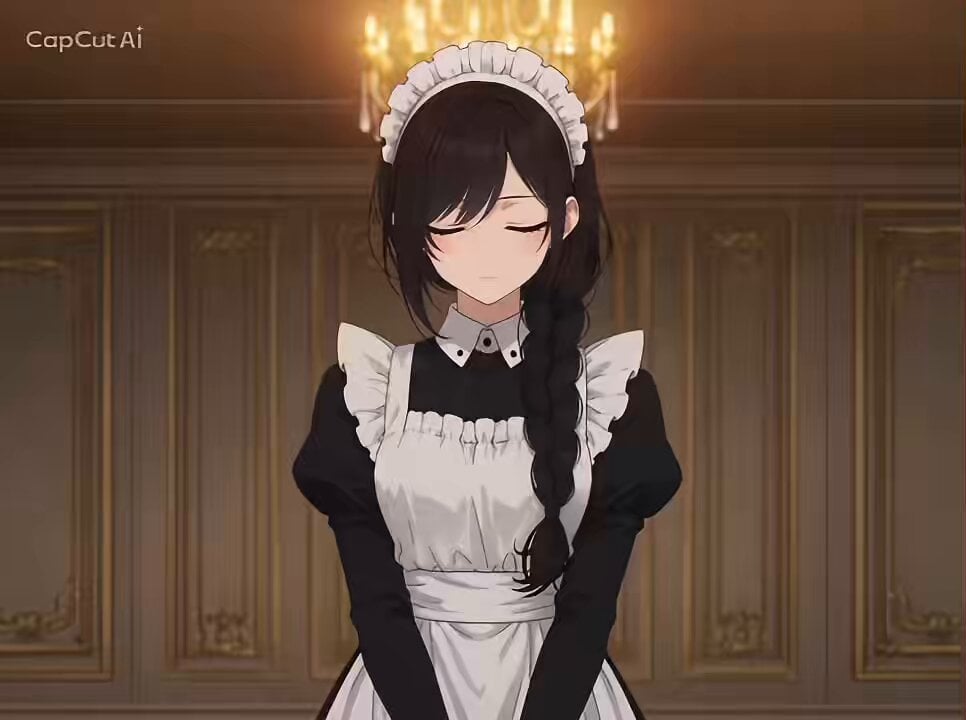
- Prompt included
- Model and format preset
- Free template
The prompt behind this video
Copy the exact prompt behind Anime Dialogue and Storyboard Script, or open it in the studio and make it yours.
日本のフルカラーアニメ風。日本のテレビアニメ風。セルルックのアニメ。平塗り中心のアニメ風スクリーンキャプチャー。 背景はお屋敷の中。 0〜3秒:画像1の黒髪メイドのキャラクターの正面からの視点。彼女は目を閉じて頭を下げている 「レイスさま」 3〜8秒:テーブルの上のアップ。テーブルの上には見合い写真がいくつも広げられている。バーンという感じの集中線の効果線。コミカルに。 画像1の黒髪メイドのキャラクターの声「きょうも、オミアイのモウシコミが、たいりょうにきております」メイドの姿は画面に表示されない。セリフのみ。 8〜17秒:カット③画像2の金髪の貴族の男性の上半身を斜め横からの視点。優雅に考える仕草「うーんまいったな」。 →背景が萌えイメージシーンに変わる。画像2の金髪の貴族の男性のセリフ「これもボクが美しすぎるから!」。目を閉じてあごをあげ、ひたいに手を添える。キラキラしたエフェクト。 画像1の黒髪メイドのキャラクターの声のみ「なにアホなこと言ってるんですか」 17〜21秒 : テーブルの前の椅子に座った画像2の金髪の貴族の男性が見合い写真を見ている。画像2の金髪の貴族の男性のセリフ「またことわりのテガミかかなきゃ」。 21秒〜25秒:「ことわるゼンテイなんですか」不思議そうに首をかしげる画像1の黒髪メイドの上半身。 25〜30秒:目を閉じ腕を組み考える仕草の画像2の金髪貴族の男性「どうしてもキミとくらべてしまうんだよね〜」。そばに立つ画像1の黒髪メイドのキャラクター「?」
How to use Anime Dialogue and Storyboard Script in 3 steps
- 1
Open
The prompt is already in the box next to the preview, with the template's model and format selected.
- 2…a portrait of your subject in softgolden-hour light, 85mm…
Personalize
Edit the subject and creative details for your destination.
- 3Generate
Generate
Press Generate — your video is created in PicX Studio, so you can compare it with the original and refine one variable at a time.
More like this
Templates with the same subject, style or setup. Open one to see its prompt.

Cyberpunk Parkour Anime Script
Family Dialogue 4 Characters — Kling 3.0 O3 Pro
3x3 Grid Storyboard Racing — Kling 3.0 O3 Pro
Dragon Rider Cinematic Flight — Seedance 2.5
Hospital Car Park Dialogue Lip Sync

MiniMax H3 Character Introduction
Japanese Pure Love Short Film
Sakuga Anime Action Storyboard
Studio Ghibli Dumpling Kitchen Cooking Scene
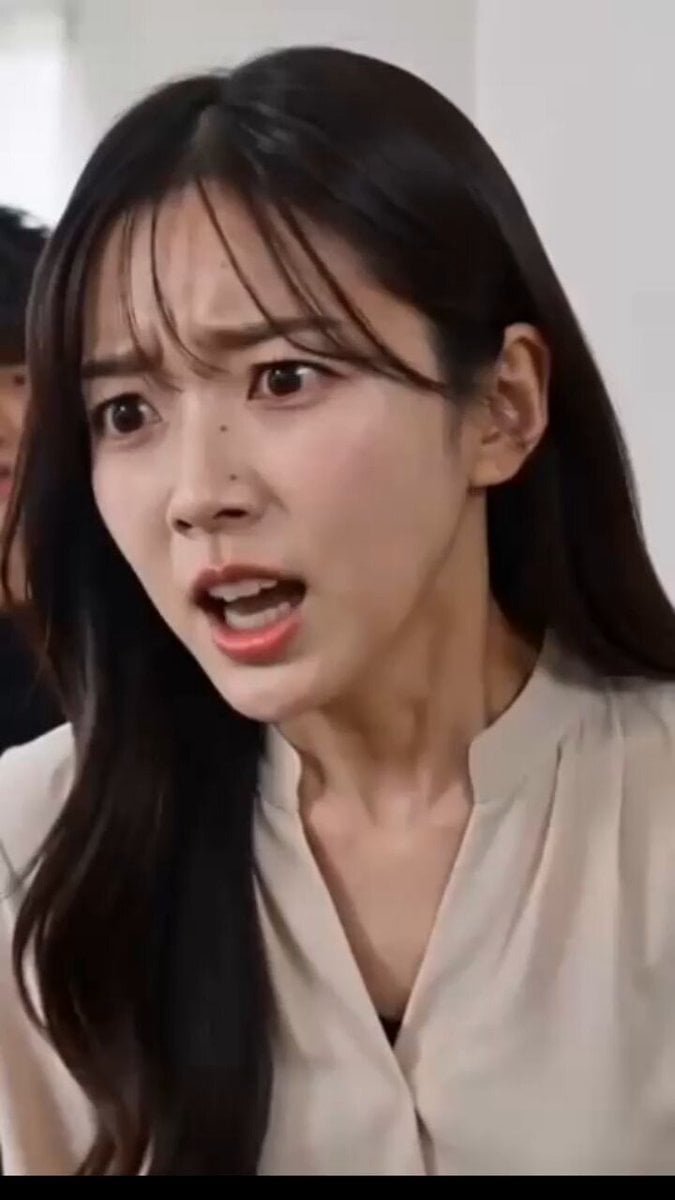
Relationship Dialogue Script
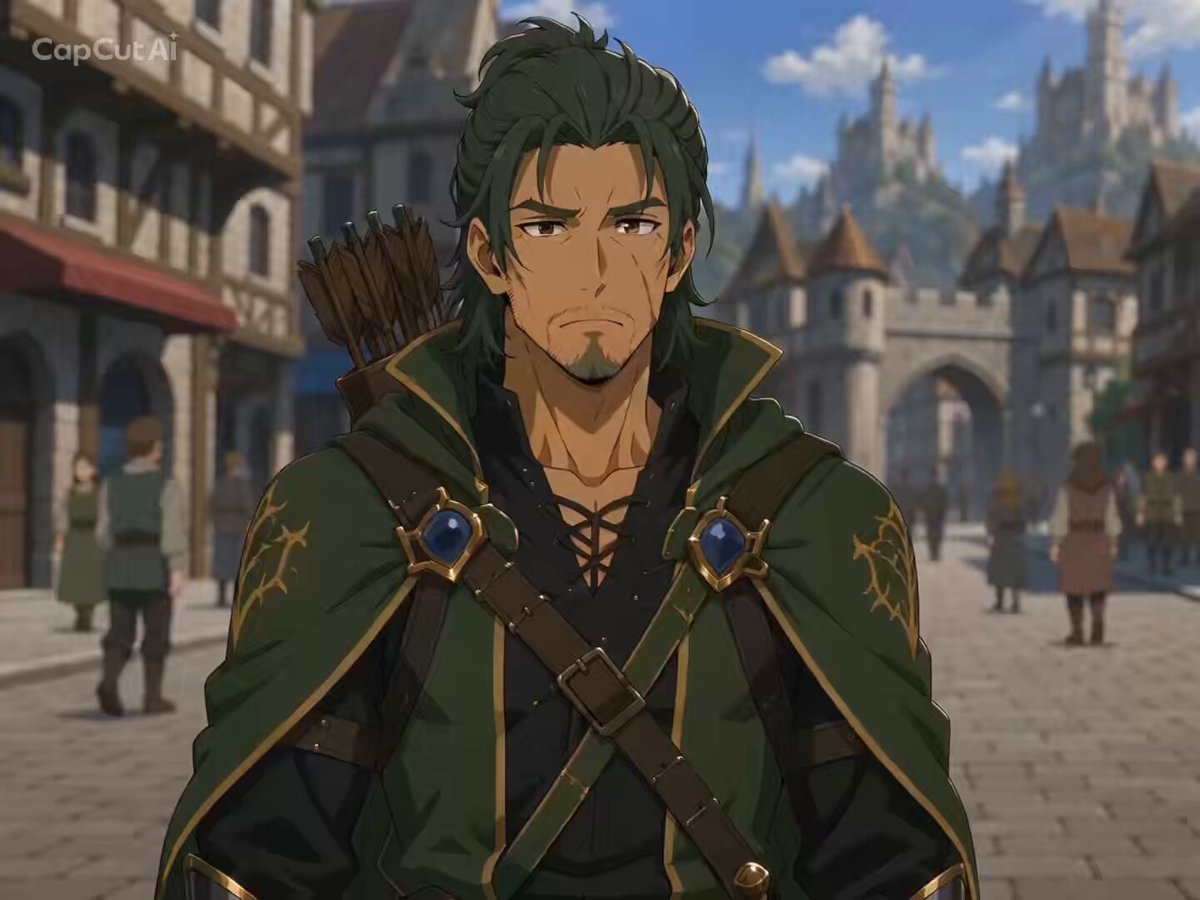
Character Dialogue Storyboard
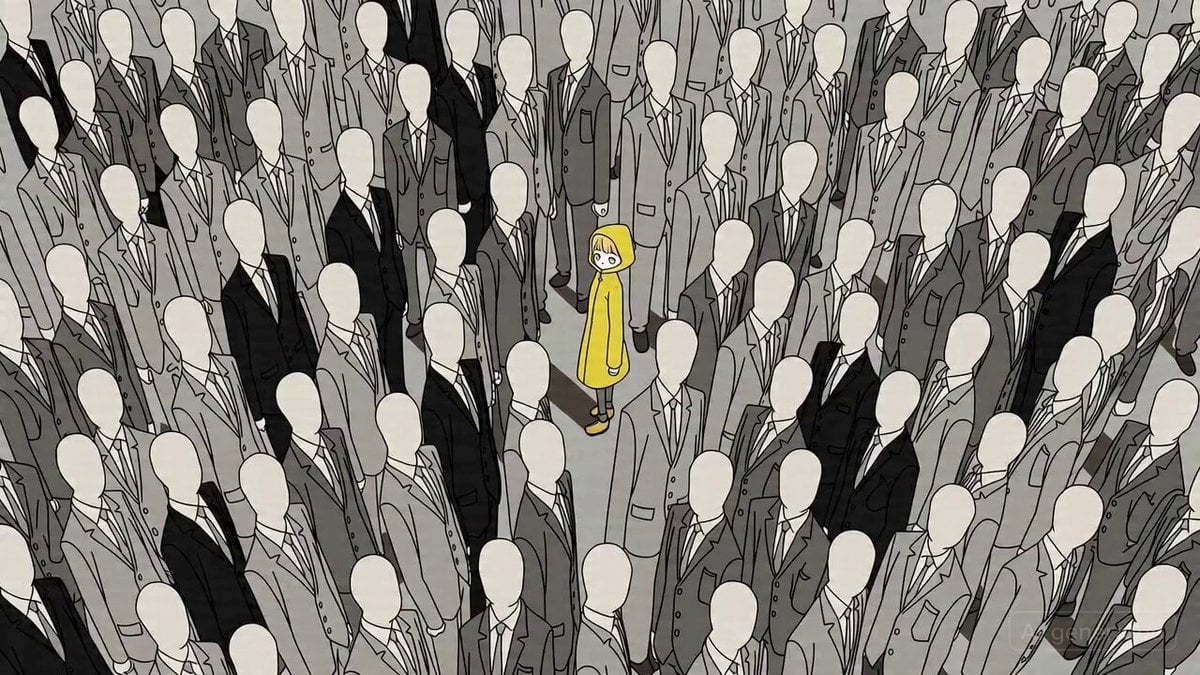
Cinematic Anime Action Sequence Prompt with Dialogue
Make it yours
Anime Dialogue and Storyboard Script works as-is. These are the safest ways to change it without losing the look.
Change one field
Copy a single group, rewrite it, and generate again so you can see what that field is doing.
Keep the frame, change the subject
Hold the composition and light of Anime Dialogue and Storyboard Script, then swap wardrobe, props or the person for a new take.
| If the result… | Why | Fix |
|---|---|---|
| The result drifts from the preview | Too many fields changed at once. | Reuse Anime Dialogue and Storyboard Script as-is first, then change one group — subject, light, or setting. |
| The model over-stylizes the scene | The prose prompt leaves finish and camera underspecified. | Add one camera or lighting sentence and stay on Seedance 2.0. |
More Seedance 2.0 templates
Other prompts made for Seedance 2.0.

Comical Martial Arts Punch Scene

Maglev Train Action Sequence

Martial Arts Fight Sequence

Vintage Korean Arcade MiniDV Vlog

Mercedes 190 SL Luxury Ad

Rainy Night Supernatural Reverse Comedy Video Script

Amazon Civilization Discovery

Futuristic South Asian City Transformation

Cozy Luxury Cafe Commercial

Cyber Ronin Nanotech Transformation Video
More video prompts
Fresh picks from across the catalog.
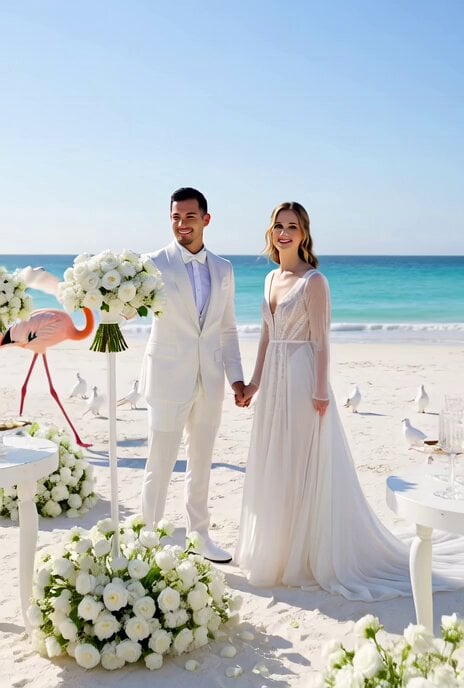
All-White Beach Wedding Video Prompt (1)
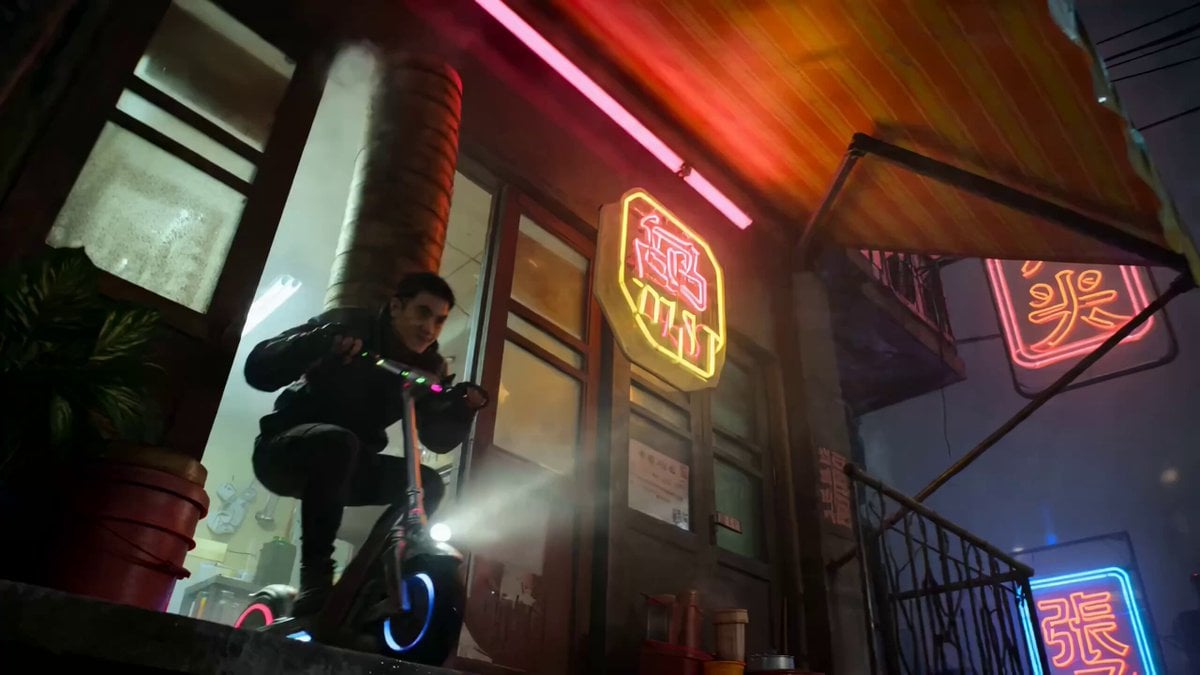
Multi-Shot Action-Comedy Scene Prompt: Neon Dumpling Courier
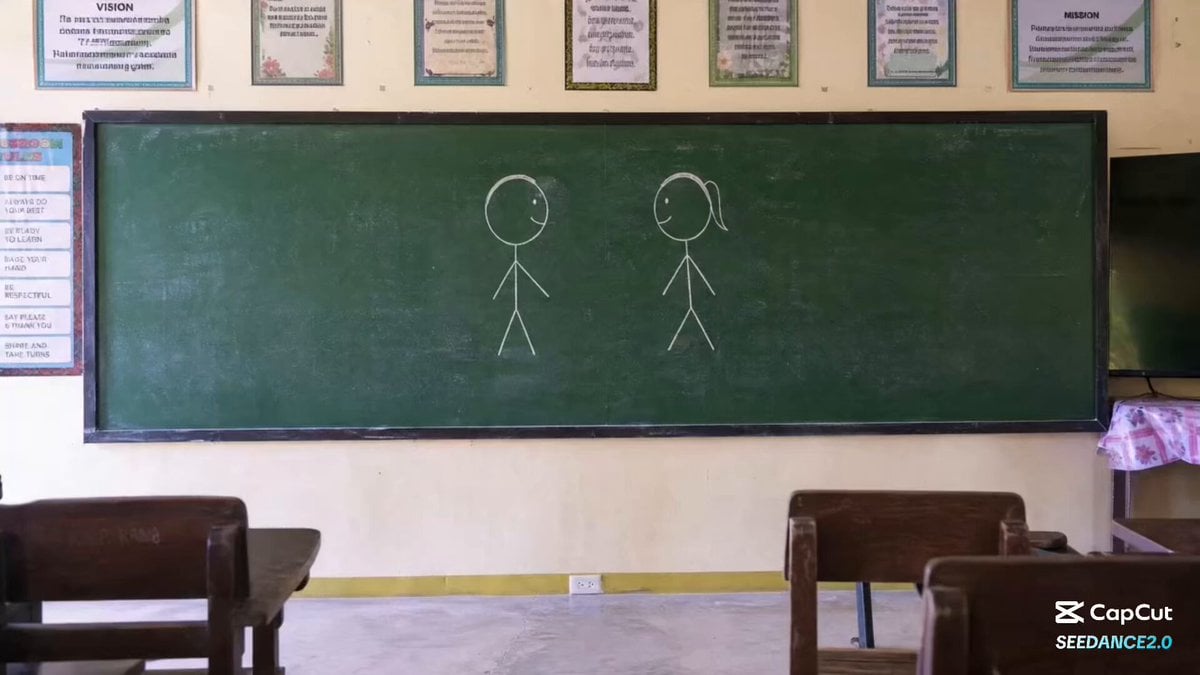
Chalkboard Stick Figure Karate Battle
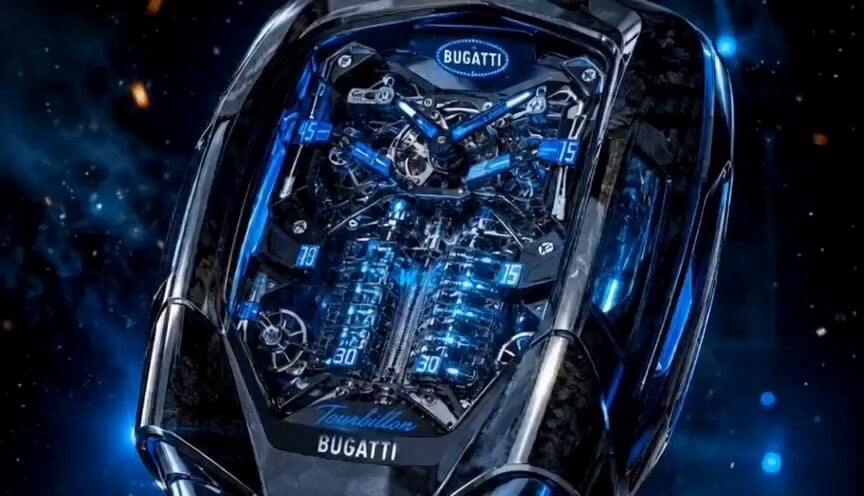
Luxury Bugatti Watch Commercial
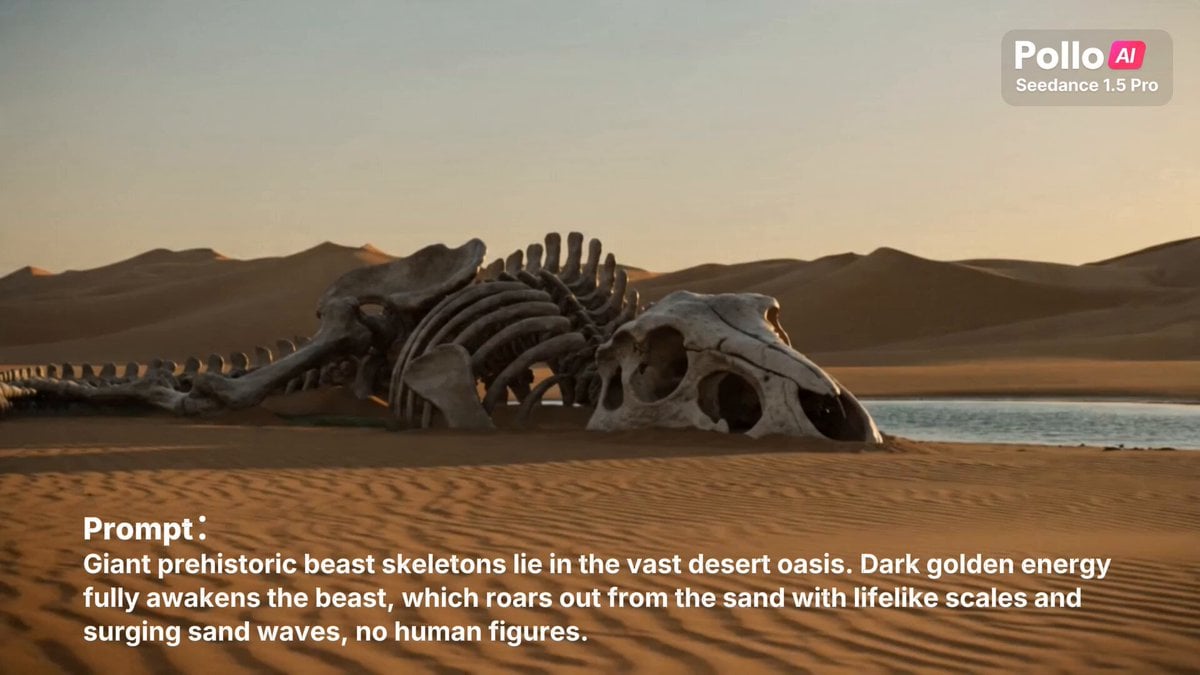
Giant Prehistoric Beast Wakes Up in the Desert
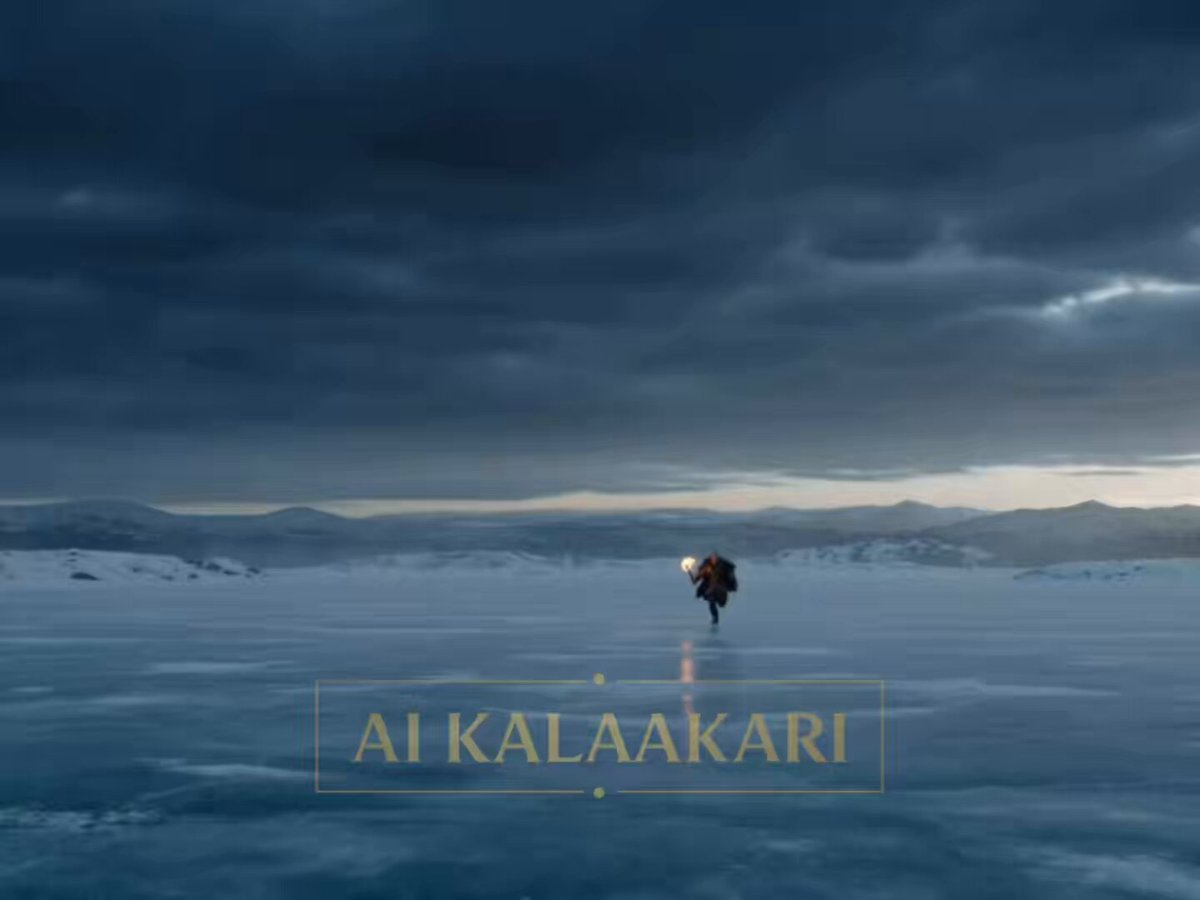
Viking Werewolf Frozen Lake Hunt Prompt
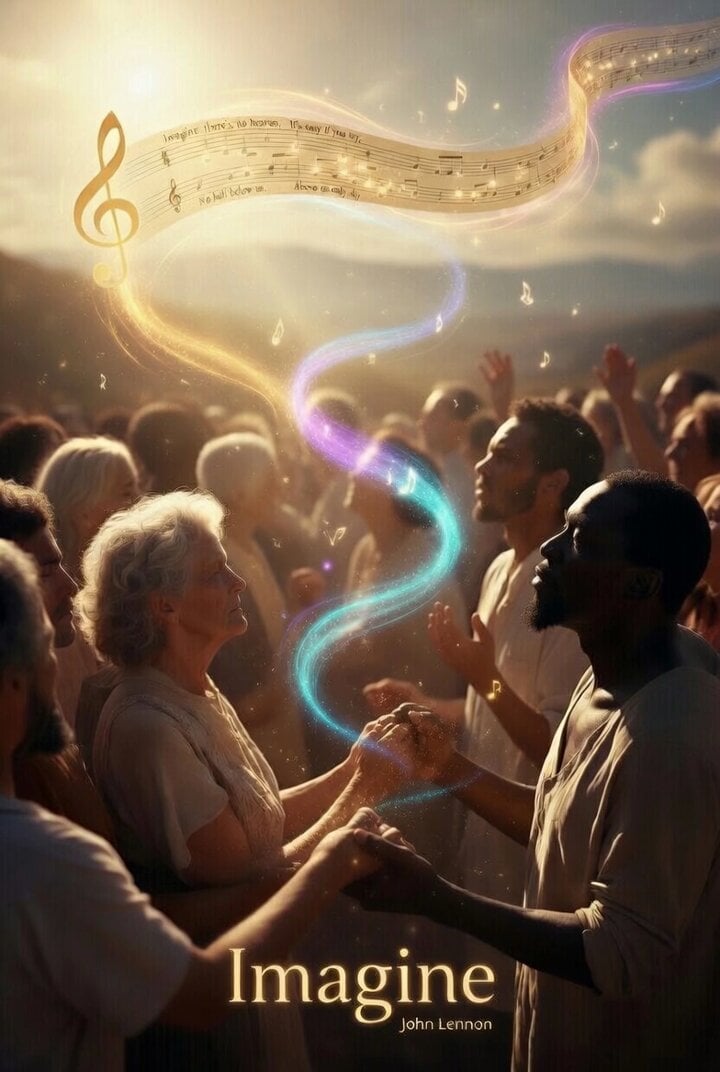
Utopian World of Harmony and Peace
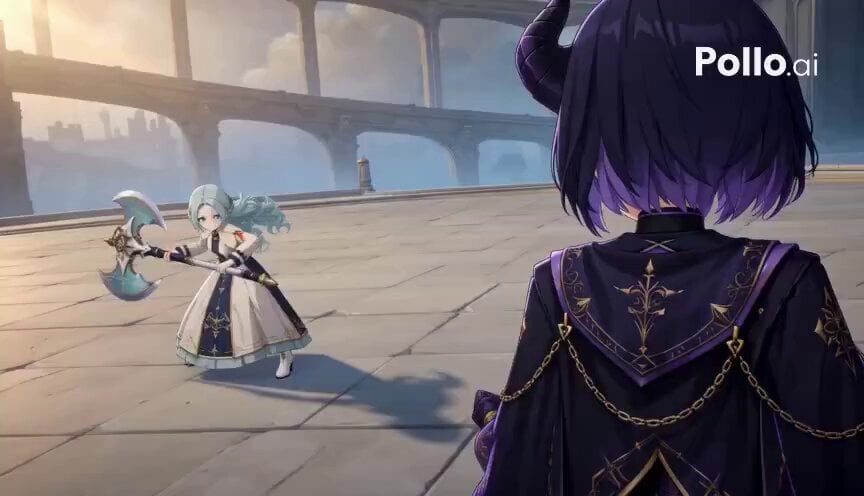
3D Toon Warrior Combat
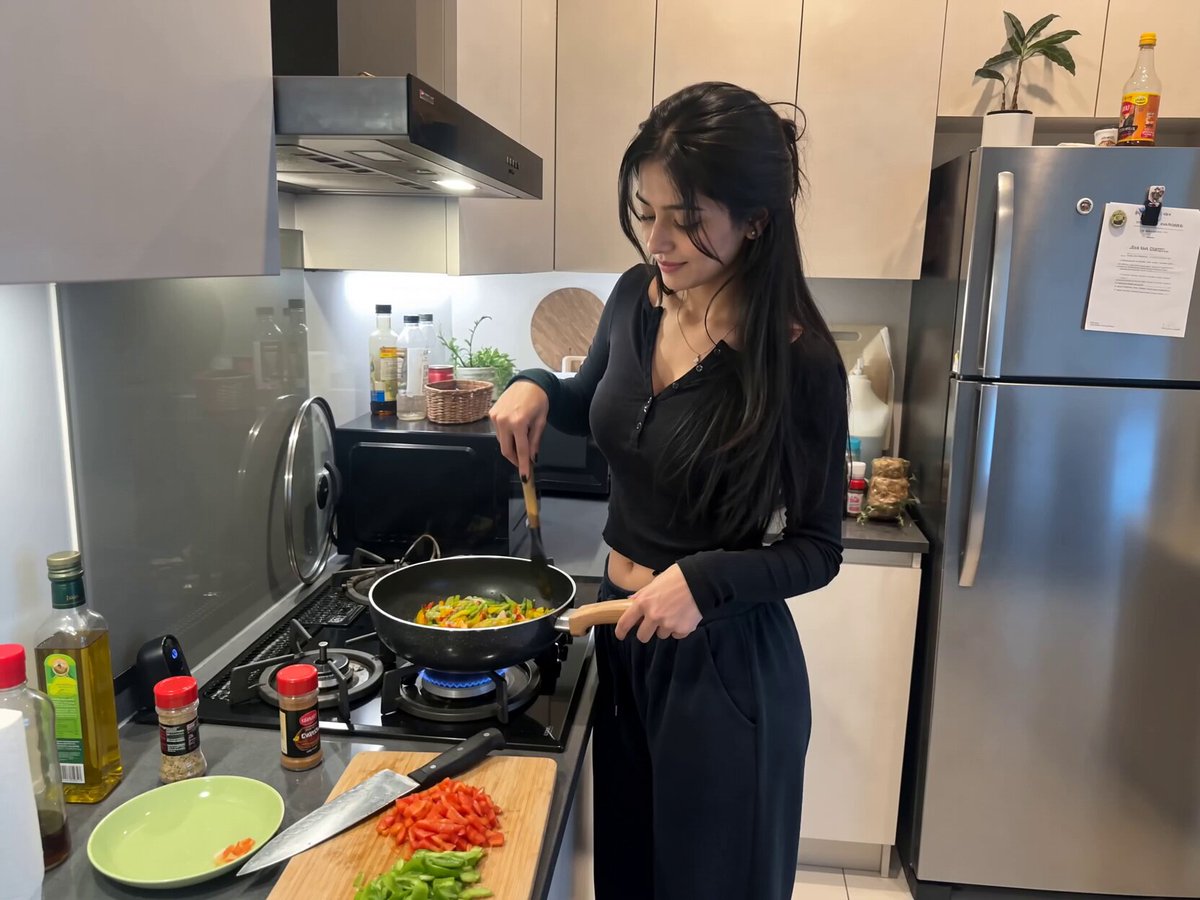
Candid Kitchen Cooking Vlog
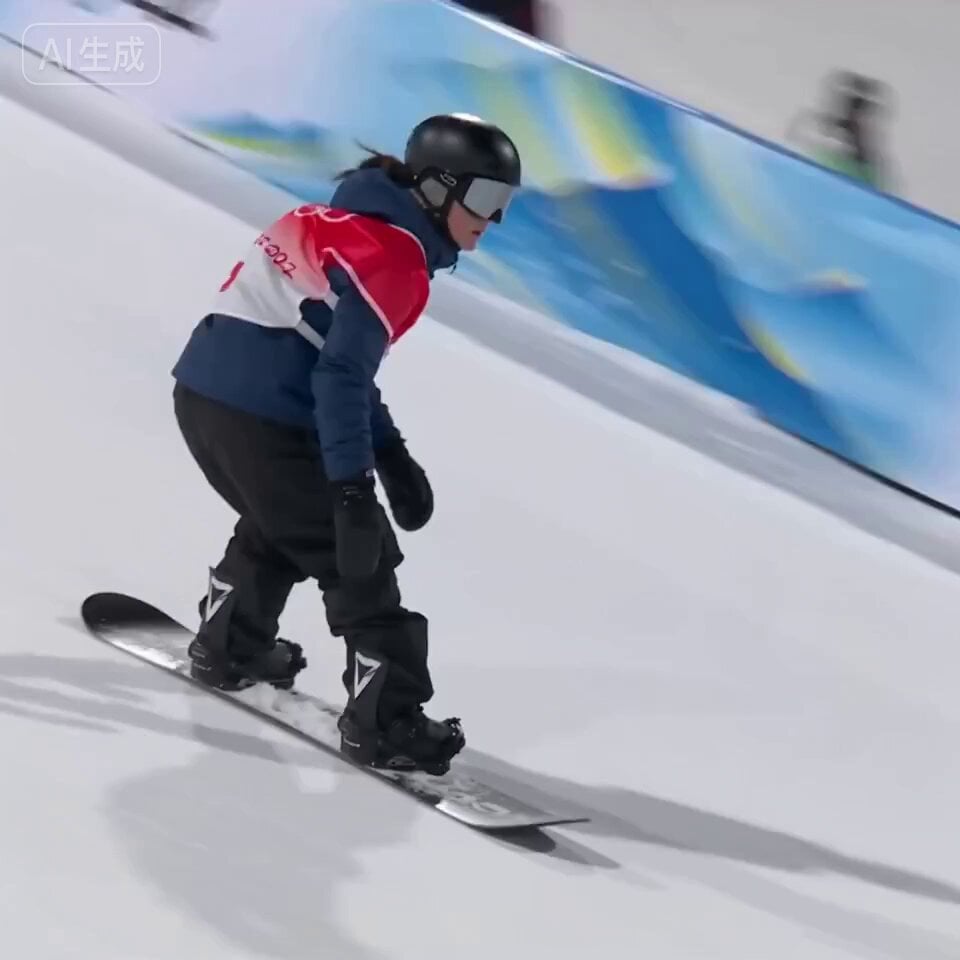
Olympic Snowboard Big Air Competition
Browse template categories
Anime Dialogue and Storyboard Script questions
How do I use the Anime Dialogue and Storyboard Script template?
Add your photo if the template asks for one, edit the prompt if you like — the template's model and format are already selected — and press Generate. Your version opens in PicX Studio.
Can I customize the Anime Dialogue and Storyboard Script template?
Yes. You can change the subject, setting, lighting, mood, format, and available model controls before creating your video.
Is the Anime Dialogue and Storyboard Script template free?
Opening and editing this template is free. Generating uses credits, shown on the Generate button when you are signed in.
Which AI model should I use?
Start with Seedance 2.0, which is the model associated with this template. You can compare another compatible model for a different finish.
Looking for something else? Browse all templates.

Your photo, any look
Thousands of ready templates for every top image and video model, from one credit balance.