
Sorceress Frost Shockwave
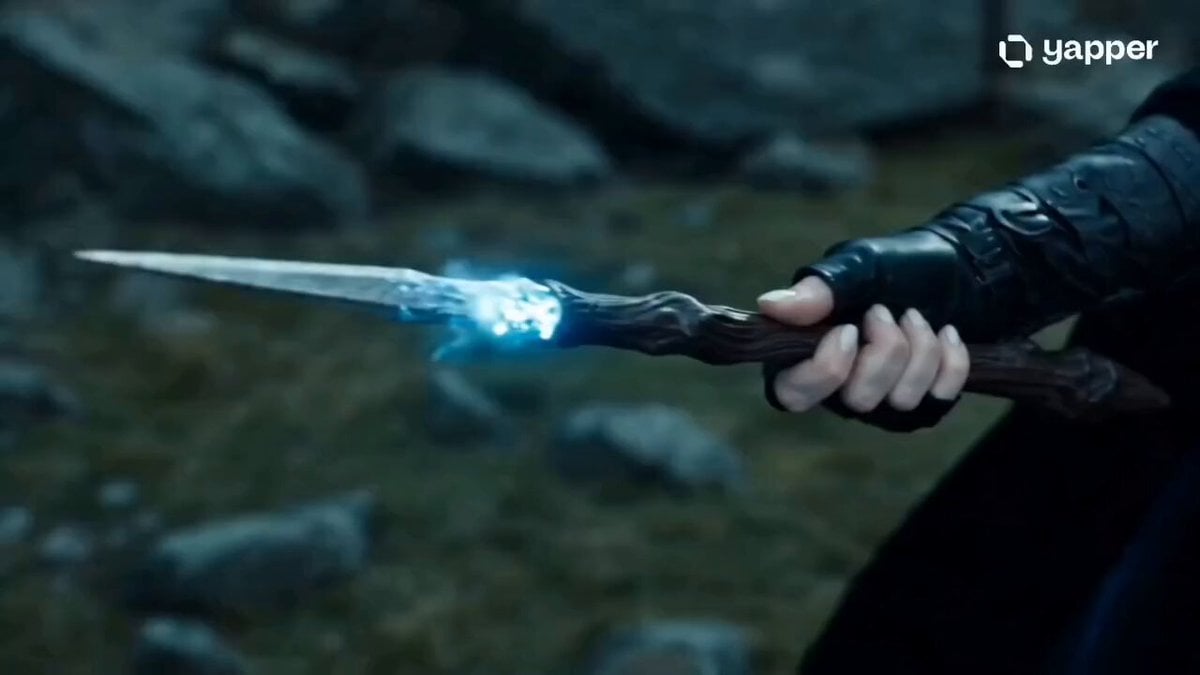
A fantasy video prompt of a sorceress unleashing a circular frost blast to freeze an attacking army, captured with an overhead drone shot.
- Prompt included
- Model and format preset
- Free template
The prompt behind this video
Copy the exact prompt behind Sorceress Frost Shockwave, or open it in the studio and make it yours.
Cinematic 8k video. An epic fantasy scene. A powerful sorceress with piercing, glowing neon-blue eyes, long dark hair blowing in the wind, and black leather armor adorned with glowing runes and sharp ice crystals on her shoulders. She stands in a rocky, bleak mountain pass. An army of dark knights charges toward her. She raises a glowing magical wand, channeling massive freezing energy. A powerful blast wave of frost and ice erupts from her position, rapidly expanding outward in a perfect circle, instantly freezing the charging army into detailed ice statues. Dramatic overhead drone shot showing the massive circular frost shockwave. Slow-motion, intense cinematic music atmosphere, high-end CGI, dark and gritty color grading, photorealistic, professional bokeh, intricate details
How to use Sorceress Frost Shockwave in 3 steps
- 1
Open
The prompt is already in the box next to the preview, with the template's model and format selected.
- 2…a portrait of your subject in softgolden-hour light, 85mm…
Personalize
Edit the subject and creative details for your destination.
- 3Generate
Generate
Press Generate — your video is created in PicX Studio, so you can compare it with the original and refine one variable at a time.
More like this
Templates with the same subject, style or setup. Open one to see its prompt.
Ai Gezgini Hiroshima Fpv
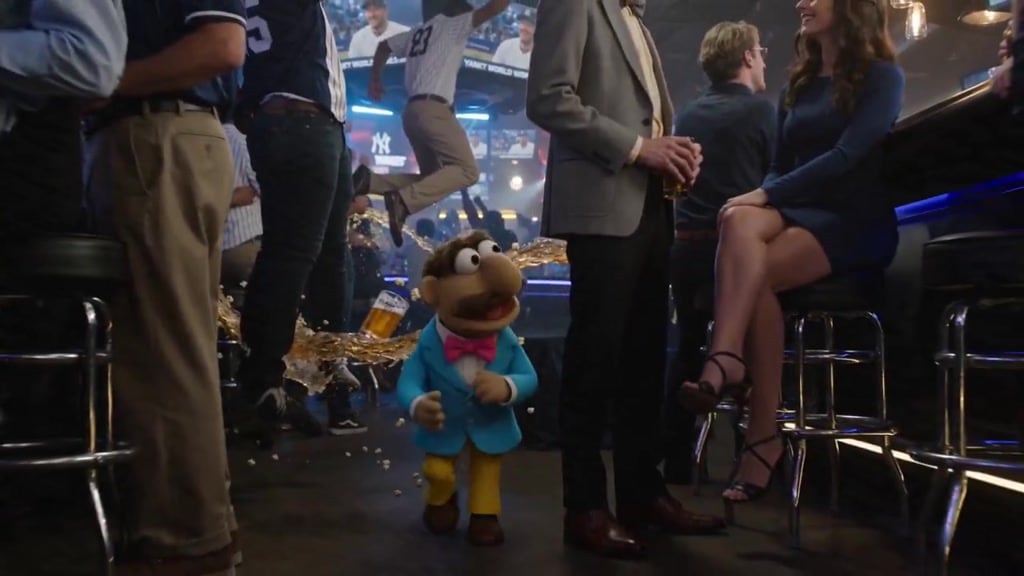
Puppet Time Freeze - Sports Bar Chaos
Superhero Joyrides — Seedance 2.0
Ice Queen — Frozen Battlefield Time Control (Seedance)
Time Freeze — Snap Shockwave Scene Seedance
Asteroid Impact City Destruction
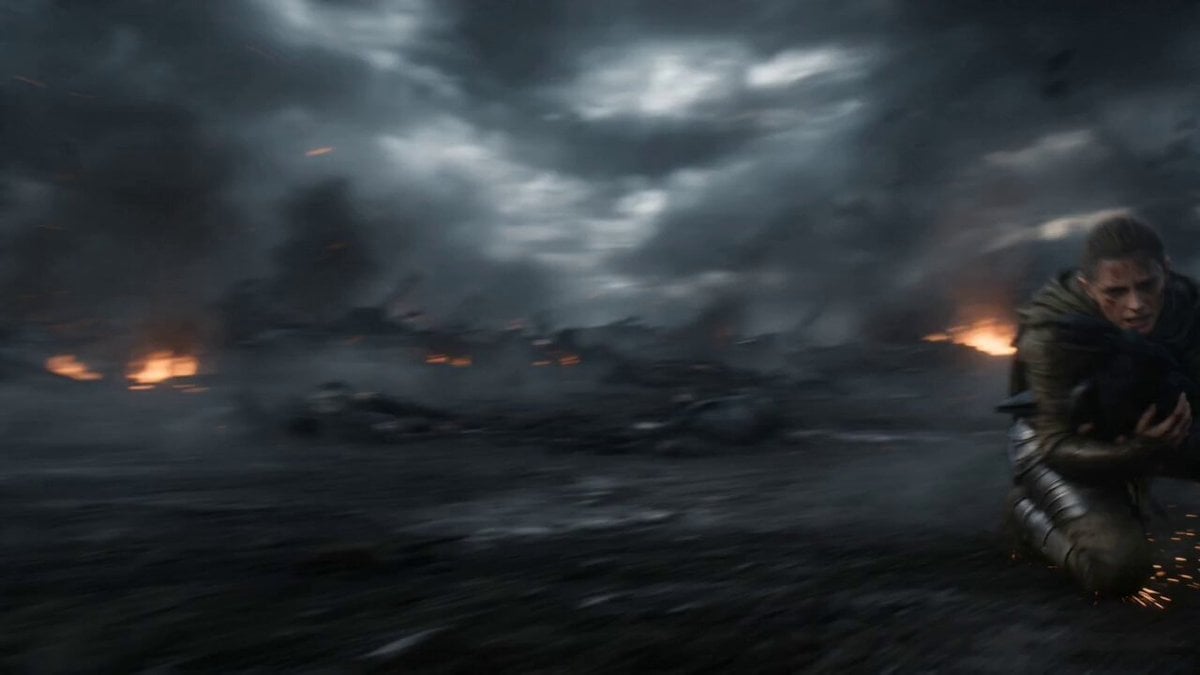
Dark Fantasy Sorceress Transformation
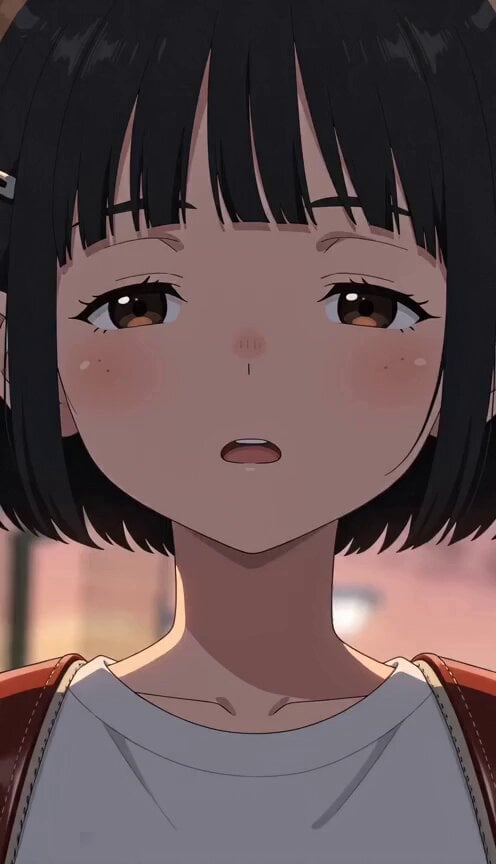
Supernatural Sigh Shockwave Anime Scene
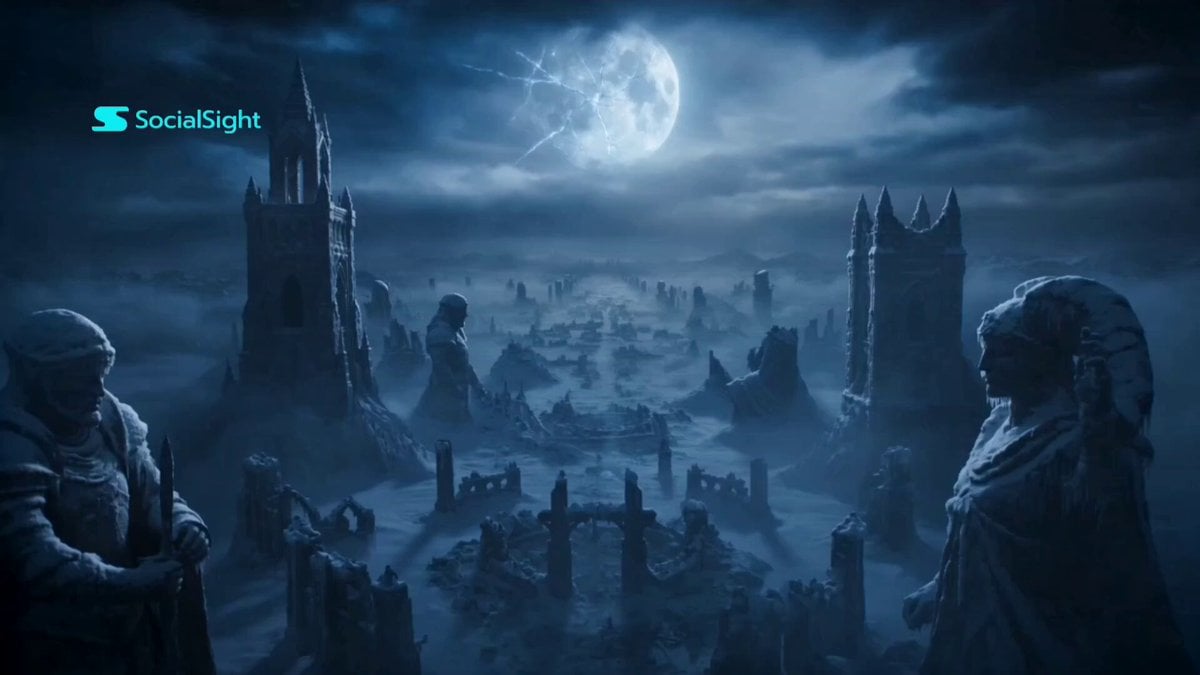
Dark Fantasy Trailer Frost Veil
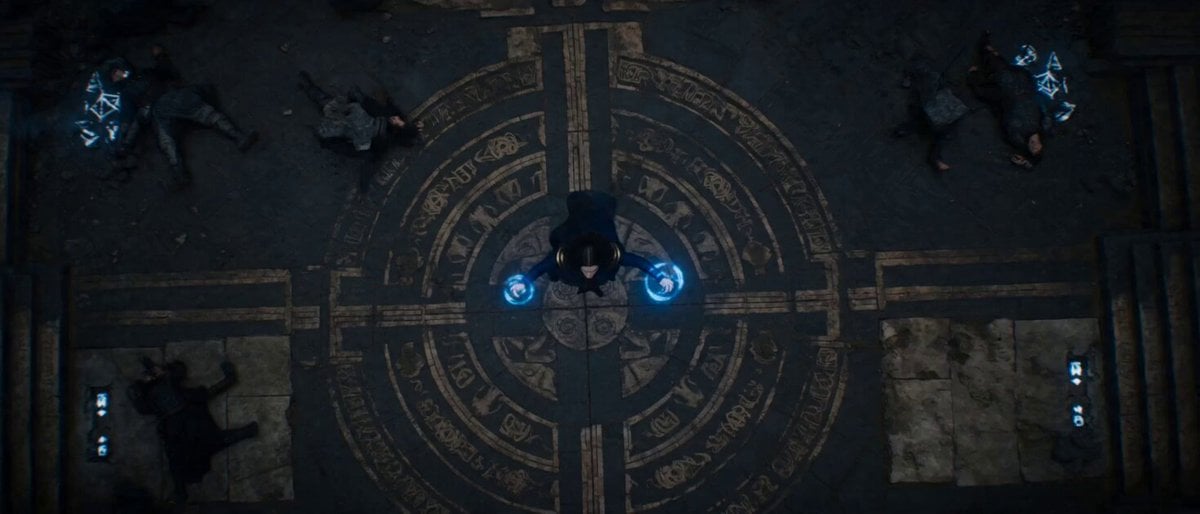
Sorceress Arcane Storm Summoning
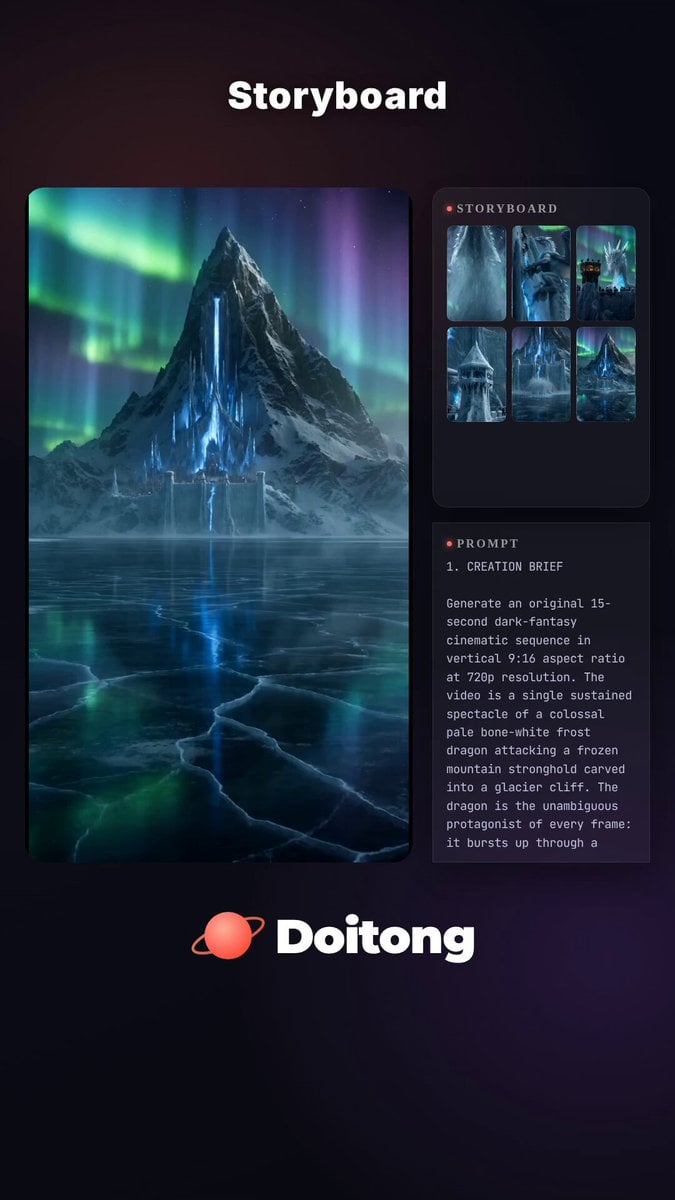
Frost Dragon Glacier Fortress Attack
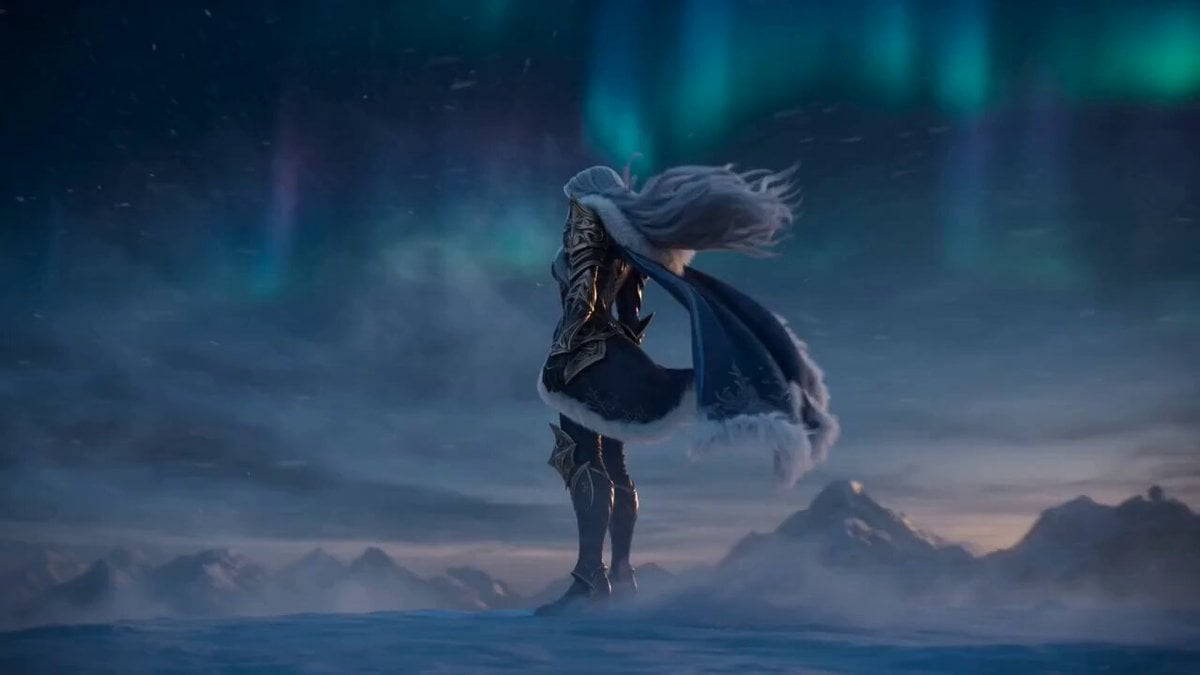
Frostbound Blade Bearer Fantasy Cinematic
Make it yours
Sorceress Frost Shockwave works as-is. These are the safest ways to change it without losing the look.
Change one field
Copy a single group, rewrite it, and generate again so you can see what that field is doing.
Keep the frame, change the subject
Hold the composition and light of Sorceress Frost Shockwave, then swap wardrobe, props or the person for a new take.
| If the result… | Why | Fix |
|---|---|---|
| The result drifts from the preview | Too many fields changed at once. | Reuse Sorceress Frost Shockwave as-is first, then change one group — subject, light, or setting. |
| The model over-stylizes the scene | The prose prompt leaves finish and camera underspecified. | Add one camera or lighting sentence and stay on Seedance 2.0. |
More Seedance 2.0 templates
Other prompts made for Seedance 2.0.

Comical Martial Arts Punch Scene

Maglev Train Action Sequence

Martial Arts Fight Sequence

Wuxia Protection and Trust Script

Vintage Korean Arcade MiniDV Vlog

Mercedes 190 SL Luxury Ad

Rainy Night Supernatural Reverse Comedy Video Script

Amazon Civilization Discovery

Futuristic South Asian City Transformation

Cozy Luxury Cafe Commercial
More video prompts
Fresh picks from across the catalog.

Charming Budgie and Floating Heart
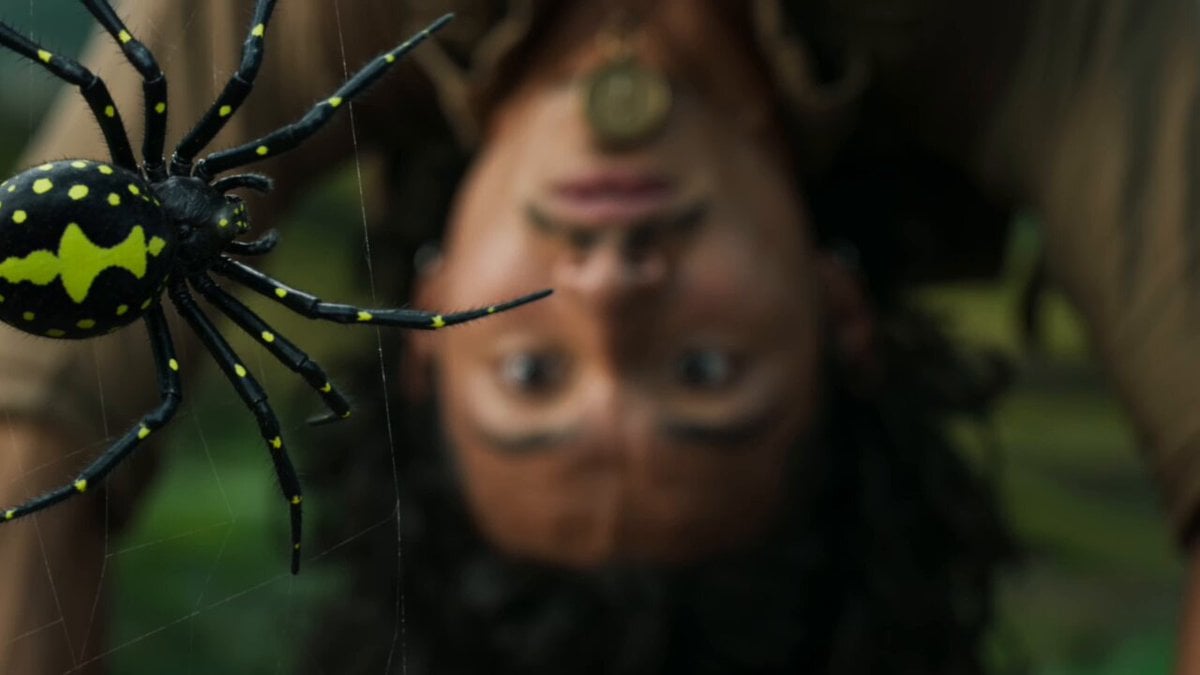
Jungle Adventure Machete Action Scene

Grok Imagine Prompt: Character with gloves and laptop speaking in cartoon voice
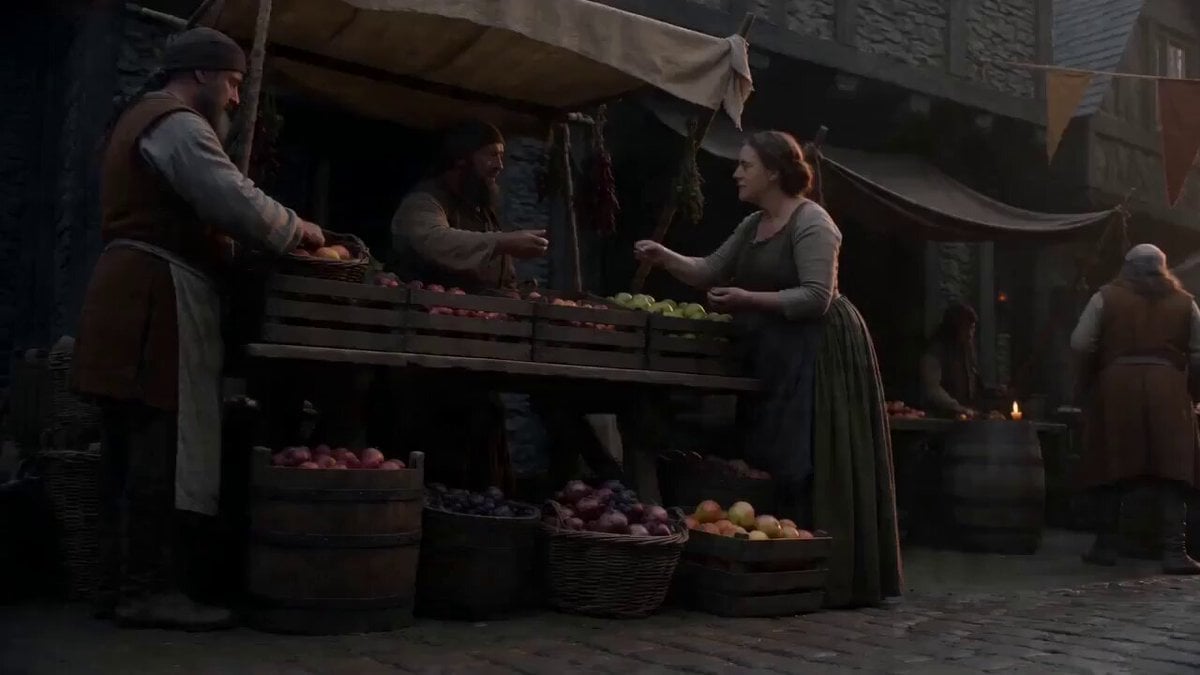
Motivated Continuous Camera Movement in Medieval Market Video Prompt

Cinematic Street Racing Sequence for Seedance 2
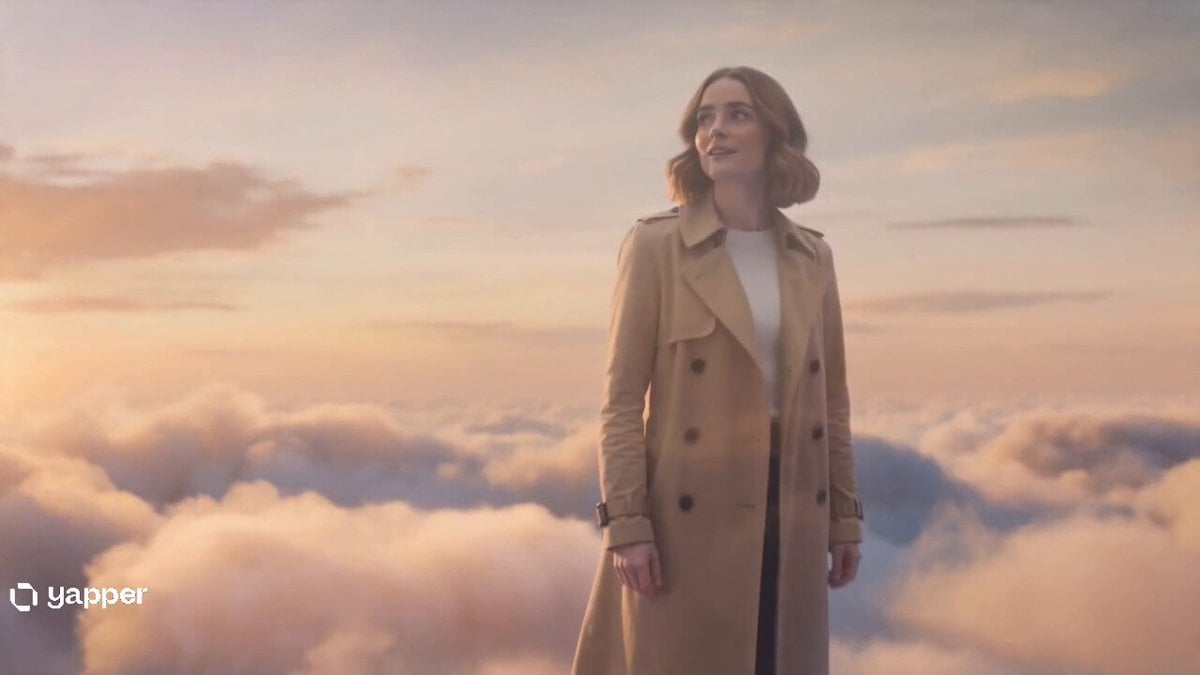
Two Strangers Surreal Dream Island Dance
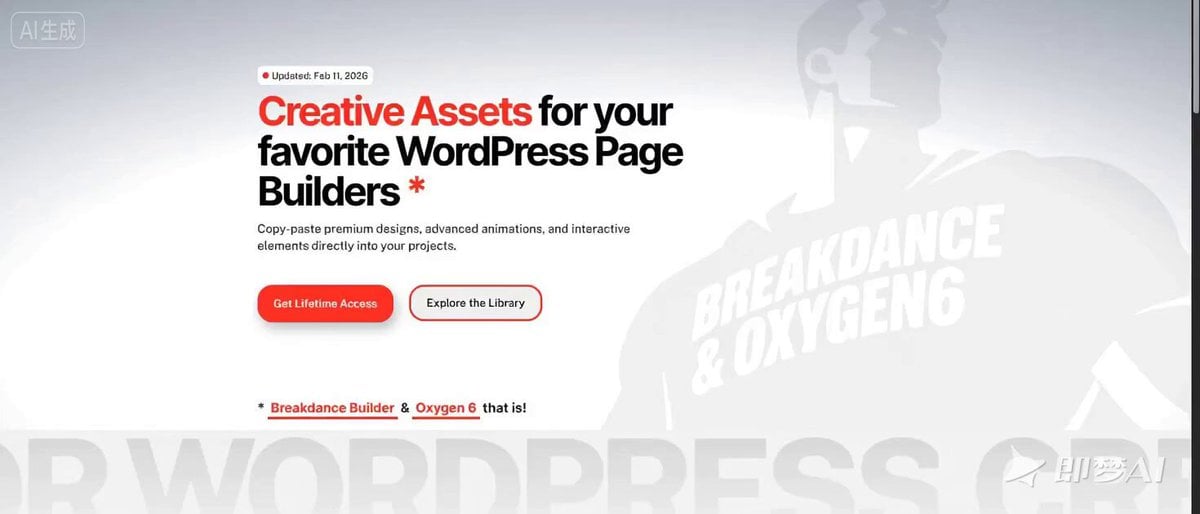
Billboard Image Transformation Prompt
Sports Anime Goal Storyboard Sequence
Avant-garde Floral Geisha Couture
Anime Character Switching Prompt
Browse template categories
Sorceress Frost Shockwave questions
How do I use the Sorceress Frost Shockwave template?
Add your photo if the template asks for one, edit the prompt if you like — the template's model and format are already selected — and press Generate. Your version opens in PicX Studio.
Can I customize the Sorceress Frost Shockwave template?
Yes. You can change the subject, setting, lighting, mood, format, and available model controls before creating your video.
Is the Sorceress Frost Shockwave template free?
Opening and editing this template is free. Generating uses credits, shown on the Generate button when you are signed in.
Which AI model should I use?
Start with Seedance 2.0, which is the model associated with this template. You can compare another compatible model for a different finish.
Looking for something else? Browse all templates.

Your photo, any look
Thousands of ready templates for every top image and video model, from one credit balance.