How do I use the Fight Scene Prompt: Impact and Recovery template?
Edit the prompt in the box under the preview — the template's model and format are already selected — and press Generate. Your version appears right on this page.
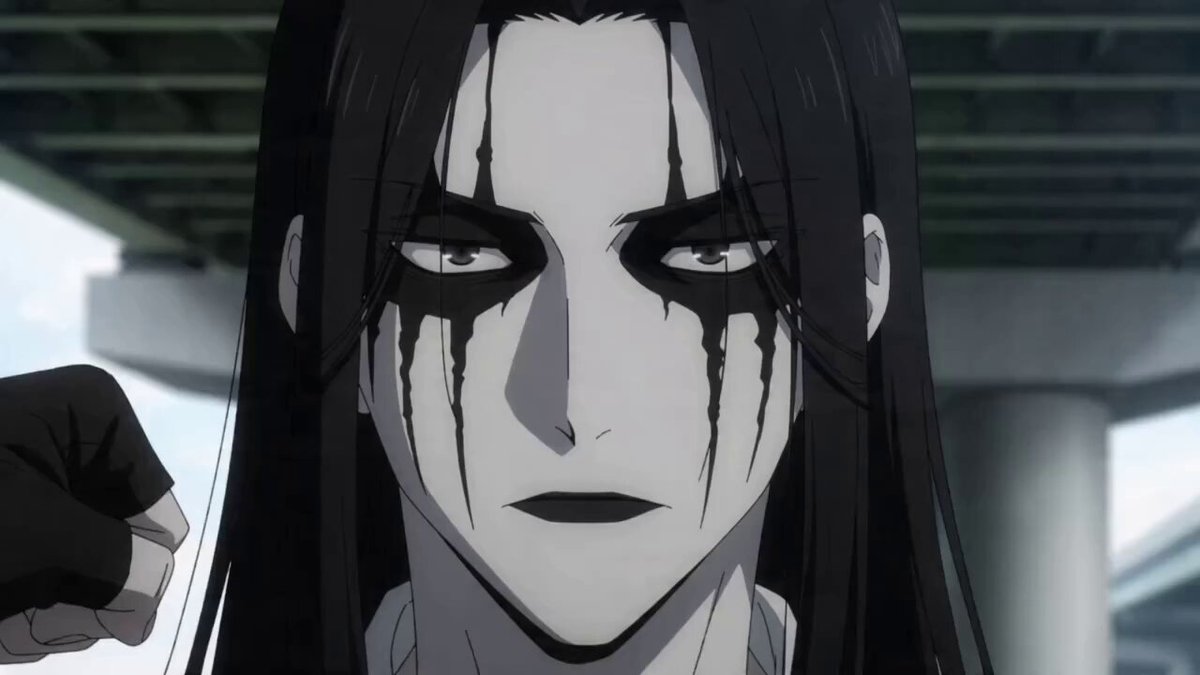
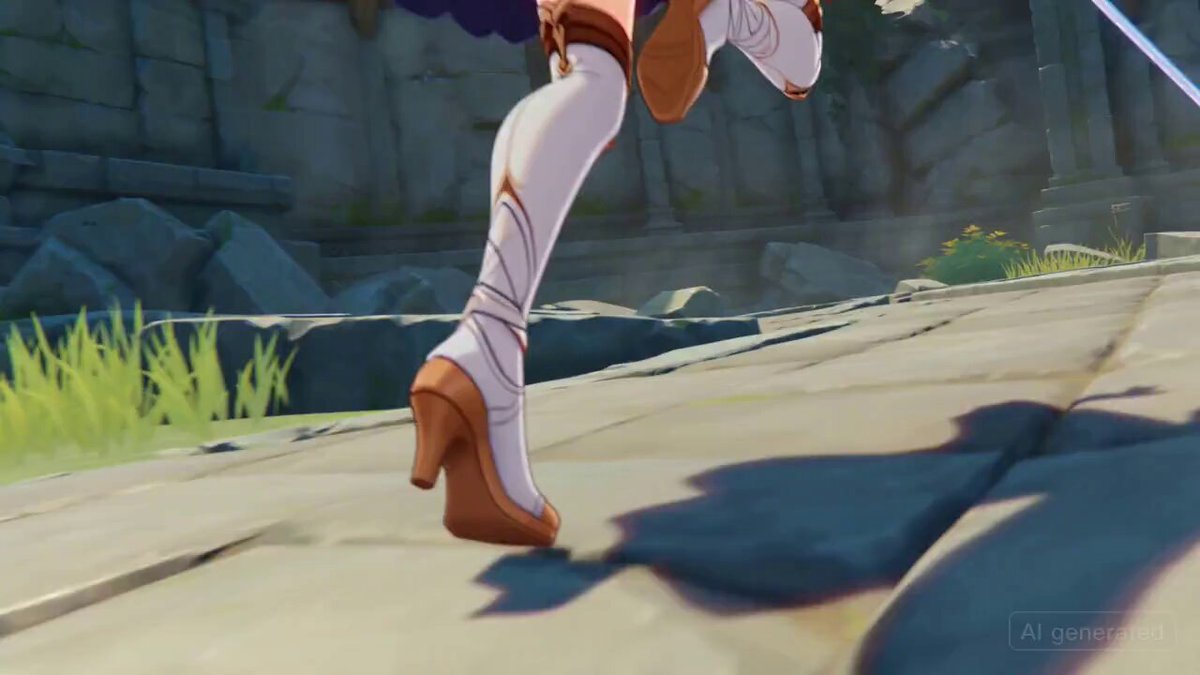
A multi-shot prompt for a fight scene sequence detailing a fighter slamming into the ground, followed by a crane shot showing both fighters, including specific VFX and SFX instructions.
6. Fight scene 0–1.5s (Shot 1): Low-angle shot. A fighter slams into the ground, sliding across dust as their opponent lands heavily, cracking the floor beneath their feet. VFX: dust burst, ground cracks SFX: impact hit, debris scatter 1.5–3s (Shot 2): Crane shot rising. Both
6. Fight scene 0–1.5s (Shot 1): Low-angle shot. A fighter slams into the ground, sliding across dust as their opponent lands heavily, cracking the floor beneath their feet. VFX: dust burst, ground cracks SFX: impact hit, debris scatter 1.5–3s (Shot 2): Crane shot rising. Both
Edit the prompt in the box under the preview — the template's model and format are already selected — and press Generate. Your version appears right on this page.
Yes. You can change the subject, setting, lighting, mood, format, and available model controls before creating your video.
Opening and editing this template is free. Generating uses credits, shown on the Generate button when you are signed in.
Start with Seedance 2.0, which is the model associated with this template. You can compare another compatible model for a different finish.
Follow a topic to a crawlable collection of related PicX Studio templates.