
Epic Knight Battle Sequence
A comprehensive video prompt for an epic battle scene featuring a knight, monstrous creatures, and specific camera directions like whip pans and speed ramps.
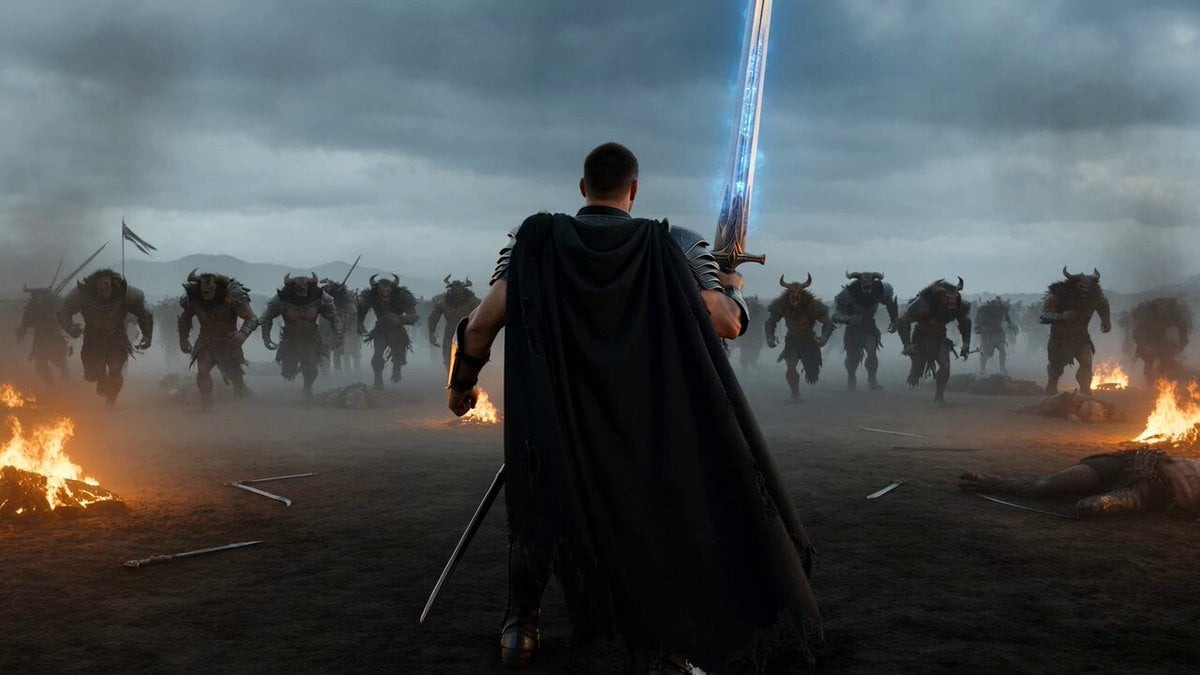
- Prompt included
- Model and format preset
- Premium template
The prompt behind this video
Copy the exact prompt behind Epic Knight Battle Sequence, or open it in the studio and make it yours.
A battle-hardened knight in heavy engraved armor, cape torn, face scarred but determined, gripping a massive sword glowing with ancient runes Charges alone into a horde of monstrous creatures, slicing through them with powerful strikes, each swing releasing shockwaves of energy that send enemies flying Dark battlefield filled with fog, fire, broken weapons and fallen soldiers under a stormy sky Starts with slow push-in from behind the knight, lightning flashing, sudden speed ramp into charge, tracking shot moving with him, whip pans connecting each kill, slow motion on heavy impacts with glowing energy bursts, debris and blood particles flying, ending with the knight standing alone surrounded by defeated creatures, sword planted in the ground, energy fading as the storm calms slightly, camera slowly orbiting to reveal total victory and dominance
How to use Epic Knight Battle Sequence in 3 steps
- 1
Open
The prompt is already in the box next to the preview, with the template's model and format selected.
- 2…a portrait of your subject in softgolden-hour light, 85mm…
Personalize
Edit the subject and creative details for your destination.
- 3Generate
Generate
Press Generate — your video is created in PicX Studio, so you can compare it with the original and refine one variable at a time.
More like this
Templates with the same subject, style or setup. Open one to see its prompt.
Oceanic Civilization Epic Sci-Fi Film
Medieval Knight and Queen Cinematic Close-up

Wasteland Battle Cinematic Video Sequence
Epic Dragon Riding Knight Battlefield
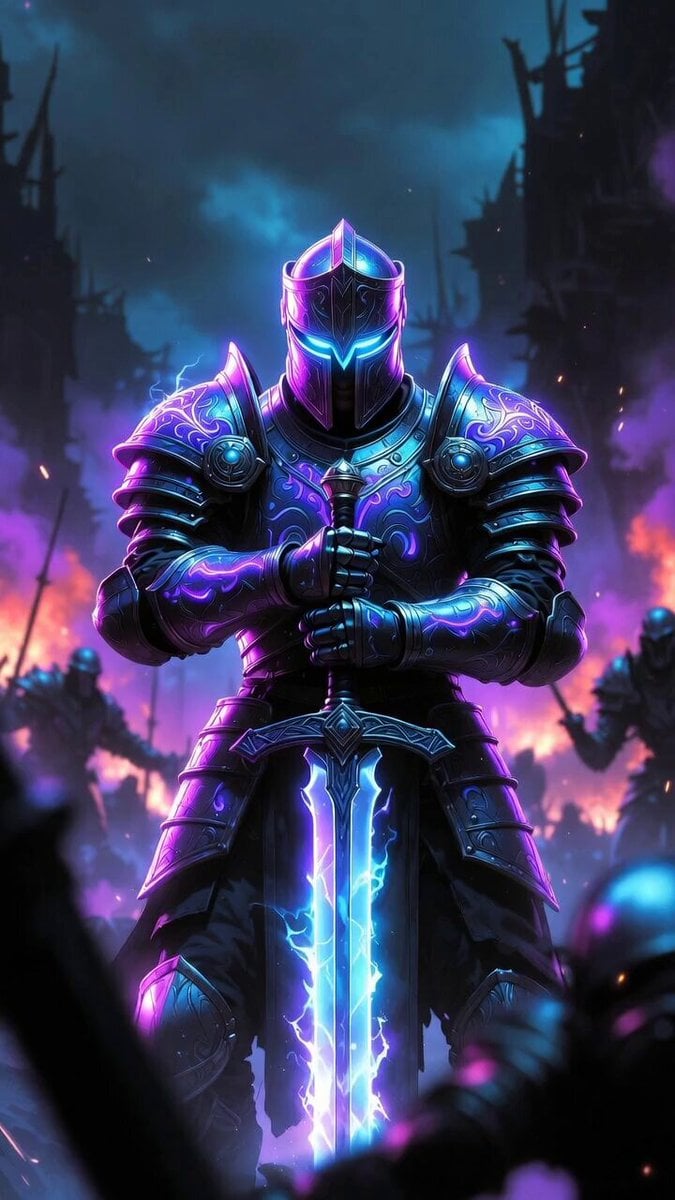
Sir Kekius Maximus, Cyber-Fantasy Knight
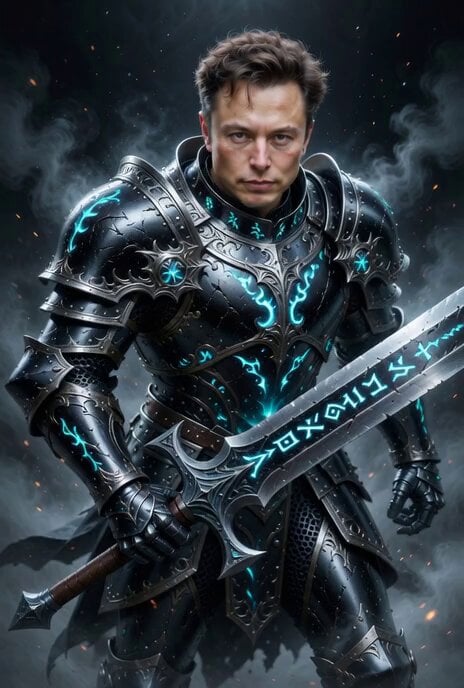
Ultra Anime Realistic Powerful Knight Video Prompt
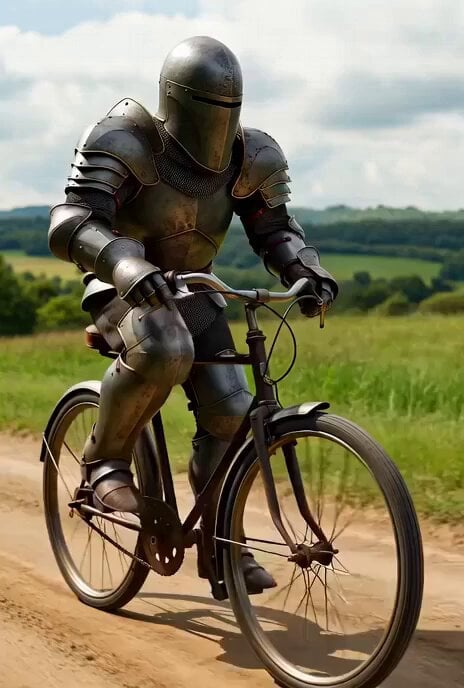
Live-action medieval knight on bicycle video prompt
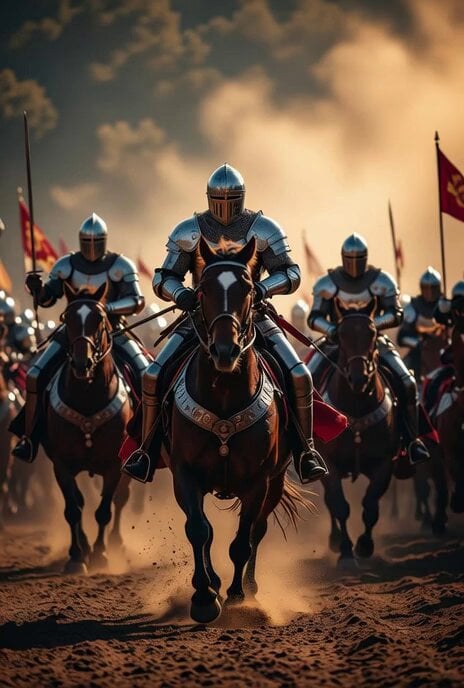
Medieval Knights Charging on Horseback
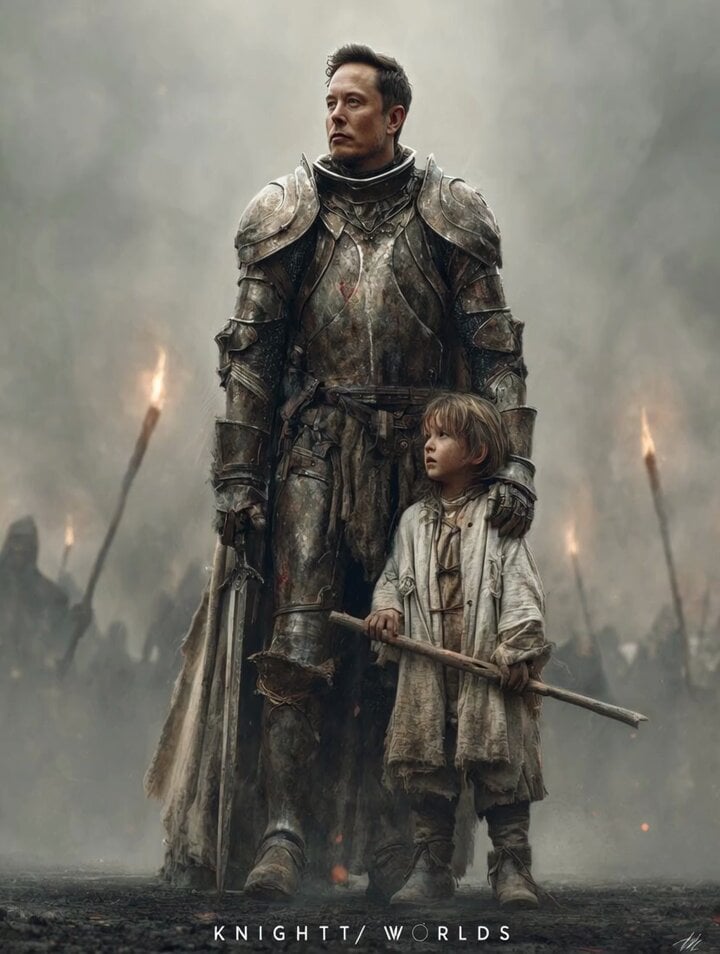
Knight Quote Video Prompt
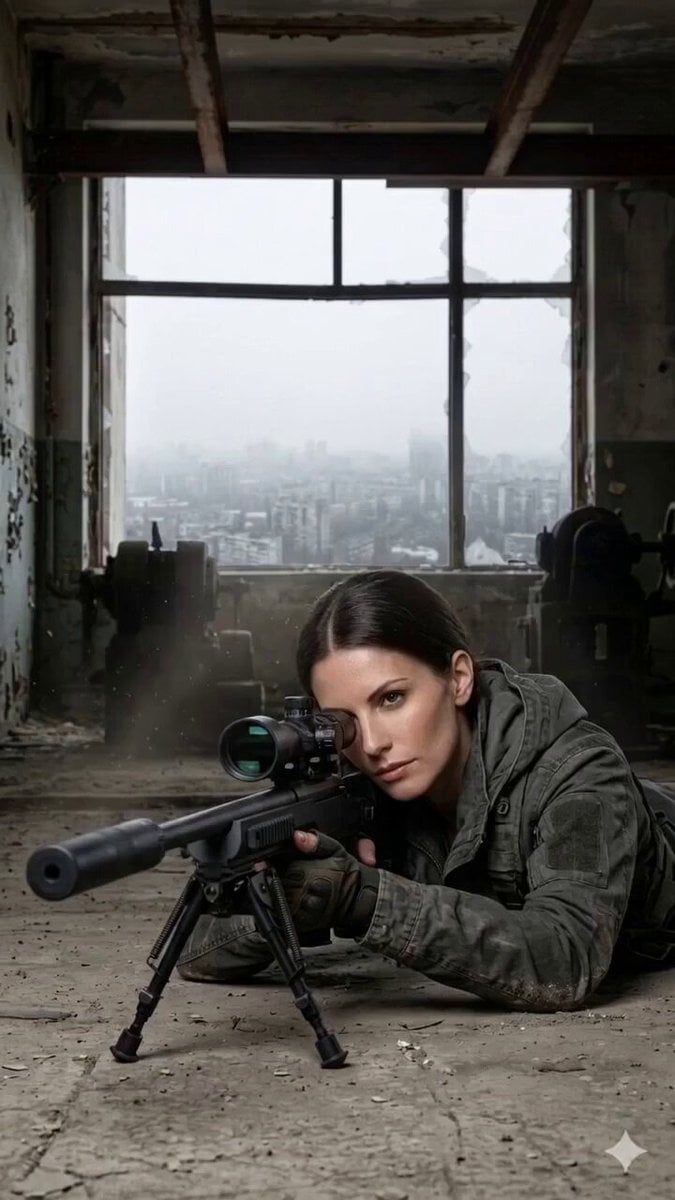
Grok Imagine Cinematic Impact Sequence Video Prompt
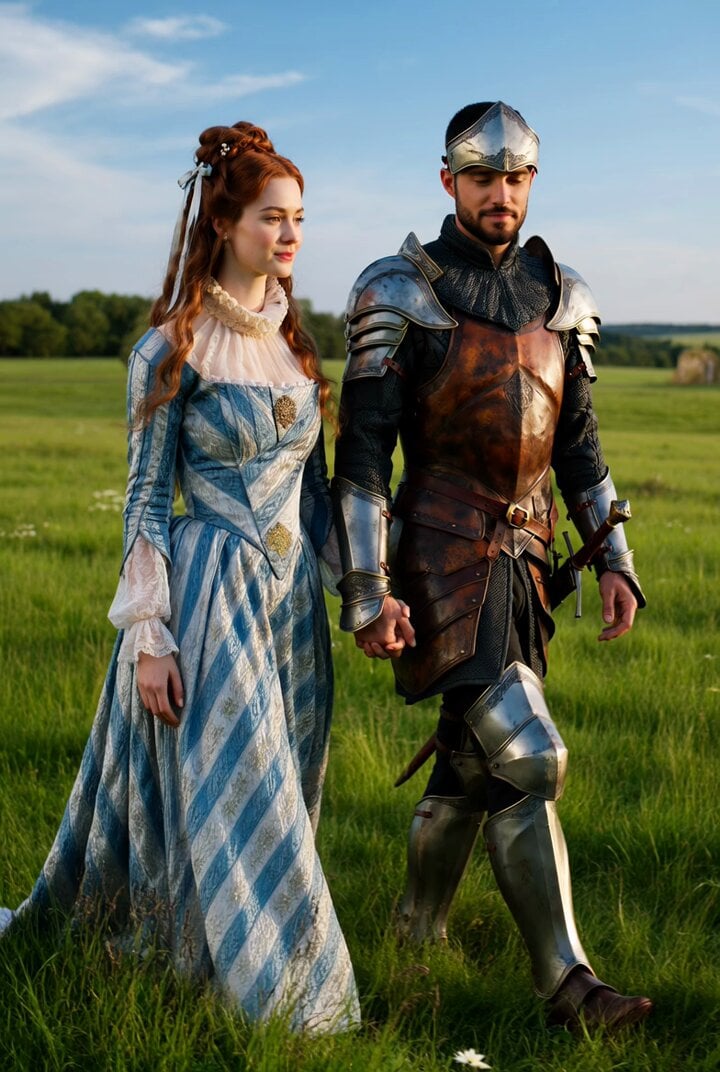
Elizabethan Woman and Knight Video Prompt

Dramatic low-angle cinematic prompt of a knight charging on a warhorse
Make it yours
Epic Knight Battle Sequence works as-is. These are the safest ways to change it without losing the look.
Change one field
Copy a single group, rewrite it, and generate again so you can see what that field is doing.
Keep the frame, change the subject
Hold the composition and light of Epic Knight Battle Sequence, then swap wardrobe, props or the person for a new take.
| If the result… | Why | Fix |
|---|---|---|
| The result drifts from the preview | Too many fields changed at once. | Reuse Epic Knight Battle Sequence as-is first, then change one group — subject, light, or setting. |
| The model over-stylizes the scene | The prose prompt leaves finish and camera underspecified. | Add one camera or lighting sentence and stay on Grok Imagine. |
More Grok Imagine templates
Other prompts made for Grok Imagine.

Coffee Cup Interaction Motion

Voice Controlled Water Animation

Pterodactyl Transformation Journey

Candle Mandala Mirror Video

Psychedelic Purple Disc World Video

Mecha Runway Tap Dance Video Prompt
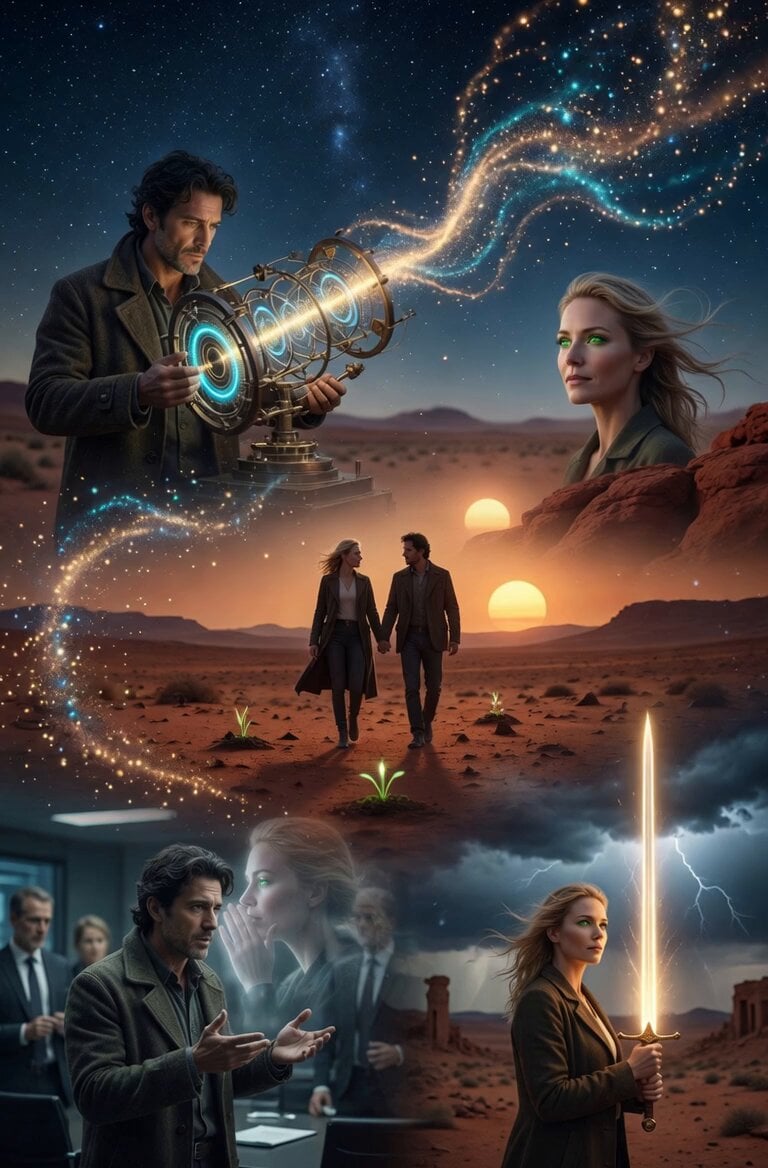
Quantum Inventor in Sonoran Desert

Emotional Angry Couple Drama
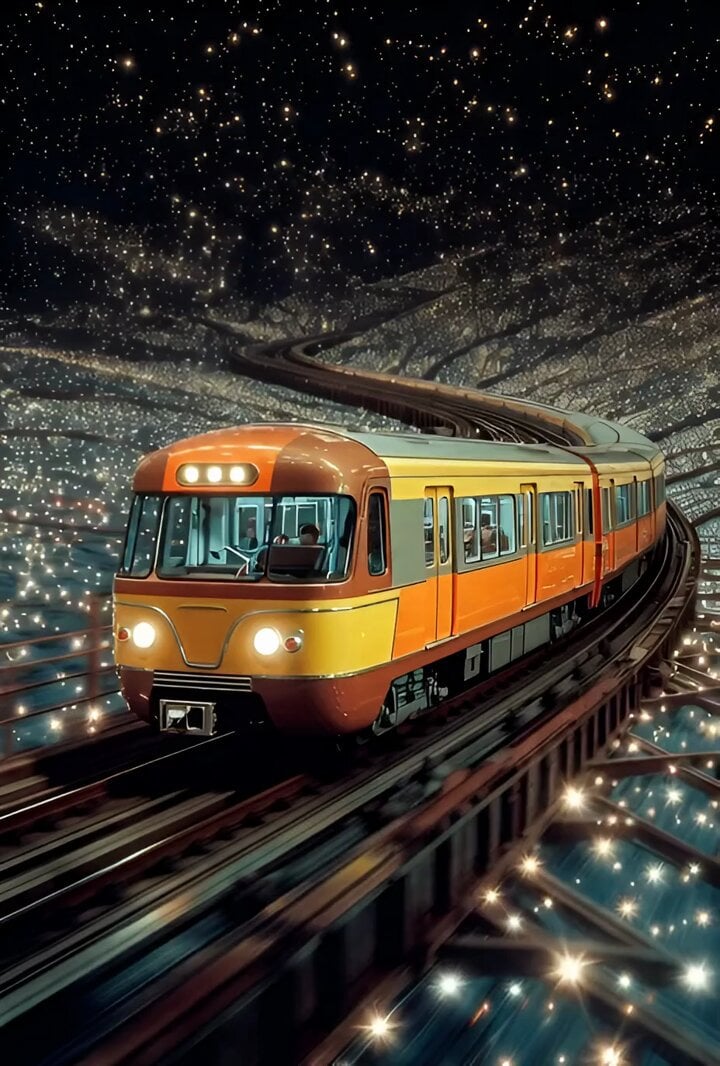
Train Zooming in Star Field Video Prompt

Cyberpunk Guerrilla Girl Video Generation
More video prompts
Fresh picks from across the catalog.
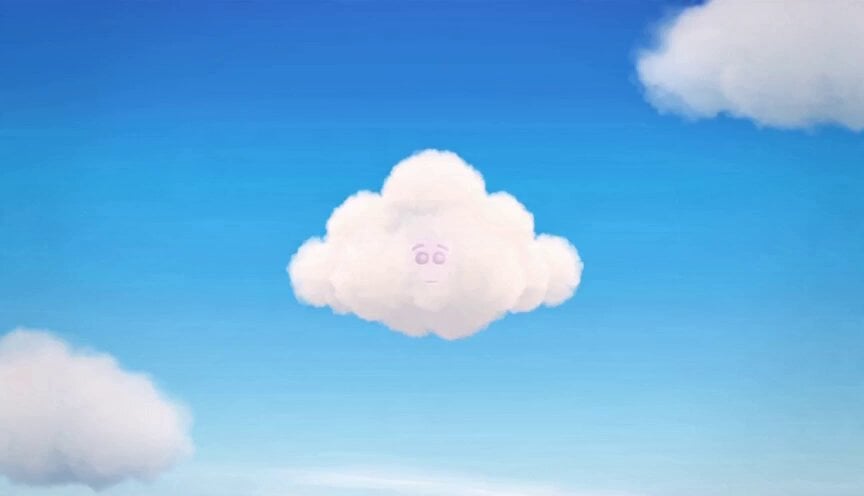
Pastel Cloud Animation Prompt
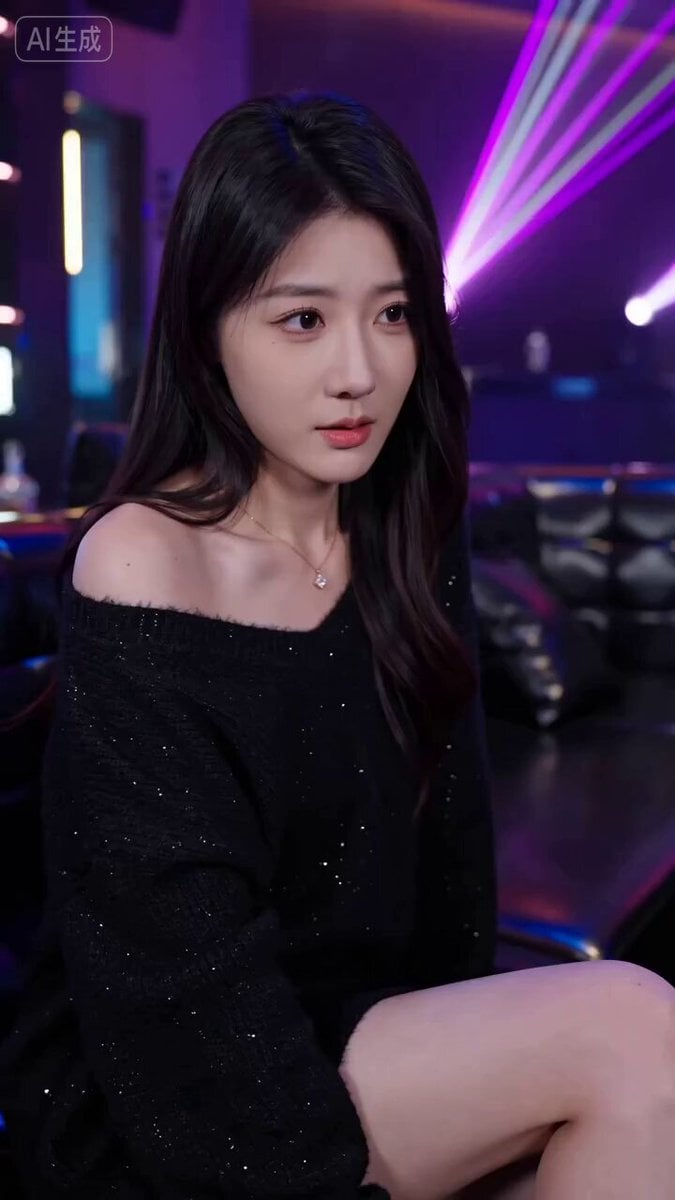
Seedance 2.0 KTV Scene Prompt (Boyfriend POV)
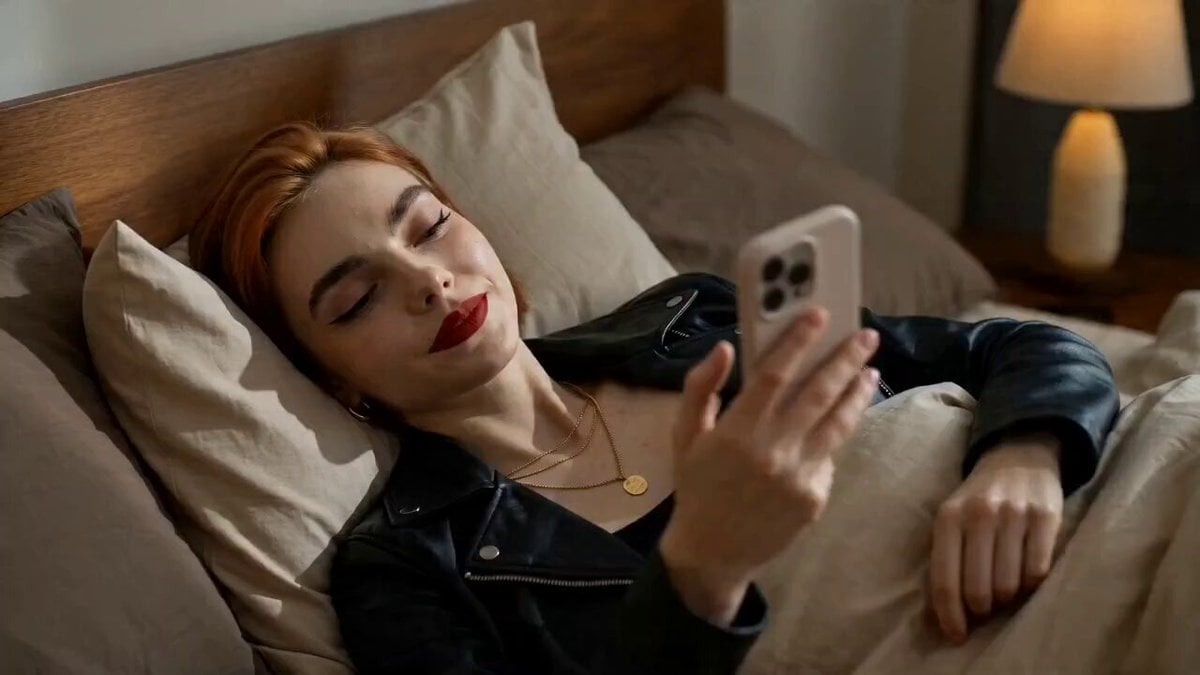
Food Delivery Rush Storyboard
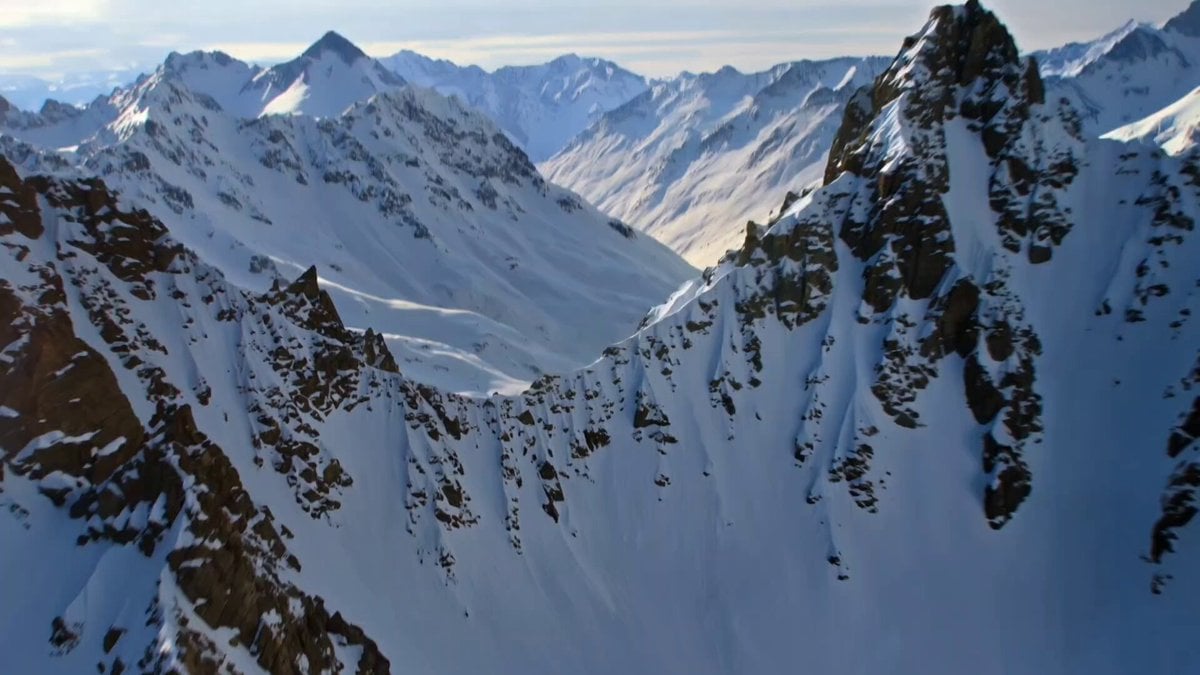
Cinematic avalanche scene prompt for Kling 3.0

Battlefield Survival Scene Prompt
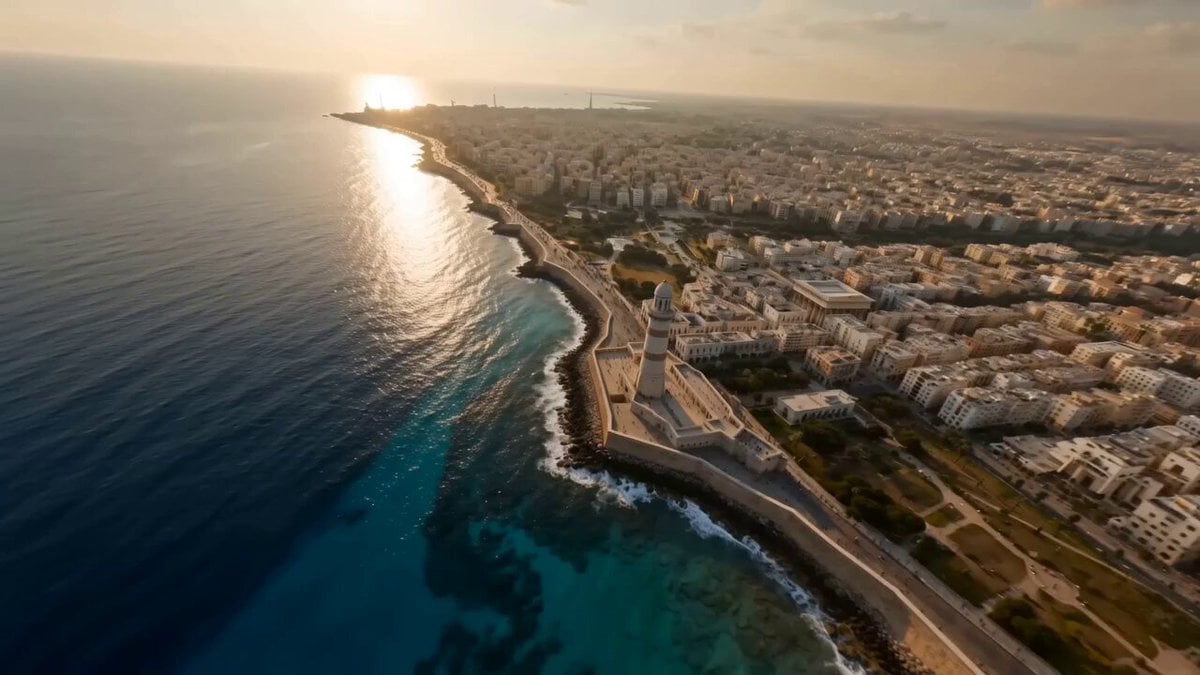
Ancient Alexandria FPV Flight Sequence
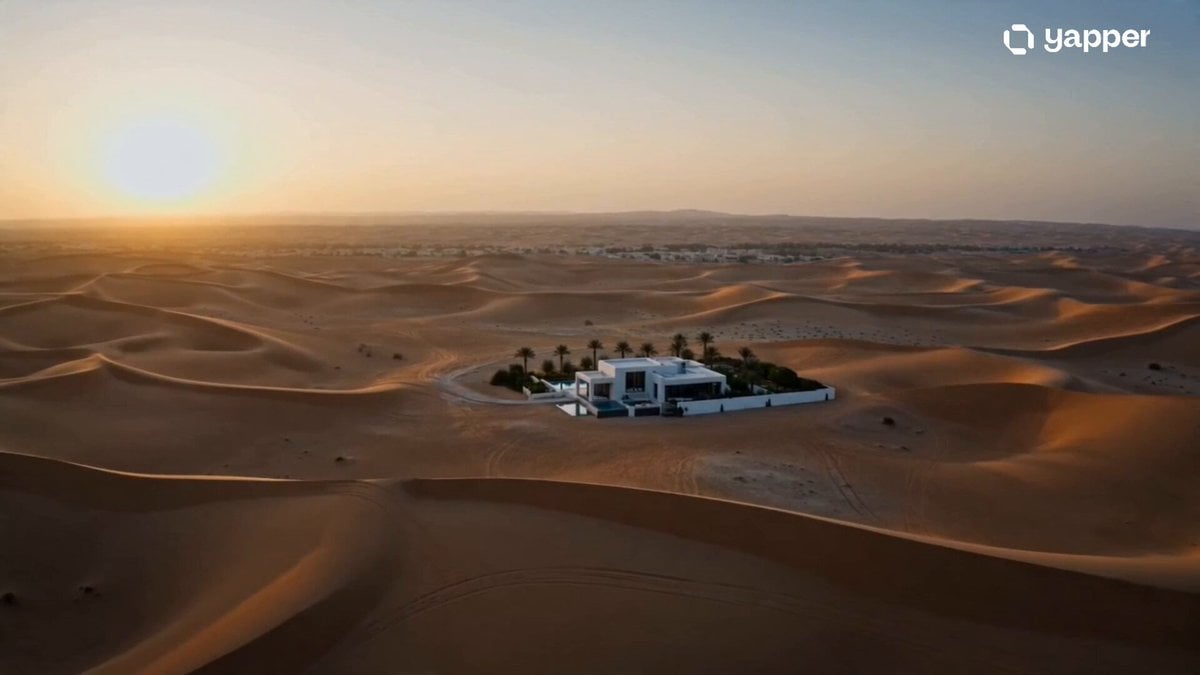
Luxury Desert Villa Sunrise Vlog
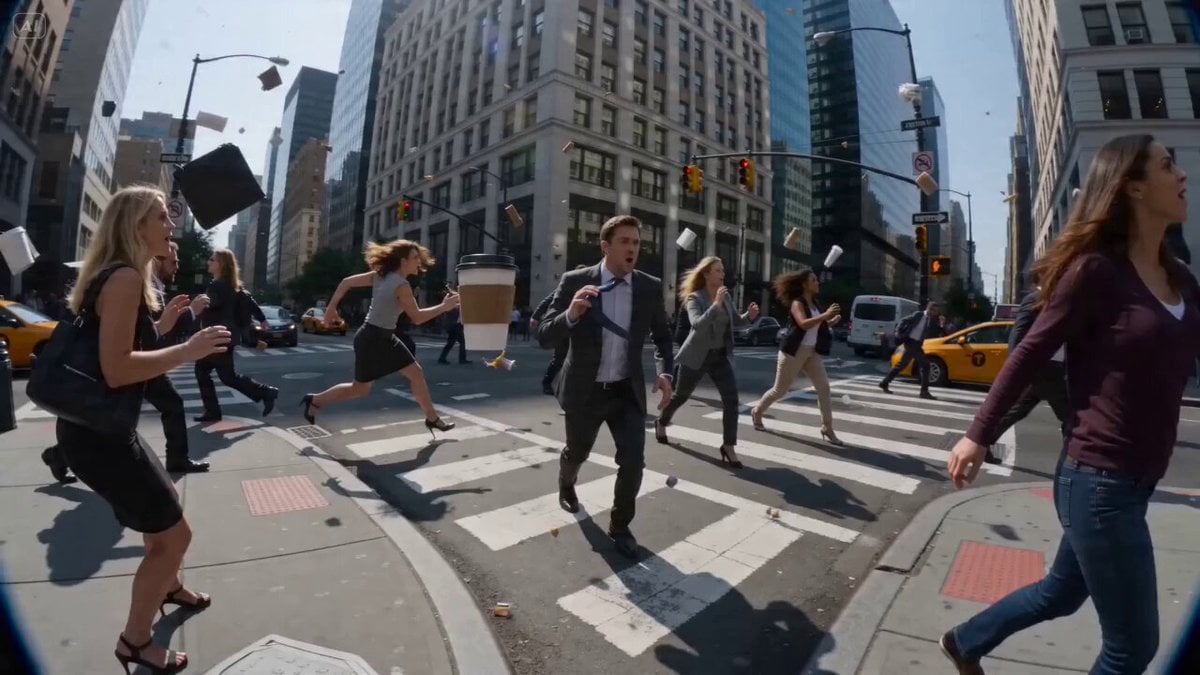
POV Time-Freeze JSON Prompt for Seedance 2
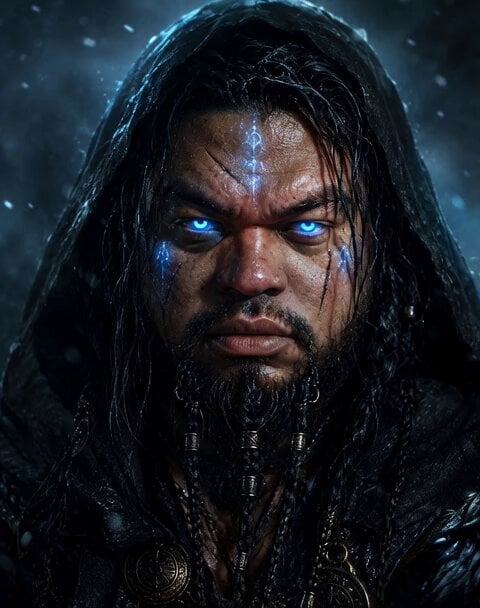
Norse God Warrior Cinematic Video
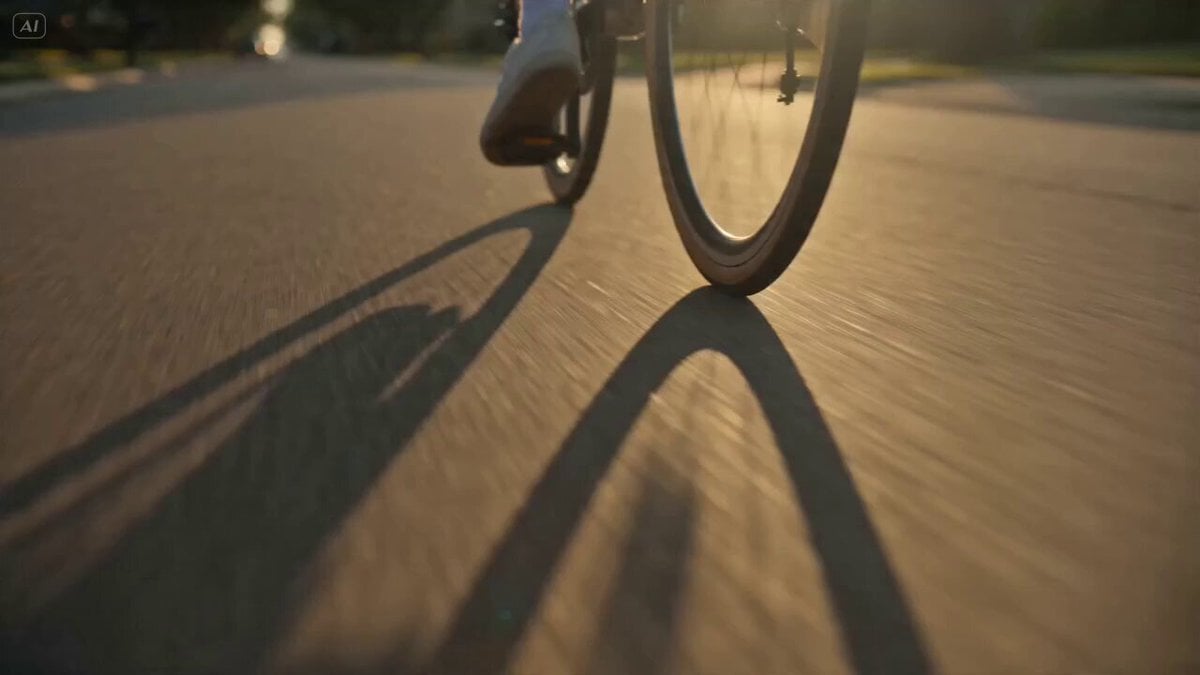
Golden Hour Cinematic Bicycle Ride
Browse template categories
Epic Knight Battle Sequence questions
How do I use the Epic Knight Battle Sequence template?
Add your photo if the template asks for one, edit the prompt if you like — the template's model and format are already selected — and press Generate. Your version opens in PicX Studio.
Can I customize the Epic Knight Battle Sequence template?
Yes. You can change the subject, setting, lighting, mood, format, and available model controls before creating your video.
Is the Epic Knight Battle Sequence template free?
Opening and editing this template is free. Generating uses credits, shown on the Generate button when you are signed in.
Which AI model should I use?
Start with Grok Imagine, which is the model associated with this template. You can compare another compatible model for a different finish.
Looking for something else? Browse all templates.

Your photo, any look
Thousands of ready templates for every top image and video model, from one credit balance.