
Fashion Runway Stumble Recovery
A 15-second continuous cinematic shot of a Japanese model in a power suit performing a graceful recovery after a stumble on a high-fashion runway.
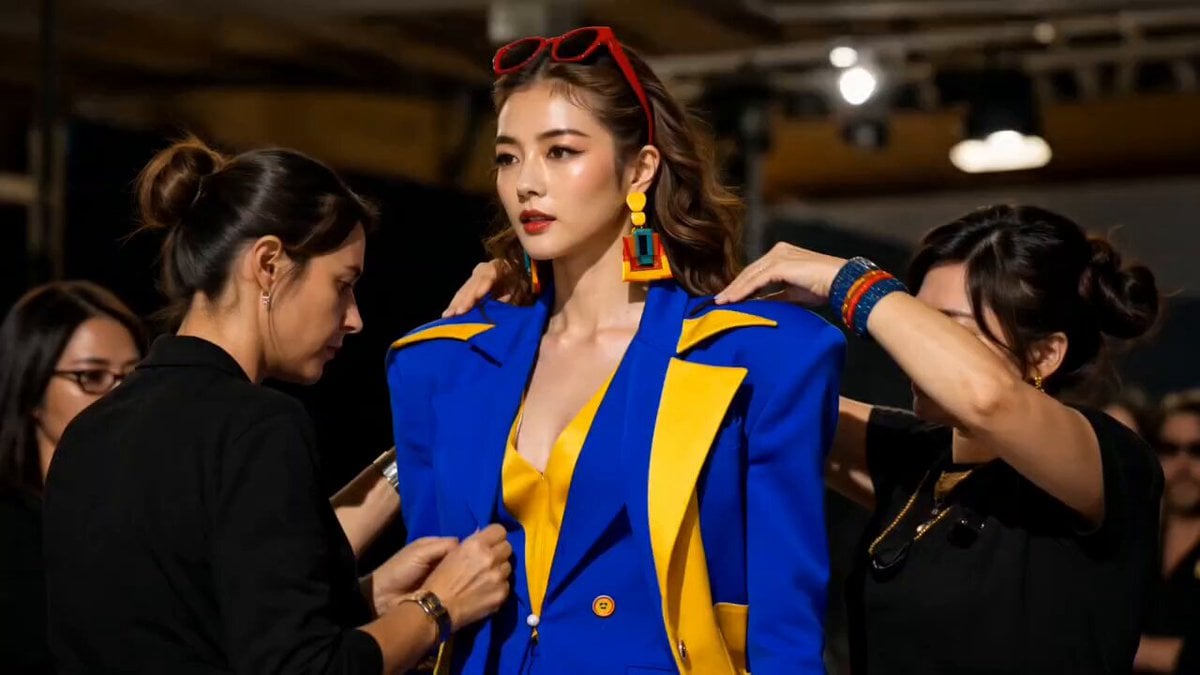
- Prompt included
- Model and format preset
- Free template
The prompt behind this video
Copy the exact prompt behind Fashion Runway Stumble Recovery, or open it in the studio and make it yours.
Hyper-realistic cinematic 15-second continuous video, 60fps, Vogue editorial quality, vivid color saturation, bright natural midday sunlight throughout. Subject: a beautiful tall Japanese fashion model in a bold cobalt blue and canary yellow power suit with wide-leg palazzo trousers and red platform heels. One continuous shot, no cuts. She begins backstage — assistants making final adjustments — then steps through a white curtain into full outdoor sunlight for her first commanding full-body reveal on a bright white runway. She drives forward in a powerful stride, palazzo trousers billowing, cutting a smoldering glance toward the seated editors. A platform heel catches the runway edge. The crowd gasps. She descends gracefully to one knee, sunlight blazing across the cobalt suit, then begins her recovery — spine straightening, rising slowly to full height, trousers cascading back into perfect place. She smooths her jacket as if nothing happened. Chin lifts to the open sky. The audience erupts into a standing ovation, photographers shooting frantically. She turns, begins her return walk, delivers one slow over-the-shoulder glance at the crowd, then moves toward backstage with the full runway glowing behind her — disappearing through the curtain on a final victorious smile as sunlight catches her in one last blazing frame. Camera follows continuously: backstage medium → curtain threshold → full-body reveal → mid-runway tracking → crowd reaction cutaway → fall and recovery close → triumphant wide → return walk → curtain exit.
How to use Fashion Runway Stumble Recovery in 3 steps
- 1
Open
The prompt is already in the box next to the preview, with the template's model and format selected.
- 2…a portrait of your subject in softgolden-hour light, 85mm…
Personalize
Edit the subject and creative details for your destination.
- 3Generate
Generate
Press Generate — your video is created in PicX Studio, so you can compare it with the original and refine one variable at a time.
More like this
Templates with the same subject, style or setup. Open one to see its prompt.

Sneaker Product Commercial

Cinematic Short Film Scene

Luxury Lifestyle Day Vlog
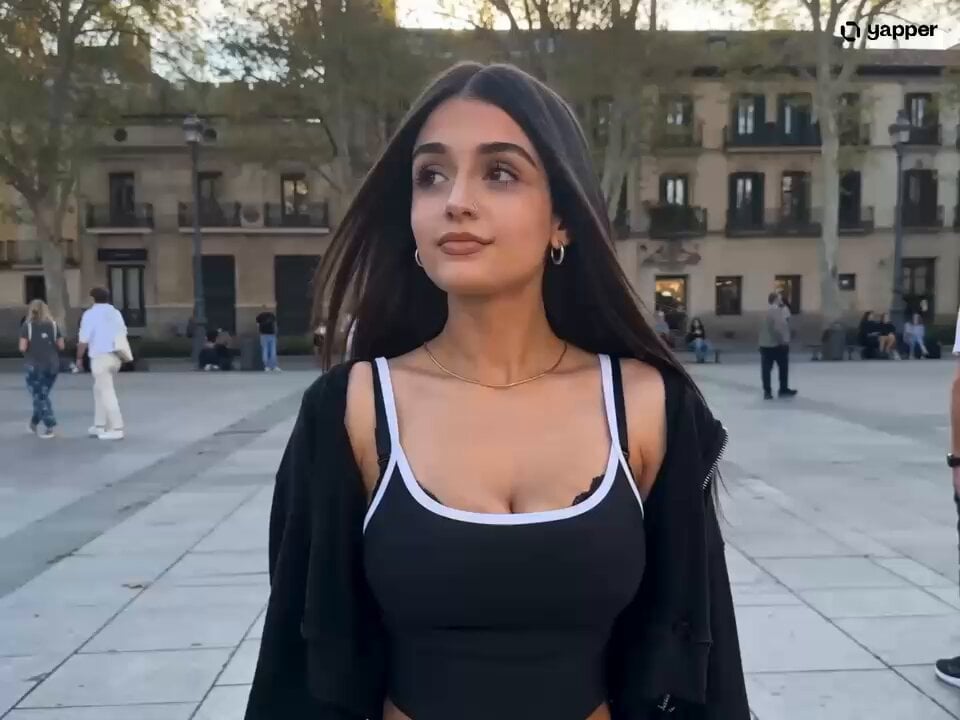
London Square Stumble and Recovery
Thornmaw Monarch — Crimson Glass Desert Beast
High-Speed Ship Descent with Seedance 2.0
Luxury Handbag Commercial — Hollywood VFX Ad
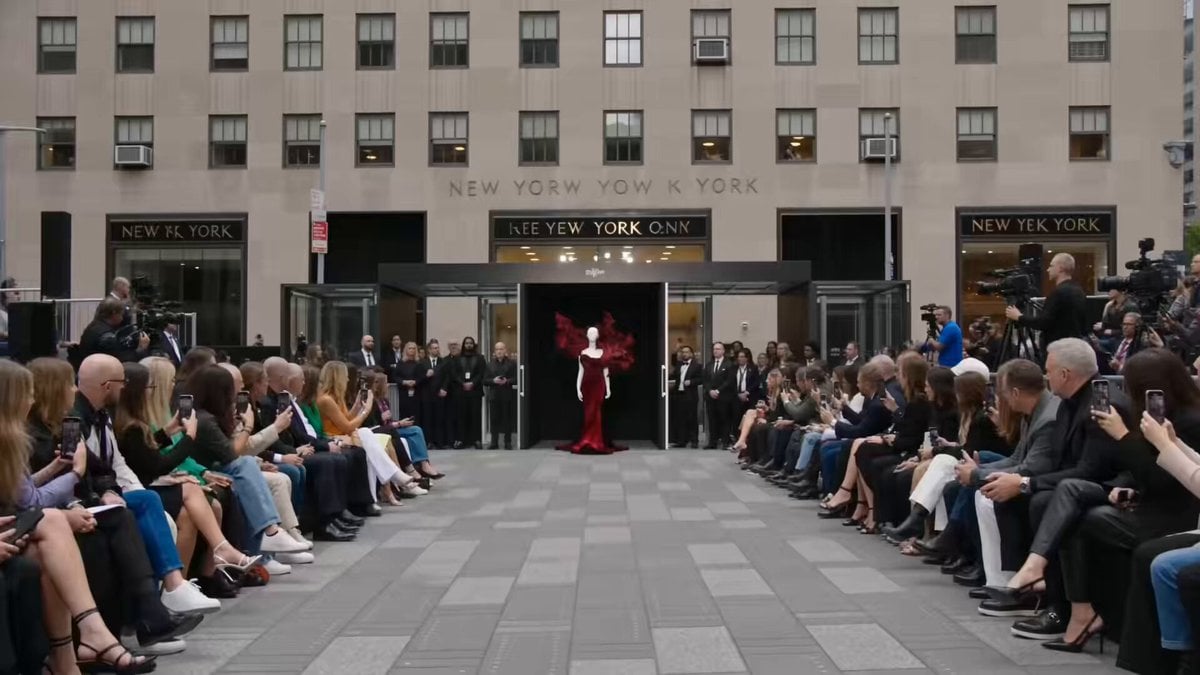
Fashion Runway Couture Walk
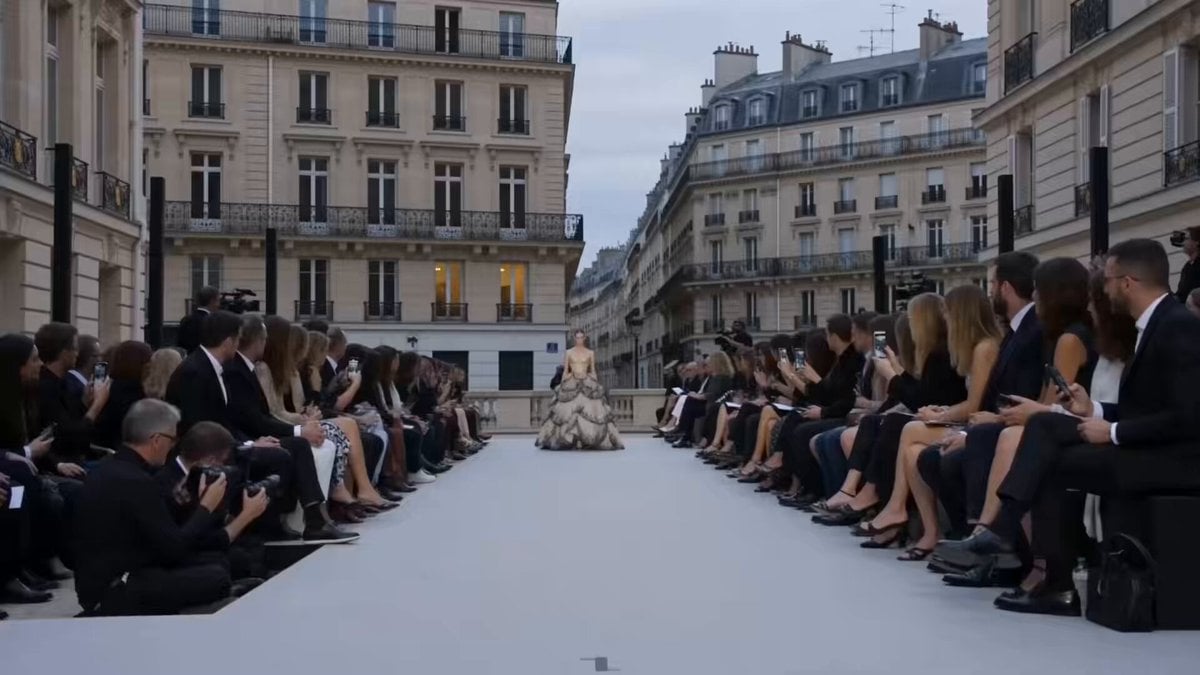
Paris Fashion Runway Footage
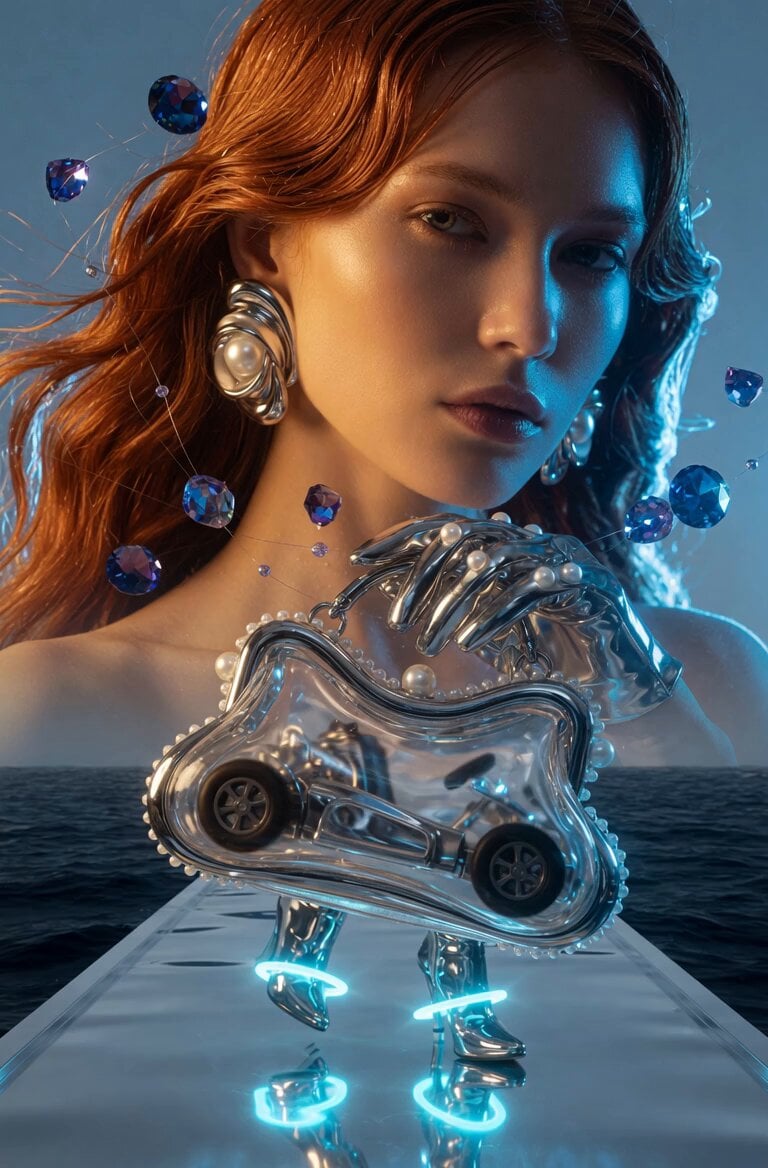
Fashion Runway Walk
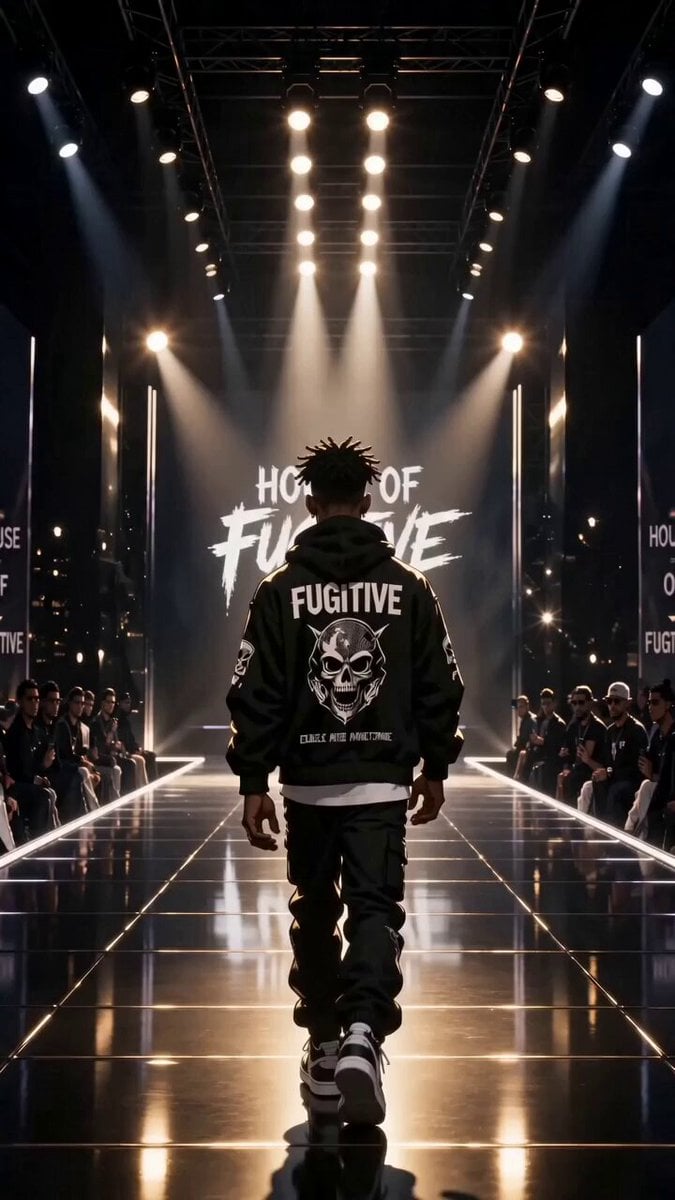
Luxury Streetwear Fashion Runway Film
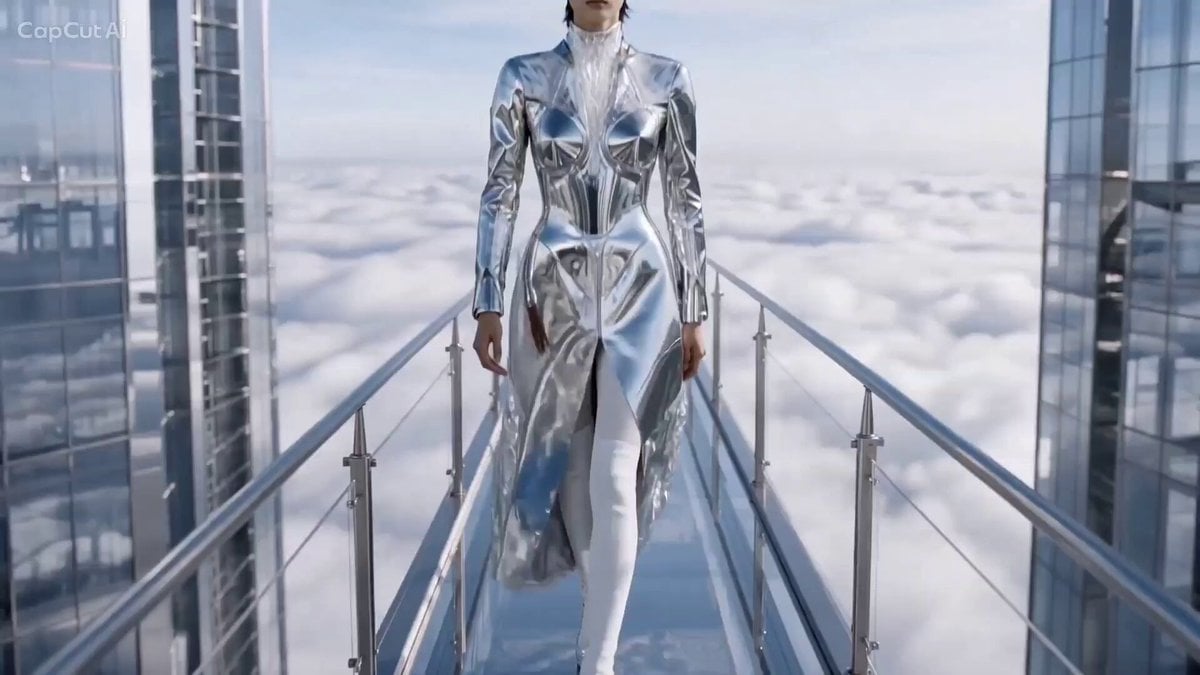
Cinematic High Fashion Runway Above Clouds
Make it yours
Fashion Runway Stumble Recovery works as-is. These are the safest ways to change it without losing the look.
Change one field
Copy a single group, rewrite it, and generate again so you can see what that field is doing.
Keep the frame, change the subject
Hold the composition and light of Fashion Runway Stumble Recovery, then swap wardrobe, props or the person for a new take.
| If the result… | Why | Fix |
|---|---|---|
| The result drifts from the preview | Too many fields changed at once. | Reuse Fashion Runway Stumble Recovery as-is first, then change one group — subject, light, or setting. |
| The model over-stylizes the scene | The prose prompt leaves finish and camera underspecified. | Add one camera or lighting sentence and stay on Seedance 2.0. |
More Seedance 2.0 templates
Other prompts made for Seedance 2.0.

Comical Martial Arts Punch Scene

Maglev Train Action Sequence

Martial Arts Fight Sequence

Wuxia Protection and Trust Script

Vintage Korean Arcade MiniDV Vlog

Mercedes 190 SL Luxury Ad

Rainy Night Supernatural Reverse Comedy Video Script

Amazon Civilization Discovery

Futuristic South Asian City Transformation

Cozy Luxury Cafe Commercial
More video prompts
Fresh picks from across the catalog.
Cinematic Jet Ski Water Skiing Video
Surreal Monocle and Orange Blossoms Scene Prompt
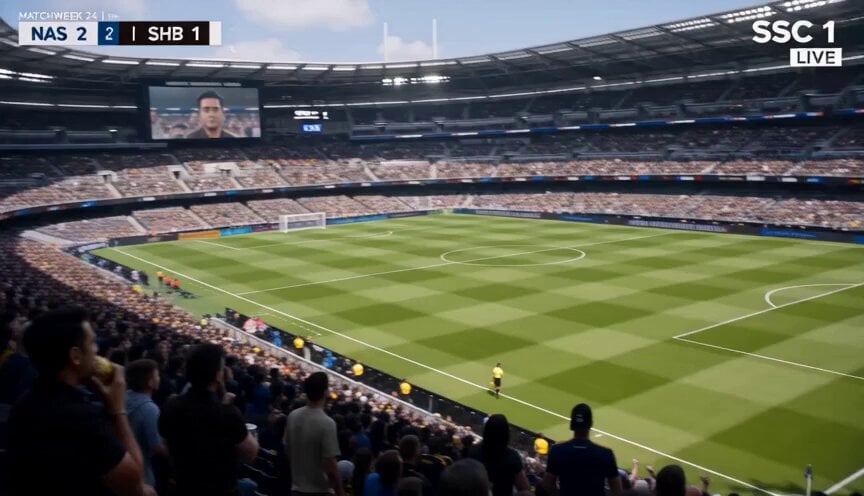
Football Broadcast Fan Goal Scenario
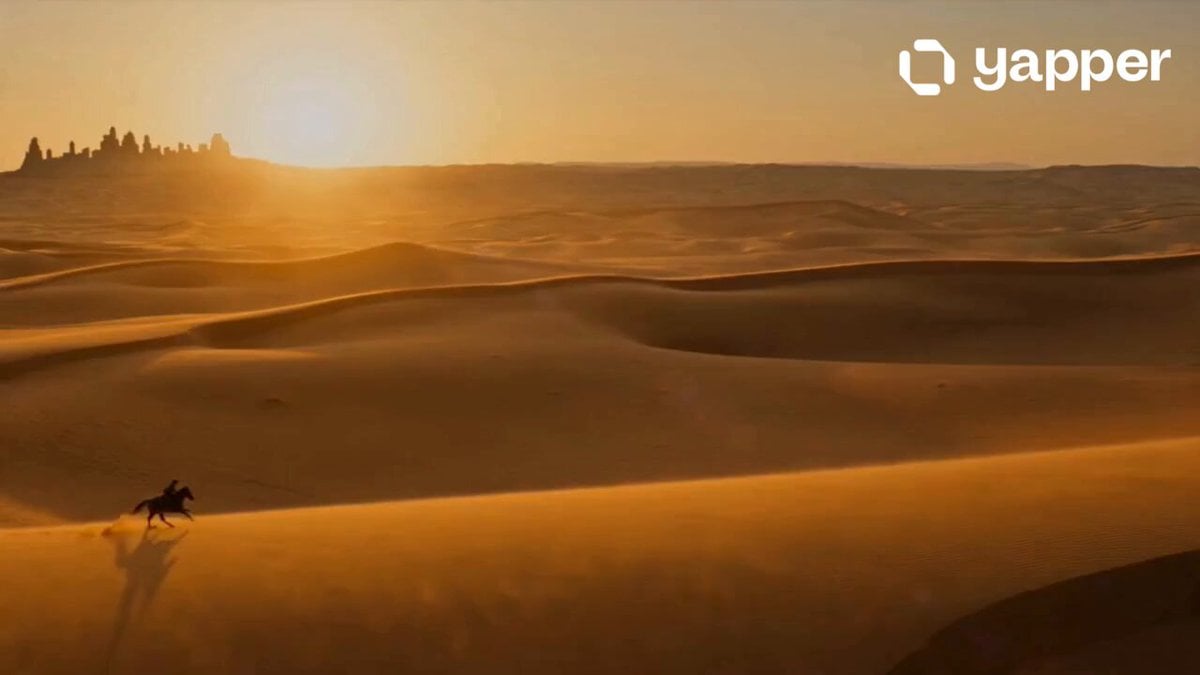
Desert Adventurer Horse Riding
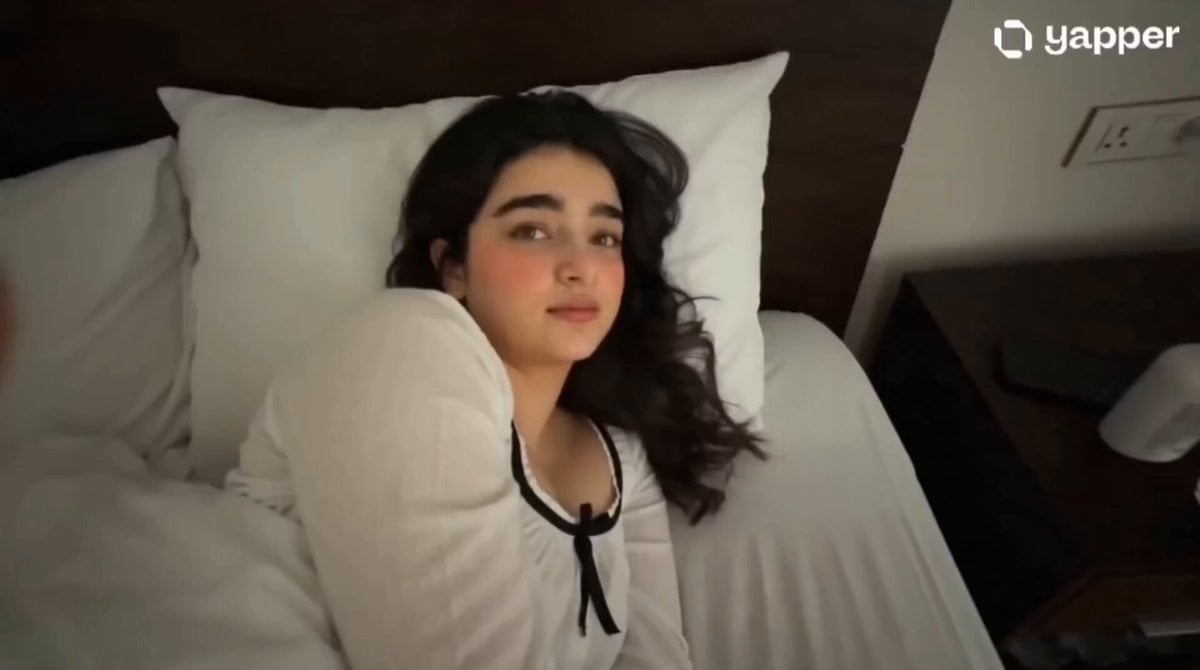
Gen Z Morning Aesthetic Routine
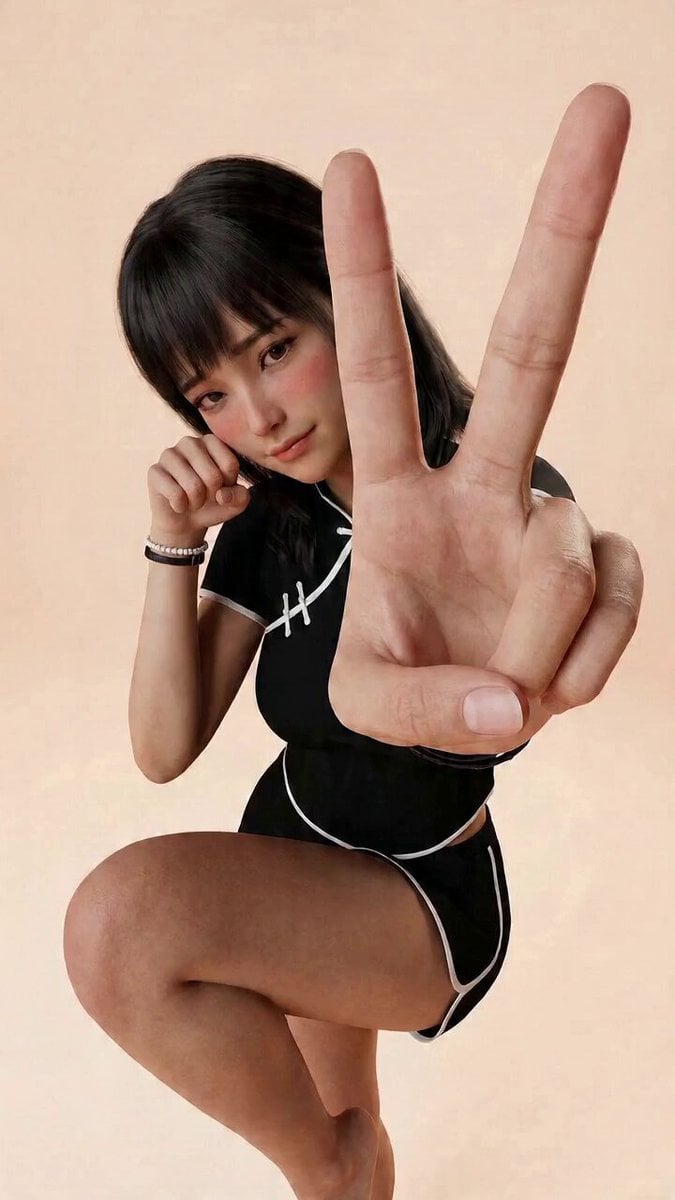
Kung Fu Girl Image-to-Video Action Scene
Character Consistent Video Generation
Fresh Food Restaurant Commercial
Advanced Character Consistency Prompt Strategy for Grok Imagine
Cinematic Businesswoman Lifestyle Story
Browse template categories
Fashion Runway Stumble Recovery questions
How do I use the Fashion Runway Stumble Recovery template?
Add your photo if the template asks for one, edit the prompt if you like — the template's model and format are already selected — and press Generate. Your version opens in PicX Studio.
Can I customize the Fashion Runway Stumble Recovery template?
Yes. You can change the subject, setting, lighting, mood, format, and available model controls before creating your video.
Is the Fashion Runway Stumble Recovery template free?
Opening and editing this template is free. Generating uses credits, shown on the Generate button when you are signed in.
Which AI model should I use?
Start with Seedance 2.0, which is the model associated with this template. You can compare another compatible model for a different finish.
Looking for something else? Browse all templates.

Your photo, any look
Thousands of ready templates for every top image and video model, from one credit balance.