
Dimensional Rift Multiverse Collapse
A complex cinematic prompt depicting a dimensional rift opening over a city, resulting in spatial combat and temporal breakdown.

- Prompt included
- Model and format preset
- Free template
The prompt behind this video
Copy the exact prompt behind Dimensional Rift Multiverse Collapse, or open it in the studio and make it yours.
Opening frame: the sky above a global city fractures open into a massive dimensional rift. Reality flickers , buildings glitch between different states. The final antagonist emerges: a towering void entity made of shifting geometry and broken fragments of reality. The protagonist floats opposite, surrounded by unstable energy. At second two, the rift fully opens. Reality begins collapsing. Buildings stretch upward, streets fold inward, gravity reverses in waves. The camera moves continuously through the distortion, passing through objects as they phase between dimensions. Phase 1: spatial combat ,both entities bend space, throwing entire buildings as weapons. Phase 2: temporal breakdown , time fragments, actions overlap, multiple versions of movements appear simultaneously. Phase 3: singularity formation ,the rift begins pulling everything inward. Velocity ramp during final collision ,debris, light, and fragments of reality suspended in perfect stillness. Final moment: everything collapses into a single point , then silence. Cut to black. Then slowly: the city reforms… altered. Color logic: deep black void vs prismatic reality distortion. Cinematic multiverse collapse, final boss confrontation, 4K ultra-detail.
How to use Dimensional Rift Multiverse Collapse in 3 steps
- 1
Open
The prompt is already in the box next to the preview, with the template's model and format selected.
- 2…a portrait of your subject in softgolden-hour light, 85mm…
Personalize
Edit the subject and creative details for your destination.
- 3Generate
Generate
Press Generate — your video is created in PicX Studio, so you can compare it with the original and refine one variable at a time.
More like this
Templates with the same subject, style or setup. Open one to see its prompt.
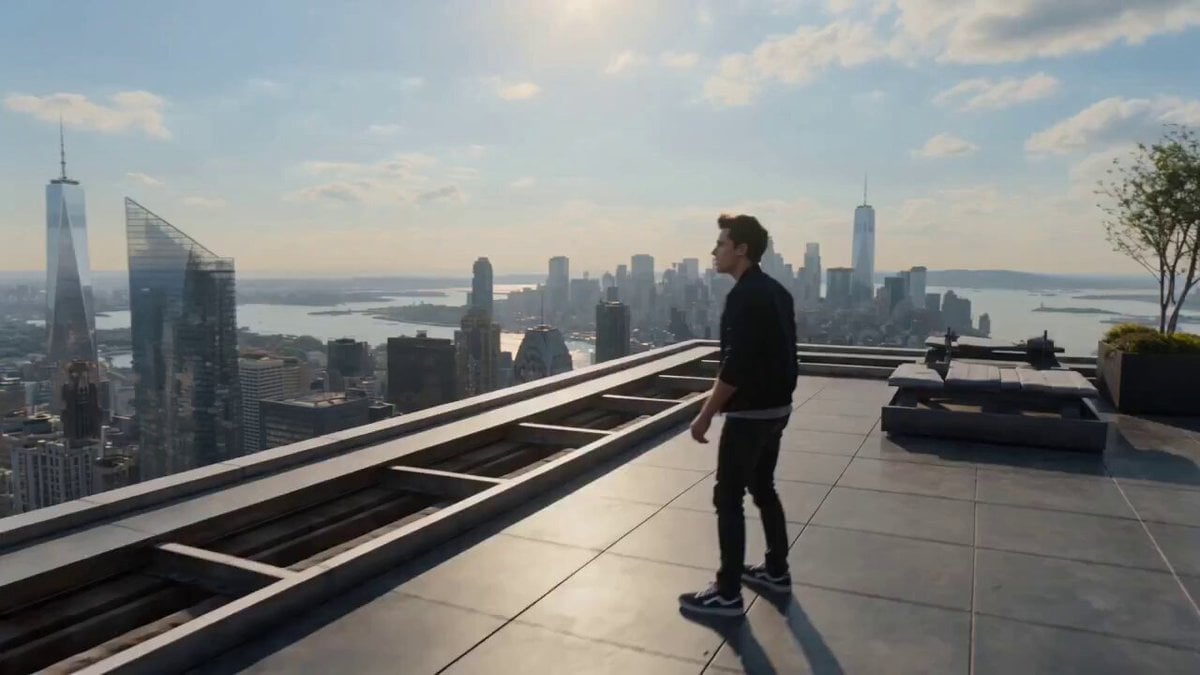
Multiverse Dimensional Portal Fall
Underground Temple Escape — Seedance 2.0
Skybridge Rescue — Supertall Tower Collapse (Seedance)
Dragon Rescue — Volcanic Kingdom Collapse (Seedance)
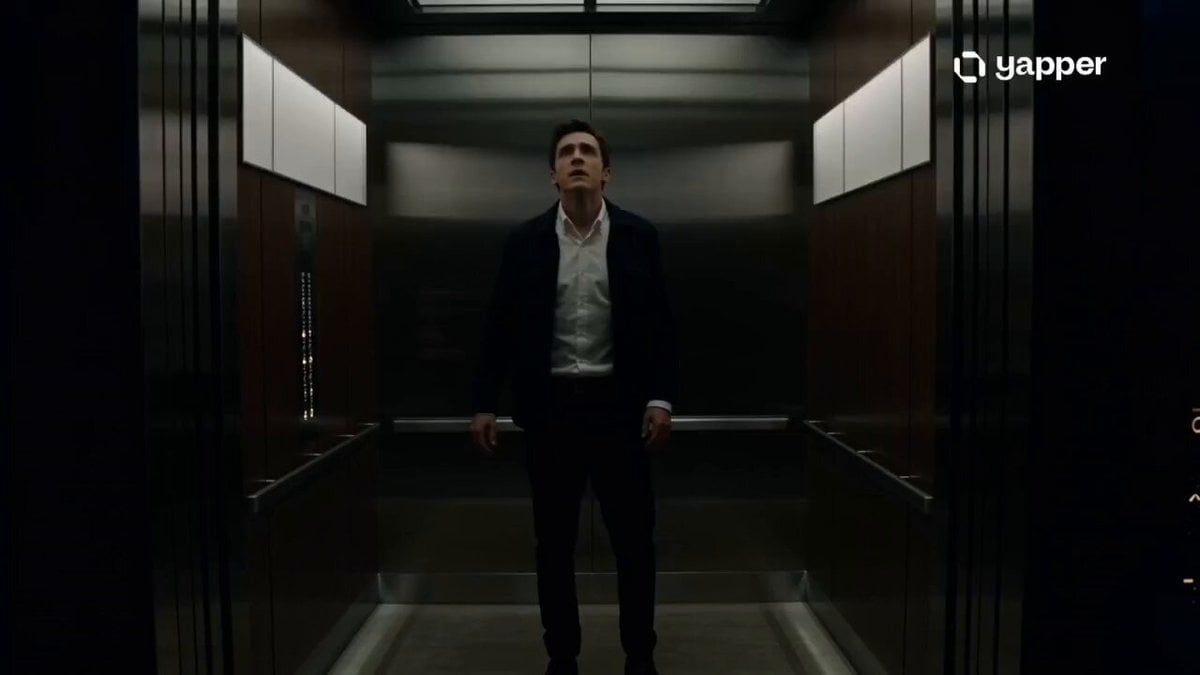
Cinematic Multiverse Elevator Journey
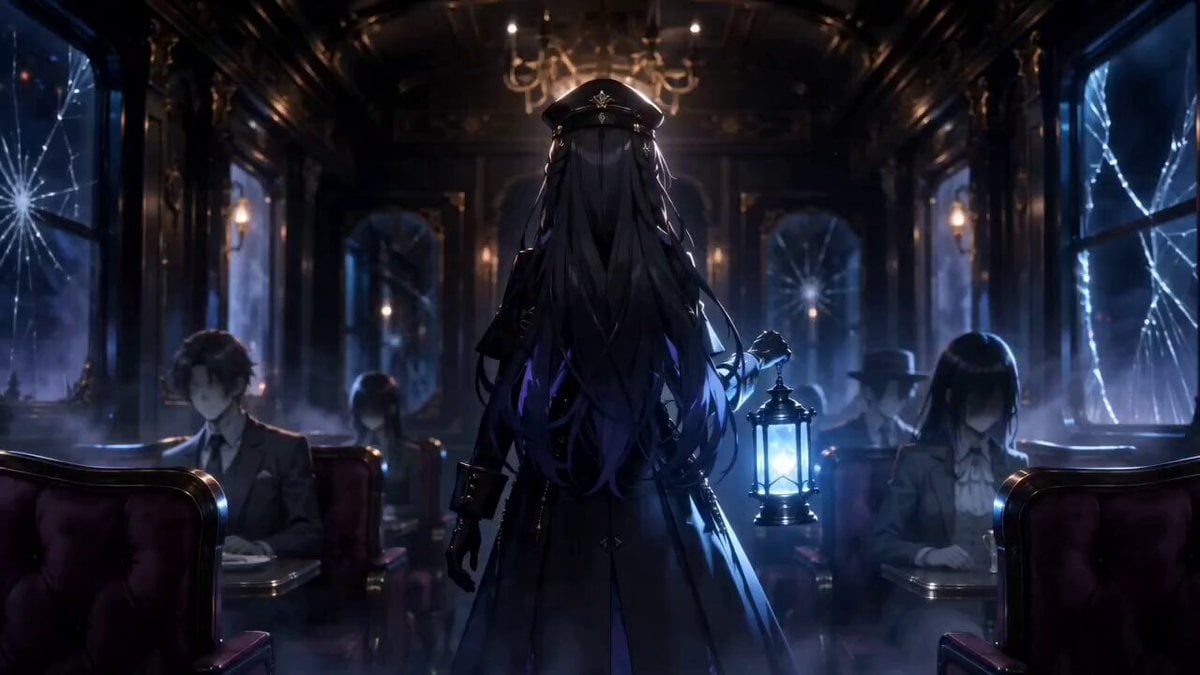
Gothic Anime Interdimensional Train Journey
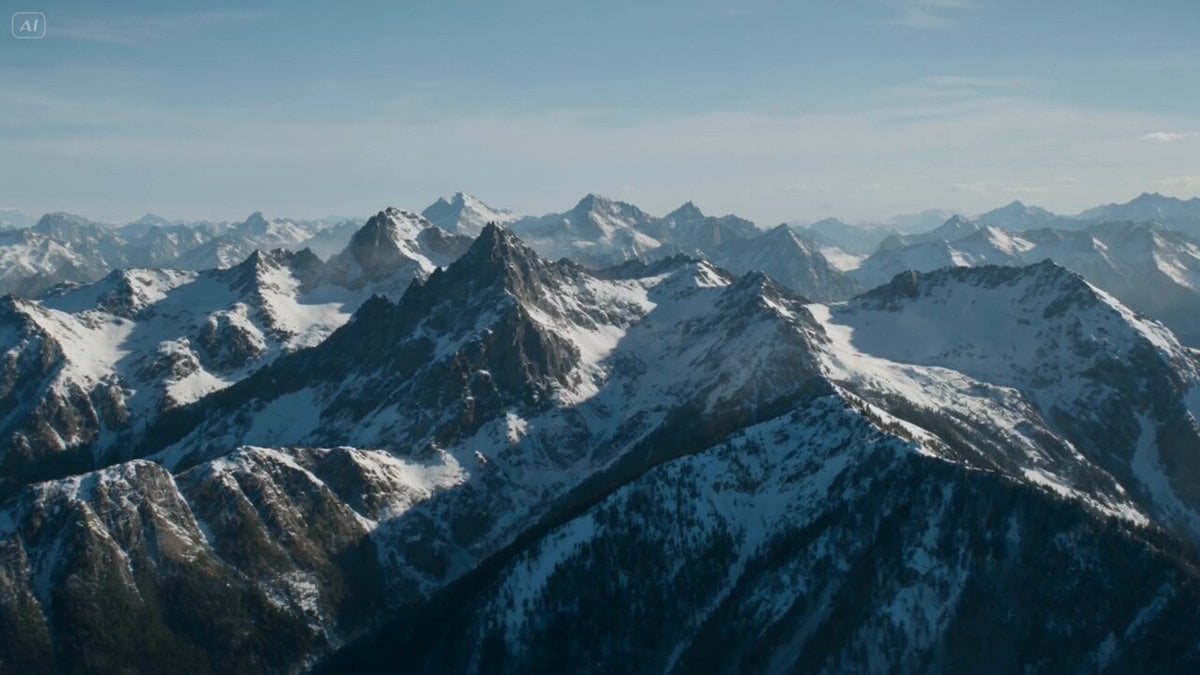
Dragon Rift in Mountain Sky
Anime Crossover Dimensional Portal
Infinite Palace Multiverse Portals
Super-Dimensional AI Soccer Action
Multiverse Manufacturing Machine Cinematic Video
One-Shot Multiverse Room Transition
Make it yours
Dimensional Rift Multiverse Collapse works as-is. These are the safest ways to change it without losing the look.
Change one field
Copy a single group, rewrite it, and generate again so you can see what that field is doing.
Keep the frame, change the subject
Hold the composition and light of Dimensional Rift Multiverse Collapse, then swap wardrobe, props or the person for a new take.
| If the result… | Why | Fix |
|---|---|---|
| The result drifts from the preview | Too many fields changed at once. | Reuse Dimensional Rift Multiverse Collapse as-is first, then change one group — subject, light, or setting. |
| The model over-stylizes the scene | The prose prompt leaves finish and camera underspecified. | Add one camera or lighting sentence and stay on Seedance 2.0. |
More Seedance 2.0 templates
Other prompts made for Seedance 2.0.

Comical Martial Arts Punch Scene

Maglev Train Action Sequence

Martial Arts Fight Sequence

Wuxia Protection and Trust Script

Vintage Korean Arcade MiniDV Vlog

Mercedes 190 SL Luxury Ad

Rainy Night Supernatural Reverse Comedy Video Script

Amazon Civilization Discovery

Futuristic South Asian City Transformation

Cozy Luxury Cafe Commercial
More video prompts
Fresh picks from across the catalog.
Cinematic Skiing Video Generation
High-Energy Xianxia Battle Scene (15s)

Visual Magic Egg Transformation Prompt
Tokyo Vlogger Collage

Forest Camping Cup Noodle Anime
Desert Survival Alien Encounter
Cyberpunk Ninja Battle Video Prompt
Miniature Skateboarder Bedroom Chase

1986 Japanese Housing Complex Girl Video Prompt

3D Animated Newspaper Delivery Short - Seedance 2.5
Browse template categories
Dimensional Rift Multiverse Collapse questions
How do I use the Dimensional Rift Multiverse Collapse template?
Add your photo if the template asks for one, edit the prompt if you like — the template's model and format are already selected — and press Generate. Your version opens in PicX Studio.
Can I customize the Dimensional Rift Multiverse Collapse template?
Yes. You can change the subject, setting, lighting, mood, format, and available model controls before creating your video.
Is the Dimensional Rift Multiverse Collapse template free?
Opening and editing this template is free. Generating uses credits, shown on the Generate button when you are signed in.
Which AI model should I use?
Start with Seedance 2.0, which is the model associated with this template. You can compare another compatible model for a different finish.
Looking for something else? Browse all templates.

Your photo, any look
Thousands of ready templates for every top image and video model, from one credit balance.