
POV Suspense Anime Chase
A cinematic Japanese anime prompt for a suspenseful point-of-view chase scene between a girl and a cat, featuring high-quality 2D animation and dynamic camera movements.
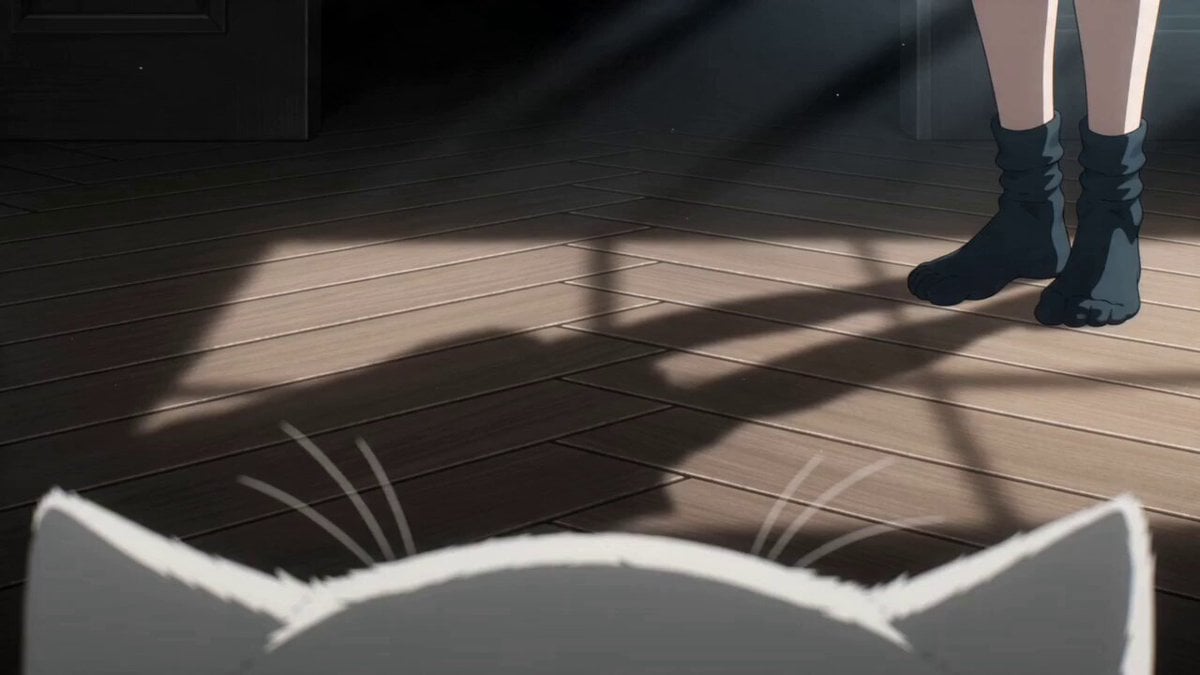
- Prompt included
- Model and format preset
- Free template
The prompt behind this video
Copy the exact prompt behind POV Suspense Anime Chase, or open it in the studio and make it yours.
[Protagonist] = a black-haired girl [Target] = a white cat [Setting] = Inside a large, dark house with suspense elements [Video Style] 15 seconds. Full-color Japanese anime. High-density 2D animation on the scale of a 500-million-yen budget. Fast cuts, strong low angles, rapid push-ins, lateral tracking shots, match cuts. No subtitles, no watermark, with BGM. The only sounds are footsteps, breathing, clothing rustle, ambient noise, and one short line at the very end. [Composition] Shot from [Target]'s point-of-view camera, being chased by [Protagonist]. It's not an ordinary chase — [Protagonist] doesn't keep running, but instead gets ahead of the scene each time. [Anomalous Gimmick] links every shot together, and in the end [Protagonist] quietly wins right next to the lens. [Shot 1: 2-Second Hook] A low point-of-view shot, starting just above the floor of [Setting]. Only [Protagonist]'s feet appear at the edge of the frame. [Anomalous Gimmick] flashes across the foreground for an instant. [Shot 2: The Chase Begins] [Target] suddenly backs away and flees. The camera slides near the floor, retaining a bit of handheld shake. Footsteps quicken. [Shot 3: Cutting Ahead] The instant [Target] rounds a corner, [Protagonist] is already standing in the middle of the corridor up ahead. The camera freezes for an instant, then immediately darts sideways to flee. [Shot 4: Under the Obstacles] [Target] slips through low gaps — under desks, sofas, handrails, and the like. [Anomalous Gimmick] glows at the back of the gap, indicating the direction of the chase. [Shot 5: Overhead Shot] A fast cut from directly overhead, showing [Target]'s escape route. [Shot 6: A Moment of Relief] [Target] hides in the shadows. The sound cuts out. The camera holds still, and only the depth of the frame quietly darkens. [Shot 7: Discovery] Focus racks from foreground to background, and there is [Protagonist]. [Protagonist] barely moves, looking over with just the eyes. [Shot 8: The Final Line] A quick close-up. Right next to the lens, [Protagonist] says in a short, cute voice: "Found you♪" The final frame freezes on a smile.
How to use POV Suspense Anime Chase in 3 steps
- 1
Open
The prompt is already in the box next to the preview, with the template's model and format selected.
- 2…a portrait of your subject in softgolden-hour light, 85mm…
Personalize
Edit the subject and creative details for your destination.
- 3Generate
Generate
Press Generate — your video is created in PicX Studio, so you can compare it with the original and refine one variable at a time.
More like this
Templates with the same subject, style or setup. Open one to see its prompt.

MiniMax H3 Character Introduction

Japanese Pure Love Short Film

DV Camcorder POV Gym Montage — Seedance 2.5
DV Camcorder POV Gym Montage — Seedance 2.5

Cartoon Donut Heist Bakery Chase

Studio Ghibli Dumpling Kitchen Cooking Scene

Walking Factory with Rebel on Hoverbike - Wasteland
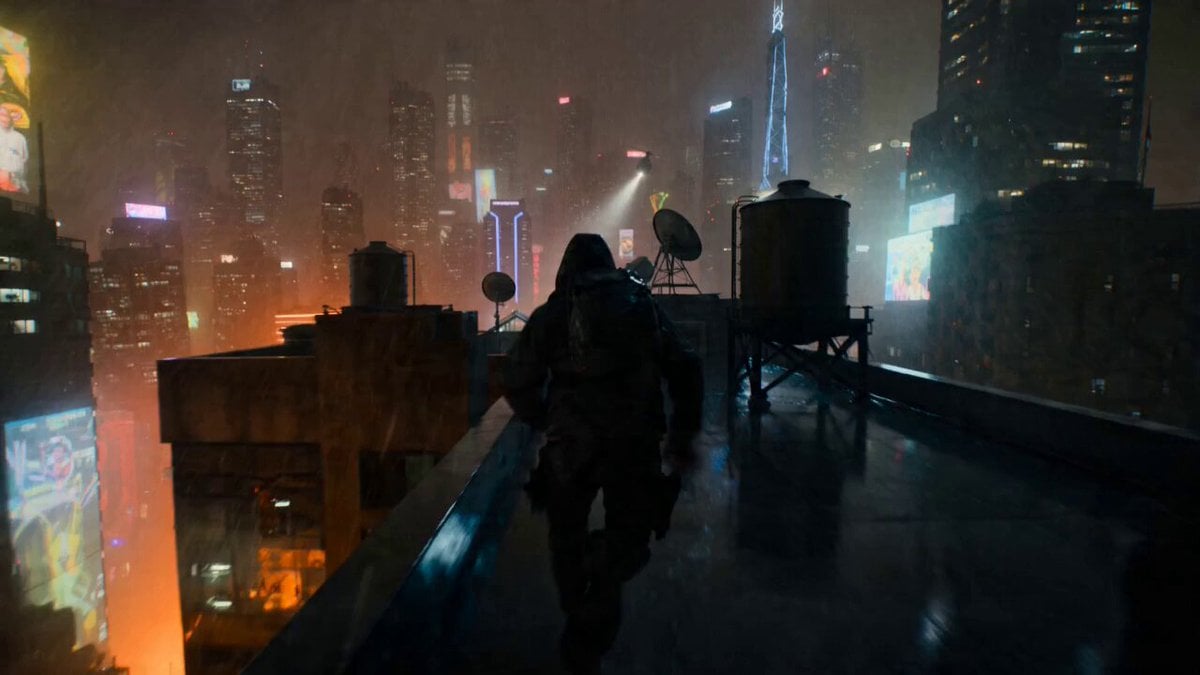
POV Rooftop Chase Prompt
Amazon FPV Drone Chase — Seedance 2.0
Ice Queen — Frozen Battlefield Time Control (Seedance)
Cartoon Bullfight Arena — Girl vs Bull (Seedance)
Dim Sum Chase — Shrimp Dumpling Monster
Make it yours
POV Suspense Anime Chase works as-is. These are the safest ways to change it without losing the look.
Change one field
Copy a single group, rewrite it, and generate again so you can see what that field is doing.
Keep the frame, change the subject
Hold the composition and light of POV Suspense Anime Chase, then swap wardrobe, props or the person for a new take.
| If the result… | Why | Fix |
|---|---|---|
| The result drifts from the preview | Too many fields changed at once. | Reuse POV Suspense Anime Chase as-is first, then change one group — subject, light, or setting. |
| The model over-stylizes the scene | The prose prompt leaves finish and camera underspecified. | Add one camera or lighting sentence and stay on Seedance 2.0. |
More Seedance 2.0 templates
Other prompts made for Seedance 2.0.

Comical Martial Arts Punch Scene

Maglev Train Action Sequence

Martial Arts Fight Sequence

Wuxia Protection and Trust Script

Vintage Korean Arcade MiniDV Vlog

Mercedes 190 SL Luxury Ad

Rainy Night Supernatural Reverse Comedy Video Script

Amazon Civilization Discovery

Futuristic South Asian City Transformation

Cozy Luxury Cafe Commercial
More video prompts
Fresh picks from across the catalog.
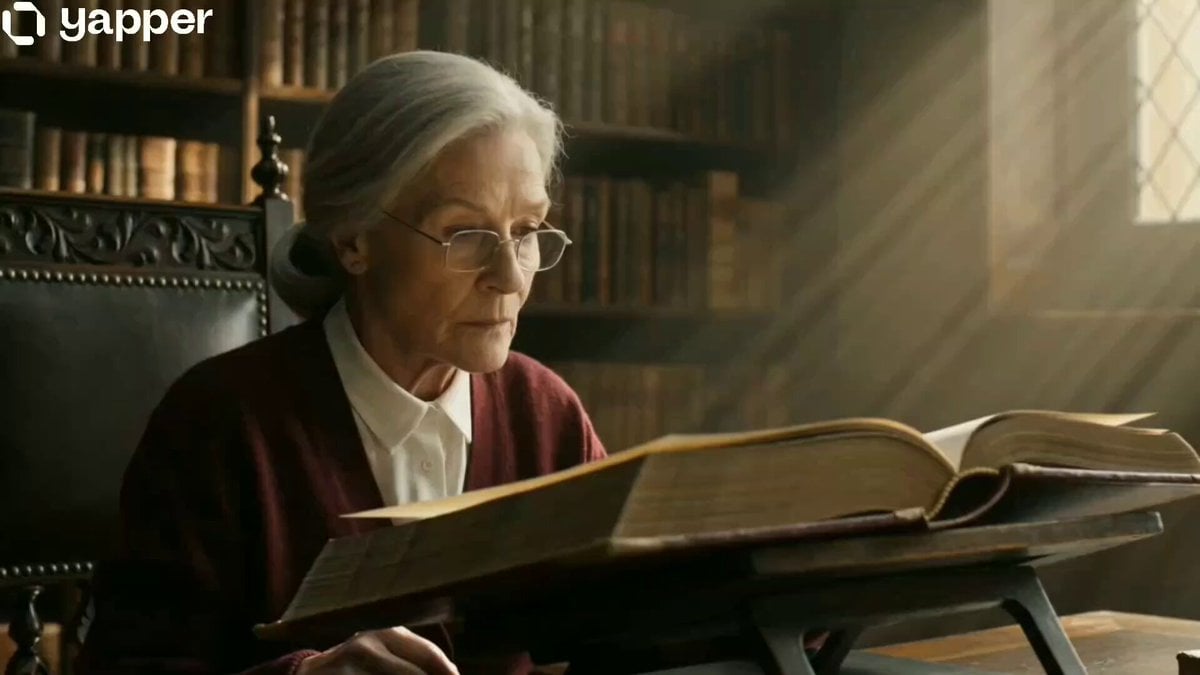
The Librarian's Miniature Book Adventure
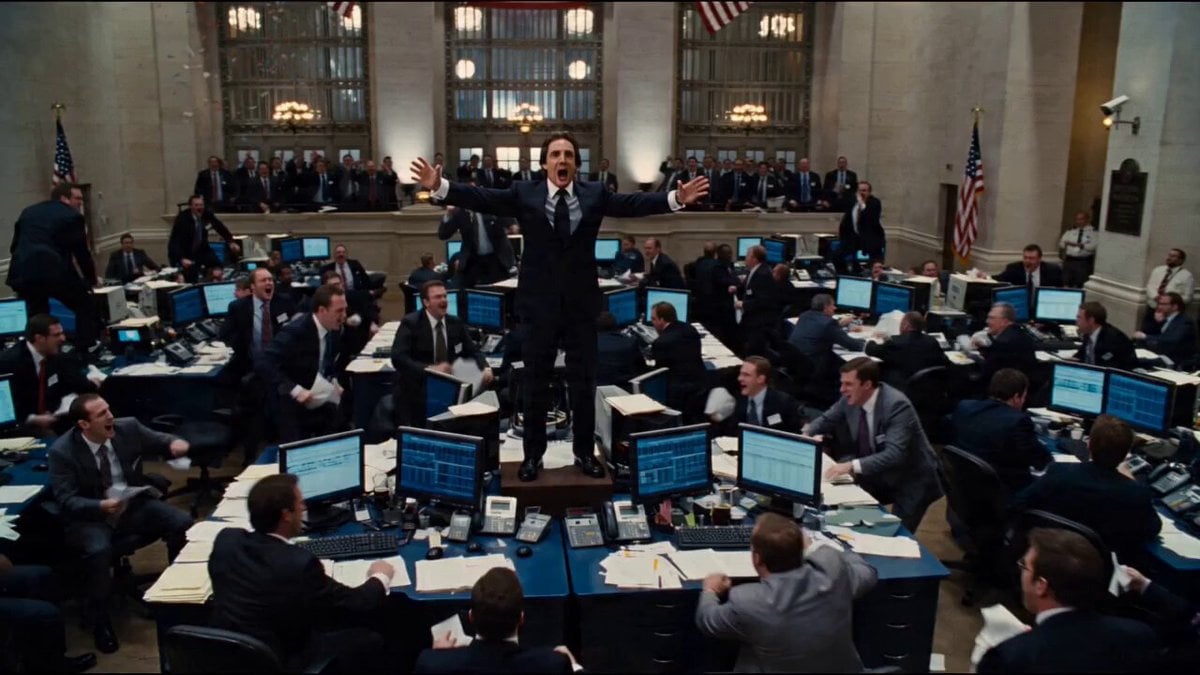
Seedance 2.0 Prompt for Hollywood Cinematic Commercial
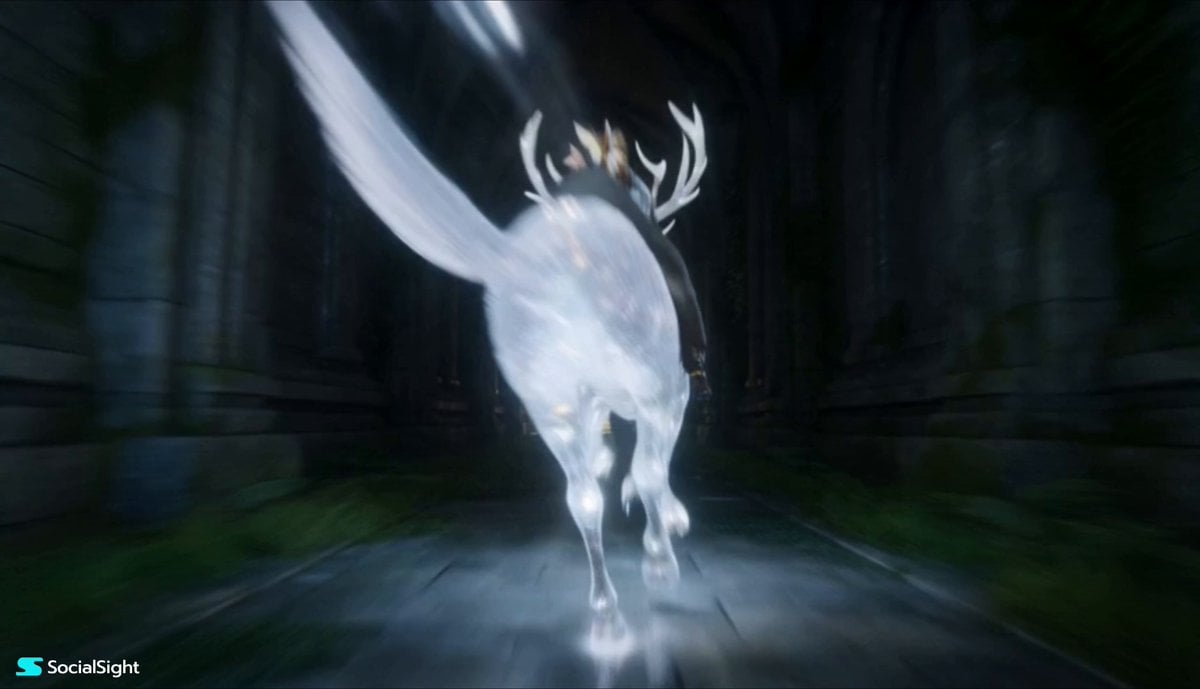
Fantasy Spirit Creature Race
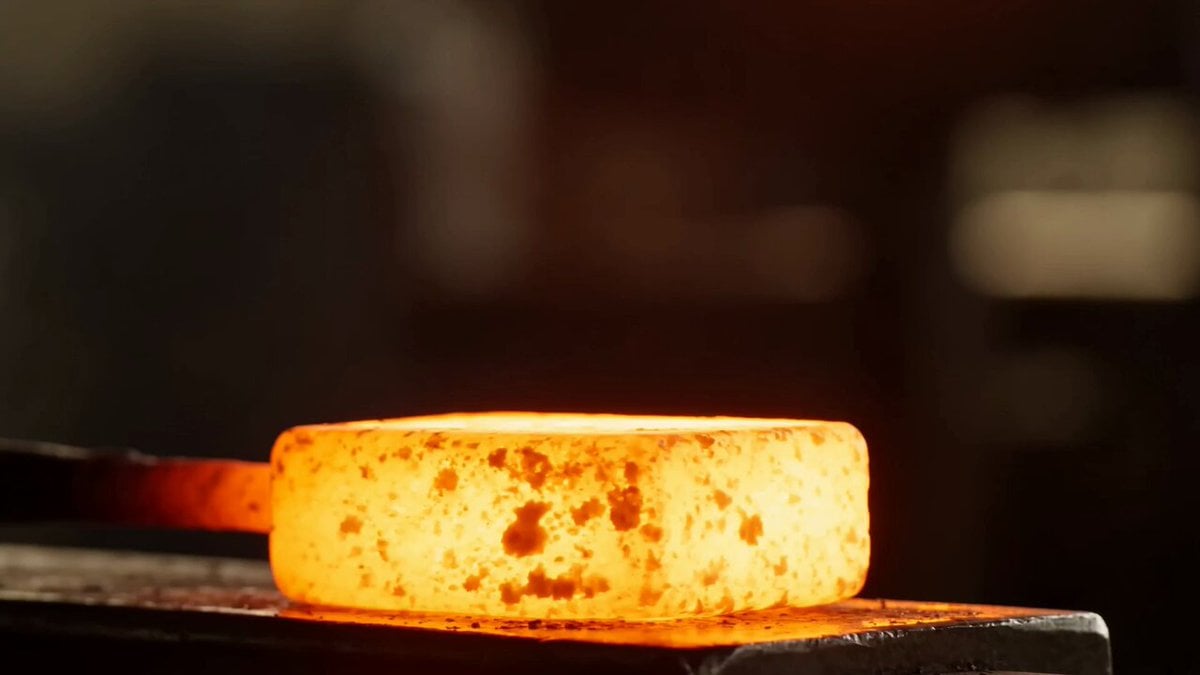
Metal Forge Visual Effect

Scheduling Work Days in Nature Video Prompt
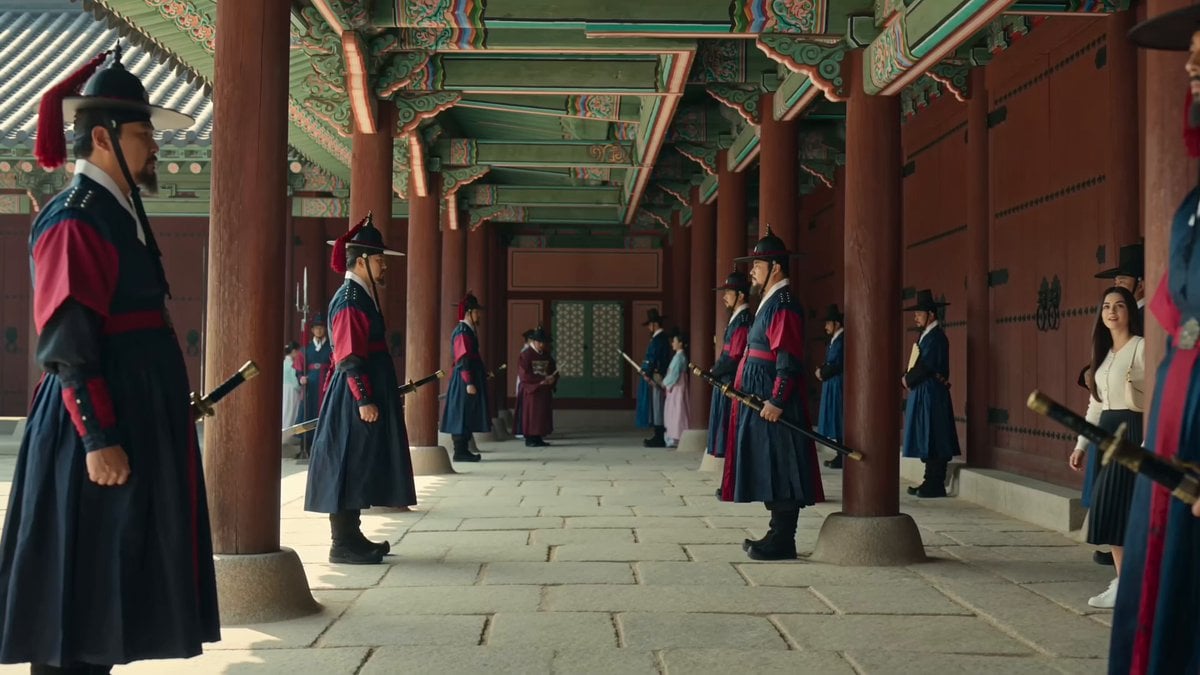
Joseon Dynasty Historical Documentary
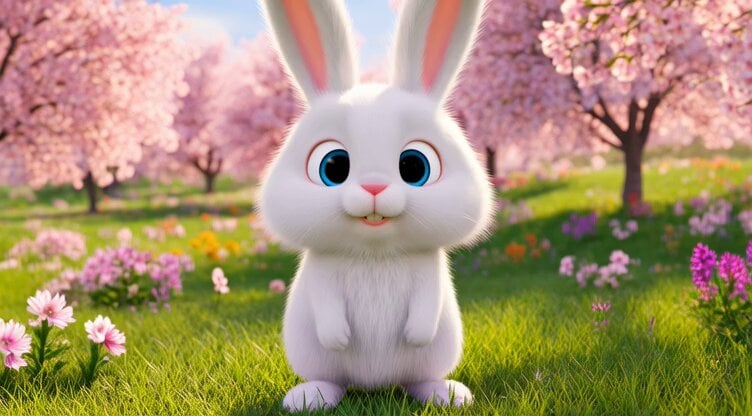
Video prompt of a fluffy bunny performing a hip-hop dance routine
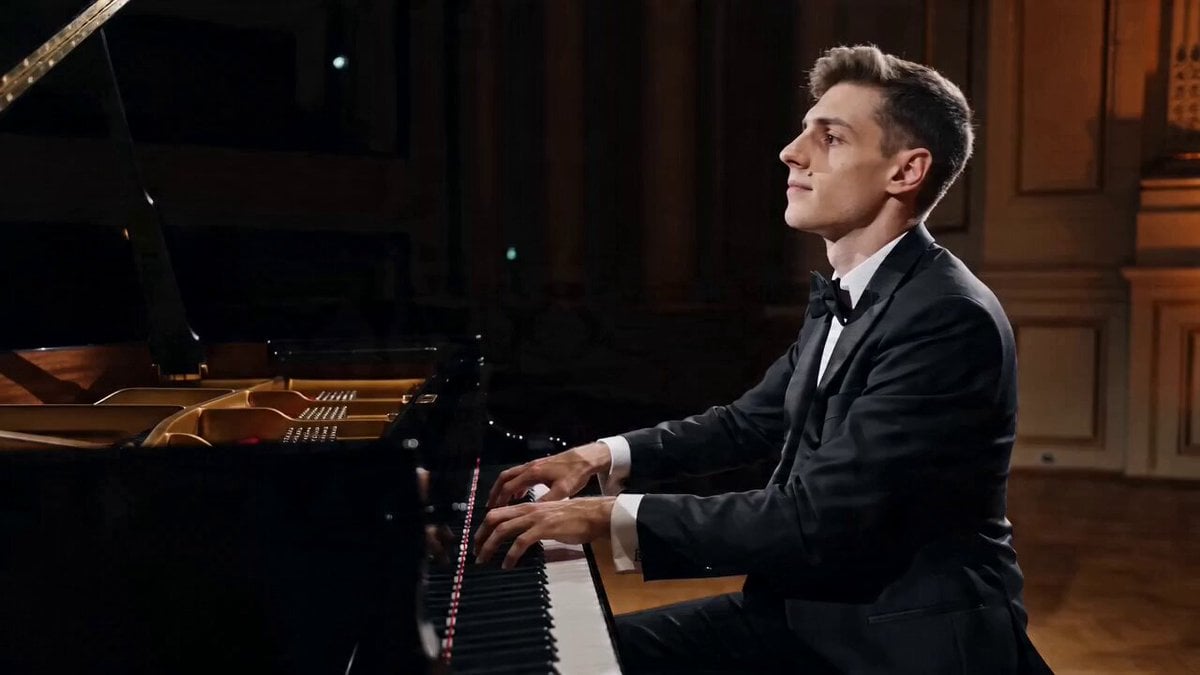
Cinematic Pianist Scene Prompt for Seedance 2.0

Victorian Gothic Man on Sofa
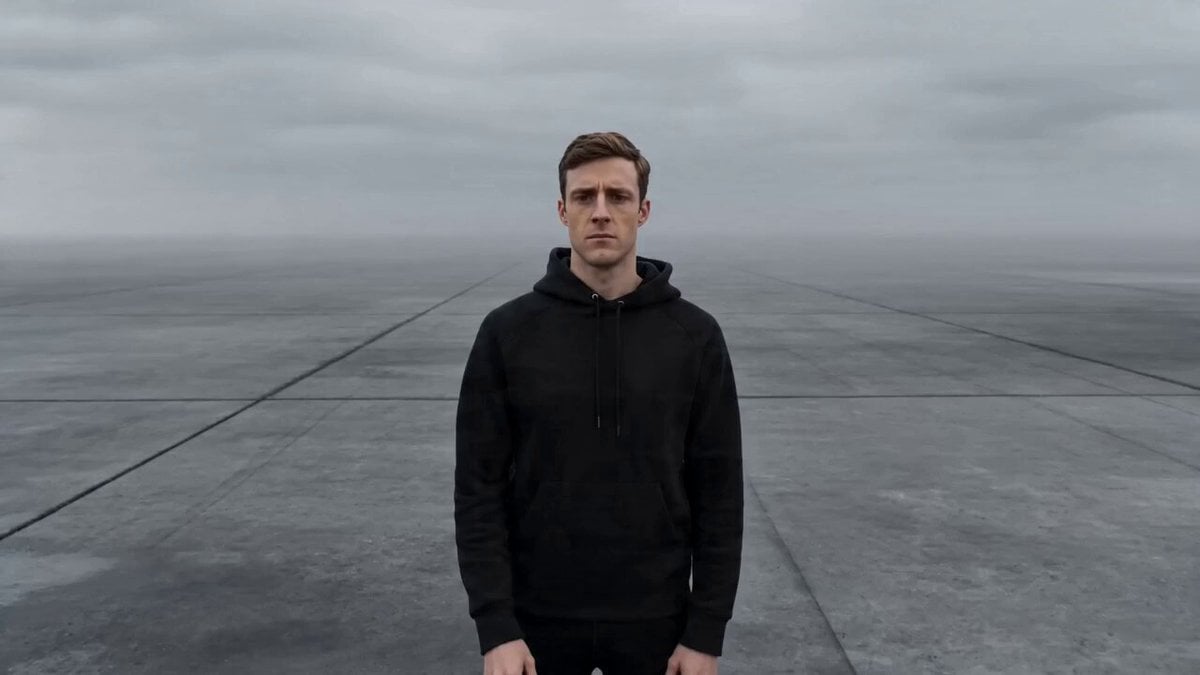
Cinematic Creator Scene Transformation
Browse template categories
POV Suspense Anime Chase questions
How do I use the POV Suspense Anime Chase template?
Add your photo if the template asks for one, edit the prompt if you like — the template's model and format are already selected — and press Generate. Your version opens in PicX Studio.
Can I customize the POV Suspense Anime Chase template?
Yes. You can change the subject, setting, lighting, mood, format, and available model controls before creating your video.
Is the POV Suspense Anime Chase template free?
Opening and editing this template is free. Generating uses credits, shown on the Generate button when you are signed in.
Which AI model should I use?
Start with Seedance 2.0, which is the model associated with this template. You can compare another compatible model for a different finish.
Looking for something else? Browse all templates.

Your photo, any look
Thousands of ready templates for every top image and video model, from one credit balance.