
Joseon Dynasty Historical Documentary
A detailed historical documentary prompt for reconstructing the Joseon Dynasty, featuring museum-quality details of palaces and traditional life.
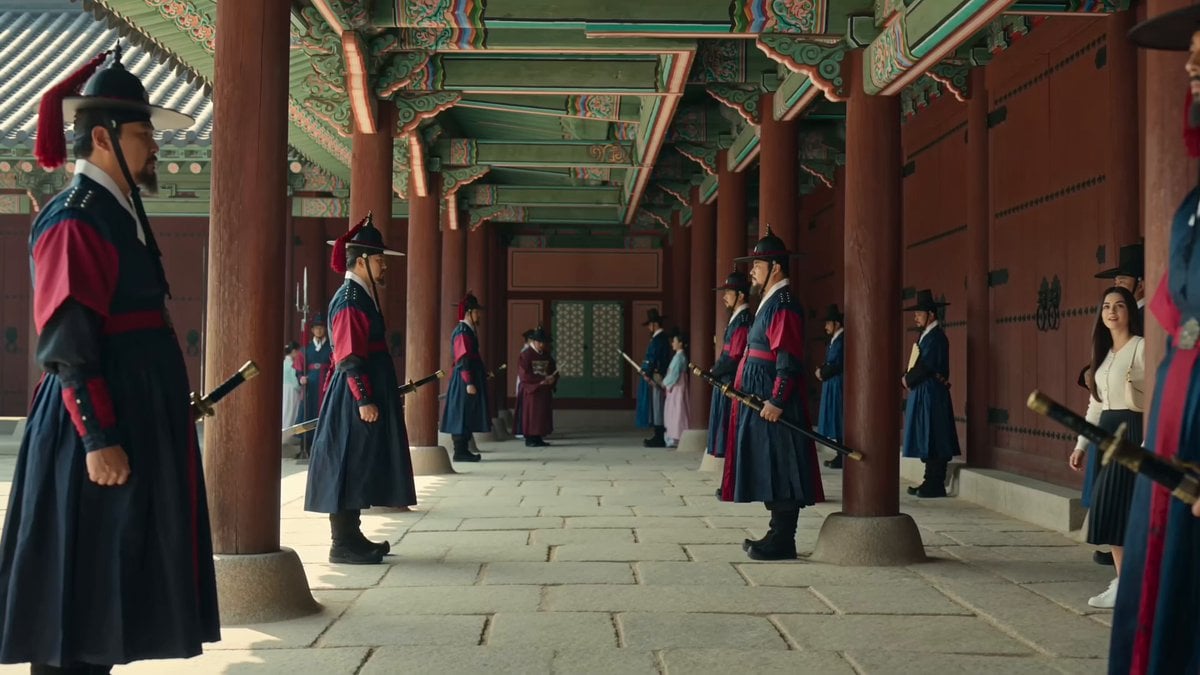
- Prompt included
- Model and format preset
- Free template
The prompt behind this video
Copy the exact prompt behind Joseon Dynasty Historical Documentary, or open it in the studio and make it yours.
Ultra-realistic historical documentary, photorealistic Joseon Dynasty Korea, museum-quality reconstruction, Kodak Portra 400, 85mm prime lens, subtle handheld documentary camera, warm natural daylight, soft cinematic film grain, natural acting and expressions, family-friendly. MAIN CHARACTER (IDENTITY LOCK) One young Korean woman (early 20s). Long straight black hair, natural makeup, white cropped cardigan, long black pleated skirt below knees, white sneakers, small cream shoulder bag, natural smile. She is the only modern person. Keep identical face, hairstyle, outfit, accessories, and body proportions throughout every shot. LOCATION Authentic Joseon royal palace inspired by Gyeongbokgung: wooden palace buildings, painted pillars, stone courtyards, throne hall, traditional gardens. No modern structures. BACKGROUND Everyone except the main character wears historically accurate Joseon clothing. King in Gonryongpo, Queen in Jeokui, court ladies in hanbok, guards in Joseon military uniforms, officials in robes with black gat hats, traditional musicians. Authentic palace etiquette throughout. AUDIO Natural palace ambience, footsteps on stone, wind, birds, quiet Korean conversations, distant traditional court instruments. No background music. RULES The main character respectfully explores the palace without explaining why she is there. All dialogue is spoken only in Korean. Show subtitles only during dialogue: Line 1: English Line 2: Bahasa Indonesia White modern sans-serif font with thin black outline. SHOTS 1 (0–2s): Wide. Woman enters palace. Guards on both sides. Officials continue daily activities. She looks around curiously. No dialogue. 2 (2–4s): Medium close-up. She admires the throne hall and says: "와... 정말 아름답다." EN: "Wow... it's so beautiful." ID: "Wow... indah sekali." 3 (4–6s): Wide. Audience hall. King on throne, Queen beside him, officials bow. Woman quietly watches from a distance. No dialogue. 4 (6–8s): Medium. Palace ladies in elegant hanbok walk gracefully through the corridor. Breeze moves their clothing. Woman smiles while admiring them. No dialogue. 5 (8–10s): Medium two-shot. Palace lady asks: "손님이십니까?" EN: "Are you our guest?" ID: "Apakah Anda tamu kami?" Woman replies: "네." EN: "Yes." ID: "Iya." 6 (10–12s): Wide. Traditional musicians perform while court dancers present an elegant royal dance. People quietly watch. Woman enjoys the performance. No dialogue. 7 (12–14s): Close-up. Warm sunlight fills the wooden corridor. She softly says: "마치 꿈같아." EN: "It feels like a dream." ID: "Rasanya seperti mimpi." 8 (14–15s): Wide pull-back. Woman walks across the courtyard. King continues the ceremony, Queen remains beside him, ladies and guards continue naturally. Camera slowly pulls back. Fade out. NEGATIVE Anime, CGI, fantasy, portals, magic, supernatural effects, modern buildings, cars, motorcycles, plastic, electricity, smartphones, watches, modern objects except the main charact
How to use Joseon Dynasty Historical Documentary in 3 steps
- 1
Open
The prompt is already in the box next to the preview, with the template's model and format selected.
- 2…a portrait of your subject in softgolden-hour light, 85mm…
Personalize
Edit the subject and creative details for your destination.
- 3Generate
Generate
Press Generate — your video is created in PicX Studio, so you can compare it with the original and refine one variable at a time.
More like this
Templates with the same subject, style or setup. Open one to see its prompt.

Forgotten 1980s High School Documentary Seedance

Live-Action Firefighter Rescue Night Scene
FPV Ancient Kuru Kingdom — Hastinapura Golden Hour (Seedance)
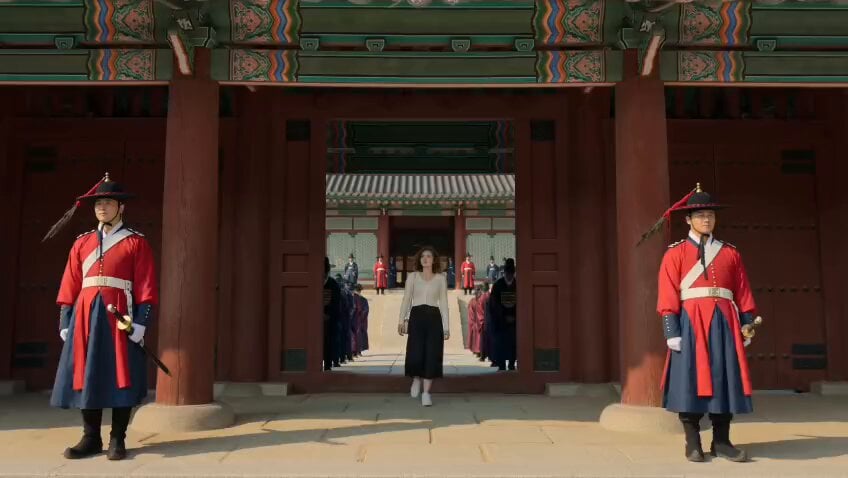
Korean Woman in Joseon Palace Documentary
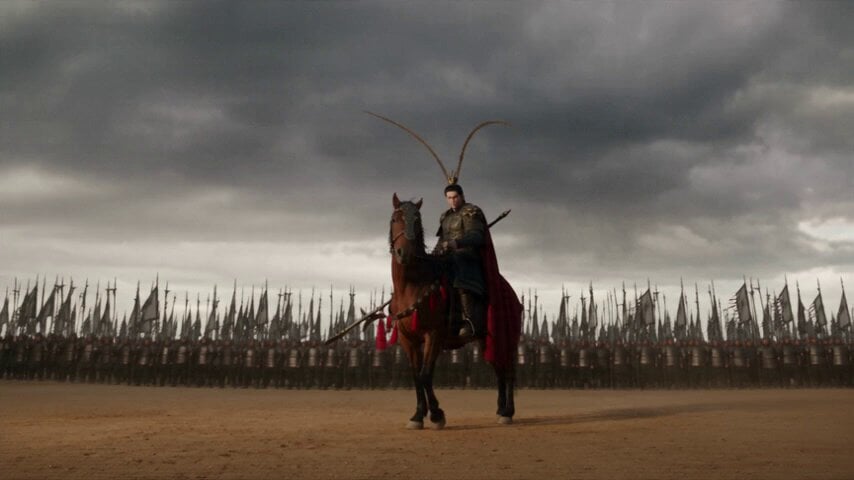
Hulao Pass Historical Battle
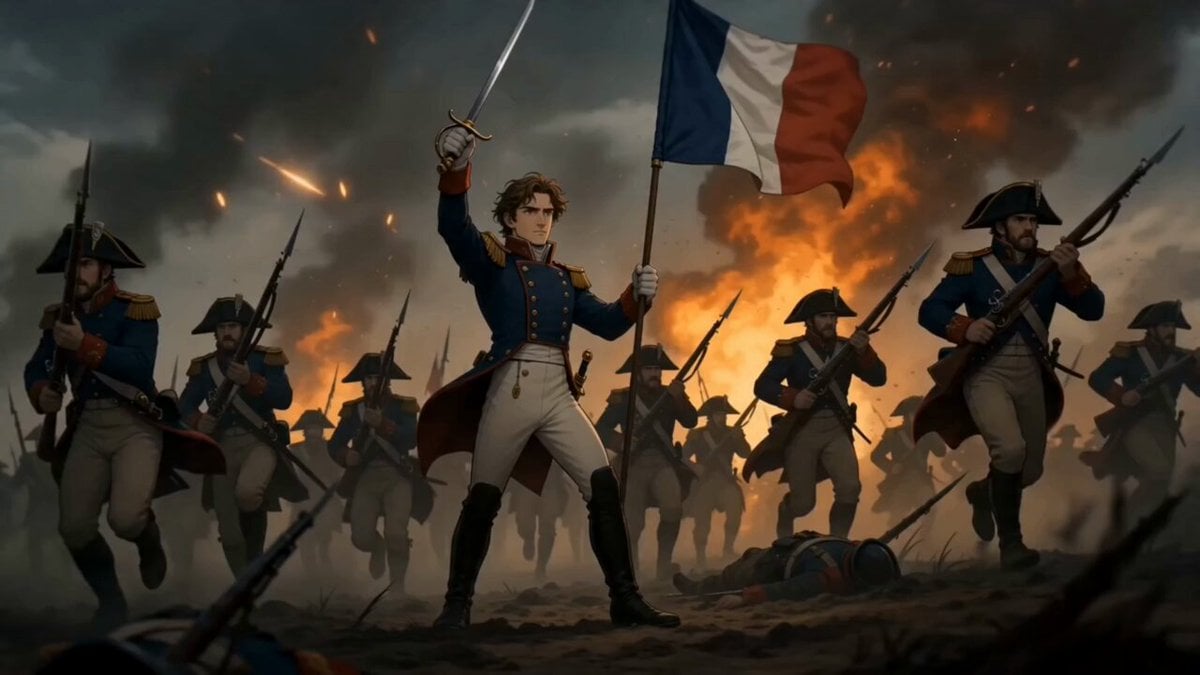
Historical Napoleon Biopic Animation
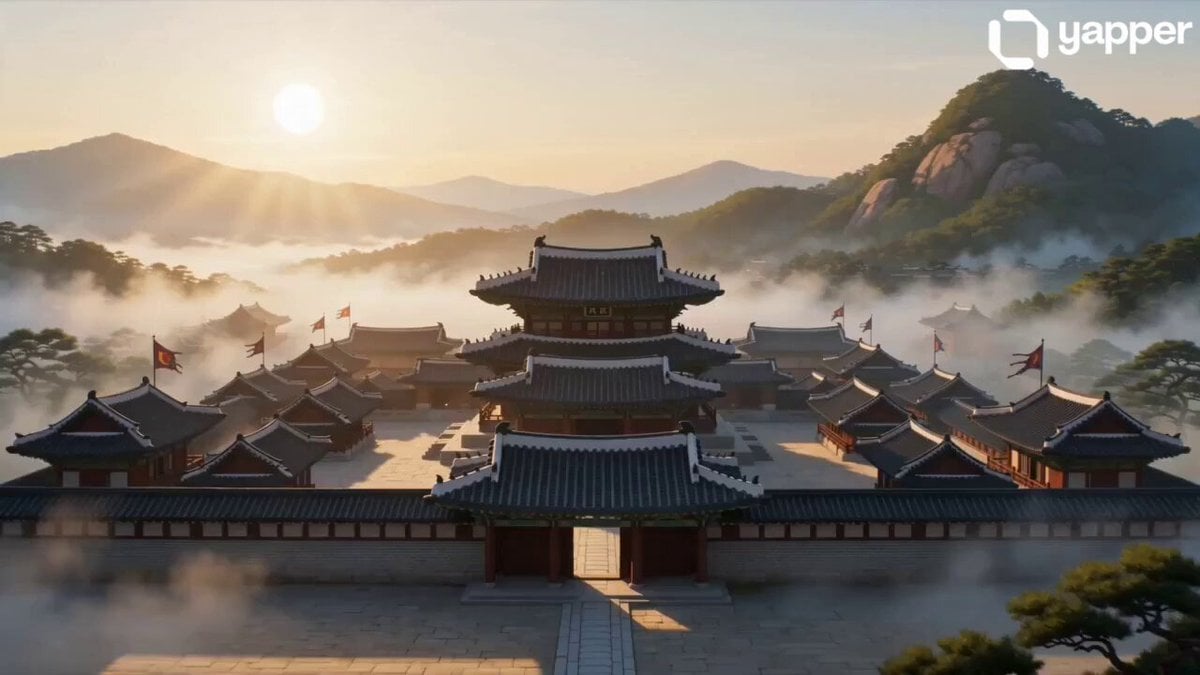
Ancient Joseon Palace Anime Scene
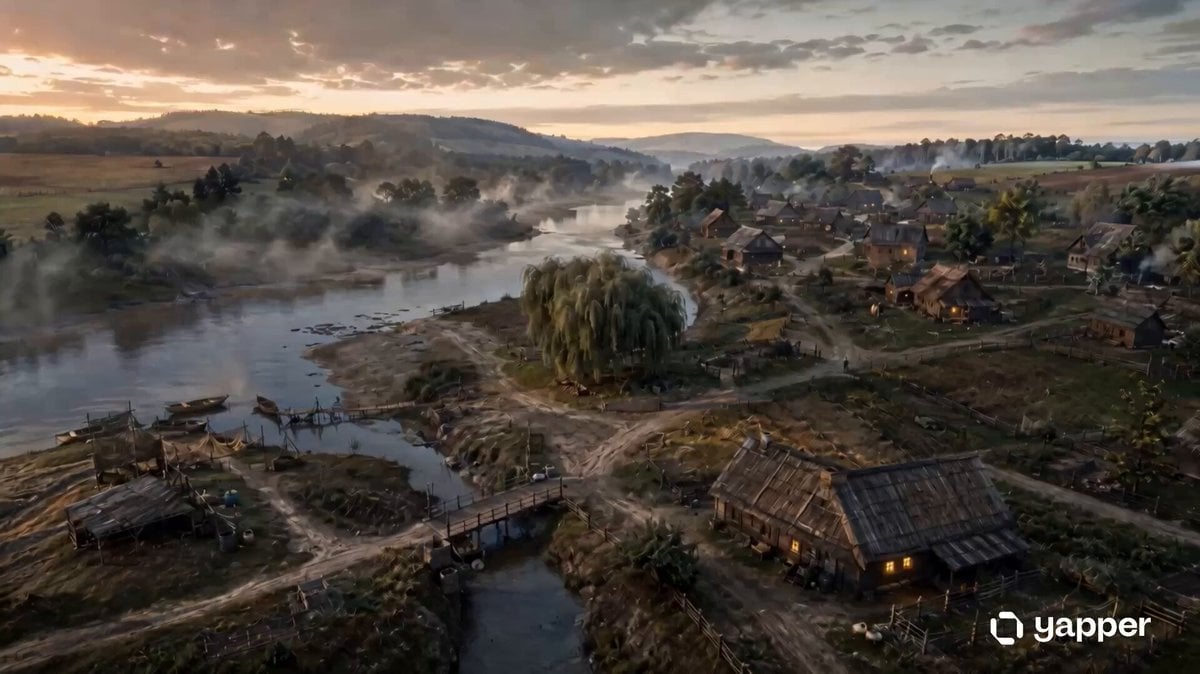
Historical Settlement Aerial Evolution
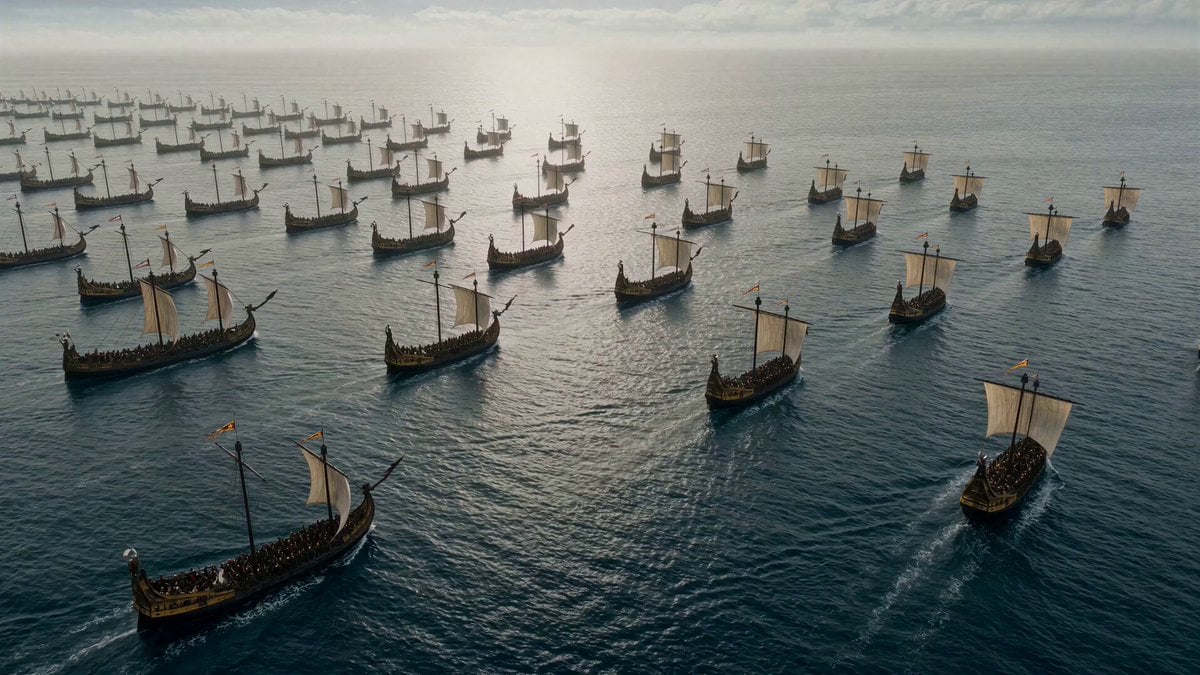
Historical Battle Cinematic Sequence
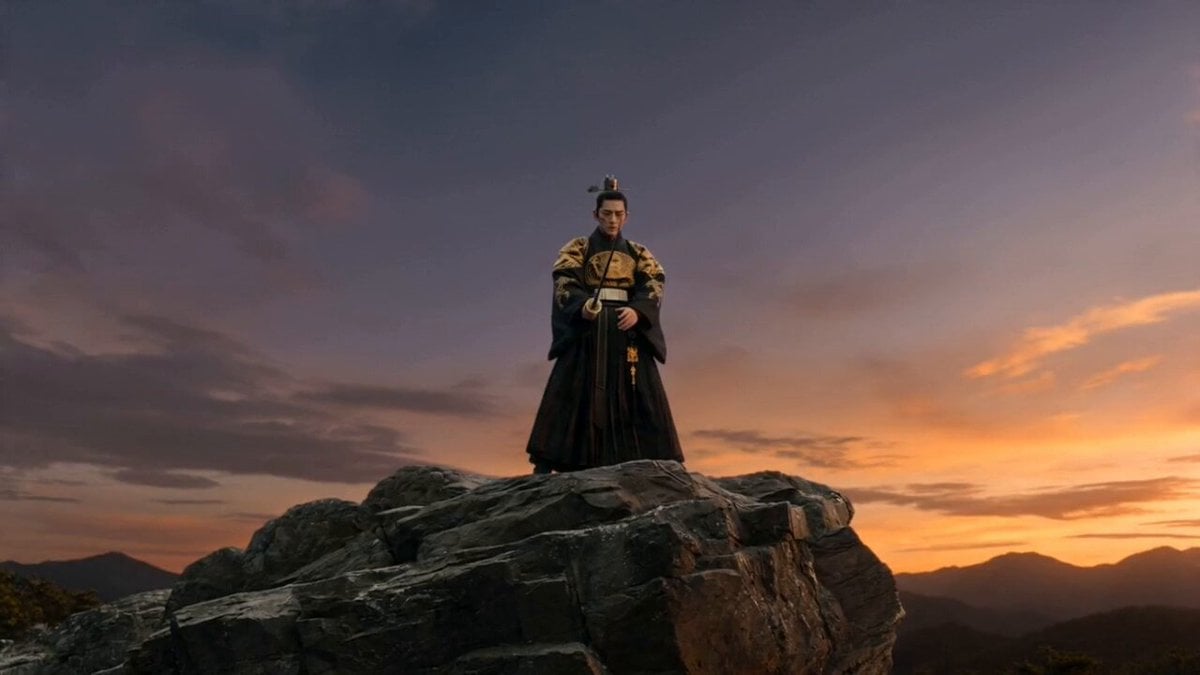
Joseon Warrior Energy Slash Cinematic
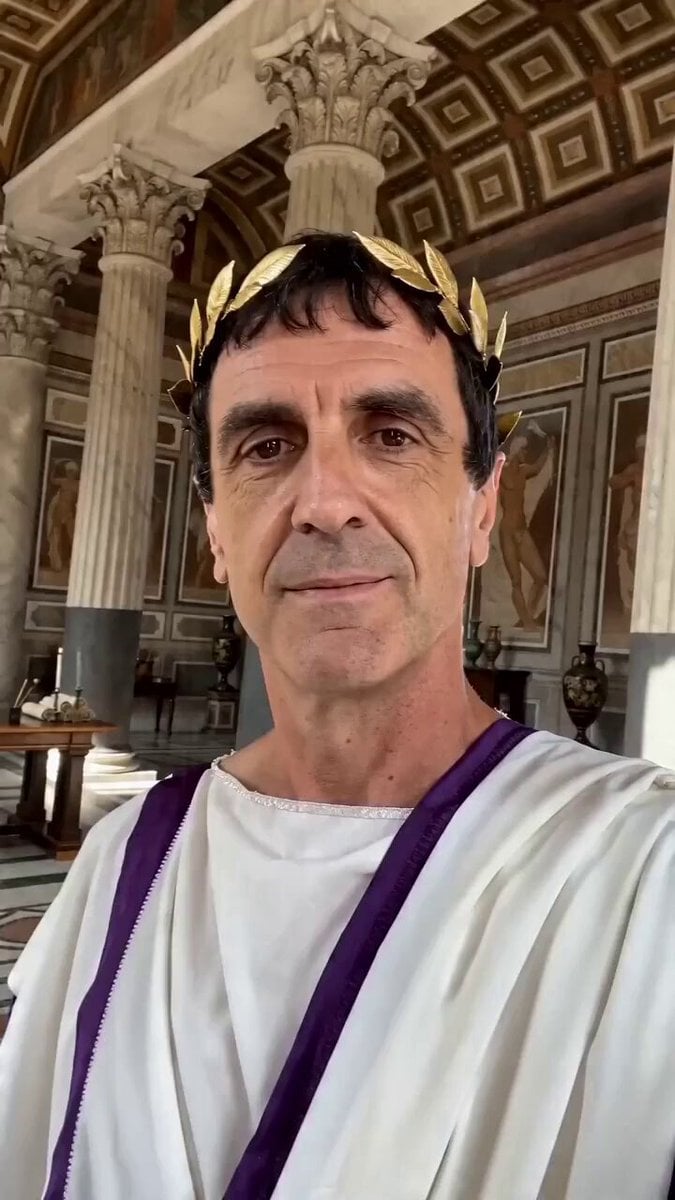
Historically Accurate Julius Caesar Selfie
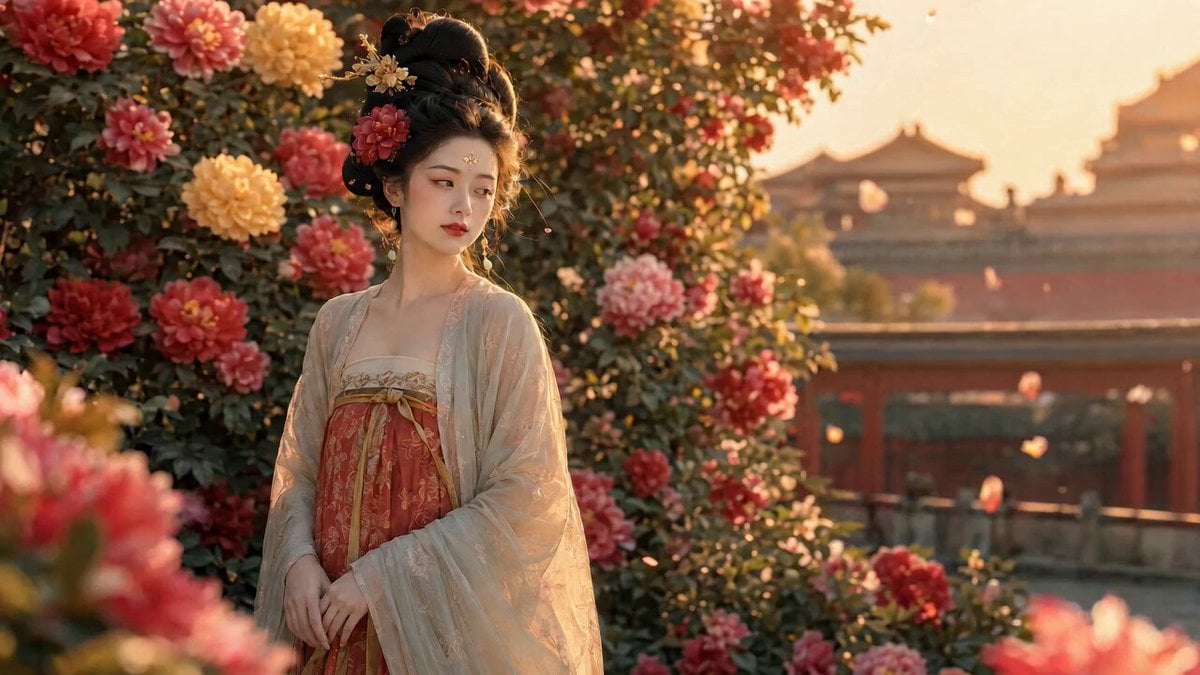
Tang Dynasty Beauty Garden Video
Make it yours
Joseon Dynasty Historical Documentary works as-is. These are the safest ways to change it without losing the look.
Change one field
Copy a single group, rewrite it, and generate again so you can see what that field is doing.
Keep the frame, change the subject
Hold the composition and light of Joseon Dynasty Historical Documentary, then swap wardrobe, props or the person for a new take.
| If the result… | Why | Fix |
|---|---|---|
| The result drifts from the preview | Too many fields changed at once. | Reuse Joseon Dynasty Historical Documentary as-is first, then change one group — subject, light, or setting. |
| The model over-stylizes the scene | The prose prompt leaves finish and camera underspecified. | Add one camera or lighting sentence and stay on Seedance 2.0. |
More Seedance 2.0 templates
Other prompts made for Seedance 2.0.

Comical Martial Arts Punch Scene

Maglev Train Action Sequence

Martial Arts Fight Sequence

Wuxia Protection and Trust Script

Vintage Korean Arcade MiniDV Vlog

Mercedes 190 SL Luxury Ad

Rainy Night Supernatural Reverse Comedy Video Script

Amazon Civilization Discovery

Futuristic South Asian City Transformation

Cozy Luxury Cafe Commercial
More video prompts
Fresh picks from across the catalog.
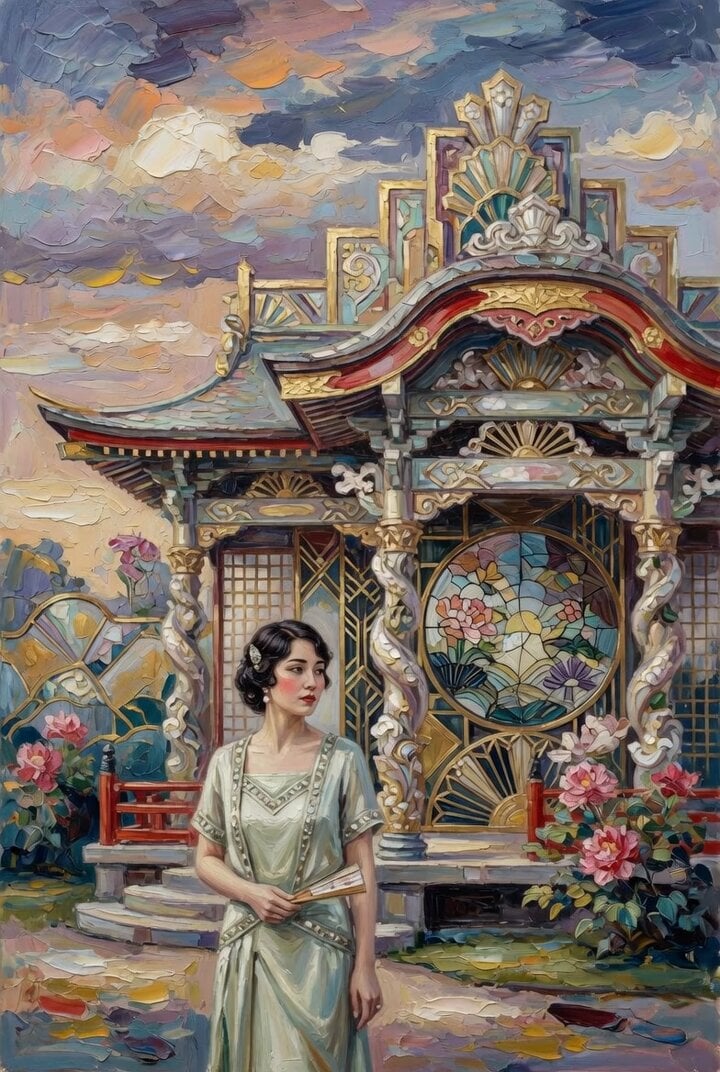
Woman at Abstract Pavilion Oil Painting Video
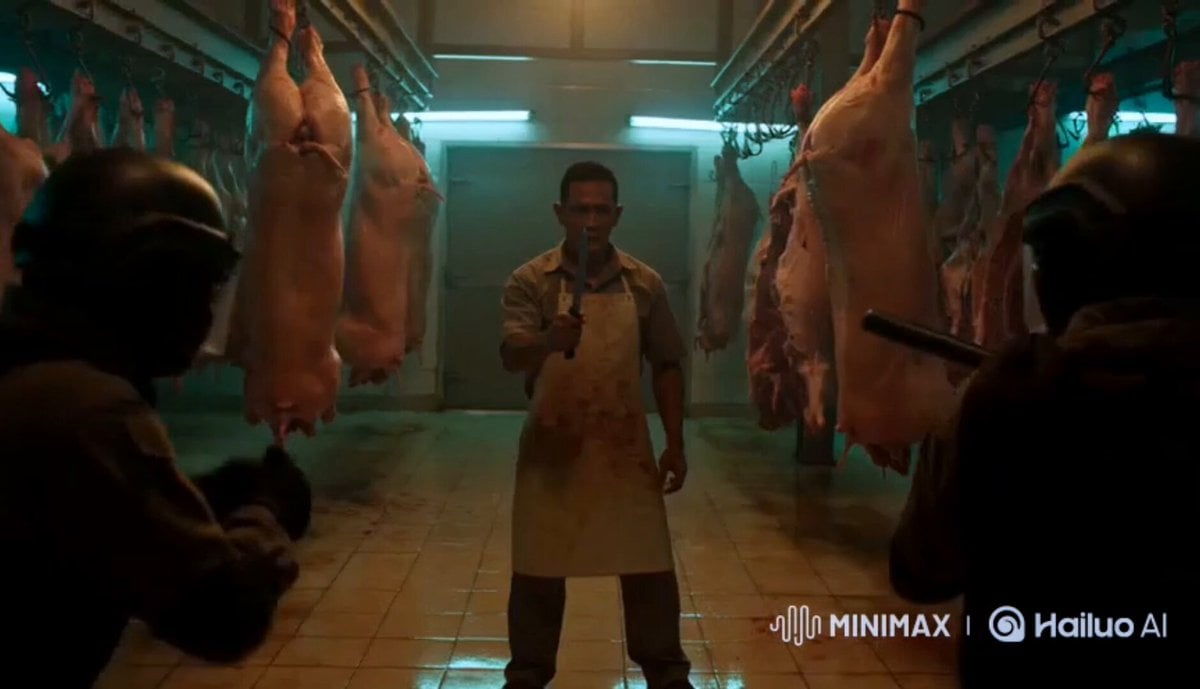
Silat Slaughterhouse Fight Scene
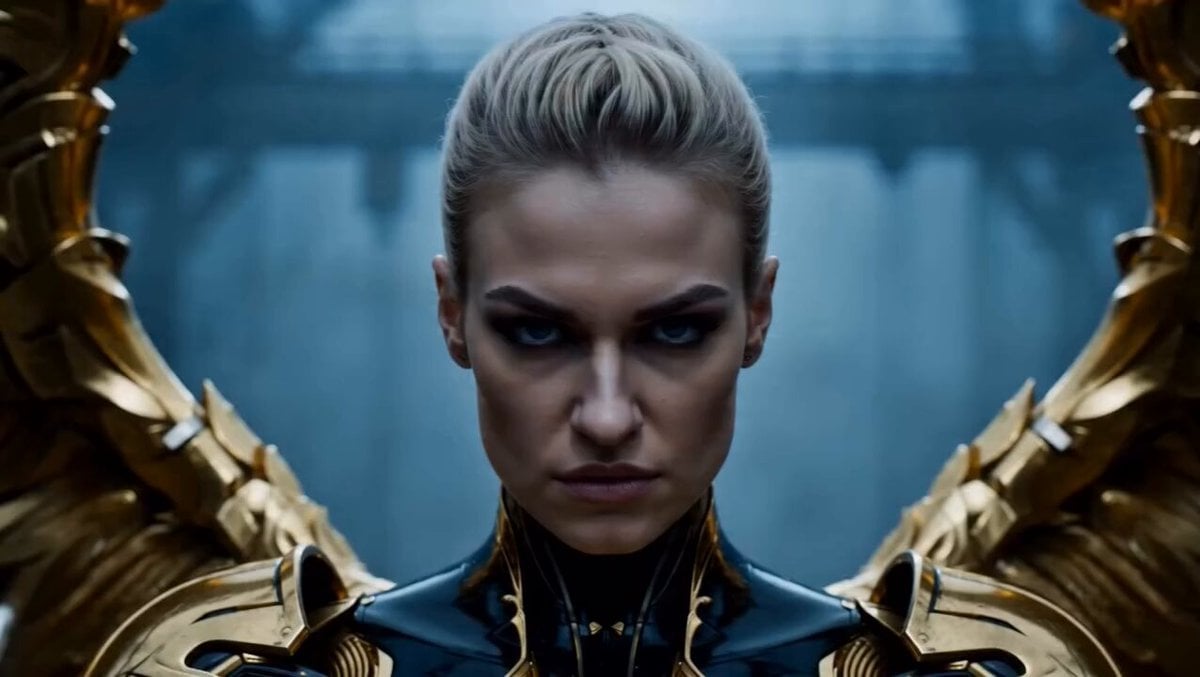
Cinematic Angel Warrior vs Demon Lord
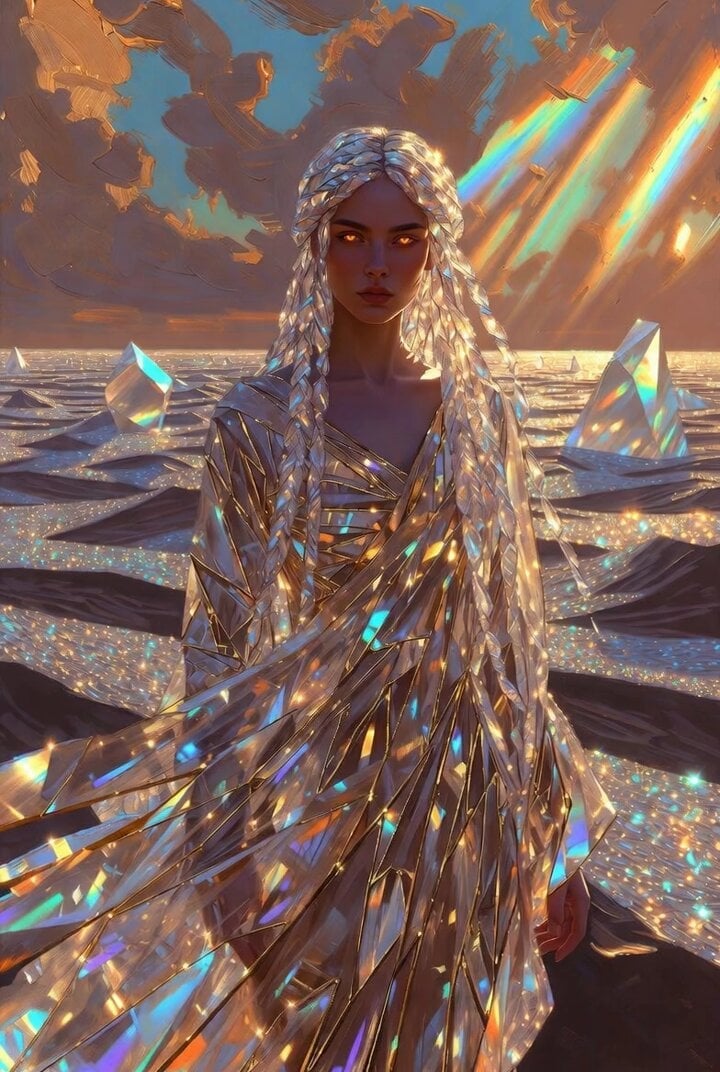
Crystal Desert Empress
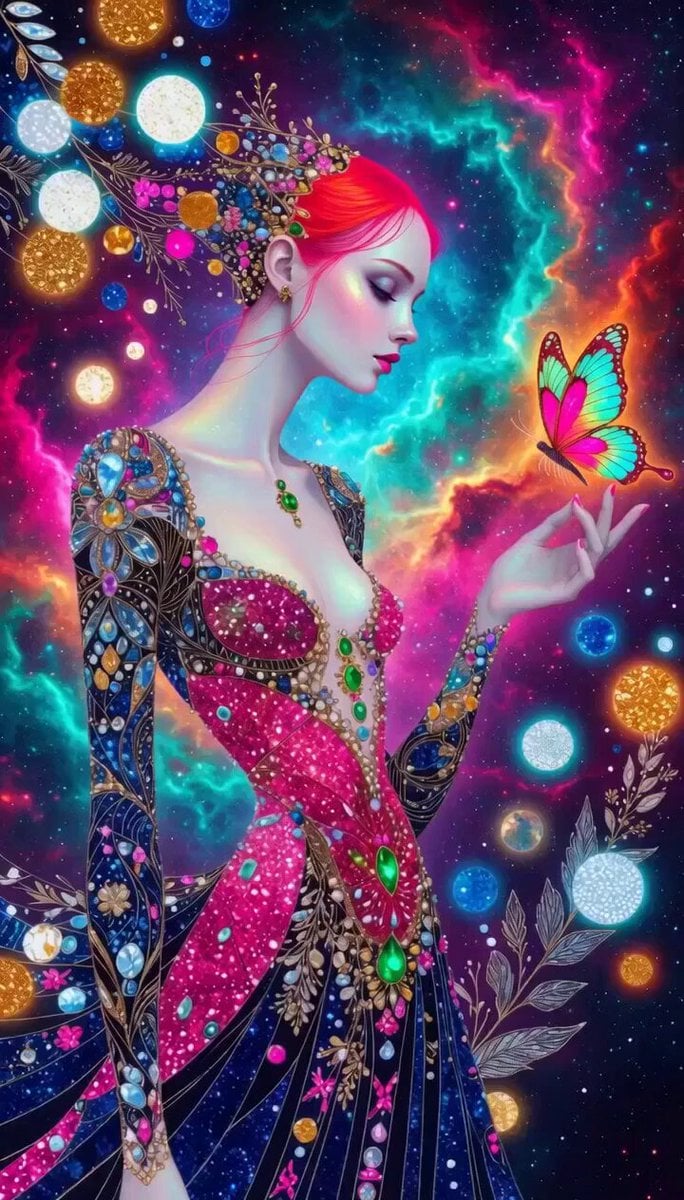
Vibrant Stylized Woman with Butterflies
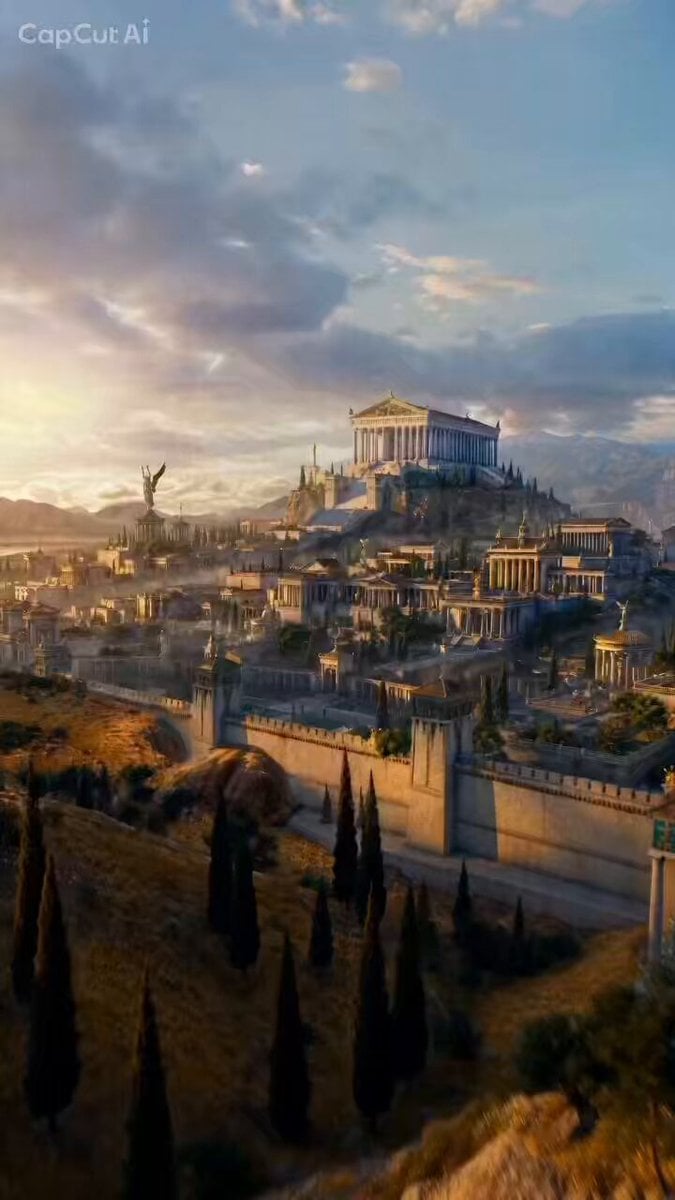
FPV Camera Path Guide
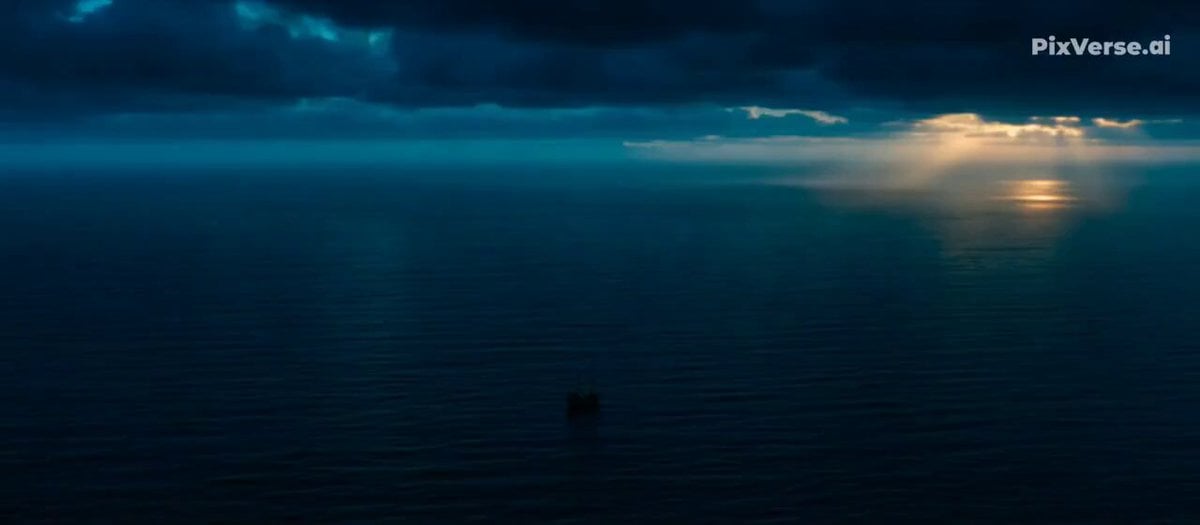
Whale Breaching Through Rising Tide
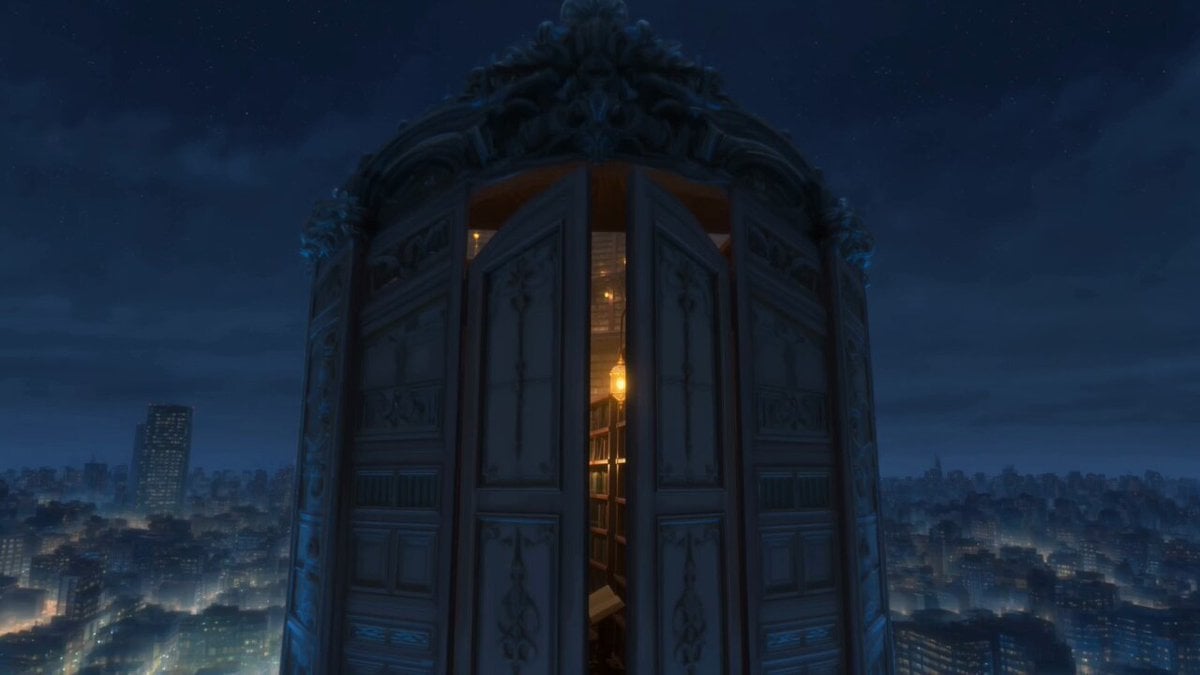
Infinite Magical Bookstore Anime Sequence
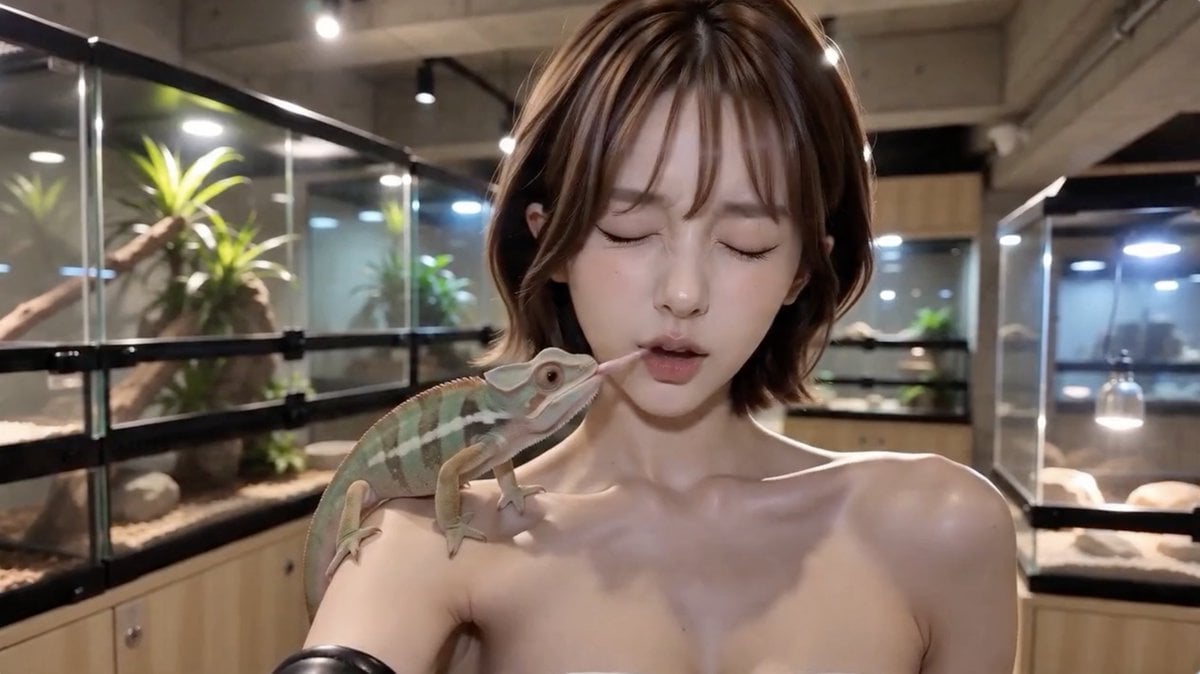
Shanghai Night Tour Selfie Vlog
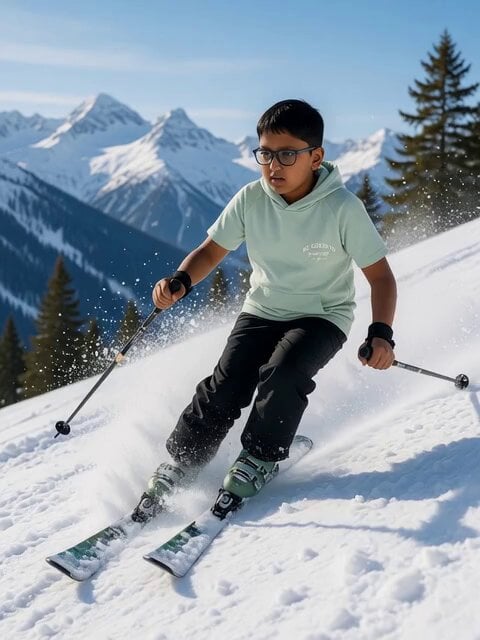
Nighttime Skiing with Australian Shepherd and Bunny Video Prompt
Browse template categories
Joseon Dynasty Historical Documentary questions
How do I use the Joseon Dynasty Historical Documentary template?
Add your photo if the template asks for one, edit the prompt if you like — the template's model and format are already selected — and press Generate. Your version opens in PicX Studio.
Can I customize the Joseon Dynasty Historical Documentary template?
Yes. You can change the subject, setting, lighting, mood, format, and available model controls before creating your video.
Is the Joseon Dynasty Historical Documentary template free?
Opening and editing this template is free. Generating uses credits, shown on the Generate button when you are signed in.
Which AI model should I use?
Start with Seedance 2.0, which is the model associated with this template. You can compare another compatible model for a different finish.
Looking for something else? Browse all templates.

Your photo, any look
Thousands of ready templates for every top image and video model, from one credit balance.