
Ancient Joseon Palace Anime Scene
A multi-shot cinematic anime-style prompt set in a historical Korean kitchen, featuring detailed atmospheric effects.
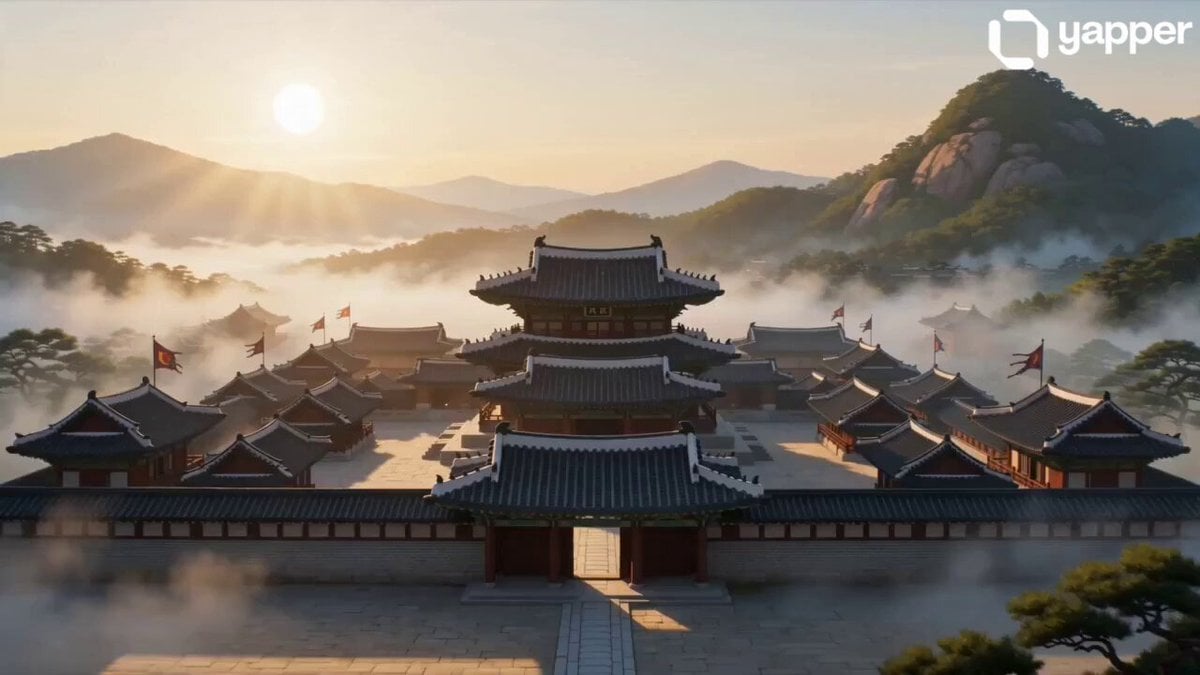
- Prompt included
- Model and format preset
- Premium template
The prompt behind this video
Copy the exact prompt behind Ancient Joseon Palace Anime Scene, or open it in the studio and make it yours.
Ultra-detailed anime-style cinematic scene set in an ancient Korean Joseon palace. Studio Ghibli + Korean historical drama realism. Warm firelight mixed with soft daylight, cinematic depth of field, volumetric lighting, steam atmosphere, 4K, highly detailed textures, emotional tone, slow camera movement, film grain, dramatic composition. ⏱️ 0:00 – 0:03 (Palace → Kitchen Establishing) Wide cinematic shot of a grand ancient Korean Joseon palace exterior at early morning mist, tiled rooftops, flags gently moving. Camera slowly pushes forward through a wooden corridor into a large royal kitchen. Inside: busy kitchen with many servants chopping, stirring, carrying trays. Fire burning under large pots, steam rising everywhere, hanging herbs in foreground, bronze and clay cookware, warm firelight mixed with soft daylight, cinematic depth of field. Camera: – Slow push-in + transition through doors – Slight parallax with foreground elements Sound: – Light wind → fade into fire crackling + kitchen ambience 🎙️ VO: “In the heart of the palace… where every flame burns for the king…” ⏱️ 0:03 – 0:06 (Chef Girl Focus) Camera slowly dollies through busy servants and reveals a young female royal chef in traditional Korean hanbok, standing at the center. She is focused, gently stirring a steaming pot. Firelight flickers on her face, slight sweat, soft expression, background blurred, cinematic depth of field. Camera: – Slow dolly-in – Focus pull (background → her face) Sound: – Kitchen noise fades → only stirring + soft fire 👩 Dialogue: “이 요리는… 완벽해야 해요.” ⏱️ 0:06 – 0:09 (King Entrance) Large wooden palace doors slowly open from behind, bright soft light entering. A king steps in wearing deep red royal robe with golden dragon embroidery. He appears first as a silhouette, then light reveals details. All servants immediately bow in sync, but the chef girl remains unaware. Camera: – Static → slight slow zoom – Backlight silhouette effect Sound: – Door creak – Footsteps – Sudden silence drop ⏱️ 0:09 – 0:12 (Emotional Moment) The king stands behind the chef, watching silently. Steam rises between them creating a soft visual barrier. The girl suddenly turns, shocked expression, eyes widen, slight slow motion feeling. Camera: – Over-the-shoulder (king POV) – Cut to close-up of her face 👩: “전하…!” 👑: “계속하시오…” Sound: – Soft ambient tone – Light traditional Korean instrument ⏱️ 0:12 – 0:15 (Romantic Ending + Food Moment) The chef nervously presents the dish with slightly trembling hands. Steam rises between them. The king tastes the food. Close-up of his face as his expression slowly softens emotionally. Warm light glowing, soft cinematic atmosphere. Camera: – Close-up on hands → cut to king face – Final close-up on her emotional eyes 👑: “…이건 음식이 아니라… 마음이오.” 🎙️ VO: “In a world bound by duty… even a king can feel.” Ending: – Fire slowly calming – Fade to black
How to use Ancient Joseon Palace Anime Scene in 3 steps
- 1
Open
The prompt is already in the box next to the preview, with the template's model and format selected.
- 2…a portrait of your subject in softgolden-hour light, 85mm…
Personalize
Edit the subject and creative details for your destination.
- 3Generate
Generate
Press Generate — your video is created in PicX Studio, so you can compare it with the original and refine one variable at a time.
More like this
Templates with the same subject, style or setup. Open one to see its prompt.

MiniMax H3 Character Introduction

Japanese Pure Love Short Film

Studio Ghibli Dumpling Kitchen Cooking Scene

Cinematic Ancient Palace Cat-Girl Drama
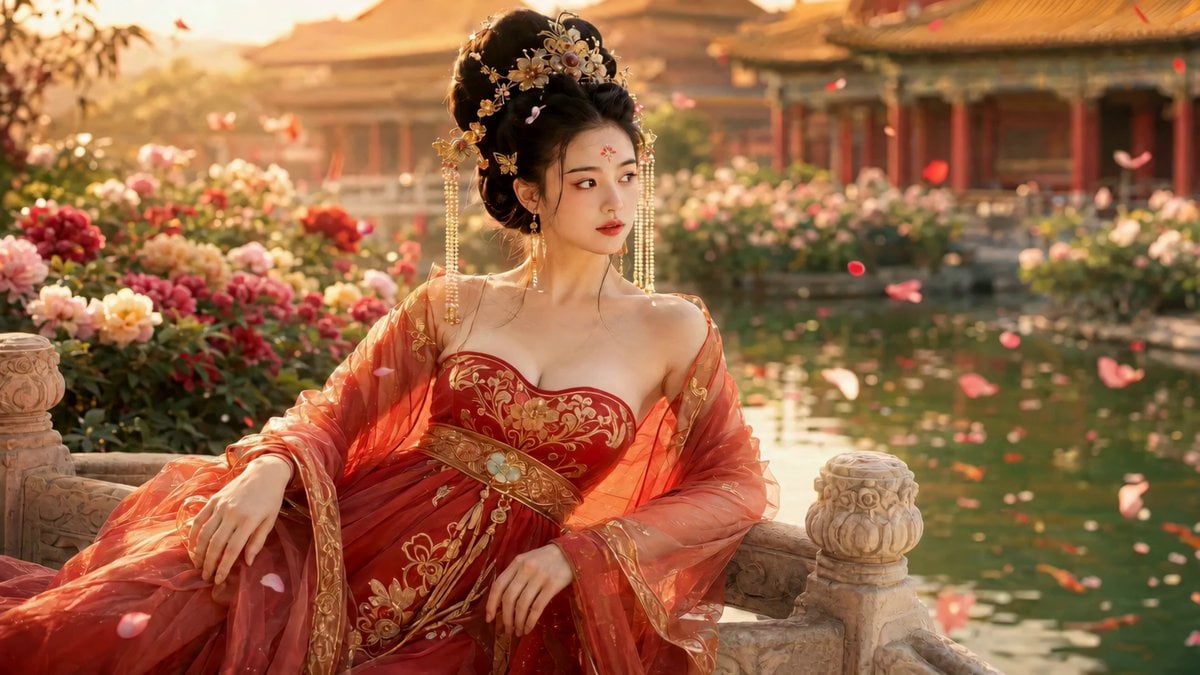
Cinematic Ancient Palace Beauty Close-up
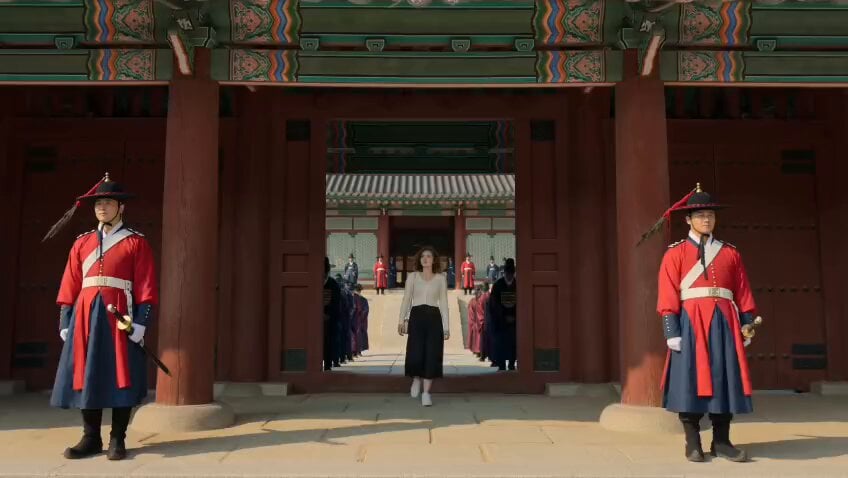
Korean Woman in Joseon Palace Documentary
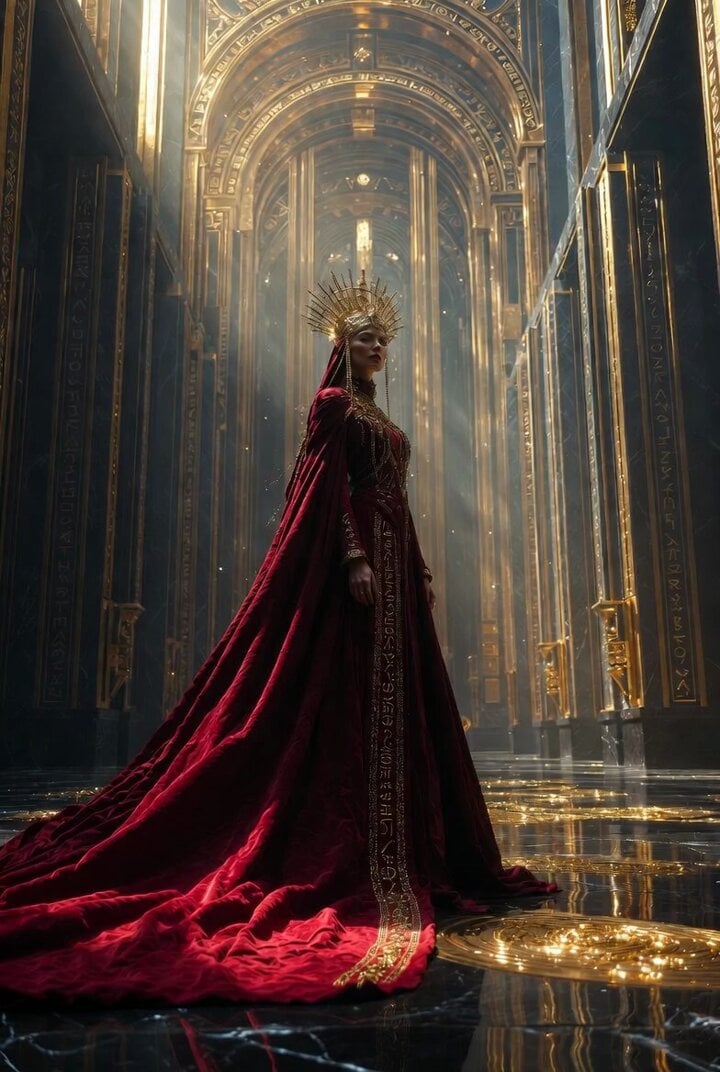
Cinematic Divine Empress in Ancient Palace
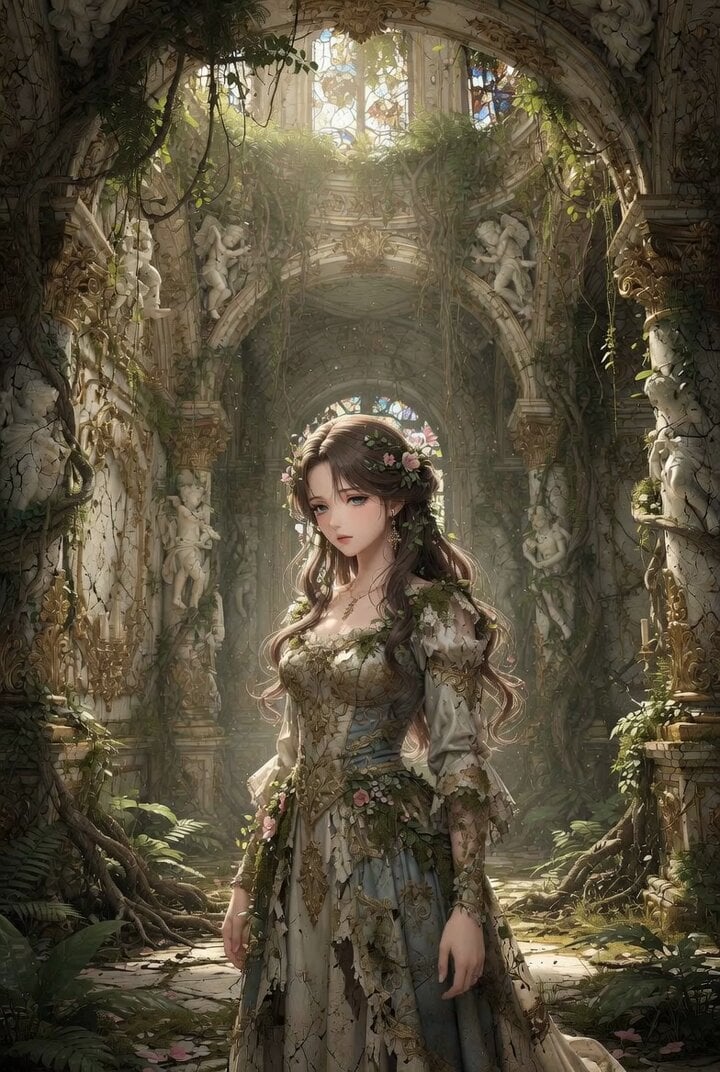
Anime Realism Portrait in Overgrown Rococo Palace
Stone Colossus Desert Riders — Golden Fire Reveal
Mecha Transformation vs Kaiju — 4-Scene Epic
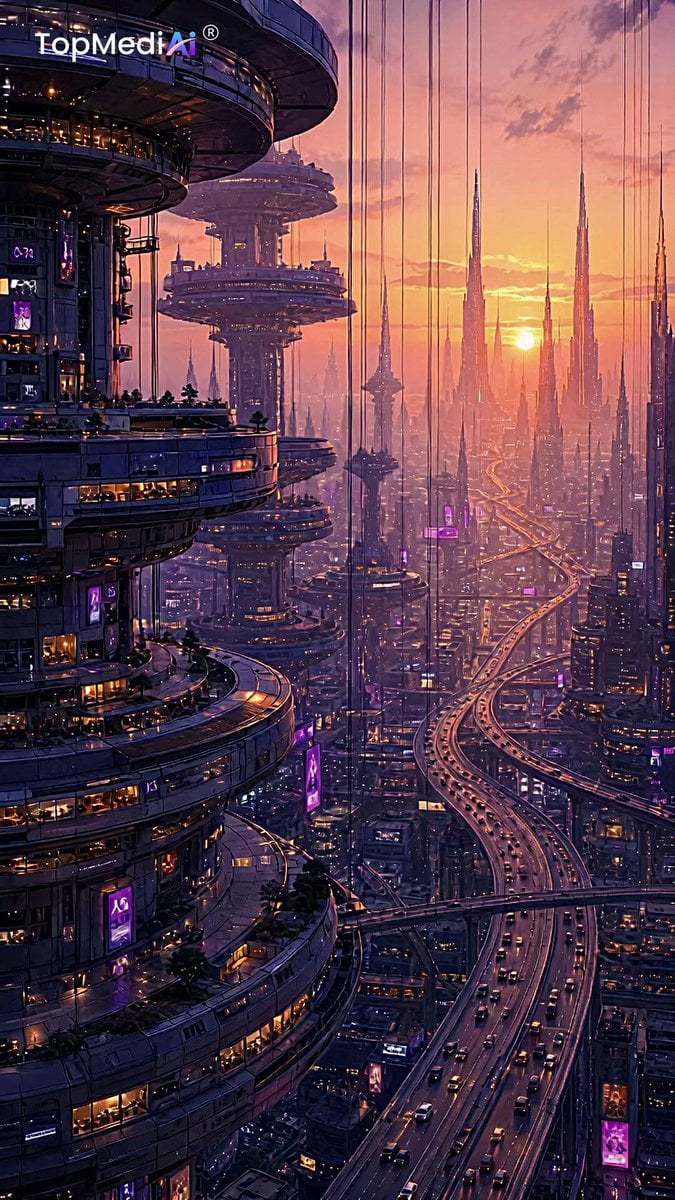
Futuristic Palace Architectural Tour

Ancient Roman Celestial Flight
Make it yours
Ancient Joseon Palace Anime Scene works as-is. These are the safest ways to change it without losing the look.
Change one field
Copy a single group, rewrite it, and generate again so you can see what that field is doing.
Keep the frame, change the subject
Hold the composition and light of Ancient Joseon Palace Anime Scene, then swap wardrobe, props or the person for a new take.
| If the result… | Why | Fix |
|---|---|---|
| The result drifts from the preview | Too many fields changed at once. | Reuse Ancient Joseon Palace Anime Scene as-is first, then change one group — subject, light, or setting. |
| The model over-stylizes the scene | The prose prompt leaves finish and camera underspecified. | Add one camera or lighting sentence and stay on Seedance 2.0. |
More Seedance 2.0 templates
Other prompts made for Seedance 2.0.

Comical Martial Arts Punch Scene

Maglev Train Action Sequence

Martial Arts Fight Sequence

Wuxia Protection and Trust Script

Vintage Korean Arcade MiniDV Vlog

Mercedes 190 SL Luxury Ad

Rainy Night Supernatural Reverse Comedy Video Script

Amazon Civilization Discovery

Futuristic South Asian City Transformation

Cozy Luxury Cafe Commercial
More video prompts
Fresh picks from across the catalog.
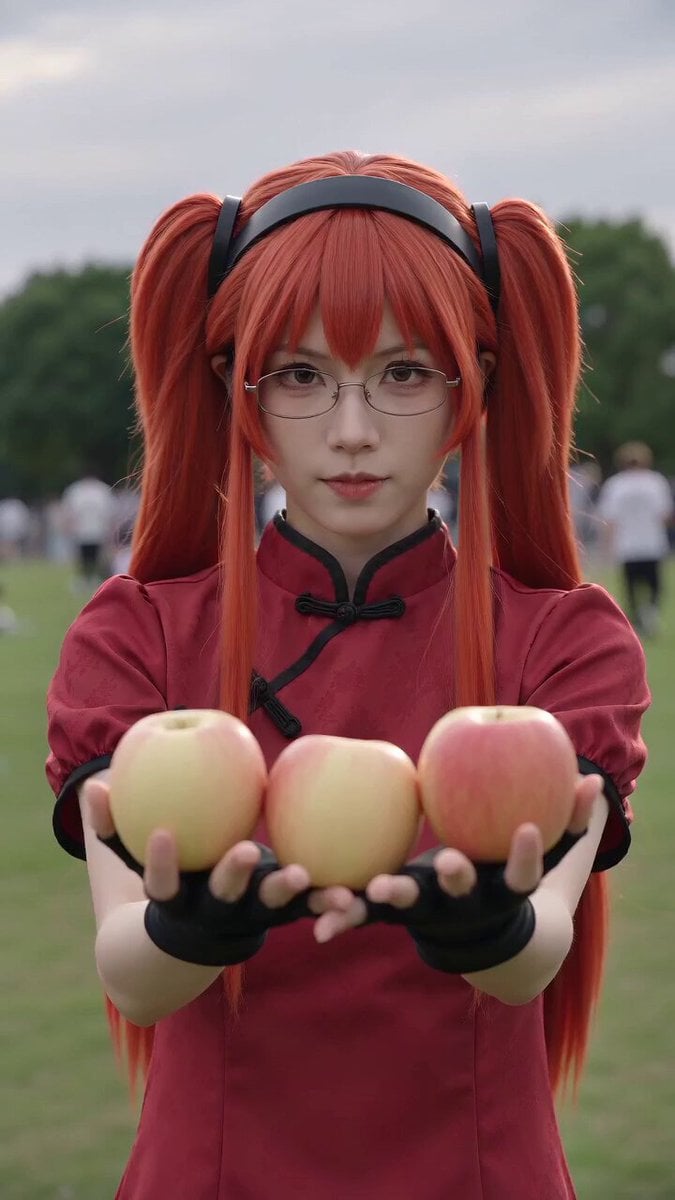
Anime Convention Vlog Cosplay Juggling
Singing Performance Video
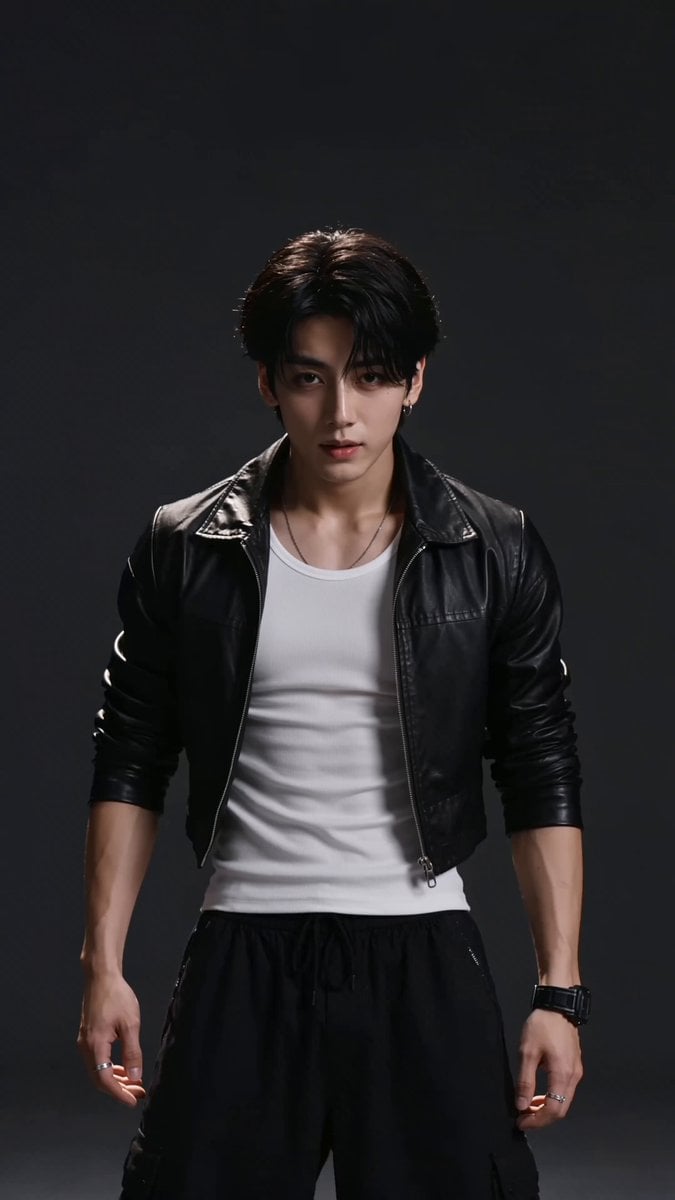
Elite Hip-Hop Dance Choreography
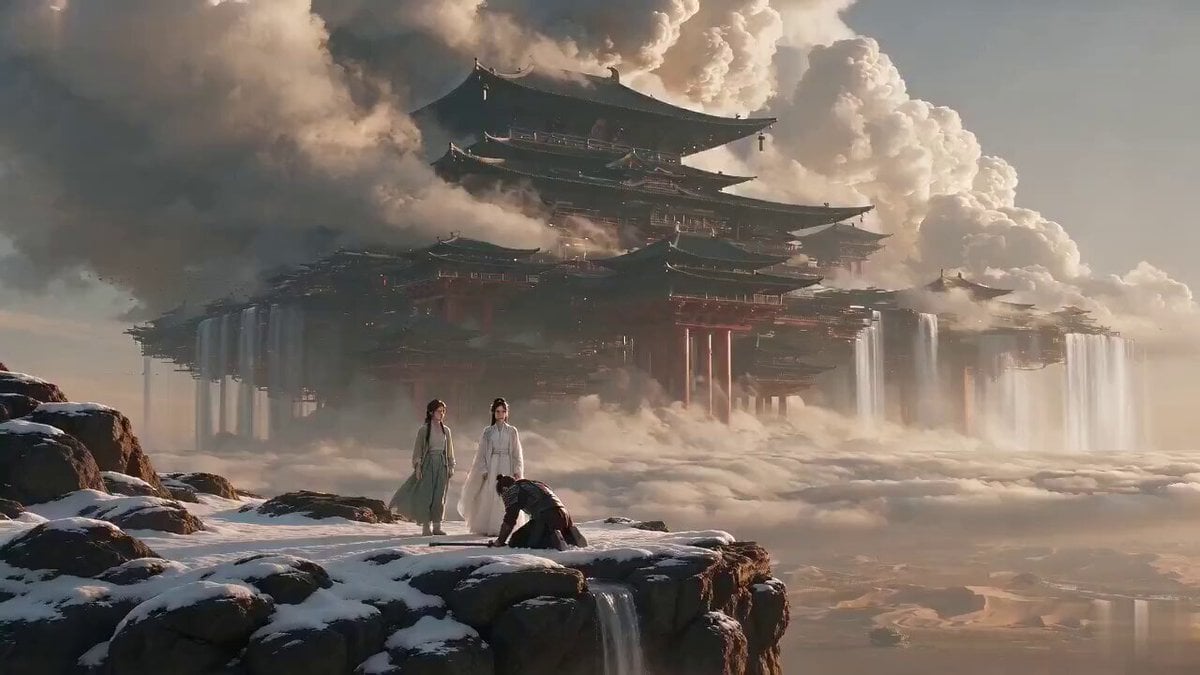
Cinematic Chinese Xianxia Drama Storyboard
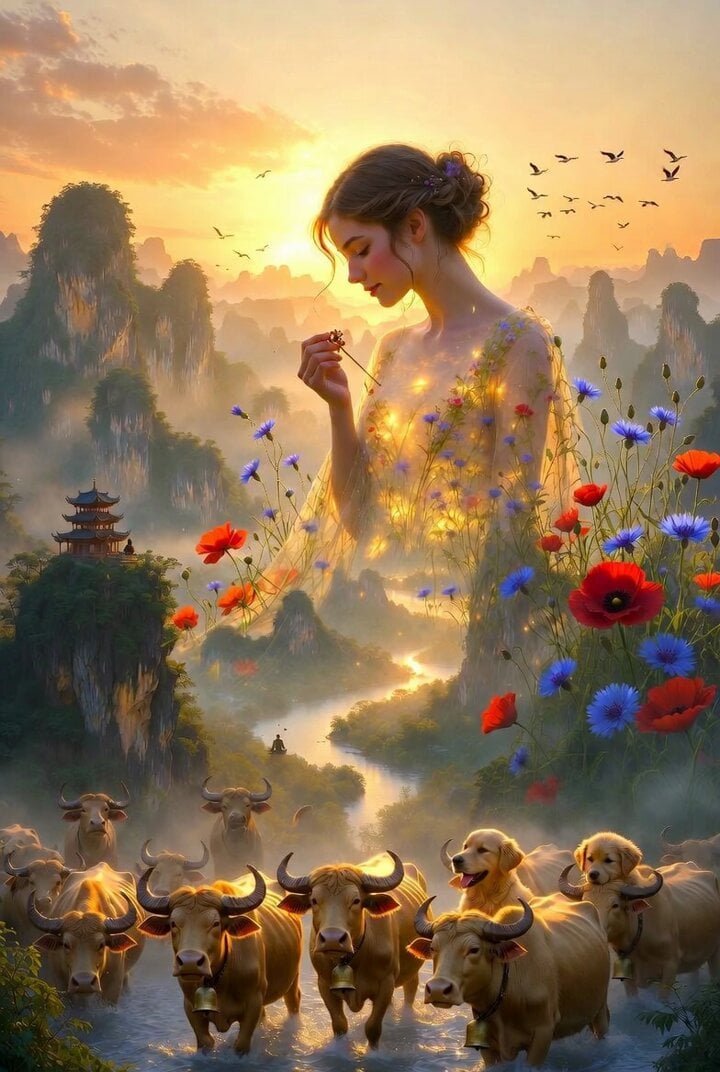
Translucent Spring Theme with Hairpin Gift
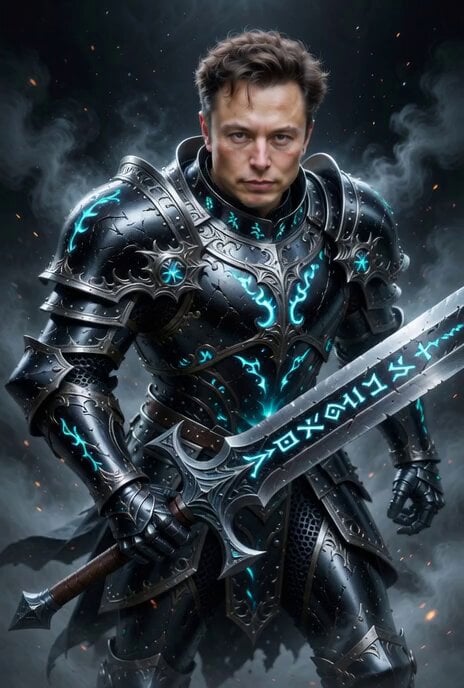
Ultra Anime Realistic Powerful Knight Video Prompt

Bollywood Star Trek dance video
Fantasy Griffin Nesting and Goblin Selfie

Confident Gym Wearable Tech Portrait
Luxury Jewelry Advertisement
Browse template categories
Ancient Joseon Palace Anime Scene questions
How do I use the Ancient Joseon Palace Anime Scene template?
Add your photo if the template asks for one, edit the prompt if you like — the template's model and format are already selected — and press Generate. Your version opens in PicX Studio.
Can I customize the Ancient Joseon Palace Anime Scene template?
Yes. You can change the subject, setting, lighting, mood, format, and available model controls before creating your video.
Is the Ancient Joseon Palace Anime Scene template free?
Opening and editing this template is free. Generating uses credits, shown on the Generate button when you are signed in.
Which AI model should I use?
Start with Seedance 2.0, which is the model associated with this template. You can compare another compatible model for a different finish.
Looking for something else? Browse all templates.

Your photo, any look
Thousands of ready templates for every top image and video model, from one credit balance.