
Cinematic Ancient Palace Cat-Girl Drama
A comprehensive video prompt for a 45-second cinematic short film set in an ancient palace, featuring character designs for an emperor and a shapeshifting cat girl with detailed scene breakdowns.

- Prompt included
- Model and format preset
- Free template
The prompt behind this video
Copy the exact prompt behind Cinematic Ancient Palace Cat-Girl Drama, or open it in the studio and make it yours.
45秒短劇,16:9,電影感,電影級光影,高級古風皇宮,超現實質感。 場景: 深夜奢華帝王寢宮,巨大龍床金絲帳幔,窗外月光灑落,燭火搖曳與冷藍月光對比,空氣中漂浮淡淡白霧。 角色: 男主是高大冷峻的霸道皇帝,臉龐輪廓分明、劍眉星目、深邃眼神帶有強烈壓迫感,龍袍墨黑金邊,氣場極強;女主是化形後的白貓女孩,雪白長髮帶軟萌貓耳,褐色眼睛配淡紫色眼影,如同SD娃娃般精緻妝容,薄紗白裙,身材玲瓏,氣質慵懶又倔強;太后是威嚴刻薄的美豔中年女子,鳳冠霞帔,華貴雍容,眼神凌厲;刺客是清瘦俊朗的中年男子,氣質冷冽,眼神銳利如刀。 風格: 電影級打光,淺景深,高級古風時尚攝影質感,電影色彩分級,極致細節,貓耳細毛隨風微動。 分鏡: 0-3s:皇帝獨坐龍床邊,冷峻側臉在月光下格外深刻,手輕撫身旁雪白貓咪。 3-6s:白貓舒服蜷縮在他懷裡,皇帝罕見露出柔和眼神。 6-9s:切到太后寢殿,太后美豔臉龐帶著刻薄怒意,重重拍桌:「皇帝夜夜抱貓同眠,拒絕選秀,立刻給我查清楚!」 9-12s:幾名太監低頭退下,畫面快速切到黑衣刺客潛入皇宮。 12-15s:刺客身影如鬼魅逼近寢宮,皇帝警覚抬頭,白貓突然竄起警戒。 第二段(15-30秒): 15-18s:刺客破窗而入,長刀直取白貓,皇帝瞬間起身將貓護在身後。 18-21s:白貓在月光中爆發刺眼白光,瞬間化形成帶貓耳的美女孩,薄紗輕舞,褐色眼睛在淡紫眼影襯托下格外迷人。 21-24s:刺客眼神從殺意瞬間變成驚艷與迷戀,刀停在半空。 24-27s:貓耳女孩輕盈落地,尾巴微微晃動,抬眸望向皇帝,眼神倔強。 27-30s:皇帝眼神一沉,低沉霸道開口:「敢動朕的貓,你們找死。」 第三段(30-45秒): 30-33s:貓耳女孩輕笑,貓耳抖動,主動擋在皇帝身前,精緻妝容在月光下如瓷娃娃般完美。 33-36s:刺客痴痴上前,聲音微顫:「姑娘……你究竟是何方仙子?」 36-39s:皇帝一把將女孩拉回懷裡,冷冷掃視刺客:「她是朕的人,誰也別想碰。」 39-42s:貓耳女孩抬頭看皇帝,眼神從倔強逐漸變成依戀,低聲:「陛下……今晚還要抱我睡嗎?」 42-45s:皇帝嘴角微揚,俯身靠近她耳邊,極低霸道地說:「不僅今晚,以後每晚你都逃不掉。」鏡頭停留在兩人充滿張力的對視與刺客呆滯的表情上。
How to use Cinematic Ancient Palace Cat-Girl Drama in 3 steps
- 1
Open
The prompt is already in the box next to the preview, with the template's model and format selected.
- 2…a portrait of your subject in softgolden-hour light, 85mm…
Personalize
Edit the subject and creative details for your destination.
- 3Generate
Generate
Press Generate — your video is created in PicX Studio, so you can compare it with the original and refine one variable at a time.
More like this
Templates with the same subject, style or setup. Open one to see its prompt.

3D Animated Cat and Old Man - Seedance
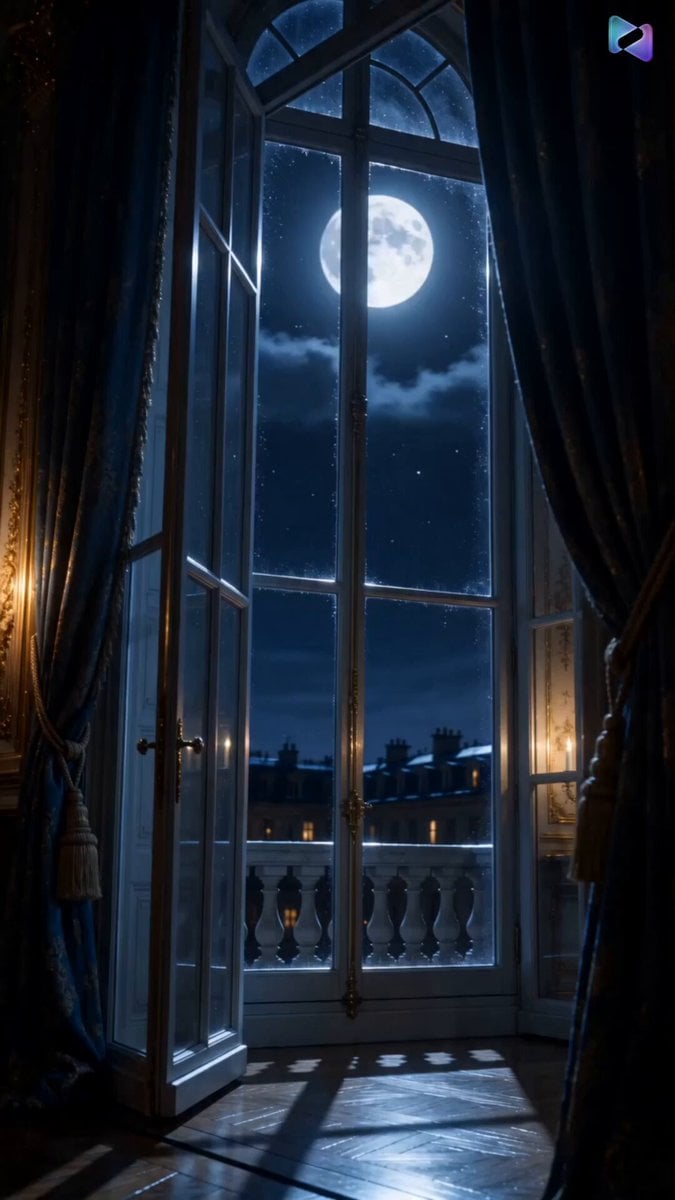
Versailles Palace Period Drama Script
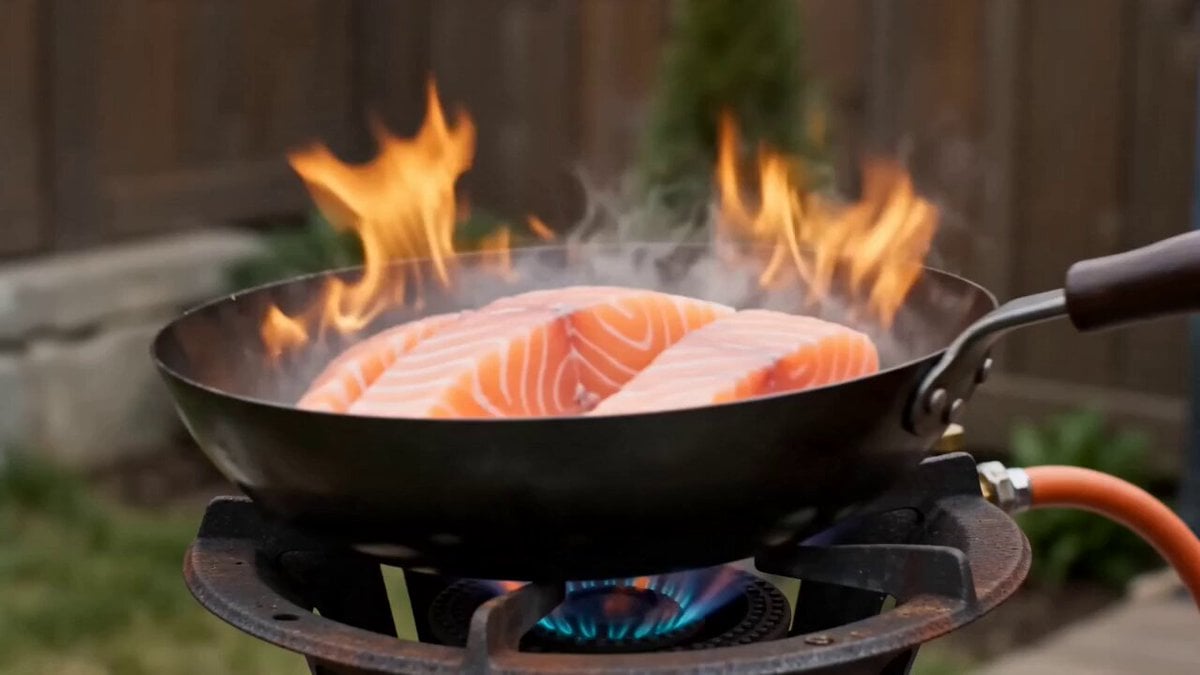
Shaw Brothers Style Cinematic Cat Drama
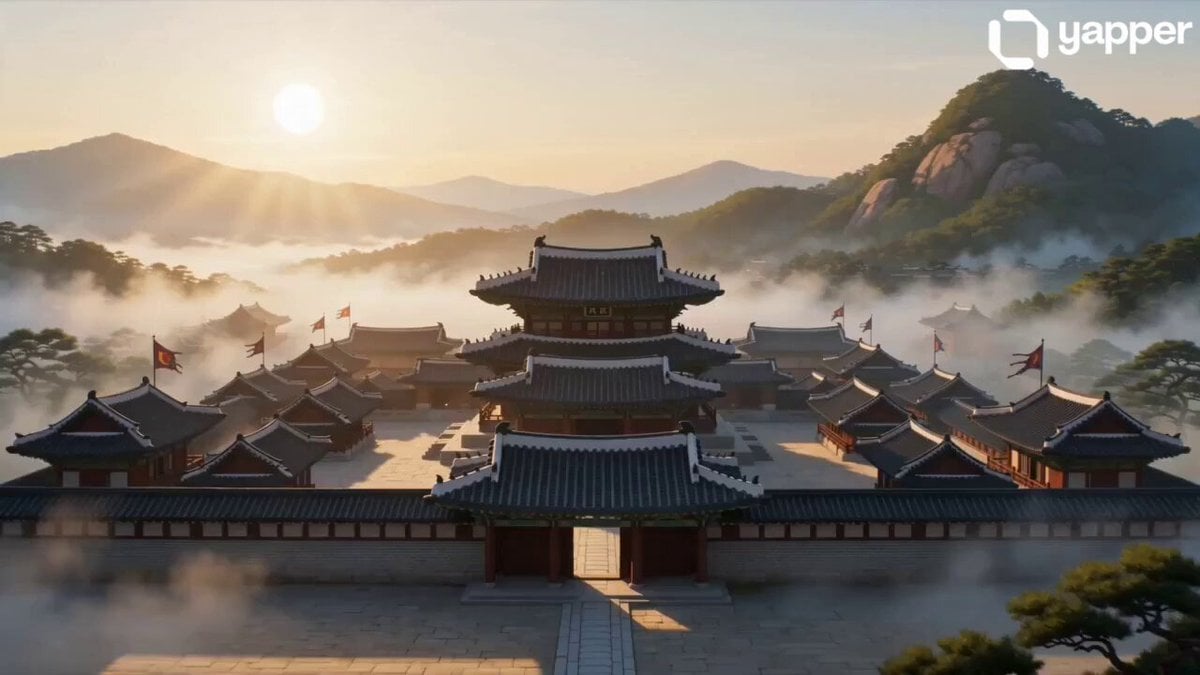
Ancient Joseon Palace Anime Scene
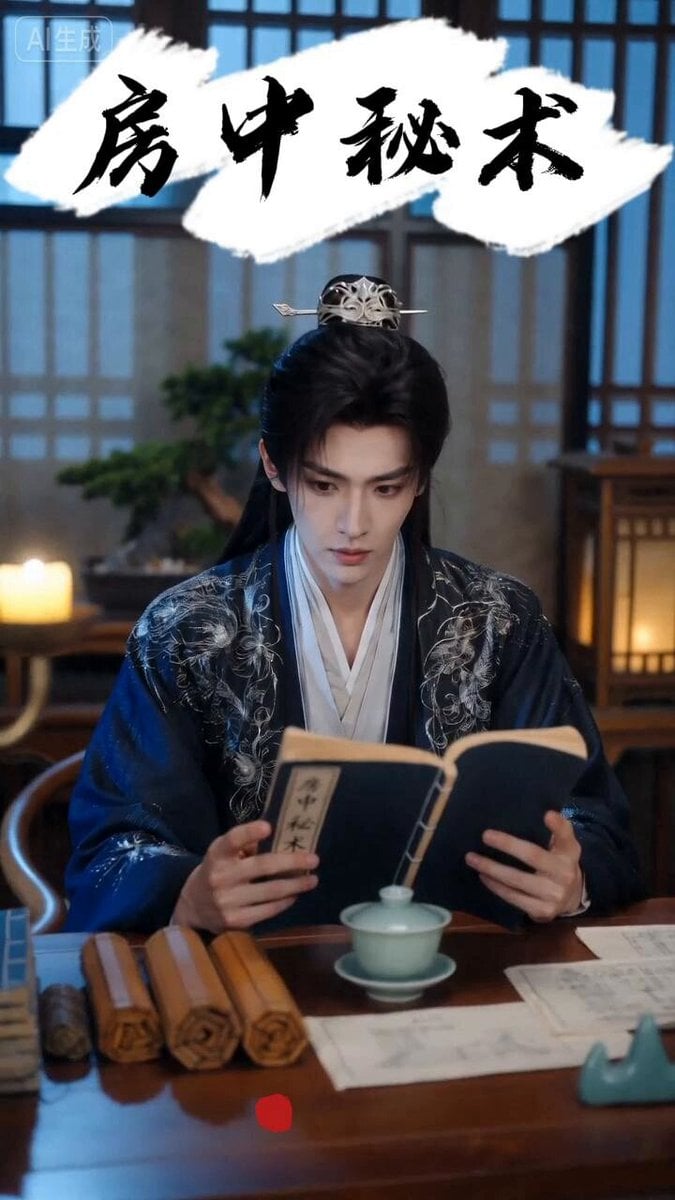
Ancient Chinese Rom-Com Mini-Drama
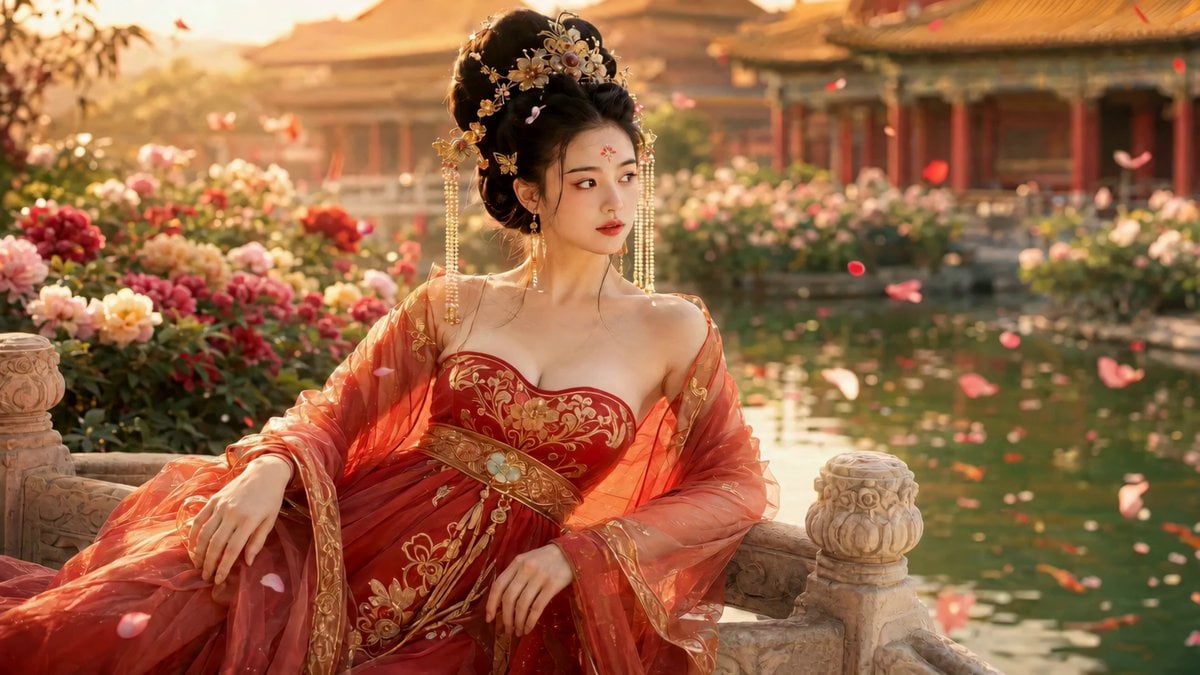
Cinematic Ancient Palace Beauty Close-up

Cinematic Anime Cat Girl Parkour
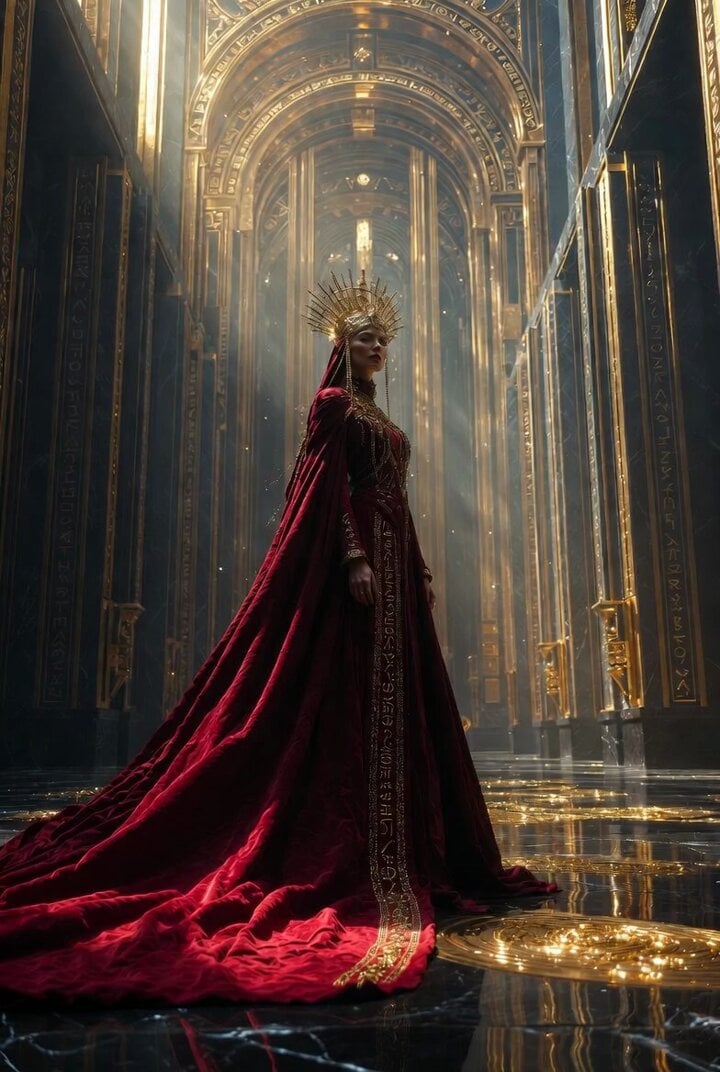
Cinematic Divine Empress in Ancient Palace
Dramatic Anime MV: Falling Tiger and Unimpressed Cat
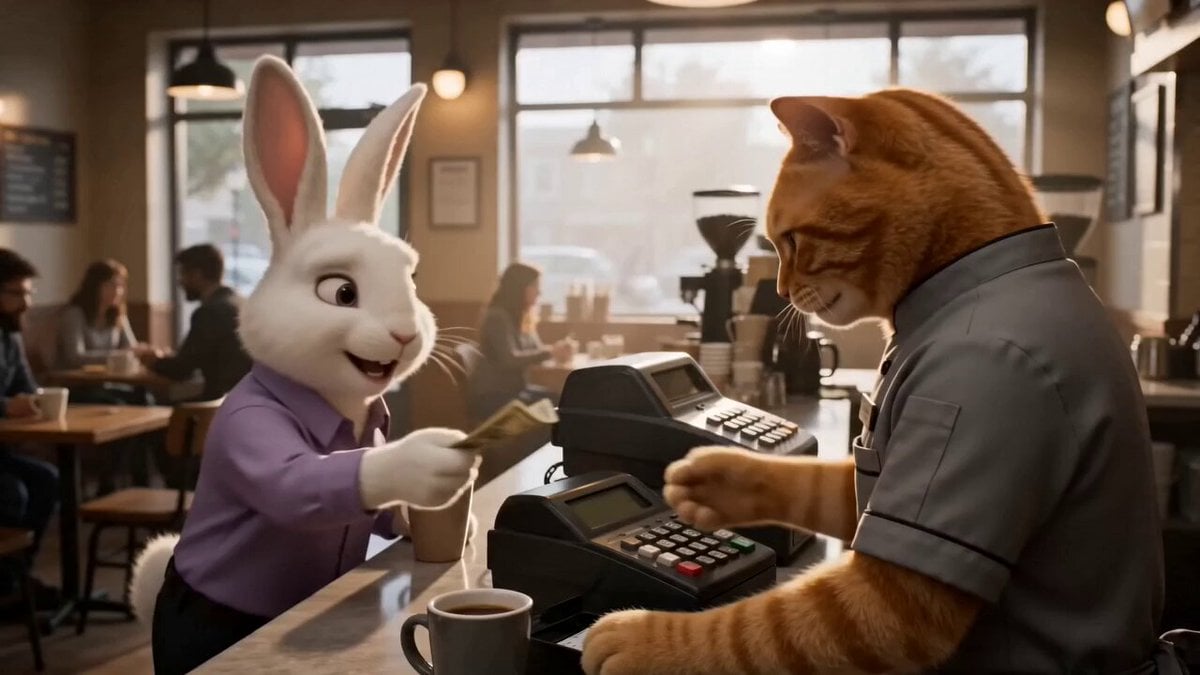
Café Counter Fight Cat Drama
Cartoon Bullfight Arena — Girl vs Bull (Seedance)
Stone Colossus Desert Riders — Golden Fire Reveal
Make it yours
Cinematic Ancient Palace Cat-Girl Drama works as-is. These are the safest ways to change it without losing the look.
Change one field
Copy a single group, rewrite it, and generate again so you can see what that field is doing.
Keep the frame, change the subject
Hold the composition and light of Cinematic Ancient Palace Cat-Girl Drama, then swap wardrobe, props or the person for a new take.
| If the result… | Why | Fix |
|---|---|---|
| The result drifts from the preview | Too many fields changed at once. | Reuse Cinematic Ancient Palace Cat-Girl Drama as-is first, then change one group — subject, light, or setting. |
| The model over-stylizes the scene | The prose prompt leaves finish and camera underspecified. | Add one camera or lighting sentence and stay on Seedance 2.0. |
More Seedance 2.0 templates
Other prompts made for Seedance 2.0.

Comical Martial Arts Punch Scene

Maglev Train Action Sequence

Martial Arts Fight Sequence

Wuxia Protection and Trust Script

Vintage Korean Arcade MiniDV Vlog

Mercedes 190 SL Luxury Ad

Rainy Night Supernatural Reverse Comedy Video Script

Amazon Civilization Discovery

Futuristic South Asian City Transformation

Cozy Luxury Cafe Commercial
More video prompts
Fresh picks from across the catalog.
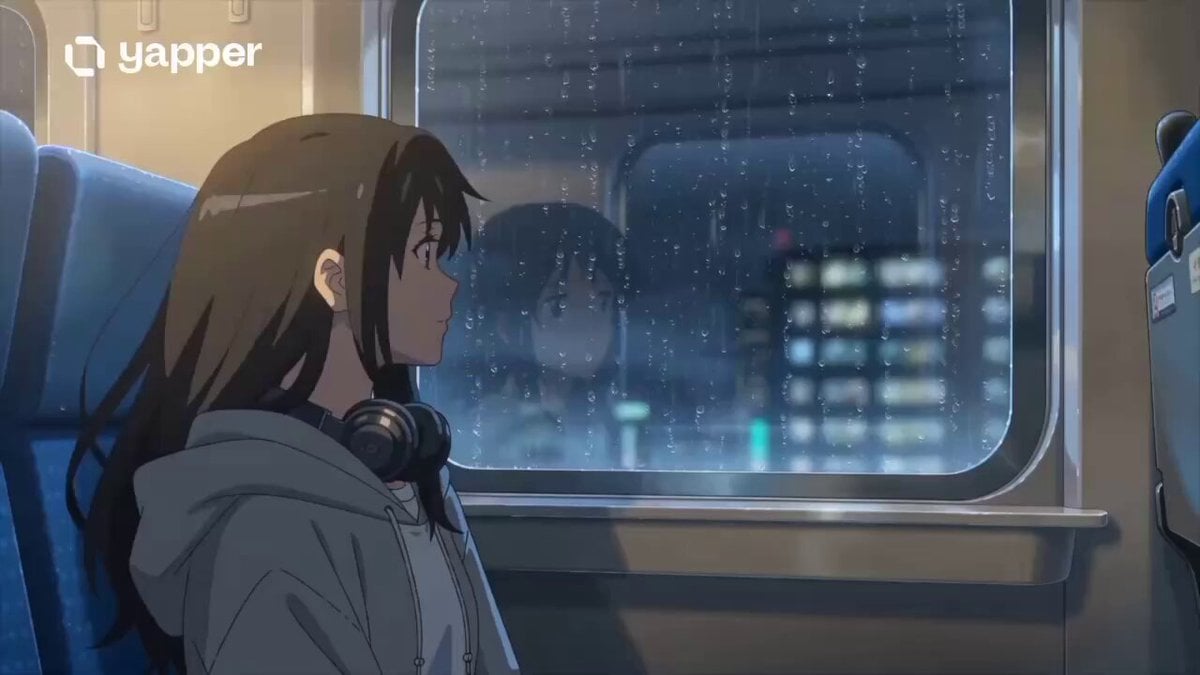
Anime Girl on Rainy Night Train
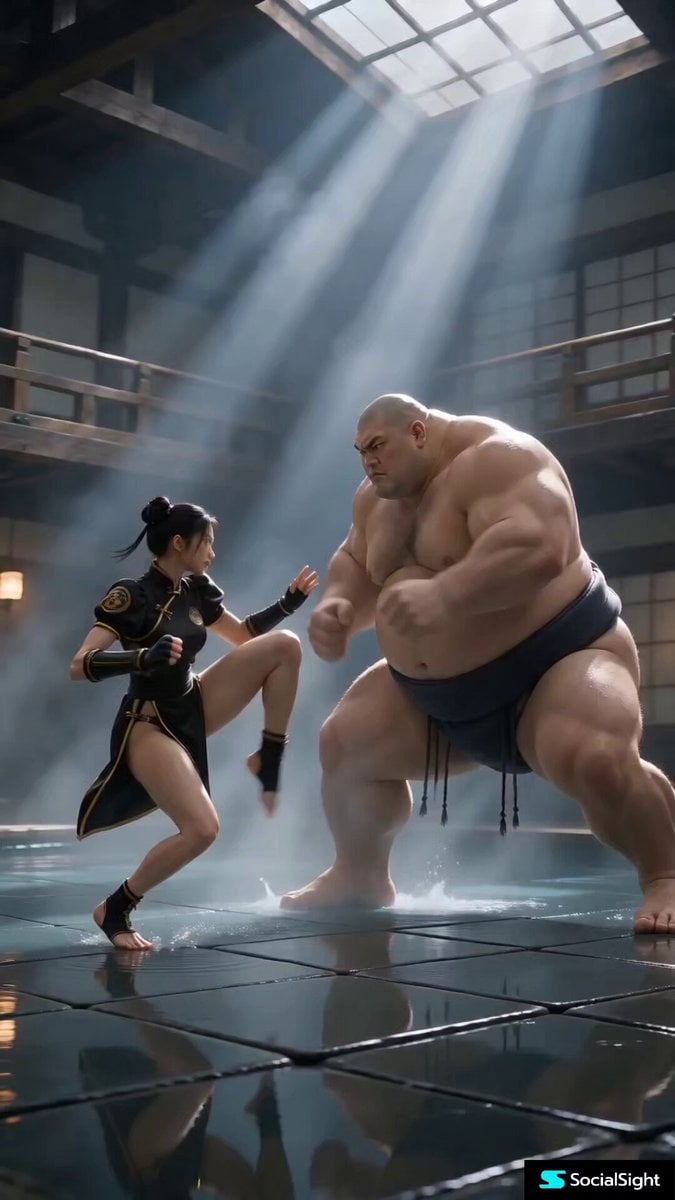
Cinematic Street Fighter Bathhouse Fight
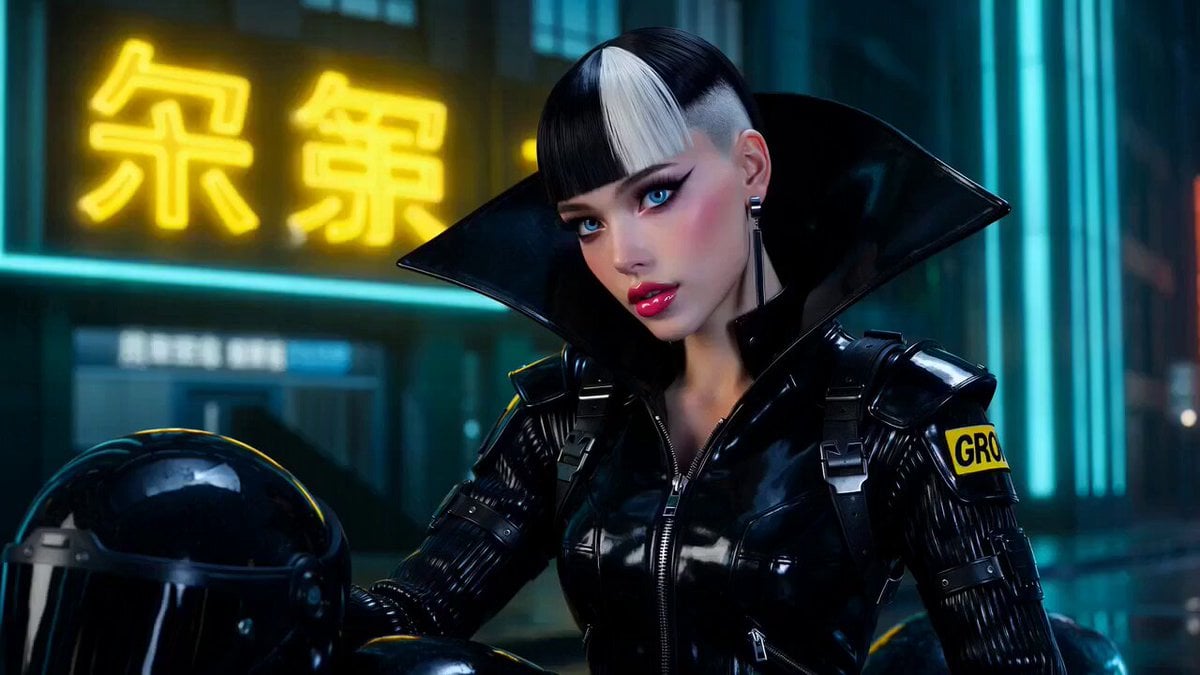
Cyberpunk Woman with GROK Patch
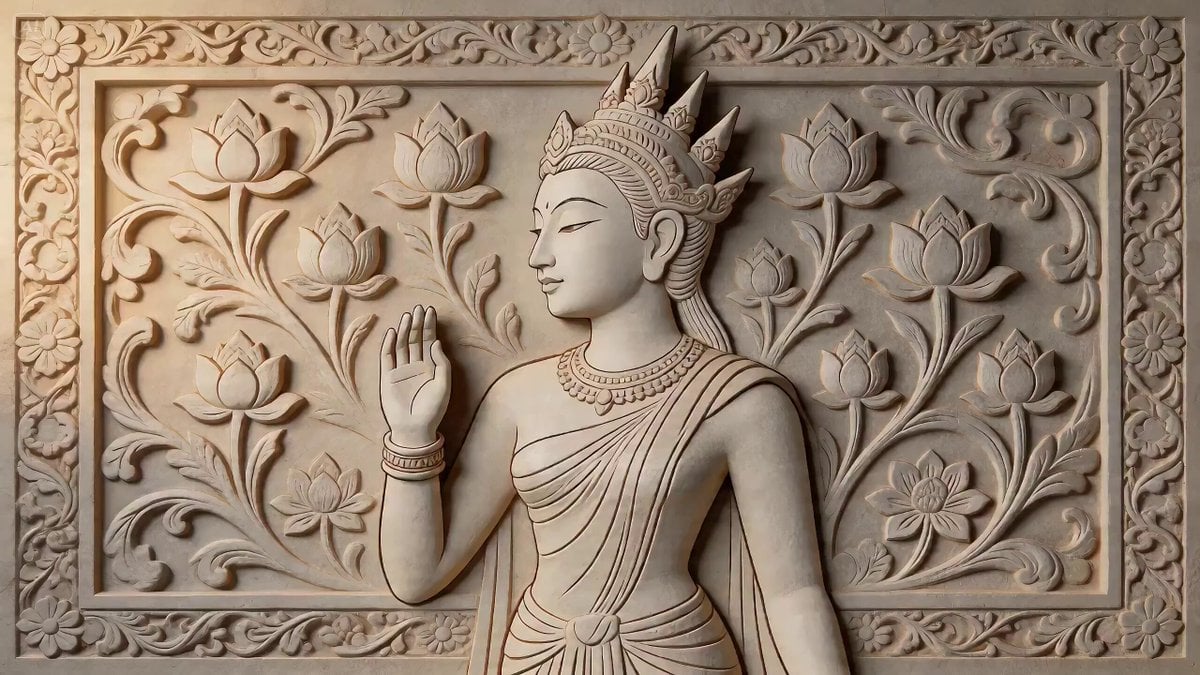
2D Carving Morphing into Human Woman
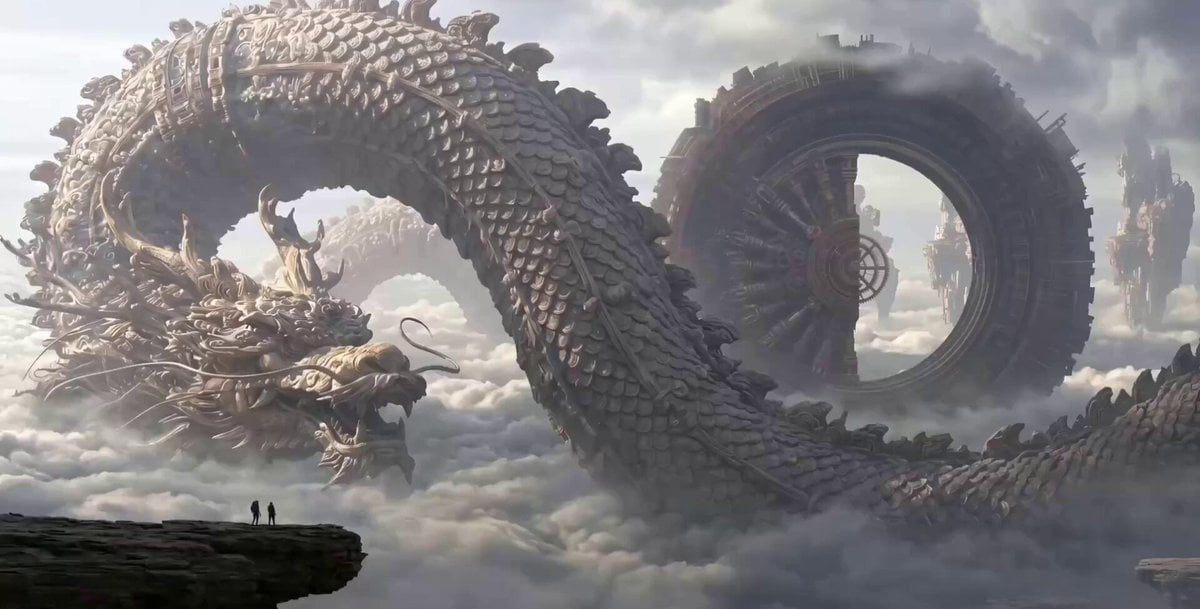
Clockwork Dragon Over Floating City

OLLY Gummy Vitamin Product Commercial
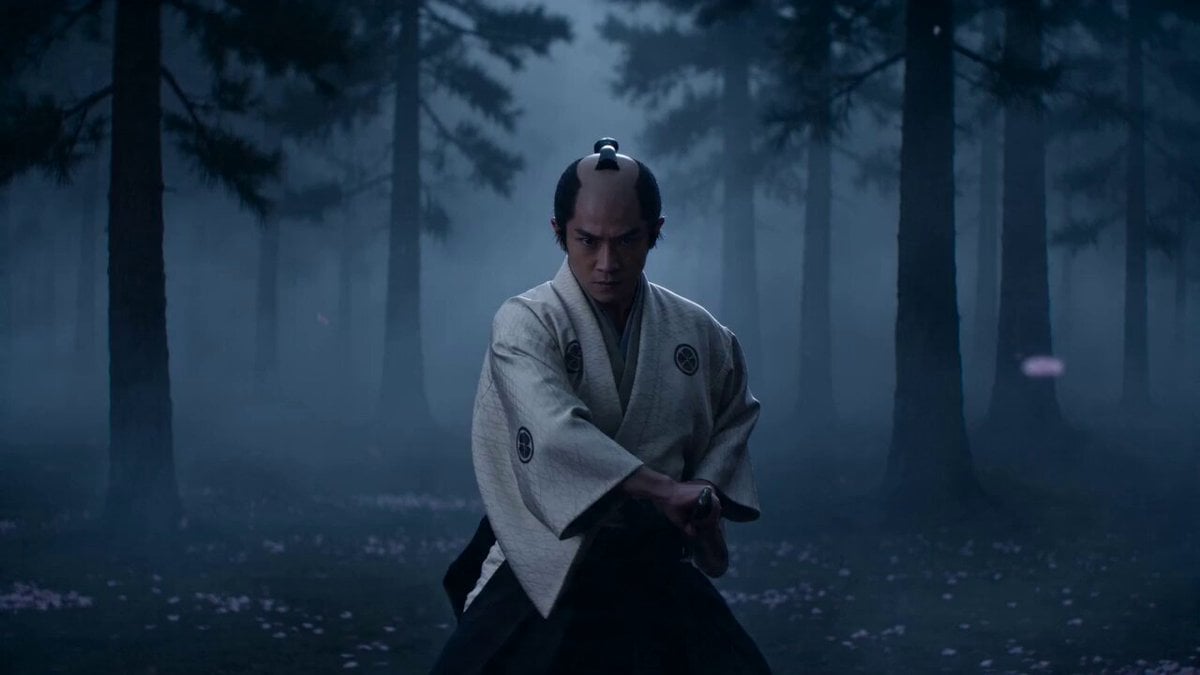
Cinematic Samurai VFX Battle
Luxury Hotel Thriller Sequence

Mystical Bioluminescent Owl Animation
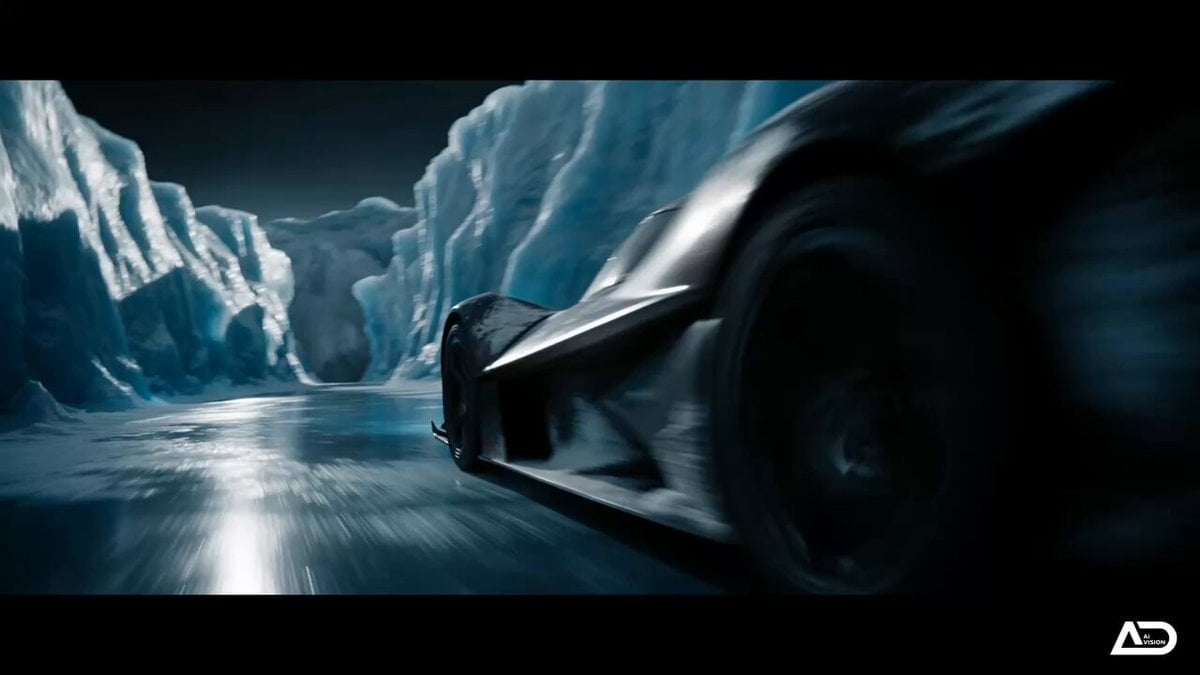
Futuristic Ice Canyon Racer Sequence
Browse template categories
Cinematic Ancient Palace Cat-Girl Drama questions
How do I use the Cinematic Ancient Palace Cat-Girl Drama template?
Add your photo if the template asks for one, edit the prompt if you like — the template's model and format are already selected — and press Generate. Your version opens in PicX Studio.
Can I customize the Cinematic Ancient Palace Cat-Girl Drama template?
Yes. You can change the subject, setting, lighting, mood, format, and available model controls before creating your video.
Is the Cinematic Ancient Palace Cat-Girl Drama template free?
Opening and editing this template is free. Generating uses credits, shown on the Generate button when you are signed in.
Which AI model should I use?
Start with Seedance 2.0, which is the model associated with this template. You can compare another compatible model for a different finish.
Looking for something else? Browse all templates.

Your photo, any look
Thousands of ready templates for every top image and video model, from one credit balance.