
Cinematic Samurai VFX Battle
A detailed cinematic prompt for Seedance 2.0 depicting a high-speed samurai duel featuring explosive VFX and elemental 'breathing' techniques.
- Prompt included
- Model and format preset
- Premium template
The prompt behind this video
Copy the exact prompt behind Cinematic Samurai VFX Battle, or open it in the studio and make it yours.
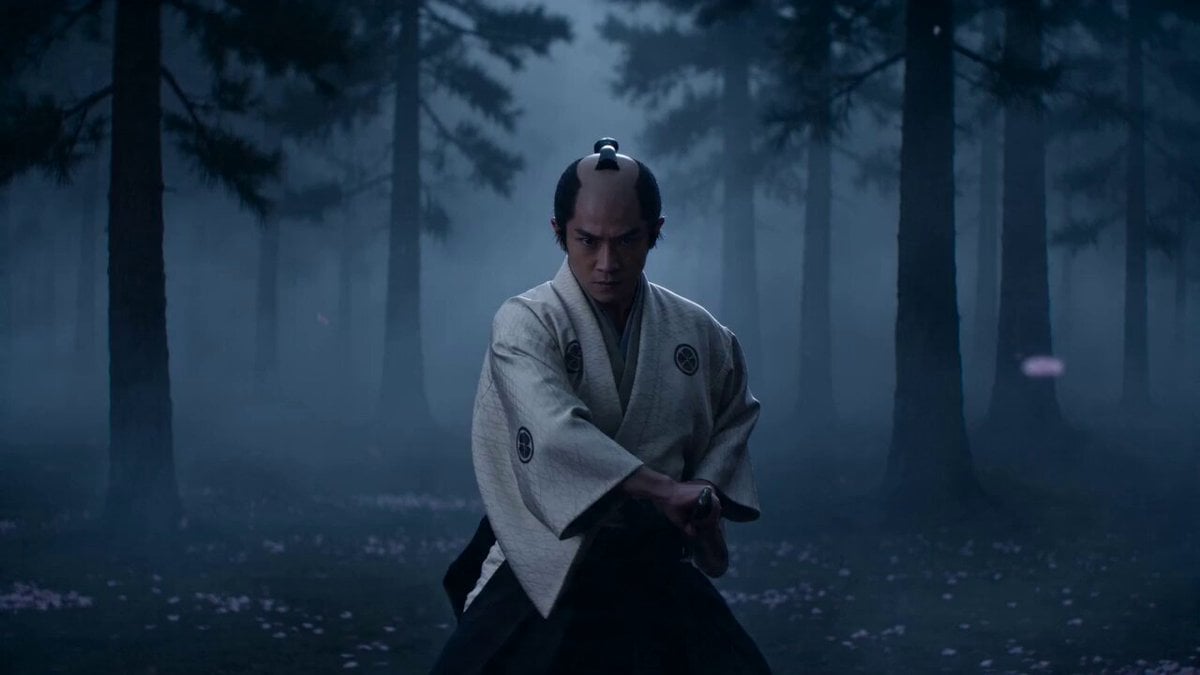
実写版マンガ adaptation ・ 呼吸法最終決戦(15秒・超大作VFX版) コア要素 花弁の呼吸(淡い薔薇色の水花弁ドラゴン) VS 紅蓮の呼吸(深いダスティローズ色の雷撃) 実写映画のような超高速剣戟。 スタイル: ハリウッド実写マンガ映画風、幻想的でダークな和風サムライ美学、4K超高精細、超高速カット、爆発的パーティクル演出、流血表現なし。 尺:15秒 シーン設定 月明かりに包まれた霧深い森。 地面には淡い桜の花びらが散り積もり、白い花弁が静かに舞っている。 [00:00–00:05] Shot 1:花弁の調べ・序章(緊張感を高める導入) 若き侍が、クリームホワイトの市松模様の羽織をまとい、月光の下で低く重心を落とす。 両手で刀を握り、静かに深呼吸する。 その瞬間、空気が凍りつき、一斉に花開く。 刀を抜くと同時に、高圧の淡桃色の水流から巨大な花弁ドラゴンが形成される。 柔らかな薔薇色の水花弁が、侍の身体と刀を高速で旋回し、滝の咆哮のような轟音を響かせる。 VFX演出 半透明のピーチピンク色の水飛沫と、舞い散る花弁が暗い森を柔らかな暖色光で照らす。 [00:05–00:10] Shot 2:ローズ・フラッシュ(超高速突進) 対峙するのは、ダスティローズ色の羽織をまとった銀髪の剣士。 彼は居合の構えで極限まで低く身を沈める。 次の瞬間――地面が爆発。 彼の姿は、深紅の薔薇色を帯びた雷光の残像へと変わり、信じられない速度で木々の間をジグザグに駆け抜ける。 VFX演出 暖かなローズクリムゾンの電撃が、焼け焦げた花弁のような軌跡を空中に残していく。 [00:10–00:15] Shot 3:花弁と紅蓮の衝突(最終激突) 若き侍は巨大な花弁ドラゴンを振り下ろし、 銀髪の剣士は深紅の雷撃となって真正面から突撃する。 刀と刀が、画面中央で激突。 VFXクライマックス 淡薔薇色の花弁ドラゴンと、深紅の雷撃が衝突し、大爆発。 クリーム色、薔薇色、白色のエネルギー波が渦を巻きながら周囲へ拡散していく。 衝撃波で木々は折れ、花弁と発光する霧がレンズを覆い尽くす。 そして最後は、視界を焼き尽くすような ピンク・ホワイト・クリーム色の閃光で幕を閉じる。
How to use Cinematic Samurai VFX Battle in 3 steps
- 1
Open
The prompt is already in the box next to the preview, with the template's model and format selected.
- 2…a portrait of your subject in softgolden-hour light, 85mm…
Personalize
Edit the subject and creative details for your destination.
- 3Generate
Generate
Press Generate — your video is created in PicX Studio, so you can compare it with the original and refine one variable at a time.
More like this
Templates with the same subject, style or setup. Open one to see its prompt.
Sea Serpent vs Crab Titan — Ocean Battle
Epic Fantasy VFX Battle Sequence
Cyberpunk Samurai Battle Video Prompt
Charaspower Still World Higgsfield
Time Stealer — Seedance 2.0
Swordsman vs Shadow Monster — Bamboo Forest Battle
Tiger vs Gorilla — Jungle Canyon Clash
Subway Flood — Epic Tunnel Chaos
Mecha Transformation vs Kaiju — 4-Scene Epic
Asteroid Impact City Destruction
Luxury Handbag Commercial — Hollywood VFX Ad
Tornado VFX Miniature City Destruction
Make it yours
Cinematic Samurai VFX Battle works as-is. These are the safest ways to change it without losing the look.
Change one field
Copy a single group, rewrite it, and generate again so you can see what that field is doing.
Keep the frame, change the subject
Hold the composition and light of Cinematic Samurai VFX Battle, then swap wardrobe, props or the person for a new take.
| If the result… | Why | Fix |
|---|---|---|
| The result drifts from the preview | Too many fields changed at once. | Reuse Cinematic Samurai VFX Battle as-is first, then change one group — subject, light, or setting. |
| The model over-stylizes the scene | The prose prompt leaves finish and camera underspecified. | Add one camera or lighting sentence and stay on Seedance 2.0. |
More Seedance 2.0 templates
Other prompts made for Seedance 2.0.

Comical Martial Arts Punch Scene

Maglev Train Action Sequence

Martial Arts Fight Sequence

Wuxia Protection and Trust Script

Vintage Korean Arcade MiniDV Vlog

Mercedes 190 SL Luxury Ad

Rainy Night Supernatural Reverse Comedy Video Script

Amazon Civilization Discovery

Futuristic South Asian City Transformation

Cozy Luxury Cafe Commercial
More video prompts
Fresh picks from across the catalog.
Cinematic Match Cut Flashback Sequence
Runner with BE 2060 i inscription passing through sequential doors video prompt
Handheld iPhone Style Melancholic Story
Epic Off-Road Motorcycle Racing Video
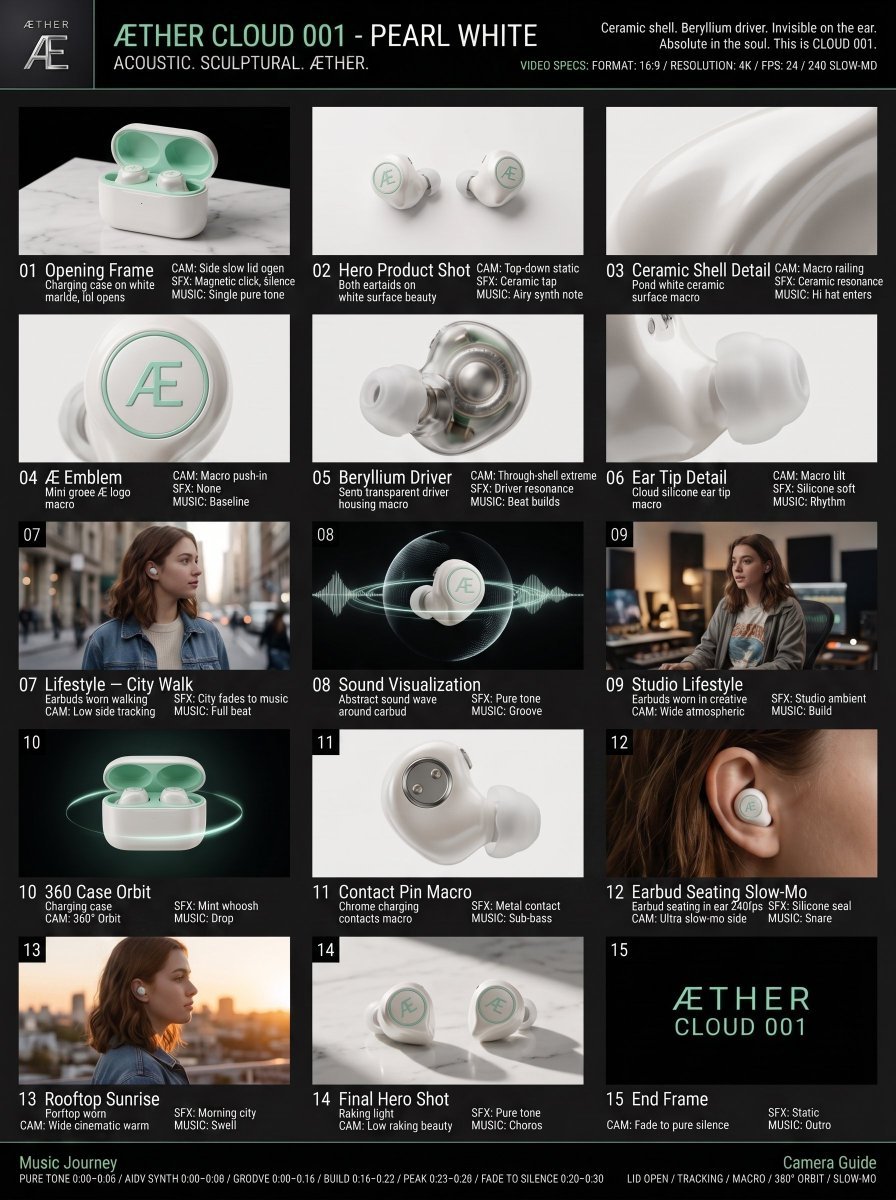
Luxury Audio Product Commercial
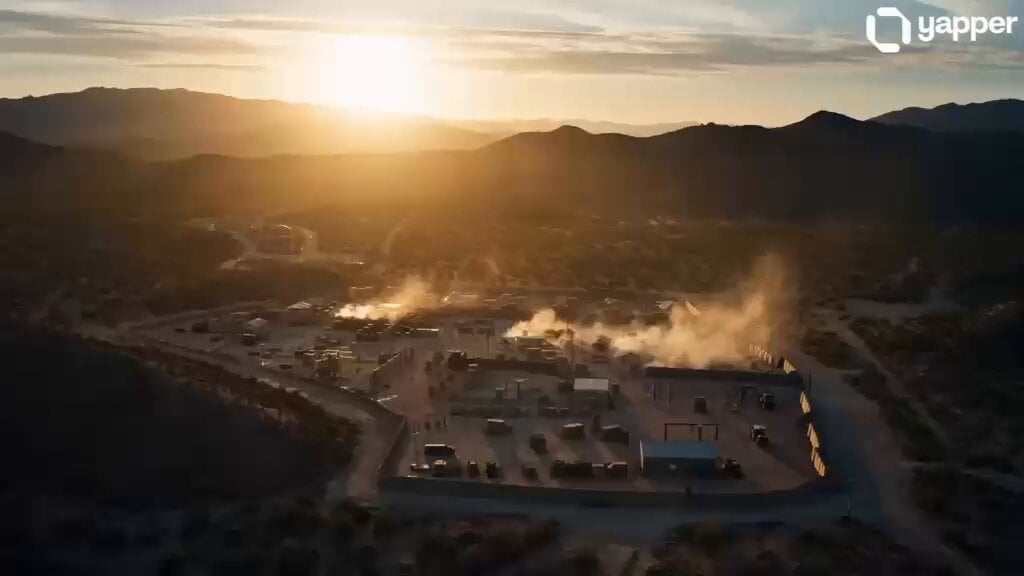
Elite Combat Forces Training Cinematic
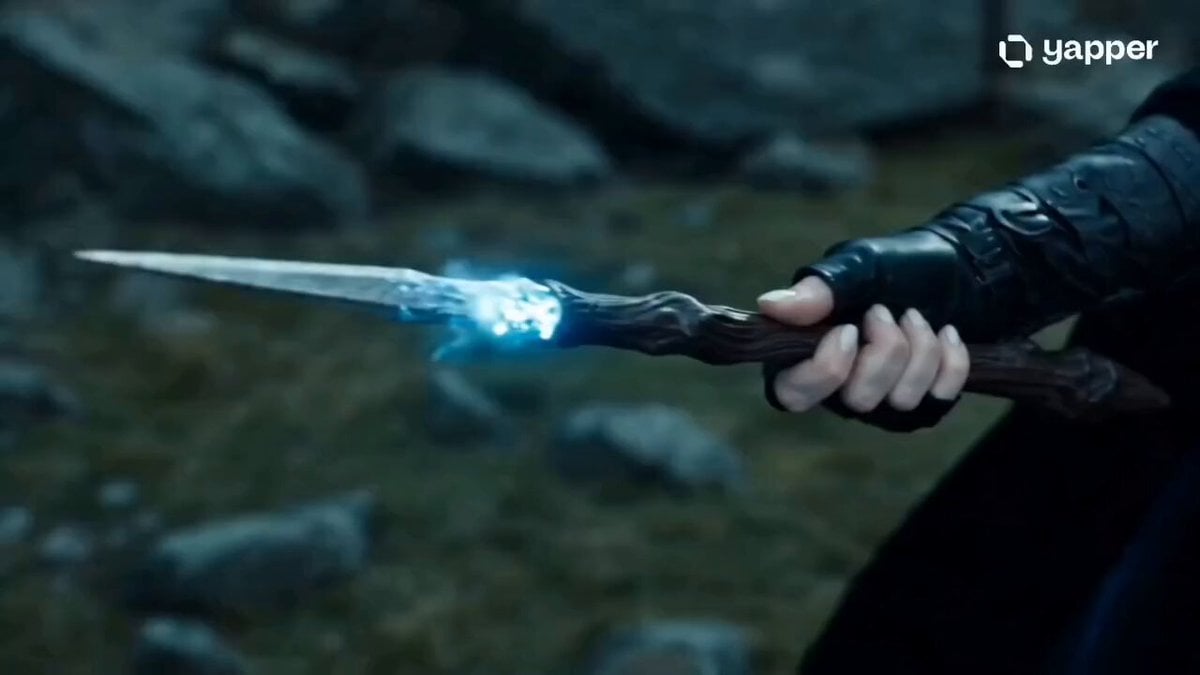
Sorceress Frost Shockwave
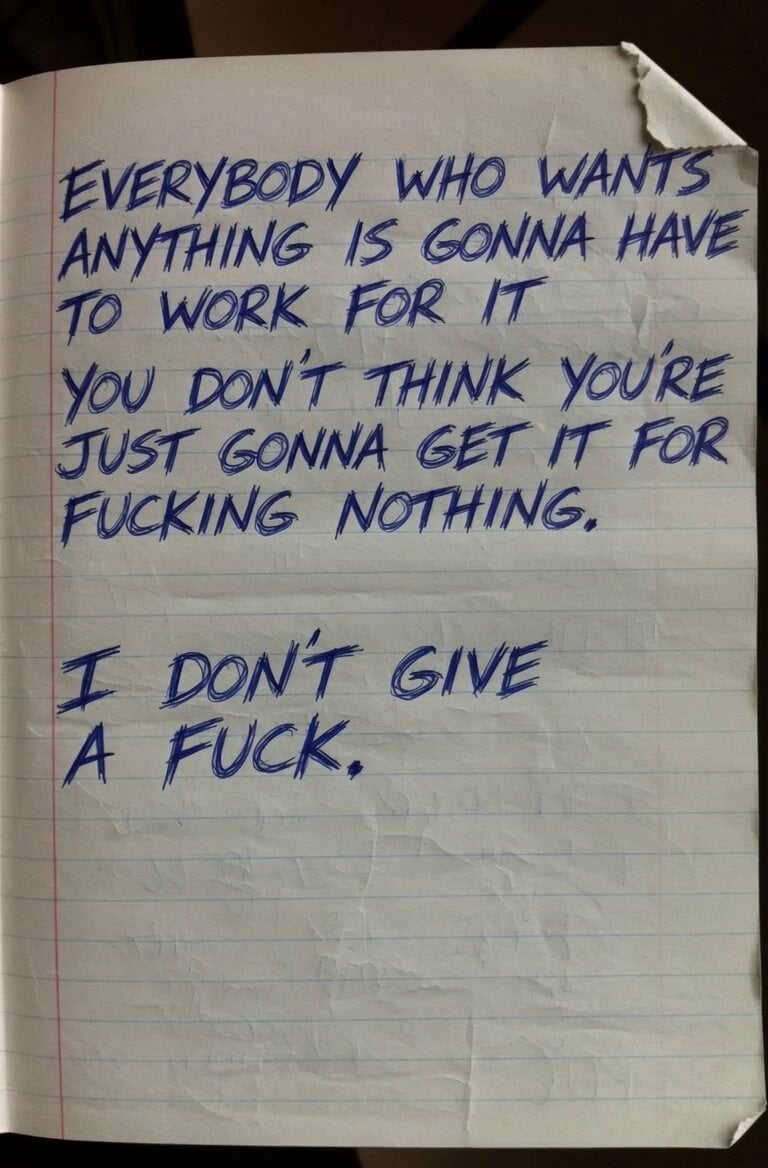
Motivational Work Ethic Video
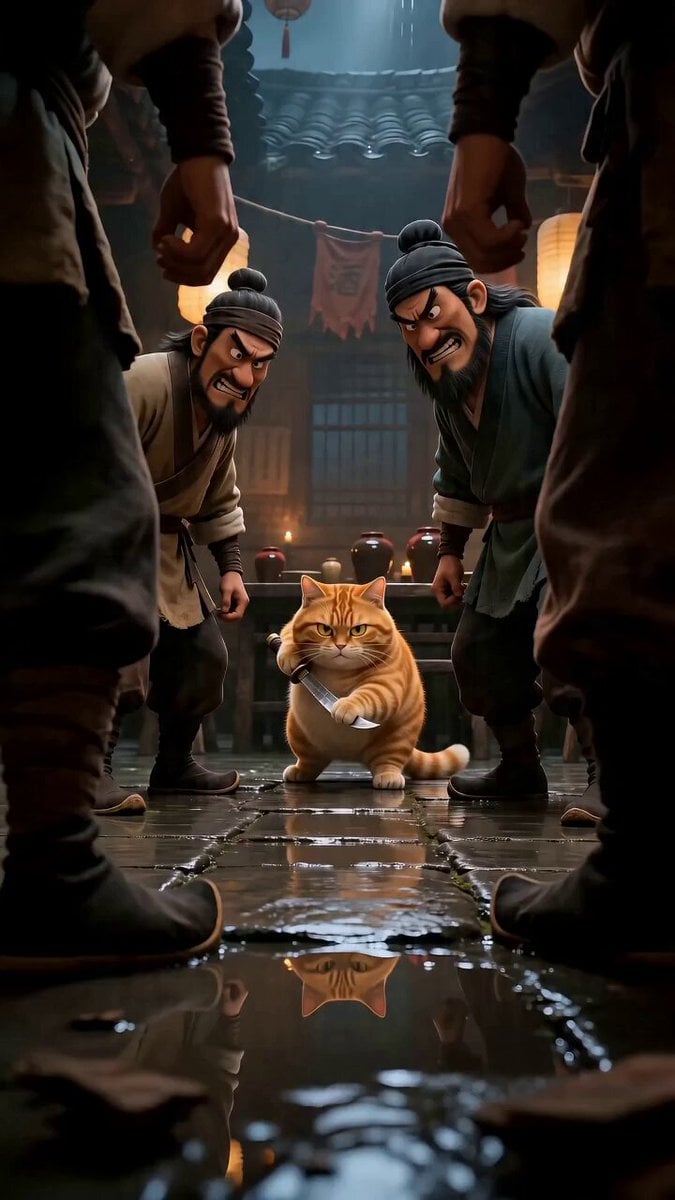
Cinematic cat action comedy prompt

Miniature 3D India Landscape Animation
Browse template categories
Cinematic Samurai VFX Battle questions
How do I use the Cinematic Samurai VFX Battle template?
Add your photo if the template asks for one, edit the prompt if you like — the template's model and format are already selected — and press Generate. Your version opens in PicX Studio.
Can I customize the Cinematic Samurai VFX Battle template?
Yes. You can change the subject, setting, lighting, mood, format, and available model controls before creating your video.
Is the Cinematic Samurai VFX Battle template free?
Opening and editing this template is free. Generating uses credits, shown on the Generate button when you are signed in.
Which AI model should I use?
Start with Seedance 2.0, which is the model associated with this template. You can compare another compatible model for a different finish.
Looking for something else? Browse all templates.

Your photo, any look
Thousands of ready templates for every top image and video model, from one credit balance.