
Elite Combat Forces Training Cinematic
An 8K high-intensity cinematic sequence of military special forces training, featuring aerial drone shots and slow-motion tactical drills.
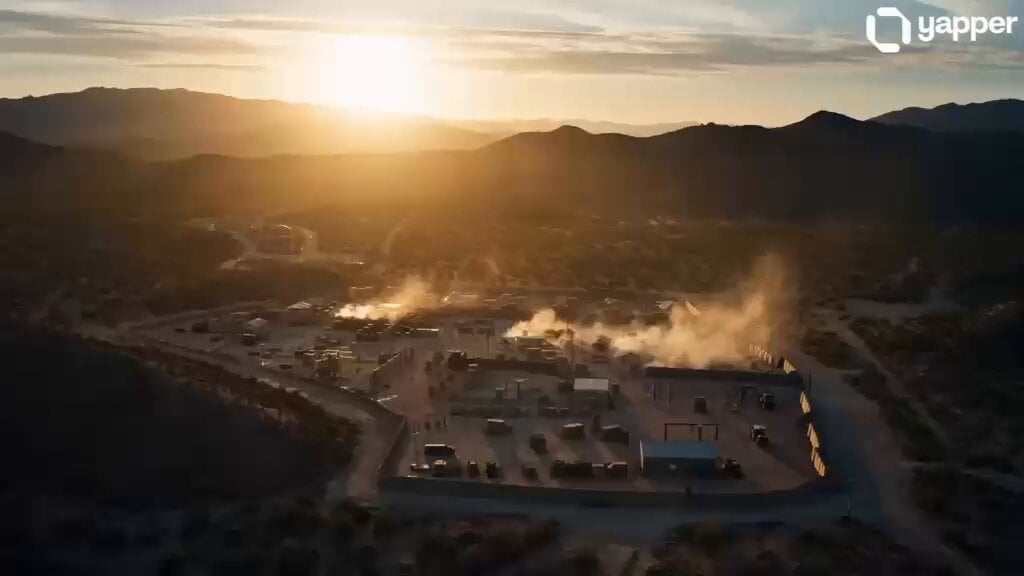
- Prompt included
- Model and format preset
- Free template
The prompt behind this video
Copy the exact prompt behind Elite Combat Forces Training Cinematic, or open it in the studio and make it yours.
A high-intensity 15-second cinematic sequence showcasing elite combat forces training in ultra-high resolution (8K). The video opens with a wide aerial drone shot at sunrise, revealing a rugged military training ground surrounded by mountains and dust-filled terrain. Deep shadows and golden light create a dramatic atmosphere. Cut to slow-motion close-ups of soldiers in full tactical gear running through obstacle courses—jumping over barriers, crawling under barbed wire, and moving in perfect synchronization. Sweat, dirt, and grit are highly detailed, emphasizing realism. Transition to a dynamic tracking shot following a squad performing coordinated combat drills—room clearing, hand signals, and precision movements. Camera switches between shoulder-level immersive angles and top-down drone perspectives for deep spatial views. Include explosive training simulations with controlled blasts in the background, dust particles flying in crisp detail. End with a powerful slow-motion shot of the team standing متحد (united), breathing heavily, as the camera pulls back into a wide cinematic frame with dramatic lighting and depth of field.
How to use Elite Combat Forces Training Cinematic in 3 steps
- 1
Open
The prompt is already in the box next to the preview, with the template's model and format selected.
- 2…a portrait of your subject in softgolden-hour light, 85mm…
Personalize
Edit the subject and creative details for your destination.
- 3Generate
Generate
Press Generate — your video is created in PicX Studio, so you can compare it with the original and refine one variable at a time.
More like this
Templates with the same subject, style or setup. Open one to see its prompt.
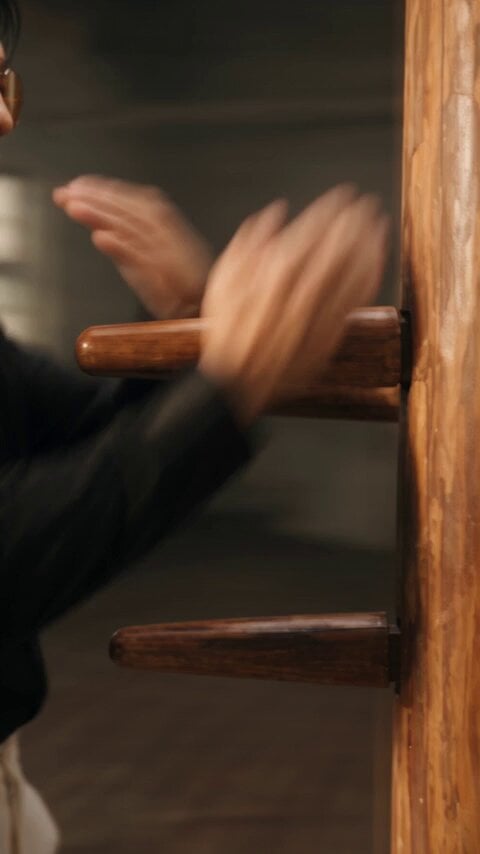
Realistic Wing Chun Kung Fu Training Video
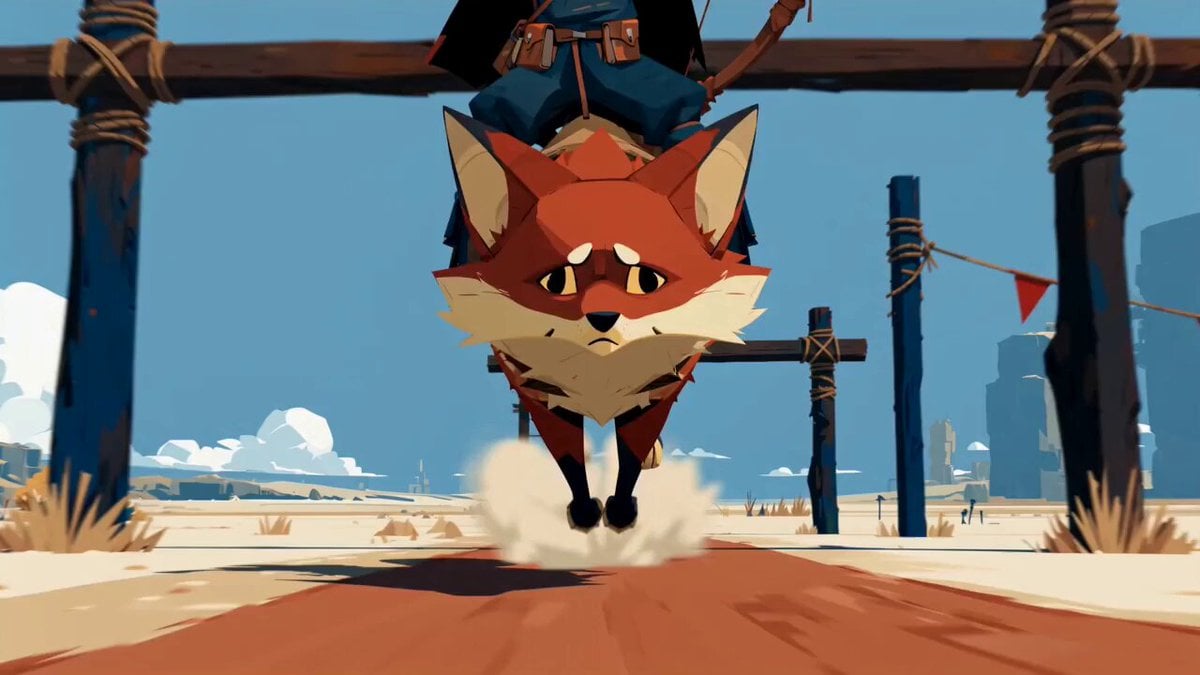
Fantasy Desert Training Sequence
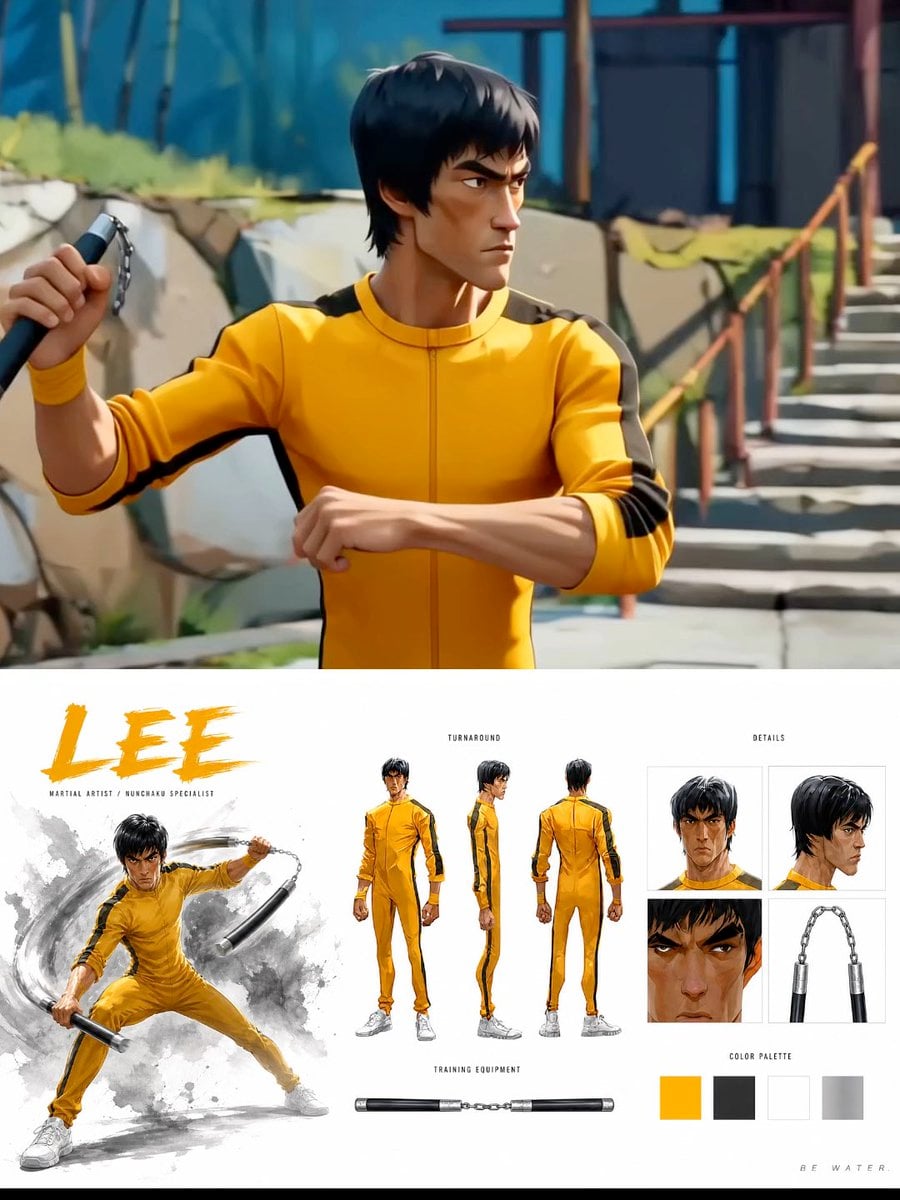
Cinematic Anime Martial Arts Training Ground

Warrior Training and Samurai Battlefield Transition

Green Dragon Training Short
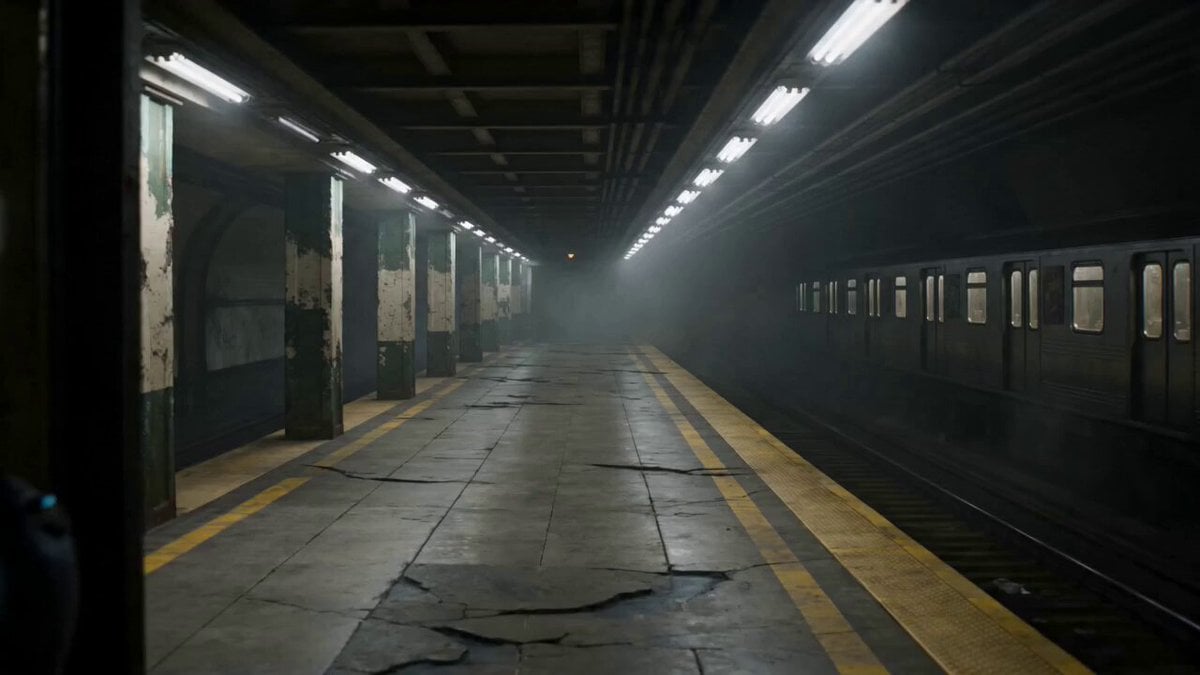
Futuristic Special Forces Subway Action Video Prompt
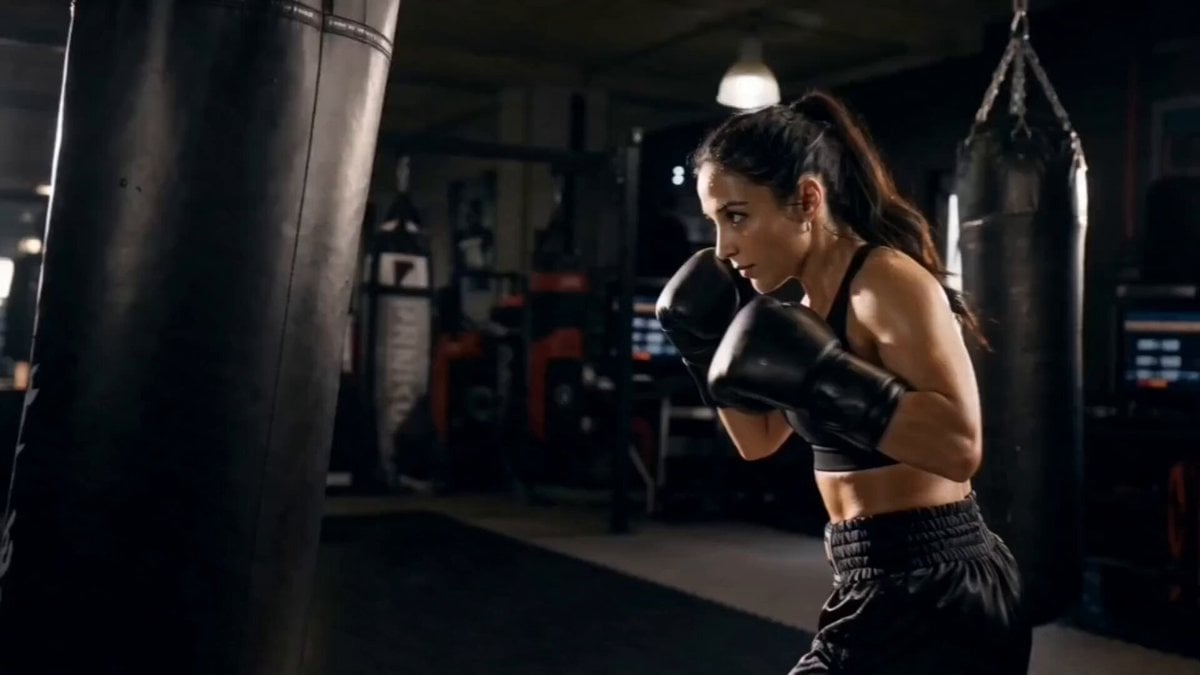
Female Boxer Training Montage
Cinematic Gym Training Intensity
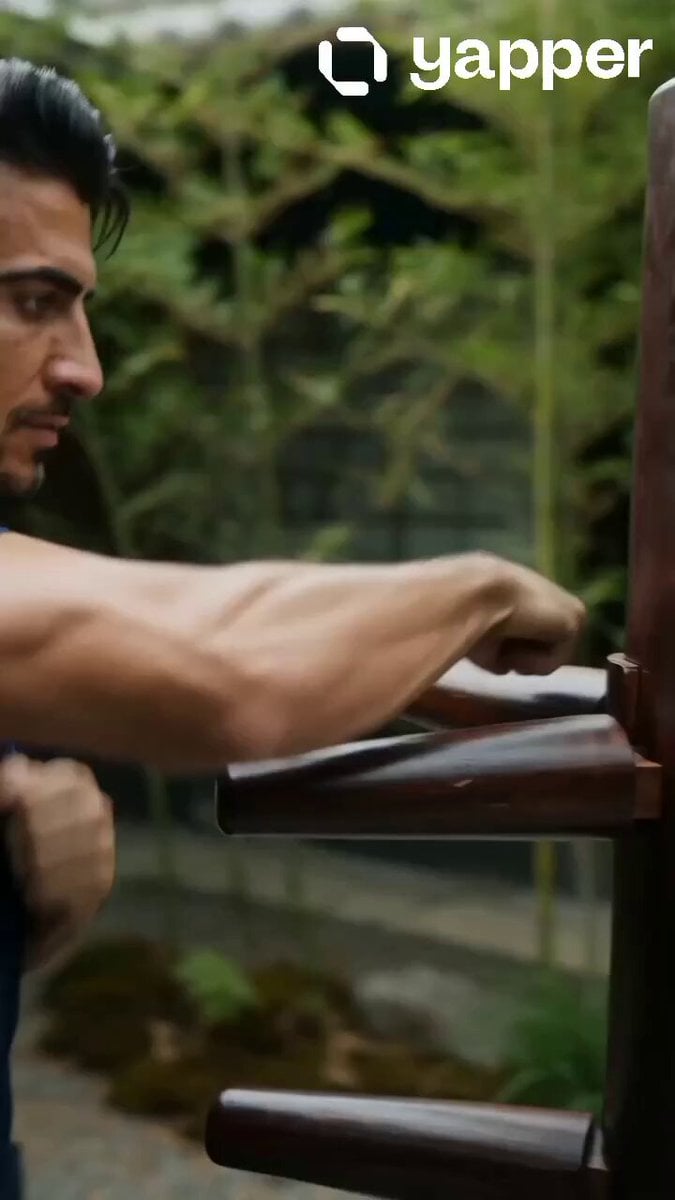
Realistic Wing Chun Training Sequence
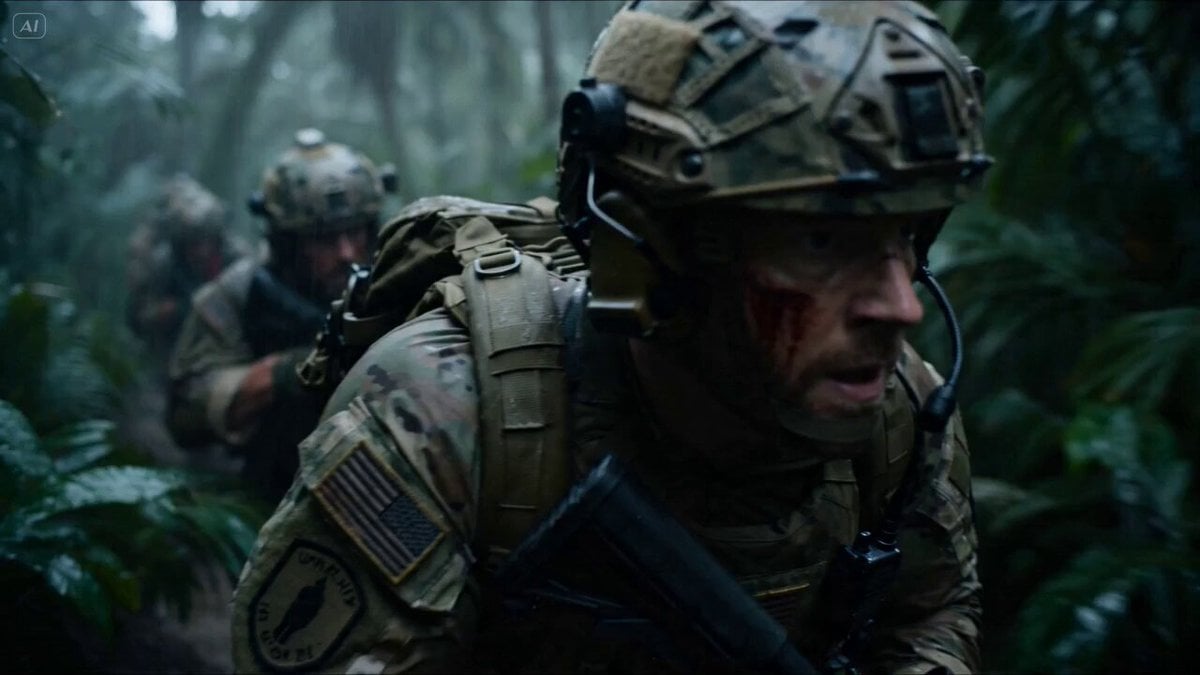
Special Forces Alien Ambush VFX Prompt

Emotional Horse Training Movie Trailer
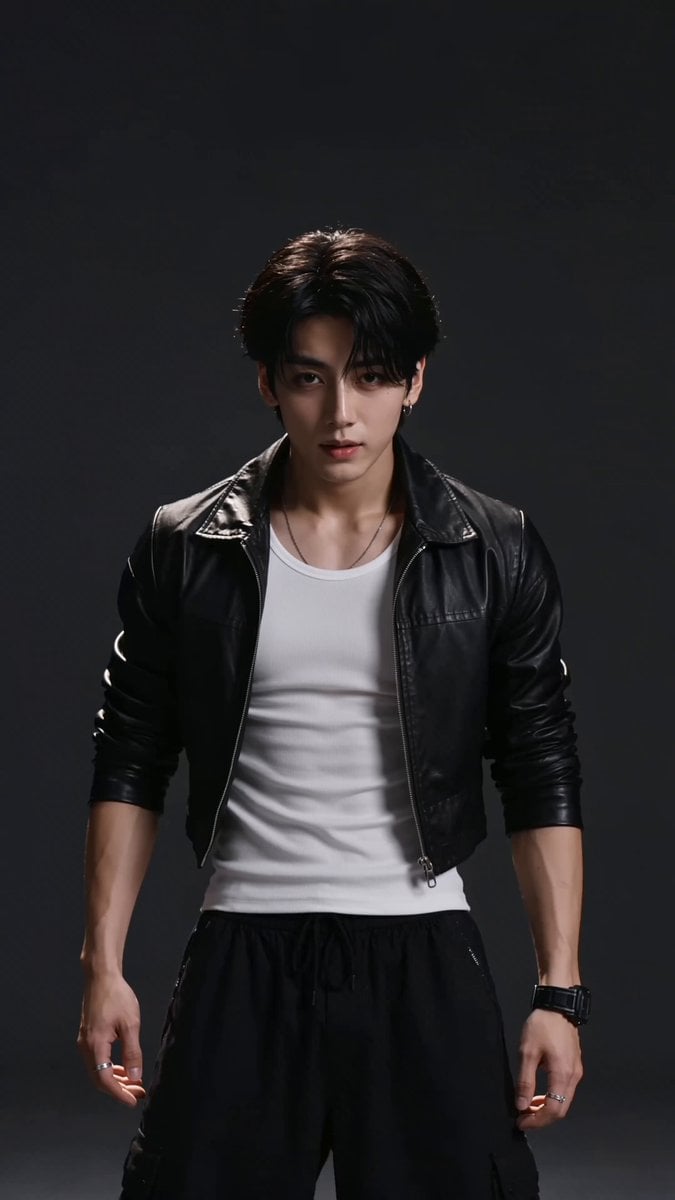
Elite Hip-Hop Dance Choreography
Make it yours
Elite Combat Forces Training Cinematic works as-is. These are the safest ways to change it without losing the look.
Change one field
Copy a single group, rewrite it, and generate again so you can see what that field is doing.
Keep the frame, change the subject
Hold the composition and light of Elite Combat Forces Training Cinematic, then swap wardrobe, props or the person for a new take.
| If the result… | Why | Fix |
|---|---|---|
| The result drifts from the preview | Too many fields changed at once. | Reuse Elite Combat Forces Training Cinematic as-is first, then change one group — subject, light, or setting. |
| The model over-stylizes the scene | The prose prompt leaves finish and camera underspecified. | Add one camera or lighting sentence and stay on Seedance 2.0. |
More Seedance 2.0 templates
Other prompts made for Seedance 2.0.

Comical Martial Arts Punch Scene

Maglev Train Action Sequence

Martial Arts Fight Sequence

Wuxia Protection and Trust Script

Vintage Korean Arcade MiniDV Vlog

Mercedes 190 SL Luxury Ad

Rainy Night Supernatural Reverse Comedy Video Script

Amazon Civilization Discovery

Futuristic South Asian City Transformation

Cozy Luxury Cafe Commercial
More video prompts
Fresh picks from across the catalog.
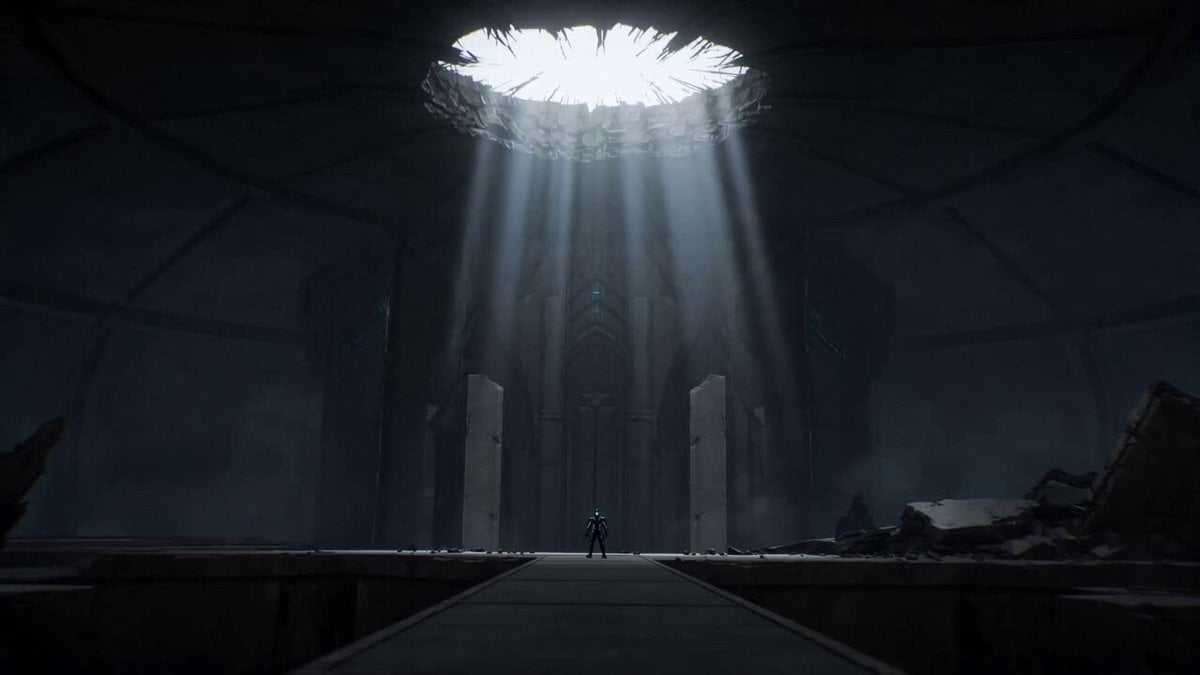
Epic Anime Dungeon Raid Battle

Voice Controlled Water Animation
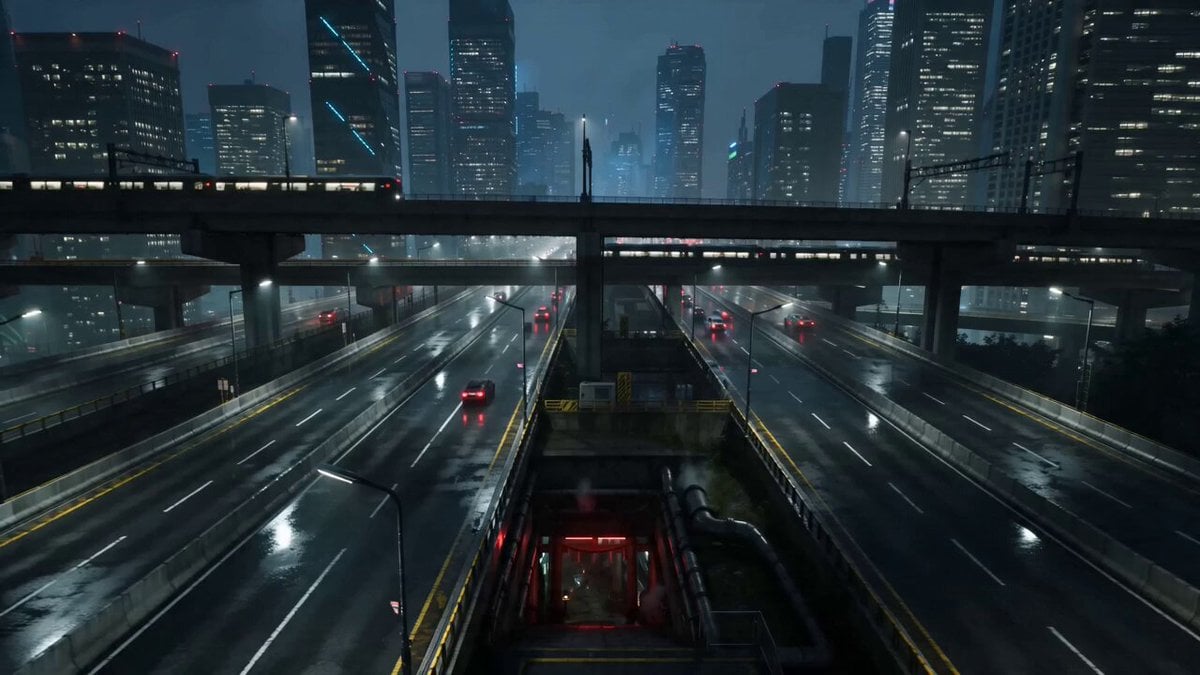
Cyberpunk Tokyo Underground Shrine

Seedance 2.0 Video Prompt: Golden Tiny Dragon

Clay Crab Riding Bicycle Beach
Seamless Sword Fight Sequence Prompt
Canyon Wingsuit Thread Prompt
Futuristic Mars Colony Nightscape
Nike Street Graffiti Commercial
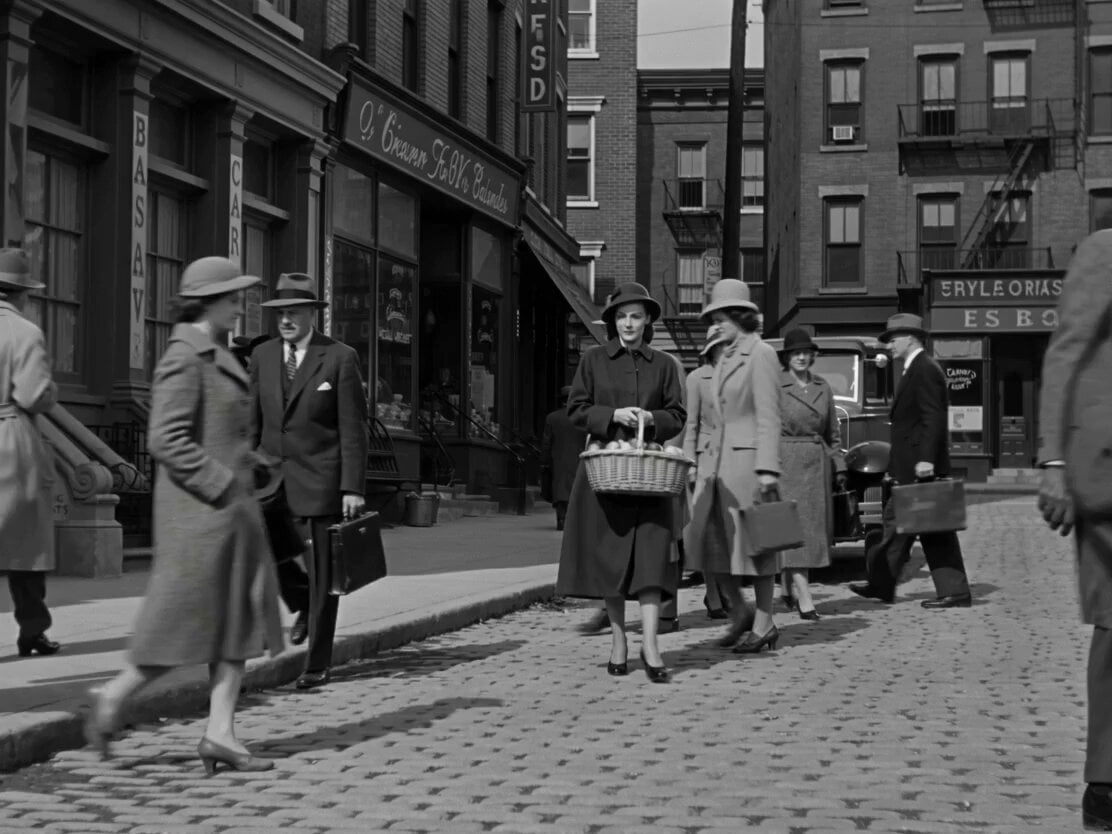
1950s Romantic Drama Scene
Browse template categories
Elite Combat Forces Training Cinematic questions
How do I use the Elite Combat Forces Training Cinematic template?
Add your photo if the template asks for one, edit the prompt if you like — the template's model and format are already selected — and press Generate. Your version opens in PicX Studio.
Can I customize the Elite Combat Forces Training Cinematic template?
Yes. You can change the subject, setting, lighting, mood, format, and available model controls before creating your video.
Is the Elite Combat Forces Training Cinematic template free?
Opening and editing this template is free. Generating uses credits, shown on the Generate button when you are signed in.
Which AI model should I use?
Start with Seedance 2.0, which is the model associated with this template. You can compare another compatible model for a different finish.
Looking for something else? Browse all templates.

Your photo, any look
Thousands of ready templates for every top image and video model, from one credit balance.