
Realistic Wing Chun Training Sequence
A grounded, ultra-realistic cinematic prompt for a martial arts sequence featuring a Japanese Wing Chun artist training in a traditional courtyard.
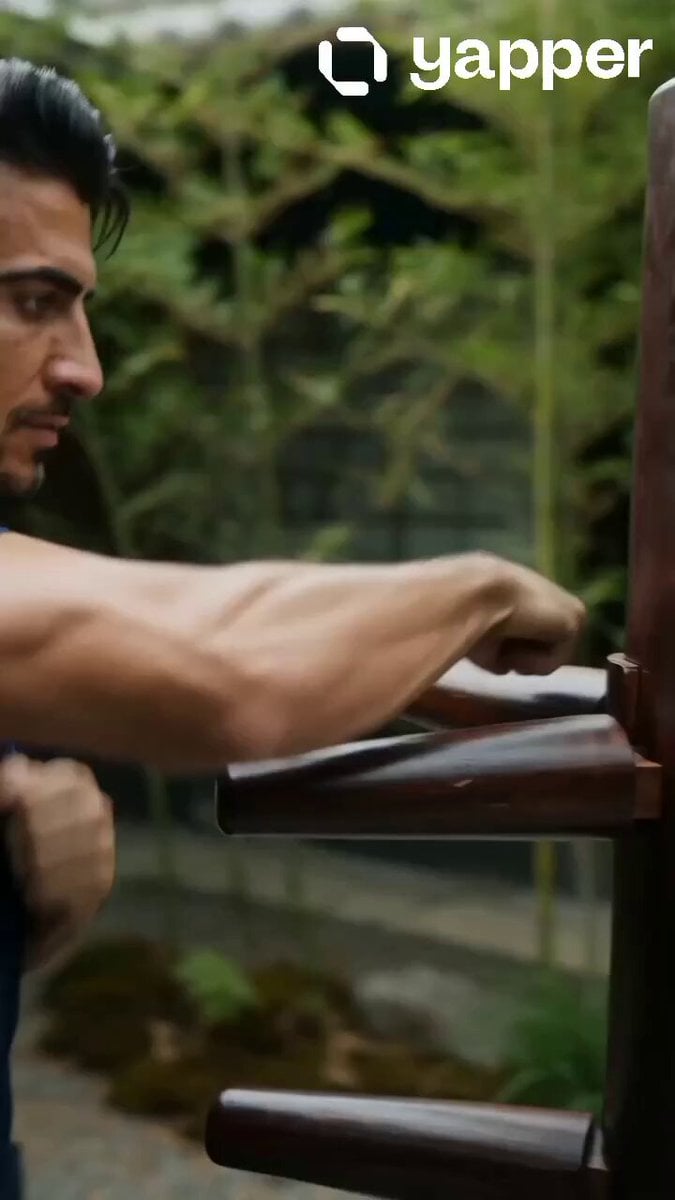
- Prompt included
- Model and format preset
- Premium template
The prompt behind this video
Copy the exact prompt behind Realistic Wing Chun Training Sequence, or open it in the studio and make it yours.
REALISTIC CINEMATIC 15s PROMPT — Japanese Wing Chun Martial Artist Ultra-realistic cinematic martial arts sequence. A 35-year-old Japanese martial artist trains intensely with a traditional wooden Wing Chun dummy inside a Japanese outdoor courtyard. Lean athletic build, sharp focused eyes, defined jawline, short slightly messy black hair, subtle facial stubble, calm disciplined expression, realistic skin texture with sweat and natural imperfections. Wearing a fitted black training shirt and loose dark martial arts pants. Environment: traditional Japanese courtyard with textured stone pavement, bamboo plants, wooden architecture, paper sliding doors, atmospheric dust particles, soft daylight, cinematic shadows, subtle wind movement, shallow depth of field, grounded realism. Style: high-end live-action realism inspired by modern Japanese and Hong Kong martial arts cinema. Physically accurate movement, realistic muscle tension, cinematic contrast, subtle film grain, immersive atmosphere, dynamic camera movement, authentic choreography. No anime, no CGI look, no digital painting, no commercial aesthetic. Sequence progression: — Hard-cut opening, close 35mm follow shot. The martial artist is already moving rapidly through continuous Wing Chun trapping hands, chain punches, compact strikes, and quick front kicks against the wooden dummy. Fast but controlled footwork across stone pavement. Realistic sweat and fabric movement. — Match-cut to 50mm lateral tracking shot. Smooth transitions between straight punches, slapping hands, elbow strikes, turning techniques, and compact leg attacks. Strong wooden recoil and realistic impact feedback. — Close-up orbit shot on focused eyes and breathing. Hands flow continuously between offense and defense. Sunlight catches sweat on the face while strikes create subtle vibration through the wooden dummy. — Full-body 28mm push-in shot. Efficient footwork, chain punches, elbows, turning movements, coordinated kicks. Bamboo leaves rustle softly while dust reacts naturally to movement. — Extreme close-up handheld realism. Rapid arm transitions between blocks and strikes. One powerful straight punch lands heavily on the wooden dummy with realistic muscle tension and sleeve movement. Dust shakes loose from impact. — Smooth mirror reflection transition back to frontal medium shot. Continuous flowing Wing Chun combinations with calm precision. Hair and clothing react naturally during movement. — Final cinematic shot, slow push-in then static hold. The wooden dummy sways slightly after the final strike. Dust settles through sunlight. Bamboo movement slowly stops. The martial artist raises his eyes toward camera with calm confidence, holding a traditional Wing Chun stance in silence. Sound design: fabric friction, realistic wooden impacts, air swishes, breathing, stone footwork, subtle ambient wind, bamboo rustling. 15 seconds, cinematic pacing, grounded realism, highly detailed
How to use Realistic Wing Chun Training Sequence in 3 steps
- 1
Open
The prompt is already in the box next to the preview, with the template's model and format selected.
- 2…a portrait of your subject in softgolden-hour light, 85mm…
Personalize
Edit the subject and creative details for your destination.
- 3Generate
Generate
Press Generate — your video is created in PicX Studio, so you can compare it with the original and refine one variable at a time.
More like this
Templates with the same subject, style or setup. Open one to see its prompt.
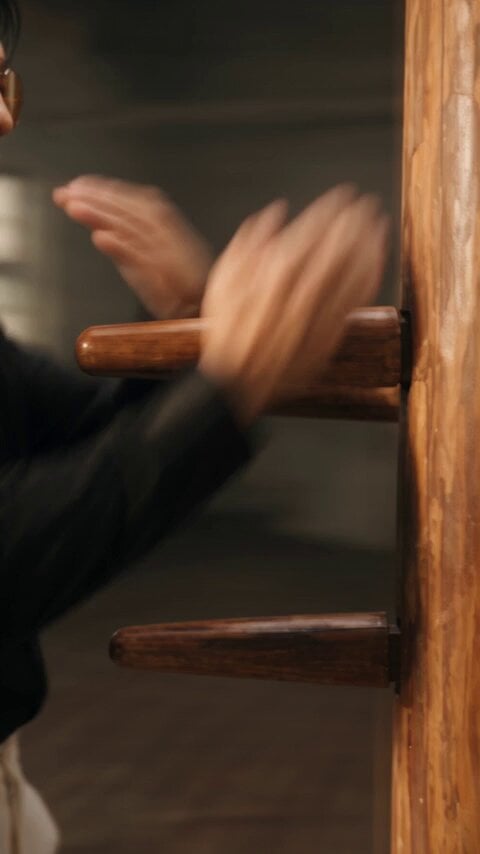
Realistic Wing Chun Kung Fu Training Video
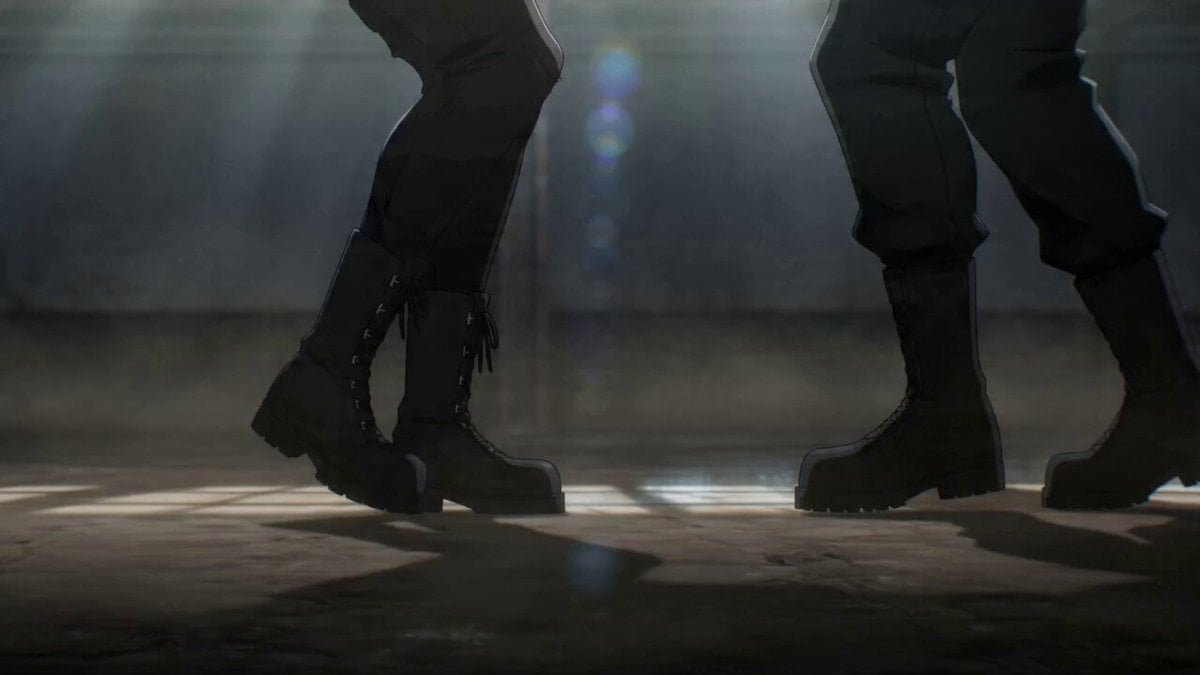
Wing Chun Anime Fight Choreography Prompt
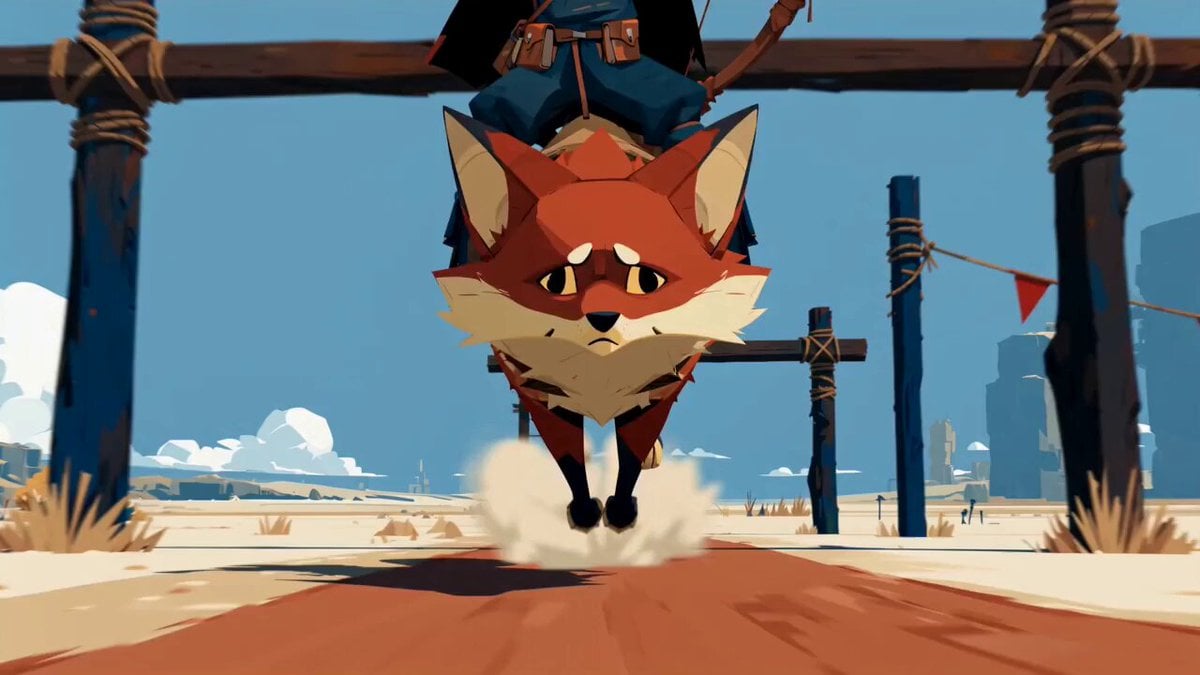
Fantasy Desert Training Sequence

Dragon Wing Escape Sequence
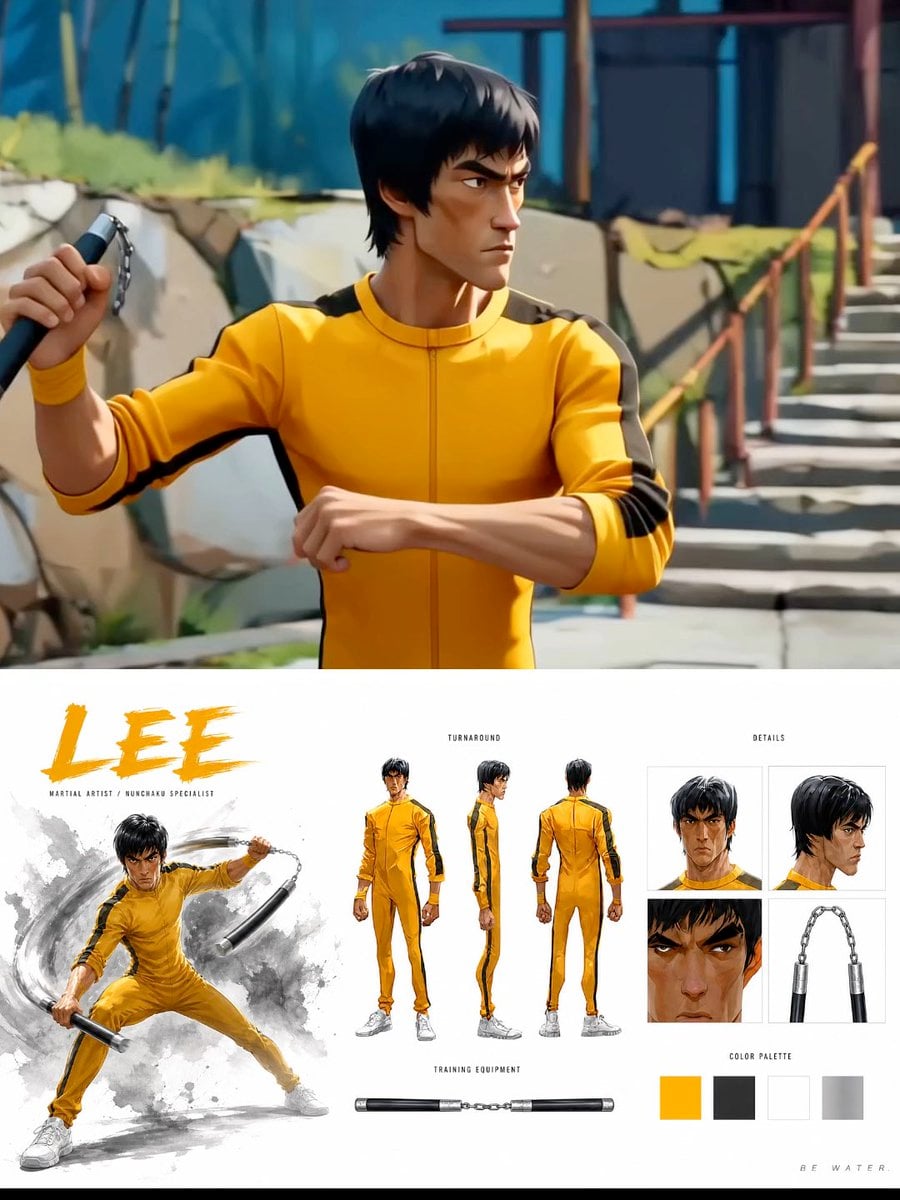
Cinematic Anime Martial Arts Training Ground
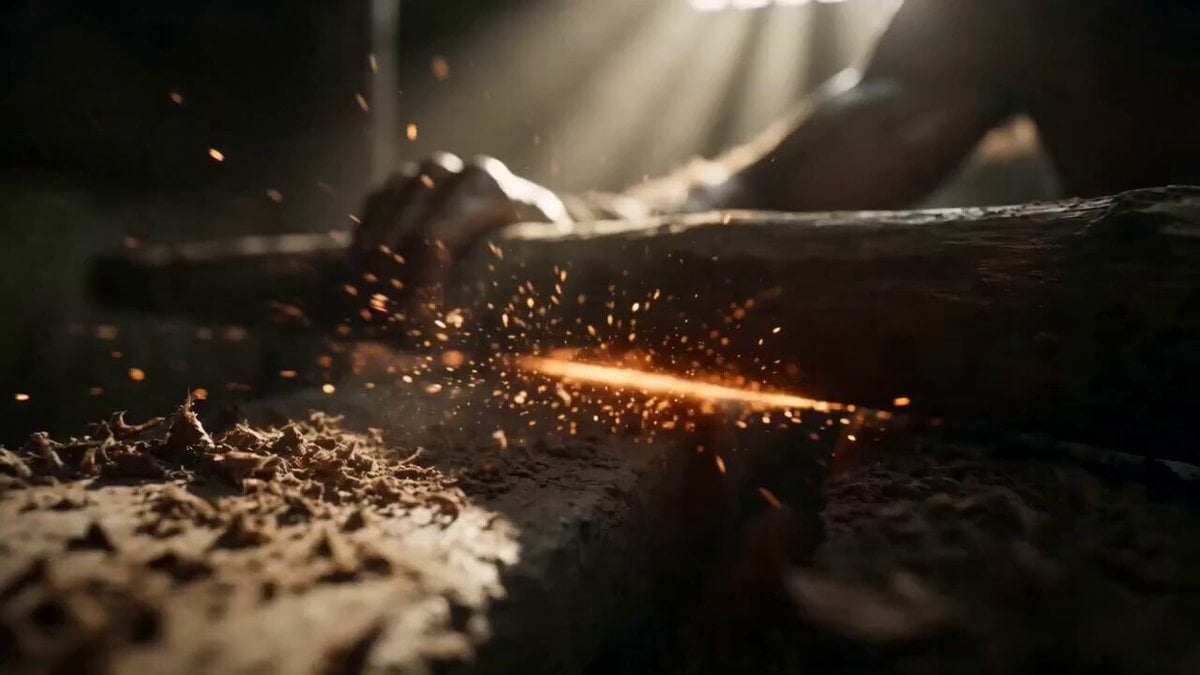
Warrior Training and Samurai Battlefield Transition

Shimmering Code Wing Disappearance

Ethereal Pastel Angelic Wings

Wings of Amethyst Fire
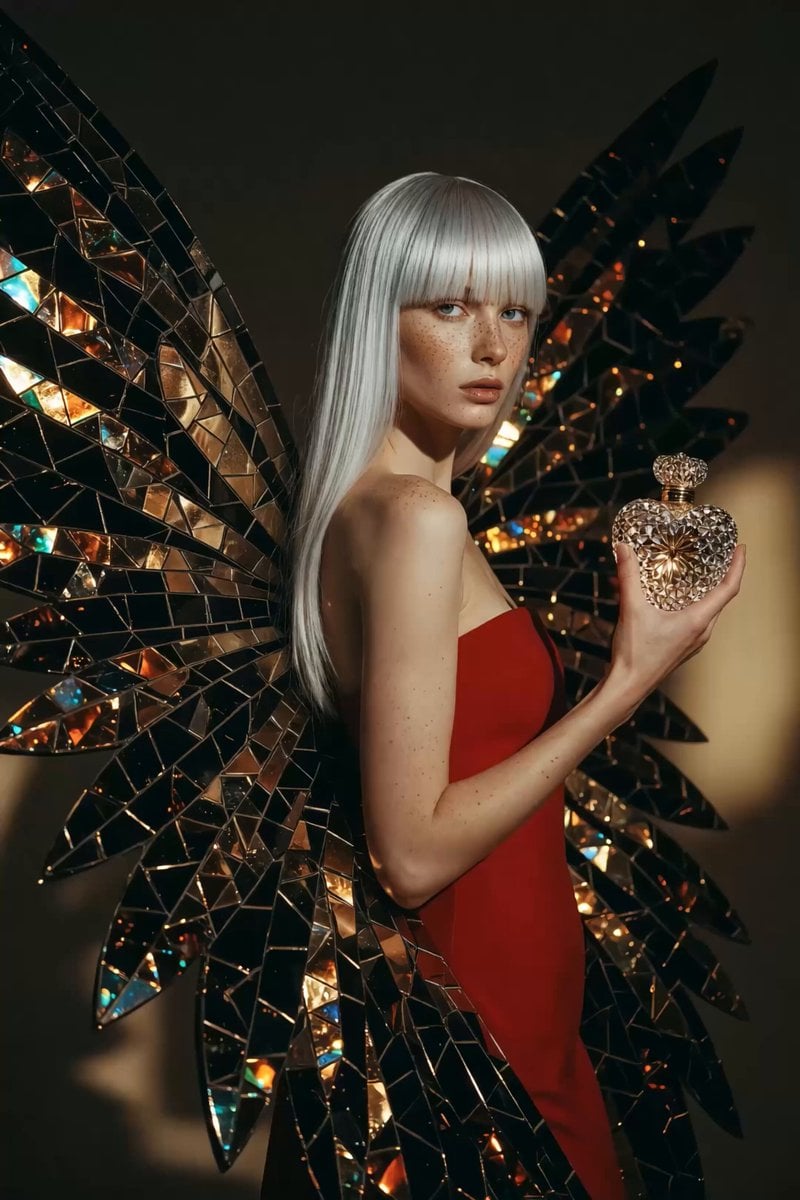
1960s Retro Fashion Portrait with Mosaic Wings

Green Dragon Training Short

Glowing Origami Universe Transformation
Make it yours
Realistic Wing Chun Training Sequence works as-is. These are the safest ways to change it without losing the look.
Change one field
Copy a single group, rewrite it, and generate again so you can see what that field is doing.
Keep the frame, change the subject
Hold the composition and light of Realistic Wing Chun Training Sequence, then swap wardrobe, props or the person for a new take.
| If the result… | Why | Fix |
|---|---|---|
| The result drifts from the preview | Too many fields changed at once. | Reuse Realistic Wing Chun Training Sequence as-is first, then change one group — subject, light, or setting. |
| The model over-stylizes the scene | The prose prompt leaves finish and camera underspecified. | Add one camera or lighting sentence and stay on Seedance 2.0. |
More Seedance 2.0 templates
Other prompts made for Seedance 2.0.

Comical Martial Arts Punch Scene

Maglev Train Action Sequence

Martial Arts Fight Sequence

Wuxia Protection and Trust Script

Vintage Korean Arcade MiniDV Vlog

Mercedes 190 SL Luxury Ad

Rainy Night Supernatural Reverse Comedy Video Script

Amazon Civilization Discovery

Futuristic South Asian City Transformation

Cozy Luxury Cafe Commercial
More video prompts
Fresh picks from across the catalog.

Pleiadian Woman Crystal City

Discussion on AI as a 'factory for worlds'
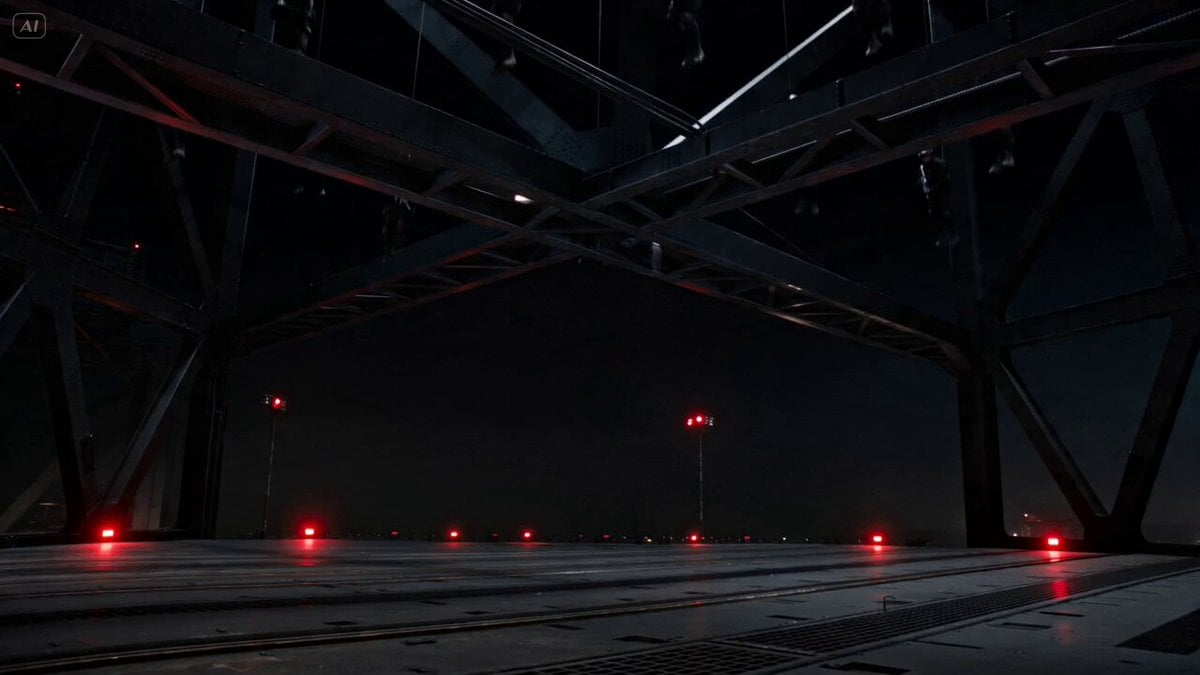
Industrial Platform Spectral Battle
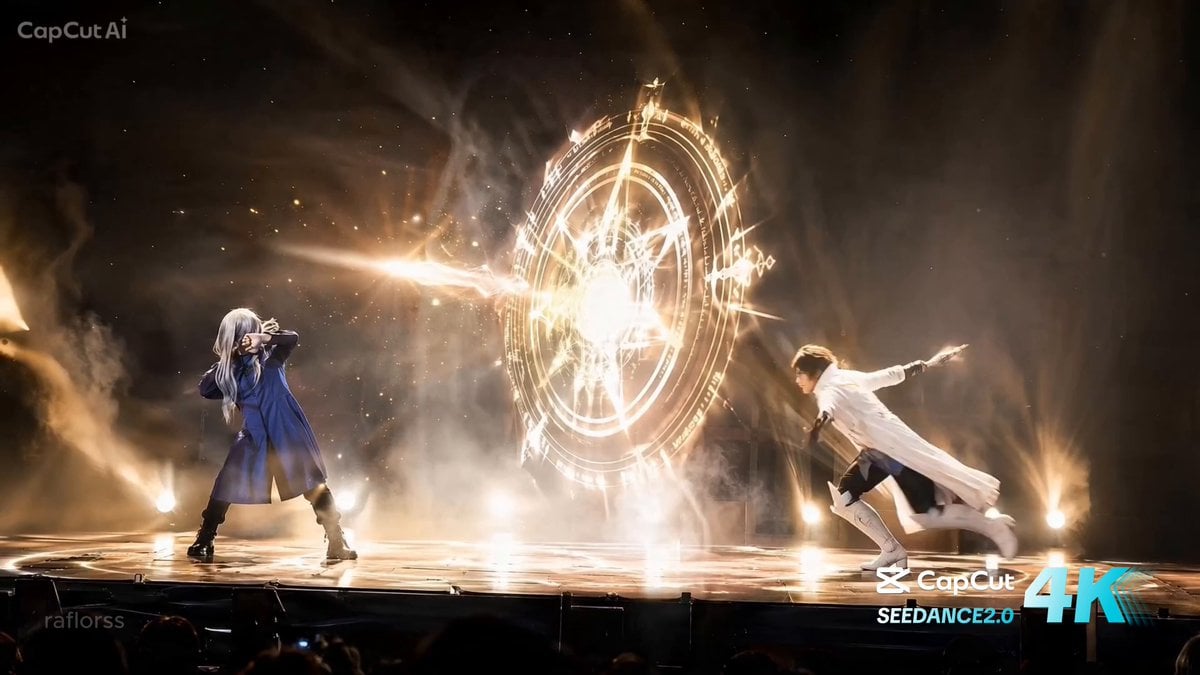
Live Action Anime Stage Play

Grok Imagine prompt for construction time-lapse
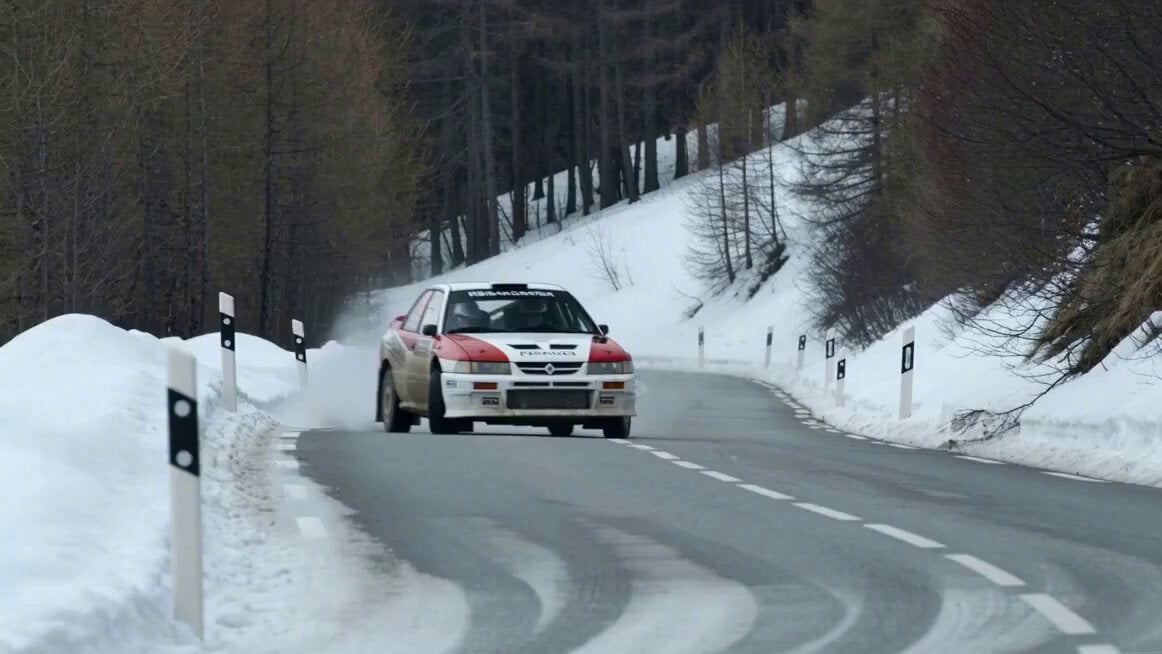
Cinematic Rally Car Scene
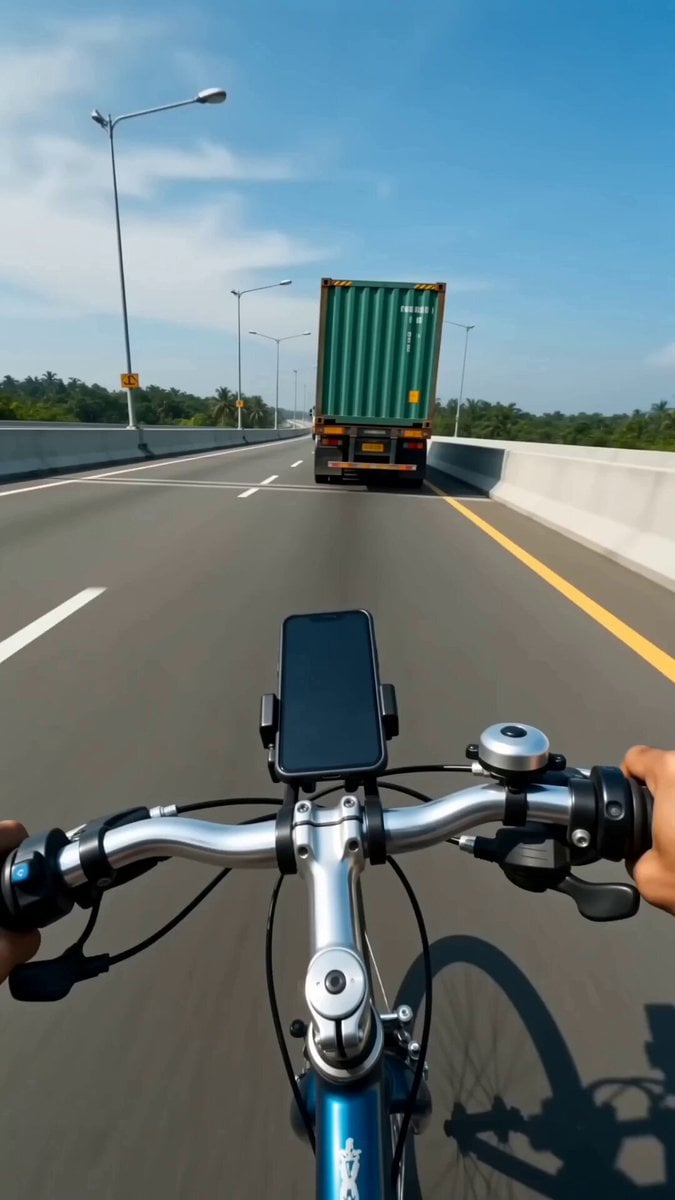
Indonesian Highway Bike Action
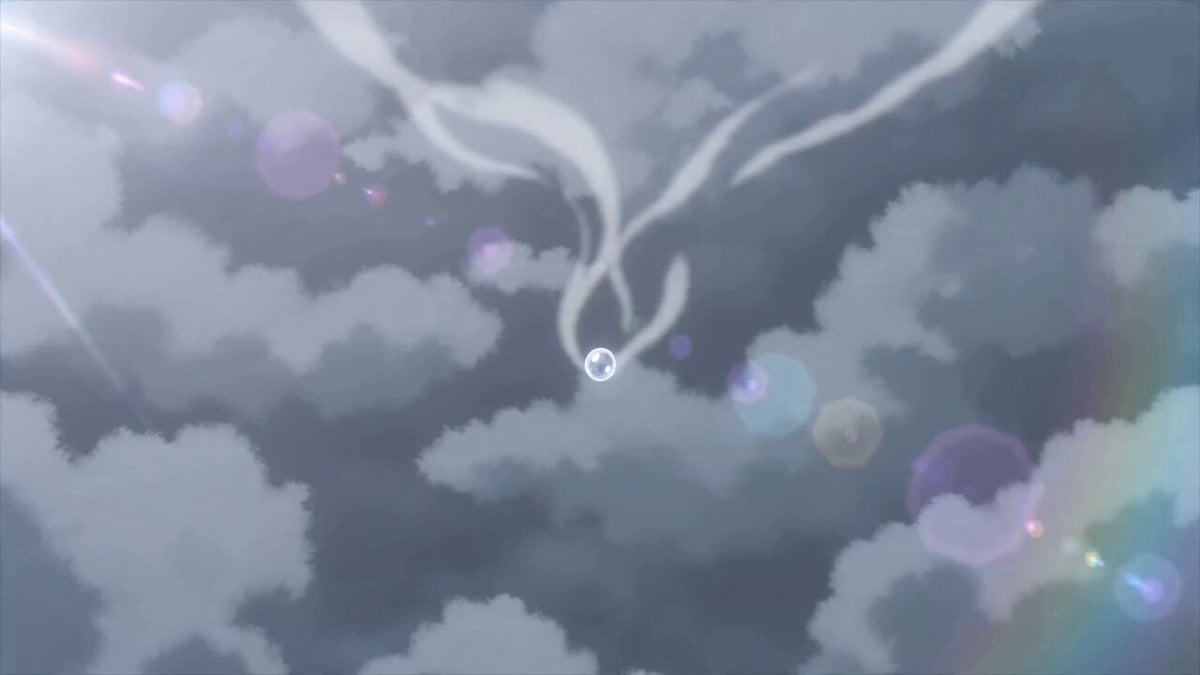
Dramatic Raindrop Scene: Continuous Shot
Spider-Man vs. Sun Wukong Cinematic Battle
Cinematic Mariachi Bar Scene
Browse template categories
Realistic Wing Chun Training Sequence questions
How do I use the Realistic Wing Chun Training Sequence template?
Add your photo if the template asks for one, edit the prompt if you like — the template's model and format are already selected — and press Generate. Your version opens in PicX Studio.
Can I customize the Realistic Wing Chun Training Sequence template?
Yes. You can change the subject, setting, lighting, mood, format, and available model controls before creating your video.
Is the Realistic Wing Chun Training Sequence template free?
Opening and editing this template is free. Generating uses credits, shown on the Generate button when you are signed in.
Which AI model should I use?
Start with Seedance 2.0, which is the model associated with this template. You can compare another compatible model for a different finish.
Looking for something else? Browse all templates.

Your photo, any look
Thousands of ready templates for every top image and video model, from one credit balance.