How do I use the 1960s Retro Fashion Portrait with Mosaic Wings template?
Edit the prompt in the box under the preview — the template's model and format are already selected — and press Generate. Your version appears right on this page.
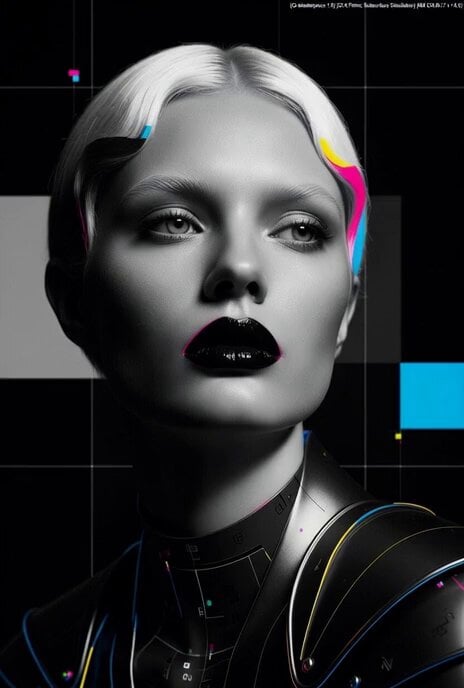
A cinematic video prompt for Grok Imagine featuring a woman in a red dress with large black-and-gold mosaic wings, styled after 1960s high fashion photography.
Hyperrealistic retro 1960s photography of an elegant woman with freckled skin, long straight shiny white hair with blunt bangs and piercing blue eyes, looking over her shoulder. She is wearing a minimalist red strapless dress – elegant, smooth, form-fitting. Enormous dramatic black-and-gold mosaic wings occupy almost the entire frame, filling nearly the whole screen, composed of overlapping geometric black and gold glass pieces with a strong iridescent metallic sheen. In her hand she holds a luxurious crystal heart-shaped perfume bottle with a shiny transparent body and elegant details. Dramatic cinematic side lighting with strong contrast, soft highlights on the skin, red dress and perfume bottle, minimalist dark studio background. High fashion editorial style from the 1970s-1980s, warm vintage film tones, subtle film grain. Extremely detailed skin texture and freckles, razor-sharp focus on the face and hair, shallow depth of field, creamy bokeh, 16K ultra photorealistic, masterpiece, best quality.
Hyperrealistic retro 1960s photography of an elegant woman with freckled skin, long straight shiny white hair with blunt bangs and piercing blue eyes, looking over her shoulder. She is wearing a minimalist red strapless dress – elegant, smooth, form-fitting. Enormous dramatic black-and-gold mosaic wings occupy almost the entire frame, filling nearly the whole screen, composed of overlapping geometric black and gold glass pieces with a strong iridescent metallic sheen. In her hand she holds a luxurious crystal heart-shaped perfume bottle with a shiny transparent body and elegant details. Dramatic cinematic side lighting with strong contrast, soft highlights on the skin, red dress and perfume bottle, minimalist dark studio background. High fashion editorial style from the 1970s-1980s, warm vintage film tones, subtle film grain. Extremely detailed skin texture and freckles, razor-sharp focus on the face and hair, shallow depth of field, creamy bokeh, 16K ultra photorealistic, masterpiece, best quality.
Edit the prompt in the box under the preview — the template's model and format are already selected — and press Generate. Your version appears right on this page.
Yes. You can change the subject, setting, lighting, mood, format, and available model controls before creating your video.
Opening and editing this template is free. Generating uses credits, shown on the Generate button when you are signed in.
Start with Grok Imagine, which is the model associated with this template. You can compare another compatible model for a different finish.
Follow a topic to a crawlable collection of related PicX Studio templates.