How do I use the Storyboard Prompt for Vintage Art Studio Scene template?
Edit the prompt in the box under the preview — the template's model and format are already selected — and press Generate. Your version appears right on this page.
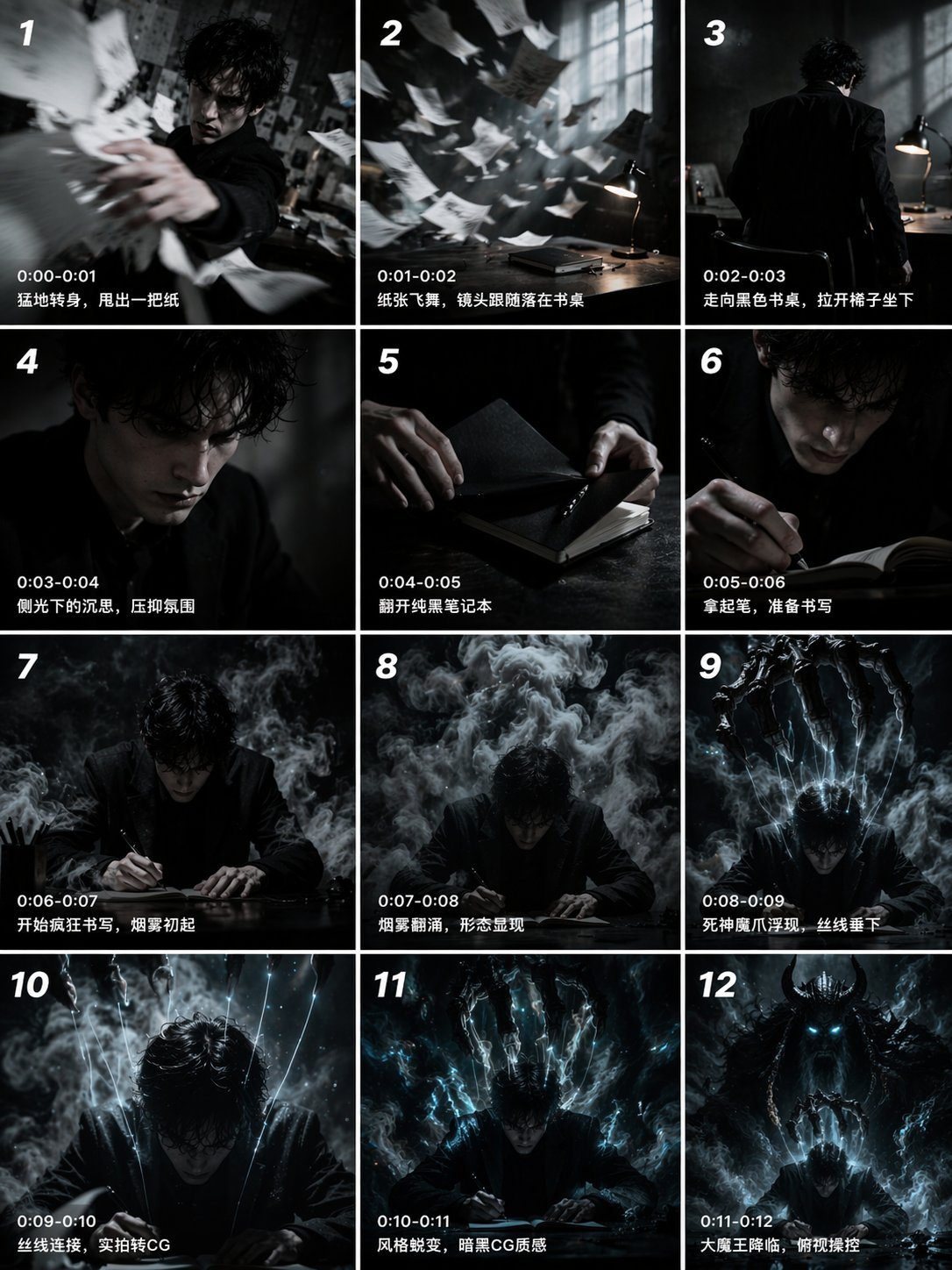
A prompt structured like a storyboard, detailing a single shot (Shot 1) for a video.
|镜号|景别|时长|画面|音效|台词/旁白| |-|-|-|-|-|-| |1|全景|5s|暖黄色复古画室,阳光斜洒在挂满油画的墙面,镜头缓缓推进正中央一幅装裱精致的古典人物肖像画|轻快俏皮的古典弦乐开场|无|
|镜号|景别|时长|画面|音效|台词/旁白| |-|-|-|-|-|-| |1|全景|5s|暖黄色复古画室,阳光斜洒在挂满油画的墙面,镜头缓缓推进正中央一幅装裱精致的古典人物肖像画|轻快俏皮的古典弦乐开场|无|
Edit the prompt in the box under the preview — the template's model and format are already selected — and press Generate. Your version appears right on this page.
Yes. You can change the subject, setting, lighting, mood, format, and available model controls before creating your video.
Opening and editing this template is free. Generating uses credits, shown on the Generate button when you are signed in.
Start with Seedance 2.0, which is the model associated with this template. You can compare another compatible model for a different finish.
Follow a topic to a crawlable collection of related PicX Studio templates.