
Industrial Platform Spectral Battle
A high-action 15-second cinematic battle prompt between tactical soldiers and glowing spectrals on an industrial platform.
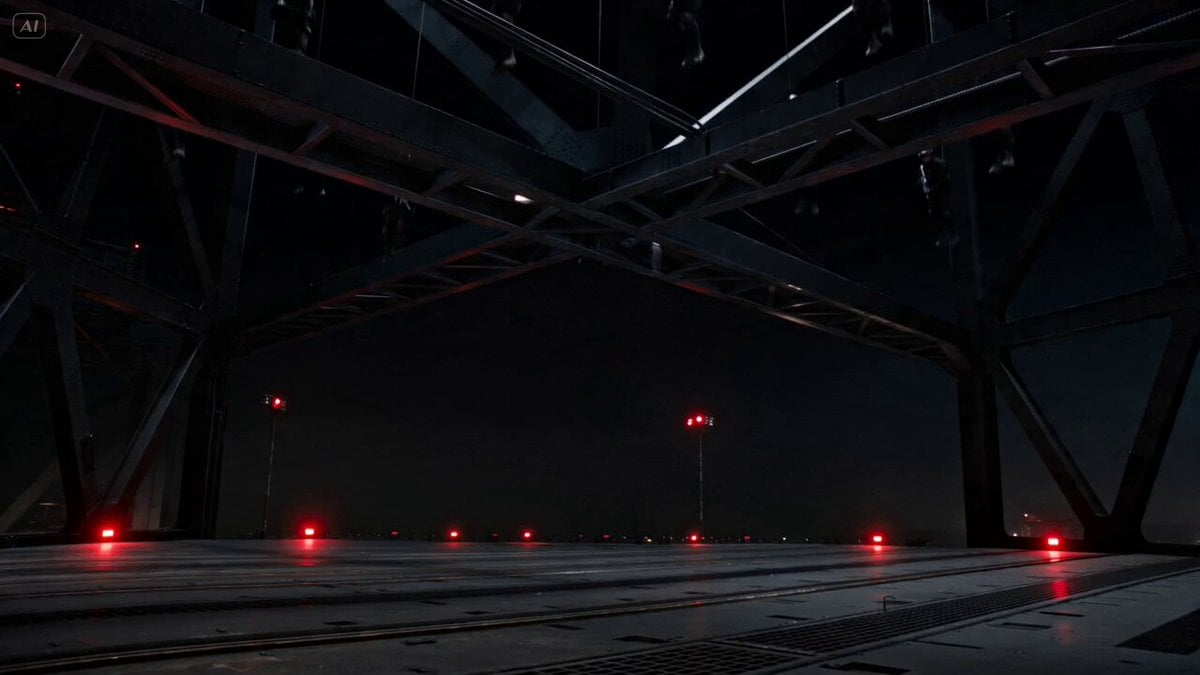
- Prompt included
- Model and format preset
- Free template
The prompt behind this video
Copy the exact prompt behind Industrial Platform Spectral Battle, or open it in the studio and make it yours.
[0:00 – 0:03] INT. MASSIVE INDUSTRIAL PLATFORM – NIGHT Low-angle wide shot: Black tactical soldiers (Spearhead team) fast-rope down onto a dark bridge-like structure. Red emergency lights flash. They land in perfect formation, rifles raised. [0:03 – 0:06] WEAPONS POWER-UP Close-up on rifles lighting up with bright blue energy. Soldiers shout silently (mouths moving). One soldier slams a magazine in massive blue pulse radiates outward. “Weapons free” energy vibe. [0:06 – 0:09] FIRST CONTACT Spectrals (glowing white-blue ghost-like figures) emerge from the shadows. Soldiers open fire bright blue energy bolts rip through the air. Slow-motion: Multiple spectrals get hit and explode into particles. [0:09 – 0:12] THE REFORM Slow-motion horror: The destroyed spectrals start pulling back together in mid-air, reforming right in front of the soldiers. One spectral’s head snaps back into place as it stares directly at camera. [0:12 – 0:15] CHAOS ERUPTS Dozens more spectrals swarm in from all sides. Soldiers spin and fire desperately while backing up. One spectral lunges straight at camera glowing hand reaching out. Final frame: Soldier’s eyes widen in shock as the screen fills with blinding blue light. END ON IMPACT (screen flashes white-blue then cuts to black with heavy bass hit)
How to use Industrial Platform Spectral Battle in 3 steps
- 1
Open
The prompt is already in the box next to the preview, with the template's model and format selected.
- 2…a portrait of your subject in softgolden-hour light, 85mm…
Personalize
Edit the subject and creative details for your destination.
- 3Generate
Generate
Press Generate — your video is created in PicX Studio, so you can compare it with the original and refine one variable at a time.
More like this
Templates with the same subject, style or setup. Open one to see its prompt.
Swordsman vs Shadow Monster — Bamboo Forest Battle
Tiger vs Gorilla — Jungle Canyon Clash
Mecha Transformation vs Kaiju — 4-Scene Epic
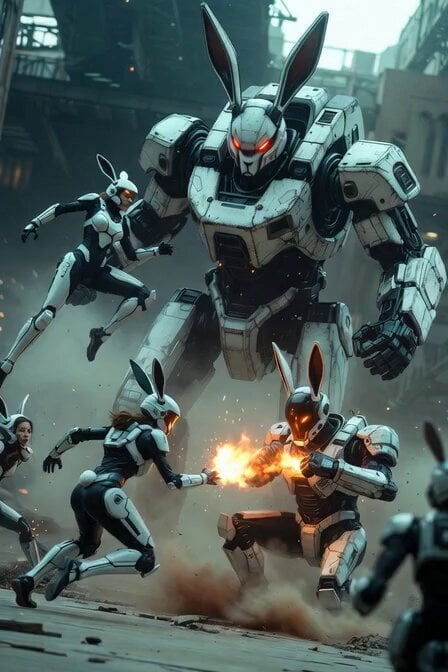
Industrial Mecha Battle
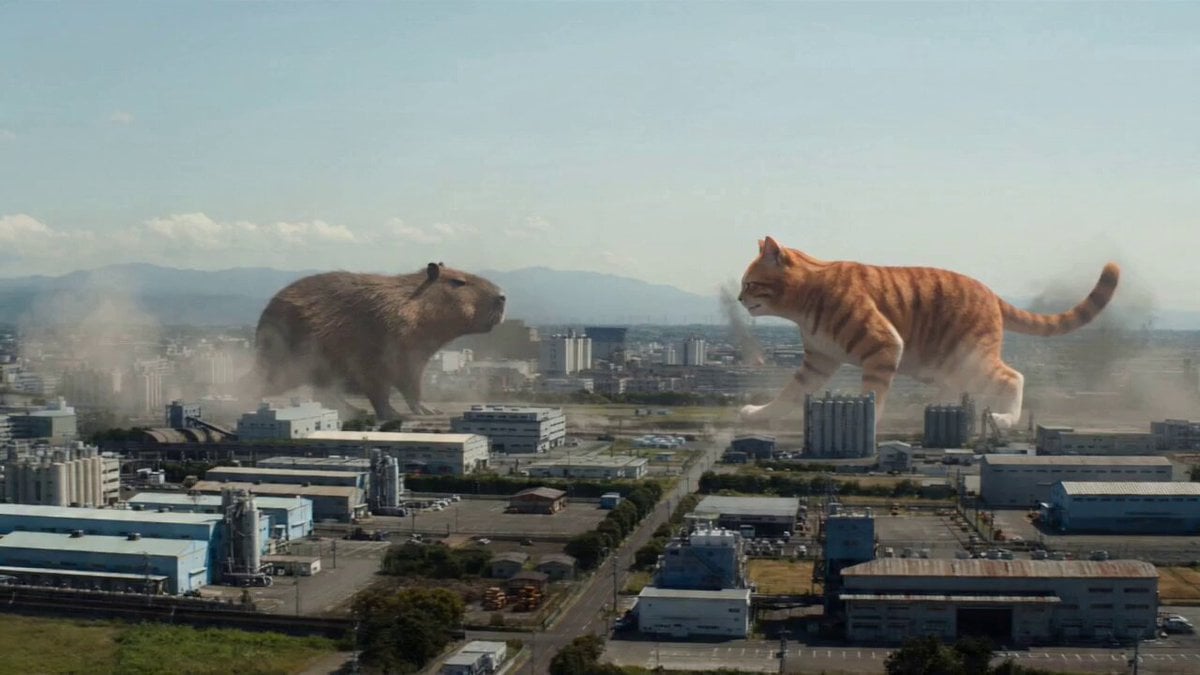
Kaiju Battle in Japanese Industrial Park Prompt
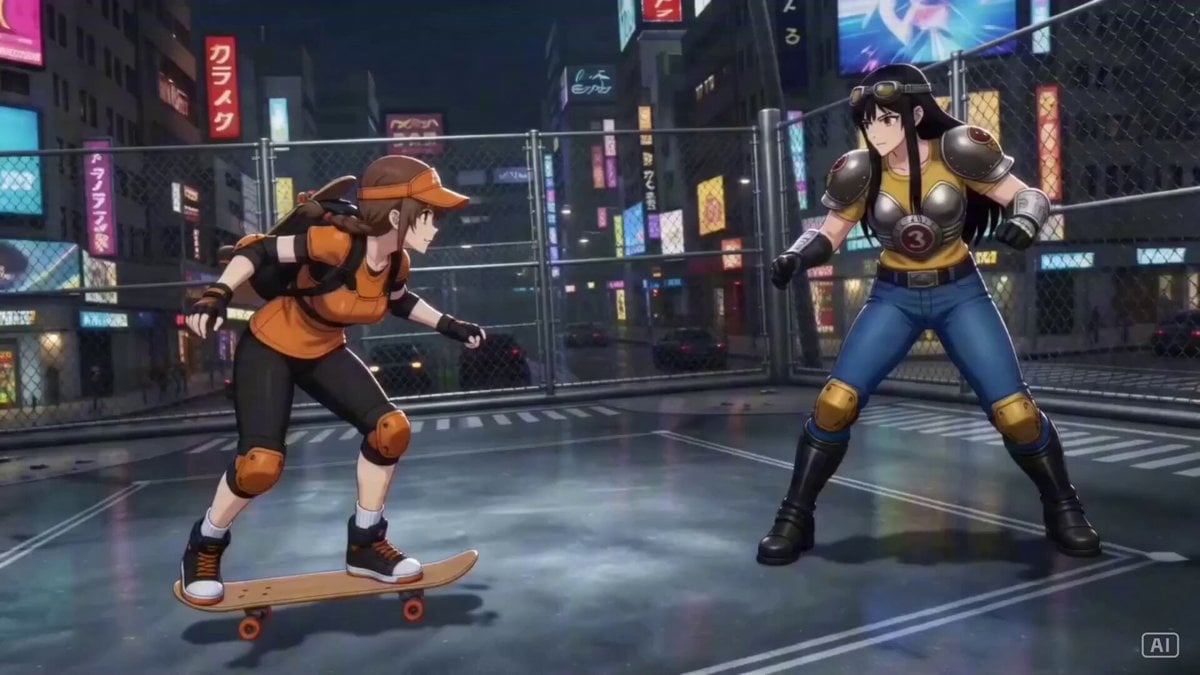
Industrial Ring Battle Environment
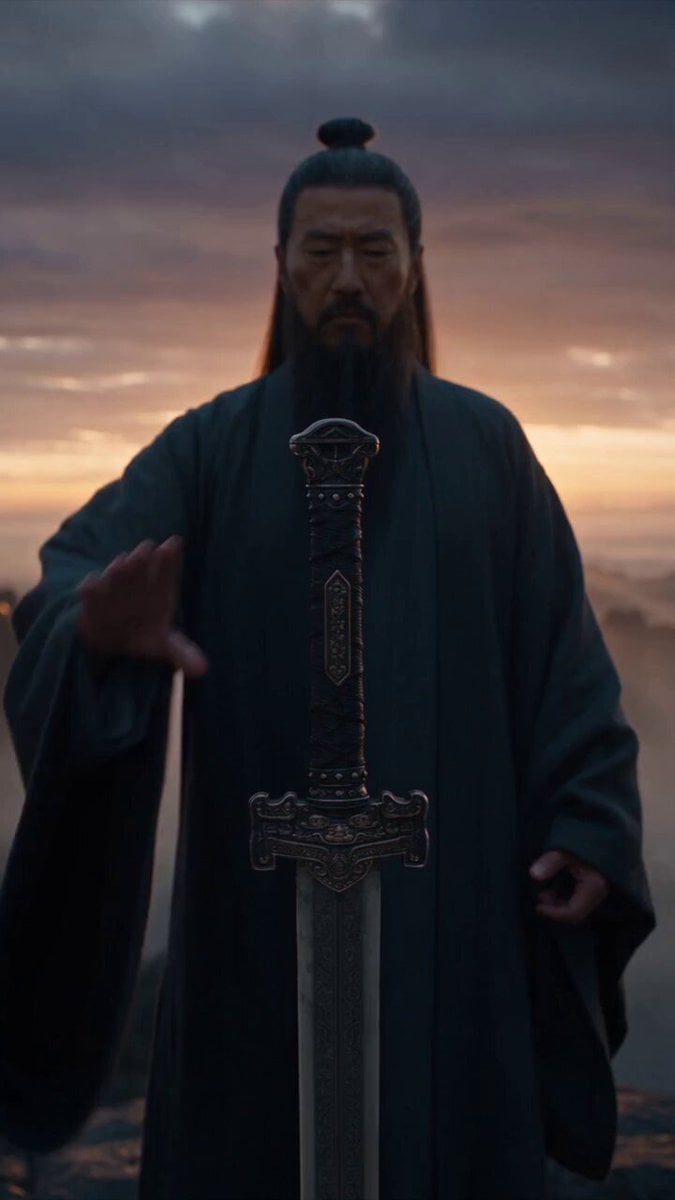
Immortal Swordmaster Spectral Dragon Strike
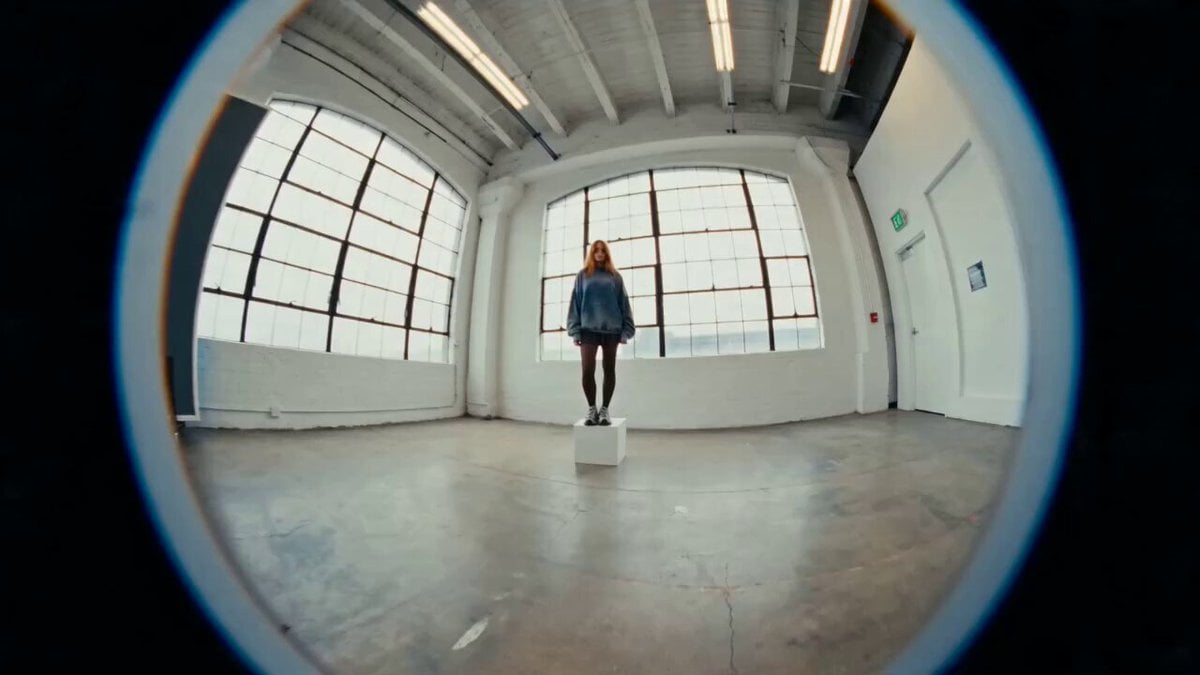
Industrial Loft Fashion Performance Film
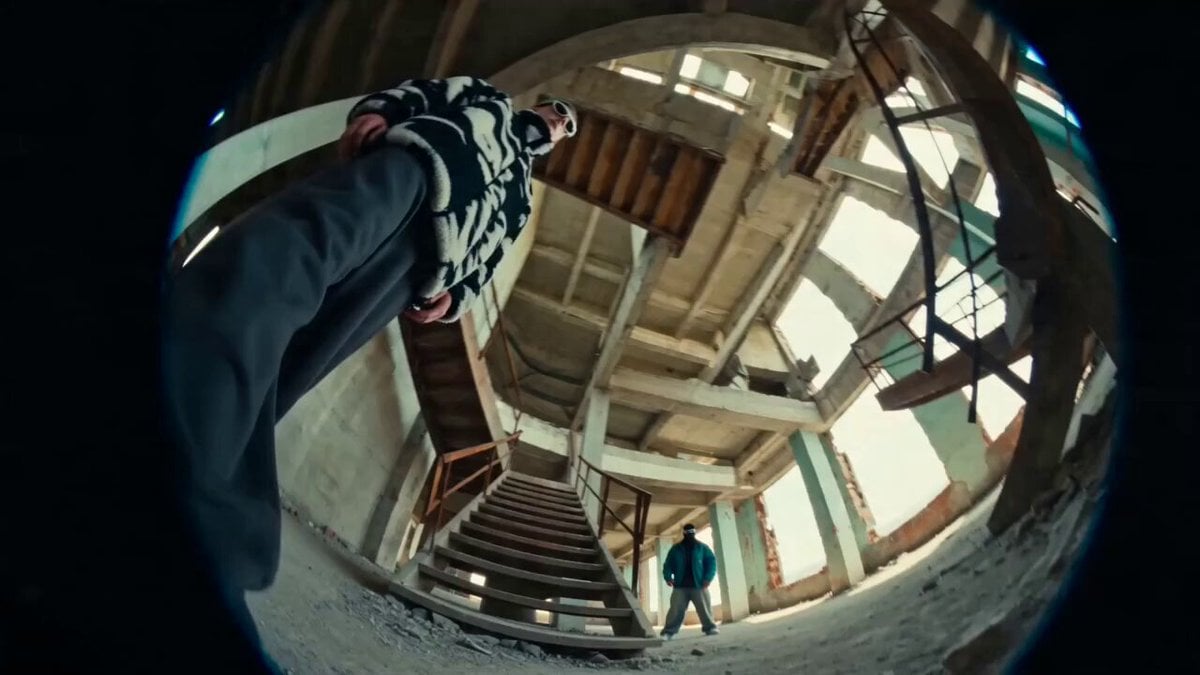
Industrial Underground Fashion Film
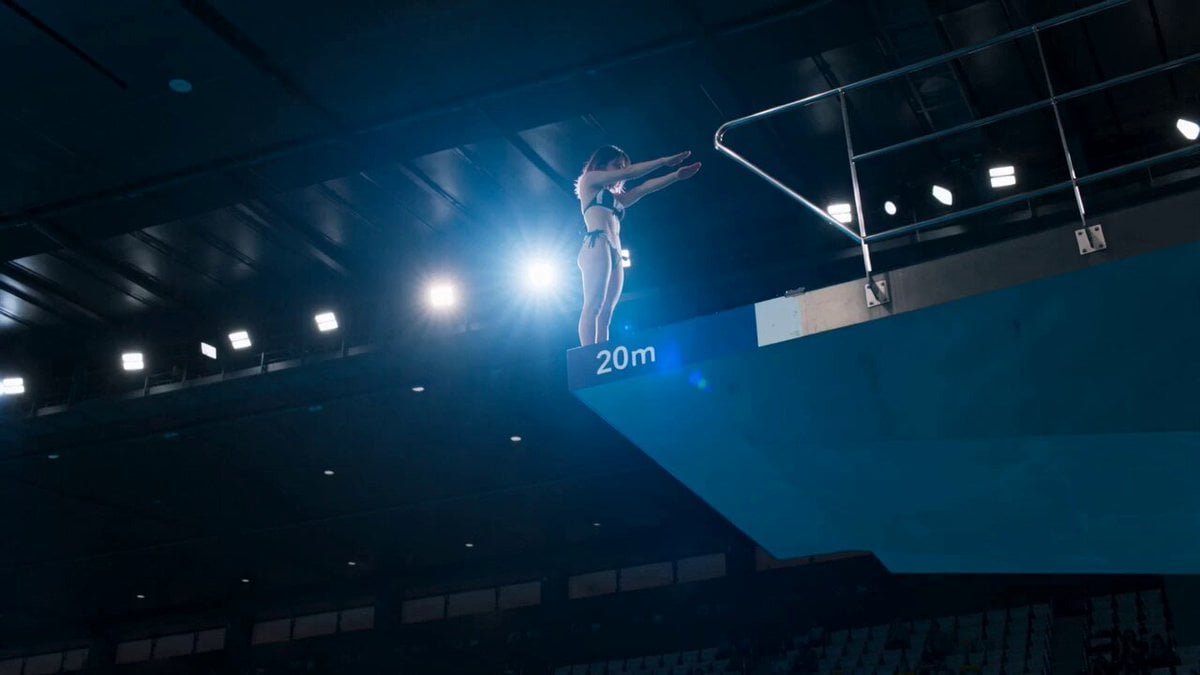
Olympic Platform Diving Cinematic Video
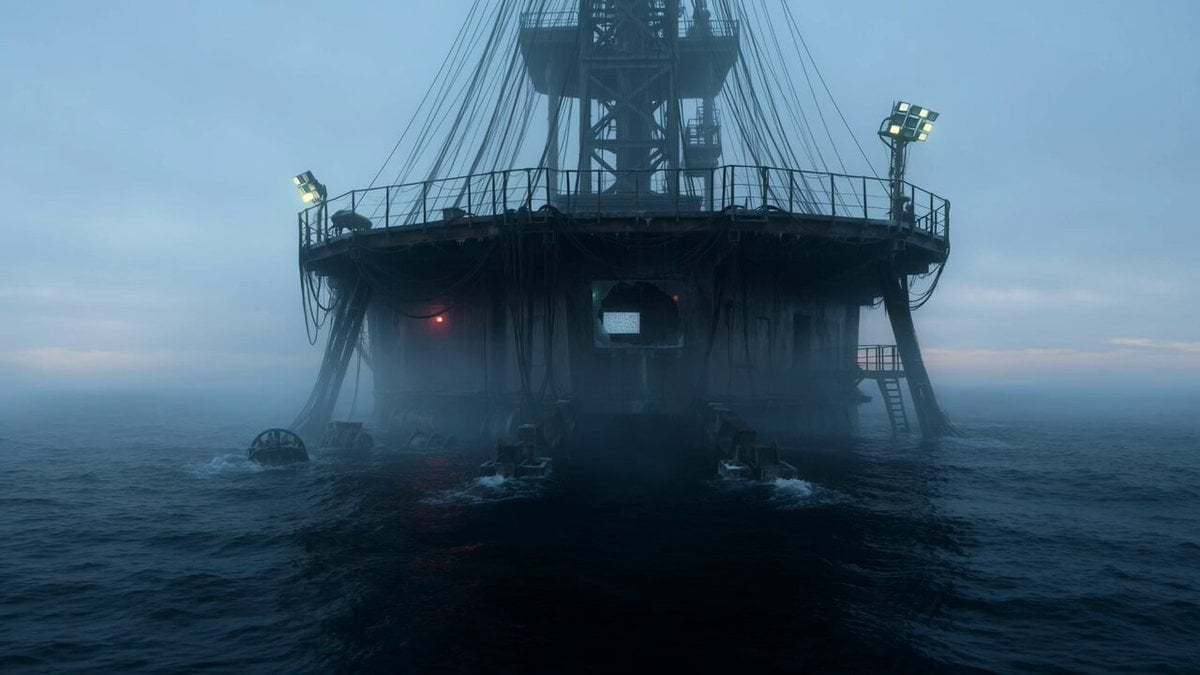
Abandoned Deep-Sea Drilling Platform

High Fashion Industrial Warehouse Scene
Make it yours
Industrial Platform Spectral Battle works as-is. These are the safest ways to change it without losing the look.
Change one field
Copy a single group, rewrite it, and generate again so you can see what that field is doing.
Keep the frame, change the subject
Hold the composition and light of Industrial Platform Spectral Battle, then swap wardrobe, props or the person for a new take.
| If the result… | Why | Fix |
|---|---|---|
| The result drifts from the preview | Too many fields changed at once. | Reuse Industrial Platform Spectral Battle as-is first, then change one group — subject, light, or setting. |
| The model over-stylizes the scene | The prose prompt leaves finish and camera underspecified. | Add one camera or lighting sentence and stay on Seedance 2.0. |
More Seedance 2.0 templates
Other prompts made for Seedance 2.0.

Comical Martial Arts Punch Scene

Maglev Train Action Sequence

Martial Arts Fight Sequence

Wuxia Protection and Trust Script

Vintage Korean Arcade MiniDV Vlog

Mercedes 190 SL Luxury Ad

Rainy Night Supernatural Reverse Comedy Video Script

Amazon Civilization Discovery

Futuristic South Asian City Transformation

Cozy Luxury Cafe Commercial
More video prompts
Fresh picks from across the catalog.

Candid Stadium Footage of a Quiet Spectator
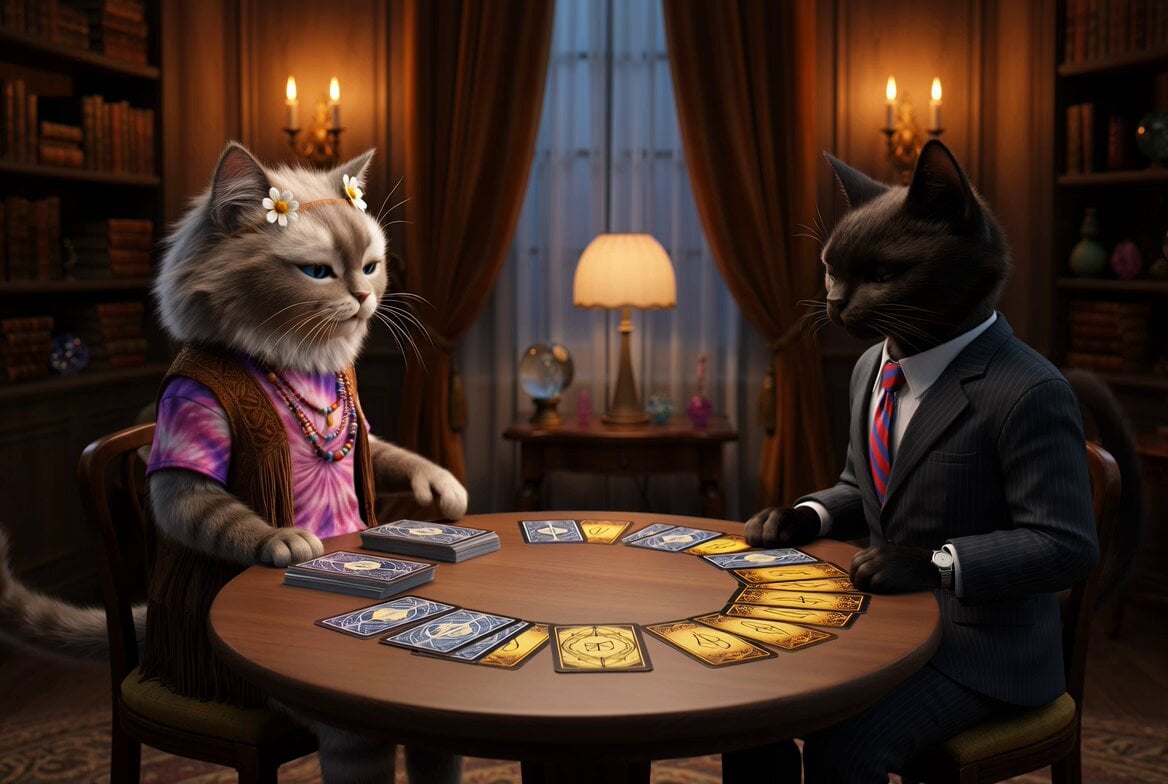
Cats Tarot Reading
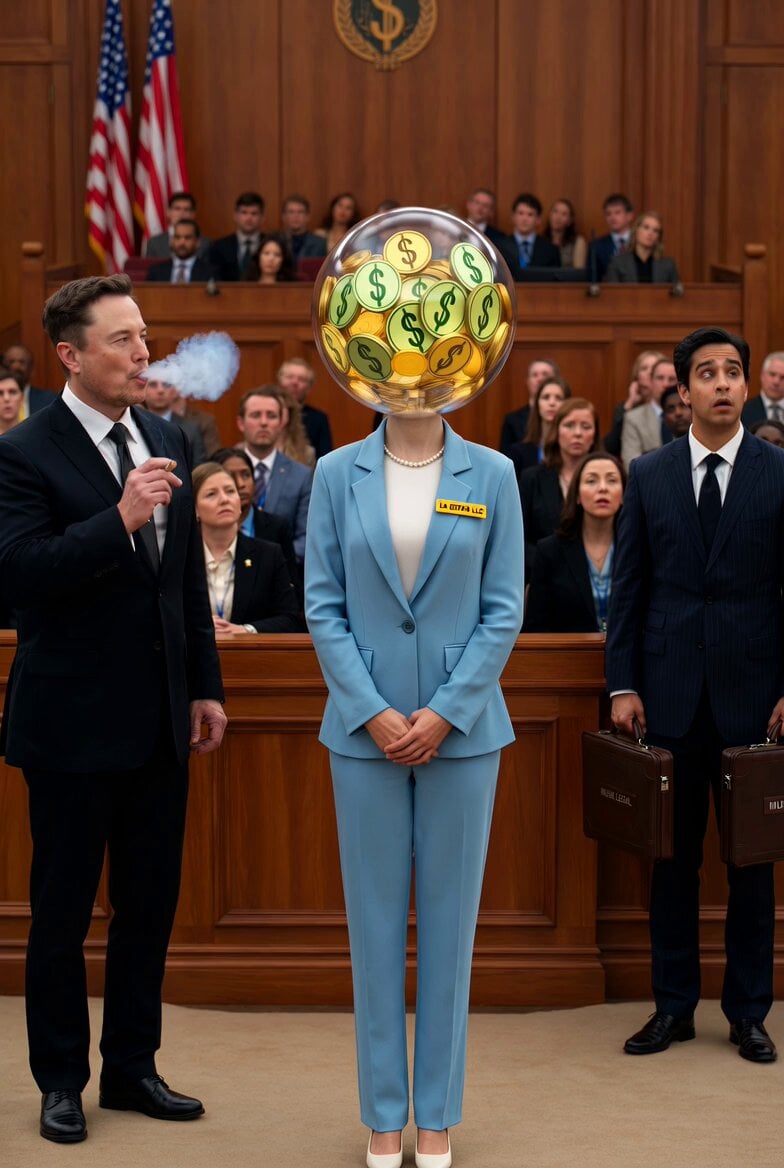
Optimus Prime Robot Interaction
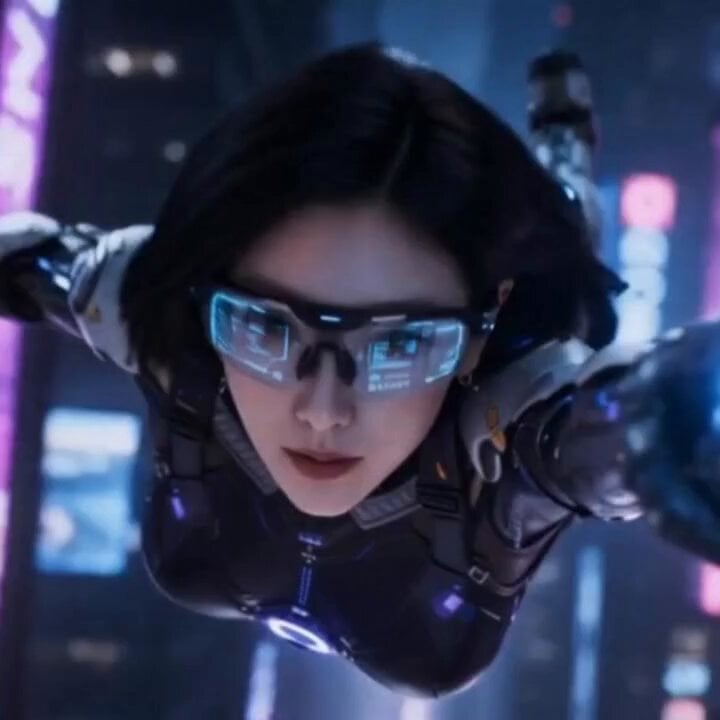
Cyberpunk Parkour Female Operative
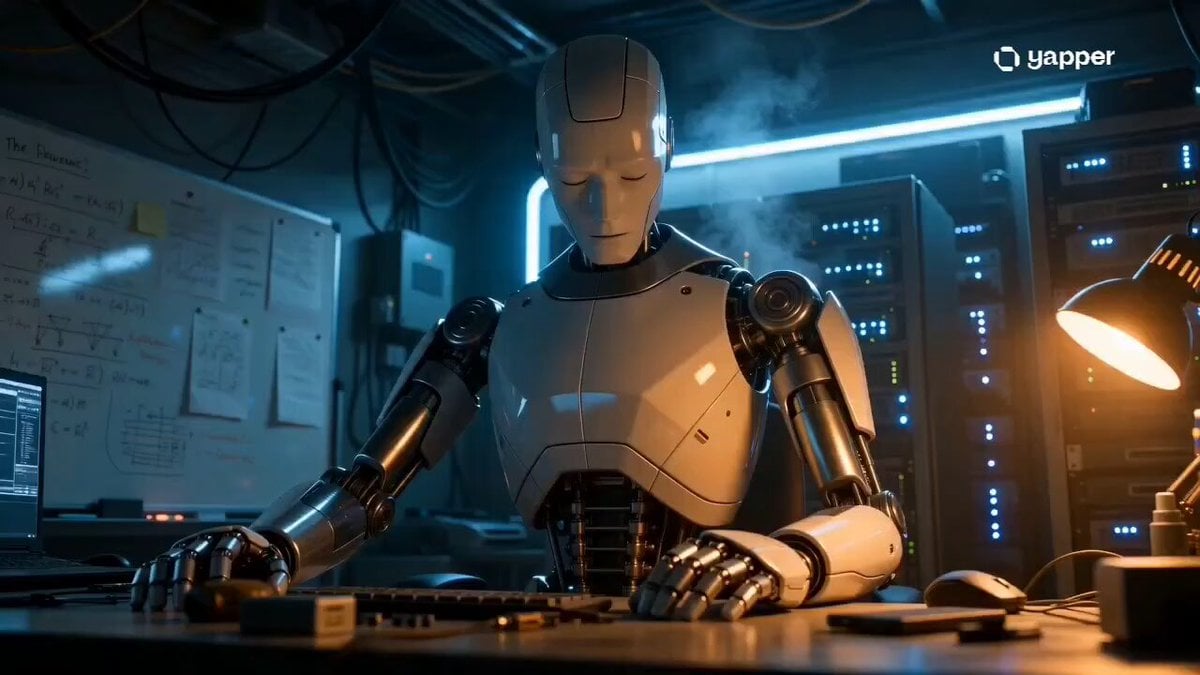
Humanoid Robot Lab Startup Prompt
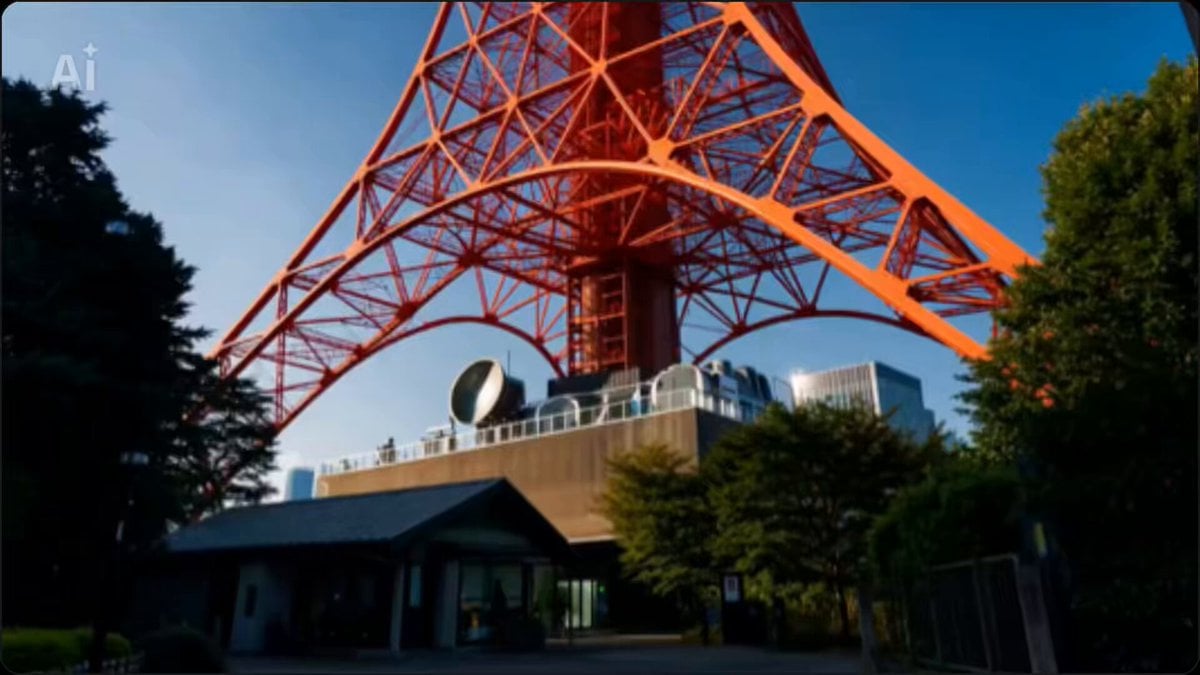
Live-Action Scenery Switching Prompt (Randomized)
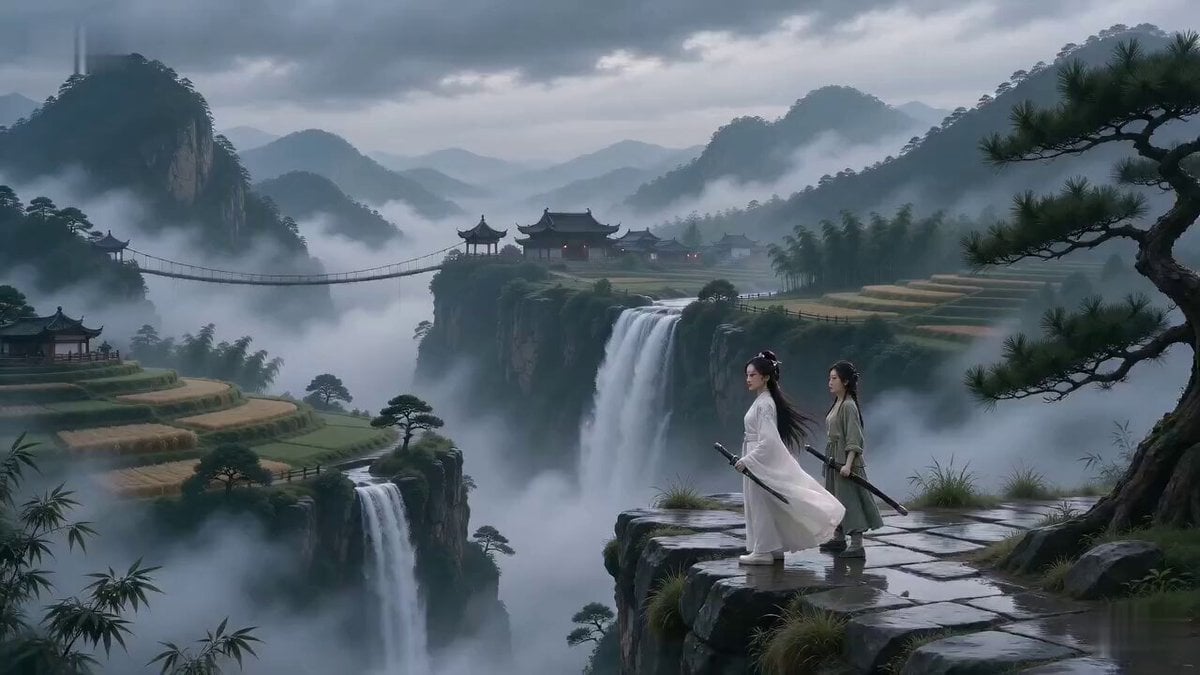
Cinematic Wuxia Suspense Scene Prompt
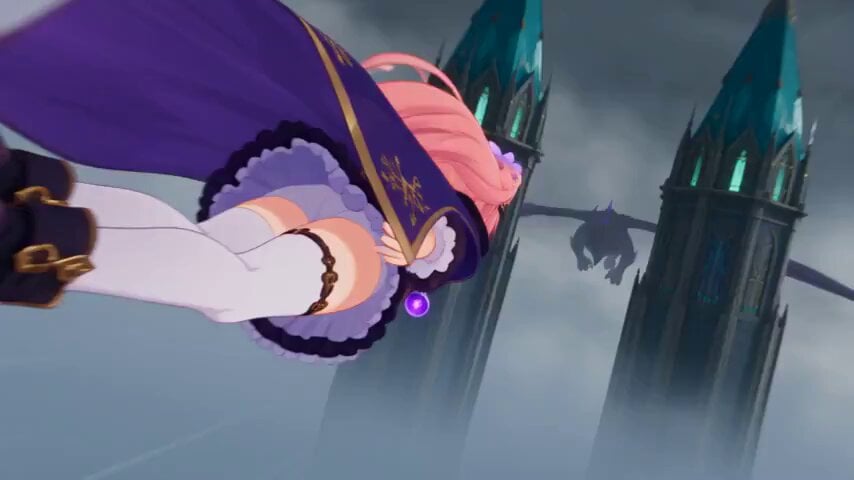
Magical Girl Aerial Battle Anime Scene
Large-Scale Architectural Transformation and Destruction Physics Video Prompt

Ethereal Woman in Golden Impasto Gown
Browse template categories
Industrial Platform Spectral Battle questions
How do I use the Industrial Platform Spectral Battle template?
Add your photo if the template asks for one, edit the prompt if you like — the template's model and format are already selected — and press Generate. Your version opens in PicX Studio.
Can I customize the Industrial Platform Spectral Battle template?
Yes. You can change the subject, setting, lighting, mood, format, and available model controls before creating your video.
Is the Industrial Platform Spectral Battle template free?
Opening and editing this template is free. Generating uses credits, shown on the Generate button when you are signed in.
Which AI model should I use?
Start with Seedance 2.0, which is the model associated with this template. You can compare another compatible model for a different finish.
Looking for something else? Browse all templates.

Your photo, any look
Thousands of ready templates for every top image and video model, from one credit balance.