
Large-Scale Architectural Transformation and Destruction Physics Video Prompt
A complex Seedance 2.0 prompt focused on simulating advanced physics, destruction, and large-scale architectural transformation.
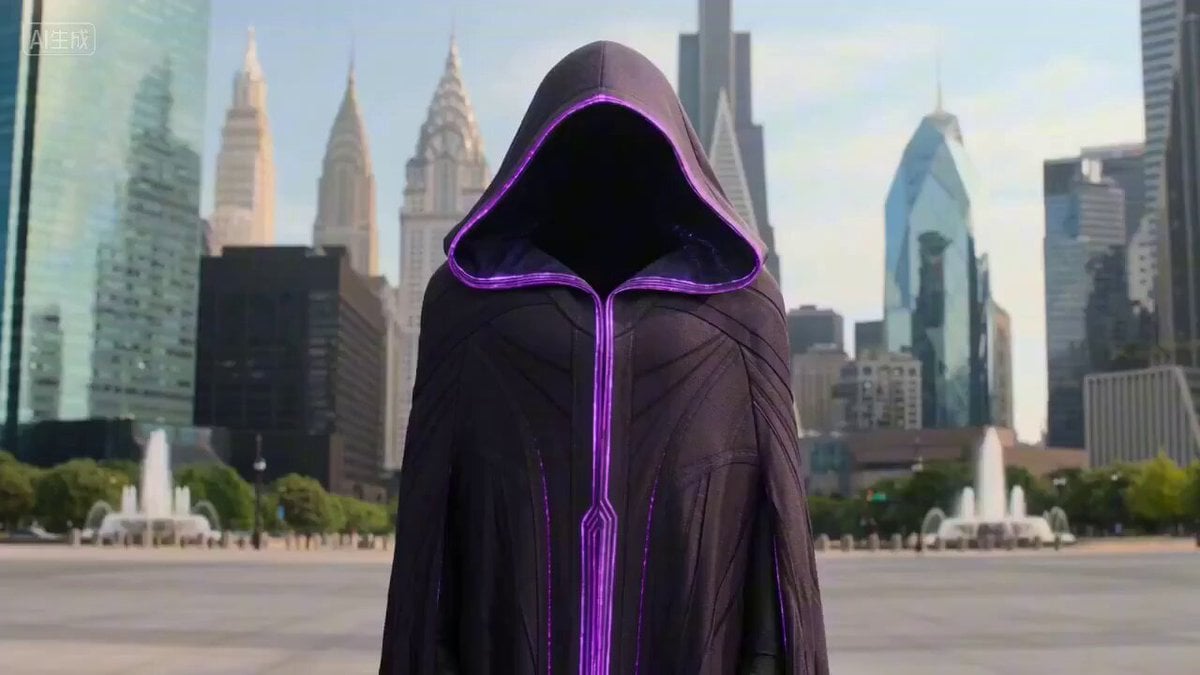
- Prompt included
- Model and format preset
- Premium template
The prompt behind this video
Copy the exact prompt behind Large-Scale Architectural Transformation and Destruction Physics Video Prompt, or open it in the studio and make it yours.
A majestic presence in a dark, flowing mantle stands amidst a vibrant city square, its coat woven with shimmering violet lines that trace hidden patterns — as it lifts a hand, the lines burst into radiant light. A subtle shift forms beneath the surface. The square gently slopes downward. The scene evolves: cars glide toward the shift, water features swirl into aerial rings, and nearby structures adjust their stance as their foundations realign. Ripples of change spread outward through the urban landscape. Lamp posts lean in, as if drawn to a central force. The figure moves through a neighborhood transforming into a wondrous space: ground level shifts → mid-rise buildings realign → rooftop structures begin to reconfigure. Glass and steel stretch and curve like pliable material. A dynamic view circles the forming anomaly, with fragments swirling in tighter orbits. The scene reaches a peak, and a structure's form dissolves. From above, the city features a vast, circular void where space has been reimagined. The figure stands serenely at its center. Violet light dances with orbiting fragments and warped architecture.
How to use Large-Scale Architectural Transformation and Destruction Physics Video Prompt in 3 steps
- 1
Open
The prompt is already in the box next to the preview, with the template's model and format selected.
- 2…a portrait of your subject in softgolden-hour light, 85mm…
Personalize
Edit the subject and creative details for your destination.
- 3Generate
Generate
Press Generate — your video is created in PicX Studio, so you can compare it with the original and refine one variable at a time.
More like this
Templates with the same subject, style or setup. Open one to see its prompt.
Magical Room Transformation - Seedance 2.5
Dark Tokusatsu Transformation - Seedance 2.5
Swimming Physics Butterfly Stroke — Kling 3.0 v3 Standard
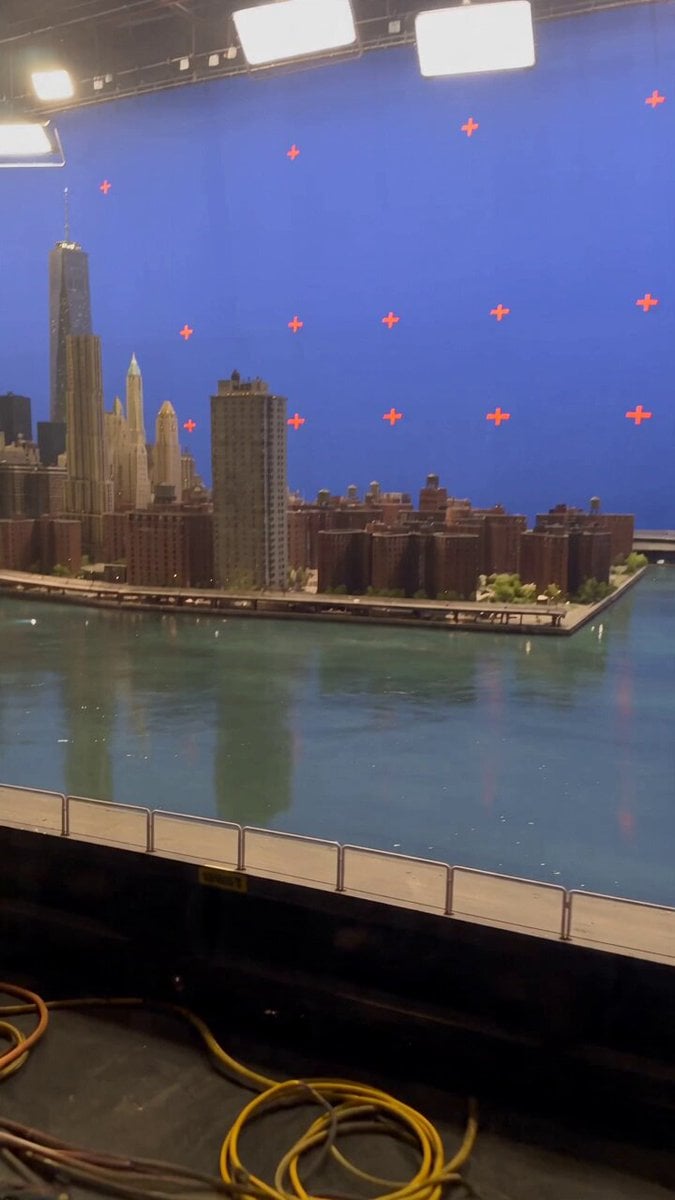
Miniature City Flood Soundstage
Miniature City Flood Soundstage
RX-7 to Mech Transformation Cyberpunk
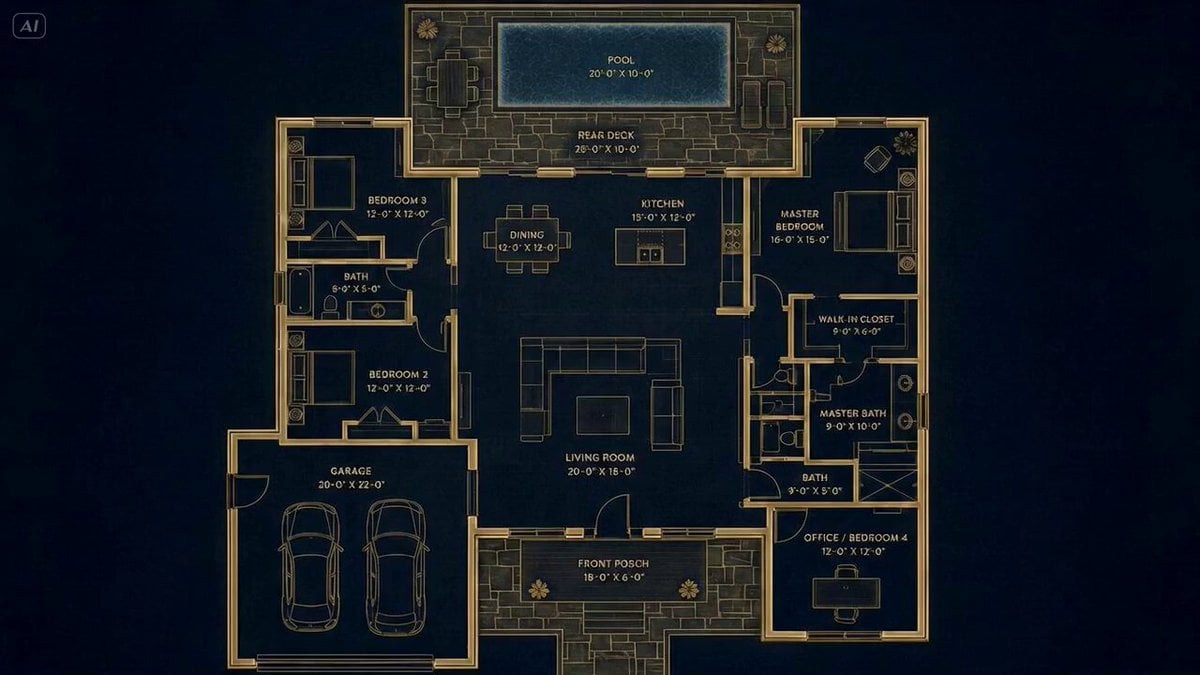
Architectural Blueprint to Reality Transformation
Luxury House Tour — 15 Shots in 15 Seconds (Seedance)
Tiny Figure Climbing a Giant — Low Angle Seedance
Civilization Timelapse — Centuries in One Shot
Mecha Transformation vs Kaiju — 4-Scene Epic
Asteroid Impact City Destruction
Make it yours
Large-Scale Architectural Transformation and Destruction Physics Video Prompt works as-is. These are the safest ways to change it without losing the look.
Change one field
Copy a single group, rewrite it, and generate again so you can see what that field is doing.
Keep the frame, change the subject
Hold the composition and light of Large-Scale Architectural Transformation and Destruction Physics Video Prompt, then swap wardrobe, props or the person for a new take.
| If the result… | Why | Fix |
|---|---|---|
| The result drifts from the preview | Too many fields changed at once. | Reuse Large-Scale Architectural Transformation and Destruction Physics Video Prompt as-is first, then change one group — subject, light, or setting. |
| The model over-stylizes the scene | The prose prompt leaves finish and camera underspecified. | Add one camera or lighting sentence and stay on Seedance 2.0. |
More Seedance 2.0 templates
Other prompts made for Seedance 2.0.

Comical Martial Arts Punch Scene

Maglev Train Action Sequence

Martial Arts Fight Sequence

Wuxia Protection and Trust Script

Vintage Korean Arcade MiniDV Vlog

Mercedes 190 SL Luxury Ad

Rainy Night Supernatural Reverse Comedy Video Script

Amazon Civilization Discovery

Futuristic South Asian City Transformation

Cozy Luxury Cafe Commercial
More video prompts
Fresh picks from across the catalog.
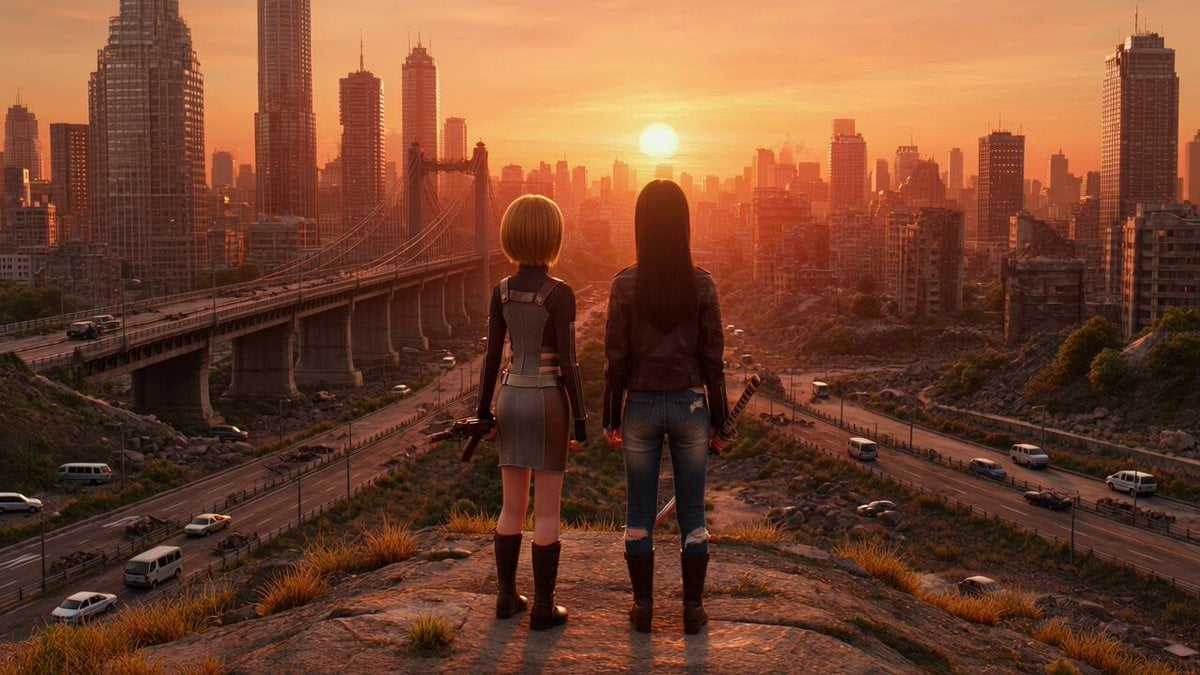
Anime/Live-Action Remake: 'Departure in the Sunset' Full Scene
Cybernetic Motion Graphic Logo Reveal
Cinematic Apocalypse Meteor Shower

Yogyakarta Indonesia Street Food Vlog
Elegant Beauty Parlour Commercial
Warrior Girl Galloping on Misty Battlefield

Cinematic Immersive Tennis Scene

High Fashion Industrial Warehouse Scene

Indian Street Food Cinematic Montage

Luxury Beauty UGC Commercial
Browse template categories
Large-Scale Architectural Transformation and Destruction Physics Video Prompt questions
How do I use the Large-Scale Architectural Transformation and Destruction Physics Video Prompt template?
Add your photo if the template asks for one, edit the prompt if you like — the template's model and format are already selected — and press Generate. Your version opens in PicX Studio.
Can I customize the Large-Scale Architectural Transformation and Destruction Physics Video Prompt template?
Yes. You can change the subject, setting, lighting, mood, format, and available model controls before creating your video.
Is the Large-Scale Architectural Transformation and Destruction Physics Video Prompt template free?
Opening and editing this template is free. Generating uses credits, shown on the Generate button when you are signed in.
Which AI model should I use?
Start with Seedance 2.0, which is the model associated with this template. You can compare another compatible model for a different finish.
Looking for something else? Browse all templates.

Your photo, any look
Thousands of ready templates for every top image and video model, from one credit balance.