
Anime/Live-Action Remake: 'Departure in the Sunset' Full Scene
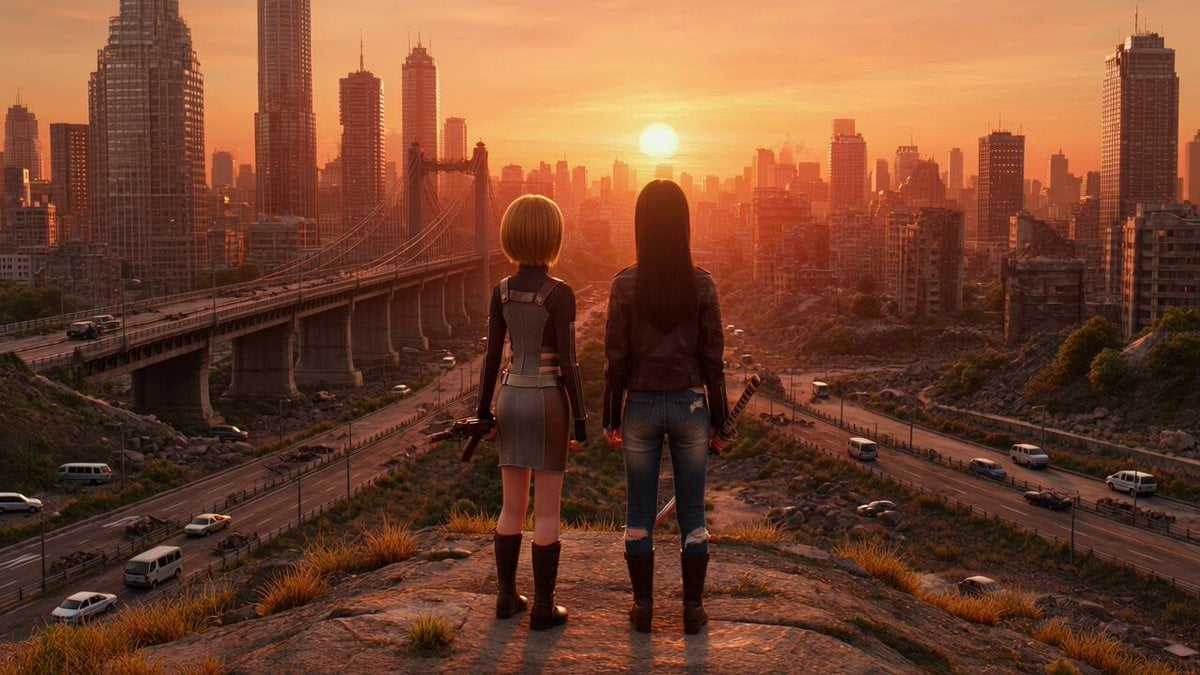
A detailed Grok Imagine prompt for generating both anime and live-action versions of a scene from 'Departure in the Sunset.' The scene features two girls, Kururu and Tsugumi, standing on a hill overlooking a ruined city…
- Prompt included
- Model and format preset
- Free template
The prompt behind this video
Copy the exact prompt behind Anime/Live-Action Remake: 'Departure in the Sunset' Full Scene, or open it in the studio and make it yours.
背景は、夕日に照らされた荒廃とした街並み、崩れかけたビル、落ちかけた橋、廃墟となったビル群、道路には、乗り捨てられた車で溢れている。 小高い丘の上に立って廃墟の街を眺めている。 女の子その1:(くるる)少し背が低い、髪はショートカット金色、ボウガンを持っている。スカートはタイトスカートミニ左右にスリットがはいっている。タクティカルタイプ。女の子その2:(つぐみ)少し背が高い、髪はポニーテール紫色、ズボンはダメージジーンズ、上着は、革ジャン、日本刀を持っている。 バストアップで顔だけを横顔でカメラに捉える。 二人の頬が夕日に照らされて少し紅色になっている。 女の子その1:くるるがなにか話す。 つぐみが無言で頷く。アニメ調
How to use Anime/Live-Action Remake: 'Departure in the Sunset' Full Scene in 3 steps
- 1
Open
The prompt is already in the box next to the preview, with the template's model and format selected.
- 2…a portrait of your subject in softgolden-hour light, 85mm…
Personalize
Edit the subject and creative details for your destination.
- 3Generate
Generate
Press Generate — your video is created in PicX Studio, so you can compare it with the original and refine one variable at a time.
More like this
Templates with the same subject, style or setup. Open one to see its prompt.
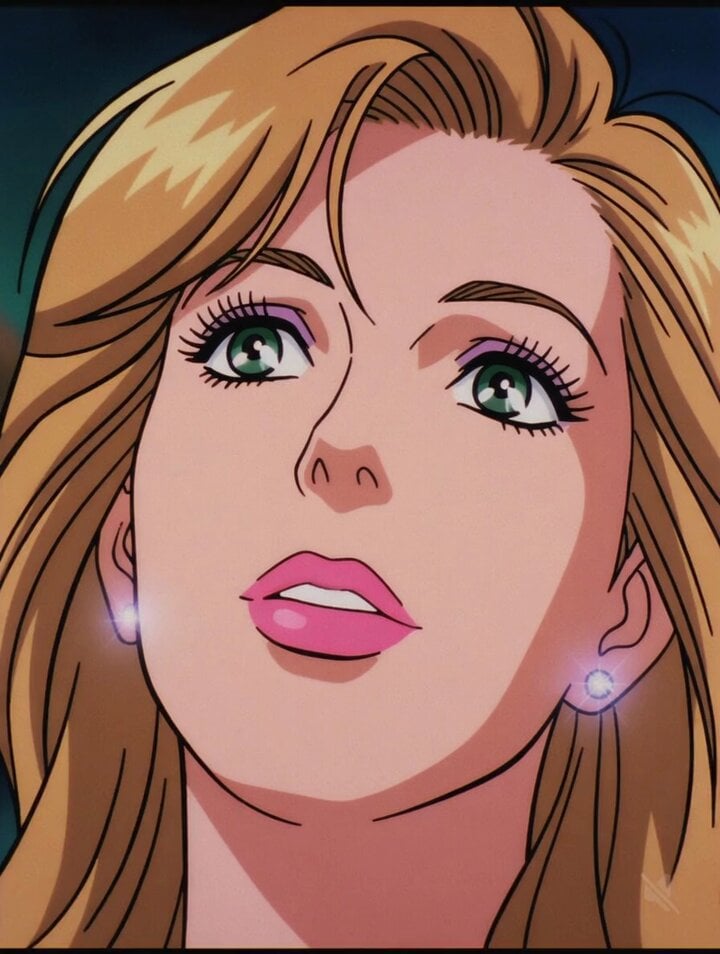
Change Image Style to Full Illustrated Anime
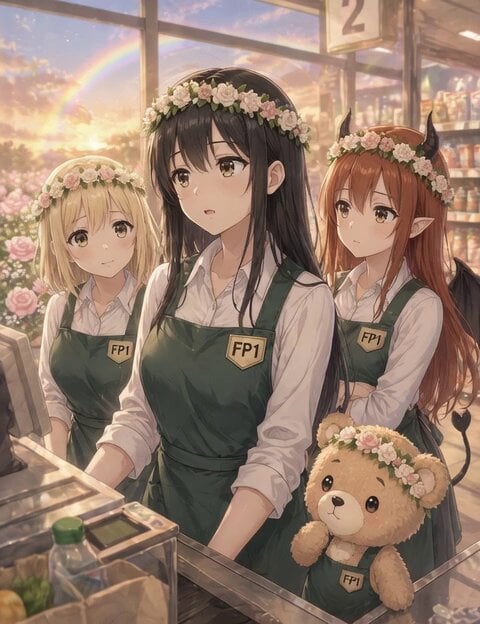
Cinematic Sunset Anime Video Prompt
Vertical City — São Paulo Parkour at Sunset
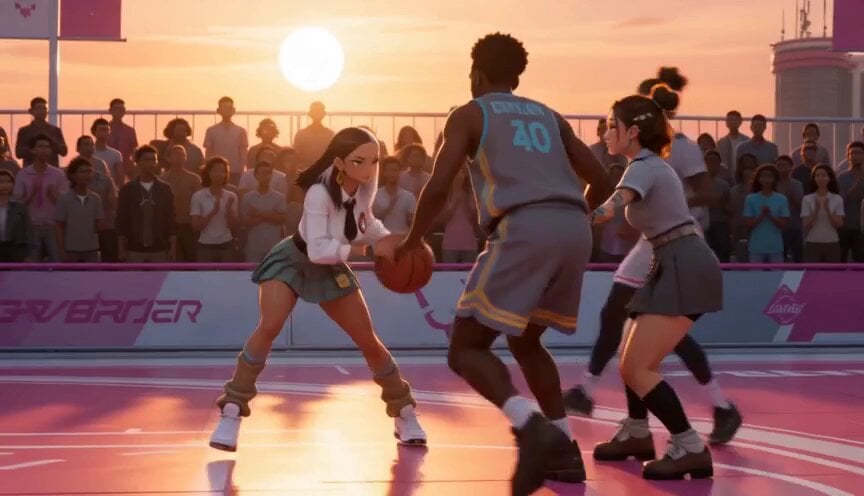
Anime and Live-Action Basketball Mix
Serene Sunset Beach Scene
Kindergarten Morning Departure Pose
Starship fleet space departure cinematic

Coffee Cup Interaction Motion
Korean Motorbike Delivery Action Video Prompt
Live Action Anime Stage Play
Woman's Profile Emerging from Cosmic Sunset
Towel swan transforms into real swan at sunset
Make it yours
Anime/Live-Action Remake: 'Departure in the Sunset' Full Scene works as-is. These are the safest ways to change it without losing the look.
Change one field
Copy a single group, rewrite it, and generate again so you can see what that field is doing.
Keep the frame, change the subject
Hold the composition and light of Anime/Live-Action Remake: 'Departure in the Sunset' Full Scene, then swap wardrobe, props or the person for a new take.
| If the result… | Why | Fix |
|---|---|---|
| The result drifts from the preview | Too many fields changed at once. | Reuse Anime/Live-Action Remake: 'Departure in the Sunset' Full Scene as-is first, then change one group — subject, light, or setting. |
| The model over-stylizes the scene | The prose prompt leaves finish and camera underspecified. | Add one camera or lighting sentence and stay on Grok Imagine. |
More Grok Imagine templates
Other prompts made for Grok Imagine.

Kaleidoscopic Cosmic Dolphin Video

Horror Daffy Duck Video Transition

America 250th Anniversary Celebration

Glowing Water Forest Night Prompt

Soft Pink Roses Dreamer Prompt

Ninja Wizard Levitation Jump

Voice Controlled Water Animation

Pterodactyl Transformation Journey

Candle Mandala Mirror Video

Psychedelic Purple Disc World Video
More video prompts
Fresh picks from across the catalog.
Claude Prompt: Data Overview and Health Check
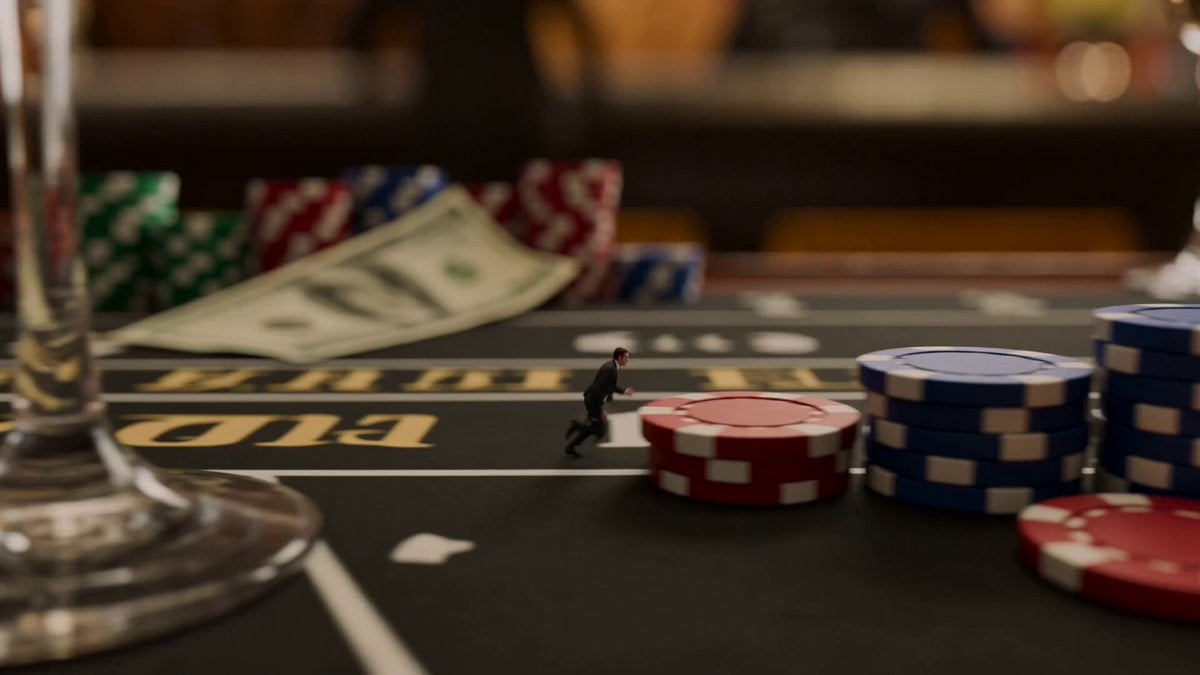
Tiny Agent Casino Heist Action

Martial Arts Fight Sequence
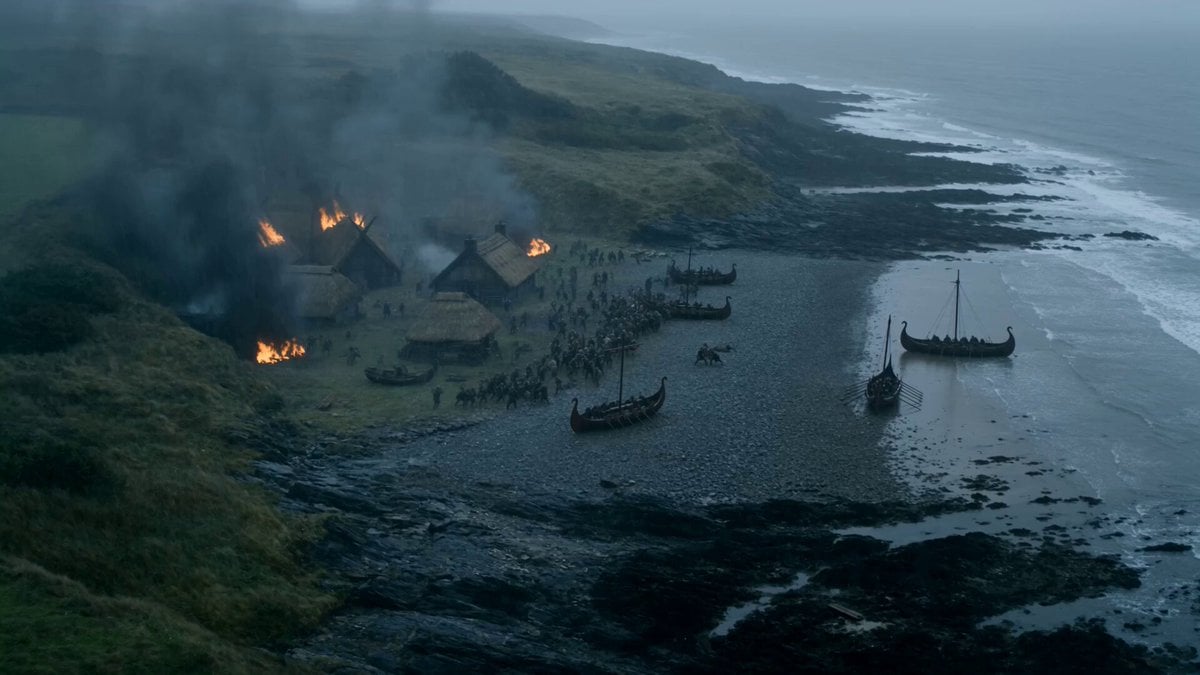
Viking Raid Coastal Ambush
Kinetic Bar Combat Animation
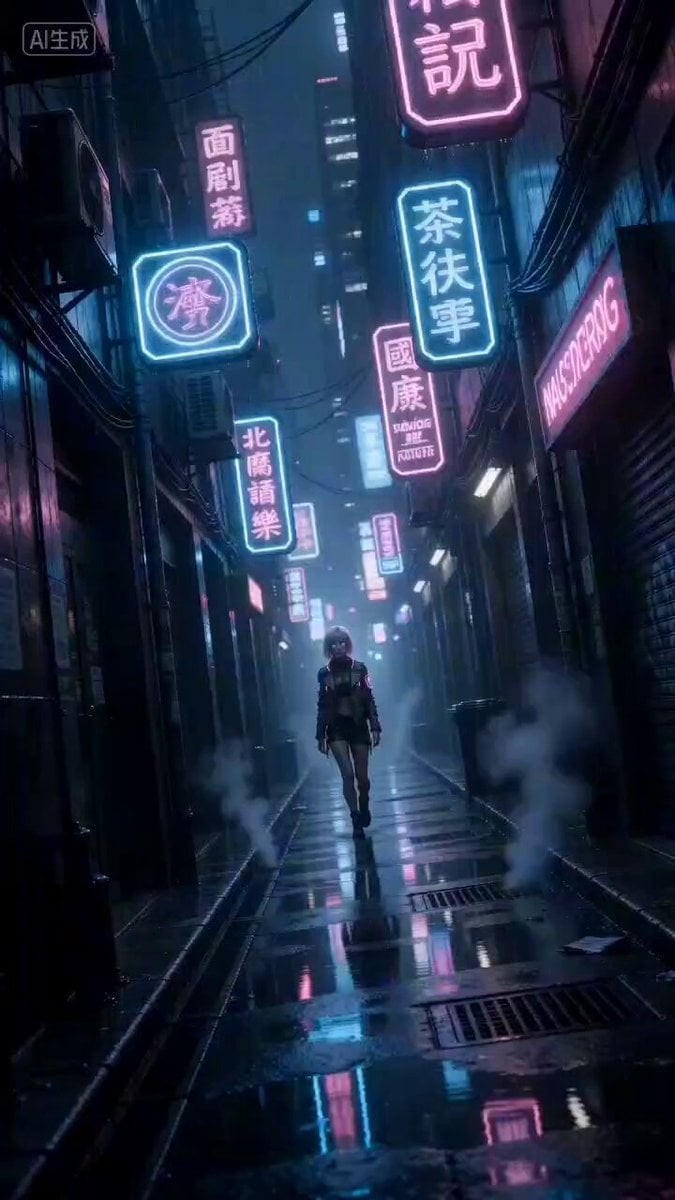
Cyberpunk Woman Video Prompt
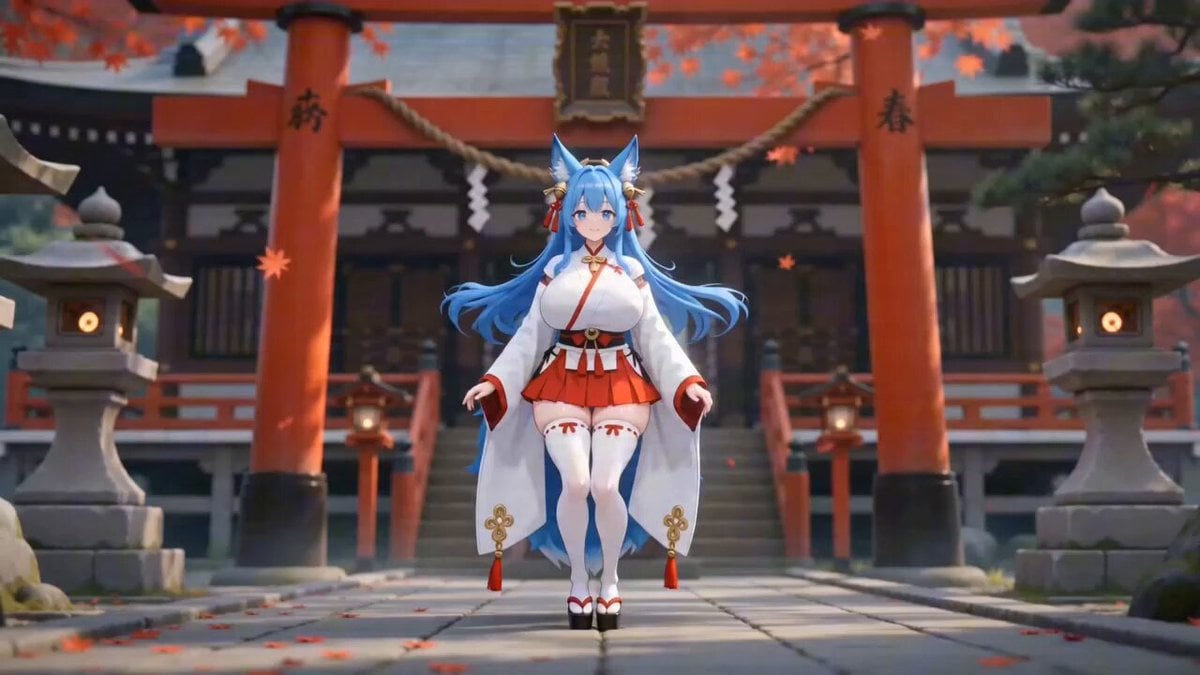
Detailed Seedance 2.0 prompt for a dancing fox girl
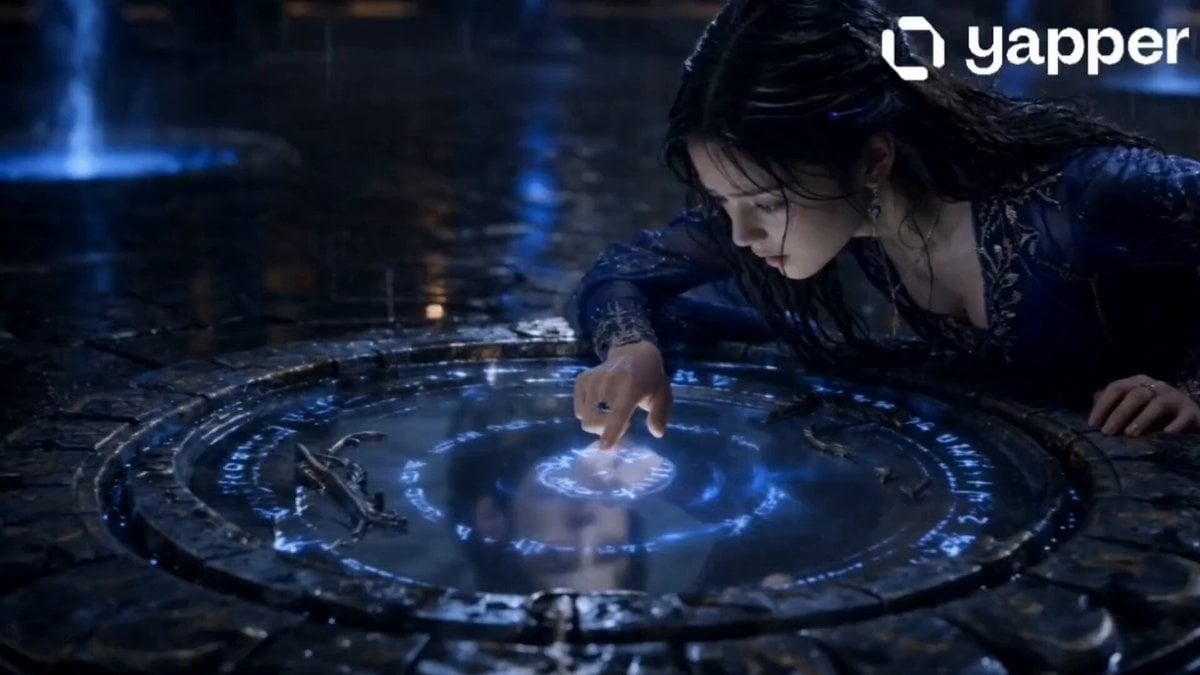
Soul-Switching Mirror Magic Sequence
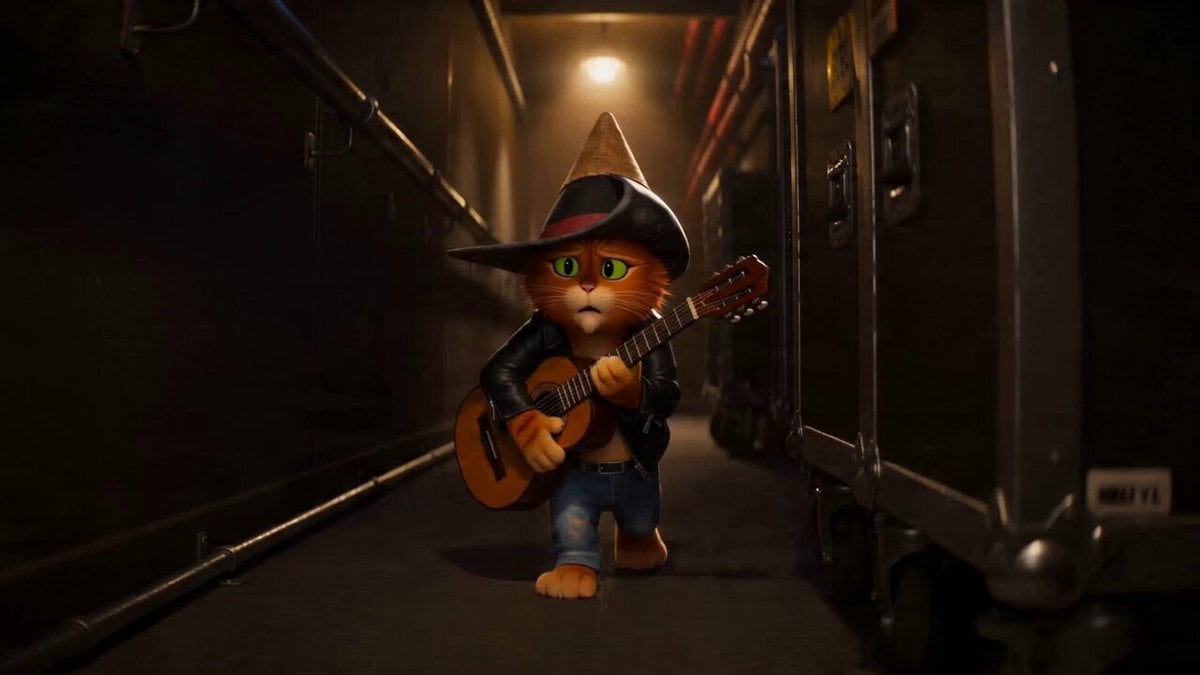
Cat Opera Hero Action Sequence
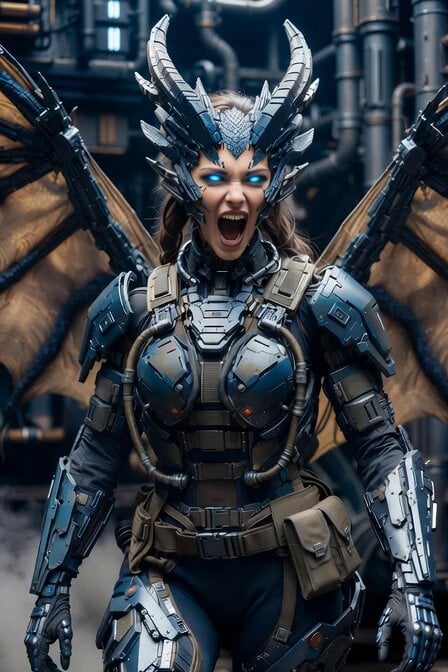
Cyberpunk Dragon Warrior Transformation

Browse template categories
Anime/Live-Action Remake: 'Departure in the Sunset' Full Scene questions
How do I use the Anime/Live-Action Remake: 'Departure in the Sunset' Full Scene template?
Add your photo if the template asks for one, edit the prompt if you like — the template's model and format are already selected — and press Generate. Your version opens in PicX Studio.
Can I customize the Anime/Live-Action Remake: 'Departure in the Sunset' Full Scene template?
Yes. You can change the subject, setting, lighting, mood, format, and available model controls before creating your video.
Is the Anime/Live-Action Remake: 'Departure in the Sunset' Full Scene template free?
Opening and editing this template is free. Generating uses credits, shown on the Generate button when you are signed in.
Which AI model should I use?
Start with Grok Imagine, which is the model associated with this template. You can compare another compatible model for a different finish.
Looking for something else? Browse all templates.

Your photo, any look
Thousands of ready templates for every top image and video model, from one credit balance.