
Kinetic Bar Combat Animation
Kinetic Bar Combat Animation is a ready video look.
- Prompt included
- Model and format preset
- Free template
The prompt behind this video
Copy the exact prompt behind Kinetic Bar Combat Animation, or open it in the studio and make it yours.
Stylized 3D animation with exaggerated proportions, sharp martial-arts-inspired choreography, and controlled, rhythmic energy. CHARACTERS - Mixologist: Impeccably dressed in a tailored vest and arm garters. Piercing gaze. Movements follow a precise rhythm: pause -> burst -> lock. Theatrical, hypnotic, absolute master of his domain. - Client: An exhausted, slumping patron looking miserable, leaning heavily on the bar. ENVIRONMENT High-end speakeasy. Backlit shelves of glowing amber bottles. Polished mahogany bar. MOOD Aggressive precision. Mixologist = total control. Client = weary, desperate. TIMELINE 0:00-0:02 (Close-up) Patron taps the bar weakly. Mixologist slides a heavy crystal glass forward, then flips a steel cocktail shaker over his knuckles like a tonfa. 0:02-0:05 (Action sequence) He hurls a block of ice into the air. Drawing an ice pick, he strikes it mid-air in a flurry of spear-thrusts. A perfect, diamond-clear ice sphere drops heavily into the glass. 0:05-0:08 (Tracking shot) Three bottles are kicked off the shelf. He catches them flawlessly, pouring liquids in a massive, braided arc from high above his head. The liquid glows neon as it perfectly hits the shaker without spilling a drop. 0:08-0:11 The shaker is slammed shut and shaken in a violent, rhythmic, percussive blur, frost instantly forming on the steel. 0:11-0:13 The shaker is cracked open with a palm strike. A Hawthorne strainer is slapped on. The liquid is poured through a smoking cloud of flamed orange peel, hit with a lighter in a brief burst of dragon-fire. 0:13-0:15 FINAL REVEAL The smoke dissipates. A stunning, multi-layered, glowing cocktail sits before the patron. The patron's eyes light up with life. The mixologist flicks a bar towel over his shoulder and turns away in silence.
How to use Kinetic Bar Combat Animation in 3 steps
- 1
Open
The prompt is already in the box next to the preview, with the template's model and format selected.
- 2…a portrait of your subject in softgolden-hour light, 85mm…
Personalize
Edit the subject and creative details for your destination.
- 3
Generate
Generate
Press Generate — your video is created in PicX Studio, so you can compare it with the original and refine one variable at a time.
More like this
Templates with the same subject, style or setup. Open one to see its prompt.
3D Glossy Fairy Animation - Seedance 2.5

Silk Road Pomegranate Folk Animation
Multilingual Creative Typography Loop
Pixar Style Barber Shop Animation
Urban Fantasy RPG Combat Animation

Walking Factory with Rebel on Hoverbike - Wasteland
Cartoon Bullfight Arena — Girl vs Bull (Seedance)
Dim Sum Chase — Shrimp Dumpling Monster

Artisanal Chocolate Bar Sensory Indulgence
Premium Chocolate Bar UGC Ad Prompt
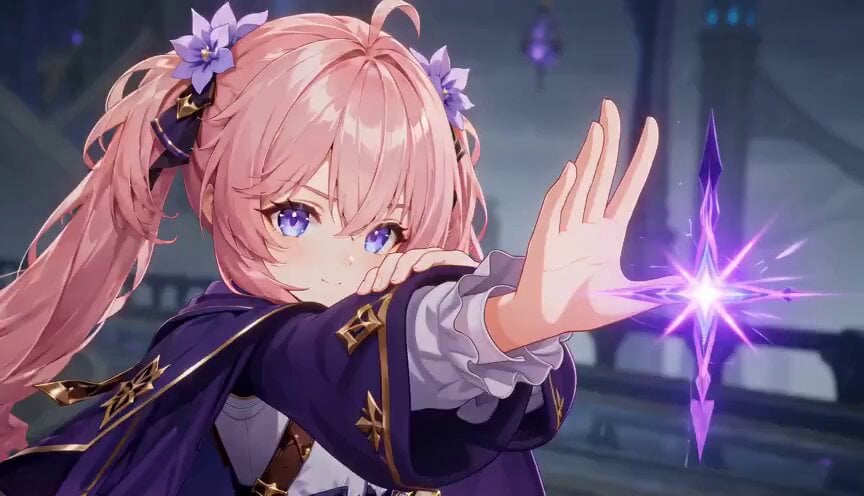
Magic City Fantasy Battle Animation
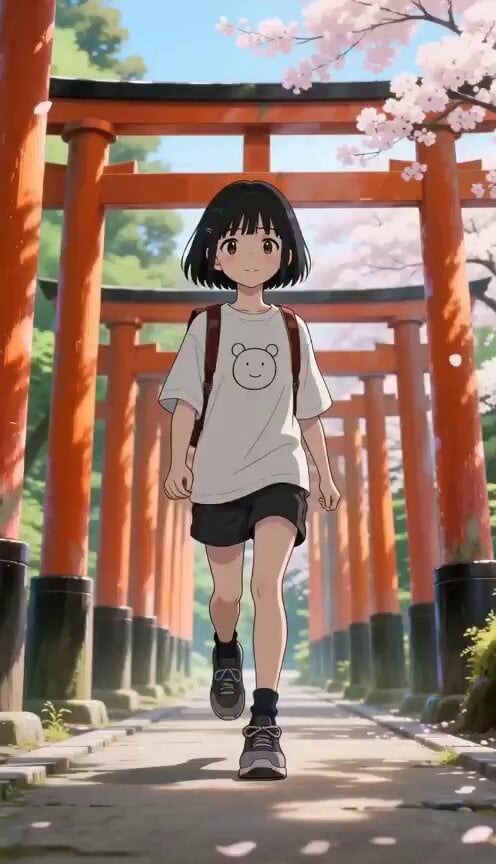
Seasonal Path Transition Animation
Make it yours
Kinetic Bar Combat Animation works as-is. These are the safest ways to change it without losing the look.
Change one field
Copy a single group, rewrite it, and generate again so you can see what that field is doing.
Keep the frame, change the subject
Hold the composition and light of Kinetic Bar Combat Animation, then swap wardrobe, props or the person for a new take.
| If the result… | Why | Fix |
|---|---|---|
| The result drifts from the preview | Too many fields changed at once. | Reuse Kinetic Bar Combat Animation as-is first, then change one group — subject, light, or setting. |
| The model over-stylizes the scene | The prose prompt leaves finish and camera underspecified. | Add one camera or lighting sentence and stay on PicX Studio. |
More video prompts
Fresh picks from across the catalog.
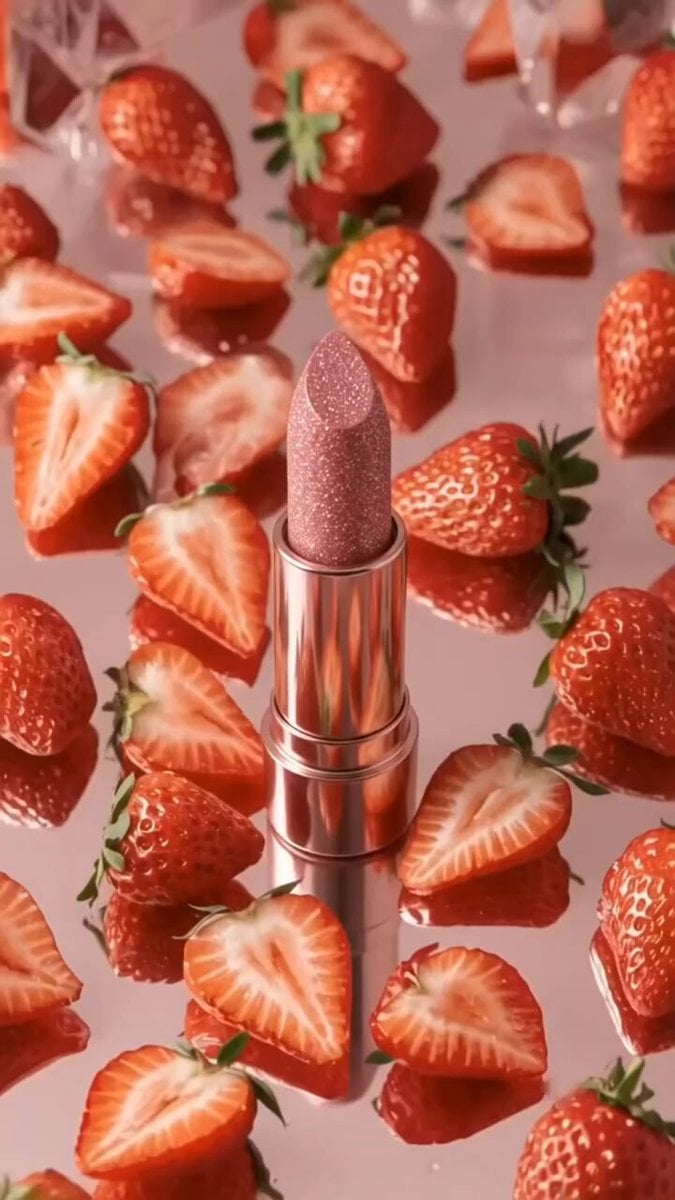
Pink Lipstick 3D Product Commercial
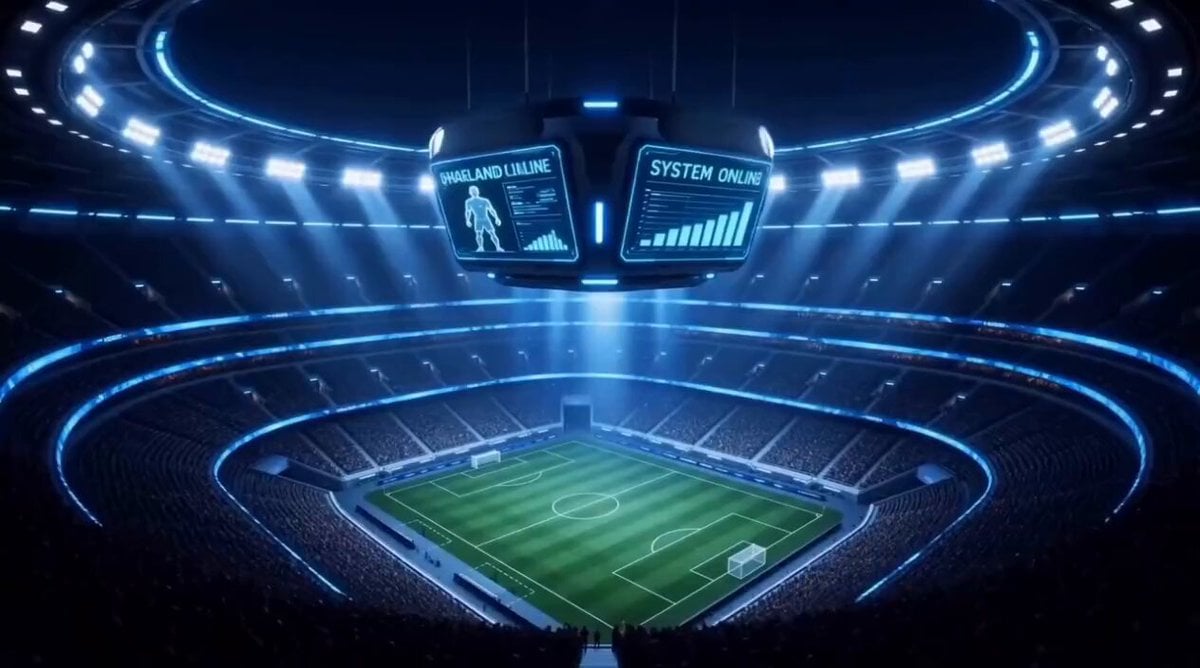
3D Animated Football Story

Dragon with Sunflower in Field
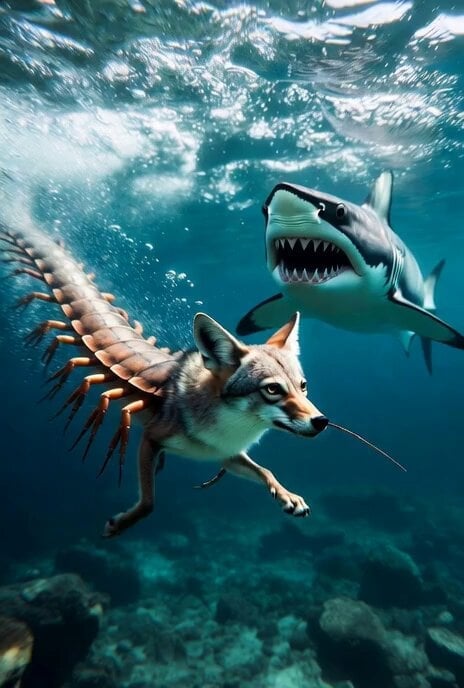
Grok Imagine Surreal Creature Chase Video Prompt
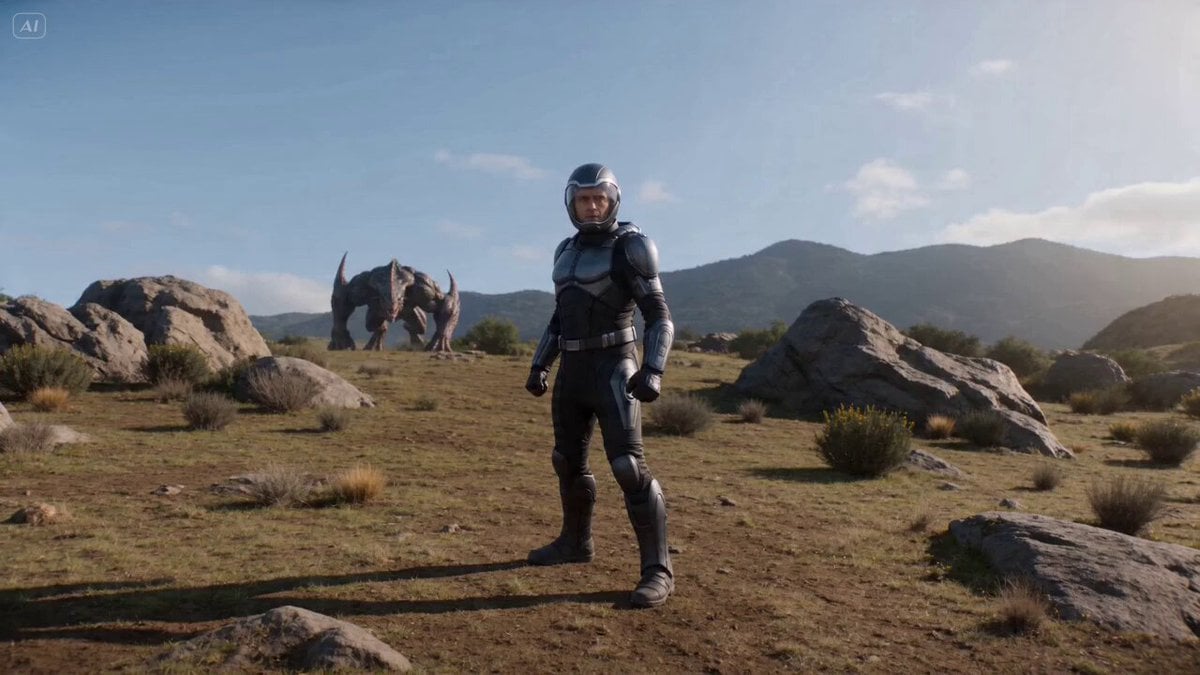
Cinematic Sci-Fi Fantasy Duel Prompt with Detailed Choreography
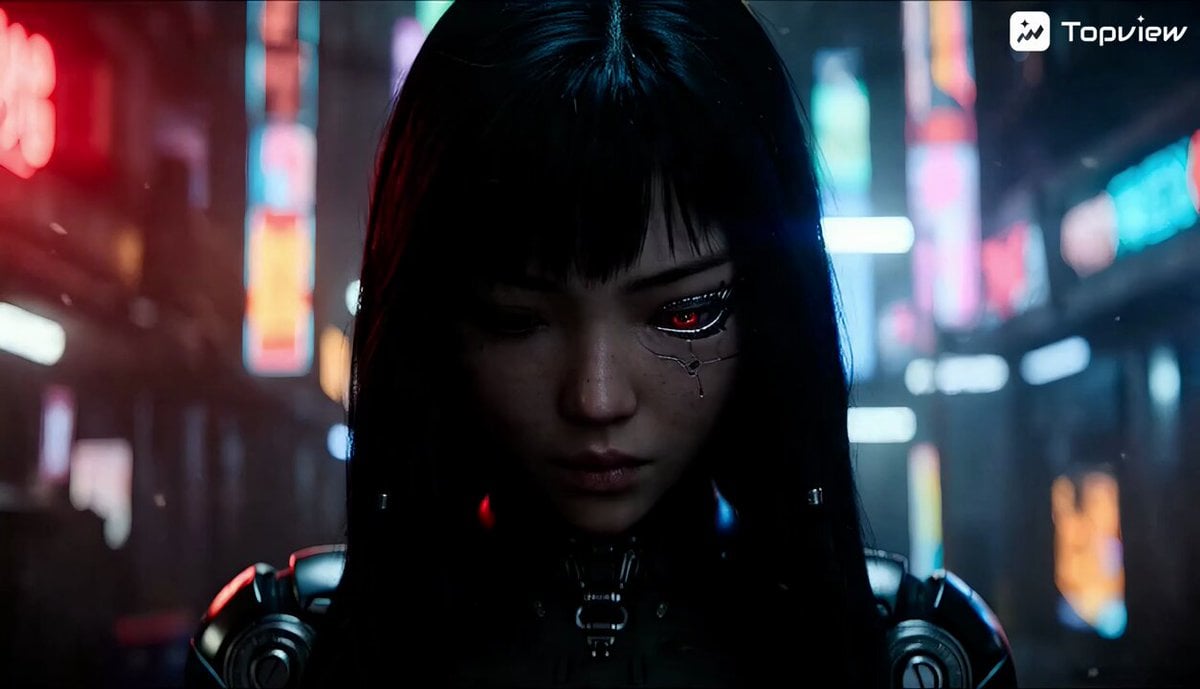
Cinematic Sci-Fi Action Video Prompt on Train Tracks
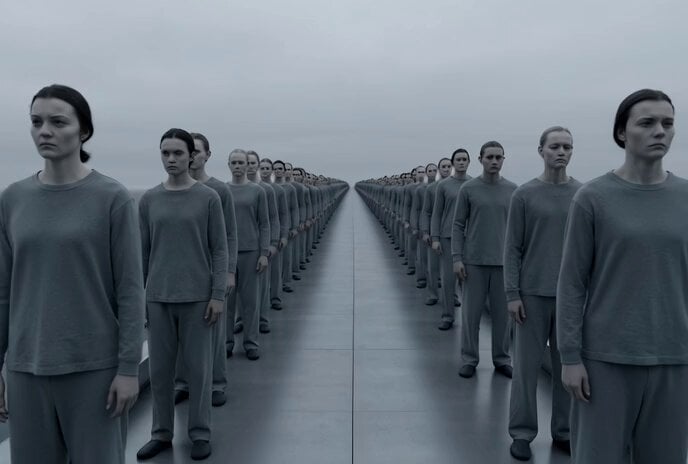
Dark Conveyor Belt Mystery
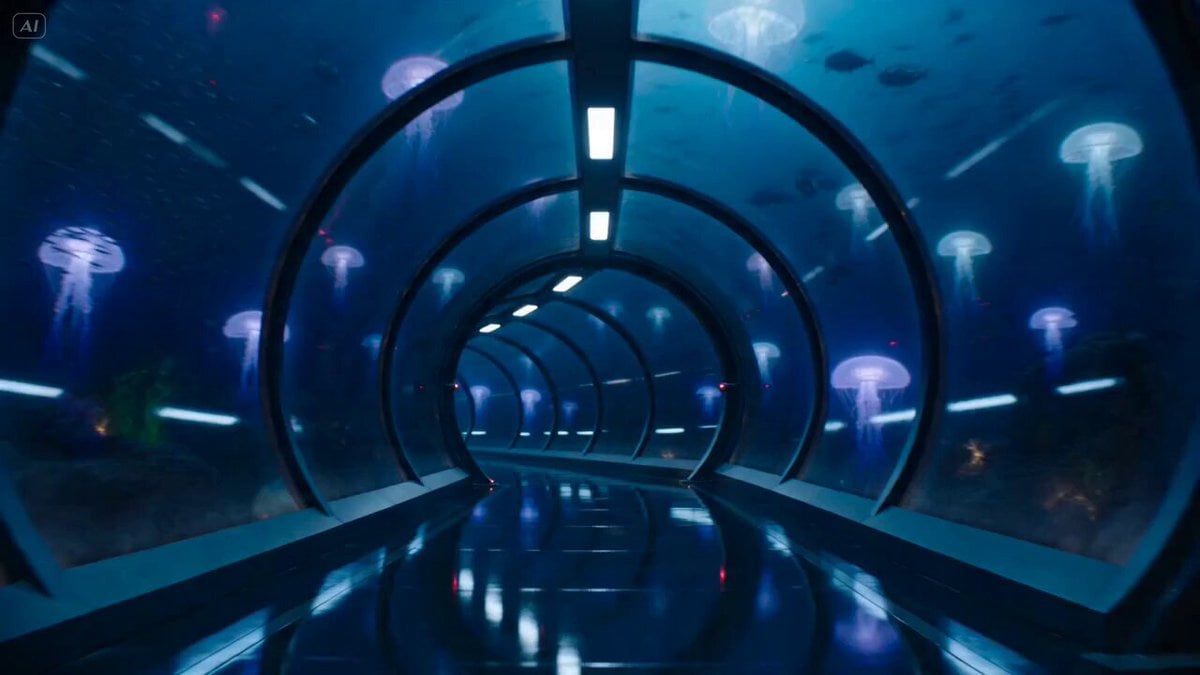
Underwater Glass Tunnel Action Sequence
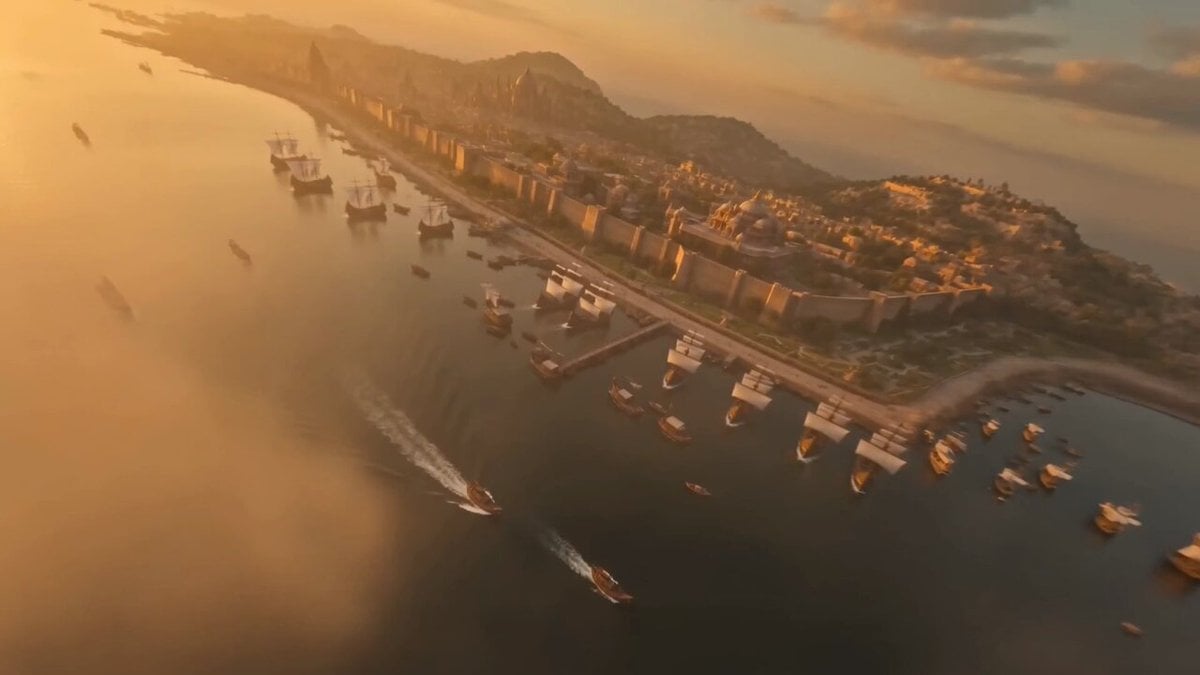
Ancient Indian Kingdom FPV Drone Shot

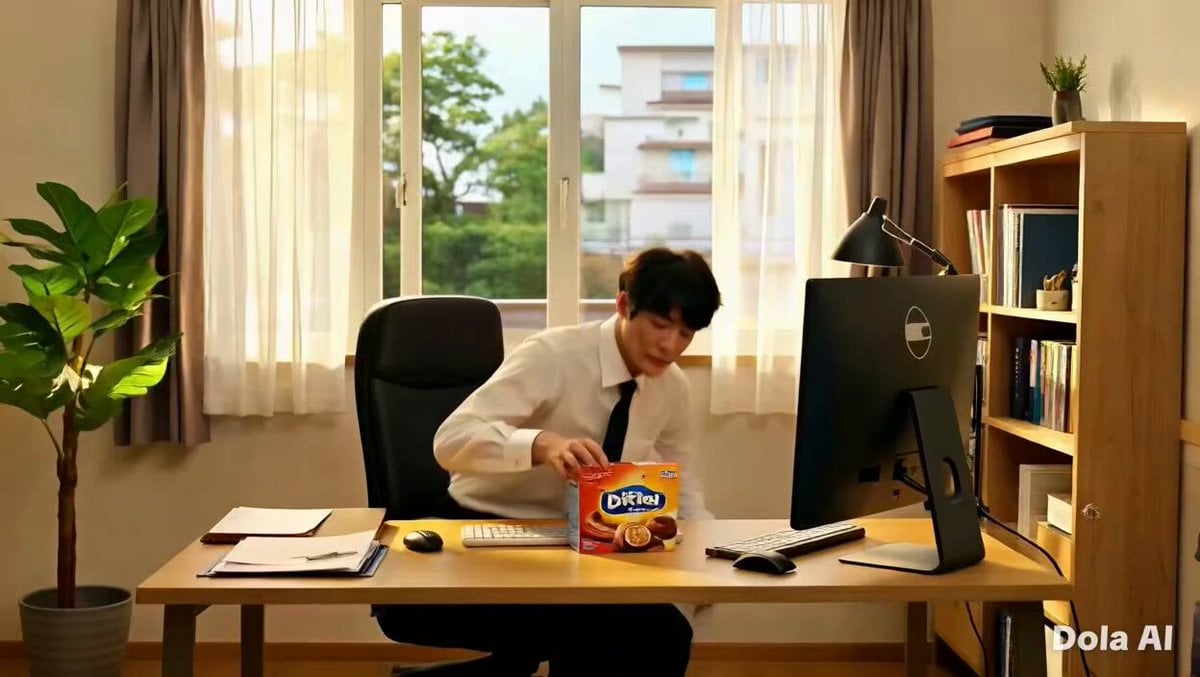
Actor Drinking and Giving Review
Browse template categories
Kinetic Bar Combat Animation questions
How do I use the Kinetic Bar Combat Animation template?
Add your photo if the template asks for one, edit the prompt if you like — the template's model and format are already selected — and press Generate. Your version opens in PicX Studio.
Can I customize the Kinetic Bar Combat Animation template?
Yes. You can change the subject, setting, lighting, mood, format, and available model controls before creating your video.
Is the Kinetic Bar Combat Animation template free?
Opening and editing this template is free. Generating uses credits, shown on the Generate button when you are signed in.
Which AI model should I use?
Choose a compatible model in PicX Studio based on the style, speed, and output controls your project needs.
Looking for something else? Browse all templates.

Your photo, any look
Thousands of ready templates for every top image and video model, from one credit balance.