
Cinematic Sunset Anime Video Prompt
A Grok Imagine video generation prompt for a sunset supermarket scene with specific character rules and lip-sync instructions.
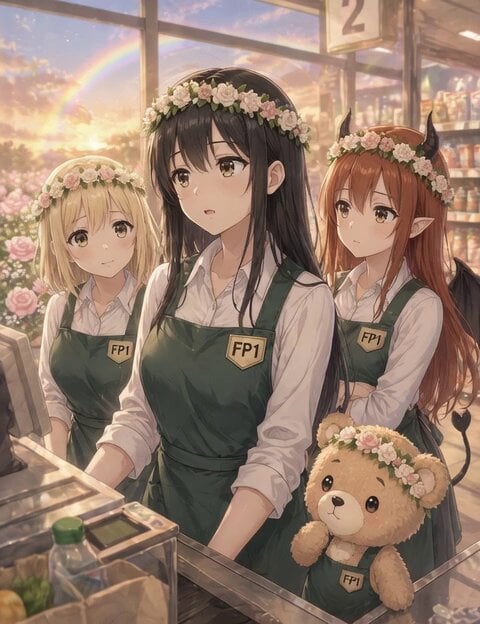
- Prompt included
- Model and format preset
- Premium template
The prompt behind this video
Copy the exact prompt behind Cinematic Sunset Anime Video Prompt, or open it in the studio and make it yours.
A cinematic slice-of-life anime scene set in a supermarket checkout during sunset. Center: a black-haired adult woman wearing a white blouse and deep green apron with an FP1 badge, calm and slightly tired expression. Left: a blonde woman with a gentle expression, same uniform and flower accessory. Right: a brown-haired woman with a realistic expression, same uniform and flower accessory. Front: a small teddy bear wearing a deep green apron with an FP1 badge, standing still. All characters wear matching soft flower crowns symbolizing hope. Soft pastel colors, thin delicate anime lineart, minimal shading, soft ambient sunset lighting, rainbow visible through the window, gentle warm atmosphere. Camera: natural human eye-level, slight 45-degree angle, no zoom, no camera movement. Dialogue (Japanese voice only): 中央の黒髪女性(落ち着いた大人の女性の声) 「今日は何曜日?ずっと休みなく働いている気がするな」 Acting: subtle facial expression, small natural movements only. IMPORTANT RULE: only the speaking character moves their mouth, all other characters keep their mouths completely closed, no lip movement for non-speaking characters No text on screen.
How to use Cinematic Sunset Anime Video Prompt in 3 steps
- 1
Open
The prompt is already in the box next to the preview, with the template's model and format selected.
- 2…a portrait of your subject in softgolden-hour light, 85mm…
Personalize
Edit the subject and creative details for your destination.
- 3Generate
Generate
Press Generate — your video is created in PicX Studio, so you can compare it with the original and refine one variable at a time.
More like this
Templates with the same subject, style or setup. Open one to see its prompt.
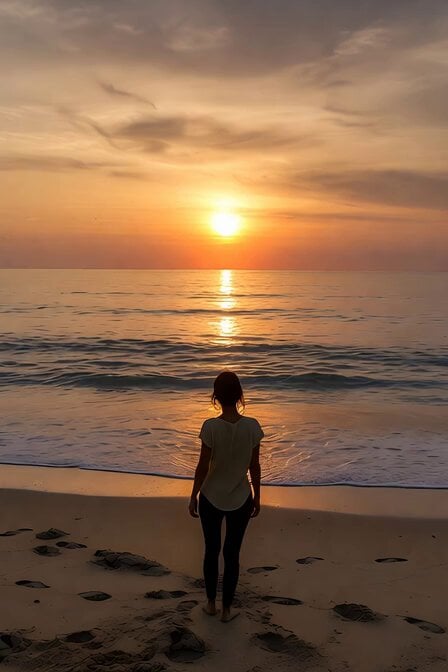
Serene Sunset Beach Scene
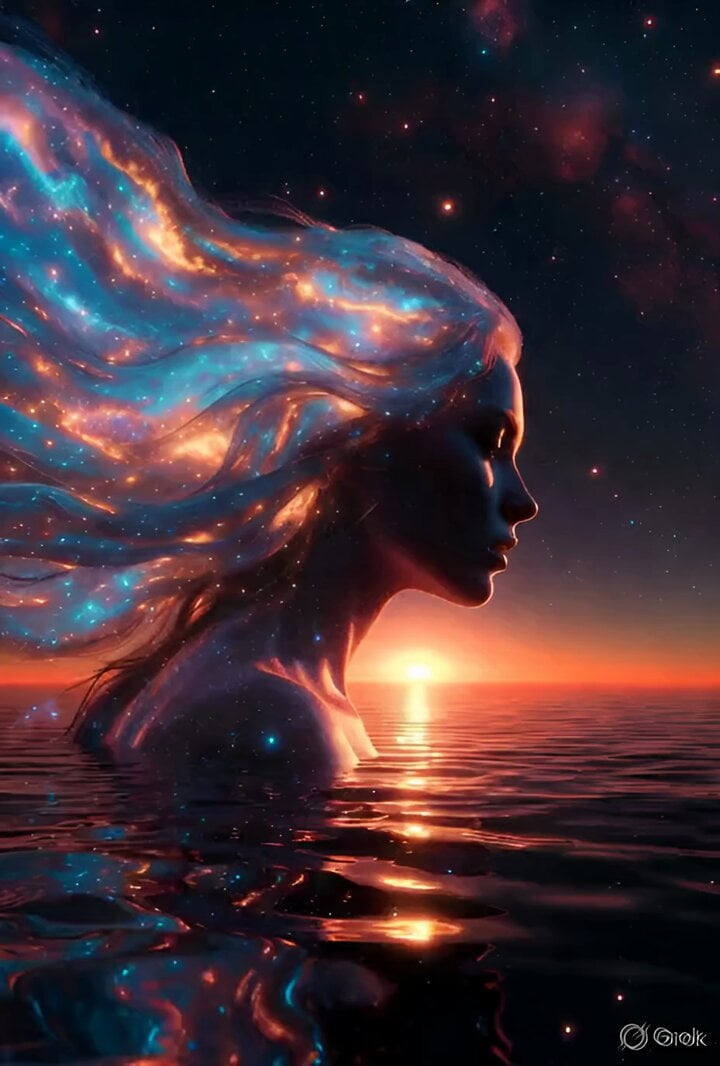
Woman's Profile Emerging from Cosmic Sunset
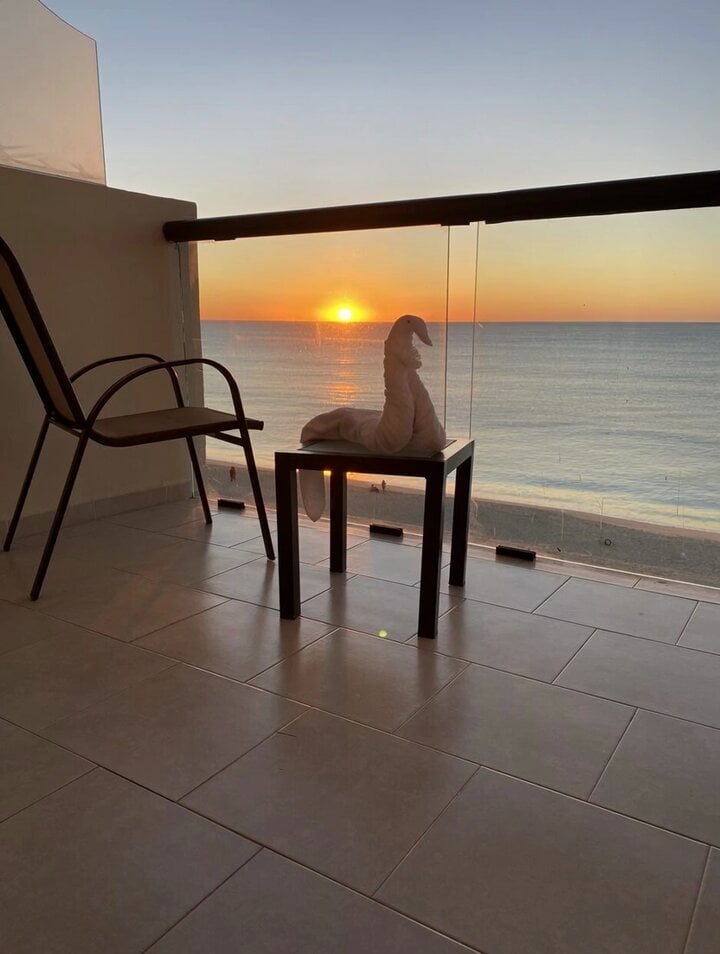
Towel swan transforms into real swan at sunset
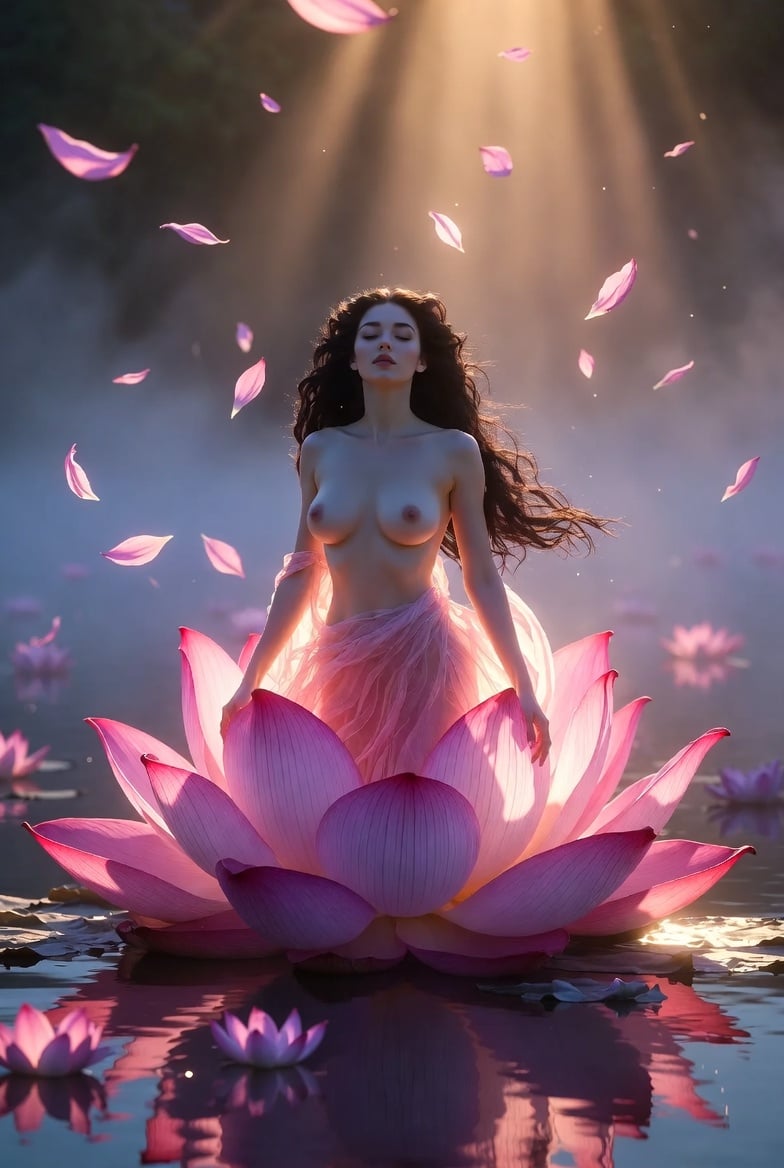
Grok Imagine Video Prompt: Goddess Rises from a Pink Lotus at Sunset

Flock of Swans Taking Flight at Sunset
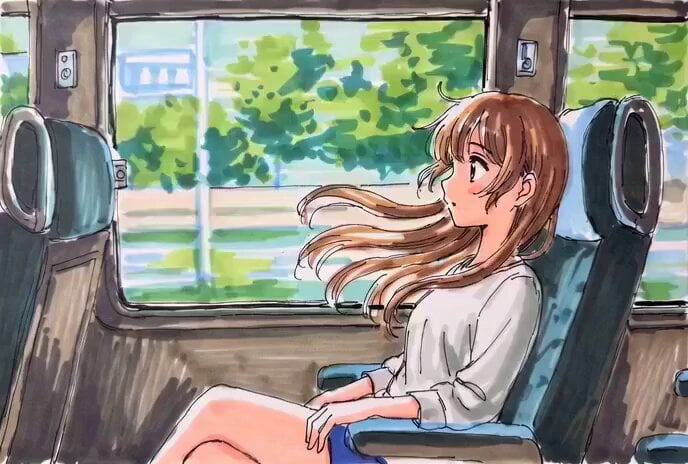
Hand-Drawn Anime Bus Scene Video Prompt
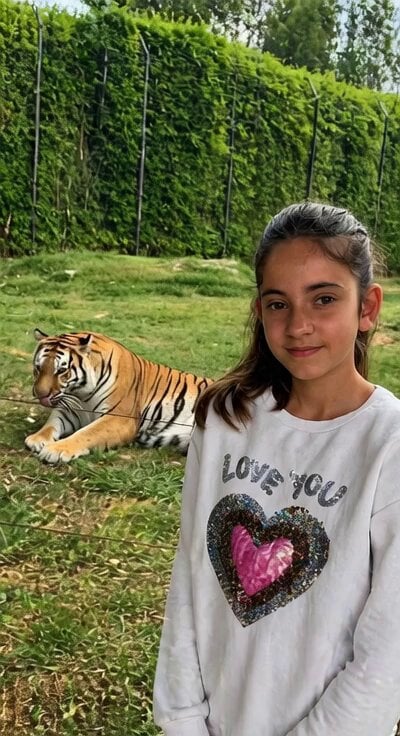
Ultra-realistic Girl in Nature Sunset
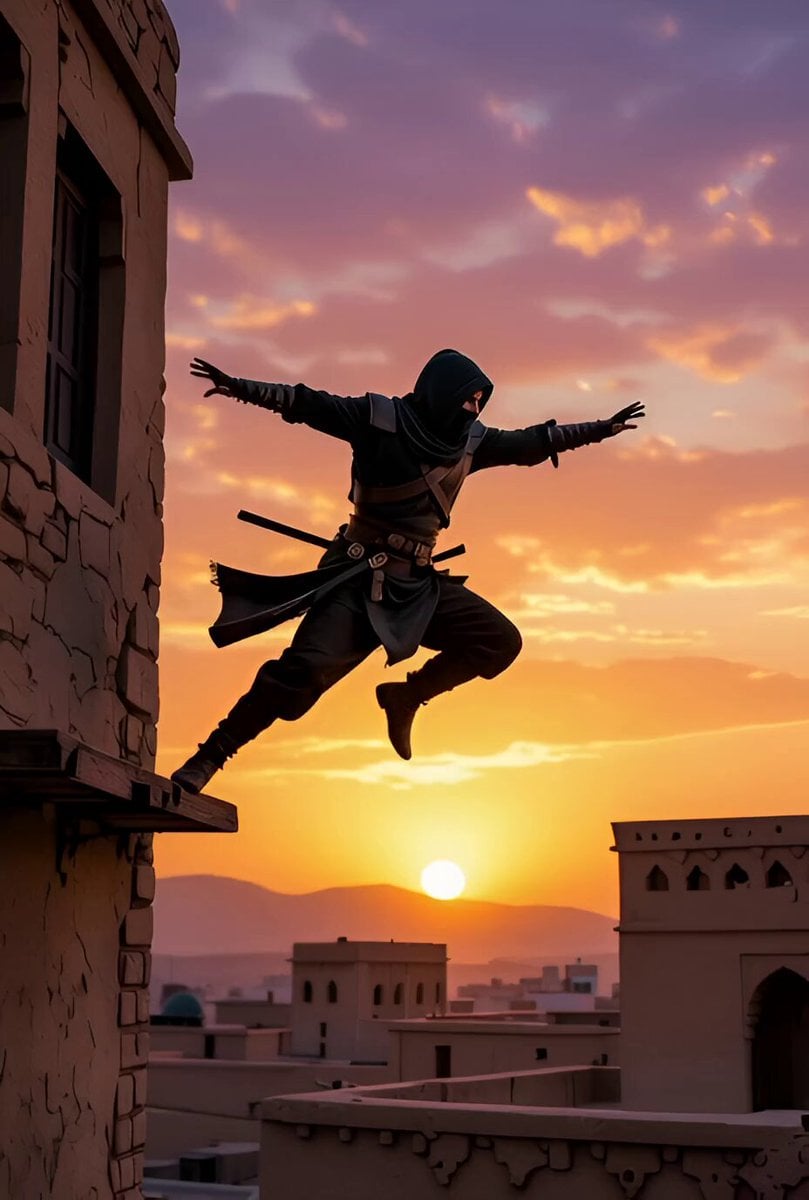
Character landing and sunset pan

Kaleidoscopic Cosmic Dolphin Video

Horror Daffy Duck Video Transition

America 250th Anniversary Celebration

Glowing Water Forest Night Prompt
Make it yours
Cinematic Sunset Anime Video Prompt works as-is. These are the safest ways to change it without losing the look.
Change one field
Copy a single group, rewrite it, and generate again so you can see what that field is doing.
Keep the frame, change the subject
Hold the composition and light of Cinematic Sunset Anime Video Prompt, then swap wardrobe, props or the person for a new take.
| If the result… | Why | Fix |
|---|---|---|
| The result drifts from the preview | Too many fields changed at once. | Reuse Cinematic Sunset Anime Video Prompt as-is first, then change one group — subject, light, or setting. |
| The model over-stylizes the scene | The prose prompt leaves finish and camera underspecified. | Add one camera or lighting sentence and stay on Grok Imagine. |
More Grok Imagine templates
Other prompts made for Grok Imagine.

Mecha Runway Tap Dance Video Prompt

Emotional Angry Couple Drama

Detailed multi-part video prompt
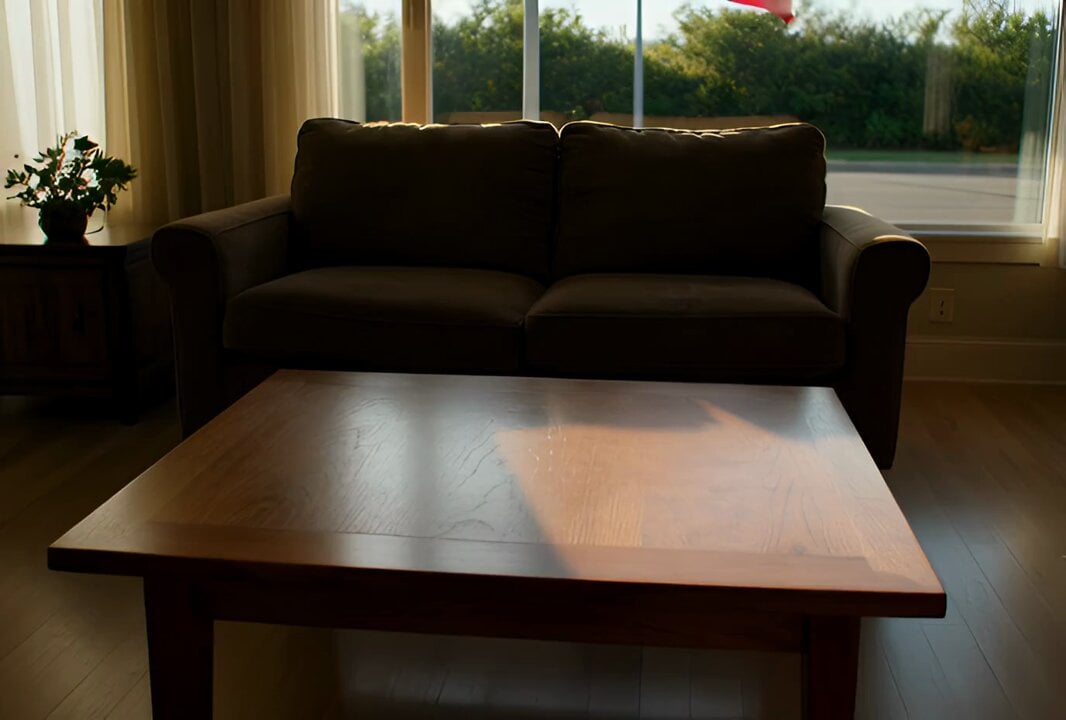
Interior View Video Generation Prompt
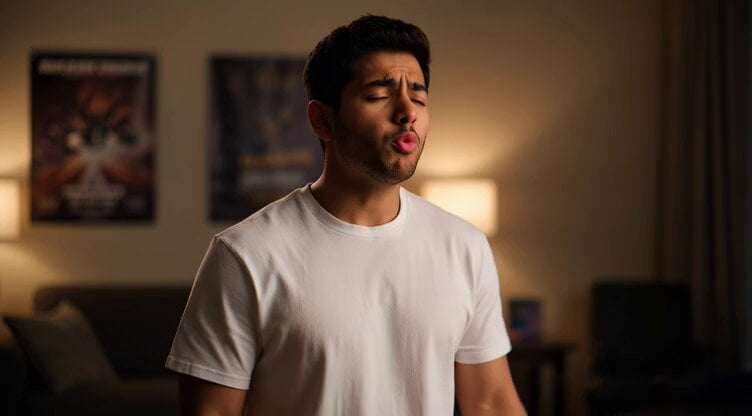
GTA 6 never came out in 1 million years

Bitcoin liferaft video prompt

Woman floating down, opening eyes and looking deeply into the viewer's eyes

Utopian World of Harmony and Peace
Runner with BE 2060 i inscription passing through sequential doors video prompt
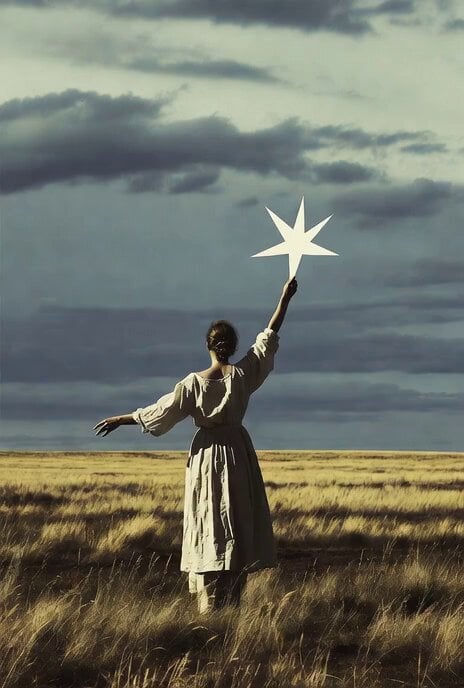
Wind Blows Paper, Camera Follows
More video prompts
Fresh picks from across the catalog.
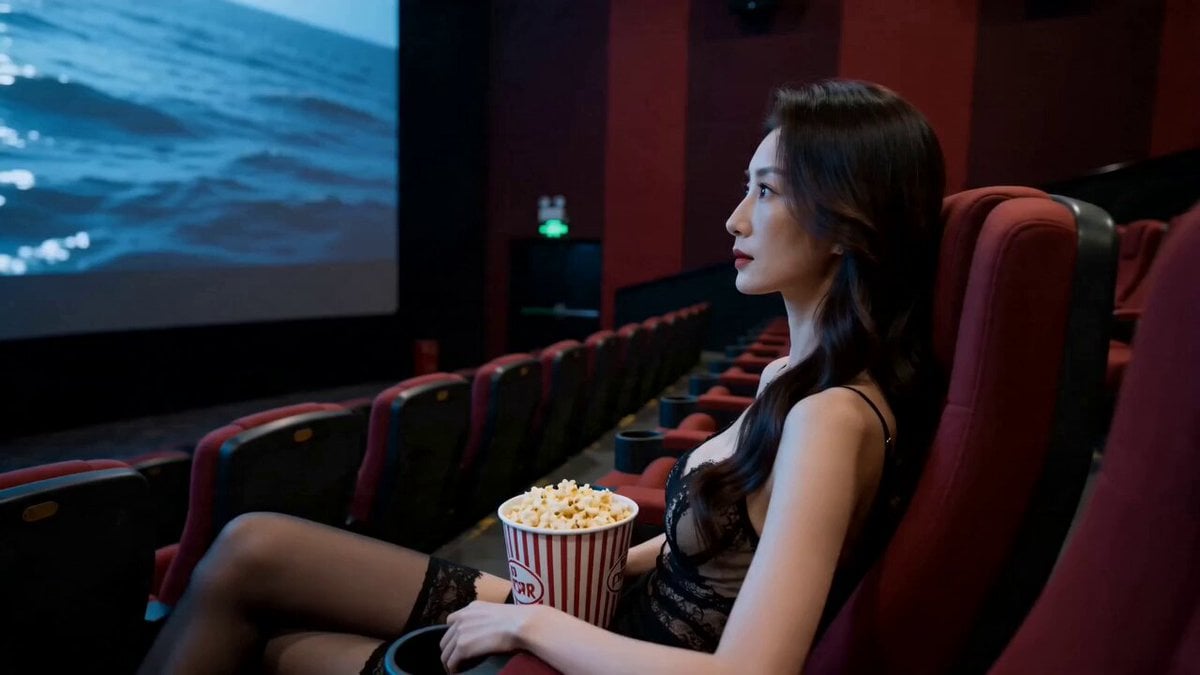
Realistic Handheld iPhone Cinematic Action Video

Realistic Japanese High School Vlog
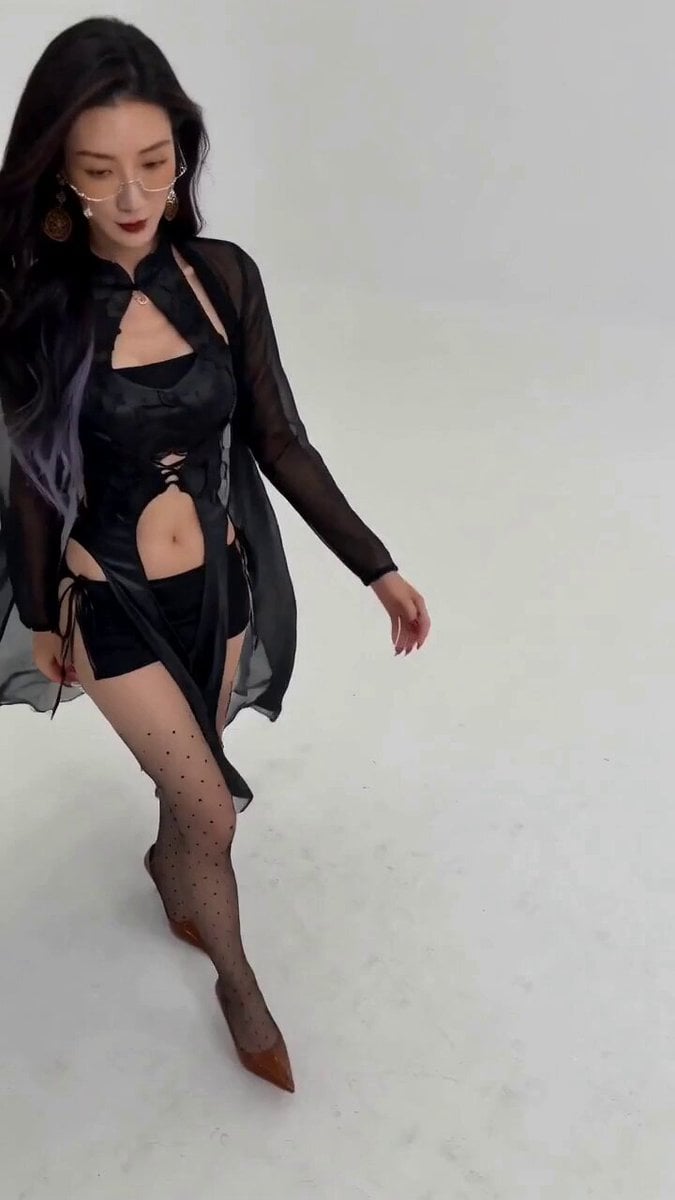
Seedance 2.0 Fashion Model Video Prompt
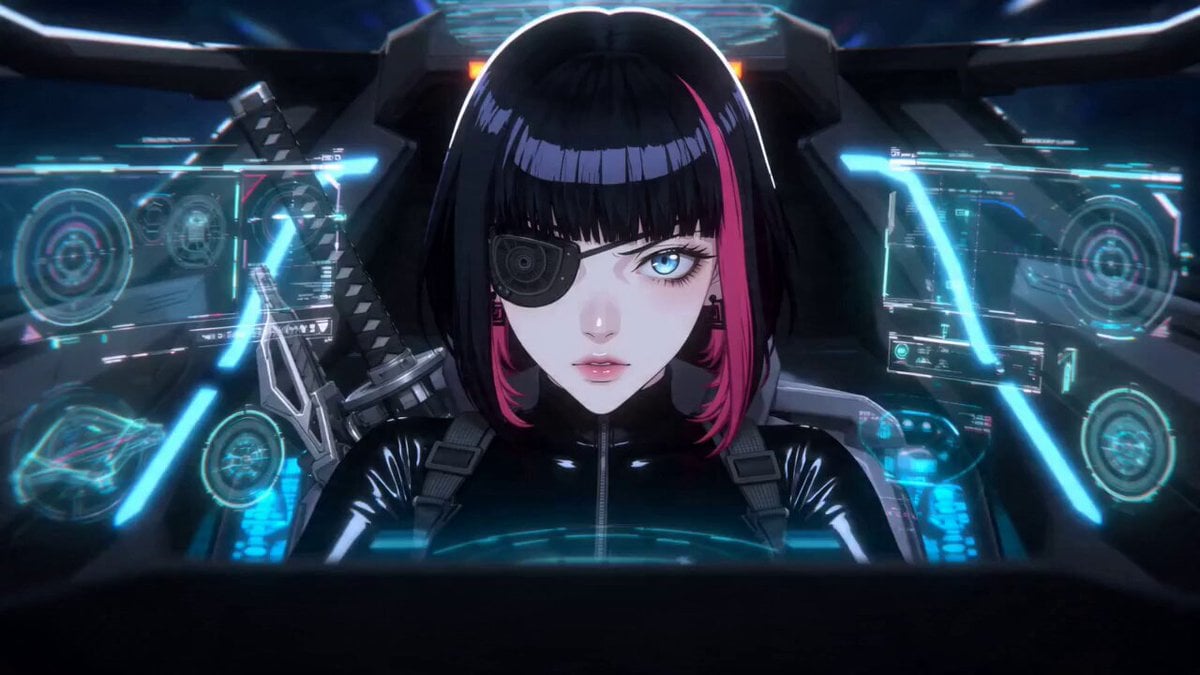
Cyberpunk Space Dogfight Anime
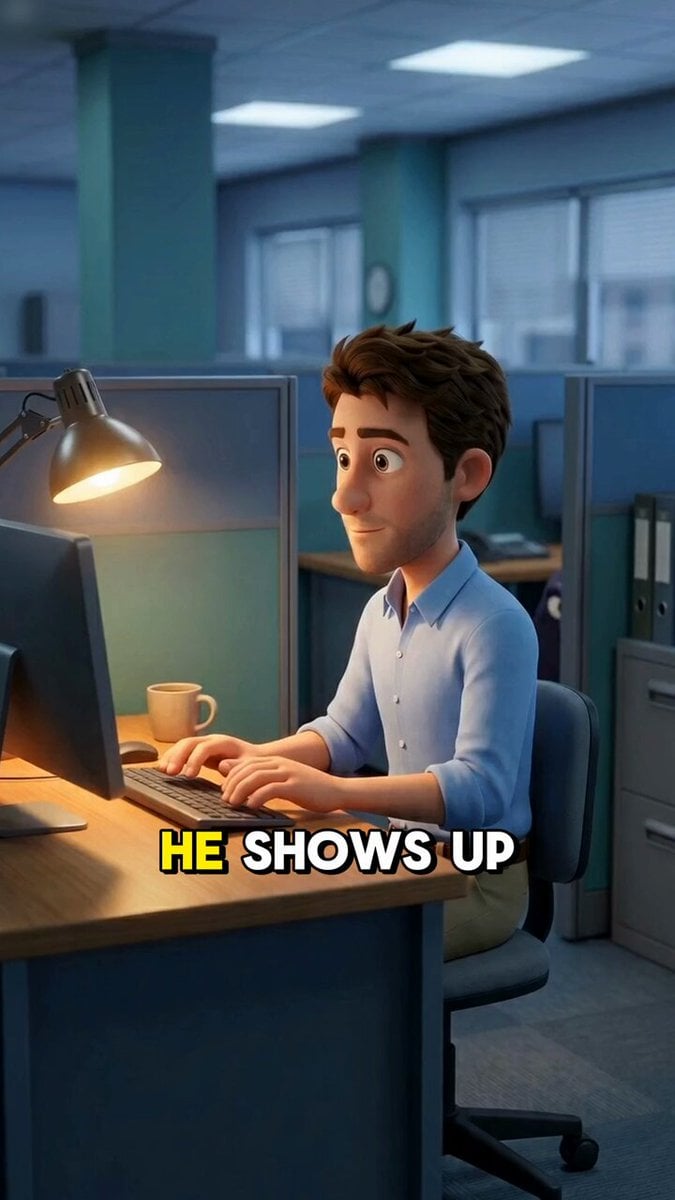
Multishot Workspace Internal Cuts
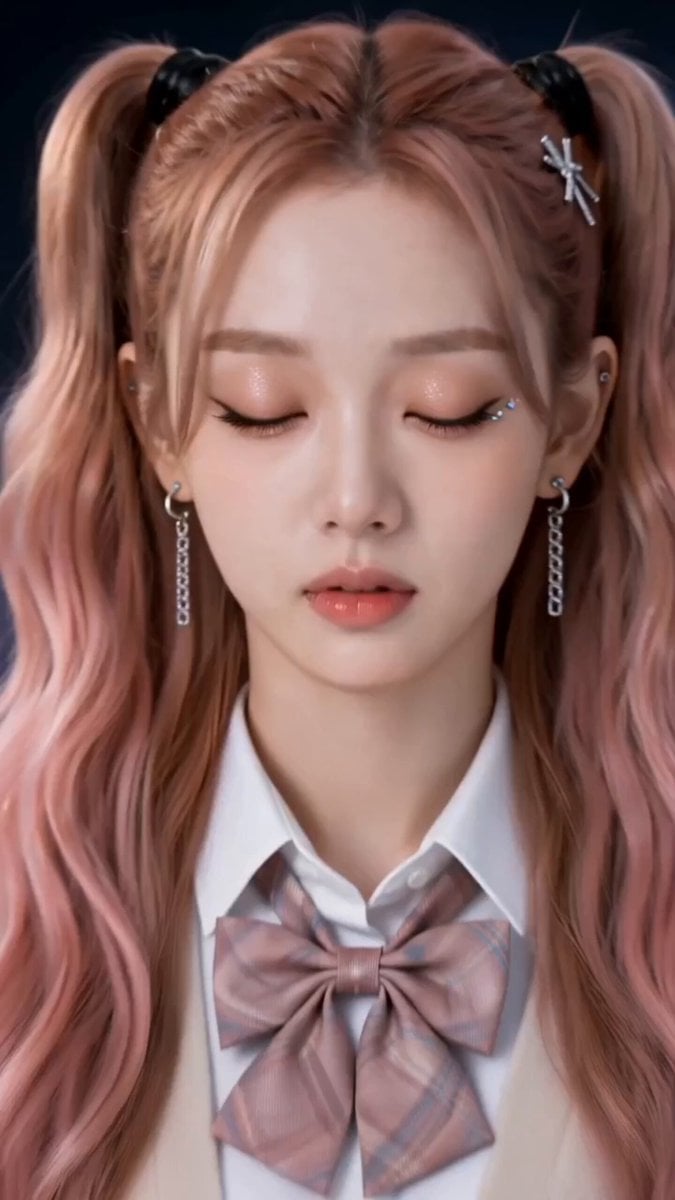
School Uniform to Starry Gown Dissolve Transition
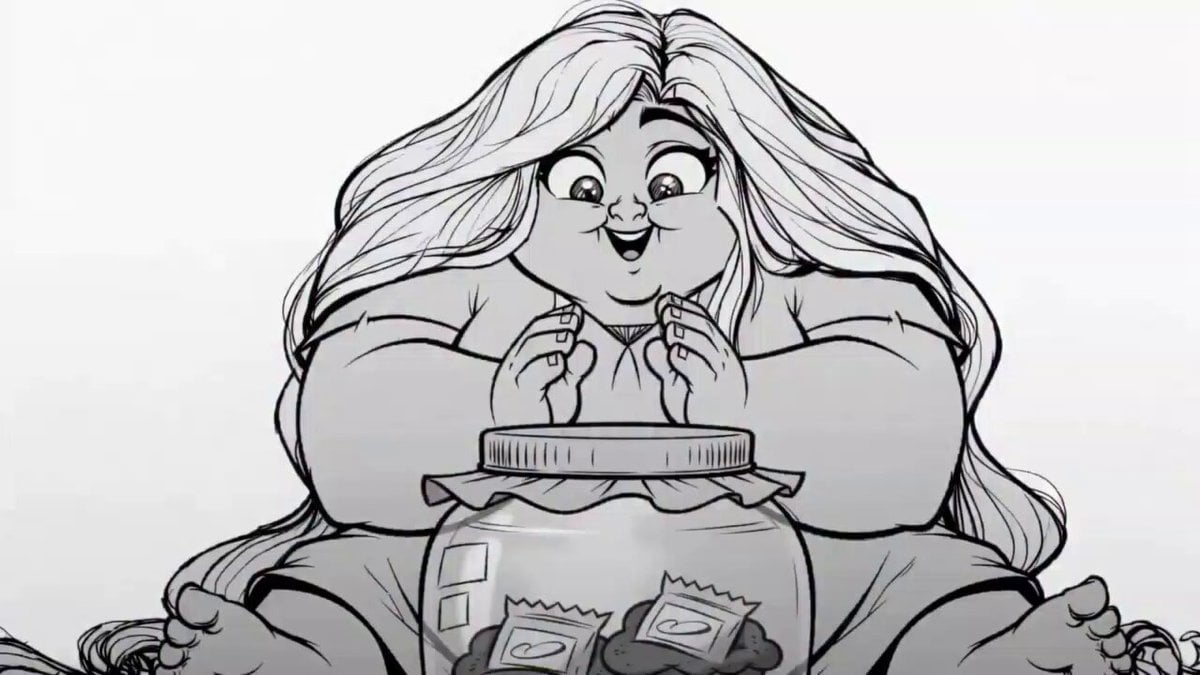
2D Line Art Girl Candy Jar Animation
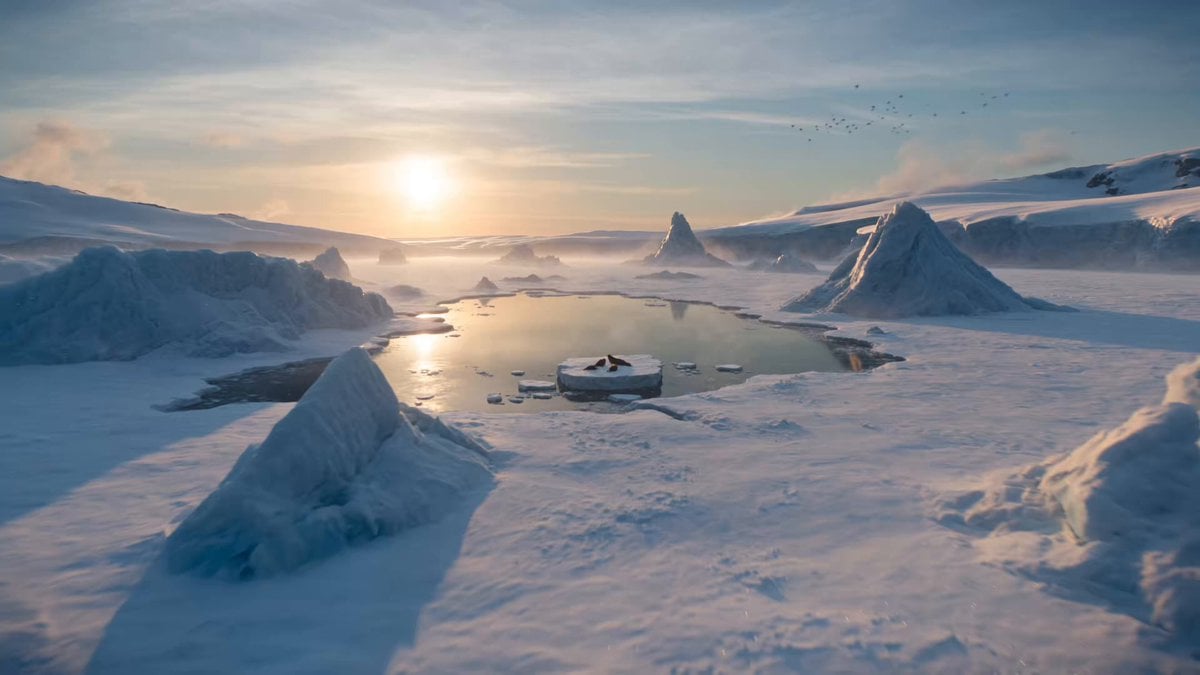
Arctic Glacier to Futuristic Megacity Transformation
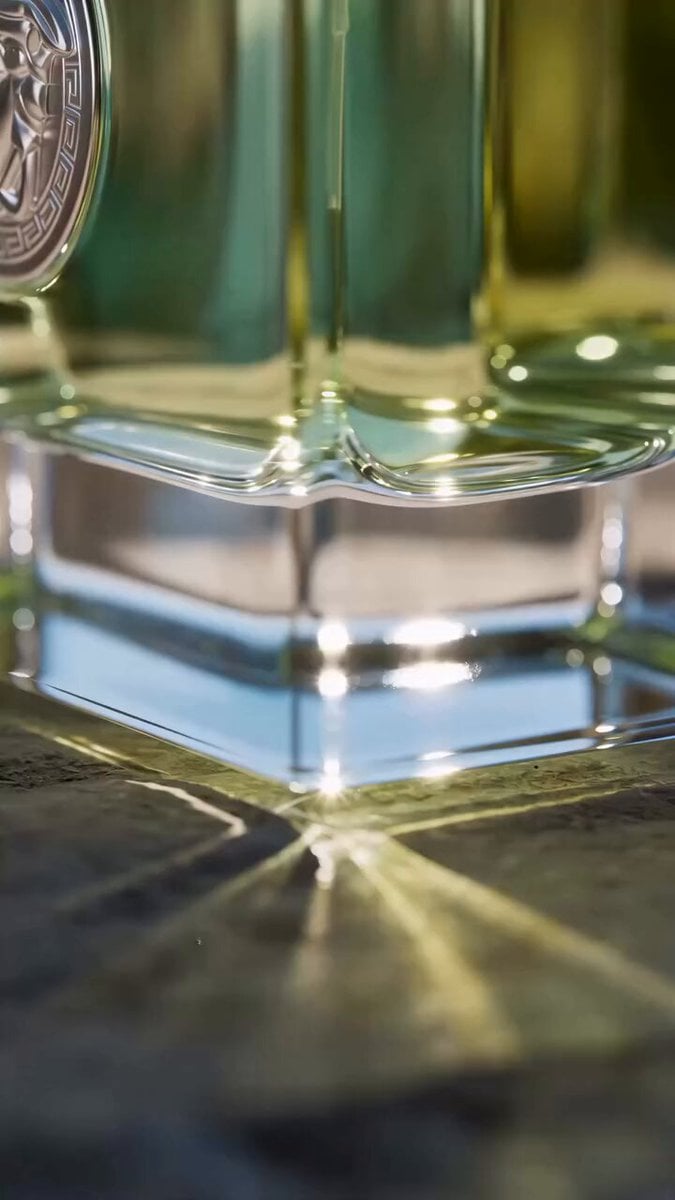
Mediterranean Luxury Fragrance Commercial
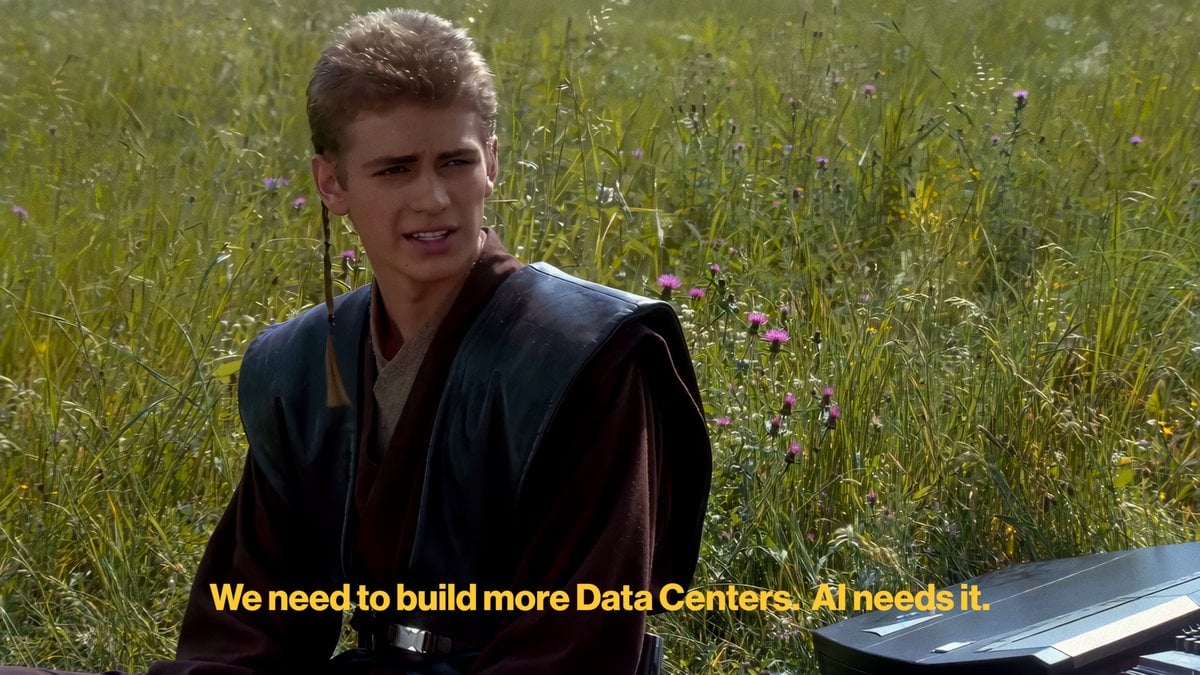
AI Discourse Meme Summary Prompt (Chinese & English)
Browse template categories
Cinematic Sunset Anime Video Prompt questions
How do I use the Cinematic Sunset Anime Video Prompt template?
Add your photo if the template asks for one, edit the prompt if you like — the template's model and format are already selected — and press Generate. Your version opens in PicX Studio.
Can I customize the Cinematic Sunset Anime Video Prompt template?
Yes. You can change the subject, setting, lighting, mood, format, and available model controls before creating your video.
Is the Cinematic Sunset Anime Video Prompt template free?
Opening and editing this template is free. Generating uses credits, shown on the Generate button when you are signed in.
Which AI model should I use?
Start with Grok Imagine, which is the model associated with this template. You can compare another compatible model for a different finish.
Looking for something else? Browse all templates.

Your photo, any look
Thousands of ready templates for every top image and video model, from one credit balance.