
Humanoid Robot Lab Startup Prompt
A cinematic prompt for a humanoid robot sitting in a lab environment, focusing on lighting and mechanical textures.
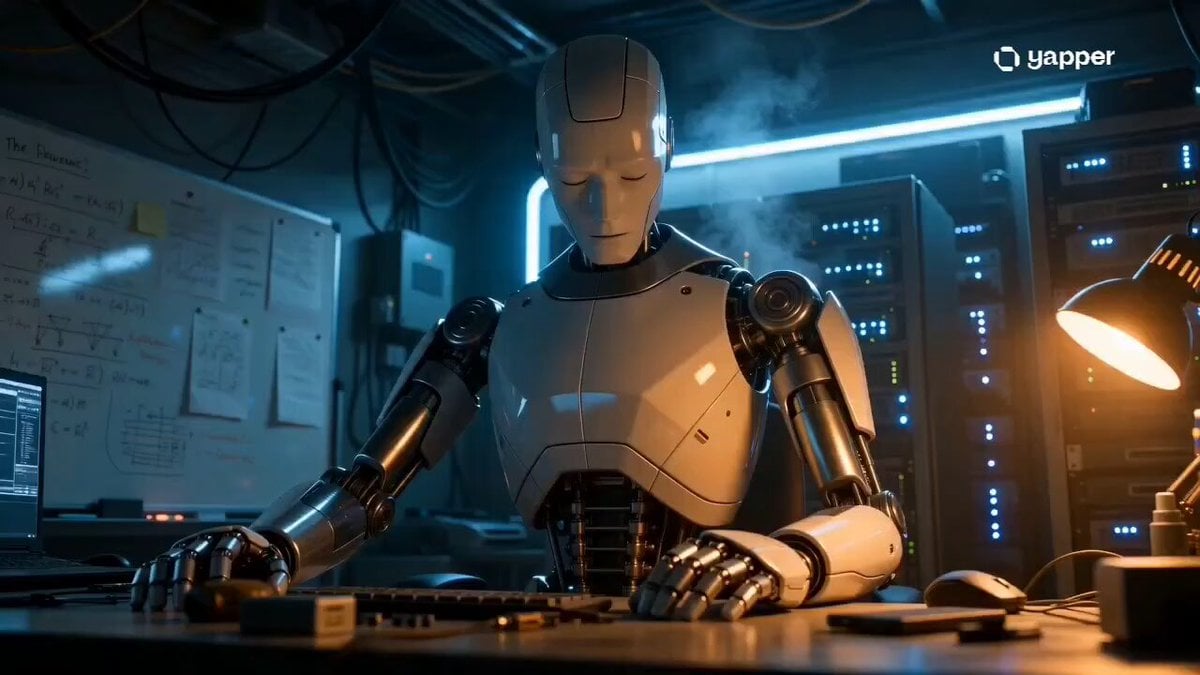
- Prompt included
- Model and format preset
- Premium template
The prompt behind this video
Copy the exact prompt behind Humanoid Robot Lab Startup Prompt, or open it in the studio and make it yours.
Cinematic film still, hyperrealistic. Subject: A humanoid robot, more humanoid in face structure — slightly softer facial geometry but clearly mechanical, seated at a lab workstation. Face has layered polymer panels over a steel substructure, eyes currently dim with a warm amber/blue mixed glow just initiating startup. Expression: Blank, resting — neutral startup state, subtle asymmetry in one eye light suggesting partial boot sequence. Clothing/Surface: Matte pearl-white chest panels with exposed metallic rib structure underneath, forearm plating in brushed steel, finger joints delicate and human-proportion. Action: Head slightly tilted down at 5 degrees, hands resting flat on desk — a posture of dormancy about to break. Primary Light: Warm amber practical light from a desk lamp at the right — soft falloff across the robot's chest. Secondary Light: Cold blue neon strip behind the server rack, casting a rim light on the robot's left shoulder and jaw. Atmosphere: Hazy warm-cold contrast, subtle smoke/vapor near server vents. Background: Dense lab environment — whiteboards with equations, circuit trays, blinking blue server status lights, cabling overhead. Color Grade: Warm amber midtones with cool blue edge tones | Slightly lifted blacks. Camera: Slightly low eye-level, medium shot — torso and face fully visible, 50mm cinematic lens. Vibes: Westworld meets Her meets Prometheus. Not CGI, photoreal cinematic.
How to use Humanoid Robot Lab Startup Prompt in 3 steps
- 1
Open
The prompt is already in the box next to the preview, with the template's model and format selected.
- 2…a portrait of your subject in softgolden-hour light, 85mm…
Personalize
Edit the subject and creative details for your destination.
- 3Generate
Generate
Press Generate — your video is created in PicX Studio, so you can compare it with the original and refine one variable at a time.
More like this
Templates with the same subject, style or setup. Open one to see its prompt.
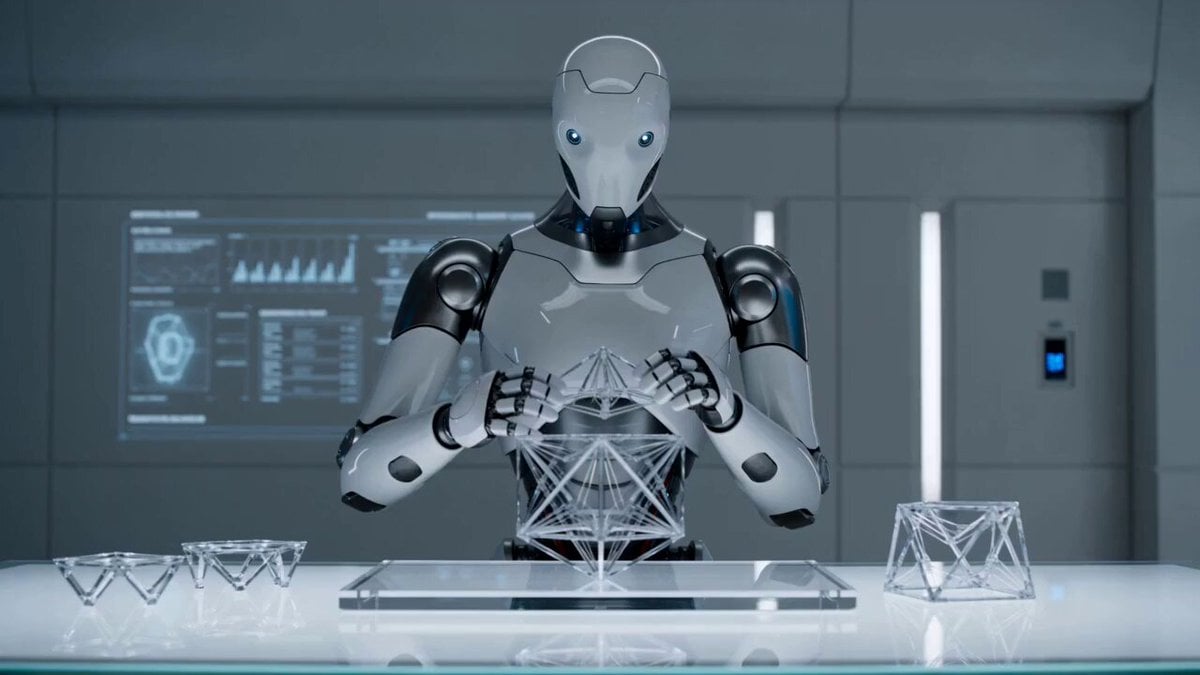
Futuristic Humanoid Robot Lab Scene

Japanese Pure Love Short Film
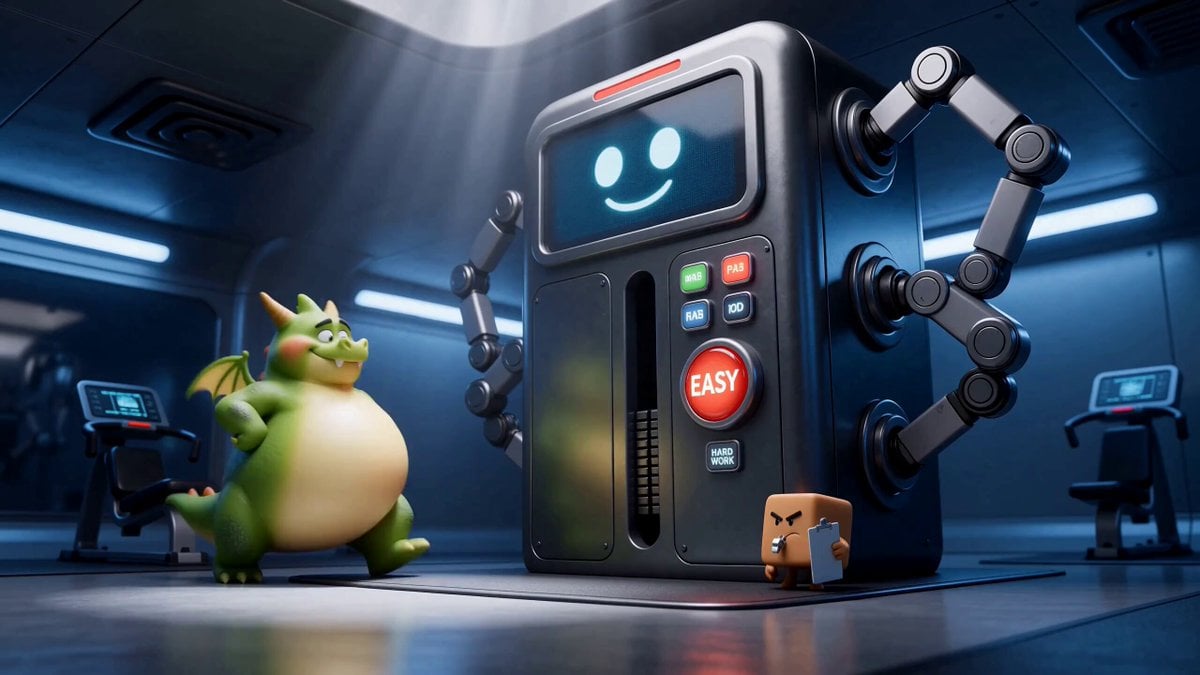
Green Dragon Training Short
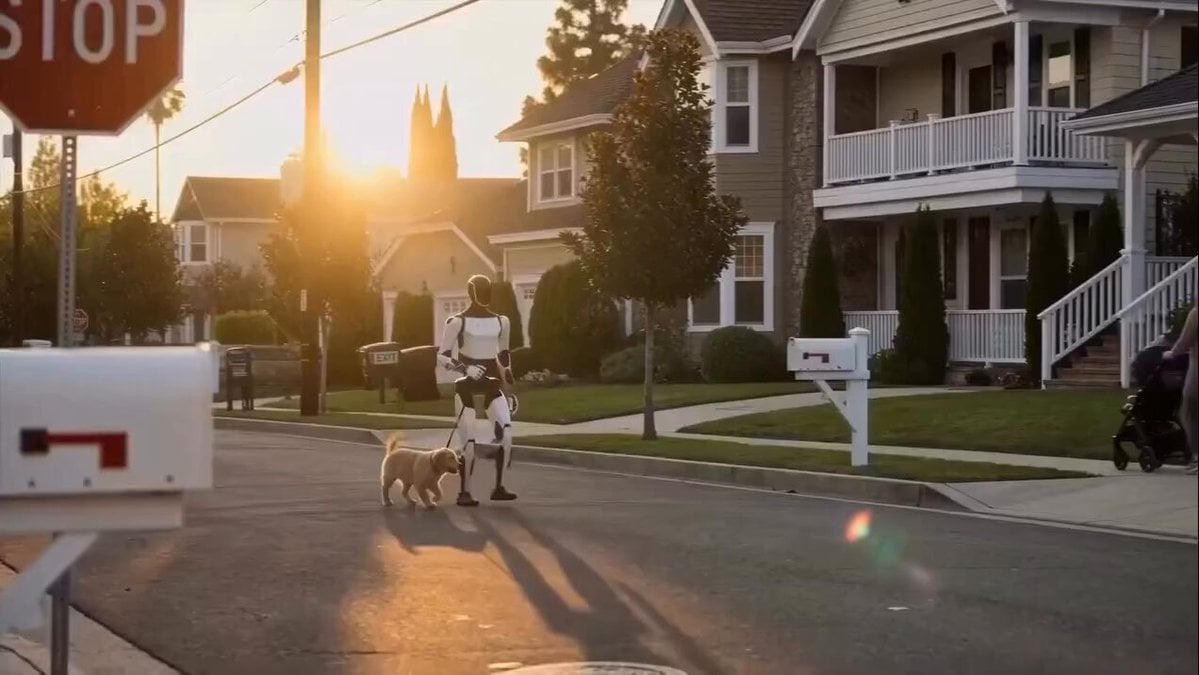
Humanoid Robot Helping Child
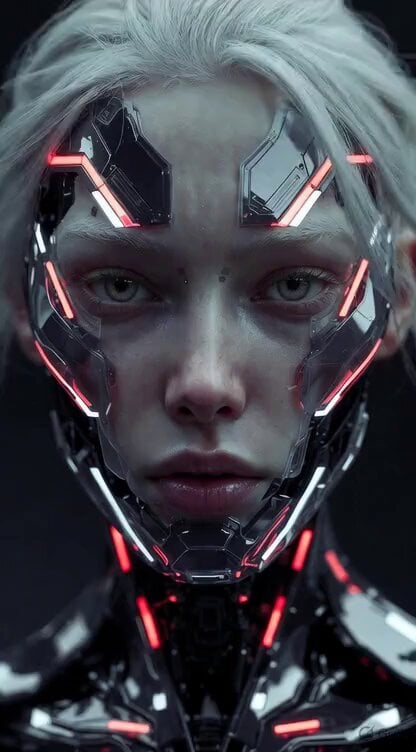
Ultra-realistic cinematic close-up of a humanoid robot
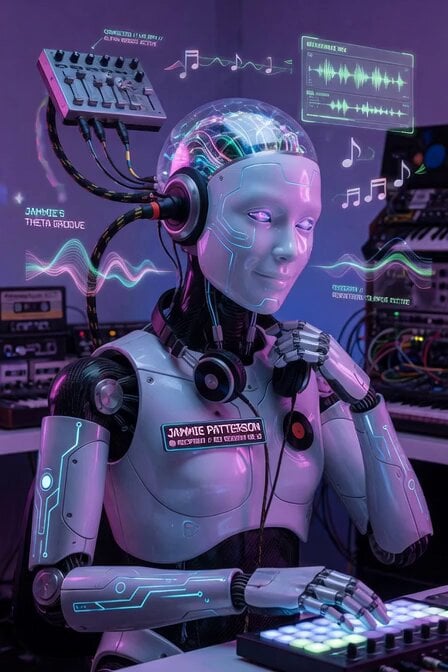
Humanoid Robot BCI Music
Sci-Fi Black Supercar Transforming into a Humanoid Robot
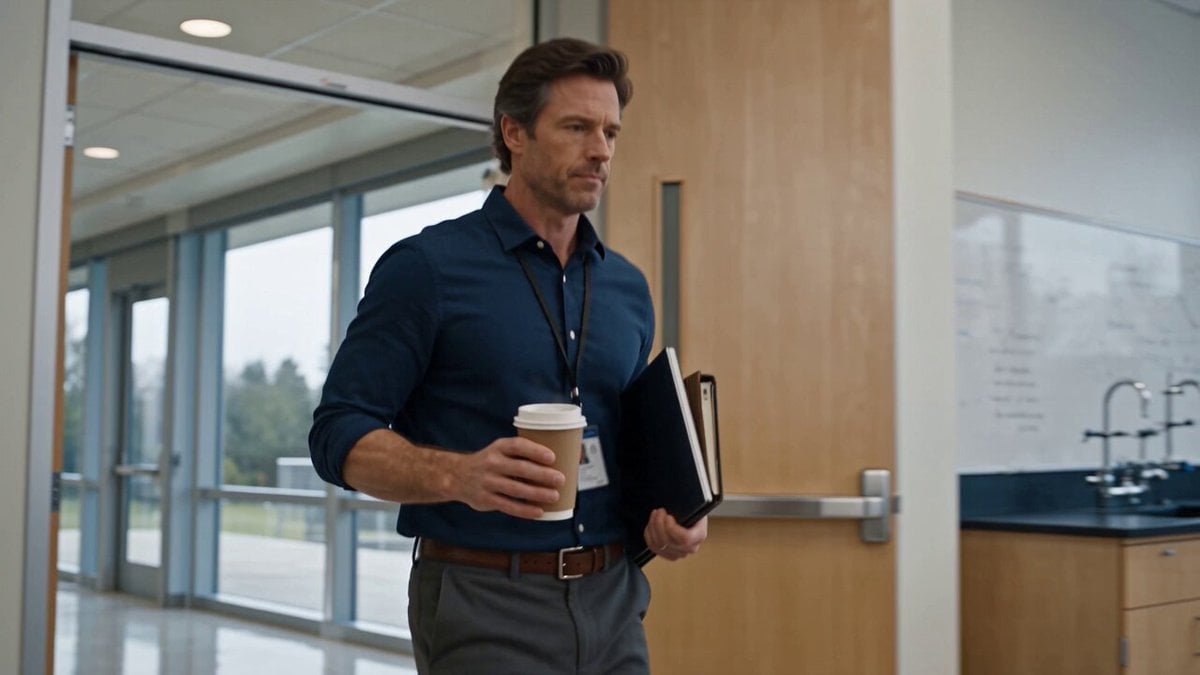
Physics Laboratory Educational Video
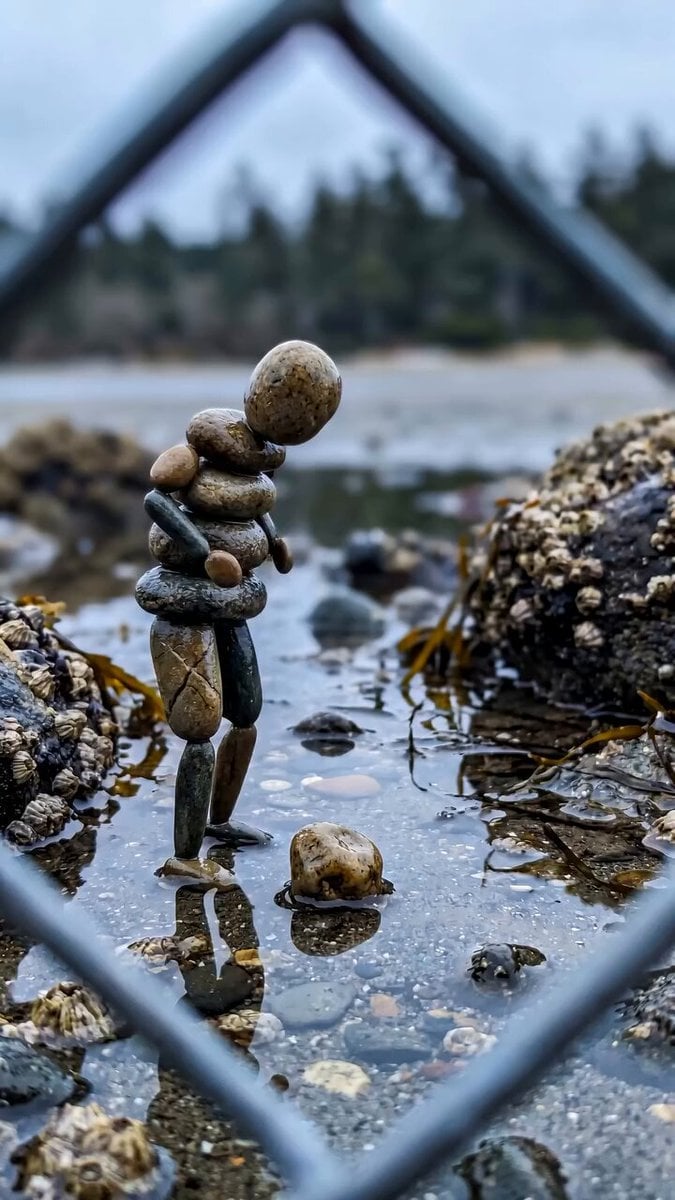
Stone Humanoid Stop Motion Animation
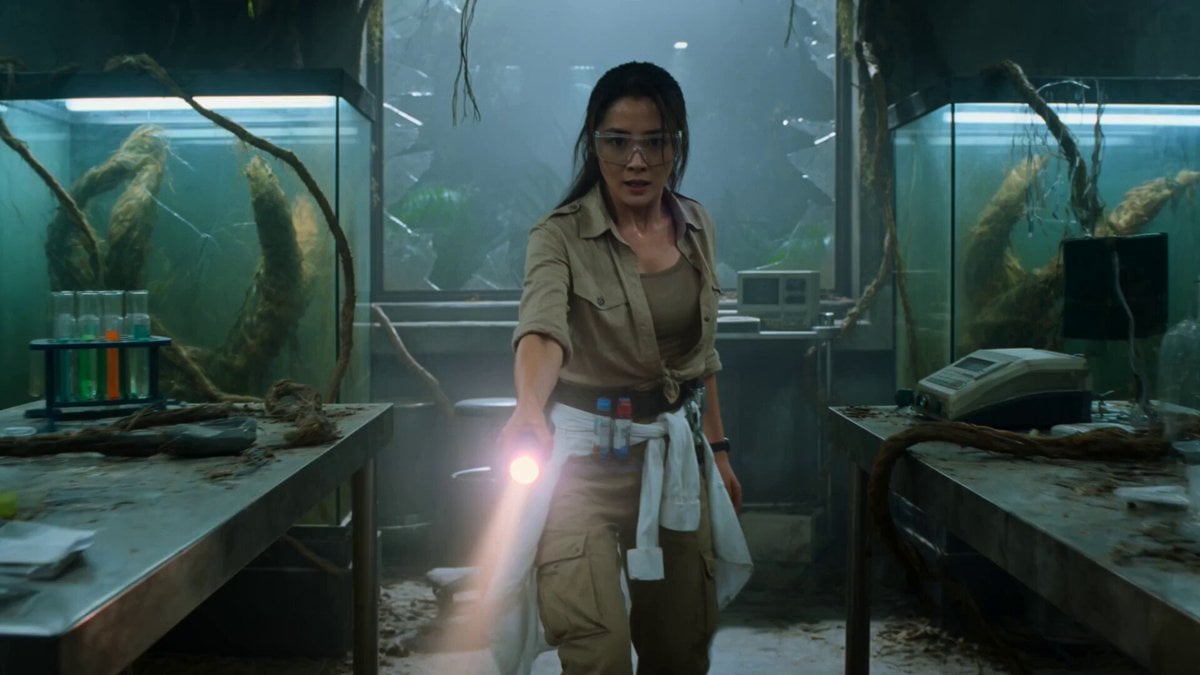
Jungle Lab Mantis Thriller
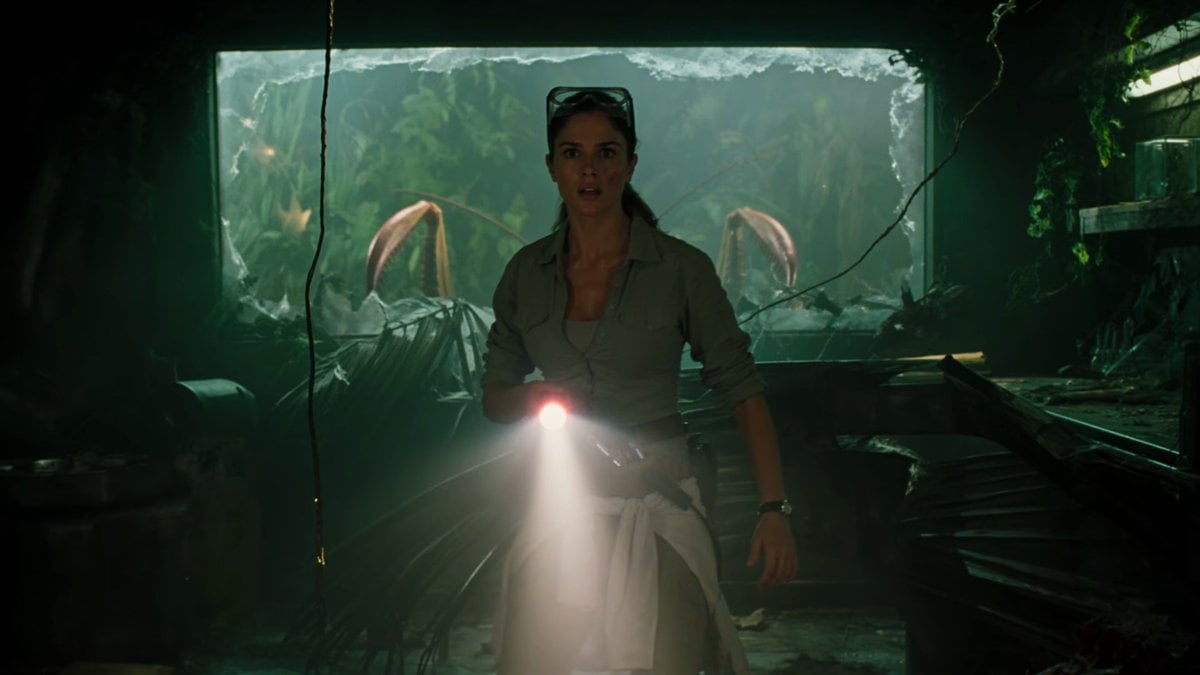
Jungle Lab Giant Mantis Thriller
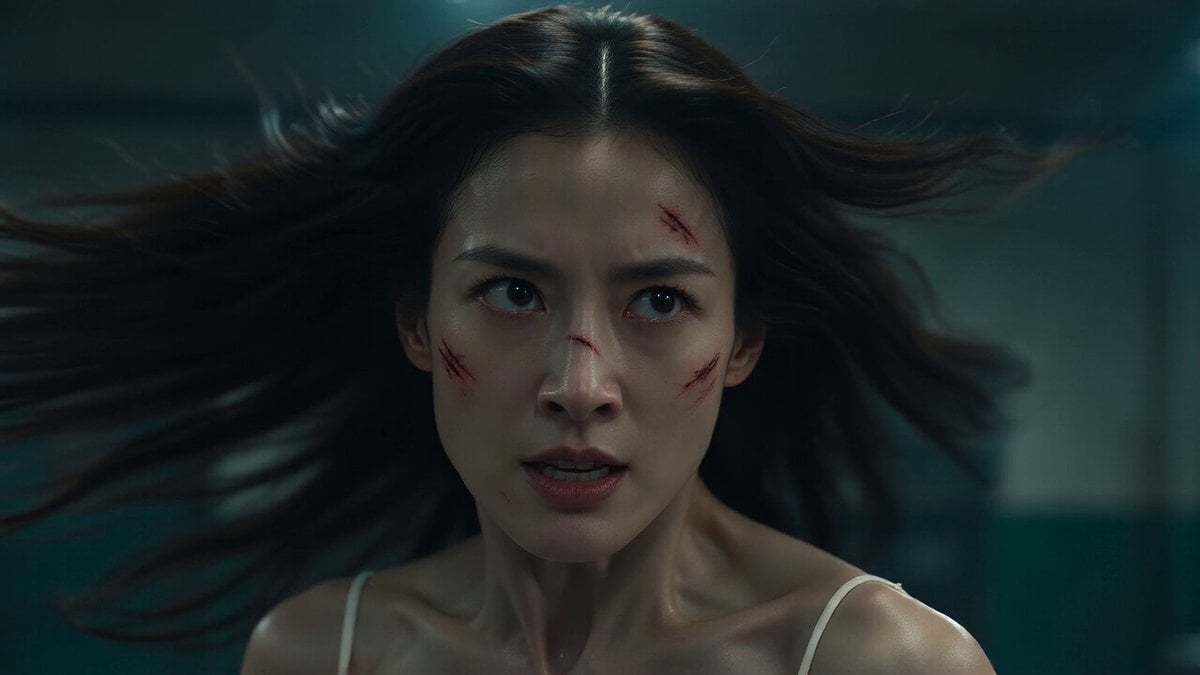
Grimy Chemistry Lab Fight
Make it yours
Humanoid Robot Lab Startup Prompt works as-is. These are the safest ways to change it without losing the look.
Change one field
Copy a single group, rewrite it, and generate again so you can see what that field is doing.
Keep the frame, change the subject
Hold the composition and light of Humanoid Robot Lab Startup Prompt, then swap wardrobe, props or the person for a new take.
| If the result… | Why | Fix |
|---|---|---|
| The result drifts from the preview | Too many fields changed at once. | Reuse Humanoid Robot Lab Startup Prompt as-is first, then change one group — subject, light, or setting. |
| The model over-stylizes the scene | The prose prompt leaves finish and camera underspecified. | Add one camera or lighting sentence and stay on Seedance 2.0. |
More Seedance 2.0 templates
Other prompts made for Seedance 2.0.

Comical Martial Arts Punch Scene

Maglev Train Action Sequence

Martial Arts Fight Sequence

Wuxia Protection and Trust Script

Vintage Korean Arcade MiniDV Vlog

Mercedes 190 SL Luxury Ad

Rainy Night Supernatural Reverse Comedy Video Script

Amazon Civilization Discovery

Futuristic South Asian City Transformation

Cozy Luxury Cafe Commercial
More video prompts
Fresh picks from across the catalog.
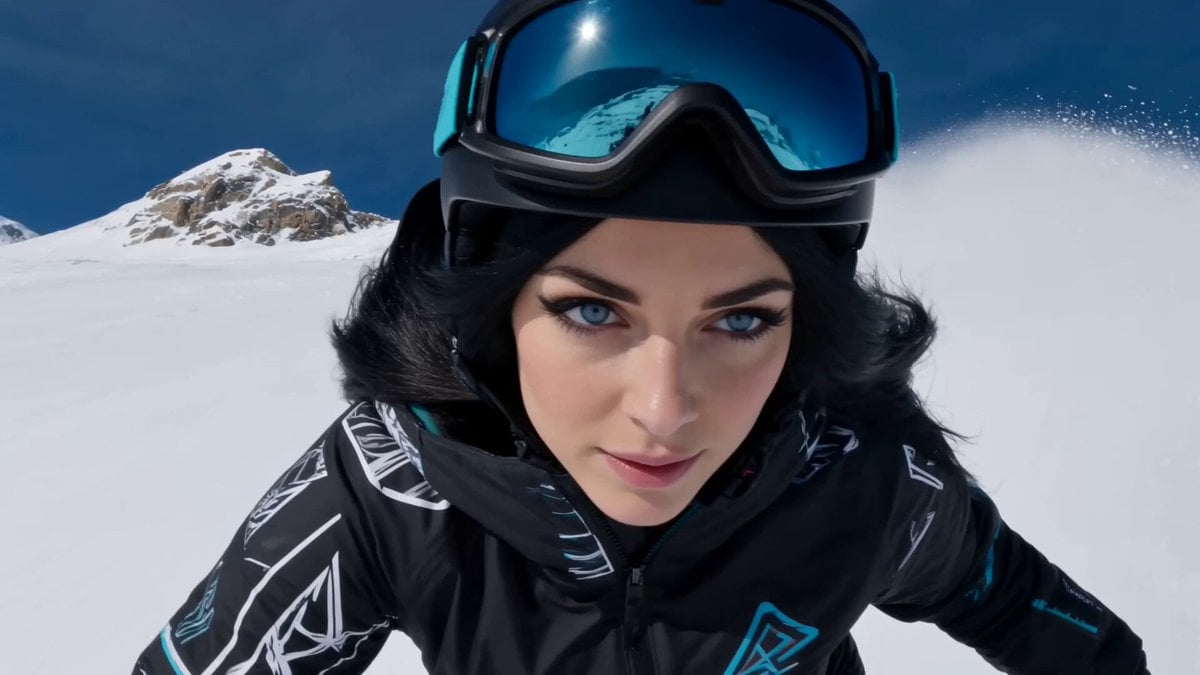
Cinematic Snowboarding Action Video
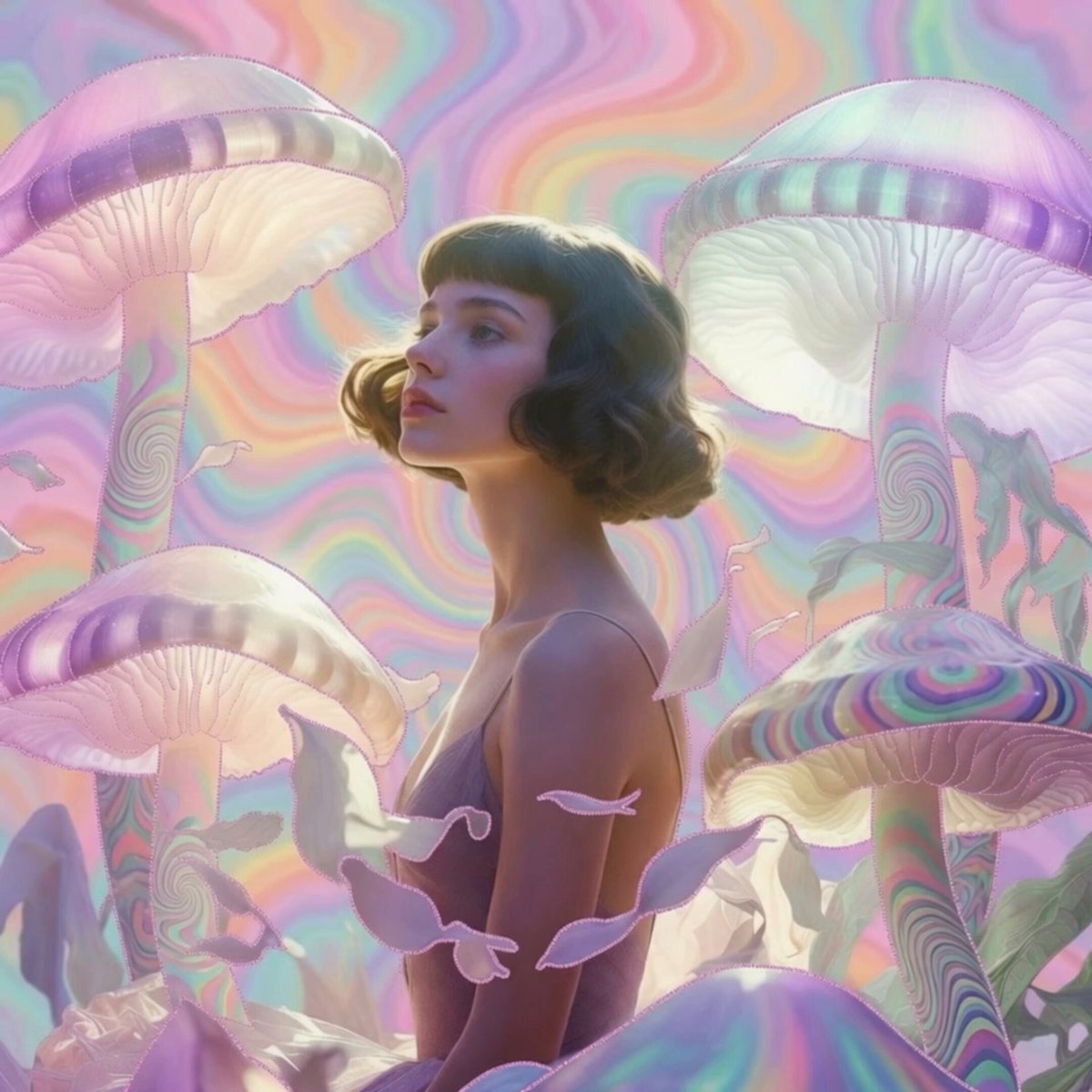
Pastel Psychedelic Mushroom Dream
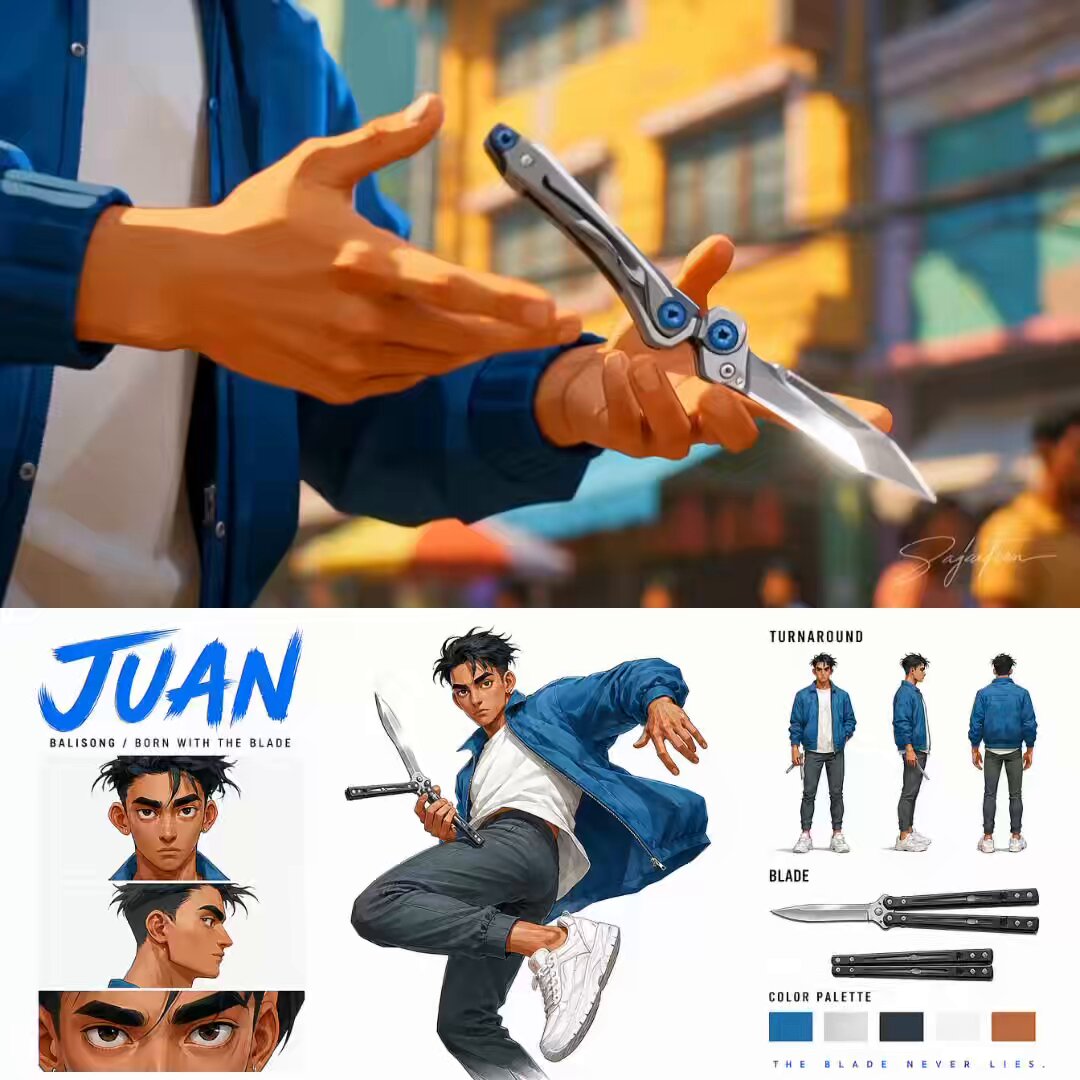
Anime Style Philippine Street Scene
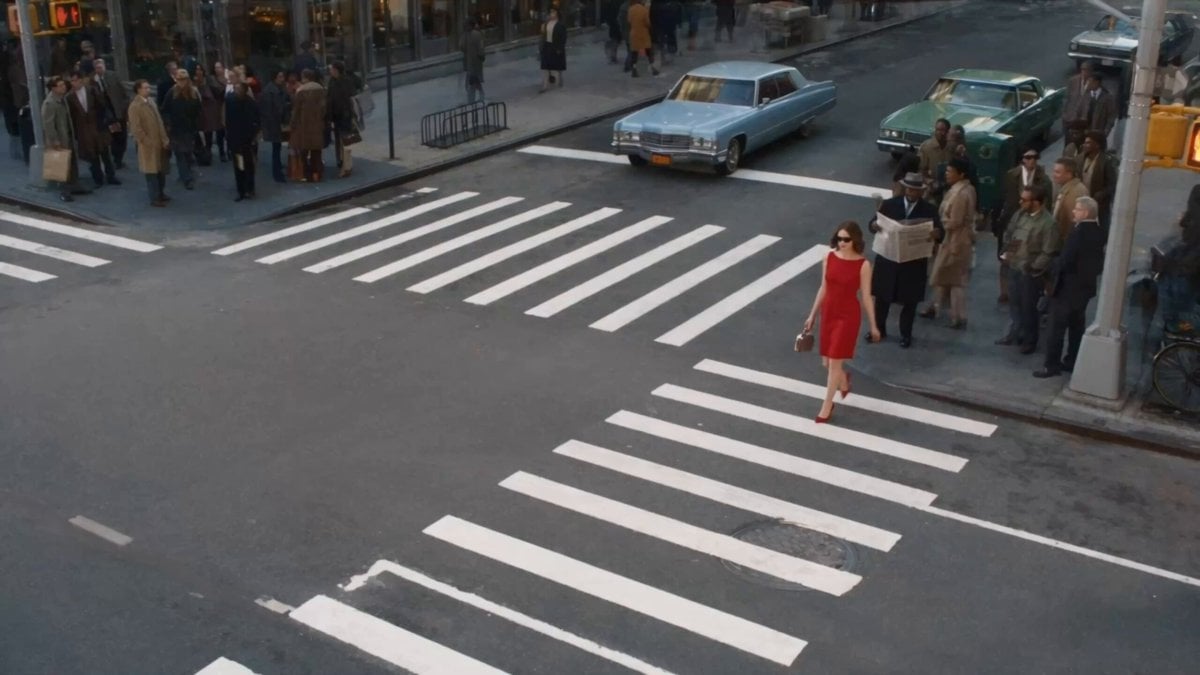
Surreal Lipstick Commercial Narrative
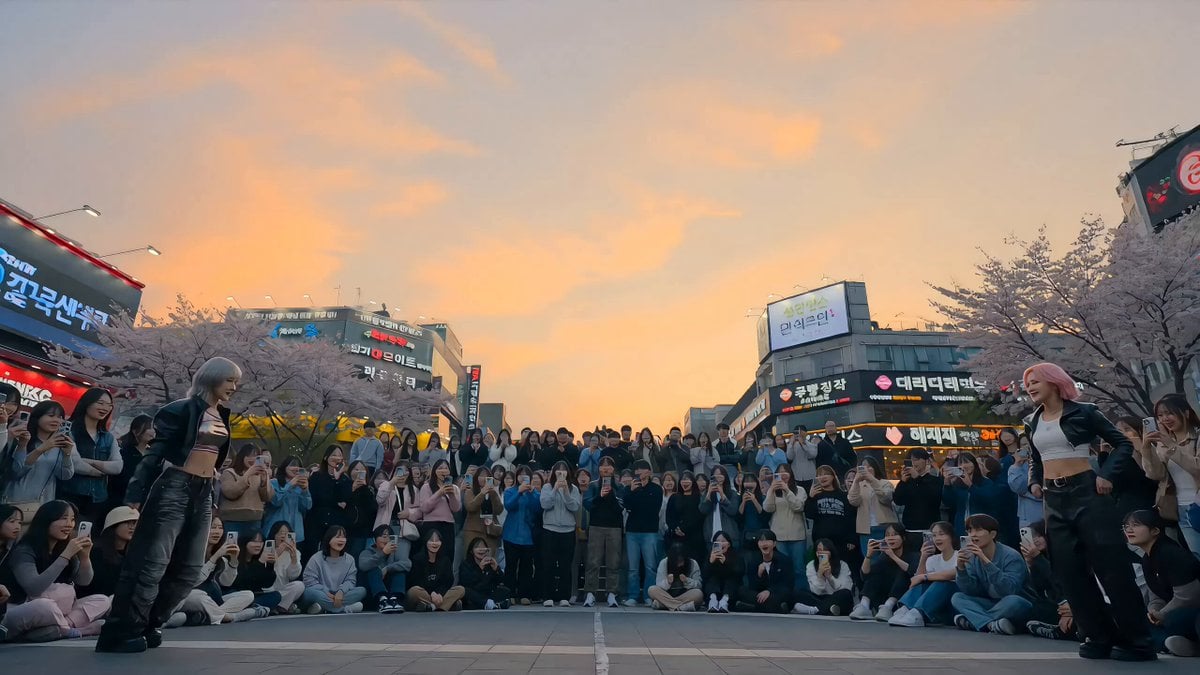
K-Pop Plaza Dance Battle
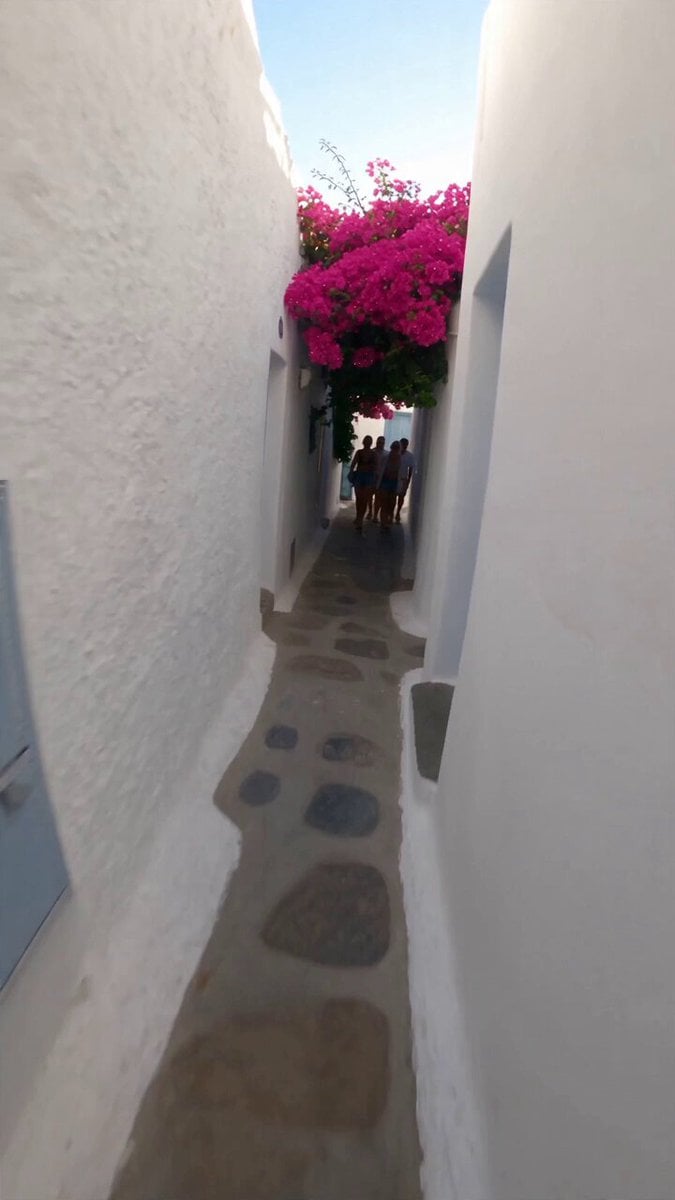
Selfie Travel Vlog Mykonos
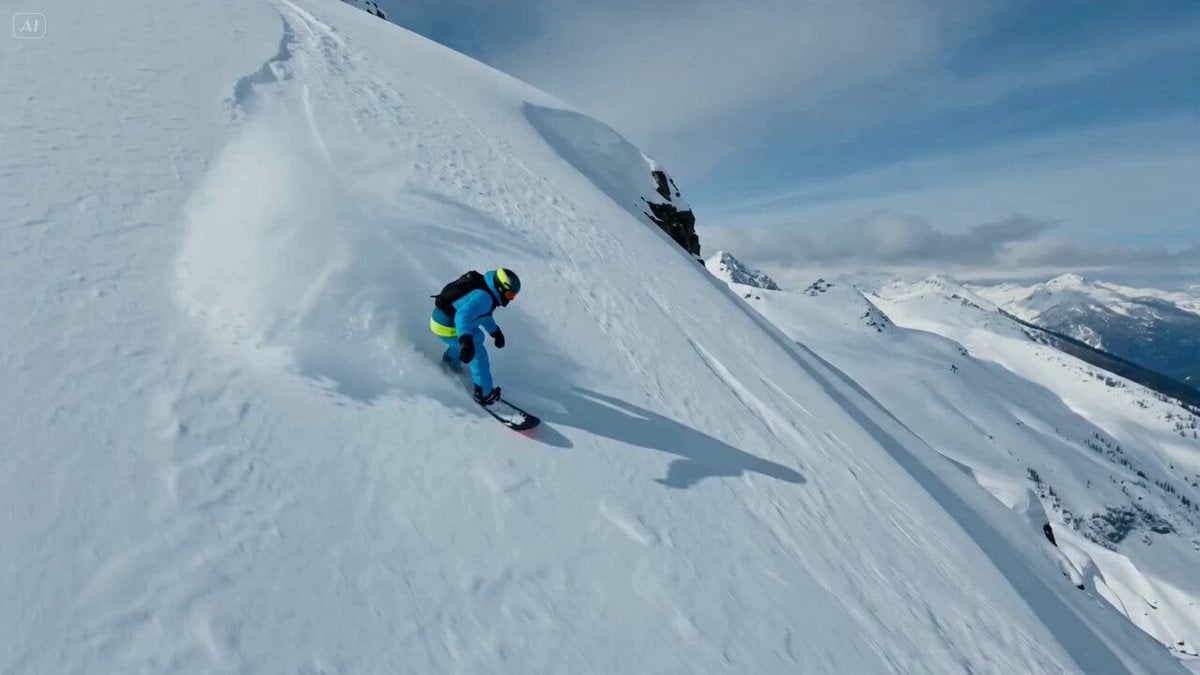
Snowboarder Avalanche Escape Prompt

Soccer Motion Screen Shatter
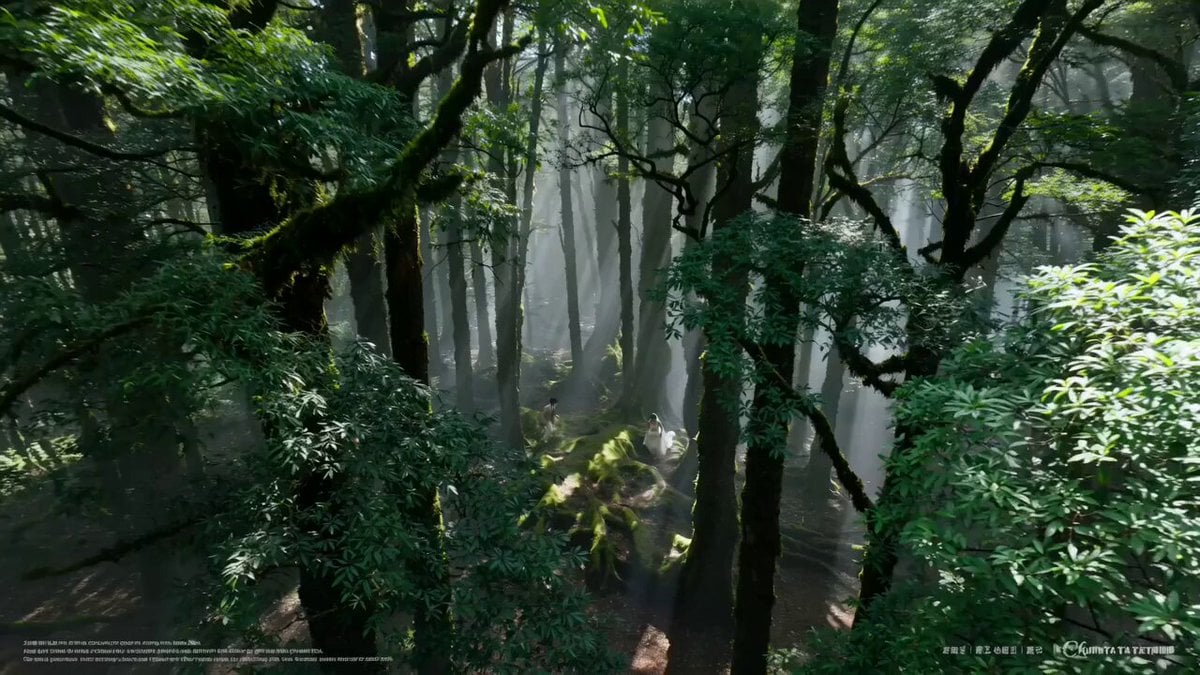
AI Wedding Video Prompt: Minimalist Forest Style with Light Effects
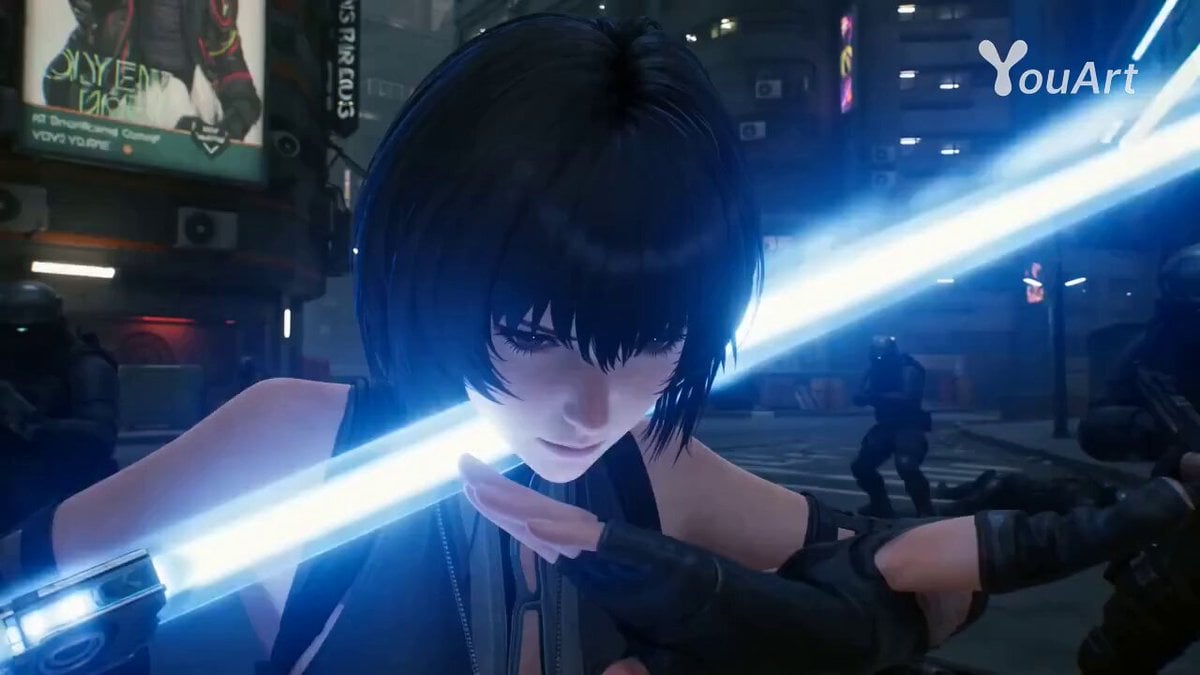
Cyberpunk Assassin CGI Scene
Browse template categories
Humanoid Robot Lab Startup Prompt questions
How do I use the Humanoid Robot Lab Startup Prompt template?
Add your photo if the template asks for one, edit the prompt if you like — the template's model and format are already selected — and press Generate. Your version opens in PicX Studio.
Can I customize the Humanoid Robot Lab Startup Prompt template?
Yes. You can change the subject, setting, lighting, mood, format, and available model controls before creating your video.
Is the Humanoid Robot Lab Startup Prompt template free?
Opening and editing this template is free. Generating uses credits, shown on the Generate button when you are signed in.
Which AI model should I use?
Start with Seedance 2.0, which is the model associated with this template. You can compare another compatible model for a different finish.
Looking for something else? Browse all templates.

Your photo, any look
Thousands of ready templates for every top image and video model, from one credit balance.