
Physics Laboratory Educational Video
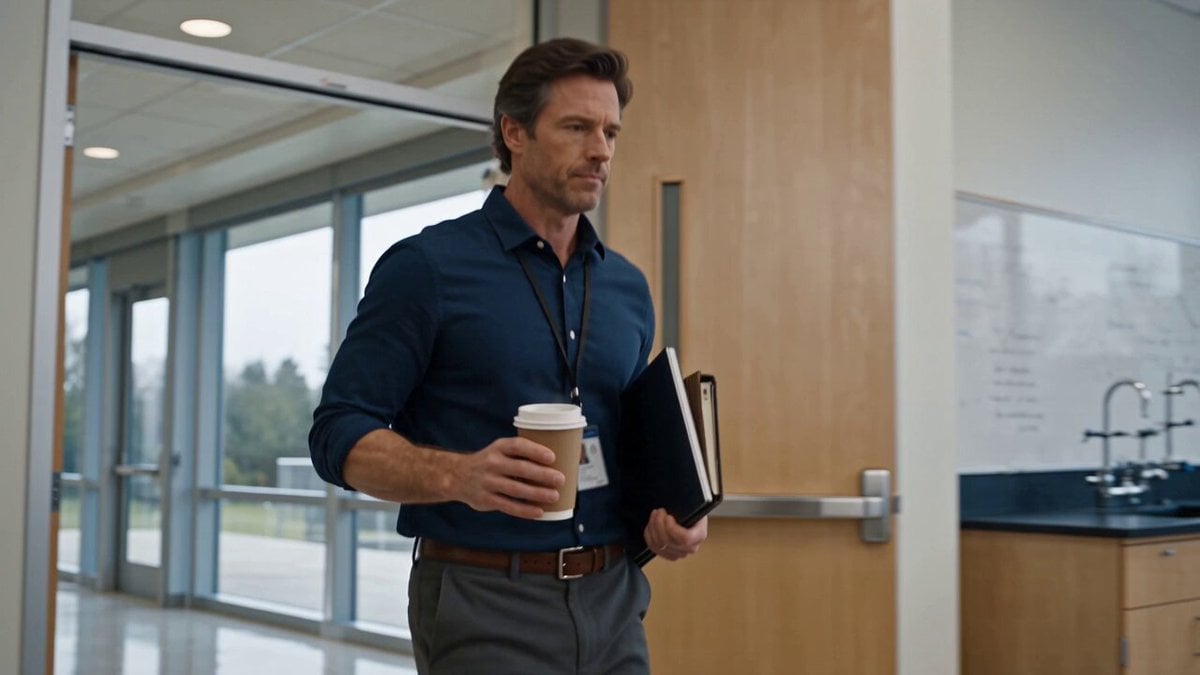
A cinematic educational prompt depicting a physics professor demonstrating principles of motion and gravity in a modern university lab.
- Prompt included
- Model and format preset
- Free template
The prompt behind this video
Copy the exact prompt behind Physics Laboratory Educational Video, or open it in the studio and make it yours.
Create a 30-second ultra-realistic cinematic educational video set inside a modern university physics laboratory and lecture classroom, featuring a confident male physics professor entering the room with a coffee cup and teaching materials while students prepare for class. Show the professor explaining physics concepts on a large digital board, with mathematical formulas and a clear inclined-plane diagram visible behind him as students watch attentively. Transition to a detailed close-up of a small metal ball positioned on a transparent inclined track, emphasizing the experiment and the principles of motion and gravity. Show the professor and students gathering closely around the apparatus as he demonstrates how the ball moves along the track, using natural hand gestures and realistic physical interactions. Capture students reacting with curiosity and discussing the experiment while the professor carefully guides them through the observation. Include cinematic close-ups of the rolling ball, the transparent track, the professor’s hands, and the students’ focused expressions. Maintain realistic gravity, friction, momentum, object weight, contact, and natural movement throughout the experiment, with no physically impossible motion. Use smooth camera movements, shallow depth of field, realistic classroom lighting, detailed facial expressions, and authentic university laboratory surroundings. End with the professor standing beside the completed experiment as the students observe the result, creating a professional, inspiring, photorealistic educational-science atmosphere.
How to use Physics Laboratory Educational Video in 3 steps
- 1
Open
The prompt is already in the box next to the preview, with the template's model and format selected.
- 2…a portrait of your subject in softgolden-hour light, 85mm…
Personalize
Edit the subject and creative details for your destination.
- 3Generate
Generate
Press Generate — your video is created in PicX Studio, so you can compare it with the original and refine one variable at a time.
More like this
Templates with the same subject, style or setup. Open one to see its prompt.
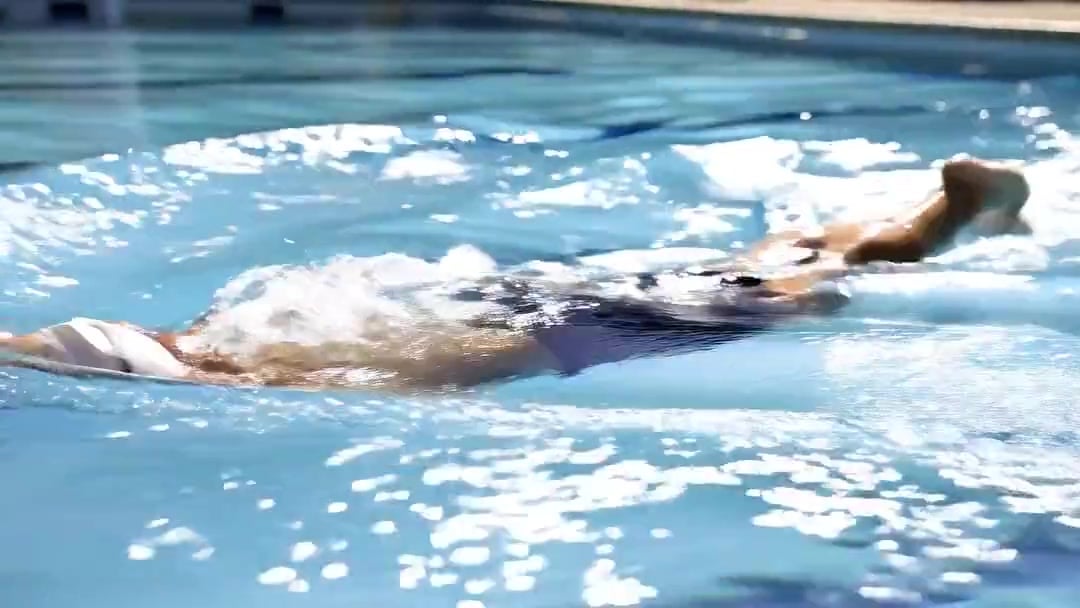
Swimming Physics Butterfly Stroke — Kling 3.0 v3 Standard
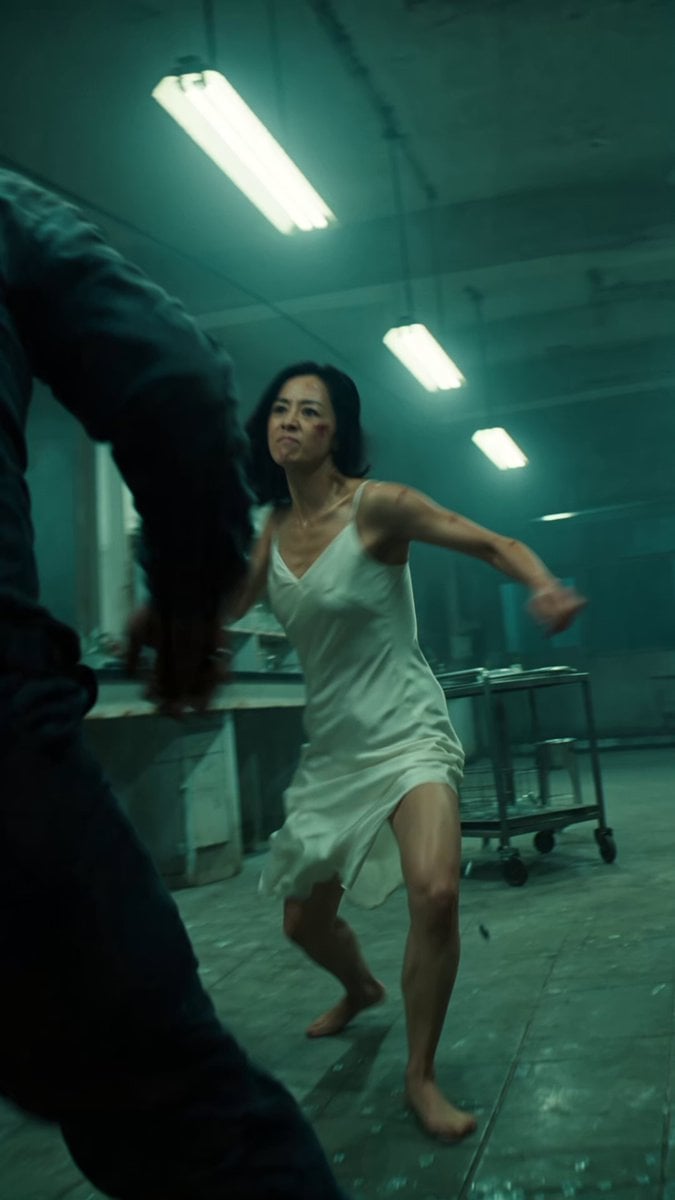
Cinematic IMAX Laboratory Fight Scene
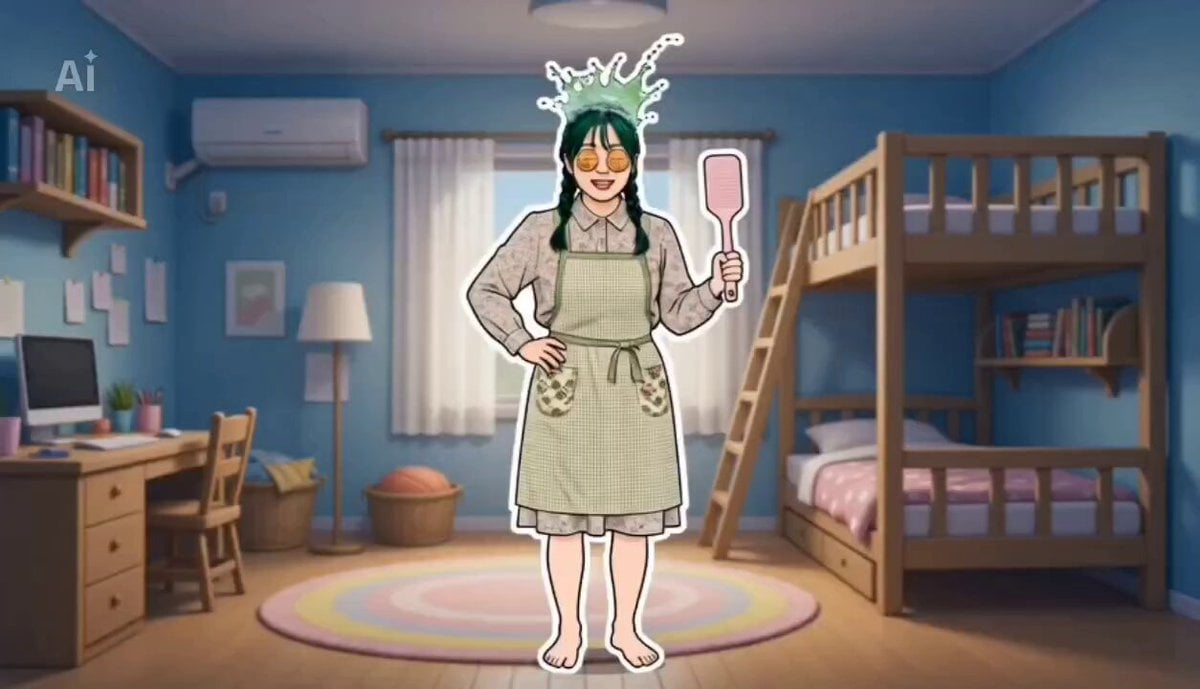
Educational Kids Animation Short About Oral Hygiene
AI Prompting Educational Commercial
Epic Laboratory Anime Battle Scene

Multi-Shot Laboratory Drink Commercial

Floating Water Sphere Physics
Dough Kneading Physics Prompt
Hyperrealistic Physics and Inertia Prompt
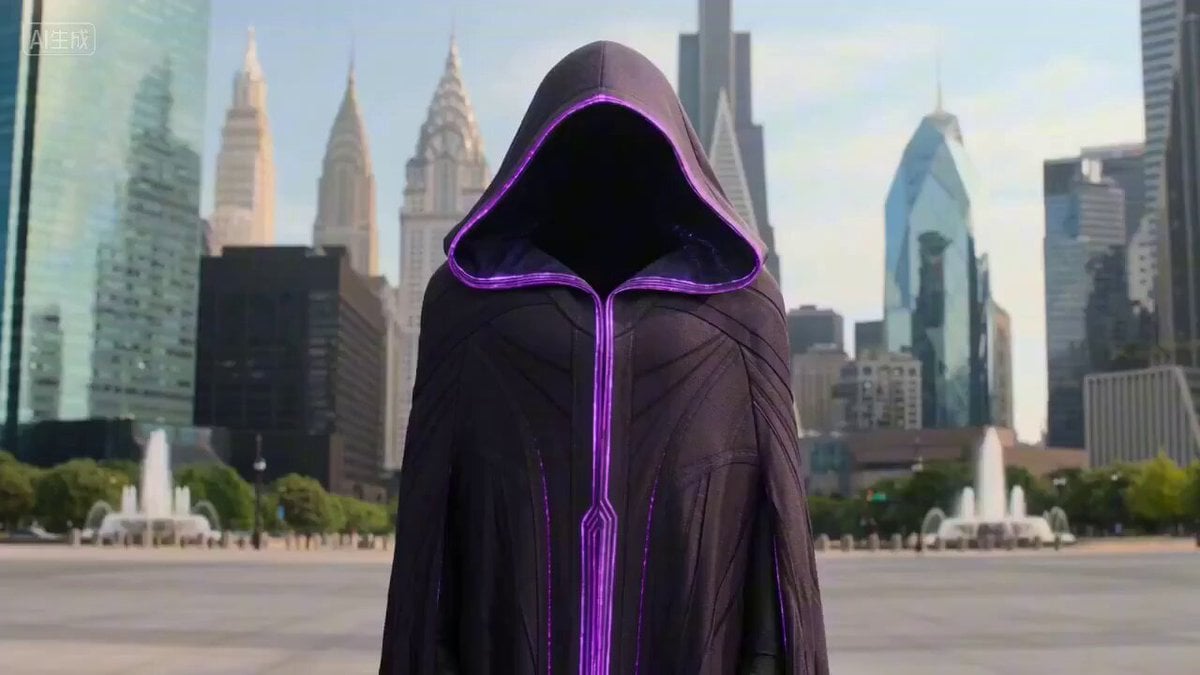
Large-Scale Architectural Transformation and Destruction Physics Video Prompt
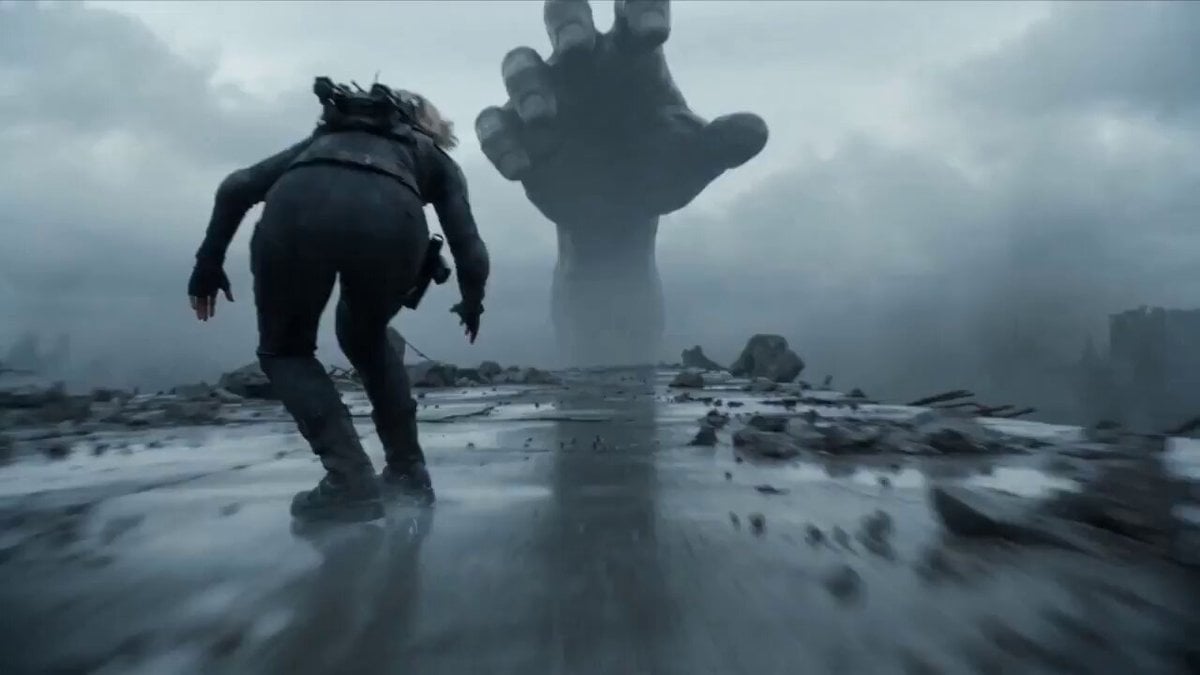
Physics-Focused Test Prompt: Warrior vs. Giant Hand

Maglev Train Action Sequence
Make it yours
Physics Laboratory Educational Video works as-is. These are the safest ways to change it without losing the look.
Change one field
Copy a single group, rewrite it, and generate again so you can see what that field is doing.
Keep the frame, change the subject
Hold the composition and light of Physics Laboratory Educational Video, then swap wardrobe, props or the person for a new take.
| If the result… | Why | Fix |
|---|---|---|
| The result drifts from the preview | Too many fields changed at once. | Reuse Physics Laboratory Educational Video as-is first, then change one group — subject, light, or setting. |
| The model over-stylizes the scene | The prose prompt leaves finish and camera underspecified. | Add one camera or lighting sentence and stay on Seedance 2.0. |
More Seedance 2.0 templates
Other prompts made for Seedance 2.0.

Comical Martial Arts Punch Scene

Wuxia Protection and Trust Script

Vintage Korean Arcade MiniDV Vlog

Rainy Night Supernatural Reverse Comedy Video Script

Amazon Civilization Discovery

Futuristic South Asian City Transformation

Cozy Luxury Cafe Commercial

Cyber Ronin Nanotech Transformation Video
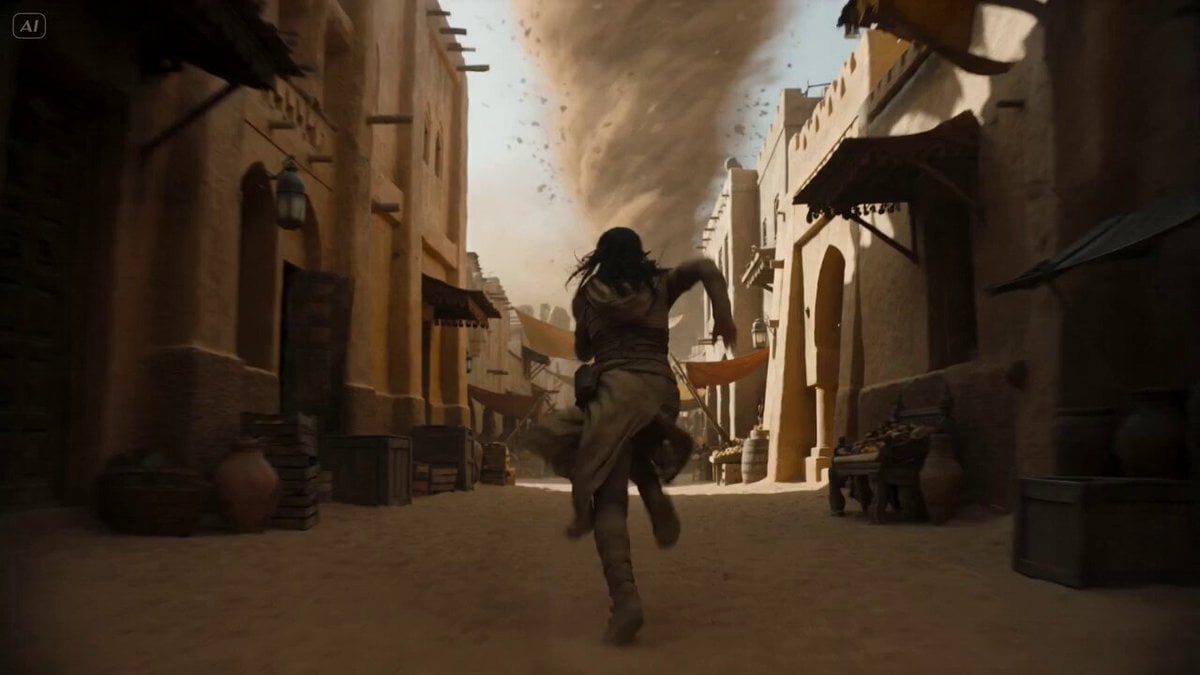
Desert Courier and Sandstorm Leviathan Chase
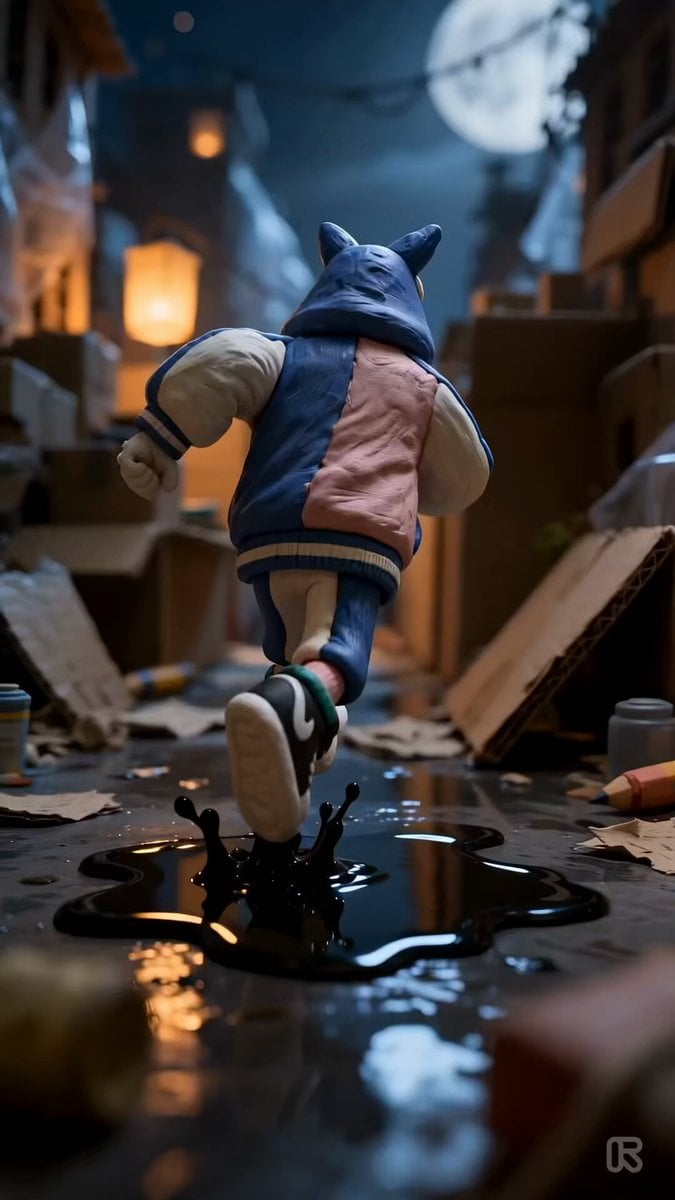
Clay Stop-Motion Animation Template
More video prompts
Fresh picks from across the catalog.
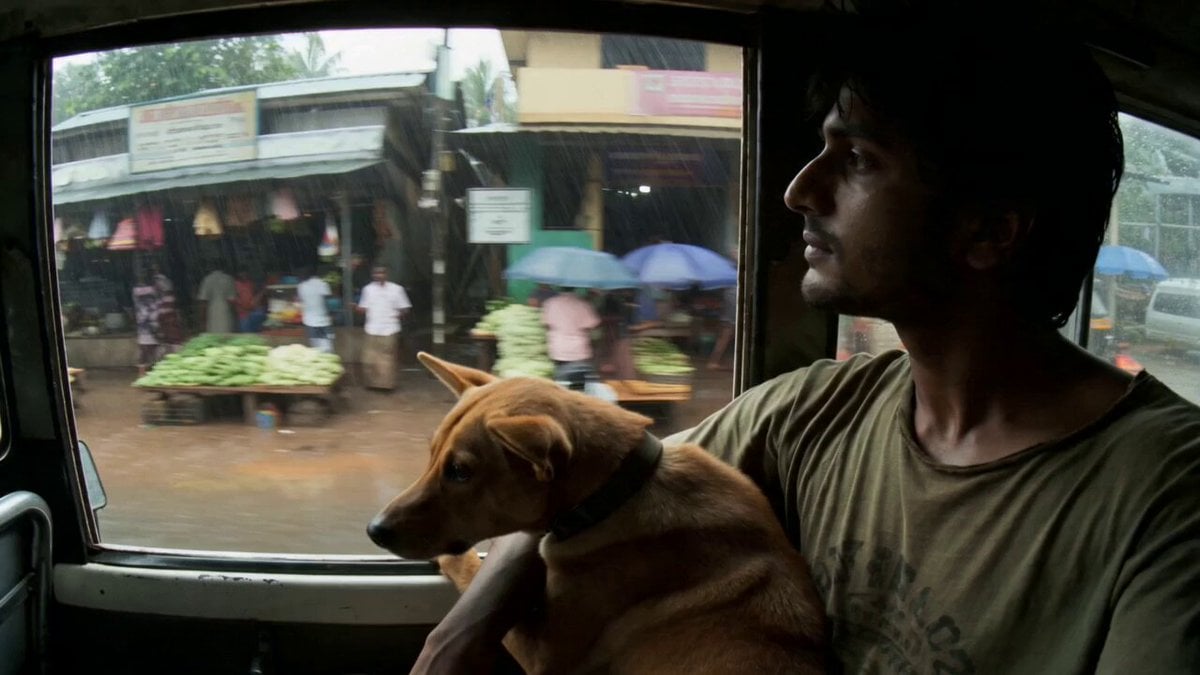
Rural Kerala Monsoon Journey

Snow Queen Permafrost Palace Video
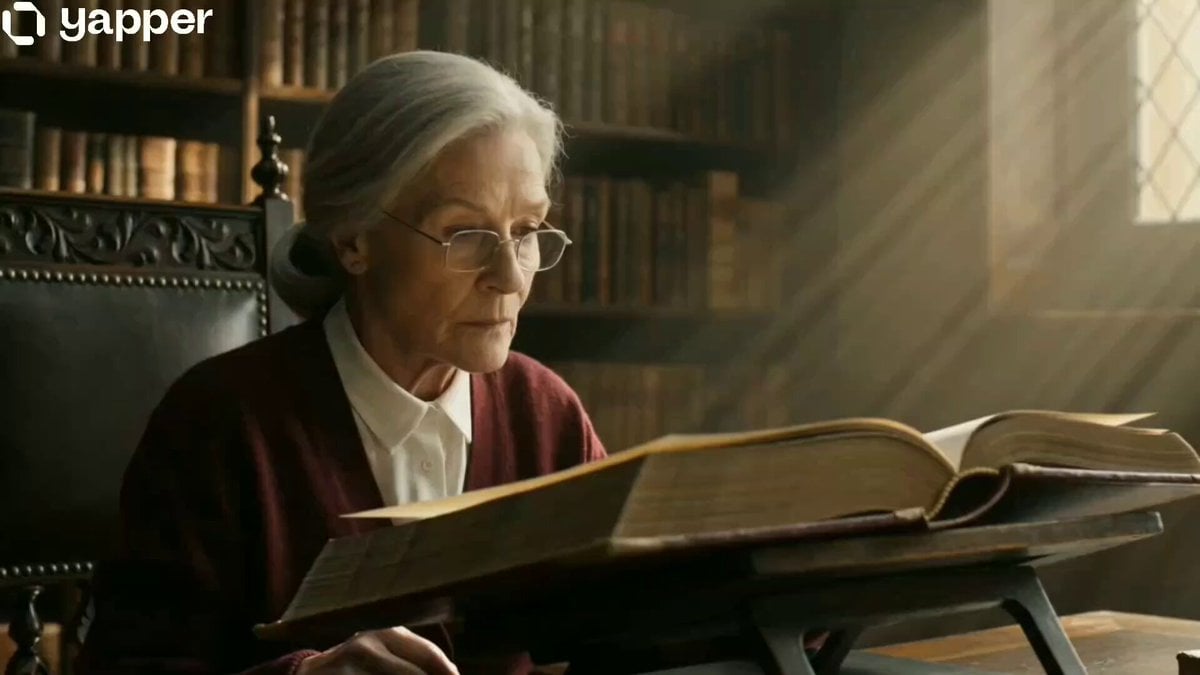
The Librarian's Miniature Book Adventure
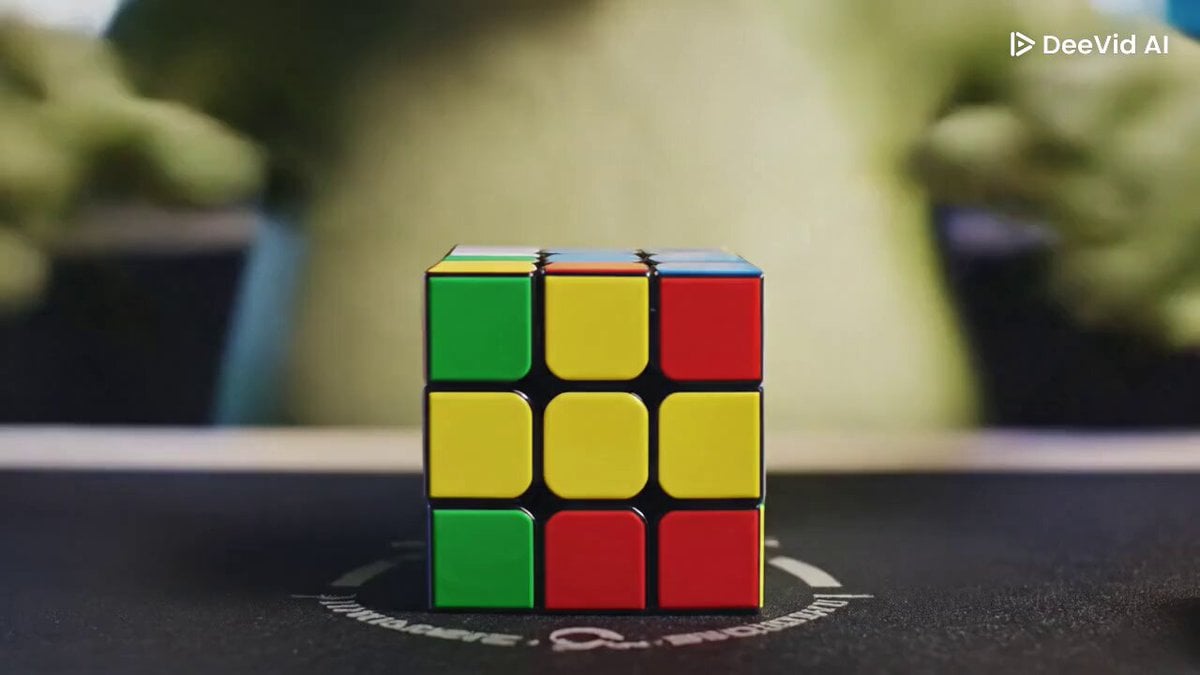
Pepe the Frog Speedcubing Animation Prompt

Chibi Suze Orman/Rainbow Brite hybrid turned into Pikachu

Festive Mushroom City Anime Chase
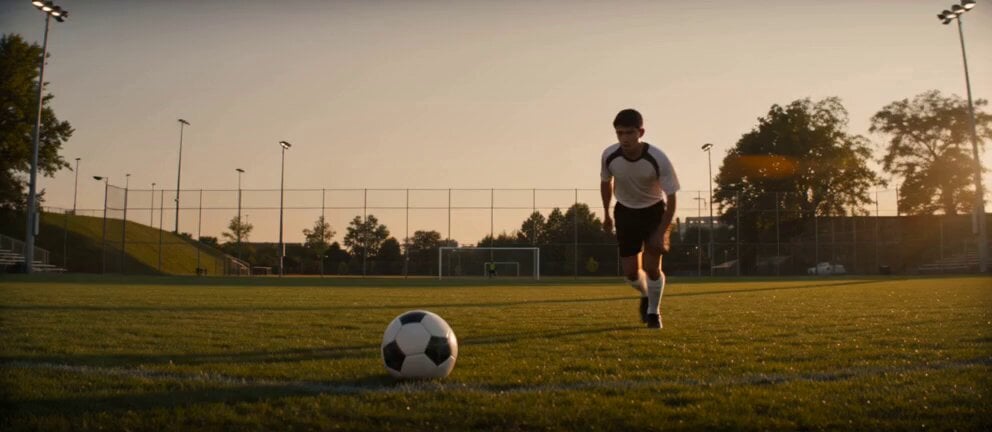
Soccer Strike and Window Smash Action
Butterfly Swarm to Ethereal Dancer Loop

Serene Morning Porch Scene
Seedance 2.0 Prompt Writing Guide and Templates
Browse template categories
Physics Laboratory Educational Video questions
How do I use the Physics Laboratory Educational Video template?
Add your photo if the template asks for one, edit the prompt if you like — the template's model and format are already selected — and press Generate. Your version opens in PicX Studio.
Can I customize the Physics Laboratory Educational Video template?
Yes. You can change the subject, setting, lighting, mood, format, and available model controls before creating your video.
Is the Physics Laboratory Educational Video template free?
Opening and editing this template is free. Generating uses credits, shown on the Generate button when you are signed in.
Which AI model should I use?
Start with Seedance 2.0, which is the model associated with this template. You can compare another compatible model for a different finish.
Looking for something else? Browse all templates.

Your photo, any look
Thousands of ready templates for every top image and video model, from one credit balance.