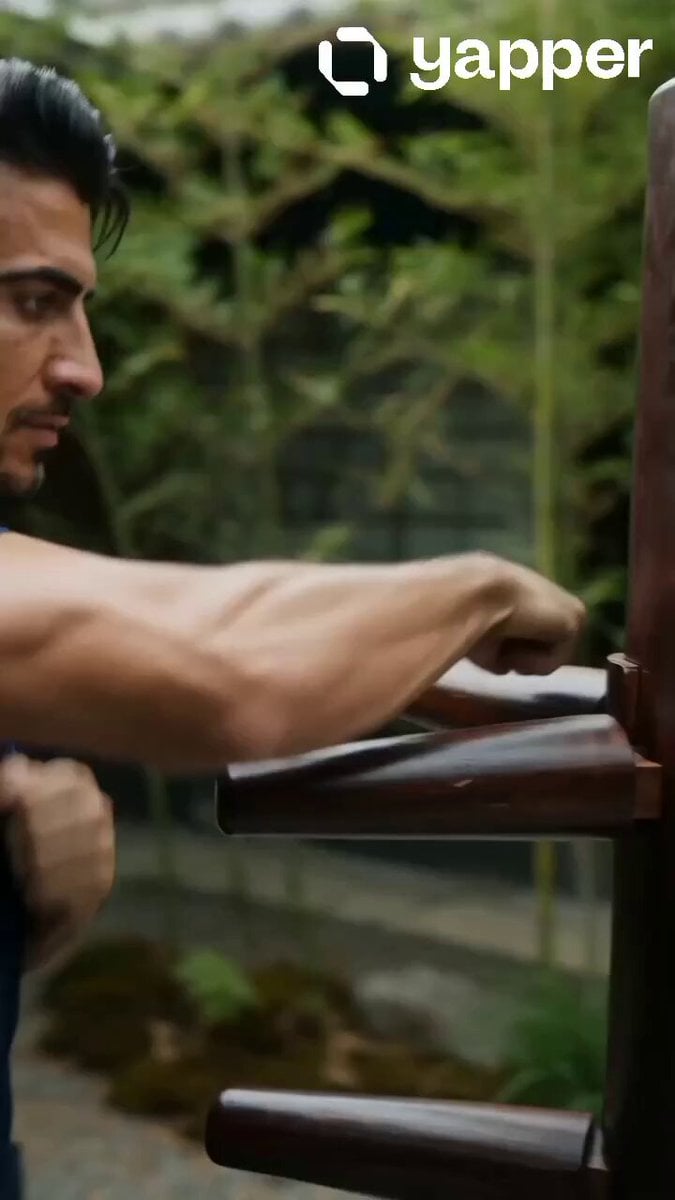
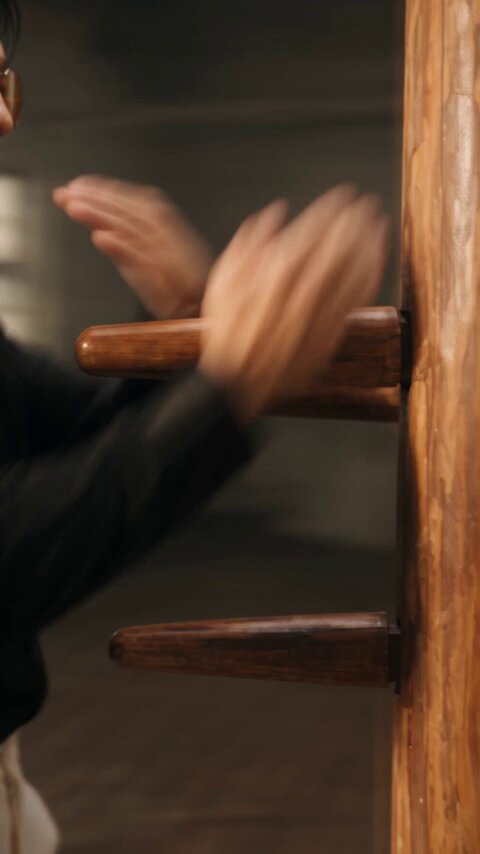
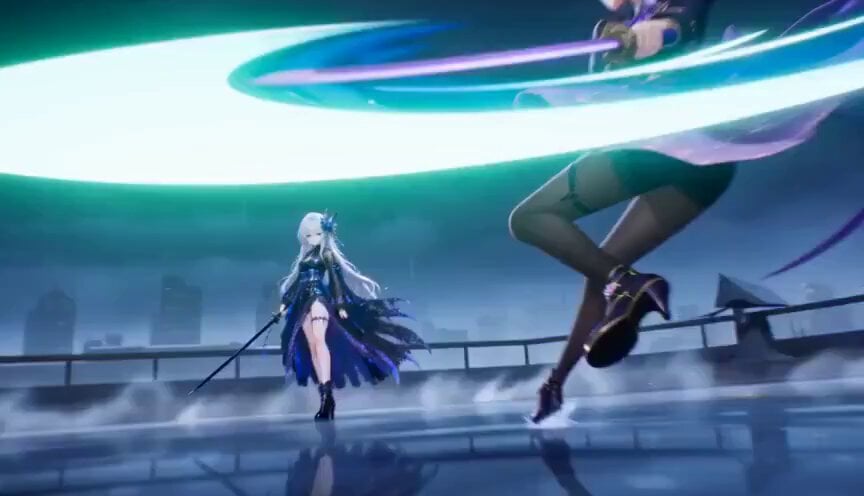
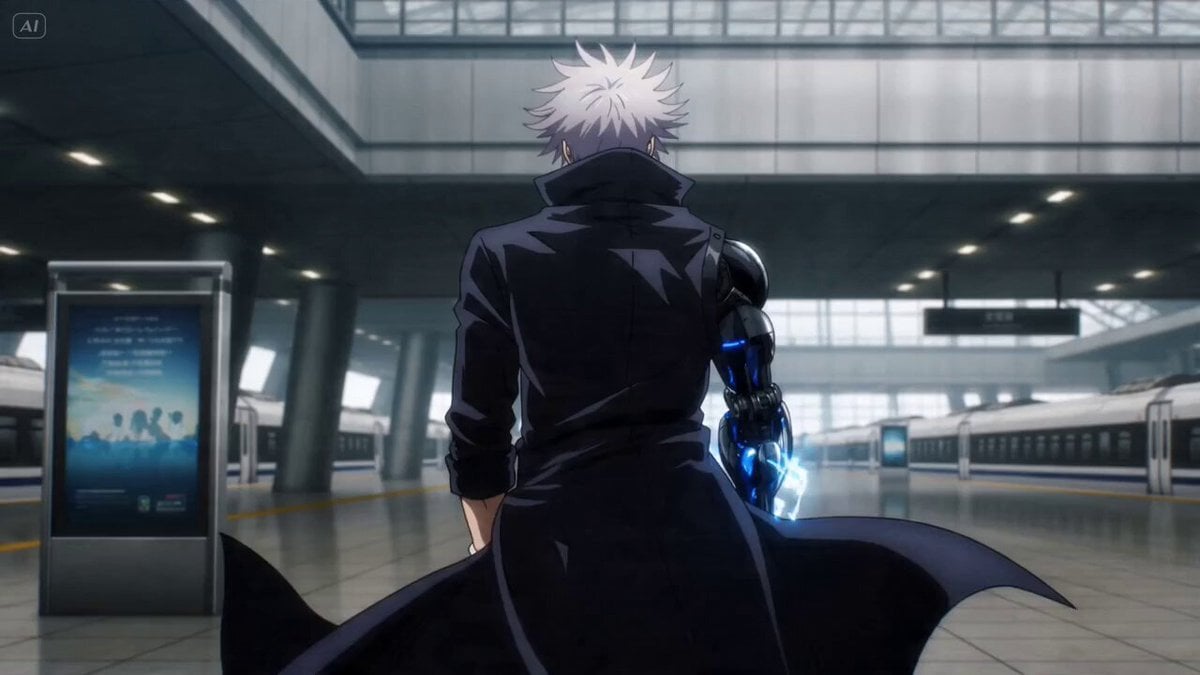
How do I use the Wing Chun Anime Fight Choreography Prompt template?
Edit the prompt in the box under the preview — the template's model and format are already selected — and press Generate. Your version appears right on this page.
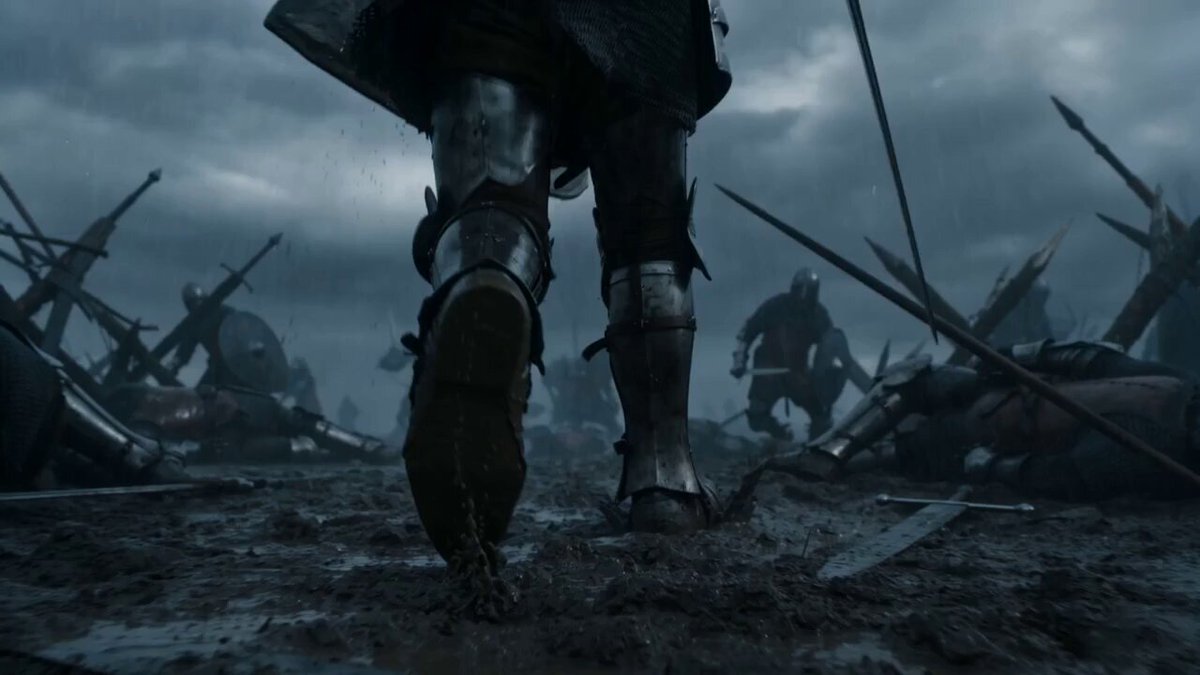
A detailed Seedance 2.0 prompt instructing the model to act as a professional anime fight choreographer with knowledge of Wing Chun and Chinese wushu.
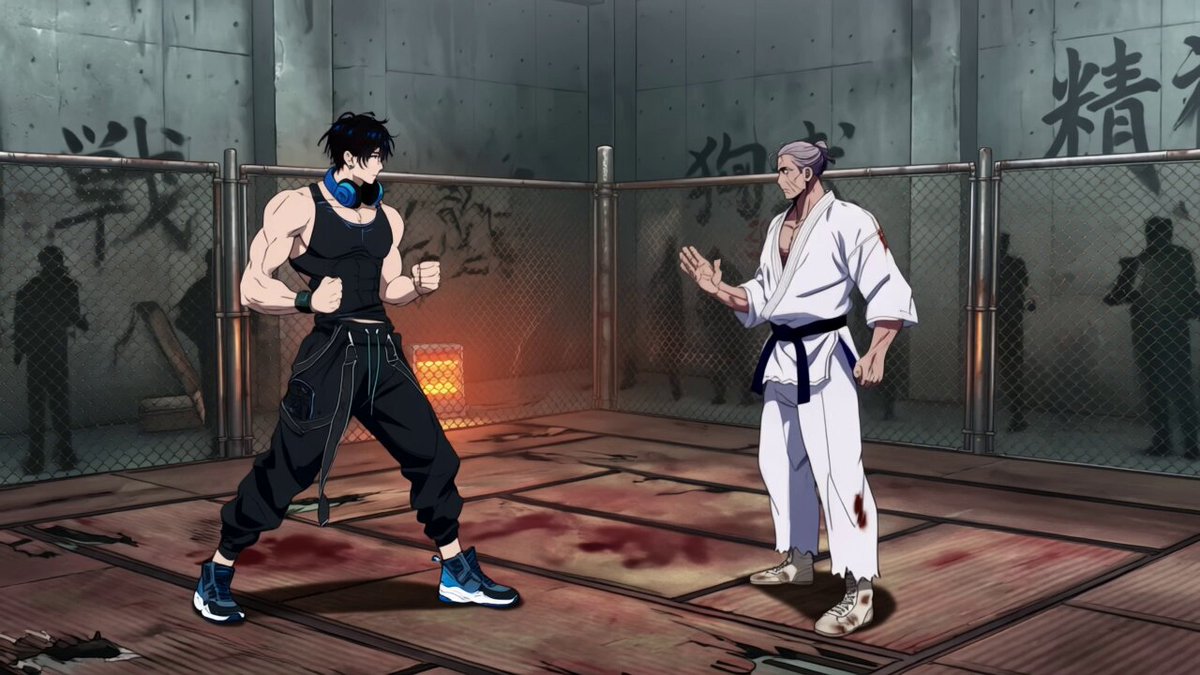
Act as a professional fight choreographer of the anime industry with extensive knowledge of Wing Chun and Chinese wushu fighting style. Create a fast paced and dynamic fight scene between Jinx @图片4 and Knibbz@图片5 . Jinx should have dirt and scratches slightly smeered on his face like in @图片6 in this fight. Their feet shift back and forth with Jinx slowly losing ground and Knibbz pushing forward. This is a one sided fight where despite everything Jinx tries, he is not able to get a clean hit on Knibbz. Jinx tries an array of Wing Chung style attacks, (quick punches, rapid spinning kick at extreme speed, combo punches into a butterfly kick as examples.) but it is all blocked or dodged in the last moment by Knibbz. Camera movements include rapid 360 orbit, Jet cuts to ECU of key moments in strikes and dodges, hard cuts to facial expressions. Impack shockwave effects, wind burst effects, gust effect from Knibbz's heavier attacks only. Hopeless fight vibe. Jinx is outmatched by Knibbz. Must not add additional dialogue. Must not add additional characters. Use the audio reference for what Knibbz sound like only. All of Jinx attacks must be directed toward Knibbz.
Act as a professional fight choreographer of the anime industry with extensive knowledge of Wing Chun and Chinese wushu fighting style. Create a fast paced and dynamic fight scene between Jinx @图片4 and Knibbz@图片5 . Jinx should have dirt and scratches slightly smeered on his face like in @图片6 in this fight. Their feet shift back and forth with Jinx slowly losing ground and Knibbz pushing forward. This is a one sided fight where despite everything Jinx tries, he is not able to get a clean hit on Knibbz. Jinx tries an array of Wing Chung style attacks, (quick punches, rapid spinning kick at extreme speed, combo punches into a butterfly kick as examples.) but it is all blocked or dodged in the last moment by Knibbz. Camera movements include rapid 360 orbit, Jet cuts to ECU of key moments in strikes and dodges, hard cuts to facial expressions. Impack shockwave effects, wind burst effects, gust effect from Knibbz's heavier attacks only. Hopeless fight vibe. Jinx is outmatched by Knibbz. Must not add additional dialogue. Must not add additional characters. Use the audio reference for what Knibbz sound like only. All of Jinx attacks must be directed toward Knibbz.
Edit the prompt in the box under the preview — the template's model and format are already selected — and press Generate. Your version appears right on this page.
Yes. You can change the subject, setting, lighting, mood, format, and available model controls before creating your video.
Opening and editing this template is free. Generating uses credits, shown on the Generate button when you are signed in.
Start with Seedance 2.0, which is the model associated with this template. You can compare another compatible model for a different finish.
Follow a topic to a crawlable collection of related PicX Studio templates.