How do I use the Indonesian Highway Bike Action template?
Edit the prompt in the box under the preview — the template's model and format are already selected — and press Generate. Your version appears right on this page.
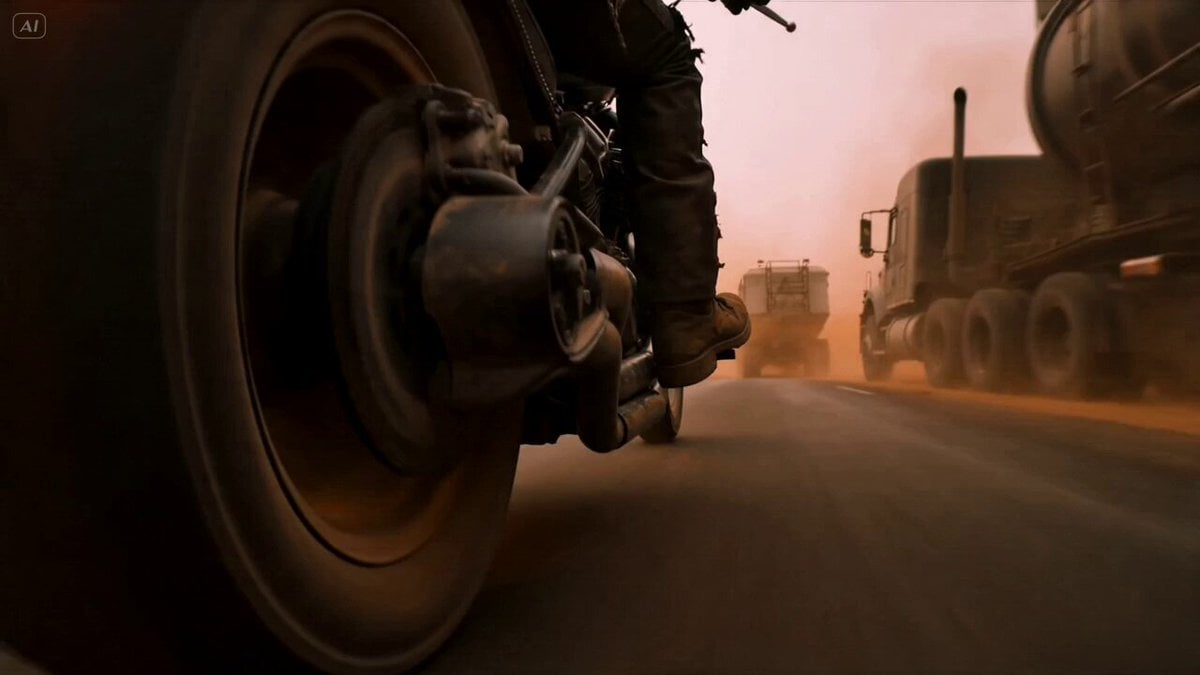
A high-octane action prompt for an ultra-realistic Indonesian highway motorcycle chase with physics-defying stunts and character consistency.
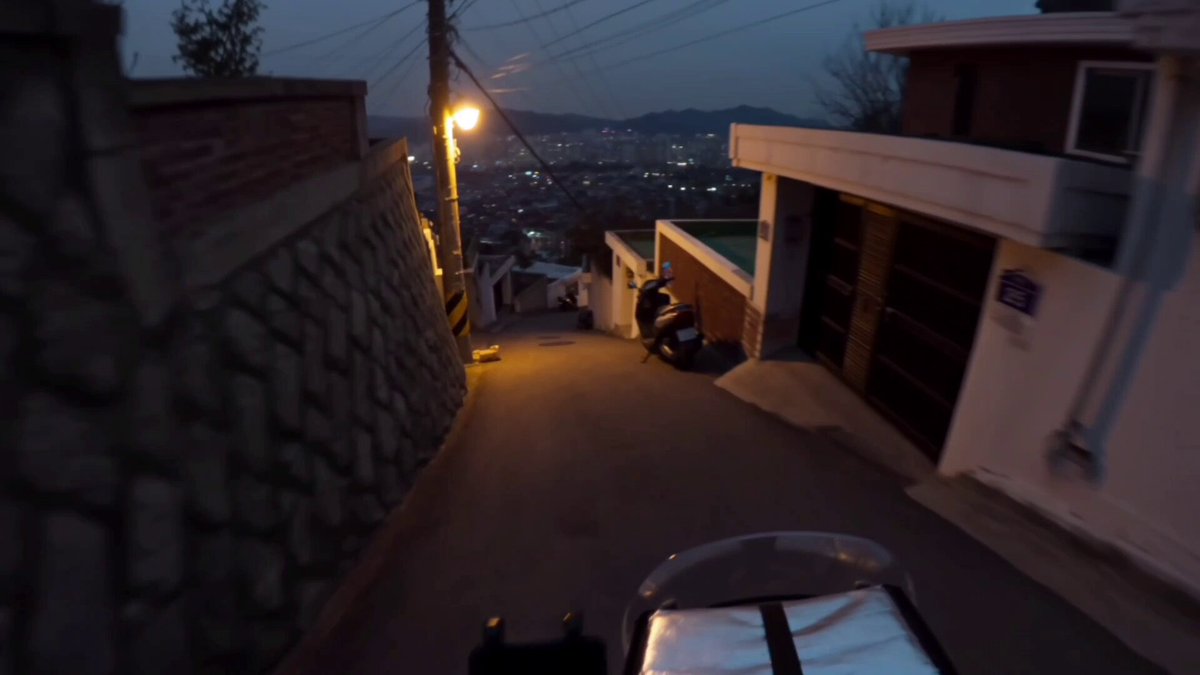
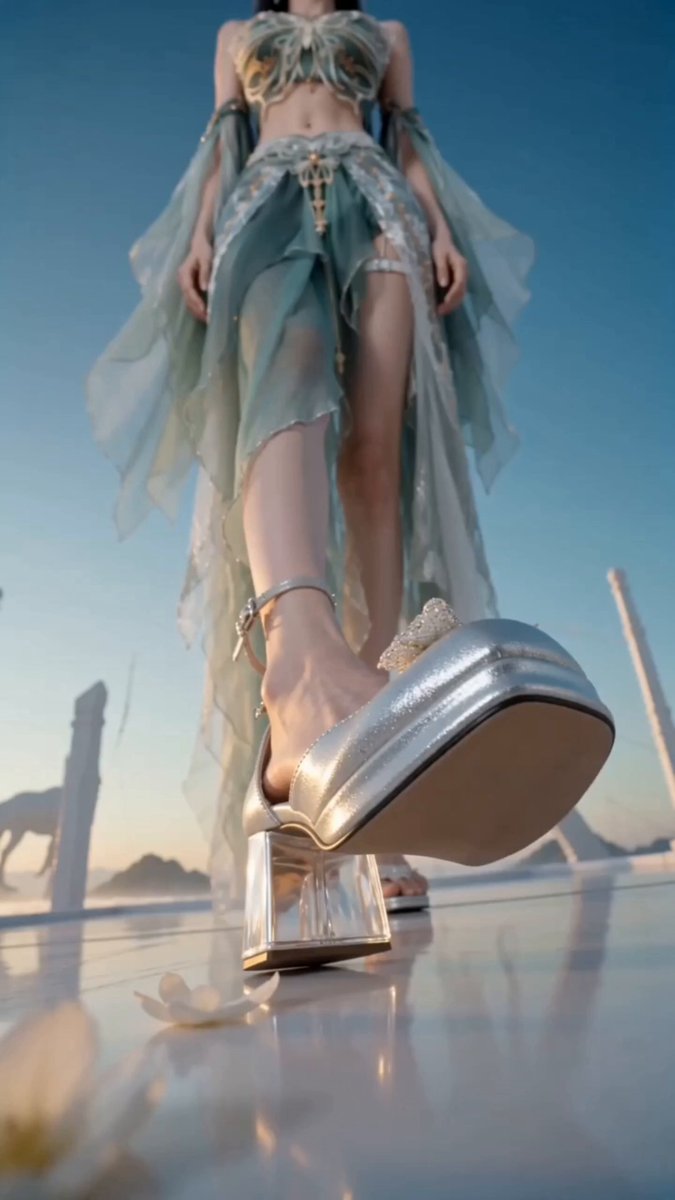
Ultra-realistic live-action, 8K HDR, smartphone handlebar POV, amateur bike dashcam, natural shake, rolling shutter, motion blur, no stabilization, bright tropical 11 AM, modern Indonesian toll road. Use uploaded reference image exactly: identical face, body, skin, hair, clothing, sandals, accessories, logos, perfect consistency. 0–2s: ride at extreme speed behind green container truck. 2–4s: overtake; oncoming cement mixer appears fast in opposite lane. 4–7s: POV looks down; exact right sandal kicks truck without slowing; truck launches backward, spins through air, crashes in huge dust cloud; bike stays balanced; no blood/gore. 7–9s: leg returns; cyclist passes container truck; clear highway; wreck distant behind dust. 9–10s: camera transitions to front-facing tracking hero shot; cyclist smiles, hair blows naturally. Photorealistic lighting, accurate shadows, immersive physics.
Ultra-realistic live-action, 8K HDR, smartphone handlebar POV, amateur bike dashcam, natural shake, rolling shutter, motion blur, no stabilization, bright tropical 11 AM, modern Indonesian toll road. Use uploaded reference image exactly: identical face, body, skin, hair, clothing, sandals, accessories, logos, perfect consistency. 0–2s: ride at extreme speed behind green container truck. 2–4s: overtake; oncoming cement mixer appears fast in opposite lane. 4–7s: POV looks down; exact right sandal kicks truck without slowing; truck launches backward, spins through air, crashes in huge dust cloud; bike stays balanced; no blood/gore. 7–9s: leg returns; cyclist passes container truck; clear highway; wreck distant behind dust. 9–10s: camera transitions to front-facing tracking hero shot; cyclist smiles, hair blows naturally. Photorealistic lighting, accurate shadows, immersive physics.
Edit the prompt in the box under the preview — the template's model and format are already selected — and press Generate. Your version appears right on this page.
Yes. You can change the subject, setting, lighting, mood, format, and available model controls before creating your video.
Opening and editing this template is free. Generating uses credits, shown on the Generate button when you are signed in.
Start with Seedance 2.0, which is the model associated with this template. You can compare another compatible model for a different finish.
Follow a topic to a crawlable collection of related PicX Studio templates.