How do I use the Mythical Wolf and Thunderbird Storm Clash template?
Edit the prompt in the box under the preview — the template's model and format are already selected — and press Generate. Your version appears right on this page.
A high-intensity cinematic prompt for a sequence showing a lightning wolf and a thunderbird colliding during a massive supercell storm.
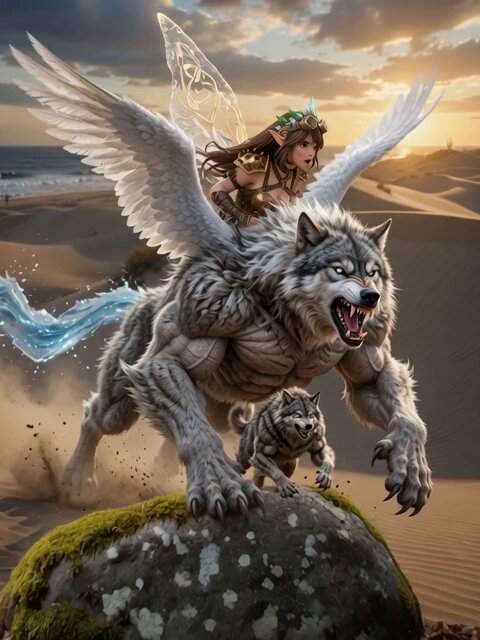
**Environment:** A massive open grassland beneath a rotating supercell thunderstorm. Dark cloud walls spiral across the sky while continuous lightning flashes illuminate the rolling plains. Rain sweeps sideways through violent wind gusts. **Action:** 15.0s sequence. A giant wolf composed of living lightning sprints across the storm-soaked terrain, electricity branching from its paws with every stride. A colossal thunderbird descends from the clouds, wings generating powerful shockwaves. They collide across the storm plain as the wolf leaps into the air while lightning arcs between both creatures. Velocity Ramp choreography: the moment the wolf’s electrified claws strike the thunderbird slows dramatically, revealing branching lightning fractals before snapping back as both creatures explode apart in a burst of electrical energy. **Camera:** Handheld tracking shot racing through rain-soaked grass, occasionally catching lightning reflections in flooded ground before tilting upward toward the airborne clash. **Style & Constraints:** Volumetric rain simulation, photorealistic lightning arcs, cinematic storm lighting, ray-traced reflections on wet surfaces, 8K resolution.
**Environment:** A massive open grassland beneath a rotating supercell thunderstorm. Dark cloud walls spiral across the sky while continuous lightning flashes illuminate the rolling plains. Rain sweeps sideways through violent wind gusts. **Action:** 15.0s sequence. A giant wolf composed of living lightning sprints across the storm-soaked terrain, electricity branching from its paws with every stride. A colossal thunderbird descends from the clouds, wings generating powerful shockwaves. They collide across the storm plain as the wolf leaps into the air while lightning arcs between both creatures. Velocity Ramp choreography: the moment the wolf’s electrified claws strike the thunderbird slows dramatically, revealing branching lightning fractals before snapping back as both creatures explode apart in a burst of electrical energy. **Camera:** Handheld tracking shot racing through rain-soaked grass, occasionally catching lightning reflections in flooded ground before tilting upward toward the airborne clash. **Style & Constraints:** Volumetric rain simulation, photorealistic lightning arcs, cinematic storm lighting, ray-traced reflections on wet surfaces, 8K resolution.
Edit the prompt in the box under the preview — the template's model and format are already selected — and press Generate. Your version appears right on this page.
Yes. You can change the subject, setting, lighting, mood, format, and available model controls before creating your video.
Opening and editing this template is free. Generating uses credits, shown on the Generate button when you are signed in.
Start with Seedance 2.0, which is the model associated with this template. You can compare another compatible model for a different finish.
Follow a topic to a crawlable collection of related PicX Studio templates.