How do I use the Mythical Warrior Cinematic VFX Showcase template?
Edit the prompt in the box under the preview — the template's model and format are already selected — and press Generate. Your version appears right on this page.
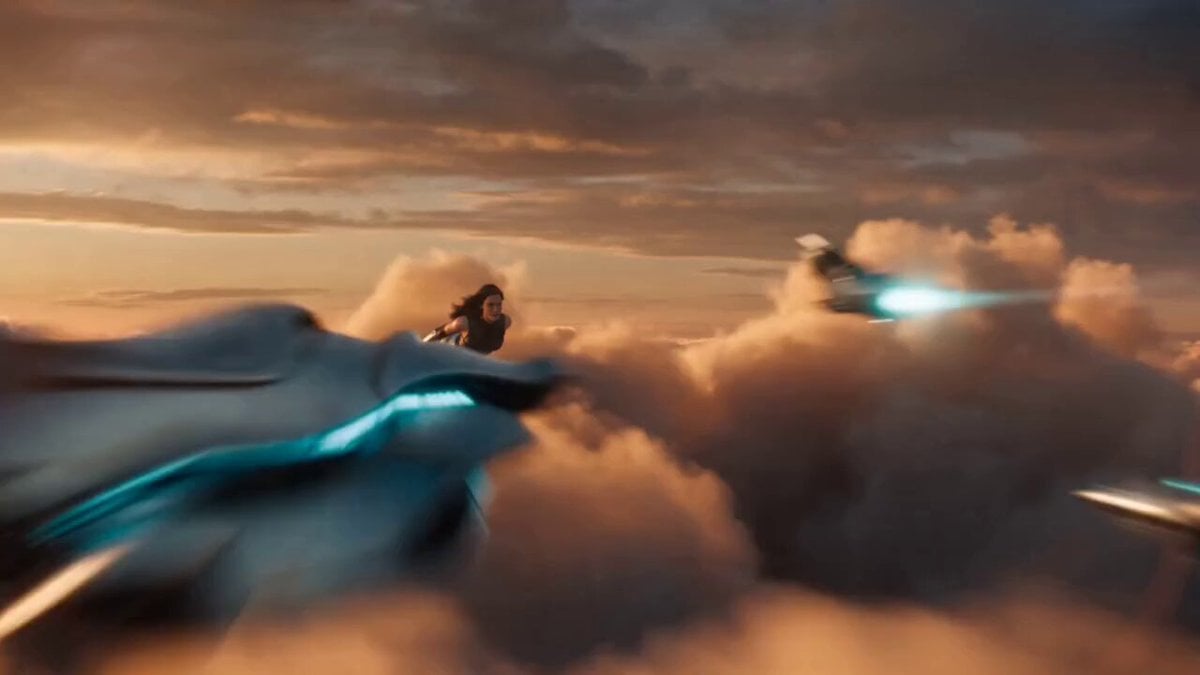
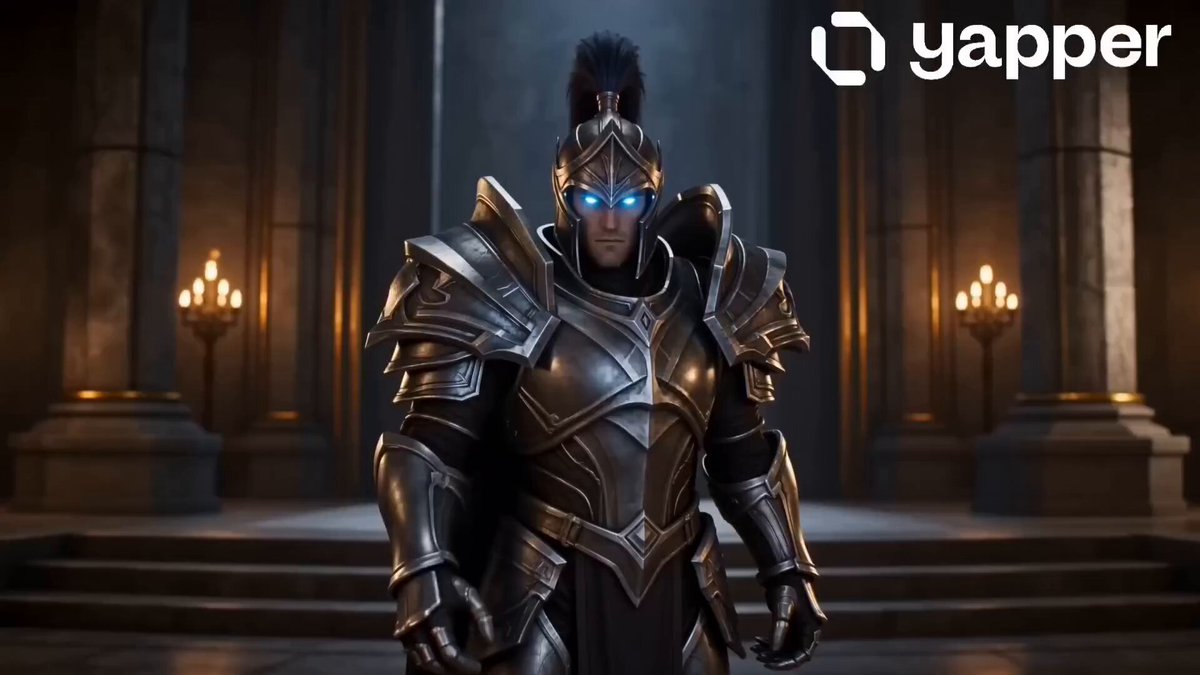
An epic 3D animation prompt featuring a golden Garuda-like warrior battling a celestial goddess, showcasing advanced cinematic camera techniques and energy effects.
Create an epic cinematic 3D animation/VFX camera showcase featuring a golden Garuda-like mythical warrior battling a celestial masked goddess above floating islands and glowing clouds. Demonstrate a sequence of cinematic camera techniques including extreme wide aerial shots, low-angle monster introductions, tracking circles, dynamic orbits, spirals, close-ups, and fast action angles as both characters unleash fiery orange and cyan energy attacks that culminate in a colossal mid-air beam clash and shockwave explosion. Display a 16-panel storyboard reference grid along the bottom of the screen labeled with each camera move and lens focal length, with the active camera technique highlighted by a glowing white border as the sequence progresses.
Create an epic cinematic 3D animation/VFX camera showcase featuring a golden Garuda-like mythical warrior battling a celestial masked goddess above floating islands and glowing clouds. Demonstrate a sequence of cinematic camera techniques including extreme wide aerial shots, low-angle monster introductions, tracking circles, dynamic orbits, spirals, close-ups, and fast action angles as both characters unleash fiery orange and cyan energy attacks that culminate in a colossal mid-air beam clash and shockwave explosion. Display a 16-panel storyboard reference grid along the bottom of the screen labeled with each camera move and lens focal length, with the active camera technique highlighted by a glowing white border as the sequence progresses.
Edit the prompt in the box under the preview — the template's model and format are already selected — and press Generate. Your version appears right on this page.
Yes. You can change the subject, setting, lighting, mood, format, and available model controls before creating your video.
Opening and editing this template is free. Generating uses credits, shown on the Generate button when you are signed in.
Start with Seedance 2.0, which is the model associated with this template. You can compare another compatible model for a different finish.
Follow a topic to a crawlable collection of related PicX Studio templates.