How do I use the Seamless Sword Fight Sequence Prompt template?
Edit the prompt in the box under the preview — the template's model and format are already selected — and press Generate. Your version appears right on this page.
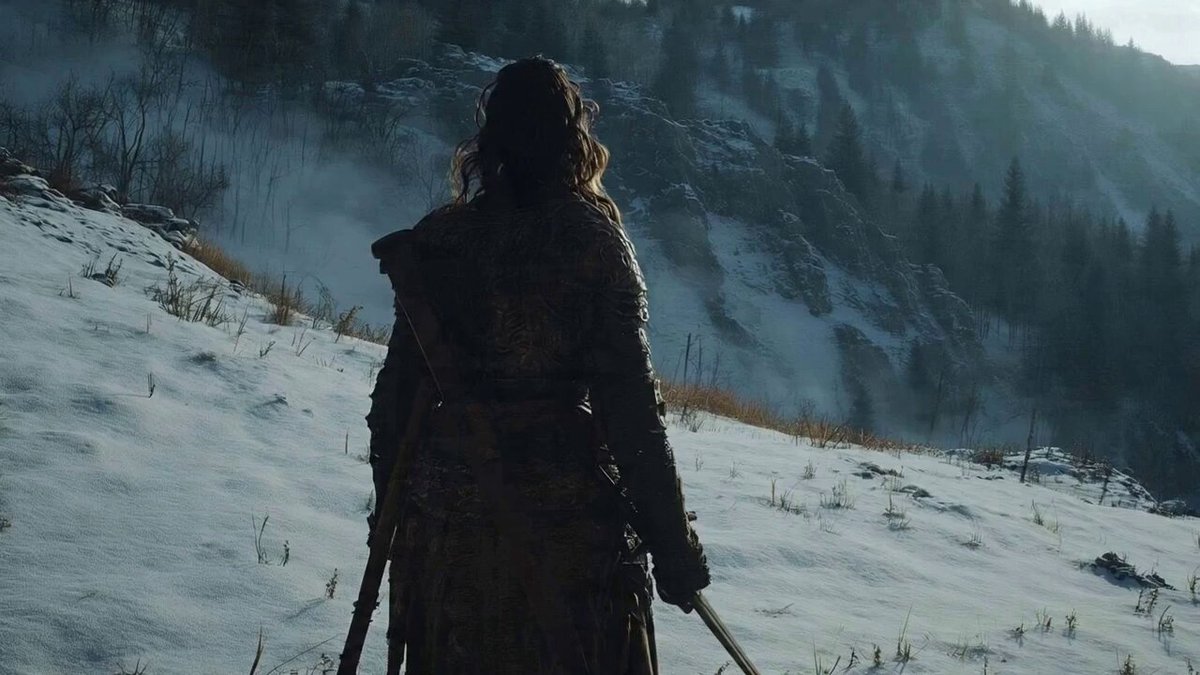
A prompt for Seedance 2.0 Pro to generate a seamless, intense sword fight sequence between an armored knight and a giant horned monster in a snowy mountain setting, emphasizing cinematic camera angles and relentless…
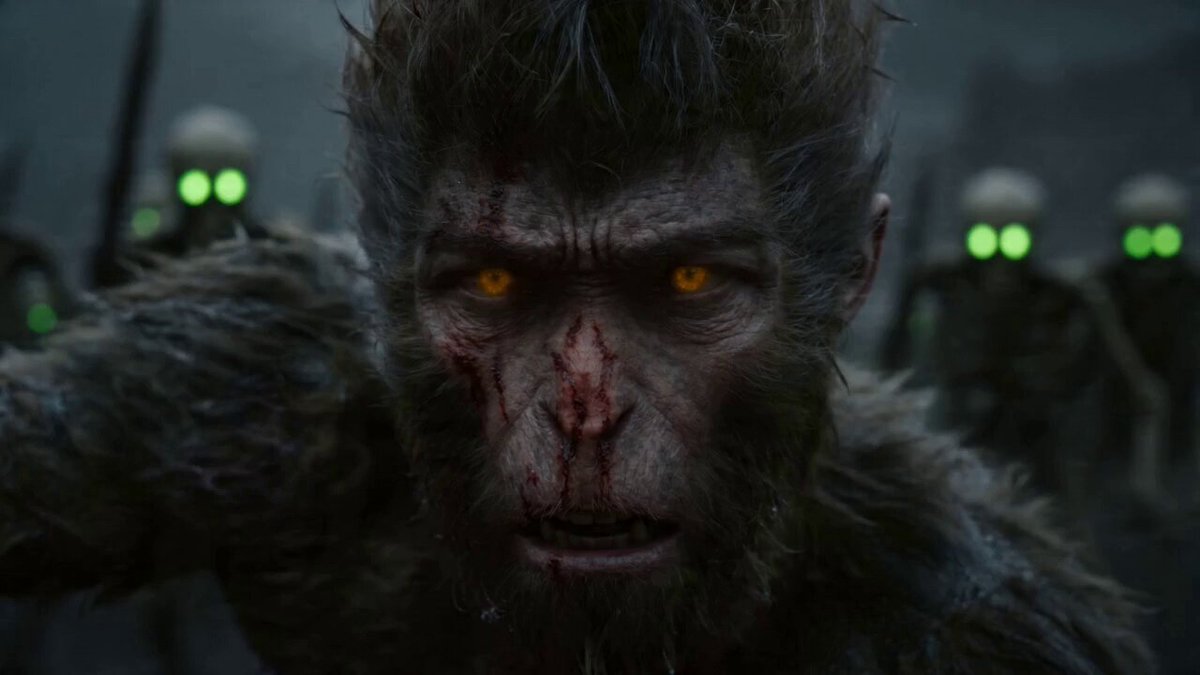
This is the opening and closing scene of a sword fight. Based on these two scenes, create a seamless sequence of an armored male knight with a red cape and sword fighting a giant horned monster with glowing red eyes in a snowy mountain battlefield. The fight is fast, intense, and relentless from beginning to end. Use multiple cinematic camera angles such as wide shots, low angles, tracking shots, and close combat shots to emphasize the scale and speed of the battle. The knight moves quickly, dodging attacks while striking with his sword, while the monster attacks with massive force, sending snow and ice flying through the air
This is the opening and closing scene of a sword fight. Based on these two scenes, create a seamless sequence of an armored male knight with a red cape and sword fighting a giant horned monster with glowing red eyes in a snowy mountain battlefield. The fight is fast, intense, and relentless from beginning to end. Use multiple cinematic camera angles such as wide shots, low angles, tracking shots, and close combat shots to emphasize the scale and speed of the battle. The knight moves quickly, dodging attacks while striking with his sword, while the monster attacks with massive force, sending snow and ice flying through the air
Edit the prompt in the box under the preview — the template's model and format are already selected — and press Generate. Your version appears right on this page.
Yes. You can change the subject, setting, lighting, mood, format, and available model controls before creating your video.
Opening and editing this template is free. Generating uses credits, shown on the Generate button when you are signed in.
Start with Seedance 2.0, which is the model associated with this template. You can compare another compatible model for a different finish.
Follow a topic to a crawlable collection of related PicX Studio templates.