
Luxury Jewelry Advertisement
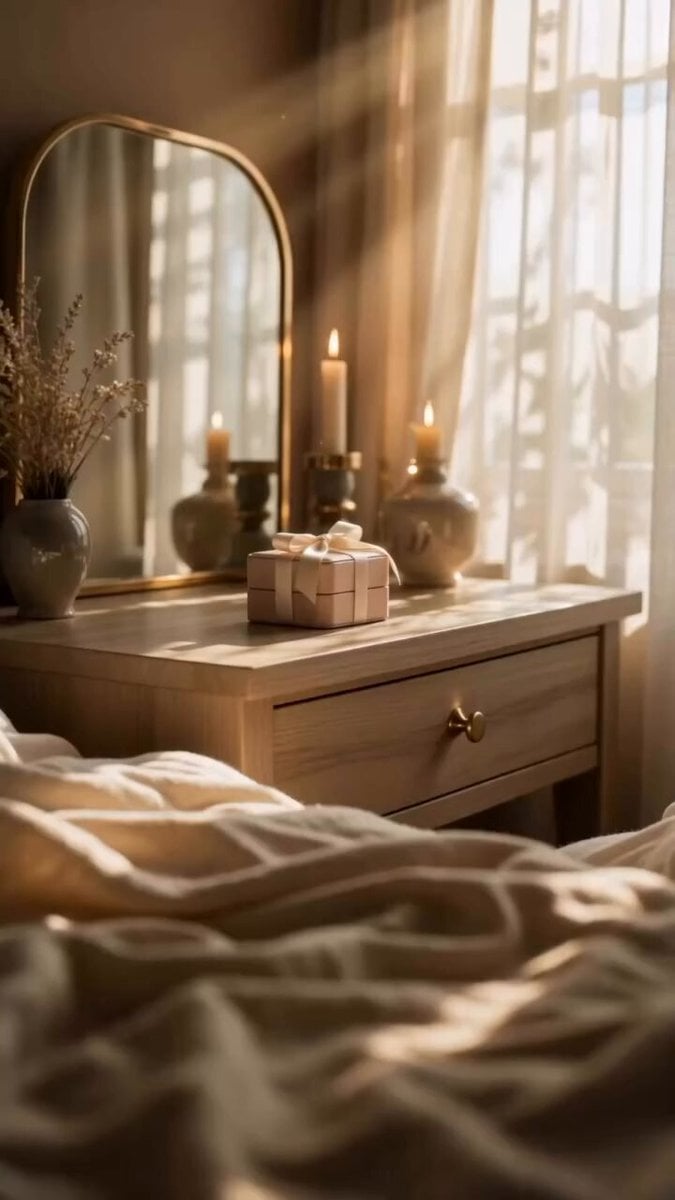
A cinematic jewelry advertisement prompt focusing on an elegant unboxing experience, macro shots of gemstones, and warm golden lighting.
- Prompt included
- Model and format preset
- Free template
The prompt behind this video
Copy the exact prompt behind Luxury Jewelry Advertisement, or open it in the studio and make it yours.
Created a 30-second cinematic luxury jewelry advertisement video in a warm and elegant style. The video opens with a beautifully decorated bedroom, soft morning sunlight, and a premium jewelry gift box placed on a wooden table. A woman gently picks up the elegant box, creating a delicate and emotional unboxing moment. The camera moves into cinematic close-up shots of her face and hands as she reveals the jewelry. A sparkling blue gemstone pendant is shown in detailed macro shots with soft golden lighting. She wears the necklace gracefully, highlighting its elegant design and luxurious shine. The scene continues with a peaceful morning moment near the window, holding a cup in warm sunlight. Close-up shots capture the pendant sparkling naturally against her skin with realistic shadows and reflections. The video ends with a premium jewelry box displaying the complete matching jewelry set. Soft cinematic lighting, warm golden tones, luxury commercial aesthetic, smooth camera movements, shallow depth of field, photorealistic details, 9:16 vertical format.
How to use Luxury Jewelry Advertisement in 3 steps
- 1
Open
The prompt is already in the box next to the preview, with the template's model and format selected.
- 2…a portrait of your subject in softgolden-hour light, 85mm…
Personalize
Edit the subject and creative details for your destination.
- 3Generate
Generate
Press Generate — your video is created in PicX Studio, so you can compare it with the original and refine one variable at a time.
More like this
Templates with the same subject, style or setup. Open one to see its prompt.
Luxury Handbag Commercial — Hollywood VFX Ad

Sneaker Product Commercial
Cinematic Portrait Study 3
Cinematic Portrait Study
Skincare Product Commercial

Luxury Perfume Drone Shot Advertisement Prompt
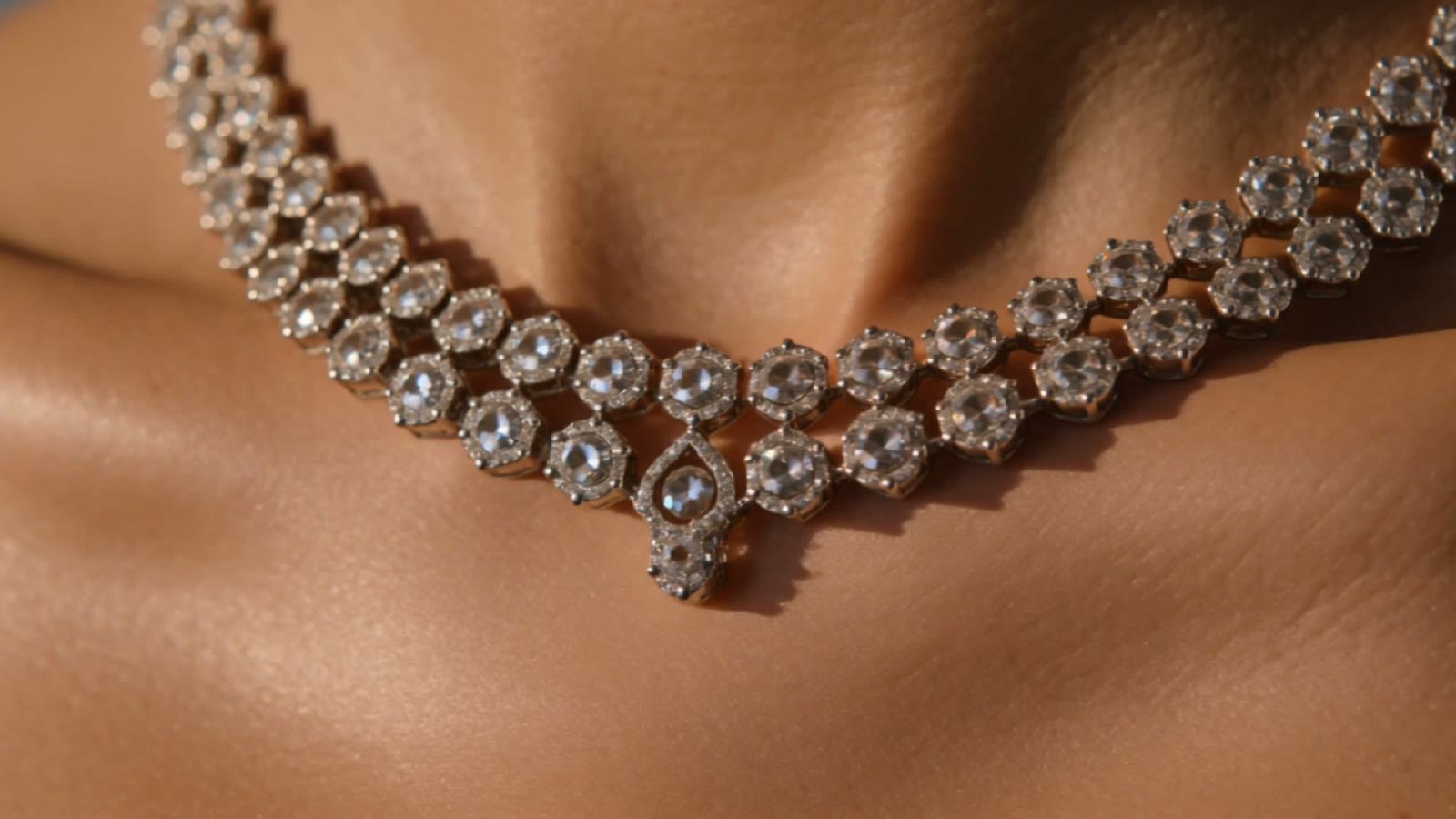
Cinematic Luxury Jewelry Commercial
UGC Style Phone Case Advertisement
Hair Refresh Beauty Advertisement
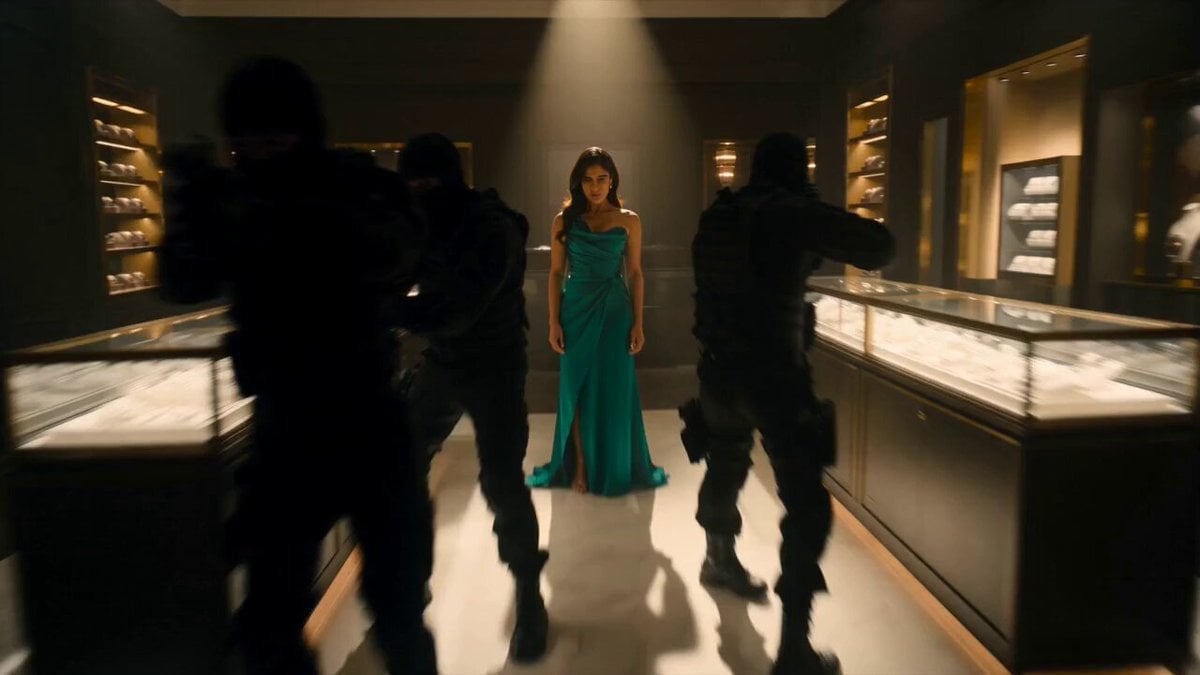
Jewelry Boutique Martial Arts Action
UGC Shampoo Video Advertisement
Modern Sneaker Product Advertisement
Make it yours
Luxury Jewelry Advertisement works as-is. These are the safest ways to change it without losing the look.
Change one field
Copy a single group, rewrite it, and generate again so you can see what that field is doing.
Keep the frame, change the subject
Hold the composition and light of Luxury Jewelry Advertisement, then swap wardrobe, props or the person for a new take.
| If the result… | Why | Fix |
|---|---|---|
| The result drifts from the preview | Too many fields changed at once. | Reuse Luxury Jewelry Advertisement as-is first, then change one group — subject, light, or setting. |
| The model over-stylizes the scene | The prose prompt leaves finish and camera underspecified. | Add one camera or lighting sentence and stay on Seedance 2.0. |
More Seedance 2.0 templates
Other prompts made for Seedance 2.0.

Comical Martial Arts Punch Scene

Maglev Train Action Sequence

Martial Arts Fight Sequence

Wuxia Protection and Trust Script

Vintage Korean Arcade MiniDV Vlog

Mercedes 190 SL Luxury Ad

Rainy Night Supernatural Reverse Comedy Video Script

Amazon Civilization Discovery

Futuristic South Asian City Transformation

Cozy Luxury Cafe Commercial
More video prompts
Fresh picks from across the catalog.

Enhanced Oni General Charge
Car modification description
Mixed-Reality Stop-Motion Transformation

Artificial Sun Interior Civilization Video Prompt
Creative Vision Room Transformation
Grok Imagine multi-step video prompt for Saint Patrick’s Day

Floating Woman Sunset Cloudscape
Ultra-Realistic Ocean Fantasy with Dolphins Video Prompt

Flintstones style prehistoric car chase
Mystic Ocean Creature Heavenly Visitation
Browse template categories
Luxury Jewelry Advertisement questions
How do I use the Luxury Jewelry Advertisement template?
Add your photo if the template asks for one, edit the prompt if you like — the template's model and format are already selected — and press Generate. Your version opens in PicX Studio.
Can I customize the Luxury Jewelry Advertisement template?
Yes. You can change the subject, setting, lighting, mood, format, and available model controls before creating your video.
Is the Luxury Jewelry Advertisement template free?
Opening and editing this template is free. Generating uses credits, shown on the Generate button when you are signed in.
Which AI model should I use?
Start with Seedance 2.0, which is the model associated with this template. You can compare another compatible model for a different finish.
Looking for something else? Browse all templates.

Your photo, any look
Thousands of ready templates for every top image and video model, from one credit balance.