
UGC Style Phone Case Advertisement
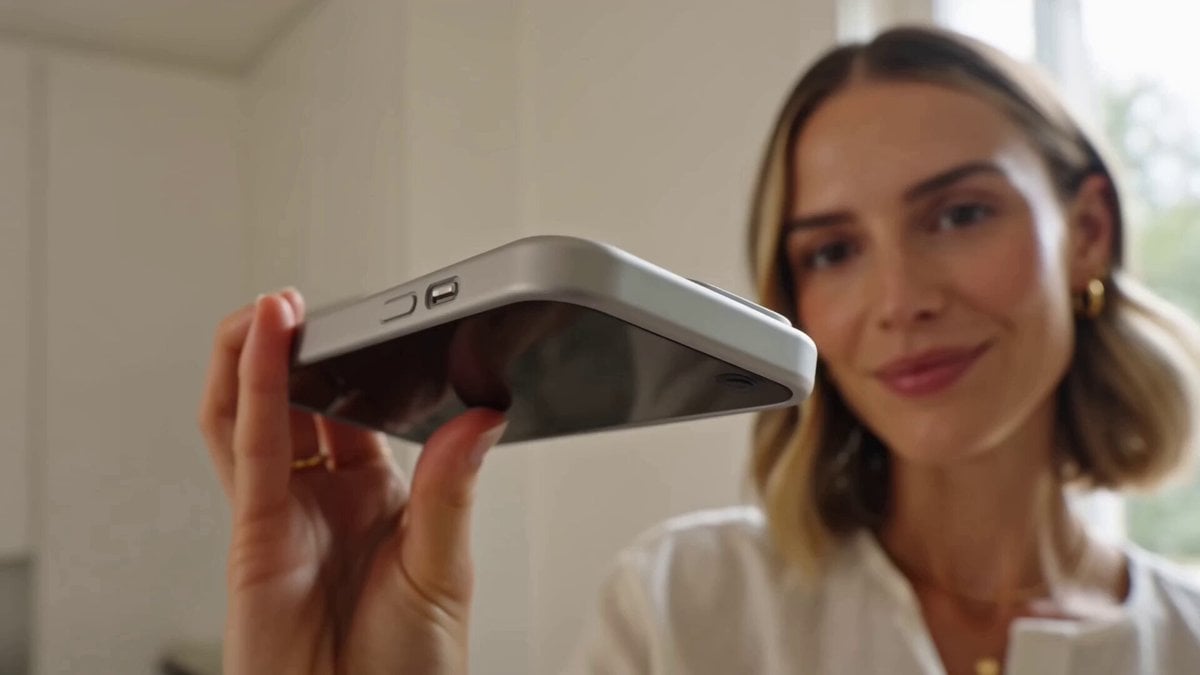
A comprehensive prompt for a natural user-generated content (UGC) style advertisement for a premium phone case, including storyboard scenes and specific dialogue.
- Prompt included
- Model and format preset
- Free template
The prompt behind this video
Copy the exact prompt behind UGC Style Phone Case Advertisement, or open it in the studio and make it yours.
Create a 15-second vertical 9:16 UGC-style phone case advertisement that feels authentic, premium, and social-media ready. A confident young woman in her mid-20s stands in a bright, modern apartment with soft natural daylight. She holds her smartphone toward the camera, showing a sleek premium phone case with a clean minimalist design. She smiles naturally and speaks directly to the camera as if recommending the case to a friend. Her appearance, outfit, phone, and phone case remain identical throughout the entire video. She speaks directly to the camera: “I’ve been using this case for a few weeks, and I honestly love it. It’s slim, feels amazing in my hand, and still gives my phone the protection I need. Plus, it looks so clean. Definitely one of my favorite phone accessories.” Storyboard: Scene 1: Close-up of the phone and case in her hand as she introduces it, rotating the phone slightly to reveal the back, edges, and camera protection. Scene 2: She holds the phone naturally in one hand, showing how slim the case looks while pressing the buttons and running her fingers across the smooth textured surface. Scene 3: She casually places the phone on a table and picks it back up, demonstrating the everyday practicality and secure grip of the case. Scene 4: She takes a quick mirror selfie, then turns the phone toward the camera to show how the case complements the phone’s original design. Scene 5: Final hero shot holding the phone beside her face with a clean, premium apartment background. She smiles confidently at the camera and says, “Definitely recommend.” The video should have realistic smartphone camera quality, natural handheld movement, genuine facial expressions, subtle autofocus adjustments, realistic lighting, smooth transitions, accurate lip sync, and a polished yet authentic UGC aesthetic. The phone and case must remain physically consistent throughout every shot. The case geometry, color, material, buttons, camera cutouts, edges, and proportions remain unchanged. The case stays sharply detailed and clearly visible whenever shown, with no warped branding, distorted geometry, or changing product design.
How to use UGC Style Phone Case Advertisement in 3 steps
- 1
Open
The prompt is already in the box next to the preview, with the template's model and format selected.
- 2…a portrait of your subject in softgolden-hour light, 85mm…
Personalize
Edit the subject and creative details for your destination.
- 3Generate
Generate
Press Generate — your video is created in PicX Studio, so you can compare it with the original and refine one variable at a time.
More like this
Templates with the same subject, style or setup. Open one to see its prompt.
Realistic UGC Cleanser Review - Seedance 2.5
Late Night Kitchen Phone Recording - Seedance 2.5
UGC Shampoo Video Advertisement

Definitive Anti-Slop AI Video Protocol — Qwen / Nano Banana / Grok
Fashion UGC Advertisement Ad
Bullet Time Selfie — Modular Parameter Template (Seedance)
Luxury Handbag Commercial — Hollywood VFX Ad
Kyoto Smartphone Vlog Simulation
Ultra-Real Mobile Phone Vlog
UGC Skincare Brand Video Commercial

Luxury Jewelry Advertisement
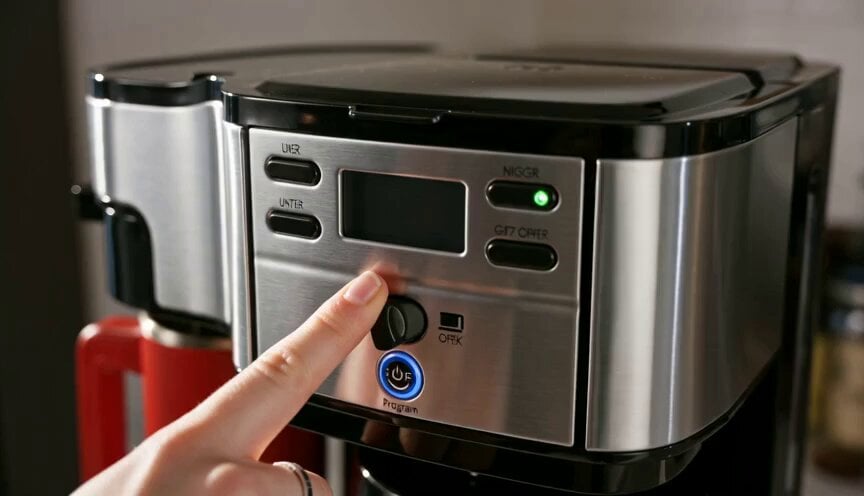
Premium Coffee Maker UGC Ad
Make it yours
UGC Style Phone Case Advertisement works as-is. These are the safest ways to change it without losing the look.
Change one field
Copy a single group, rewrite it, and generate again so you can see what that field is doing.
Keep the frame, change the subject
Hold the composition and light of UGC Style Phone Case Advertisement, then swap wardrobe, props or the person for a new take.
| If the result… | Why | Fix |
|---|---|---|
| The result drifts from the preview | Too many fields changed at once. | Reuse UGC Style Phone Case Advertisement as-is first, then change one group — subject, light, or setting. |
| The model over-stylizes the scene | The prose prompt leaves finish and camera underspecified. | Add one camera or lighting sentence and stay on Seedance 2.0. |
More Seedance 2.0 templates
Other prompts made for Seedance 2.0.

Comical Martial Arts Punch Scene

Maglev Train Action Sequence

Martial Arts Fight Sequence

Wuxia Protection and Trust Script

Vintage Korean Arcade MiniDV Vlog

Mercedes 190 SL Luxury Ad

Rainy Night Supernatural Reverse Comedy Video Script

Amazon Civilization Discovery

Futuristic South Asian City Transformation

Cozy Luxury Cafe Commercial
More video prompts
Fresh picks from across the catalog.

Spaceship Moon Mission Sequence

Hand-Drawn Anime Bus Scene Video Prompt
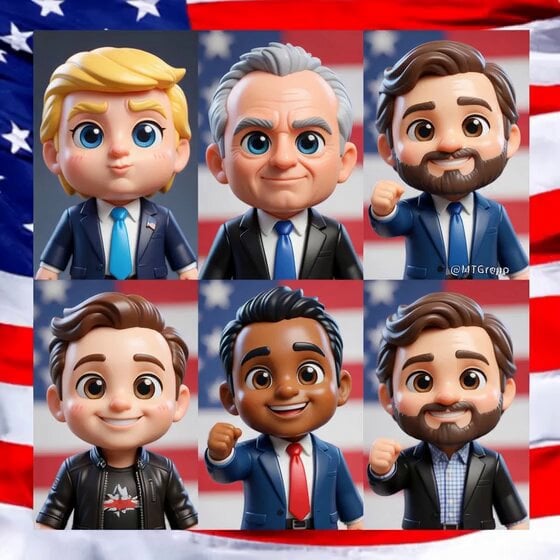
Transform subjects into cute anime chibi characters
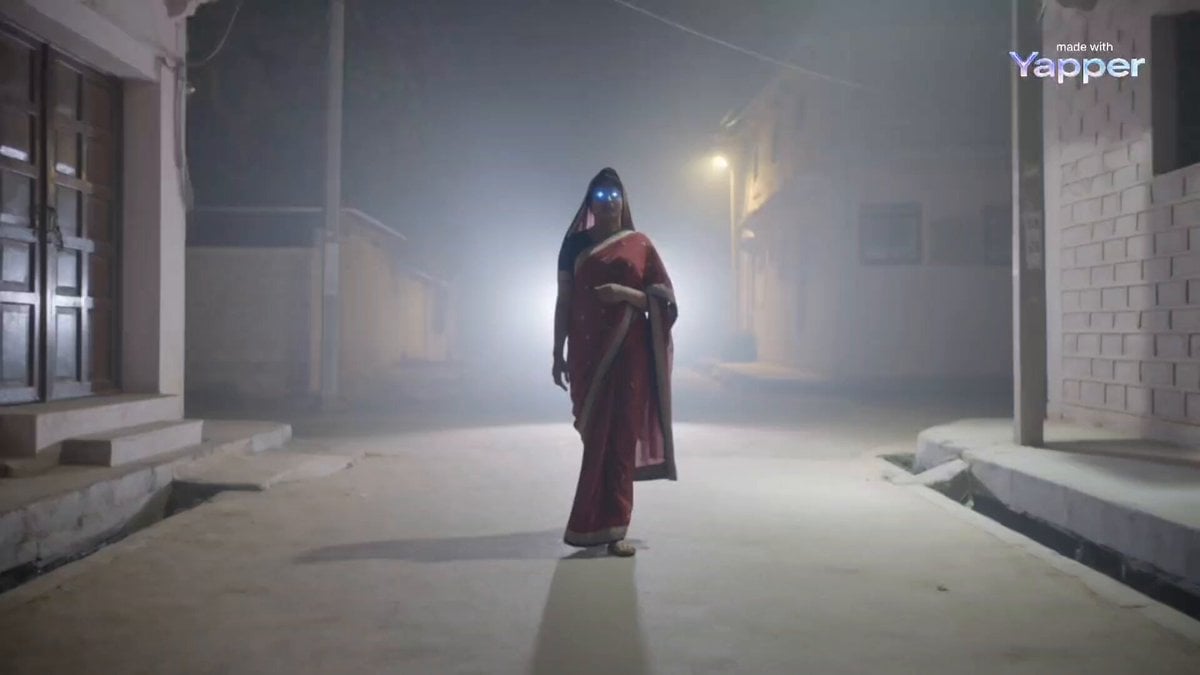
Maa Kali in Disguise (Seedance 2.0)

Cinematic Luxury Jewelry Commercial

Futuristic Nomadic Dune Festival
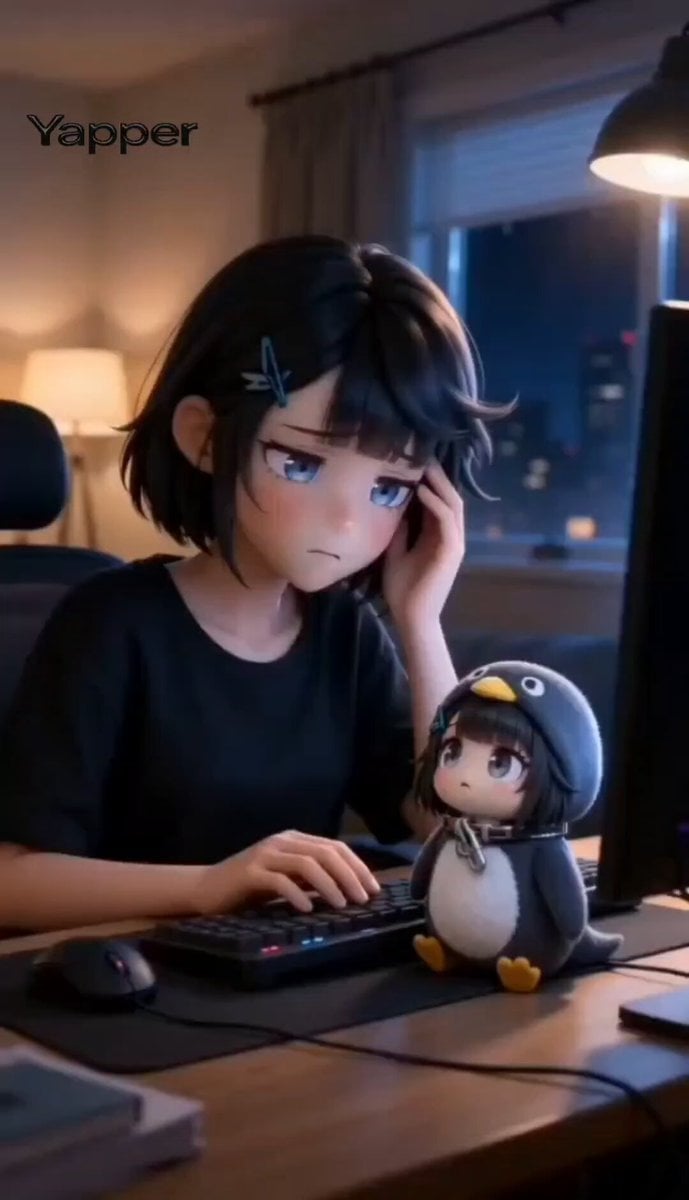
Chibi Moe Anime Penguin Girl

Post-Apocalyptic Desert Truck Action

Awkward Palace Scene: Mistaken Identity

St. Patrick's Day Dog Video Prompt
Browse template categories
UGC Style Phone Case Advertisement questions
How do I use the UGC Style Phone Case Advertisement template?
Add your photo if the template asks for one, edit the prompt if you like — the template's model and format are already selected — and press Generate. Your version opens in PicX Studio.
Can I customize the UGC Style Phone Case Advertisement template?
Yes. You can change the subject, setting, lighting, mood, format, and available model controls before creating your video.
Is the UGC Style Phone Case Advertisement template free?
Opening and editing this template is free. Generating uses credits, shown on the Generate button when you are signed in.
Which AI model should I use?
Start with Seedance 2.0, which is the model associated with this template. You can compare another compatible model for a different finish.
Looking for something else? Browse all templates.

Your photo, any look
Thousands of ready templates for every top image and video model, from one credit balance.