How do I use the Chibi Moe Anime Penguin Girl template?
Edit the prompt in the box under the preview — the template's model and format are already selected — and press Generate. Your version appears right on this page.
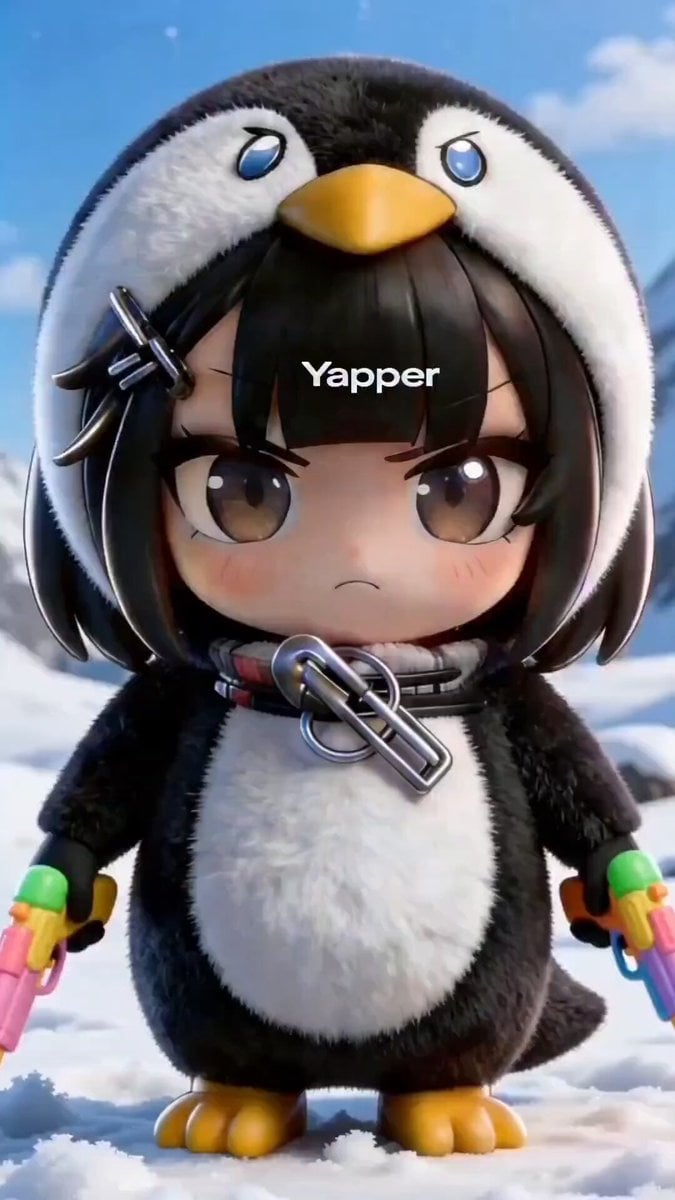
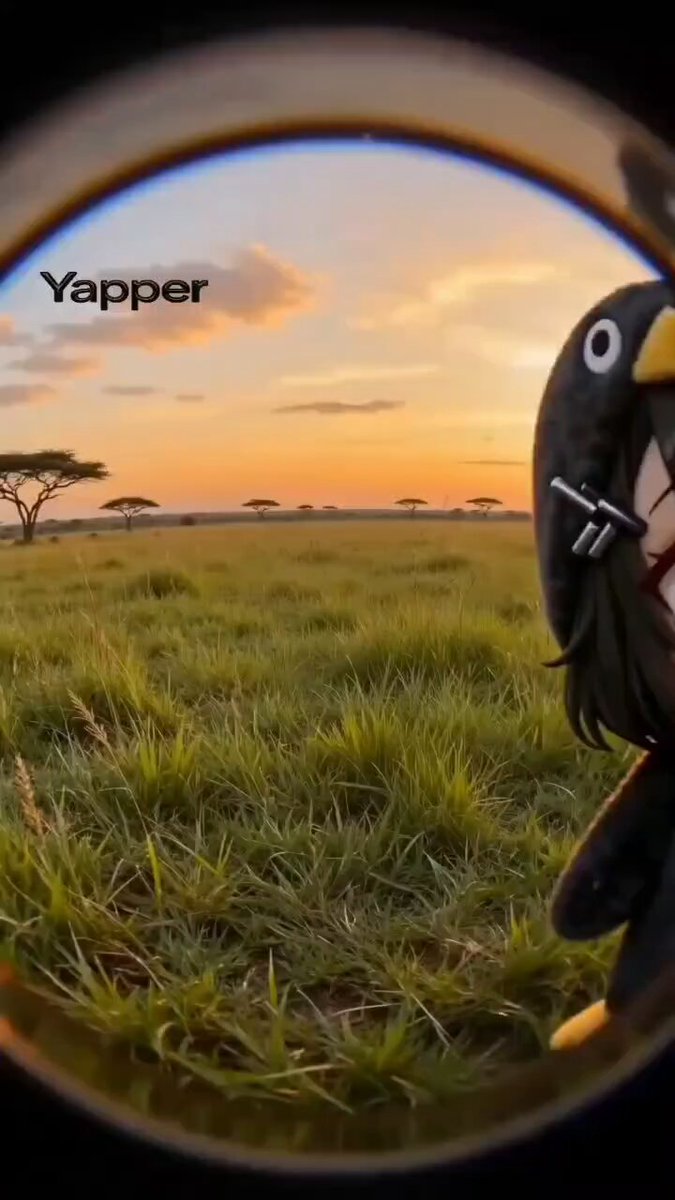
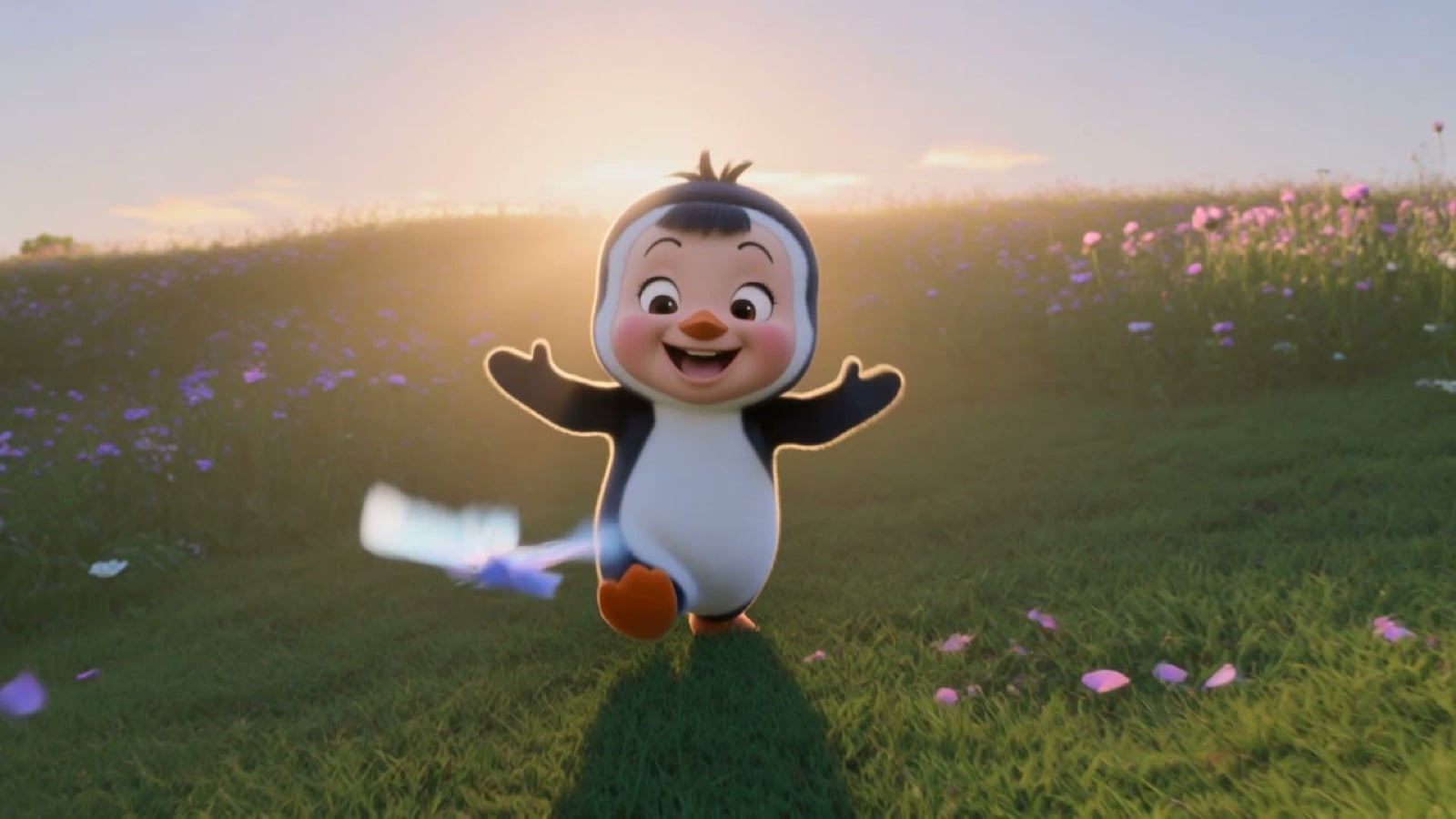
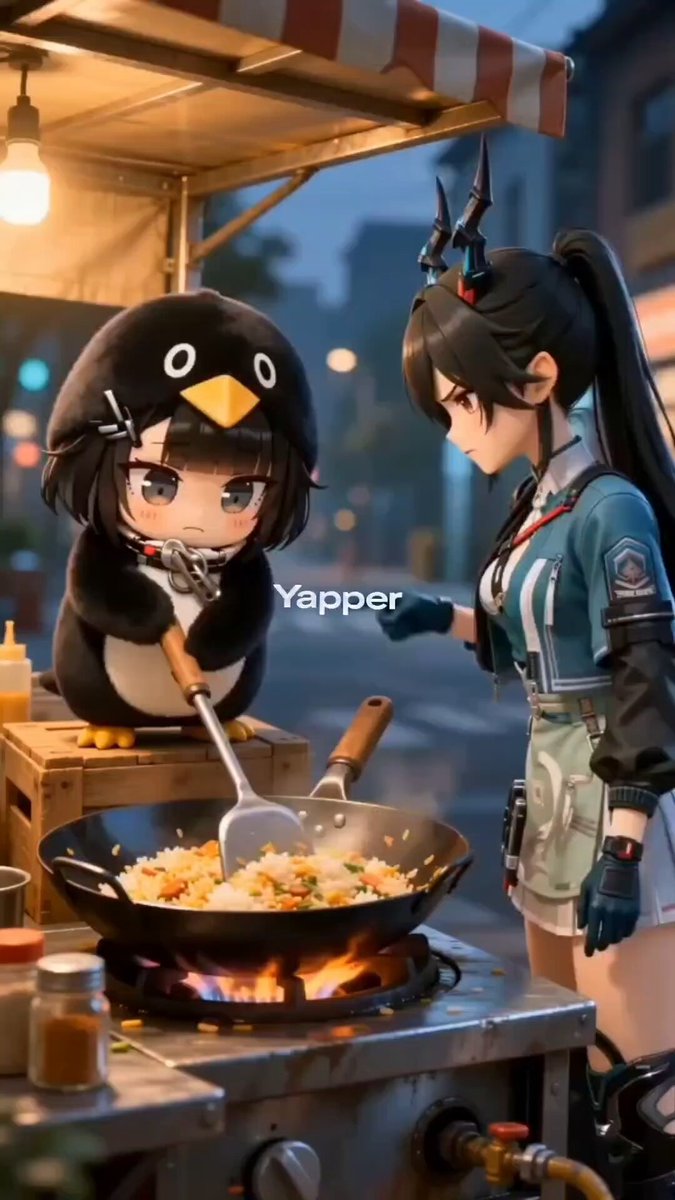
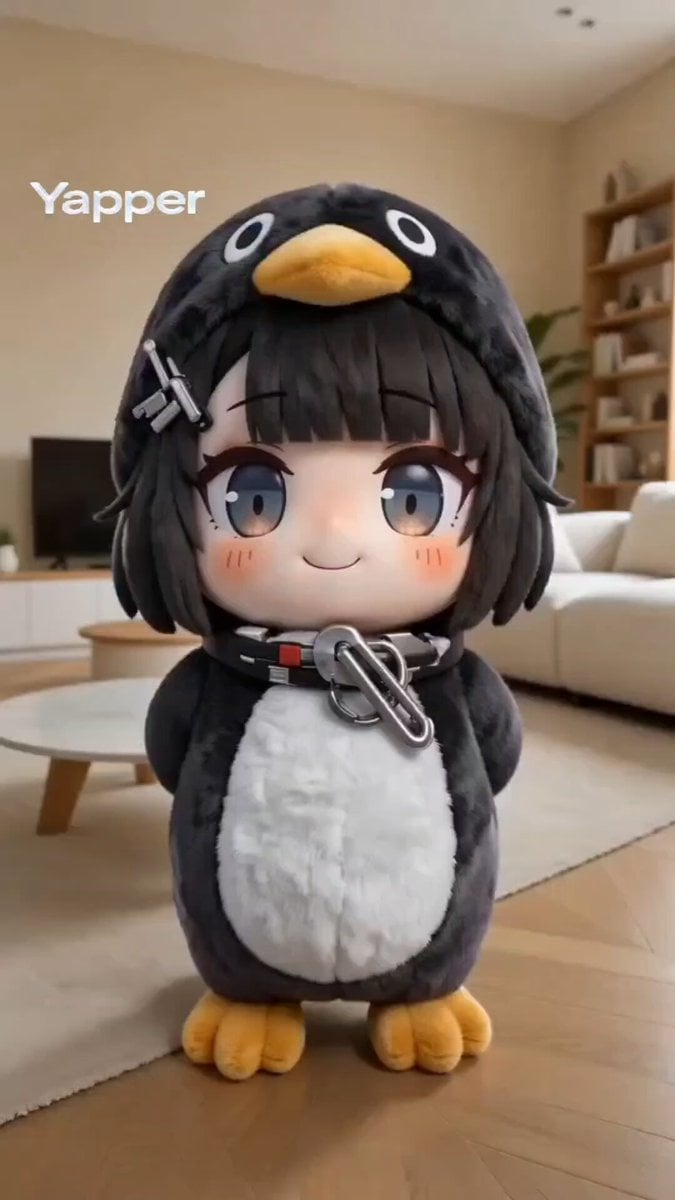
A highly detailed prompt for Seedance 2.0 generating a vertical, high-quality 3D chibi moe anime short video featuring an adorable penguin girl character named 'Aunt Gaga' in a cozy bedroom setting, complete with scene…
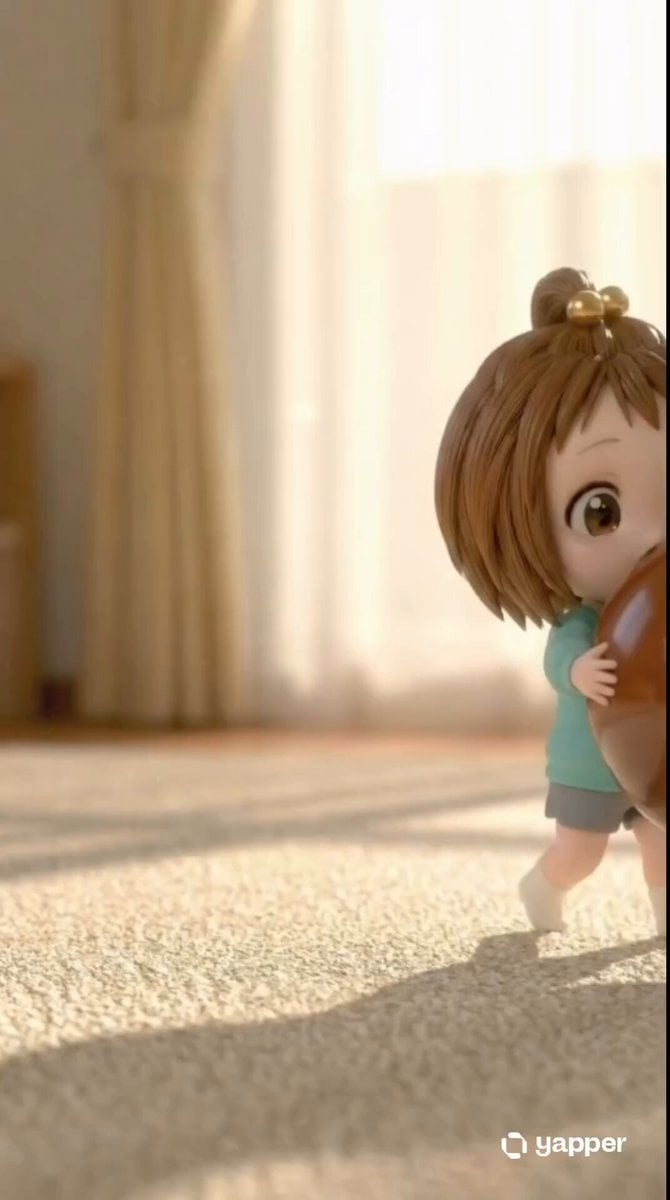
A high-quality 3D chibi moe anime short video, vertical 9:16. Adorable kawaii penguin girl character "Aunt Gaga" (Gugu Gaga), big sparkling doe eyes, chubby cheeks, tiny body, black-and-white penguin hoodie costume with yellow beak and feet details, soft blush, black hair peeking out, playful mischievous expression. Cozy dimly lit bedroom at night, warm desk-lamp lighting, pastel vibrant colors. Sequence: She appears bouncily at a desk. Off-screen warm voice says "Aunt Gaga, you're here to make trouble again! It's so late, don't sleep!" She tilts head cutely with big sparkling eyes, responds innocently "Aunt Gaga is fine!" then excitedly claps and bounces "Take a five-minute break and play with Aunt Gaga!" Smooth fluid chibi animations, exaggerated cute gestures, bouncy movements, gentle camera zoom on face, wholesome and heart-melting vibe, highly detailed render, kawaii style, soft glows and sparkles --ar 9:16 --motion 3 --quality 4K
A high-quality 3D chibi moe anime short video, vertical 9:16. Adorable kawaii penguin girl character "Aunt Gaga" (Gugu Gaga), big sparkling doe eyes, chubby cheeks, tiny body, black-and-white penguin hoodie costume with yellow beak and feet details, soft blush, black hair peeking out, playful mischievous expression. Cozy dimly lit bedroom at night, warm desk-lamp lighting, pastel vibrant colors. Sequence: She appears bouncily at a desk. Off-screen warm voice says "Aunt Gaga, you're here to make trouble again! It's so late, don't sleep!" She tilts head cutely with big sparkling eyes, responds innocently "Aunt Gaga is fine!" then excitedly claps and bounces "Take a five-minute break and play with Aunt Gaga!" Smooth fluid chibi animations, exaggerated cute gestures, bouncy movements, gentle camera zoom on face, wholesome and heart-melting vibe, highly detailed render, kawaii style, soft glows and sparkles --ar 9:16 --motion 3 --quality 4K
Edit the prompt in the box under the preview — the template's model and format are already selected — and press Generate. Your version appears right on this page.
Yes. You can change the subject, setting, lighting, mood, format, and available model controls before creating your video.
Opening and editing this template is free. Generating uses credits, shown on the Generate button when you are signed in.
Start with Seedance 2.0, which is the model associated with this template. You can compare another compatible model for a different finish.
Follow a topic to a crawlable collection of related PicX Studio templates.