
Fantasy Spirit Creature Race
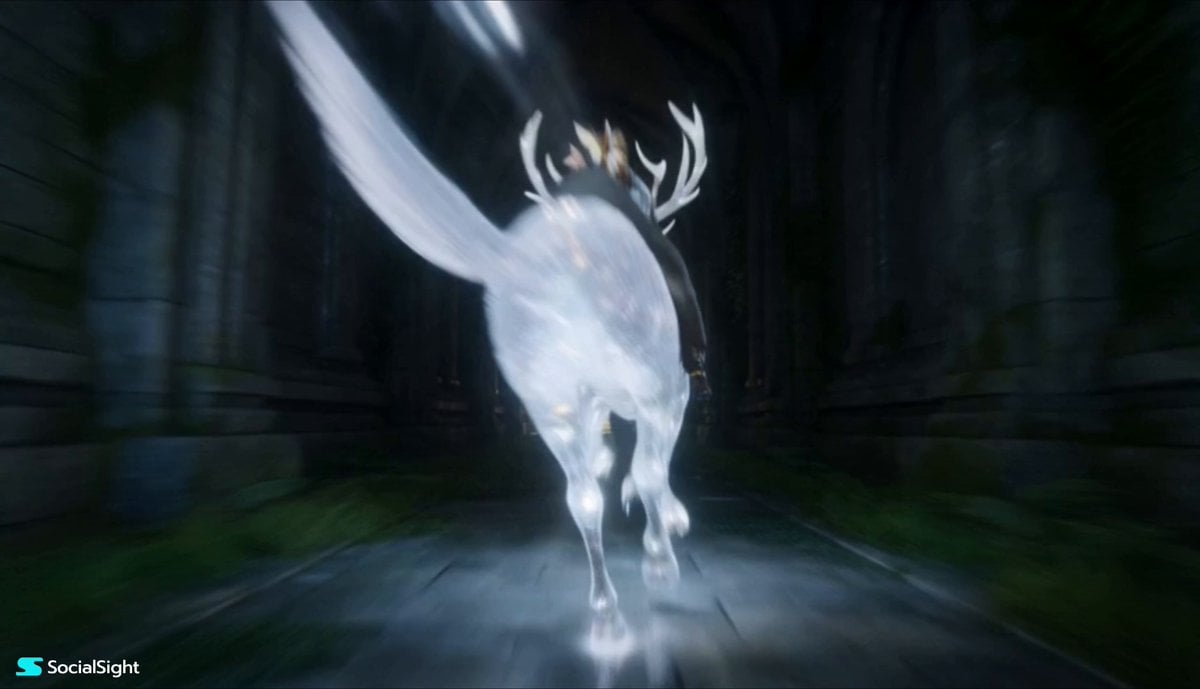
A high-energy 3D animation prompt for a race through luminous ancient ruins featuring riders on magical creatures like wolves and owls.
- Prompt included
- Model and format preset
- Free template
The prompt behind this video
Copy the exact prompt behind Fantasy Spirit Creature Race, or open it in the studio and make it yours.
High quality dynamic 3D animation of a high speed race through luminous ancient ruins. A group of riders in ornate fantasy costumes are mounted on glowing magical creatures: a glowing spirit wolf, a shimmering crystal stag, a giant phantom owl, and a spirit leopard. They race through a sprawling ancient temple complex being reclaimed by the magical forest massive moss covered pillars embedded with glowing crystals, collapsed archways, vine bridges, and open courtyards with glowing reflecting pools. The group bursts through tight corridors, leaps over rubble, circles giant statues, and races across open halls. Volumetric dust and pollen in shafts of light, dramatic cinematic lighting with god rays from collapsed ceilings, and swirling trails of magical particles. Dynamic camera work: fast tracking shots through corridors, emerging dramatically into light, circling around pillars, low angle rushes, and aerial reveals of the grand scale. 15 second high energy sequence with strong architectural framing and momentum. Cinematic quality, highly detailed stone, moss, crystal, and fabric textures.
How to use Fantasy Spirit Creature Race in 3 steps
- 1
Open
The prompt is already in the box next to the preview, with the template's model and format selected.
- 2…a portrait of your subject in softgolden-hour light, 85mm…
Personalize
Edit the subject and creative details for your destination.
- 3Generate
Generate
Press Generate — your video is created in PicX Studio, so you can compare it with the original and refine one variable at a time.
More like this
Templates with the same subject, style or setup. Open one to see its prompt.

Dragon Rider Cinematic Flight — Seedance 2.5

Forest Fantasy Girl Short Film

Necromancer Battlefield Orbit
Chinese Fantasy Fox Spirit Video Drama
Multi-shot Creature Race Scene
Fantasy Ancient Style Transformation Video Prompt (Four Spirits)
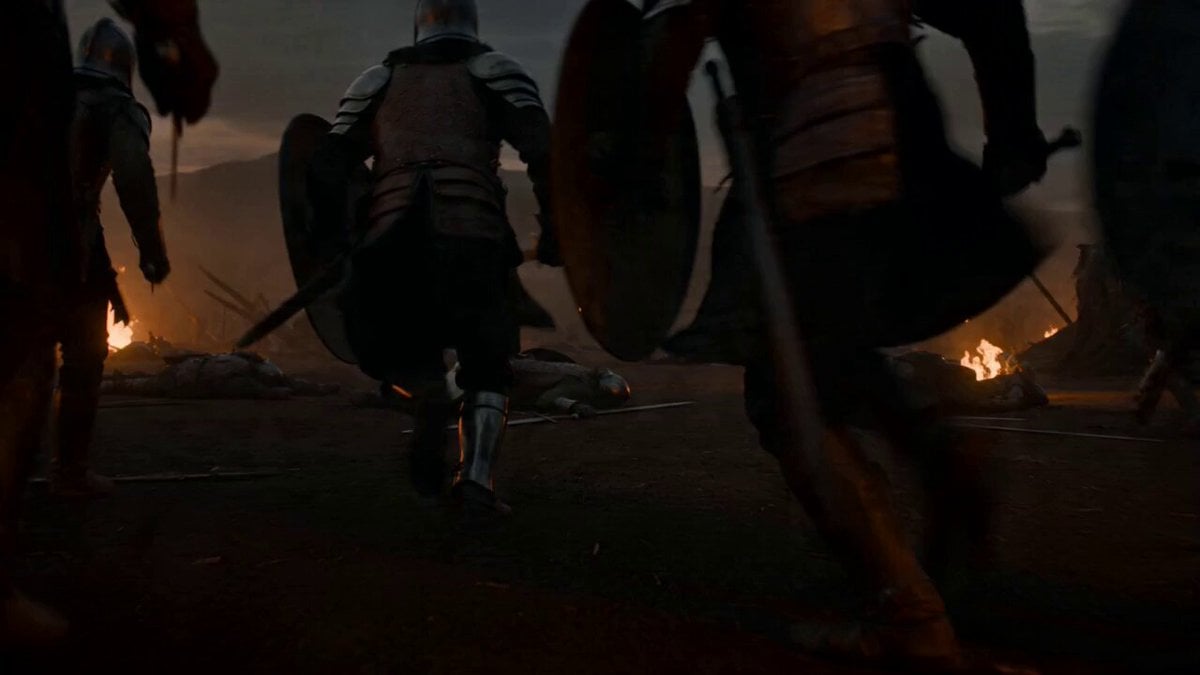
Second Cinematic Fantasy Creature Animation
Out of Control — Seedance 2.0
Griffin Knight Mountain Kingdom — Seedance 2.0
Crystal Cavern Mag-Lev Race — Seedance 2.0
Thornmaw Monarch — Crimson Glass Desert Beast
Ice Queen — Frozen Battlefield Time Control (Seedance)
Make it yours
Fantasy Spirit Creature Race works as-is. These are the safest ways to change it without losing the look.
Change one field
Copy a single group, rewrite it, and generate again so you can see what that field is doing.
Keep the frame, change the subject
Hold the composition and light of Fantasy Spirit Creature Race, then swap wardrobe, props or the person for a new take.
| If the result… | Why | Fix |
|---|---|---|
| The result drifts from the preview | Too many fields changed at once. | Reuse Fantasy Spirit Creature Race as-is first, then change one group — subject, light, or setting. |
| The model over-stylizes the scene | The prose prompt leaves finish and camera underspecified. | Add one camera or lighting sentence and stay on Seedance 2.0. |
More Seedance 2.0 templates
Other prompts made for Seedance 2.0.

Comical Martial Arts Punch Scene

Maglev Train Action Sequence

Martial Arts Fight Sequence

Wuxia Protection and Trust Script

Vintage Korean Arcade MiniDV Vlog

Mercedes 190 SL Luxury Ad

Rainy Night Supernatural Reverse Comedy Video Script

Amazon Civilization Discovery

Futuristic South Asian City Transformation

Cozy Luxury Cafe Commercial
More video prompts
Fresh picks from across the catalog.
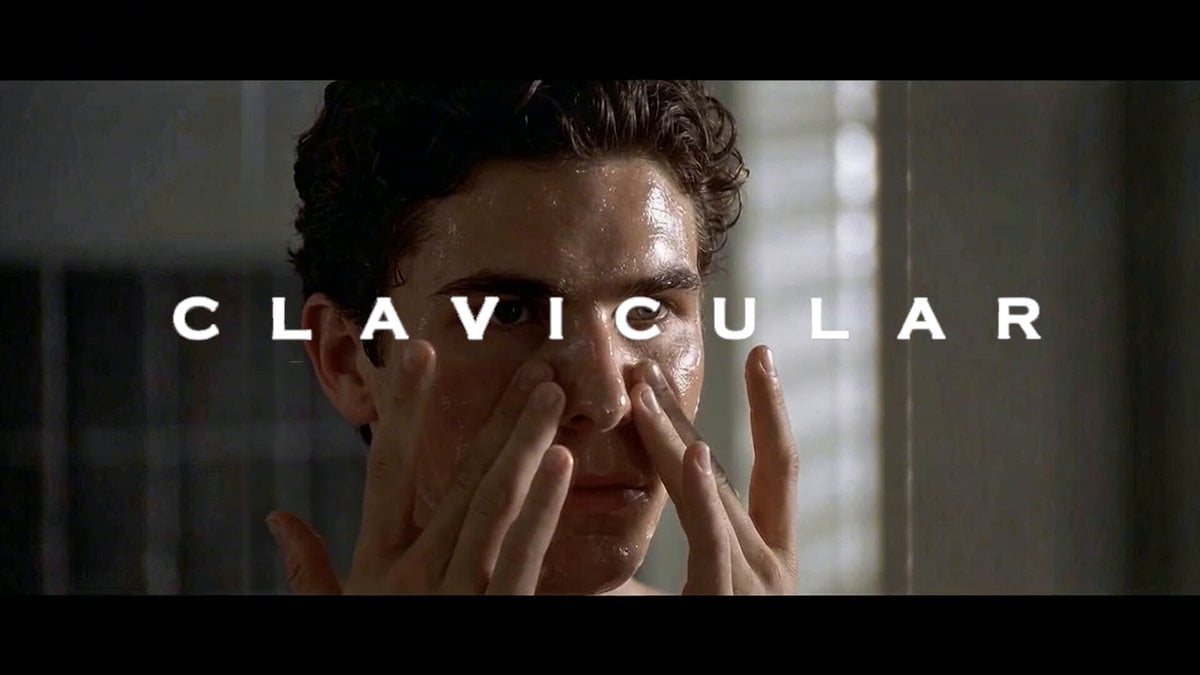
Clavicular's Morning Routine Prompt

Vibrant Tropical Ocean Splash
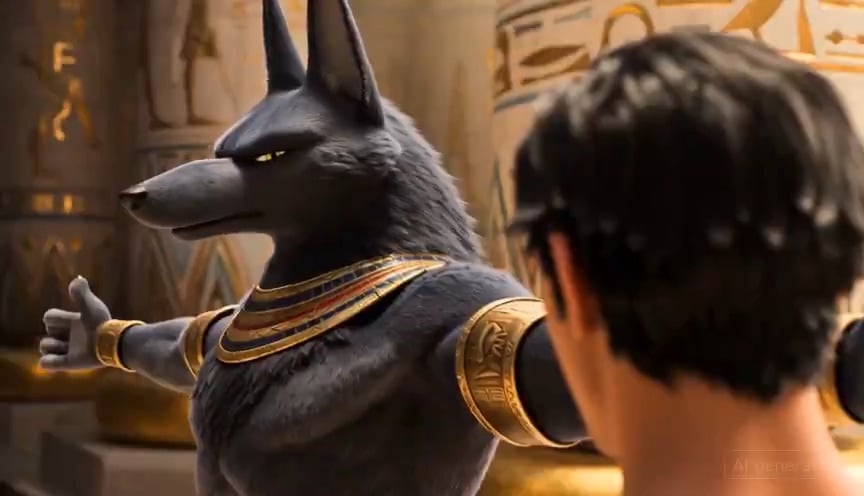
Egyptian God Anubis Animation Prompt
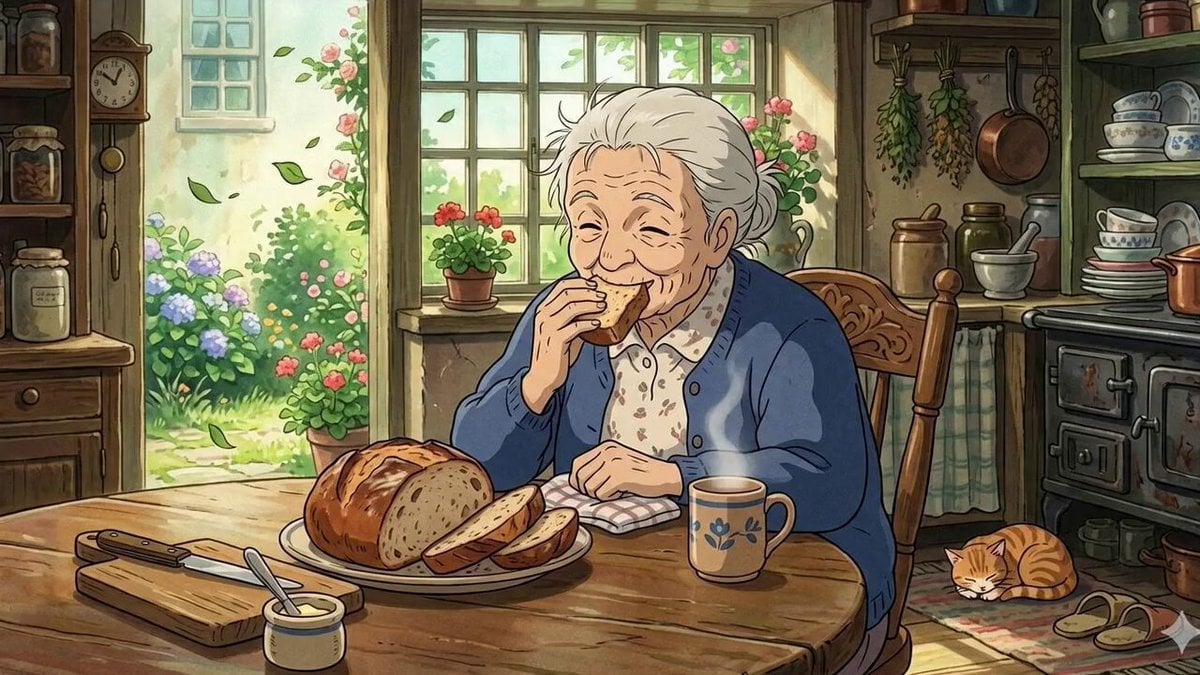
Ghibli Style Elderly Woman Kitchen Scene
Real Movie Texture to Anime Action Transition Prompt
Cinematic Sports Car in Void
Red Splash Letter Morph

Speeder Chase Across a Cliff City (Single Continuous Shot)
Synchronized TikTok Dance to Fight Chaos
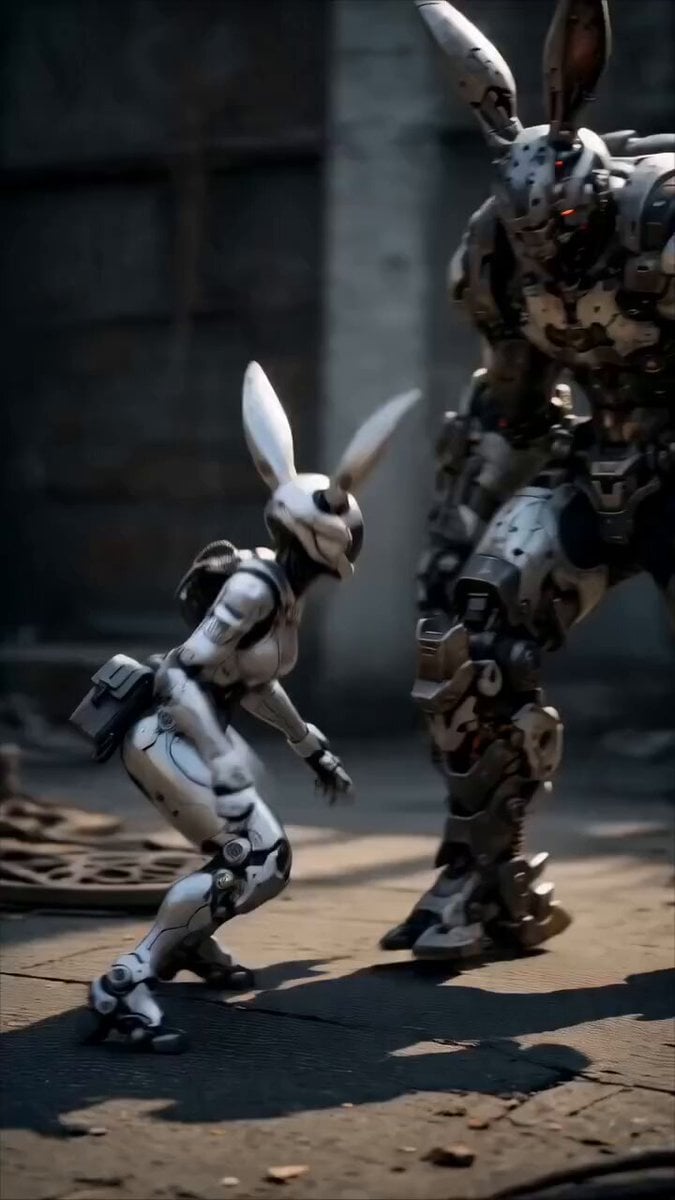
Epic Mecha Rabbit Battle
Browse template categories
Fantasy Spirit Creature Race questions
How do I use the Fantasy Spirit Creature Race template?
Add your photo if the template asks for one, edit the prompt if you like — the template's model and format are already selected — and press Generate. Your version opens in PicX Studio.
Can I customize the Fantasy Spirit Creature Race template?
Yes. You can change the subject, setting, lighting, mood, format, and available model controls before creating your video.
Is the Fantasy Spirit Creature Race template free?
Opening and editing this template is free. Generating uses credits, shown on the Generate button when you are signed in.
Which AI model should I use?
Start with Seedance 2.0, which is the model associated with this template. You can compare another compatible model for a different finish.
Looking for something else? Browse all templates.

Your photo, any look
Thousands of ready templates for every top image and video model, from one credit balance.