How do I use the Real Movie Texture to Anime Action Transition Prompt template?
Edit the prompt in the box under the preview — the template's model and format are already selected — and press Generate. Your version appears right on this page.
A prompt for Seedance 2.0 and Topview Agent, designed to create an action short film that transitions from a futuristic city with real movie texture to a high-energy, two-dimensional anime action style, focusing on…
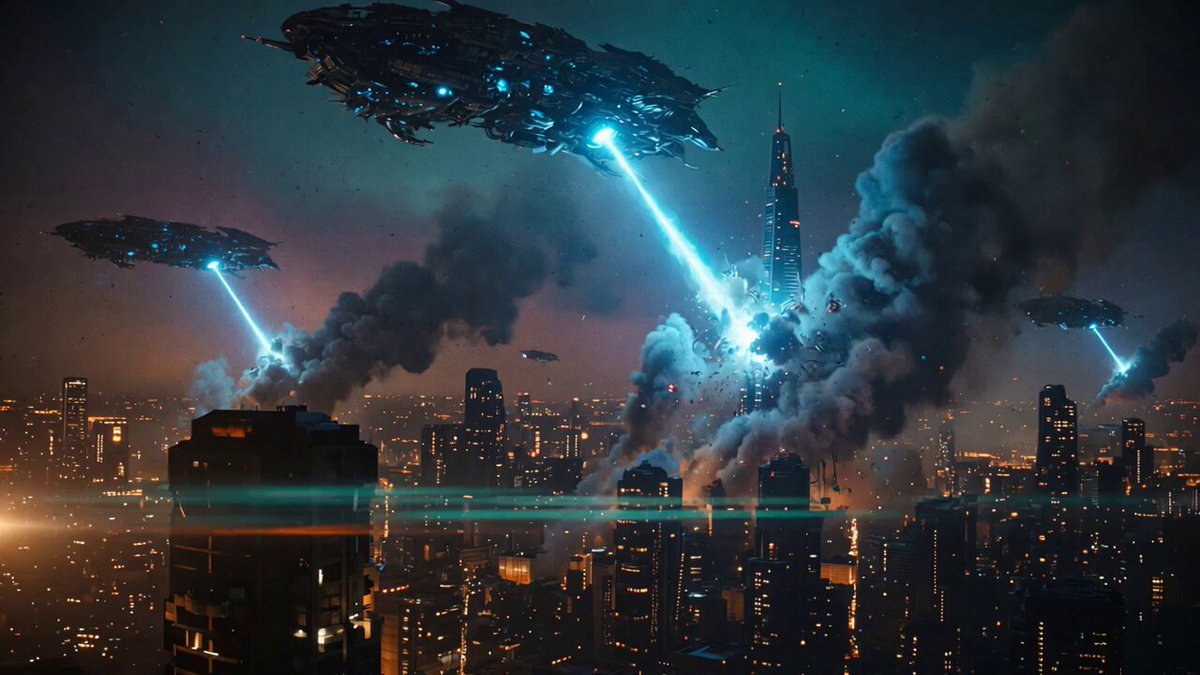
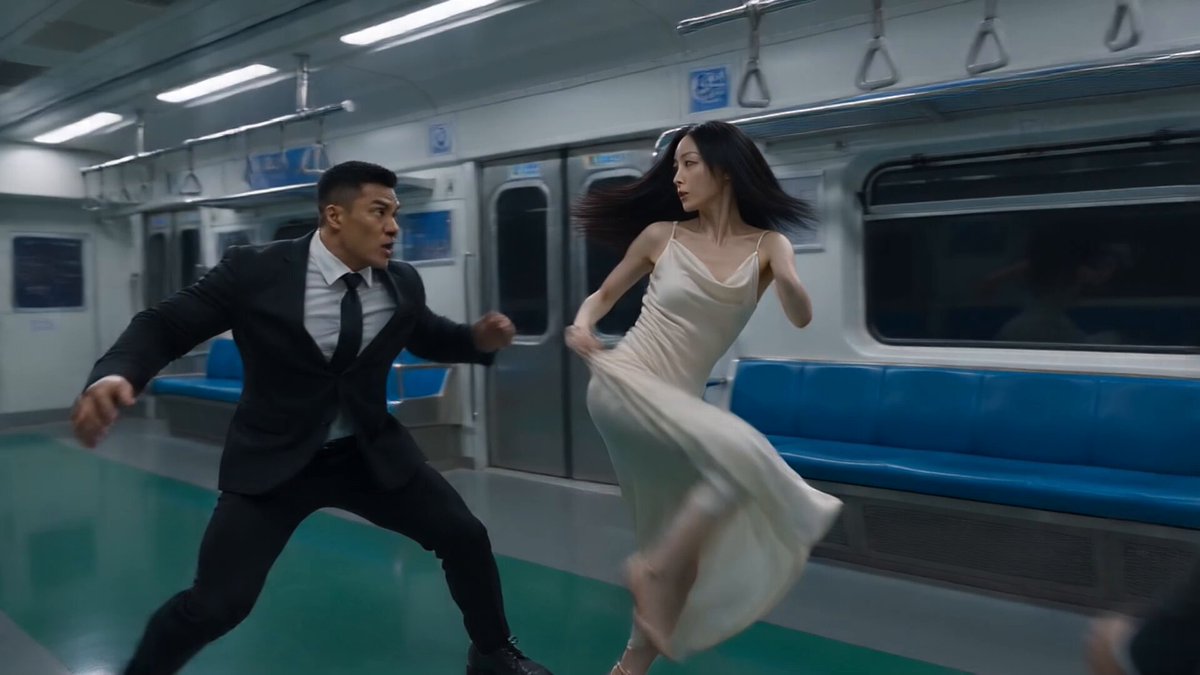
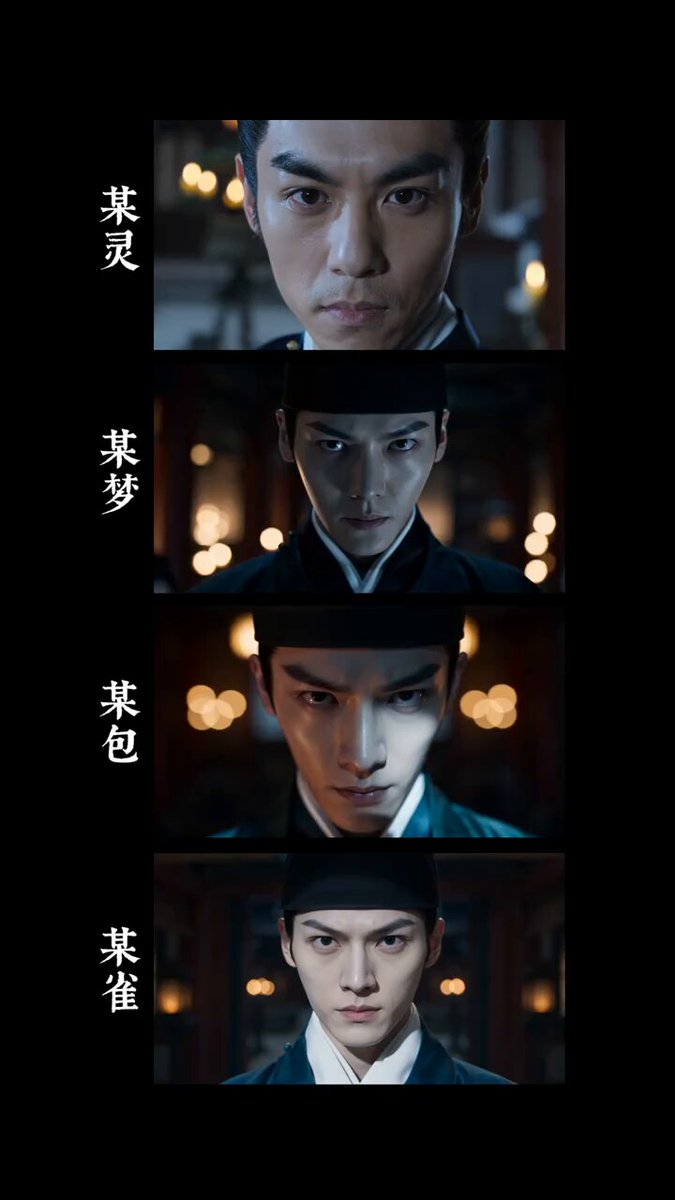
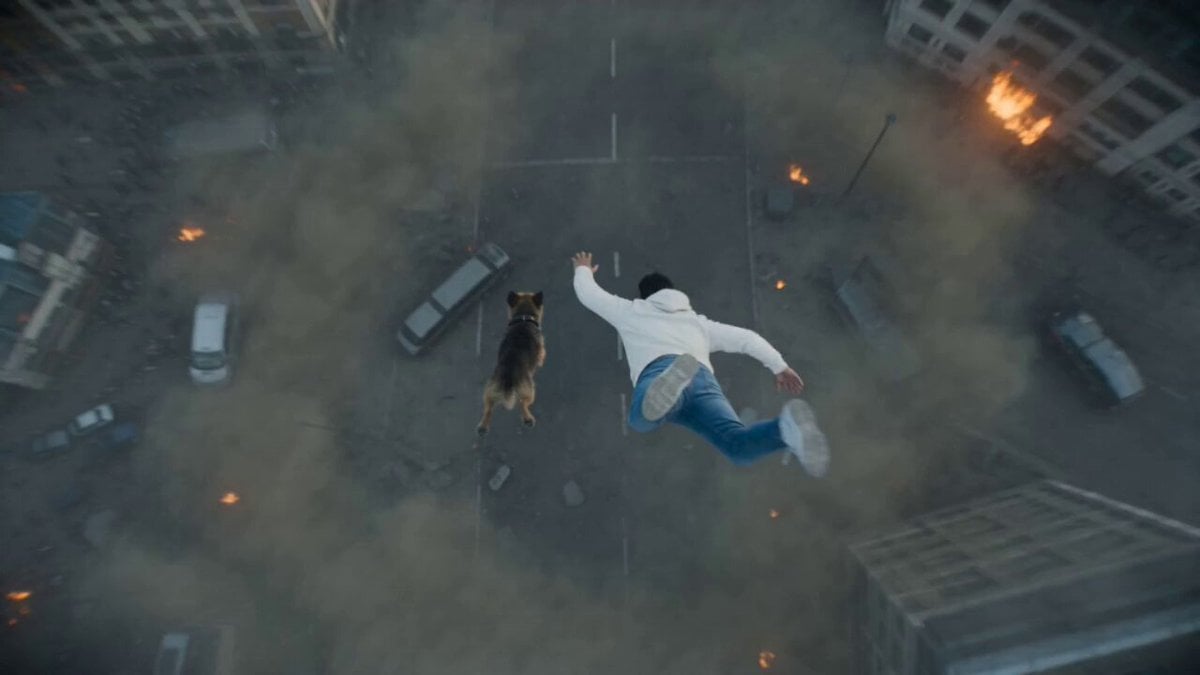
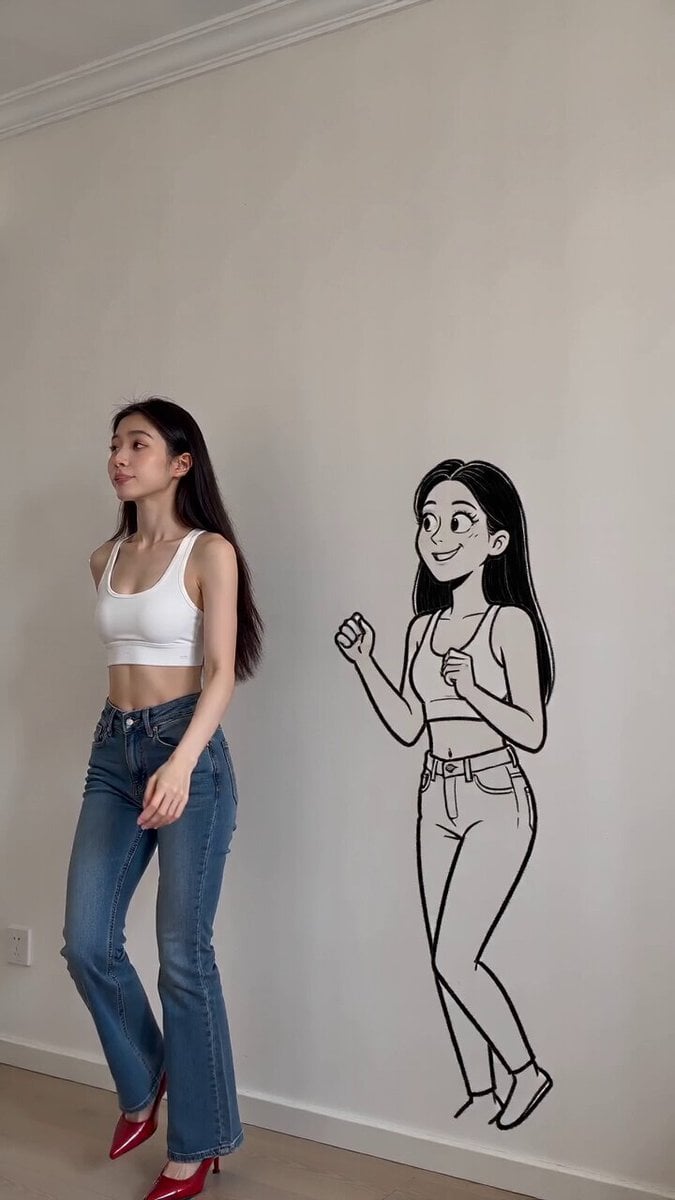
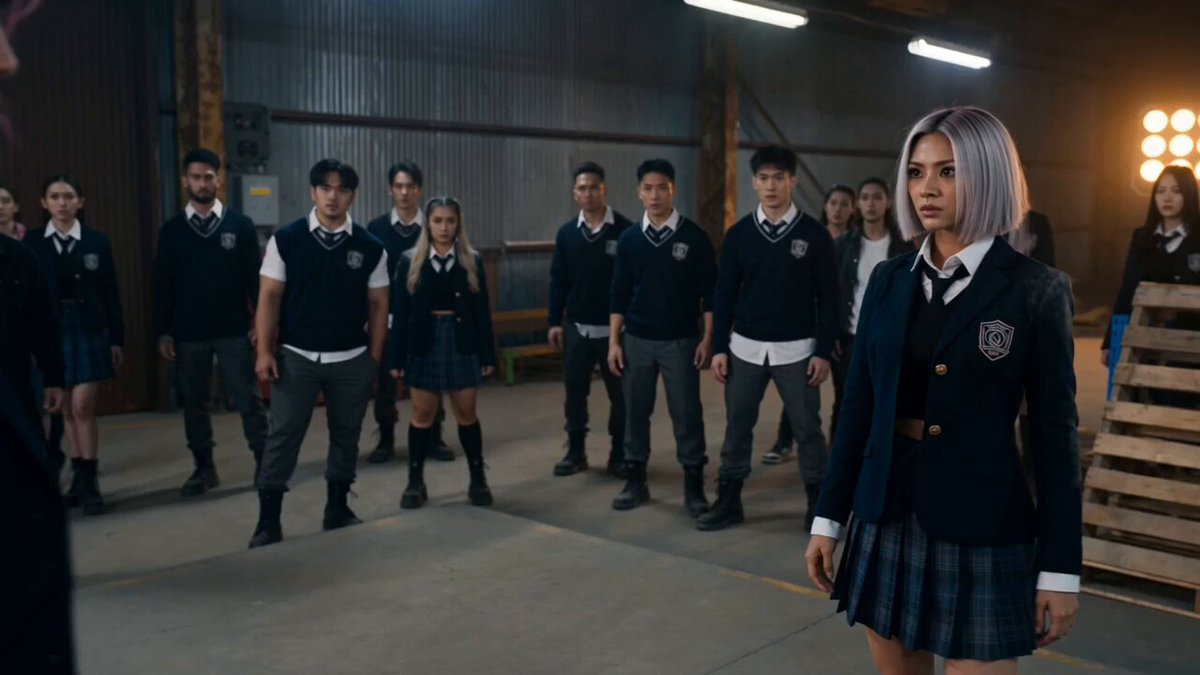
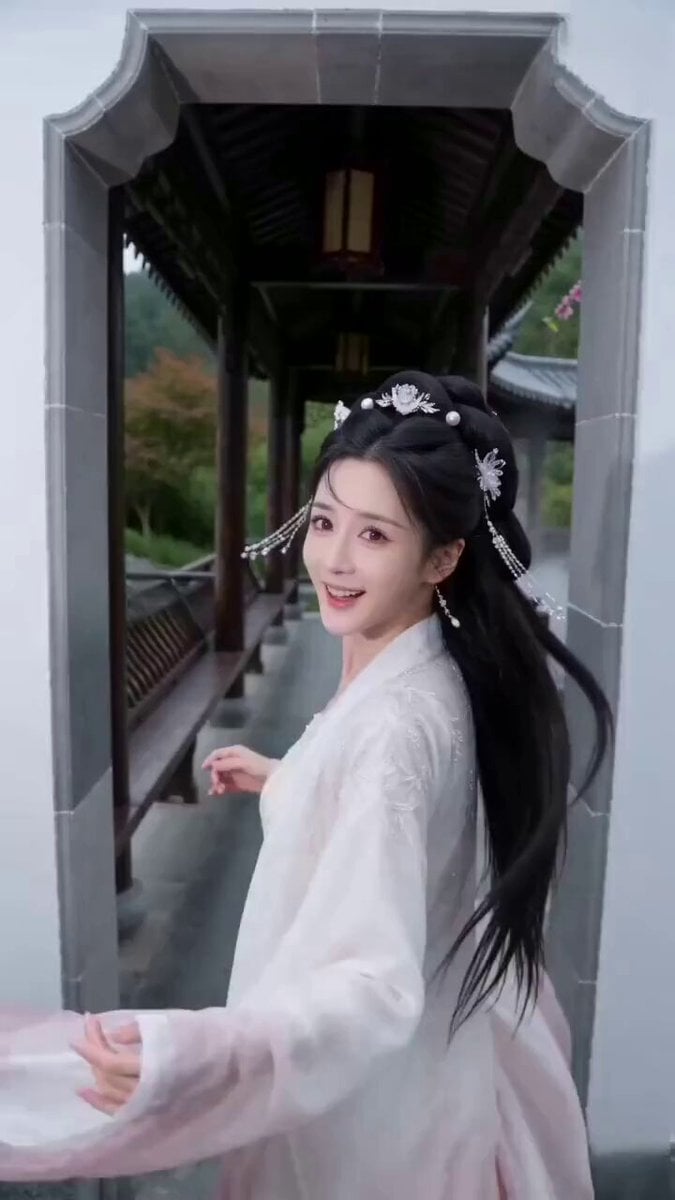
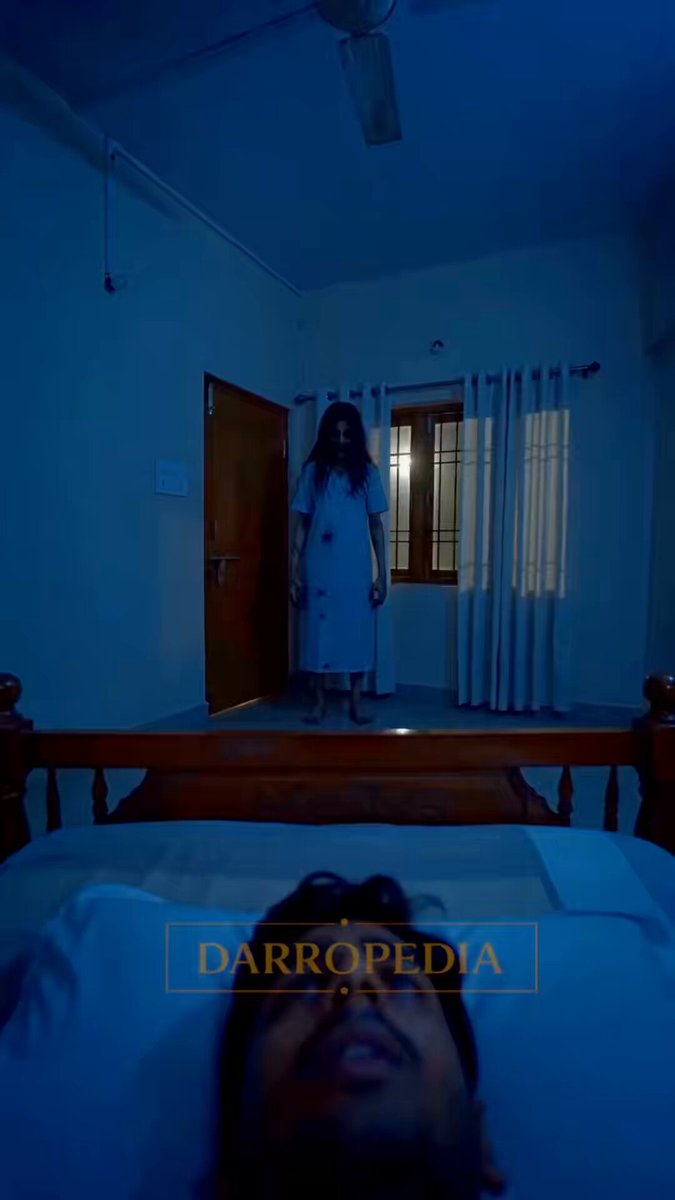
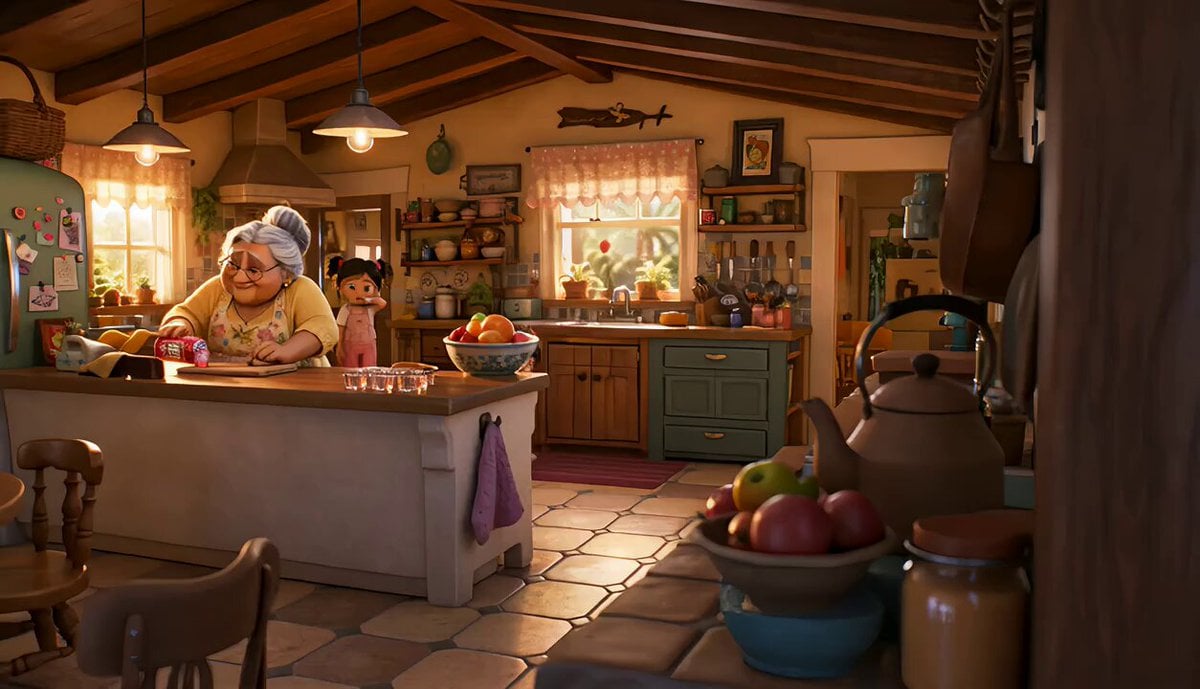
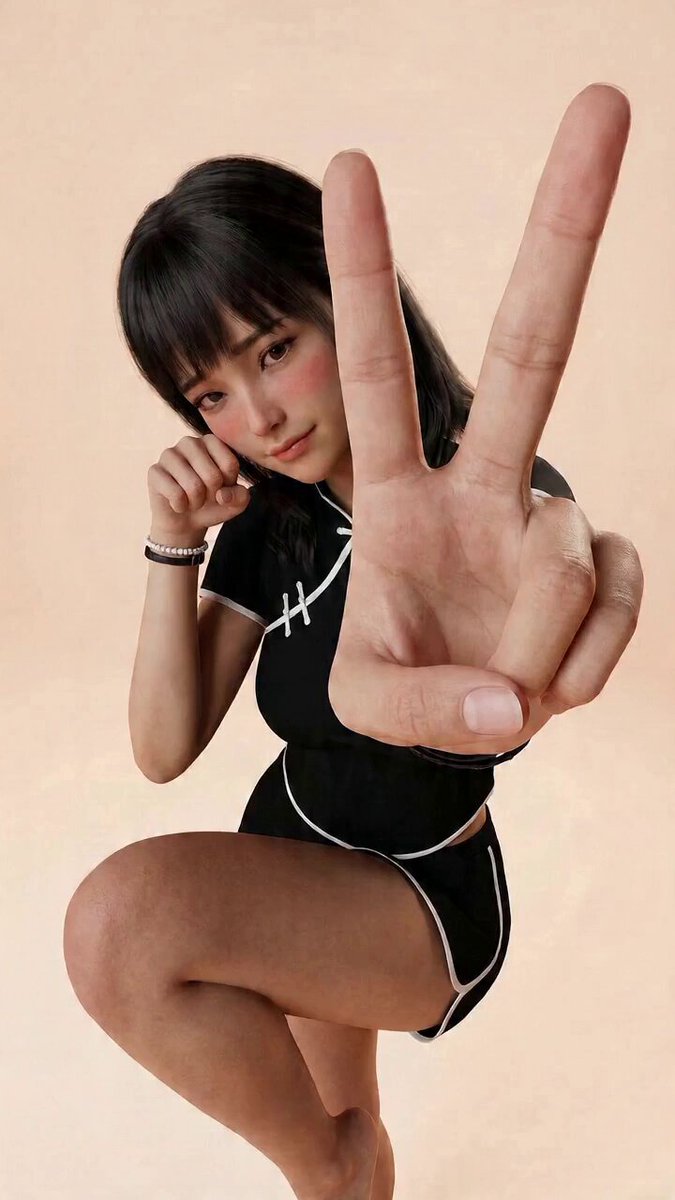
Original Action Short Film: It opens with a futuristic city with almost real movie texture, gradually transitioning to a high-energy two-dimensional action style. Characters chase, leap and confront at high speed between neon viaducts and high-rise buildings. The lens language is stable at first and then explosive; the materials transition from real metal and wetland reflections to exaggerated energy lines and dynamic painting sense, forming a visual effect of "integration of real movie sense and anime explosive sense". A strong hook in the first 2 seconds, with a stable main body, coherent actions, movie-level composition and light and shadow, real texture, epic sense, strong emotion, high-definition details, suitable for social media communication.
Original Action Short Film: It opens with a futuristic city with almost real movie texture, gradually transitioning to a high-energy two-dimensional action style. Characters chase, leap and confront at high speed between neon viaducts and high-rise buildings. The lens language is stable at first and then explosive; the materials transition from real metal and wetland reflections to exaggerated energy lines and dynamic painting sense, forming a visual effect of "integration of real movie sense and anime explosive sense". A strong hook in the first 2 seconds, with a stable main body, coherent actions, movie-level composition and light and shadow, real texture, epic sense, strong emotion, high-definition details, suitable for social media communication.
Edit the prompt in the box under the preview — the template's model and format are already selected — and press Generate. Your version appears right on this page.
Yes. You can change the subject, setting, lighting, mood, format, and available model controls before creating your video.
Opening and editing this template is free. Generating uses credits, shown on the Generate button when you are signed in.
Start with Seedance 2.0, which is the model associated with this template. You can compare another compatible model for a different finish.
Follow a topic to a crawlable collection of related PicX Studio templates.